iOS

This tweak automatically deletes 2FA and Short Code messages after a user-set amount of time

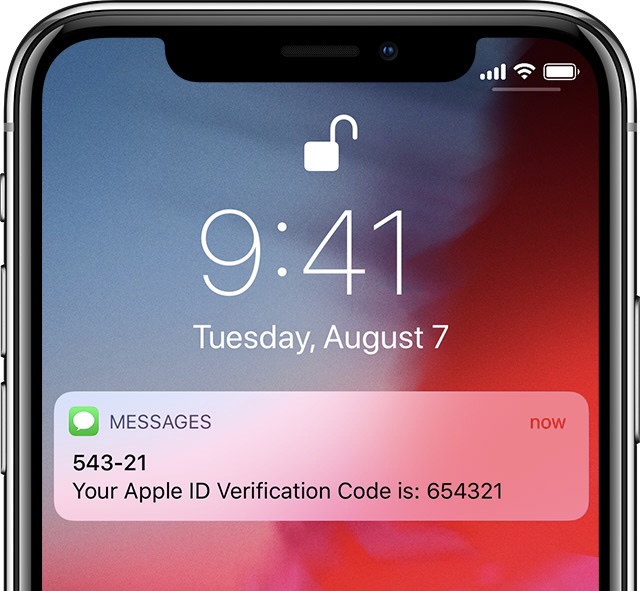
More and more frequently, iPhone and iPad users are being pushed by Apple or third parties to take advantage of two-factor authentication or text-messaged short codes to confirm their identity when logging in to apps and services.

These messages can add up over time, especially if you use many apps and services that you log in or out of frequently, resulting in excessive conversation buildup in the Messages app.

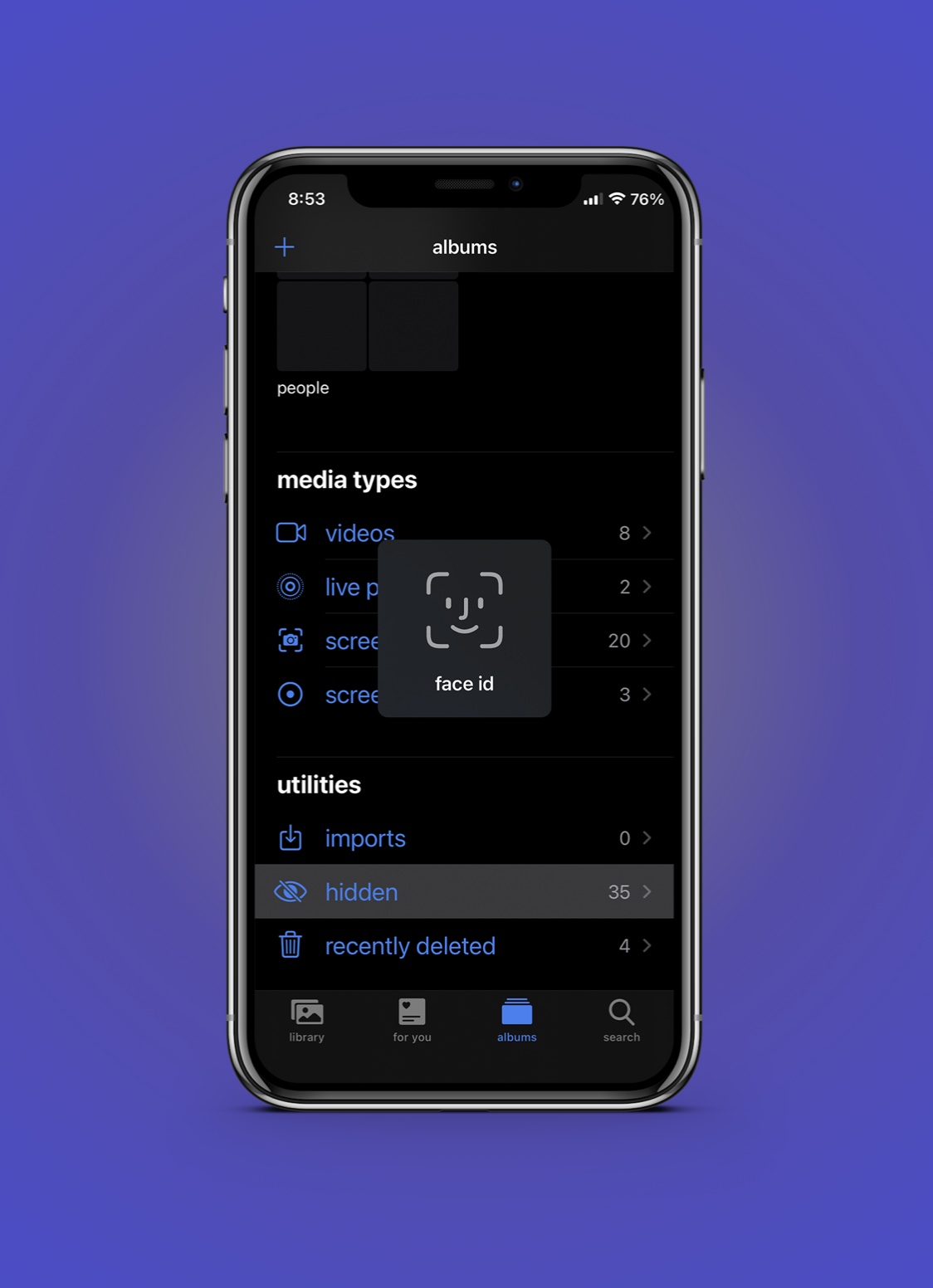
HiddenLock14 requires Face ID authentication to open the Photos app’s “Hidden” album

Require Face ID to enter iPhone’s Hidden album.

Most of us have a few photos in our Photo Library that we might want to keep to ourselves, especially in the case of handing our phone to a friend or stranger who might scroll through our Photo Library.

The Photos app includes a dedicated “Hidden” album for instances just like these that can be used to omit certain media from the Photo Library, but unfortunately, it isn’t protected in any way, shape, or form.

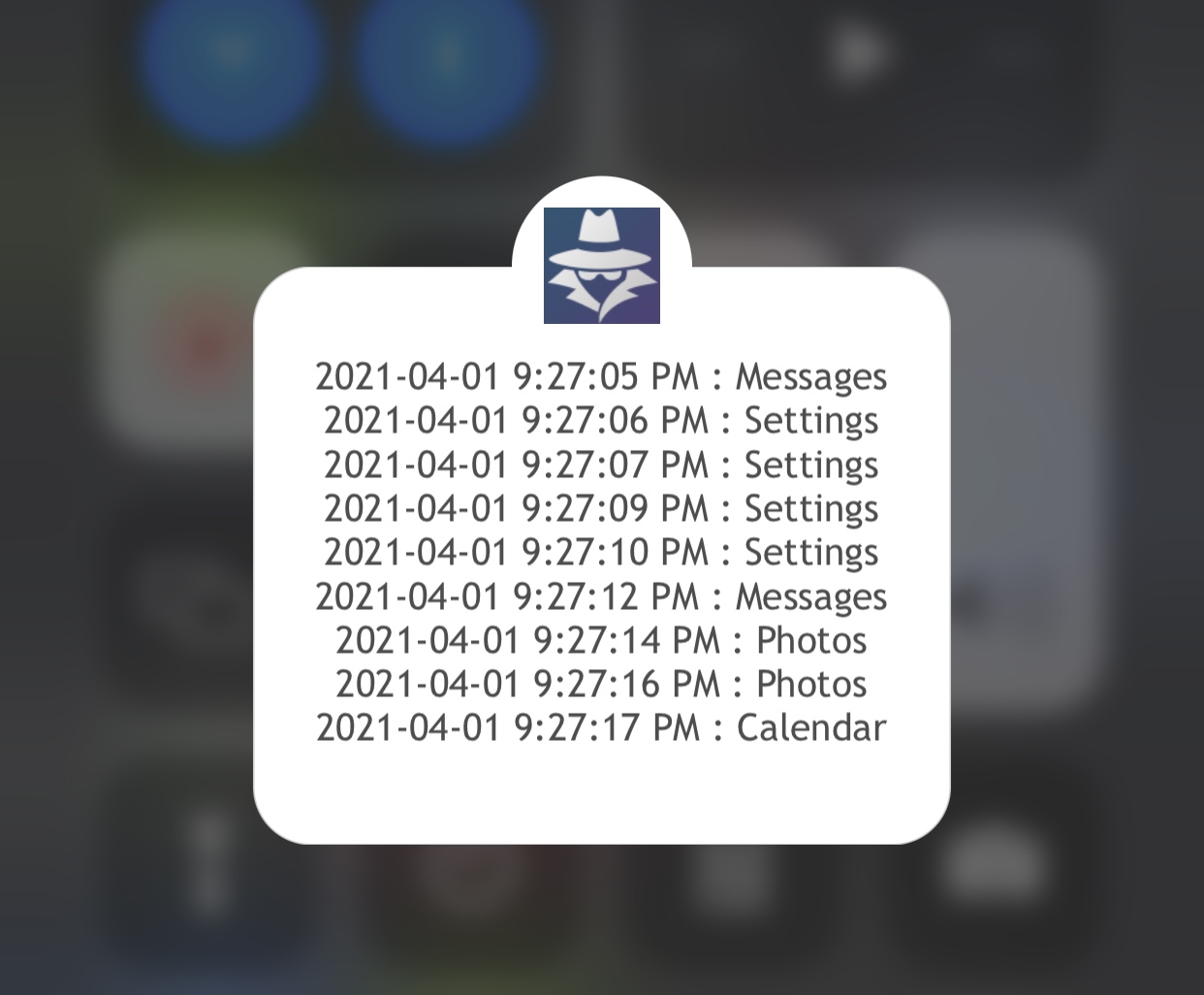
Keep tabs on your iPhone’s activity after lending it to someone with Spy 2

Individuals who are kind enough to lend their iPhone or iPad to others in their time of need are often left at the mercy of the user when it comes to what they might do on said handset.

Paranoia often sets in when you realize just how much of your personal life resides on your device. This can cause worry when lending your device even for just a few moments because you never know if that person will dig through your messages, photos, or other sensitive data.

Apple’s security fixes could become separate from the main iOS updates

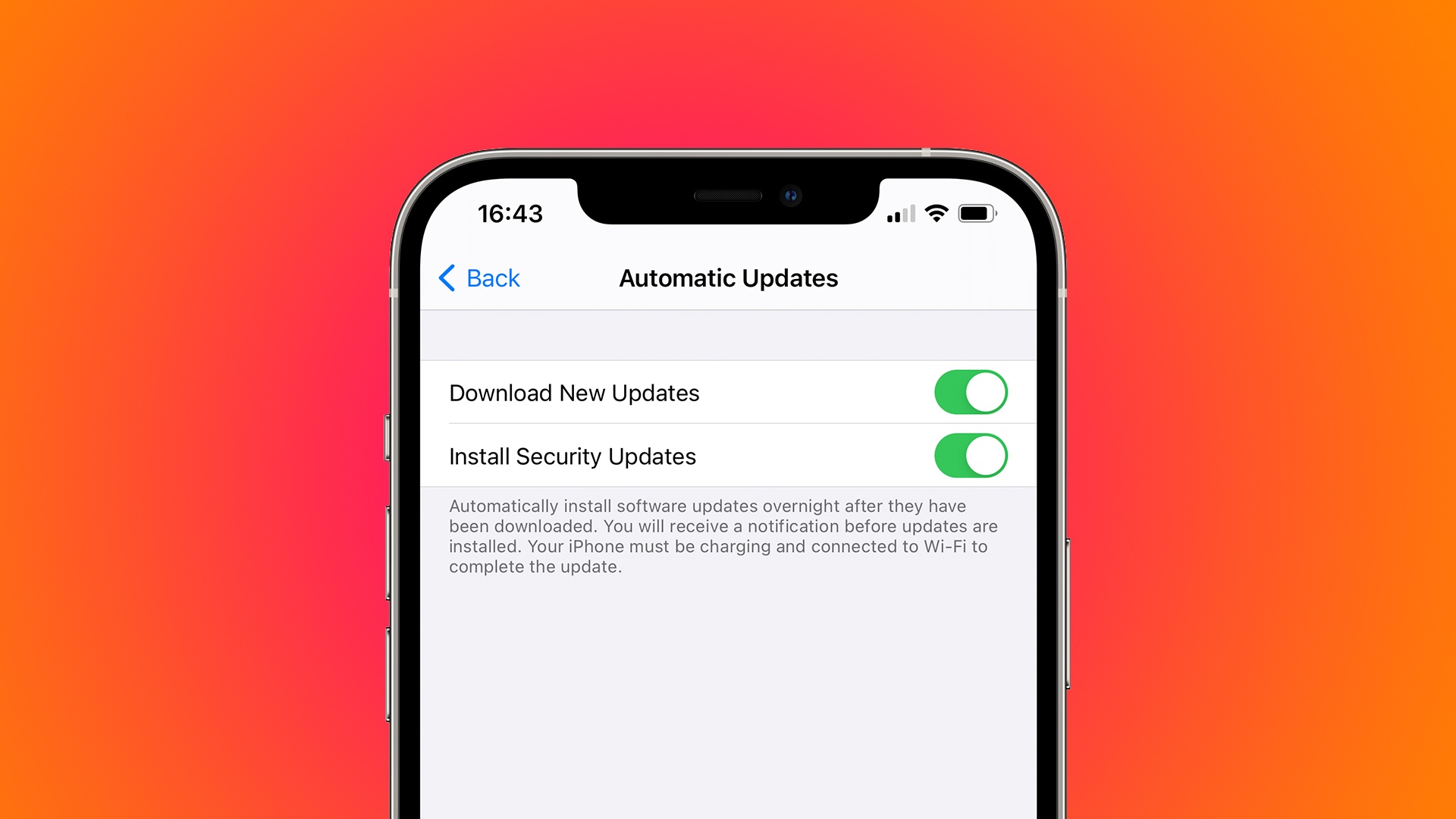
A screenshot showing the "Download New Updates" and "Install Security Updates" toggles within the Automatic Updates settings on iPhone

Apple is reportedly tweaking its Software Update mechanism to support the delivery of standalone security fixes to iPhone and iPad users without installing the latest iOS version.

Story HIGHLIGHTS:

This would be similar to macOS updates. A new toggle in your Automatic Updates settings. Get security fixes without installing an iOS update. The handy feature requires iOS 14.5 and could be nixed. Security fixes delivered separately

Your Mac supports the delivery of security fixes separately from main macOS software updates. This is used, for example, to deliver critical security fixes to customers who happen to be using an older version of the macOS operating system. Android, Windows and other operating systems work like this, too, and now the same feature is reportedly coming to the iPhone and iPad owners with Apple's respective iOS 14.5 and iPadOS 14.5 updates.

9to5Mac has spotted interesting changes within the iOS 14.5 code suggesting that Apple is working on a new feature that would give customers the option to choose whether they would like to get the latest iOS updates separately from security fixes for the platform.

More specifically, the site has found a new toggle within the Automatic Updates menu that would let you choose whether you'd like to only receive security updates or full iOS updates.

There are no guarantees this feature will launch publicly but if it does, you'll be able to receive critical security fixes for your device without having to install the latest iOS version available.

How would this be beneficial?

According to 9to5Mac, users may need to delete a specific iOS fix that they previously downloaded before being able to download another iOS update. "The new code found in iOS 14.5 also mentions that once you download a specific update, such as a security update, you may need to delete it before installing another available iOS update," reads the article.

→ How to stop automatic iOS updates

Apple could use this to continue offering security updates to folks on iOS 14 after the release of iOS 15. A good example is the recent iOS 14.4.1 update which only brought a security fix for a major WebKit vulnerability and nothing else—with the new system, Apple could only deliver the necessary fix without having to release a whole new iOS point update just for that.

When's iOS 14.5 coming out?

Aside from this feature, iOS 14.5 will also bring the ability to unlock your iPhone with your Apple Watch while wearing a mask, new Shortcuts actions, 200+ new emoji, support for Beast headphones in the Find My app, Waze-like reporting in Maps and more.

iOS 14.5, iPadOS 14.5 and other Apple OS updates are currently in developer testing, with a few additional betas likely in the works before the final builds are ready for prime time. Though Apple has not said when the updates are dropping, we're expecting an early-Spring launch.
This tweak fixes SMS-based one time password auto-fill after jailbreaking with unc0ver or checkra1n

If you just recently jailbroke your iPhone or iPad with the unc0ver or checkra1n jailbreaks, and you noticed that certain native features of your handset’s keyboard have stopped working as expected, then we’ve got some good news for you!

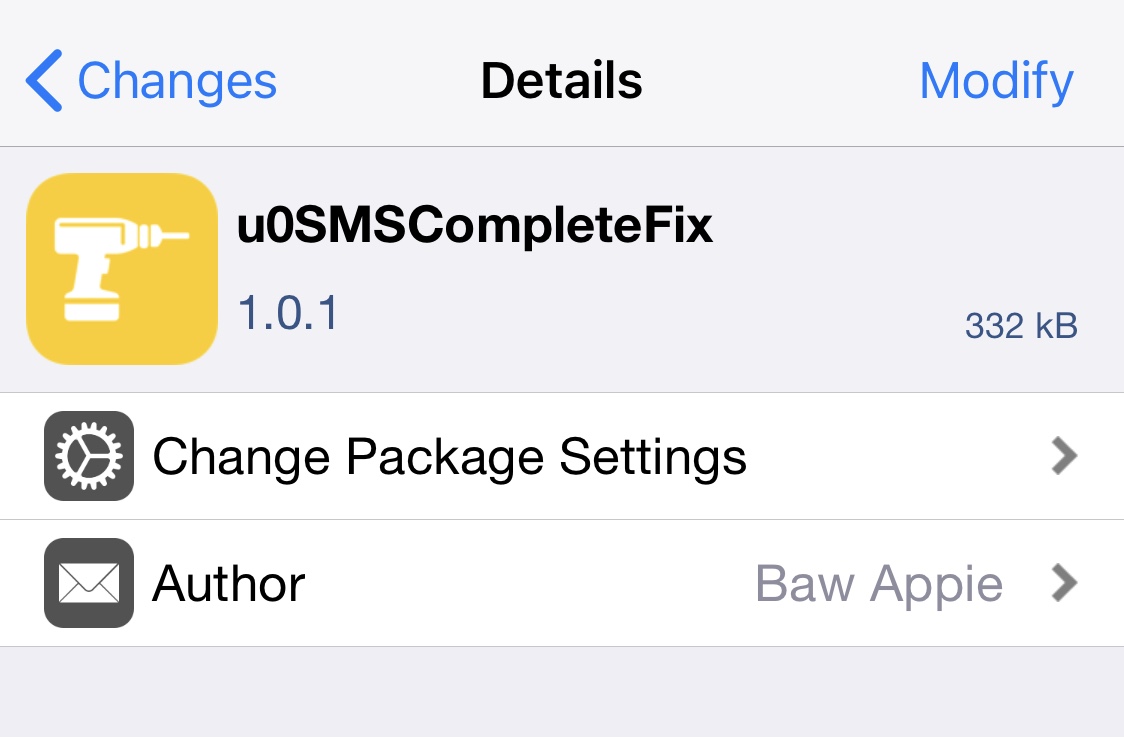
iOS developer Baw Apple has just released a new and free jailbreak tweak called u0SMSCompleteFix that apparently resolves these issues after jailbreaking these particular versions of iOS or iPadOS.

Jailbreakers can have more control over network connectivity with SmartNetwork 2

SmartNetwork iOS 15-16 WiFiList app.

Just last year, we showed you a jailbreak tweak called SmartNetwork by iOS developer Elias Sfeir, which allowed pwned iPhone and iPad owners to enjoy more granular control over their wireless networks — far more than what you’d expect from Apple out of the box on a stock handset.

Now that iOS & iPadOS 14.0-14.3 can be jailbroken on all devices by way of the unc0ver jailbreak, it’s not too surprising to see that many of these tweaks are being re-released with iOS & iPadOS 14 support. SmartNetwork is no different, although the branding has been changed to SmartNetwork 2 and a plethora of new features have been added since we last went hands on with it.