Apple devices work particularly well with one another, and in this guide, we’ll share 17 ways to use your iOS device and your Mac together for a more productive and efficient experience.
17 ways to use your iPhone and iPad together with your Mac
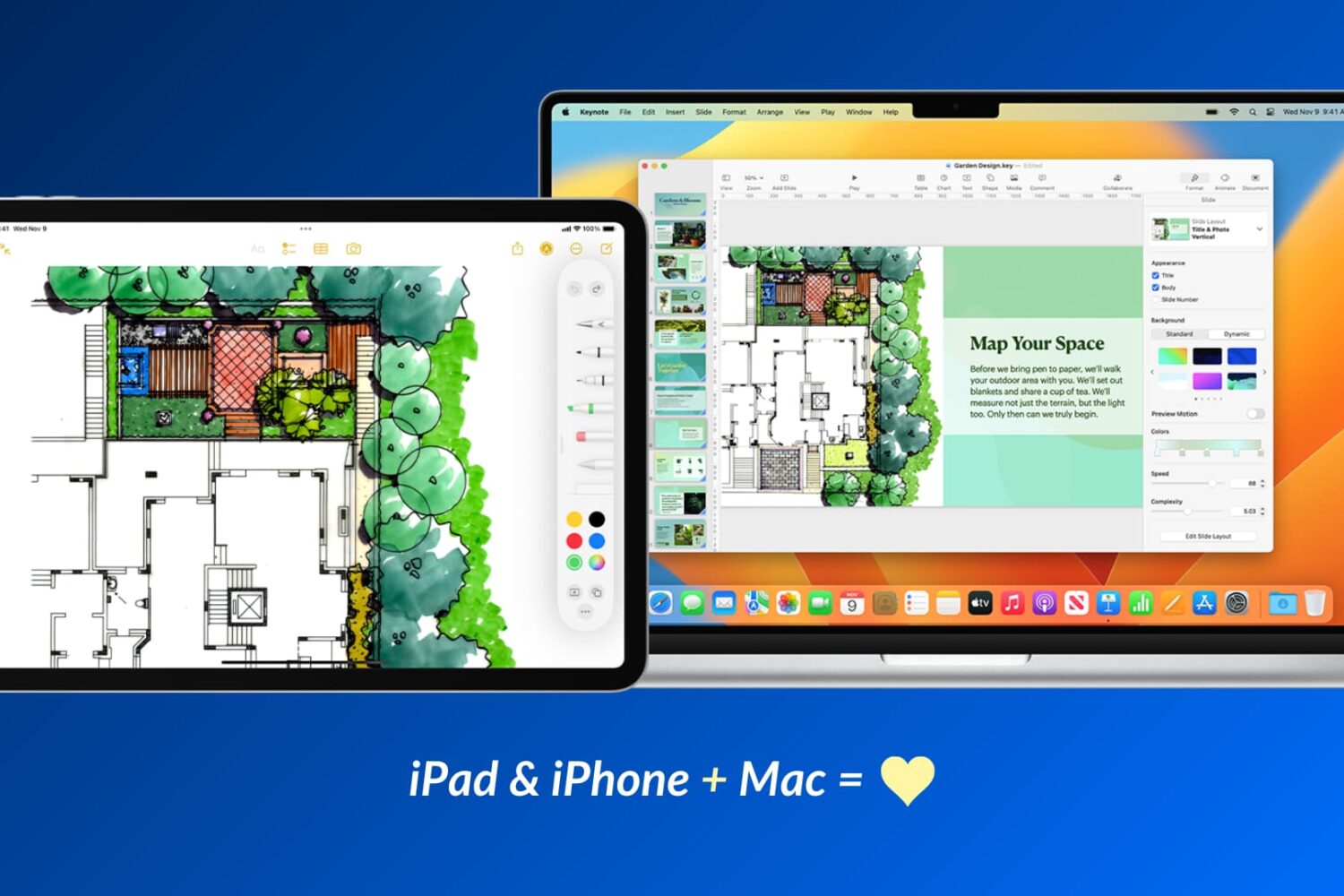
Apple devices work particularly well with one another, and in this guide, we’ll share 17 ways to use your iOS device and your Mac together for a more productive and efficient experience.
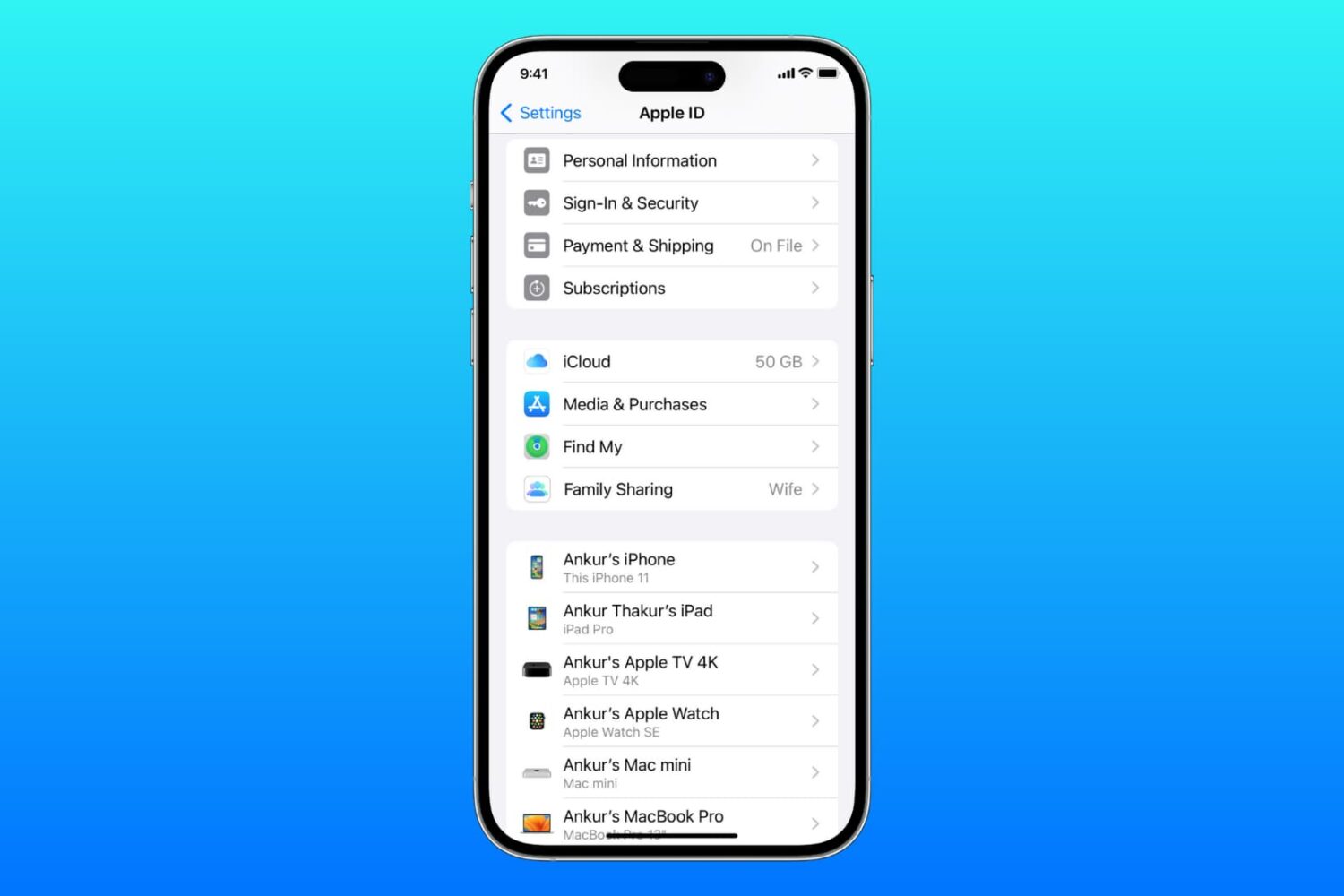
Learn what to do if you cannot access your iCloud or Apple Account settings because they’re grayed out or unclickable on your iPhone, iPad, Mac, or web browser.
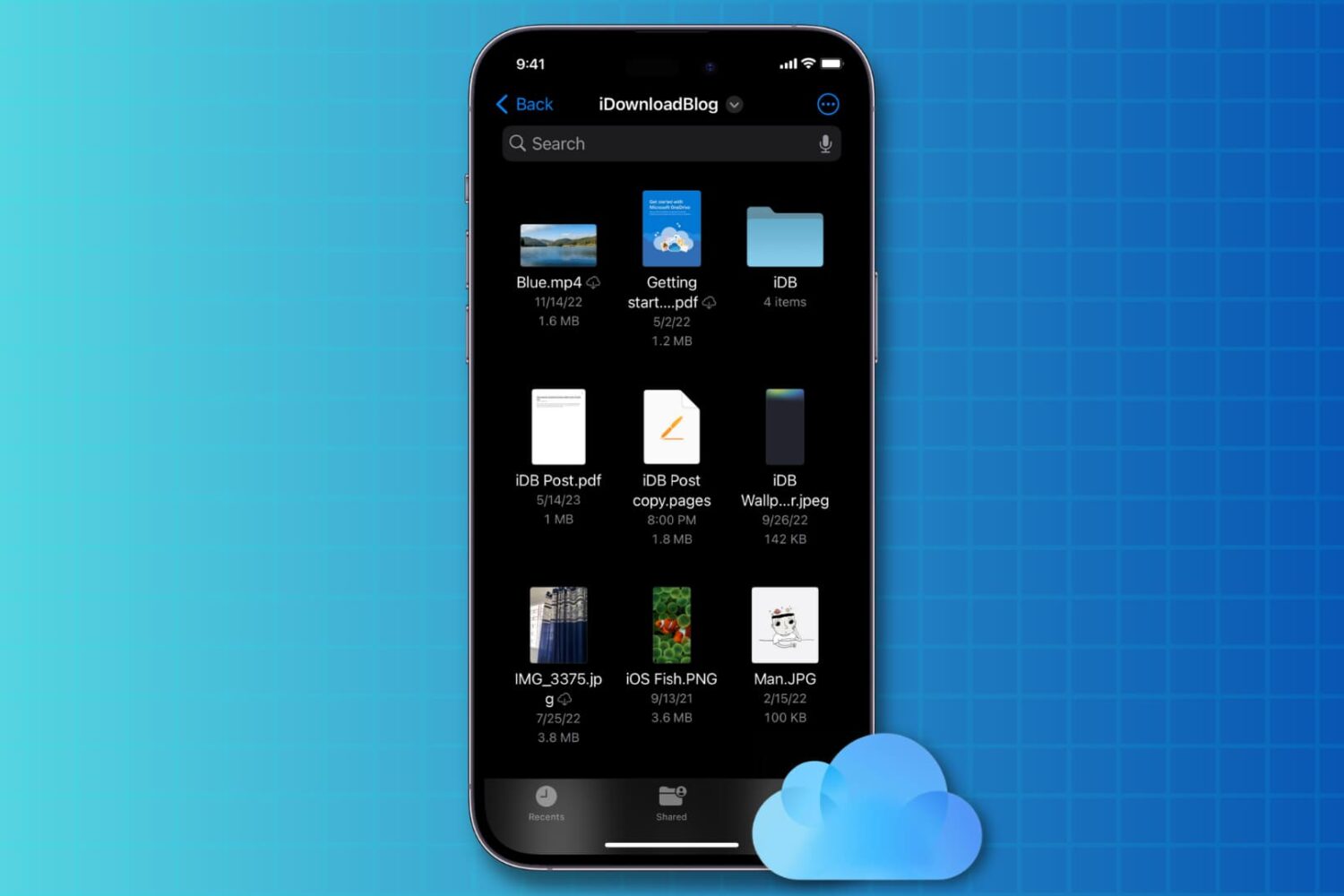
You can disable iCloud Drive on iOS 17 without losing iCloud syncing features in third-party apps that use Apple’s CloudKit framework.
Apple will shut down My Photo Stream in July 2023, with new uploads no longer accepted. Learn what to do and how to save your originals to keep them.
Check out three easy ways to access all your photos, audio, video, PDF, documents, and other files that are stored in your iCloud Drive account.

This guide lists all the solutions to fix iCloud Photos not syncing pictures and videos across your Apple devices, iCloud web, and Windows PC.
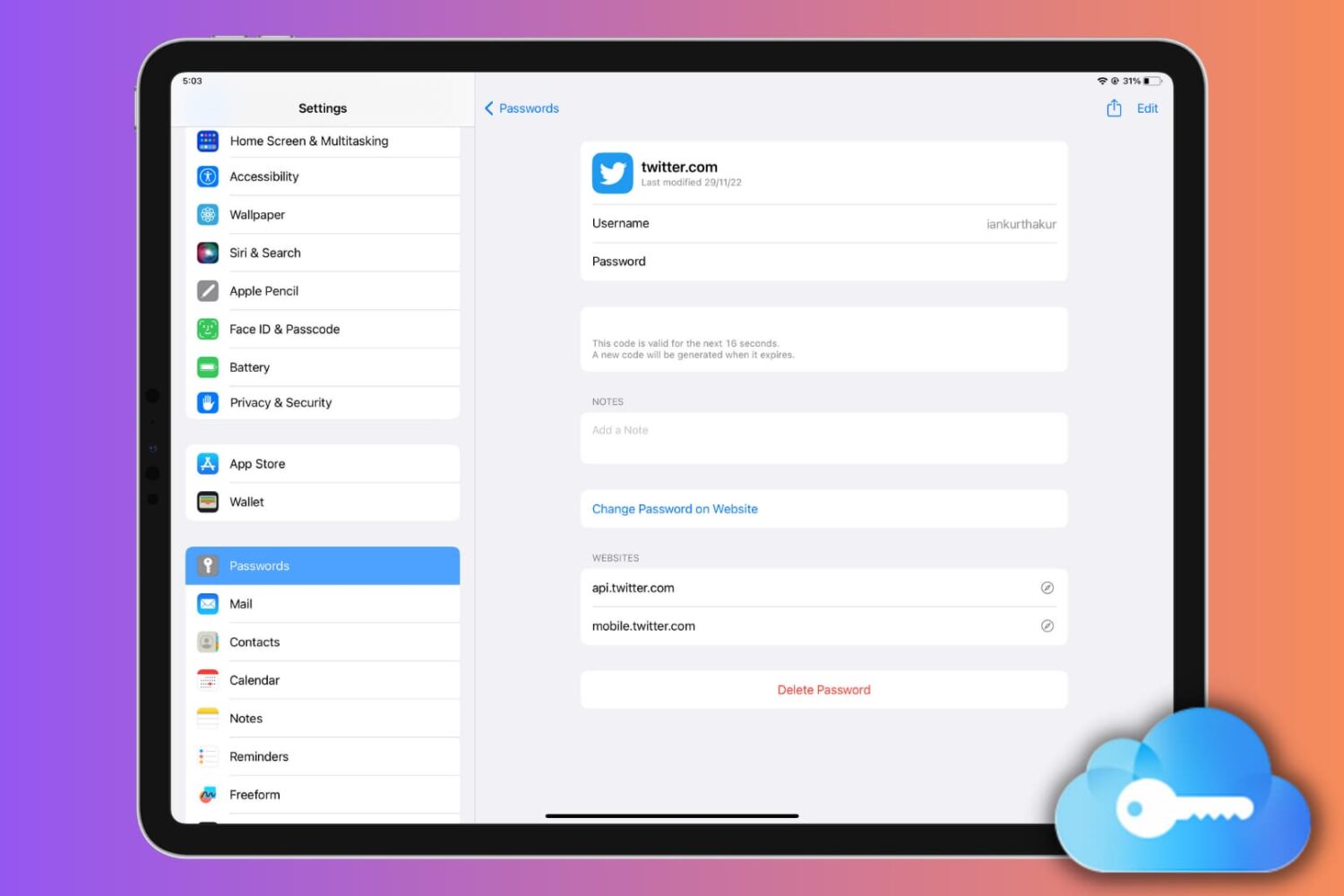
Learn how to set up, use, or turn off iCloud Keychain on your Apple devices to keep your passwords secure and simplify your digital life.
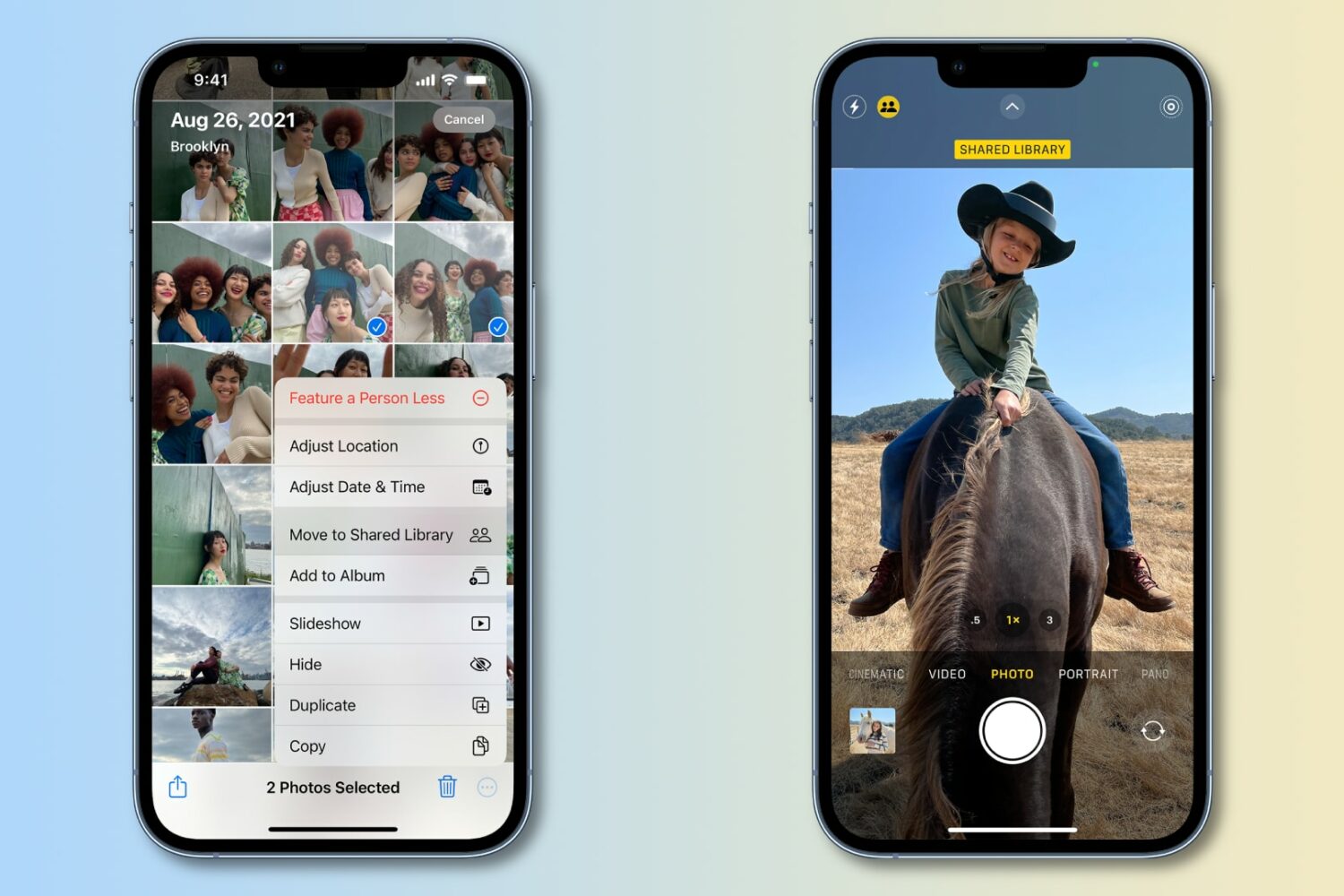
Update your iPhone, iPad or Mac to iOS 16.4, iPadOS 16.4 or macOS Ventura 13.3 to have the Photos app detect duplicates in your iCloud Shared Photo Library.
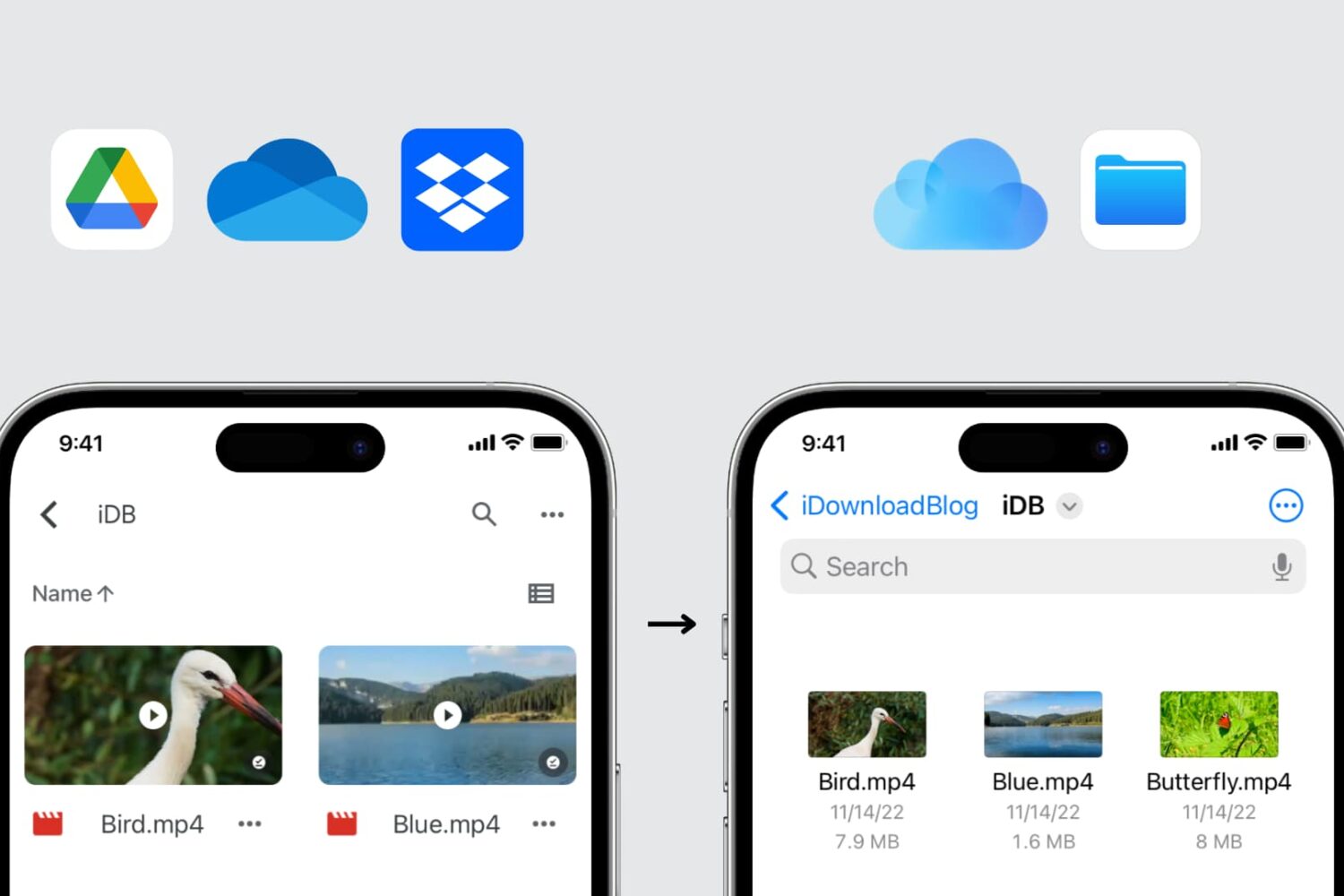
In this guide, we explore three easy ways to transfer files from Google Drive, Dropbox, and Microsoft OneDrive to iCloud Drive using your iPhone, iPad, Mac, or Windows PC.
Release notes for iOS and iPadOS 16.3.1, macOS 13.2.1, watchOS 9.3.1 and tvOS 16.3.2 reveal bug fixes related to iCloud, Siri on HomePod and more.

Apple has provided steps to accept the new iCloud terms and conditions and update Apple ID settings without using a secondary device.
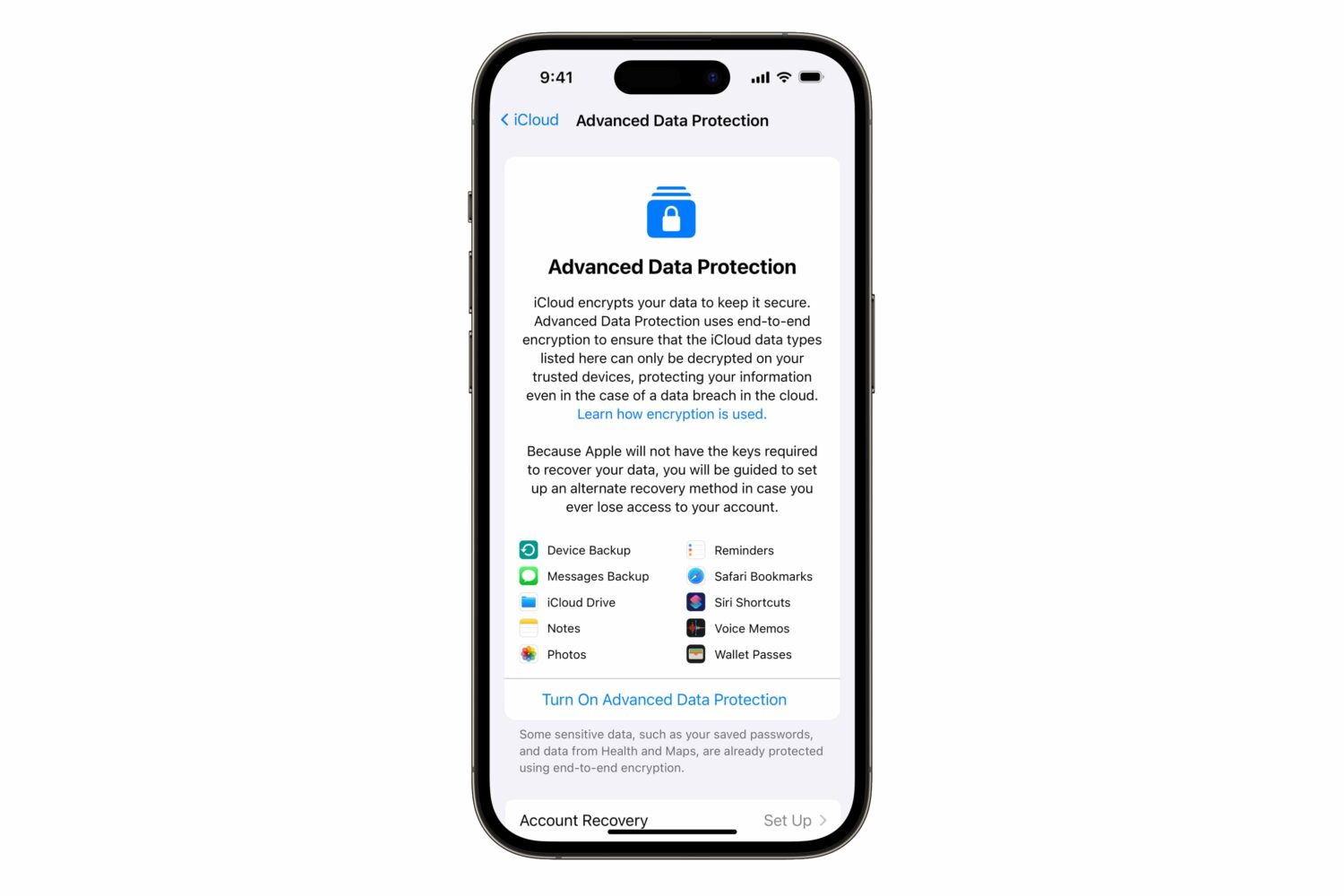
iOS 16.3 has added a two-factor authentication requirement for iCloud Backup and iCloud Drive to make your device backups and files in the cloud more secure.