Learn how to sync all your iCloud contacts, calendar events, and emails from your iPhone, iPad, Mac, or Vision Pro to your Windows PC for a seamless experience across all your devices.
How to get iCloud Contacts, Calendar, and Mail on Windows PC

Learn how to sync all your iCloud contacts, calendar events, and emails from your iPhone, iPad, Mac, or Vision Pro to your Windows PC for a seamless experience across all your devices.
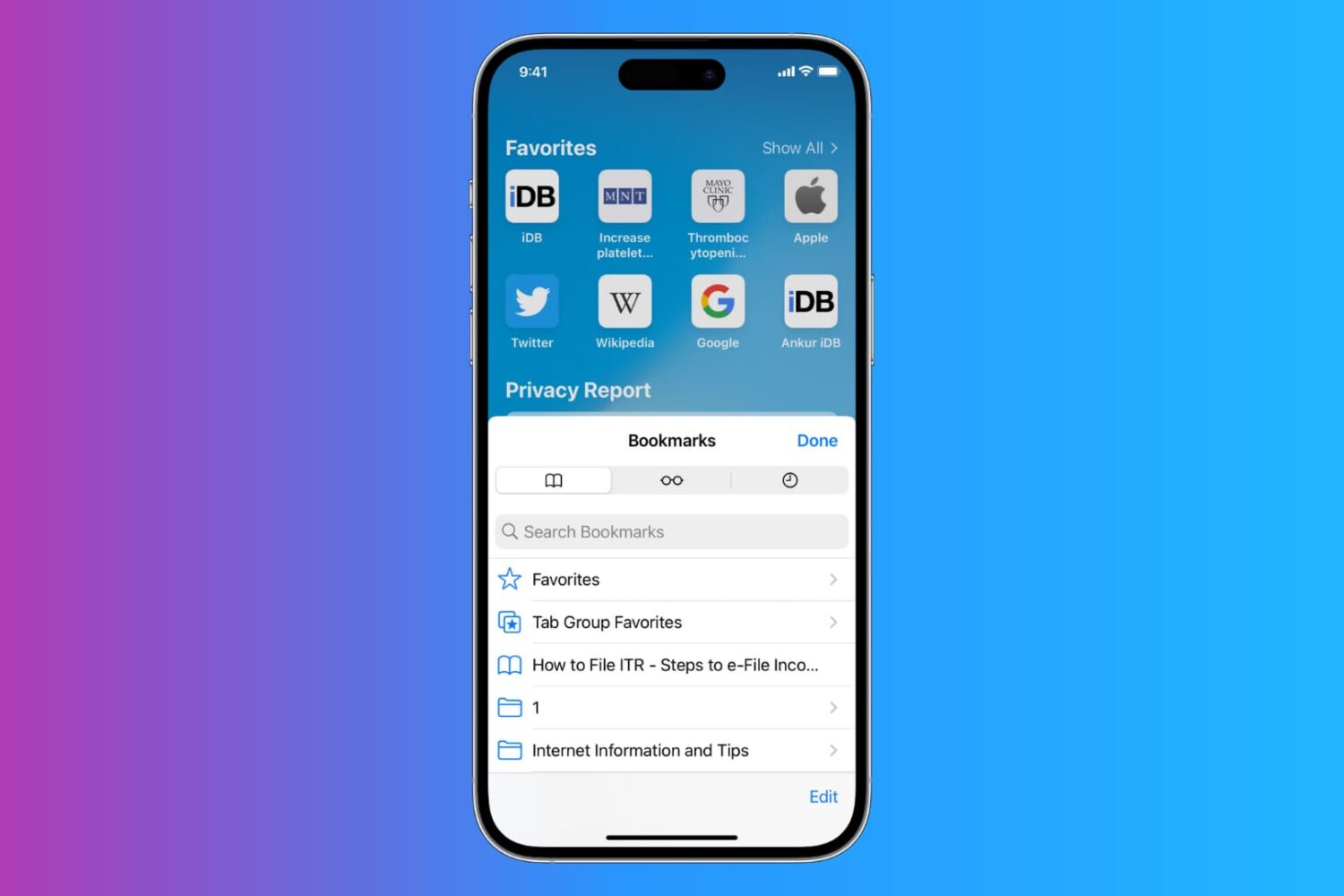
Apple has issued an advisory about older iPhone, iPad and Mac models losing the ability to sync Safari bookmarks through iCloud. Here’s what you need to know.

Apple just this week pushed a somewhat major update to its iCloud.com website – the one place on the internet where Apple device users can access their iCloud data and information even when they aren’t using an Apple device at that very moment.
A new survey confirms what we've known all along: Apple's stinginess in terms of iCloud storage is pushing people into paid upgrades.

If your Mac browser seems stuck, you're not alone. iCloud Private Relay, Apple's paid feature, has been experiencing connectivity issues for nearly 24 hours now.

Transfer your photos, videos, albums and metadata like descriptions and more from Google Photos to iCloud Photos with just a few clicks without downloading anything.
Learn how to prevent Pages, Numbers, and Keynote from automatically saving files to iCloud Drive with these easy steps.

Virtualization under macOS Sequoia saw some improvements, so now you can finally sign into iCloud within a macOS virtual machines (VM).

Learn how to keep your main email address private by using the Hide My Email feature to generate random email addresses for apps, websites, newsletters, and other online services.
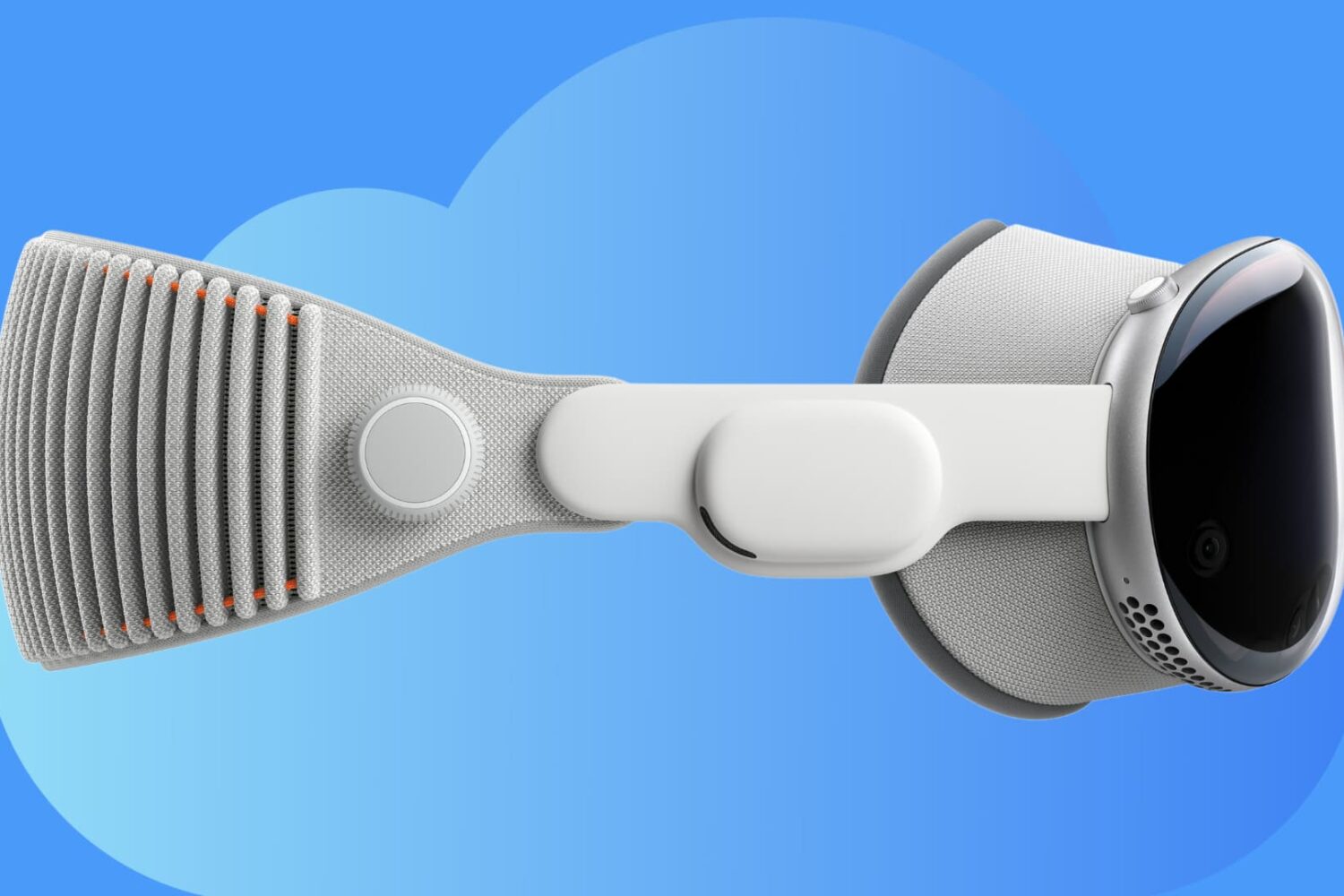
Learn how you can back up all your Apple Vision Pro apps, data, and settings to iCloud for safekeeping and restore them later if needed.
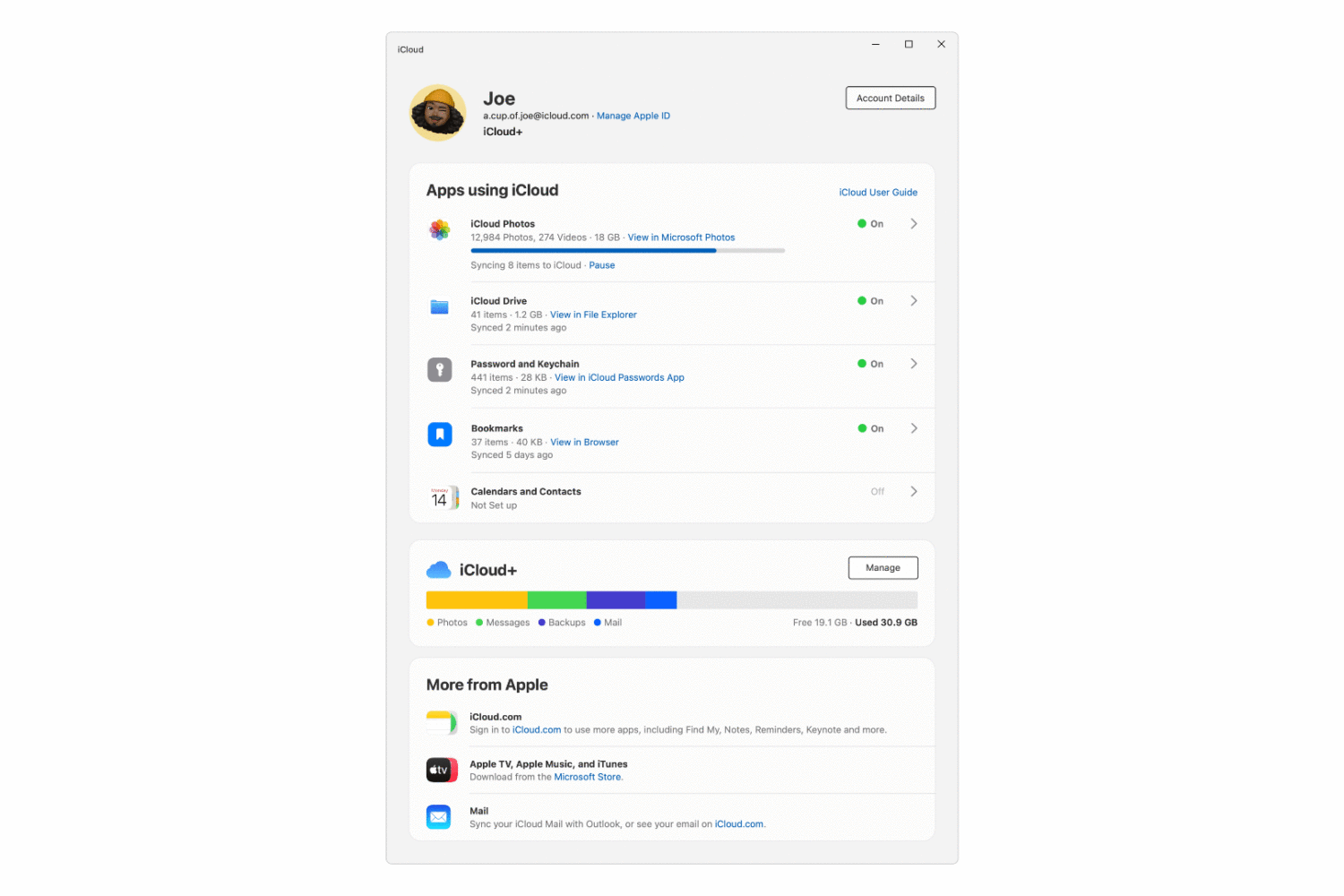
Apple has revamped and updated iCloud for Windows with a more streamlined interface, adding new features such as support for physical security keys.
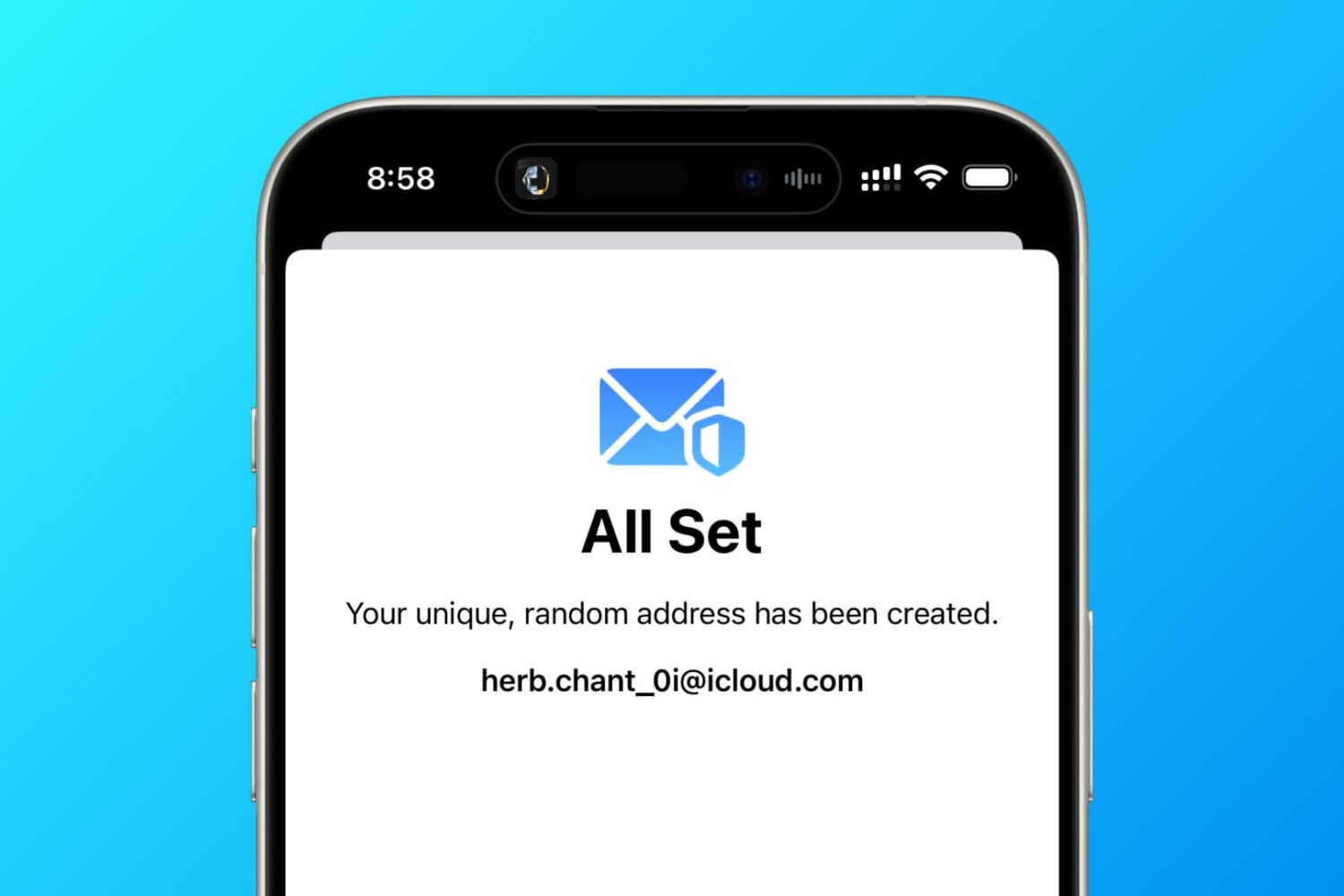
In this tutorial, we tell you about 10 easy ways to create a fake, anonymous, temporary, burner, or disposable email address on your phone or computer to protect your actual email address.