iCloud

The best ways to store your iPhone photos in the cloud

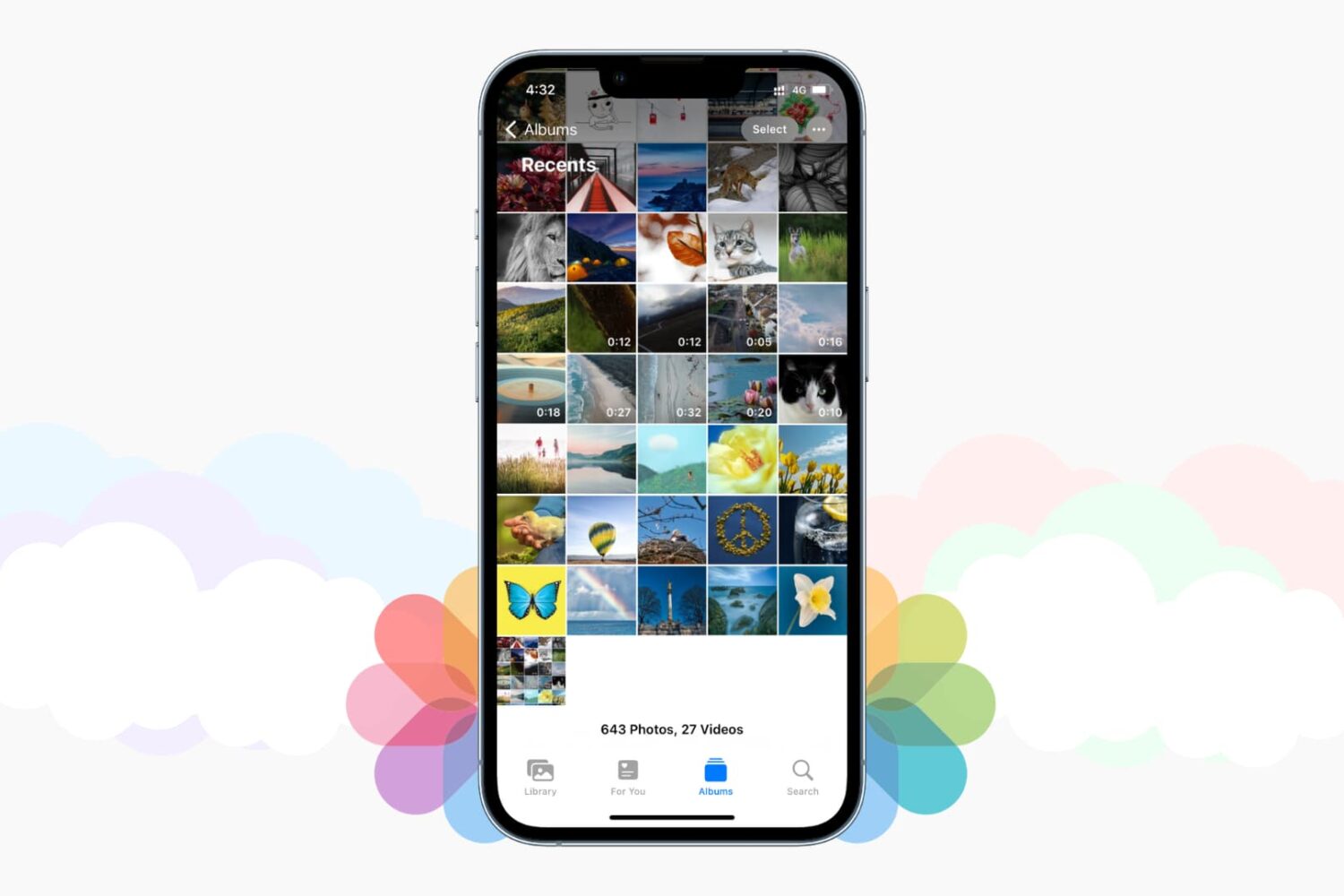
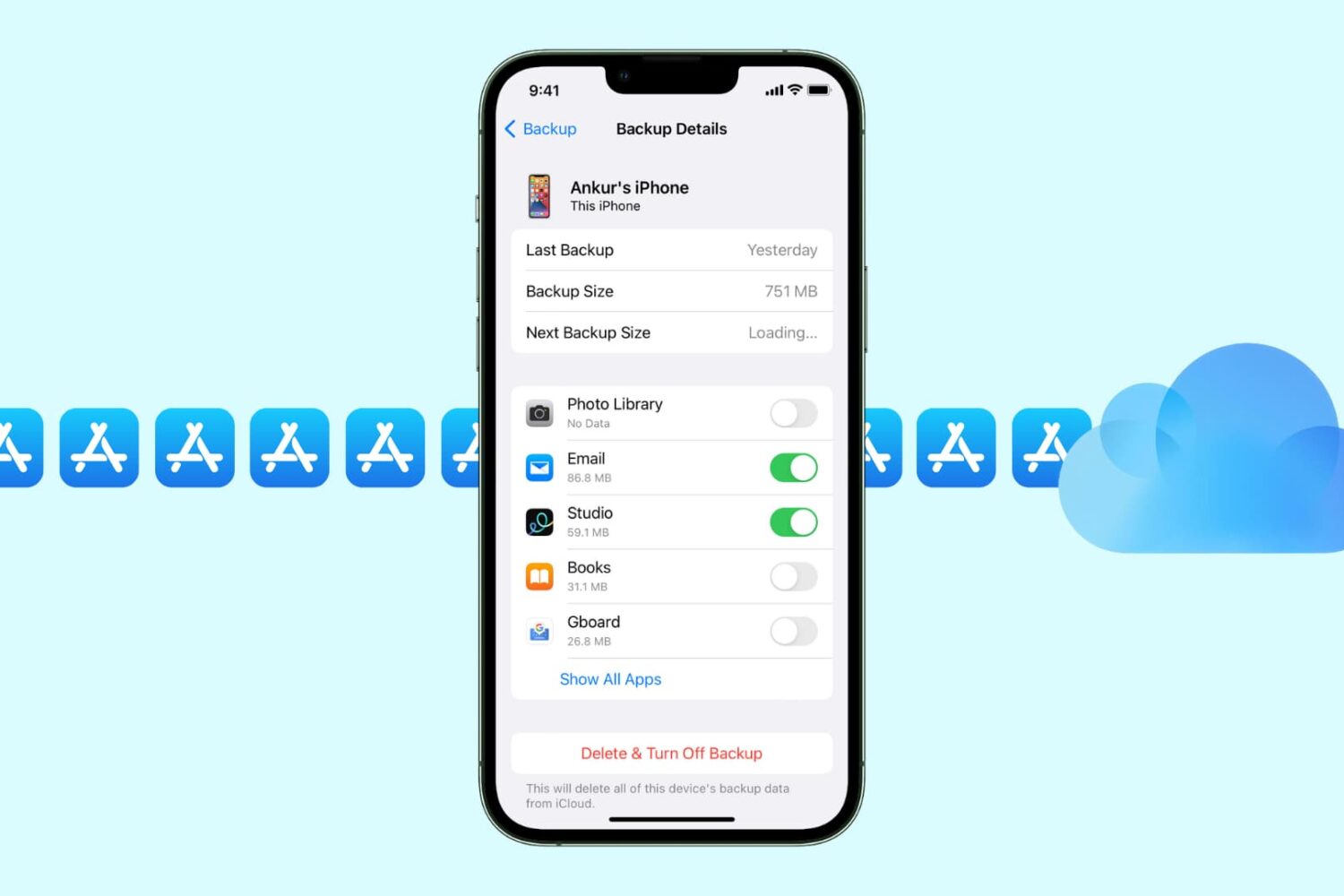
Save iPhone photos to best cloud storage options

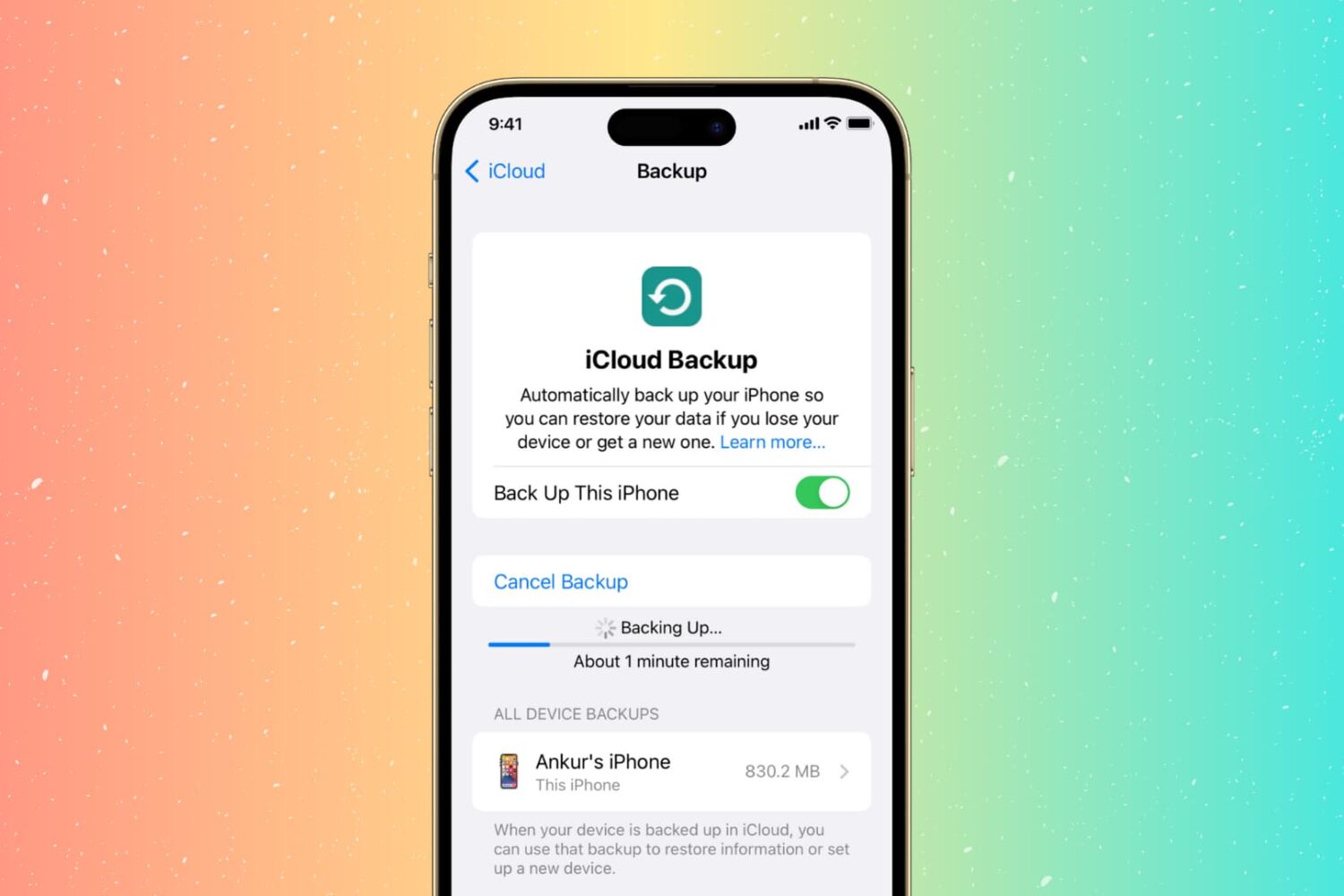
Those high-quality snaps and videos you take on your iPhone, iPod touch or iPad can pretty quickly eat up all of the available storage space on your device.

There are a number of techniques to increase your free storage, like deleting apps you no longer use, emptying system caches and so forth, but they all pale in comparison to the simplest of solutions—actually moving storage-hungry photos and videos off your device to safely store them in the cloud.

In this post, we'll tell you all you need to know about the most popular cloud storage solutions. We're going to detail backing up your media to each of them and discuss recommended strategies for freeing up as much storage space as possible without destroying your personal memories or changing your workflow much.

Oceanhorn gets iCloud save compatibility with Apple TV, flashier graphics on iPad Pro and more

Oceanhorn, the beautifully crafted fantasy adventure game from FDG Mobile Games GbR, has received an essential update in the App Store today. Bumped to version 2.7, this edition fixes the problem with iCloud save files created on the iPhone and iPad not being recognized on the Apple TV.

Those lucky iPad Pro owners will enjoy this update's ultra quality graphics on their tablet, with an improved world map and environment decoration.

Lastly, Oceanhorn 2.7 sports a better sound engine and fixes various bugs.

How to add and remove trusted devices for Apple ID two-factor authentication

Trusted device for Apple ID two-factor authentication

A trusted device is an iPhone, iPad, or Mac, where you have previously signed in using your Apple ID. Trusted devices are used to verify your identity when signing in and keep your Apple ID secure with two-factor authentication.

In this tutorial, we will go over trusted devices for Apple ID two-factor authentication, their requirements, and some other pieces of valuable information that you should know.

Find my Friends web app launches on iCloud.com

In addition to today's major releases of iOS 9.1, OS X El Capitan 10.11.1 and watchOS 2.0.1 software updates, it appears that iCloud has gained a brand new web app: Find My Friends.

With both Find My iPhone and Find My Friends now preloaded on the iPhone, iPod touch and iPad devices with iOS 9.0 or later, it does make sense to add Find My Friends to Apple's stable of web apps given iCloud's long had the web version of the Find My iPhone app.

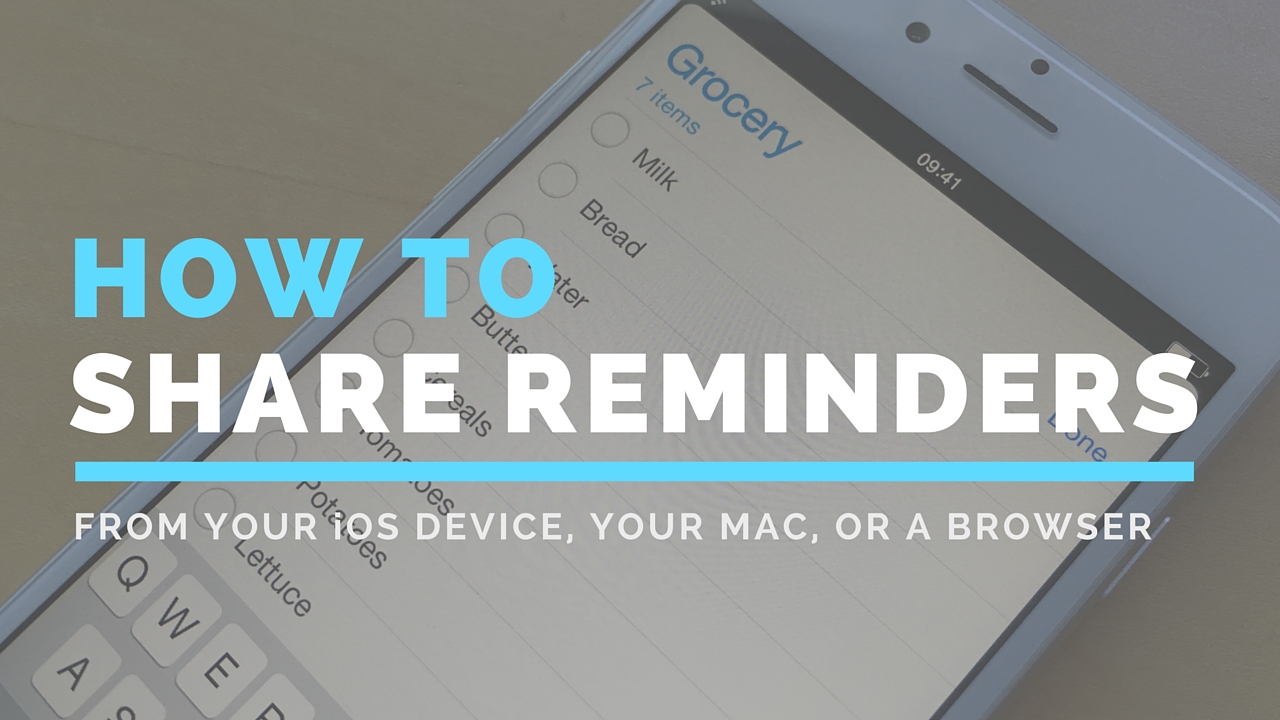
How to share Reminders lists

Although not apparently obvious, Apple's Reminders app on iPhone, iPod touch, iPad, Mac and iCloud.com lets you share to-dos and checklists with friends and family.

Sharing a reminder list with, say, your girlfriend (or wife) is particularly convenient as you’ll both be able to add, delete and check off items as completed, and all changes will instantly appearing on everyone's devices thanks to seamless iCloud syncing.

This isn't just great for grocery lists, shared to-dos and interactive lists among family members, but for business, too. For example, you could share a to-do list with team members to keep everyone apprised of what needs to be done on any particular day.

In this post, we're going to show how easy it is to create a list in Reminders and invite others to participate across iOS, macOS, and the web.

New iCloud storage pricing is now live

Despite an earlier report coming from Reddit that Apple's new iCloud Storage pricing would go live on September 25th, the same day of the iPhone 6s launch, Apple has launched its updated iCloud storage pricing plans today.

In my opinion, this makes more sense, as iCloud is more aligned with the software, and iOS 9 just went live as well. Apple has updated its iCloud storage pricing page with the updated prices for its three cloud storage tiers, and has also introduced new international pricing for iCloud storage.

New iCloud storage pricing said to launch on September 25th

As noted in last week's iPhone 6s keynote, Apple will be significantly upping the value of its iCloud storage plans by providing much more storage for the money. Apple will be keeping around its free 5GB tier, but it's upping the amount of storage provided by its $0.99 tier by 30GB, and reducing the price of its highest $19.99 tier.

If you go to the iCloud section of the Settings app today and select the Upgrade iCloud Storage option, you'll still see the old pricing setup. This has left many to ask the question: when will the new iCloud storage pricing go live? An iCloud user who recently reached out to Apple support thinks they have the answer.

New iCloud storage plans: get more for less

iCloud storage has always trended towards the more expensive side of things when compared to other popular cloud storage providers such as Google and Microsoft. Users will be happy to know that Apple apparently understands this, and as a result, its significantly reduced the price of its iCloud storage. With 4K video support and a higher megapixel camera featured in the new iPhone 6s, iCloud storage will be in higher demand for those of you using iCloud Photo Library.

How to protect yourself from malicious jailbreak tweaks

As you guys know, there was a pretty significant iCloud account attack reported recently, in which nearly a quarter of a million iCloud accounts were exposed to potential compromise. The number of accounts that were actually hacked is up for debate, but it was less than half of the reported 220,000~ or so iCloud accounts exposed.

Of course, many took this attack as an opportunity to lecture about the reasons why we shouldn't jailbreak. While such a lecture isn't necessarily ill-intentioned, I think that most people who jailbreak understand that there are some inherited risks associated with doing so.

It's not like accidentally downloading an infected app on your computer, or an ill-advised clicking on a shady email link. Those who jailbreak generally know that there are some security risks involved, at least partially. The problem is, many don't understand that there are effective ways to protect one's self.

How do you go about ensuring that you're as safe as possible while maintaining a jailbroken iPhone? The following steps will show you how.