Learn how to save email attachments from Apple Mail to a folder on your iPhone or iPad or apps such as Google Drive or Microsoft OneDrive.
How to save email attachments to iPhone and iPad
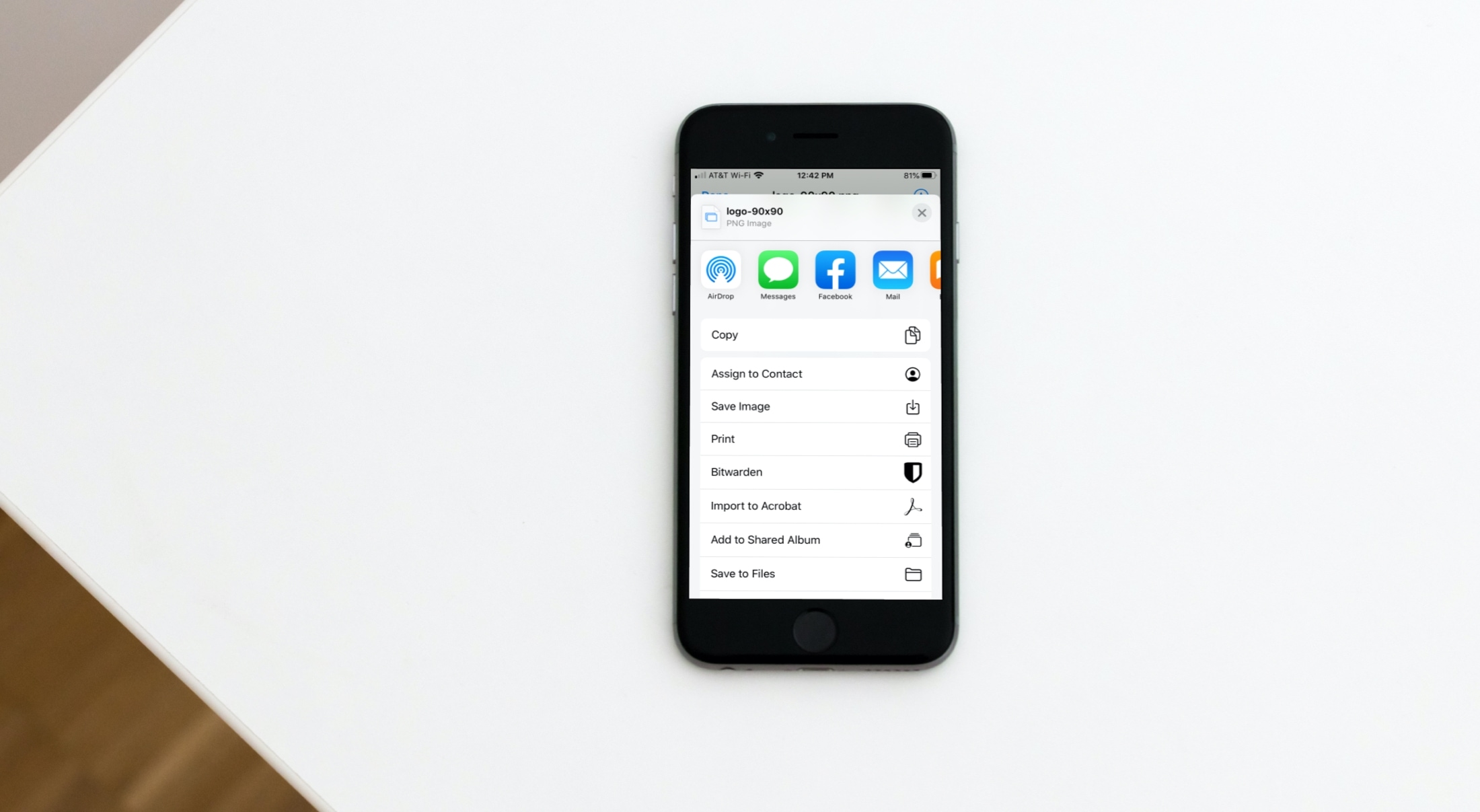
Learn how to save email attachments from Apple Mail to a folder on your iPhone or iPad or apps such as Google Drive or Microsoft OneDrive.
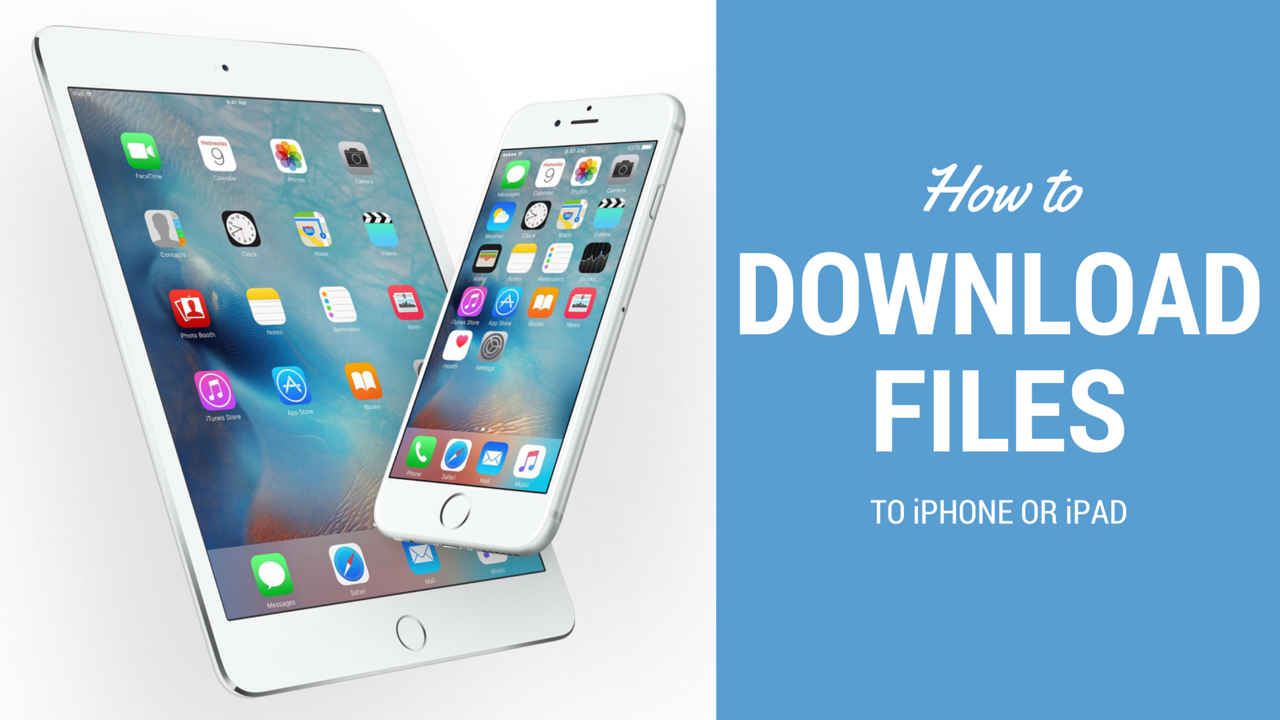
Downloading and saving files or documents to a computer is something we don't think about. Click, click, done. It's saved on the hard drive and ready to be accessed when needed. On iOS, it can get a little more complicated than that.
How do I download a file to my iPhone? Where do I download it to? These are questions I've recently been asked, but also problems I have faced myself. In this article, I'll try to share different options for you to download files to iPhone or iPad.

Apple has reportedly started buying servers from a government-backed Chinese firm, called Inspur, to use in its data centers, Taiwanese publication DigiTimes reported this morning. Apple's never confirmed nor denied industry speculation that much of its iCloud data centers run on Amazon's Web Services and Microsoft's Azure platforms.
That being said, Apple's reportedly embarked on a project to migrate iCloud services to its own data centers in order to satisfy increasing demand for iOS devices, reduce expenses and further reduce any possibility of attacks on the iCloud platform.
When you create your Apple account, you’re asked to create security questions. Here’s how to reset Apple ID security questions and answers if you forget them.
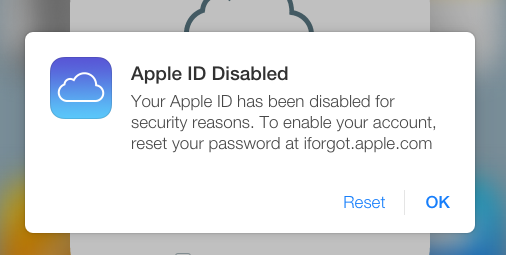
Learn why Apple disabled or locked your Apple account and how to fix this using your iPhone, iPad, Mac, or Windows PC.
Amid reports that it's shifting some of the iCloud services to Google’s Cloud Platform, The Information is reporting that Apple has a total of six projects underway related to boosting its cloud infrastructure. One of them, code-named Project McQueen, calls for custom data storage systems.
Apple suspects that third-party servers that power iCloud might have been intercepted during shipping and that someone may have added additional chips and firmware to them “in order to make them vulnerable to infiltration,” as per the report.

tvOS 9.2, a new update for the operating system which powers the fourth-generation Apple TV, is now available for public consumption. The new firmware, released alongside iOS 9.3, OS X El Capitan 10.11.4 and watchOS 2.2, is a very interesting update for the cool new features it brings to the table.
tvOS 9.2 enables several features missing from the initial tvOS release, including long-awaited support for wireless keyboards, dictation, Siri support for App Store searches, app folders on the Home screen, a revamped app switcher, Siri Remote improvements, support for Live Photos and iCloud Photo Library and more.
In the wake of the high-stake fight between Apple and the United States government over encryption and the right to create products with nearly unbreakable security measures, Apple is now working hard to make it impossible for law enforcement to gain access to data inside device backups on iCloud.
As reported today by The Wall Street Journal, Apple executives are “wrestling with how to strengthen iCloud encryption without inconveniencing users.”
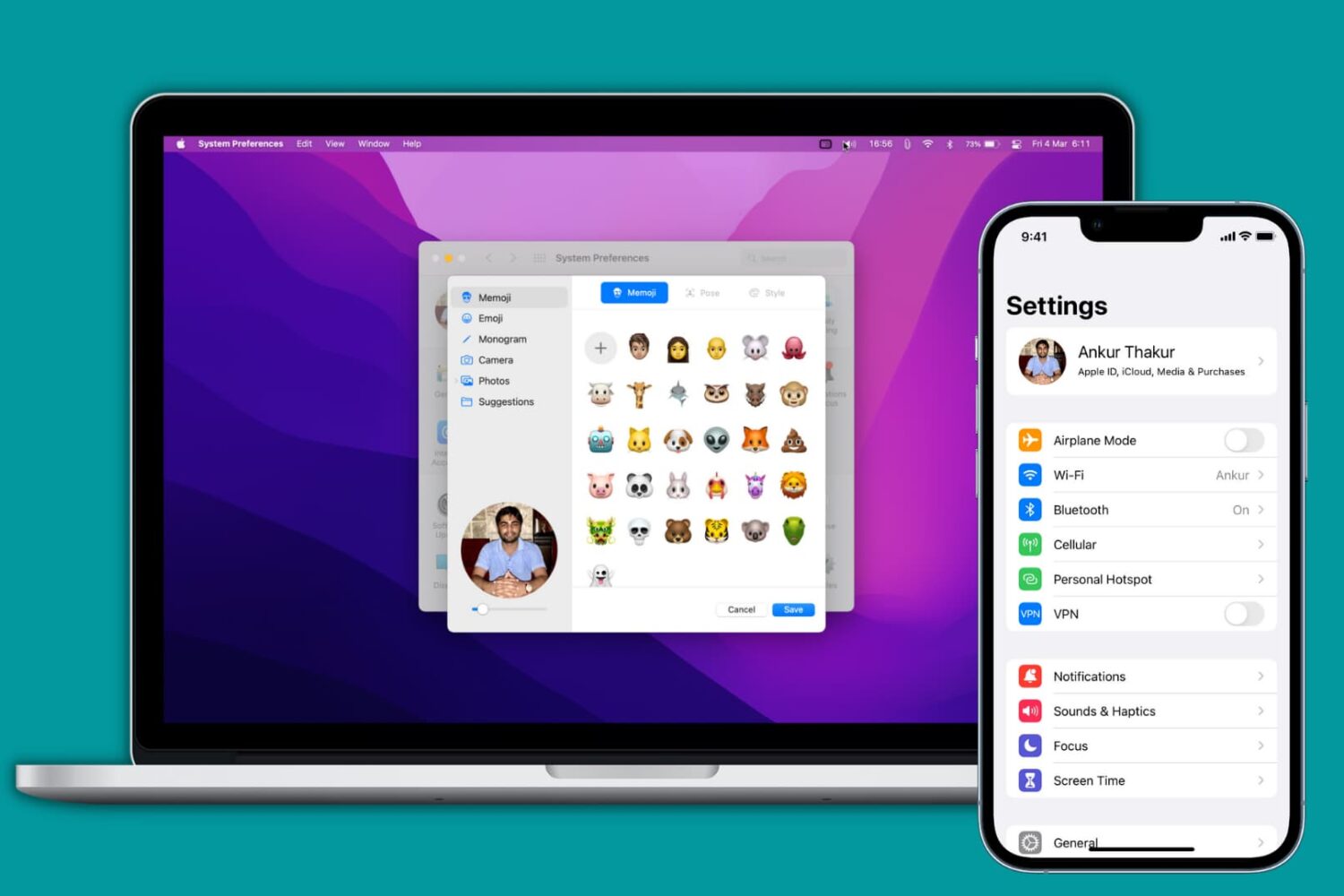
Learn how to add, change, or delete your Apple account/iCloud profile picture using your iPhone, iPad, Mac, or web browser.

Apple's security and privacy features that come standard on every iOS device, such as end-to-end encryption and Activation Lock, are getting all the talk around the internet as of late as the Apple vs. FBI case continues to escalate.
What can be learned from this case is not only does Apple want to protect your privacy, but the a large number of American people also want to have their privacy. The FBI, on the other hand, wants a quick way to get into any iPhone they deem "suspicious" so long as they can get a court order to search it.
So just how secure is your Apple data, and what protection standards does Apple have in place for you? That's just what we're going to talk about in this piece.
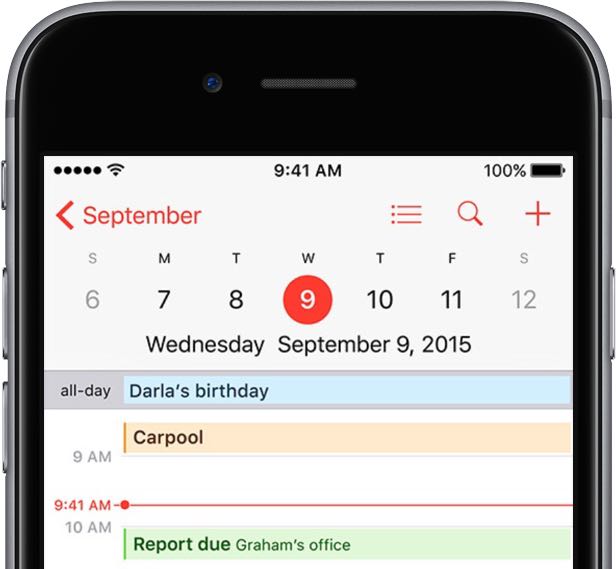
Apple's Calendar application for the iPhone, iPod touch, iPad, Mac and iCloud.com makes it simple to share events and to-dos with select people, or let anyone with a link subscribe to a read-only calendar.
For example, you could share a “To Do” calendar with your significant other, create a calendar for your entire family so every member can put errands on it, invite your wife to a shared “Kids” calendar to keep parents in the loop about school activities and more.
Not only do shared calendars increase your productivity in the workplace, they help those who use them become more organized in everyday life. You can assign edit privileges to invitees, adjust how participants access the calendar and more.
Invitees have a myriad of options at their disposal to view shared calendars, including the iCloud Calendar web app, the stock Calendar app on the iPhone, iPad, iPod touch and Mac or Microsoft Outlook on a Windows computer.
In this tutorial, you will learn how to share a calendar privately or publicly on iPhone, iPad, Mac and iCloud.com. You will also learn how to manage calendar sharing by adding or removing participants, changing privileges, adjusting calendar notifications, and more.
Apple on Thursday morning reported a number of issues with various iCloud services. According to the iCloud Status webpage, these problems are preventing many users around the world from making purchases in Apple's app and content stores.
In addition, “new and recently changed content may not have updated across devices for iCloud Drive, Backup, iCloud Notes, iWork for iCloud and Photos,” reads a notice on the webpage.
UPDATE: As of 9:10am PT, all of the affected iCloud services had been restored.