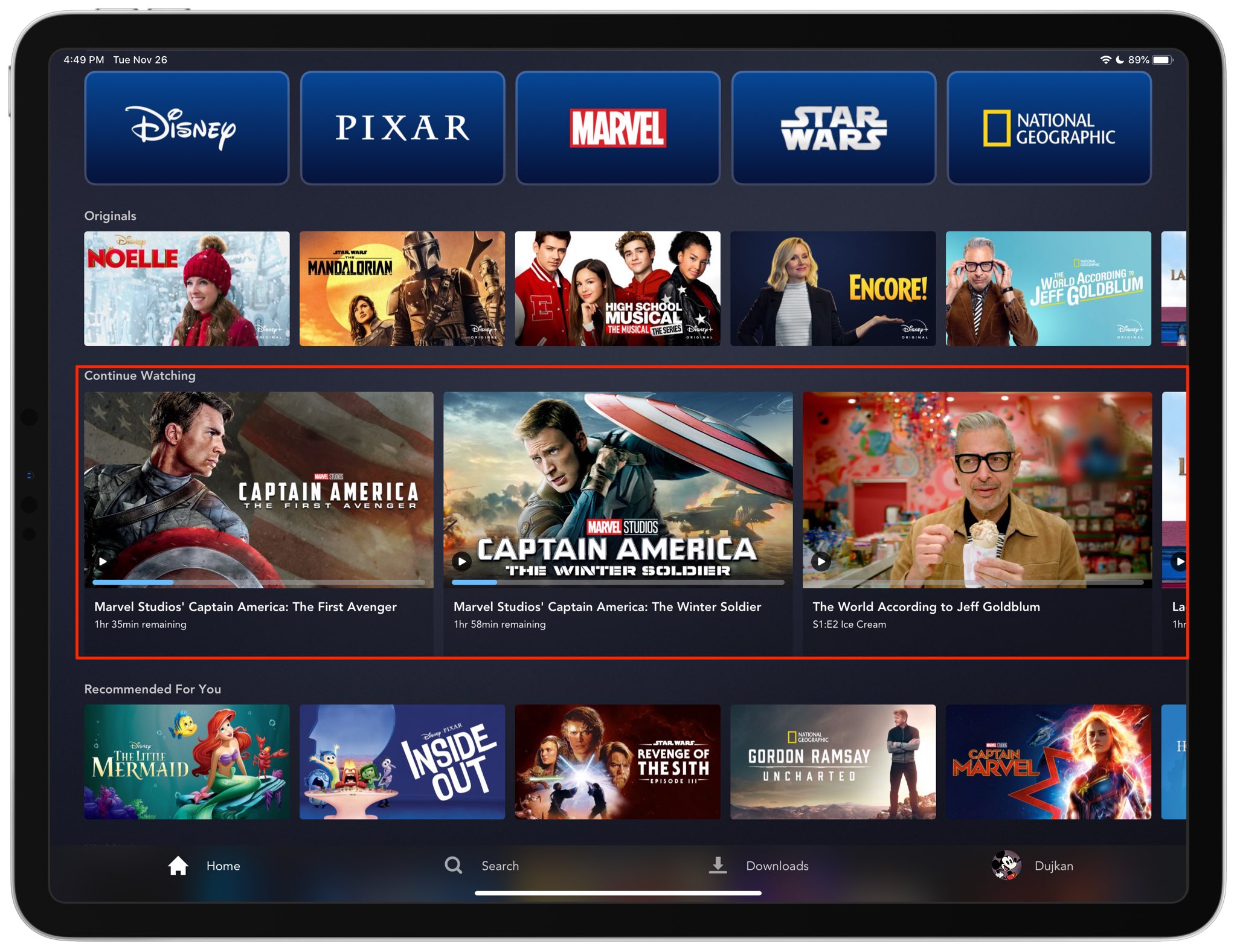
A Continue Watching section has been re-added to the official apps for the new Disney+ video-streaming service after being pulled initially over several technical problems.
Disney+ reinstates the missing Continue Watching section
Stay up-to-date on the latest iPhone news and learn new tips and tricks with our comprehensive tutorials. From software updates to new features, we’ve got you covered.
A Continue Watching section has been re-added to the official apps for the new Disney+ video-streaming service after being pulled initially over several technical problems.
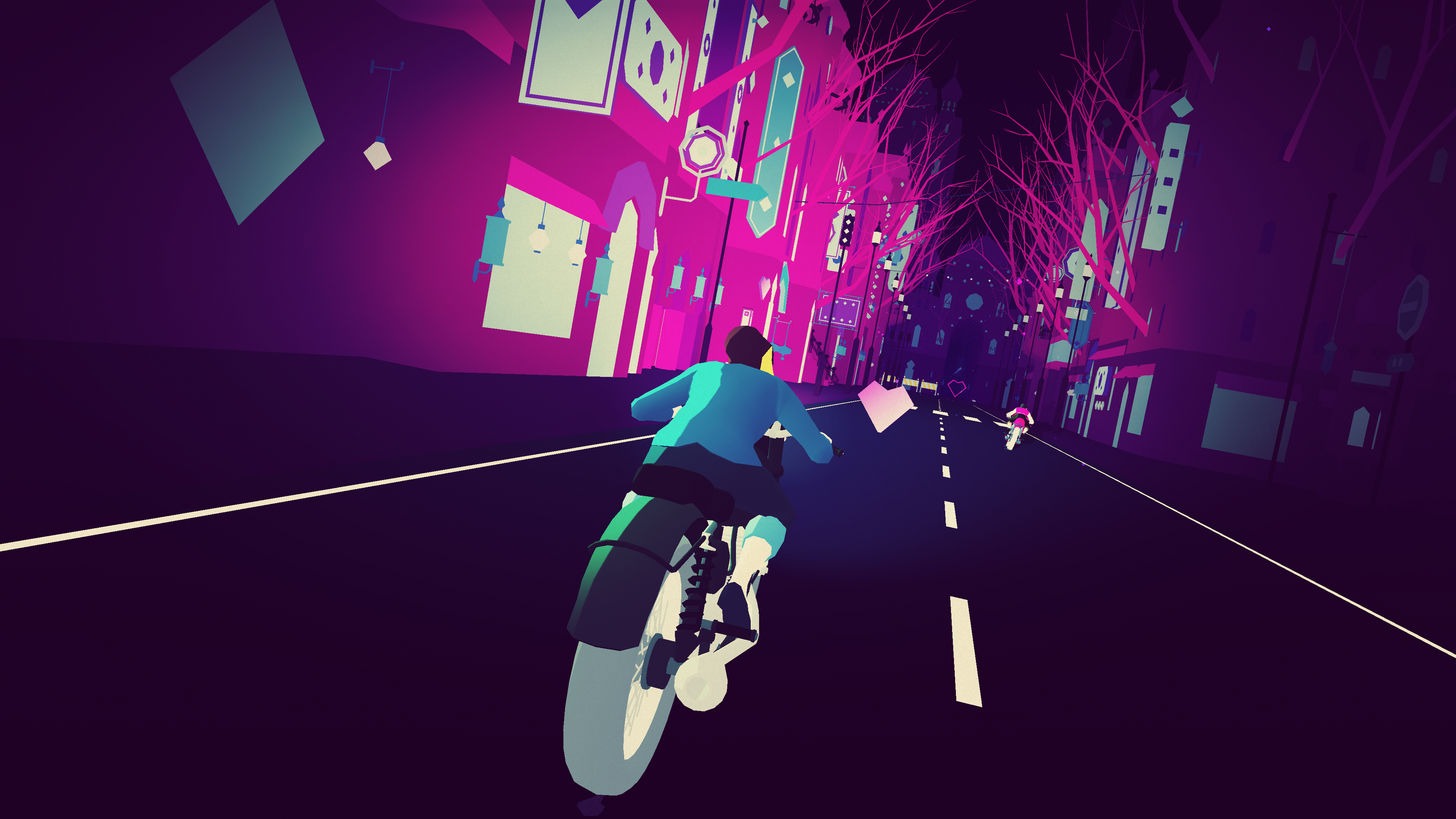
When Apple launched Apple Arcade earlier this year, it had a few interesting and unique titles to captivate players. One of the launch games was Sayonara Wild Hearts, a game that caught my eye from the first time I saw it. However, I never really got the chance to play it. That is, until today's Arcade review, the best excuse to play the games you want.

Perhaps one of the most bothersome parts about respringing your jailbroken handset is that when you have music playing in the background, the respring interrupts it, forcing you to manually tap on the ‘Play’ button to continue music playback.
Those who’ve been plagued by this nuisance for as long as I have will be thrilled to learn about the launch of a new jailbreak tweak called Gump by iOS developer Kurrt, as it effectively keeps backgrounded apps and music running even throughout the course of a standard respring.
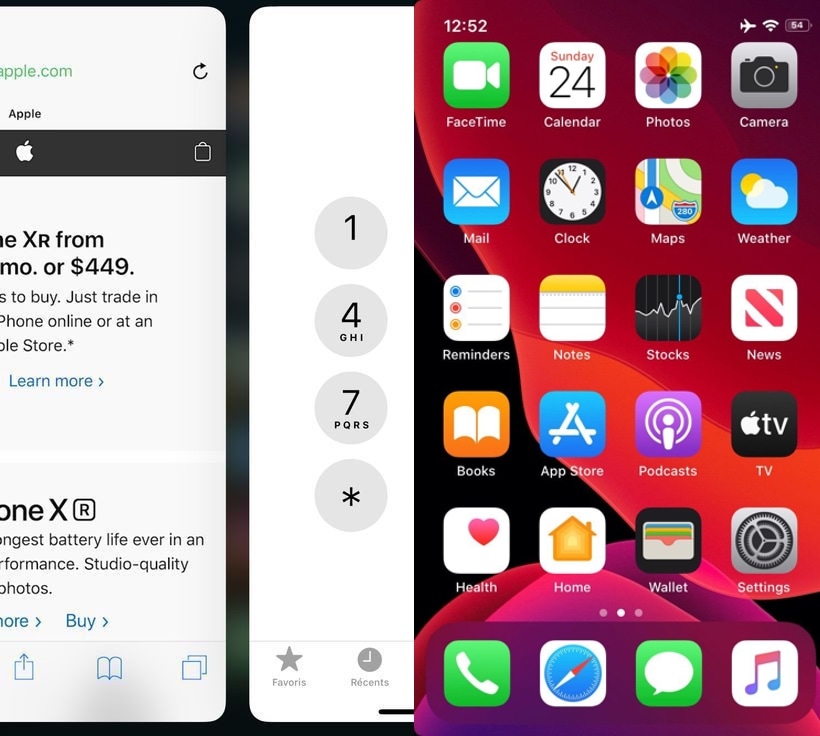
Now that we live in a day and age in which notched, edge-to-edge displays are the norm for Apple-branded smartphones, those sporting traditional rectangular displays are beginning to show their age both in terms of appearance and functionality.
Despite the massive bummer this seems to entail at first glance, those who’ve taken the steps to jailbreak their aging iPhone can now call upon the help of a newly released and free jailbreak tweak called Little11 by iOS developer Ryan Nair to port many of the of the latest gestures and user interface elements that we’ve come to enjoy on the iPhone X and later to older handsets with traditional rectangular displays

The jailbreak community is bustling with new activity this holiday season, and much of the newfangled excitement comes by way of the checkra1n team’s unpatchable checkra1n jailbreak, which leverages @axi0mX’s checkm8 bootrom exploit to liberate almost any A7-A10 device from the iPhone 5s to the iPhone X. Best of all, all of this works on iOS 13 – Apple’s latest and greatest mobile operating system.
If you’re in the market for jailbreak tweaks and add-ons that will make your jailbroken handset more exciting, then you’ve come to the right place. This roundup will encompass all the latest jailbreak tweaks from Monday, November 18th to the Sunday, November 24th. As always, we’ll kick things off by discussing our favorite releases and then wrap things up with a brief outline of the rest.
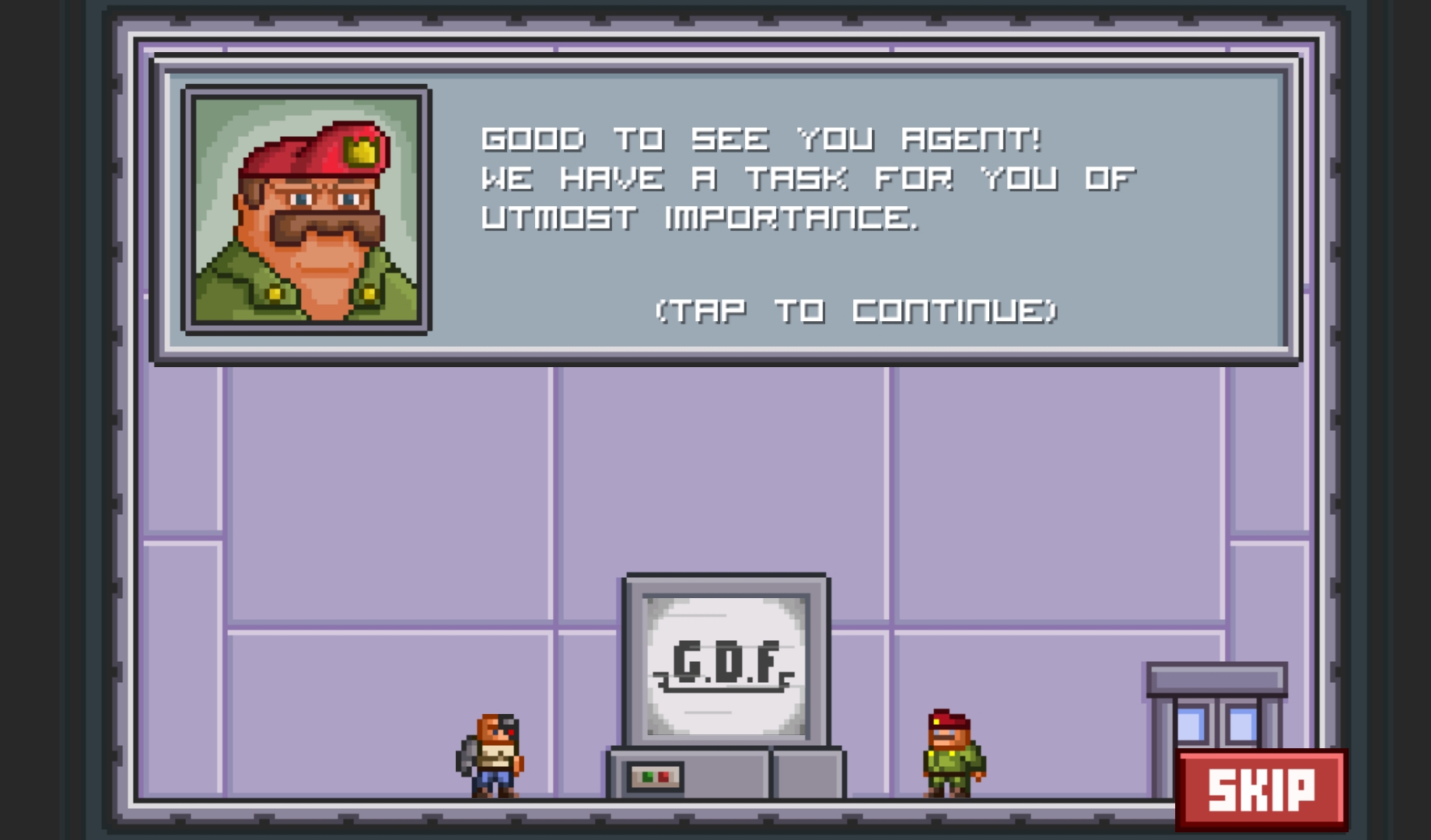
It's not very often that I run into a game that's not available on the App Store anymore. These Retro reviews are meant to look back at great games that gave us a fun time back in the day, so it's a bit sad when you find a game is not available. Especially if it's a great game like League of Evil was. While it's not available on the App Store, League of Evil is still available through Steam, so if you have a Mac or a PC you like to play games on, you can revisit this retro title on your computer instead.
League of Evil was one of the best-received games on the App Store when it first came out in 2011. Its huge success leed to getting 2 more sequels, which only improved what the game brought to the table. Now, the company behind the game, Ravenous Games, has moved on to work on a new title for PC called Deadtime Defenders.
Now it's our time to look back at one of the best games I've played on iPhone. Let's retro review League of Evil.

Learn how to personalize and enhance your iPhone typing experience by customizing essential keyboard settings that are sure to boost your productivity.

If you’ve been poking around in the jailbreak community for as long as I have, then you’ve undoubtedly witnessed a plethora of different jailbreak types. Among the most popular in this community are untethered, semi-untethered, semi-tethered, and tethered, each of which exhibit different attributes that every jailbreaker should be aware of.
We understand that some are new to jailbreaking, but even those who’ve been around as long as I have might have some confusion between the different types. For this reason, we’ve compiled a quick guide to help everyone understand what each of these different jailbreaks are and how they behave.

The Duet Display app that turns an iPad into a fast and customizable wireless second display for your Mac or Windows PC is bringing new features to anyone with a Duet Air subscription.
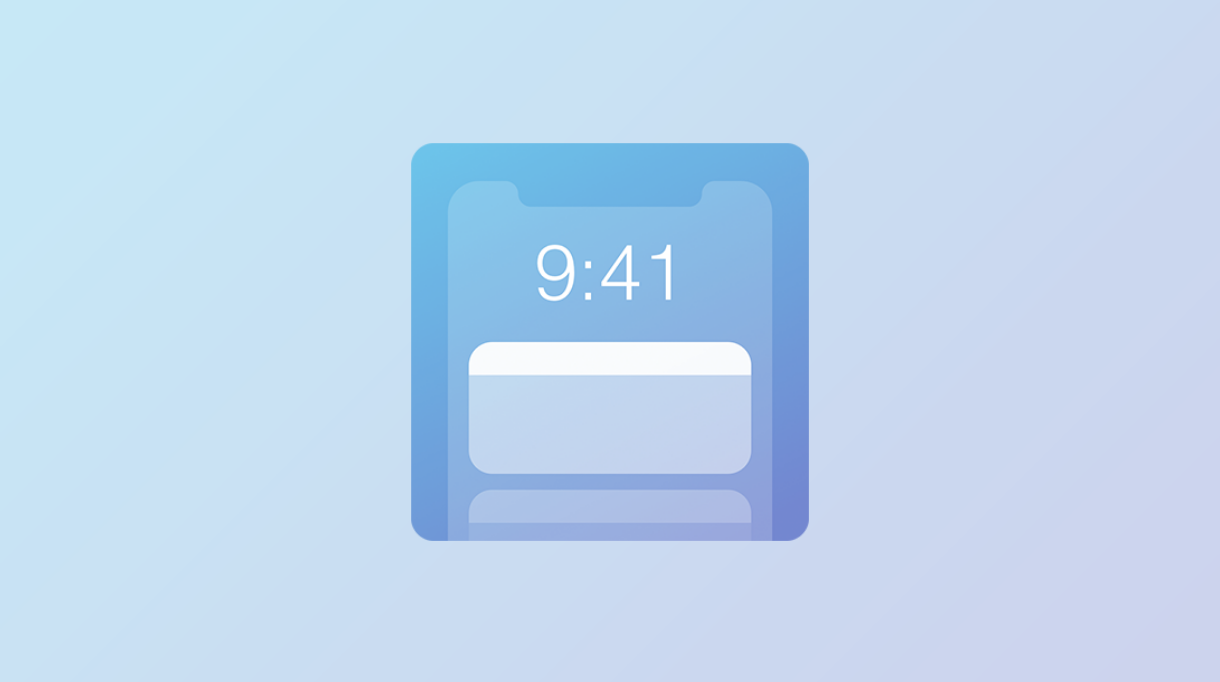
Have a favorite iOS widget, but wish you could see it directly from the Lock screen without needing to swipe over to the Today page? There’s a jailbreak tweak for that!
If you answered ‘yes’ to the question above, then we’d like to introduce you to LockWidgets, a newly released add-on by iOS developer ConorTheDev that lets you pin your favorite Today widget to the primary Lock screen page so you can view it at a glance:
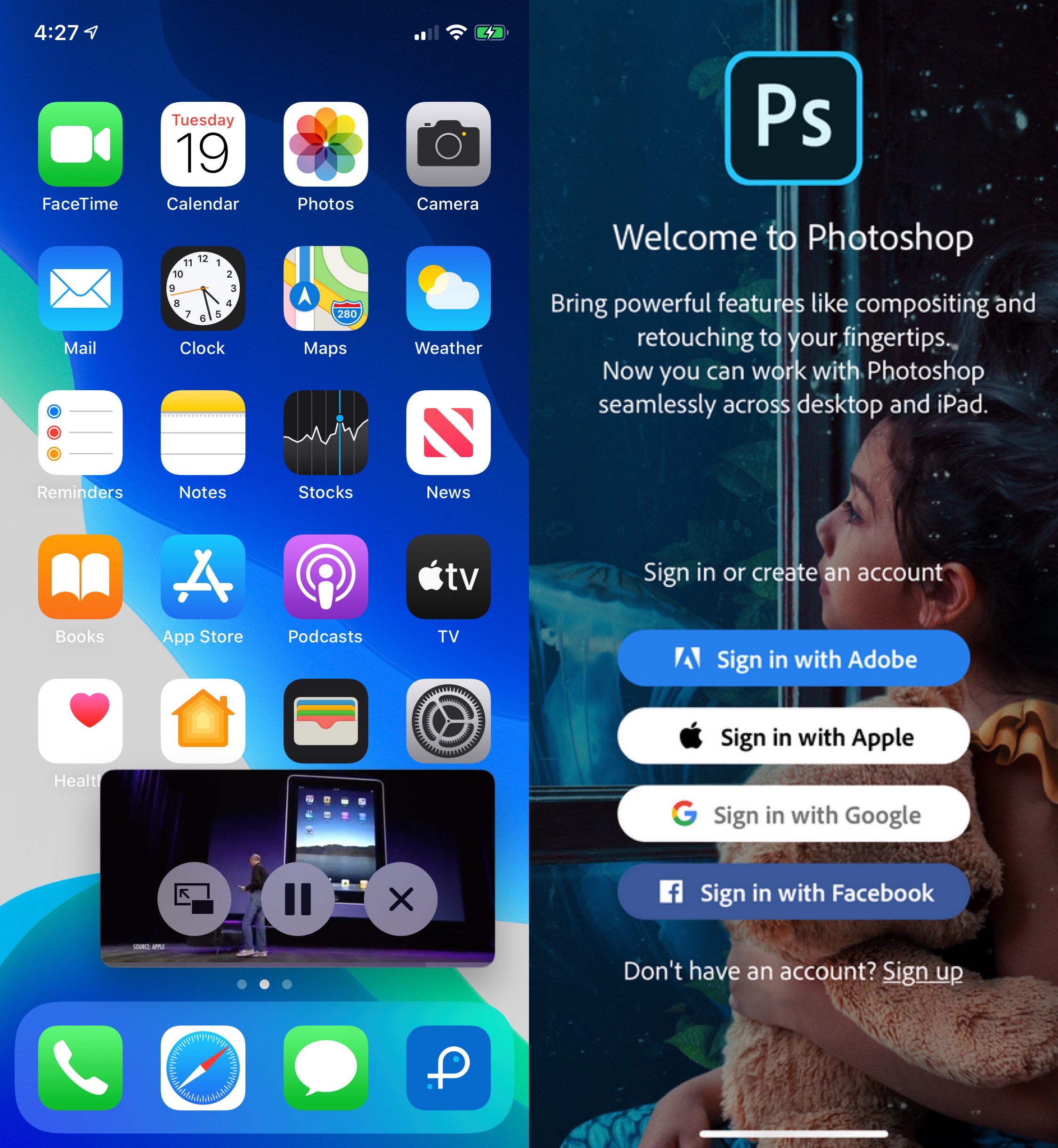
If you’ve ever used an iPad before, then you should already know that it sports handy capabilities that can’t be had on the iPhone or iPod touch — at least not on a stock device, that is.
With the help of a newly released and free jailbreak tweak called ipadify by iOS developer Guilherme Rambo, you can port several of the iPad’s premier features to smaller handsets, including native picture-in-picture video viewing and the ability to side-load iPad-only applications like Photoshop.
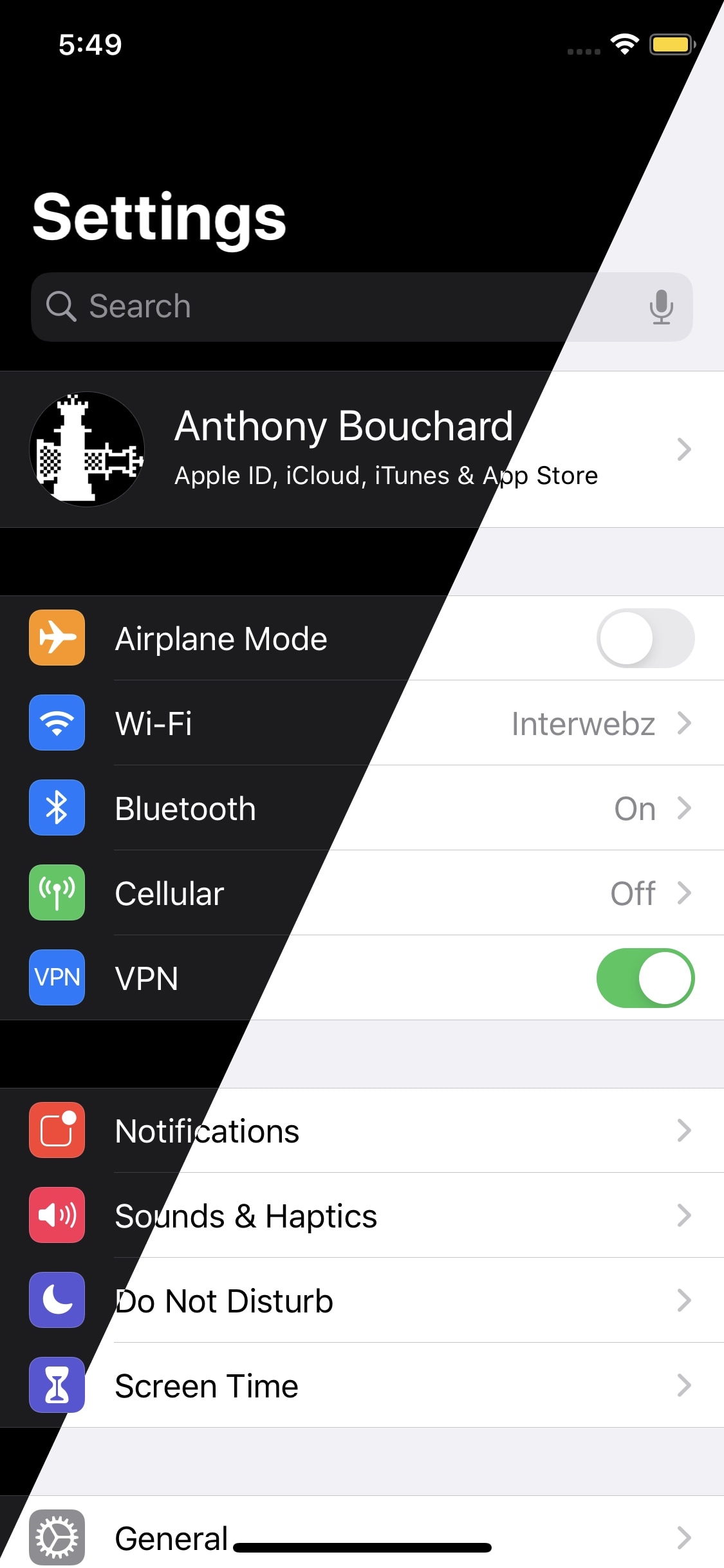
Apple integrates several ways into its mobile operating system to toggle iOS 13’s new dark mode feature on or off on demand, but perhaps you aren’t satisfied with them or you’d prefer to use a different method?
Enter Noire, a new and free jailbreak tweak by iOS developer MTAC that lets you turn dark mode on or off with a simple swipe-down gesture in the first page of the Settings app.