Apple's latest quarterly earnings results show how the company fared selling its products in the middle of an ongoing global pandemic.
Apple reports Q3 2020 revenue of $59.7 billion

Stay up-to-date on the latest iPhone news and learn new tips and tricks with our comprehensive tutorials. From software updates to new features, we’ve got you covered.
Apple's latest quarterly earnings results show how the company fared selling its products in the middle of an ongoing global pandemic.

Yesterday, a handful of CEOs that compromise "Big Tech" testified as part of a probe into antitrust behavior. Now, thanks to Congress, emails released to the government as part of that investigation are coming to light and revealing some interesting things.

Learn how to improve your online privacy by sharing only your approximate location with apps that request it.
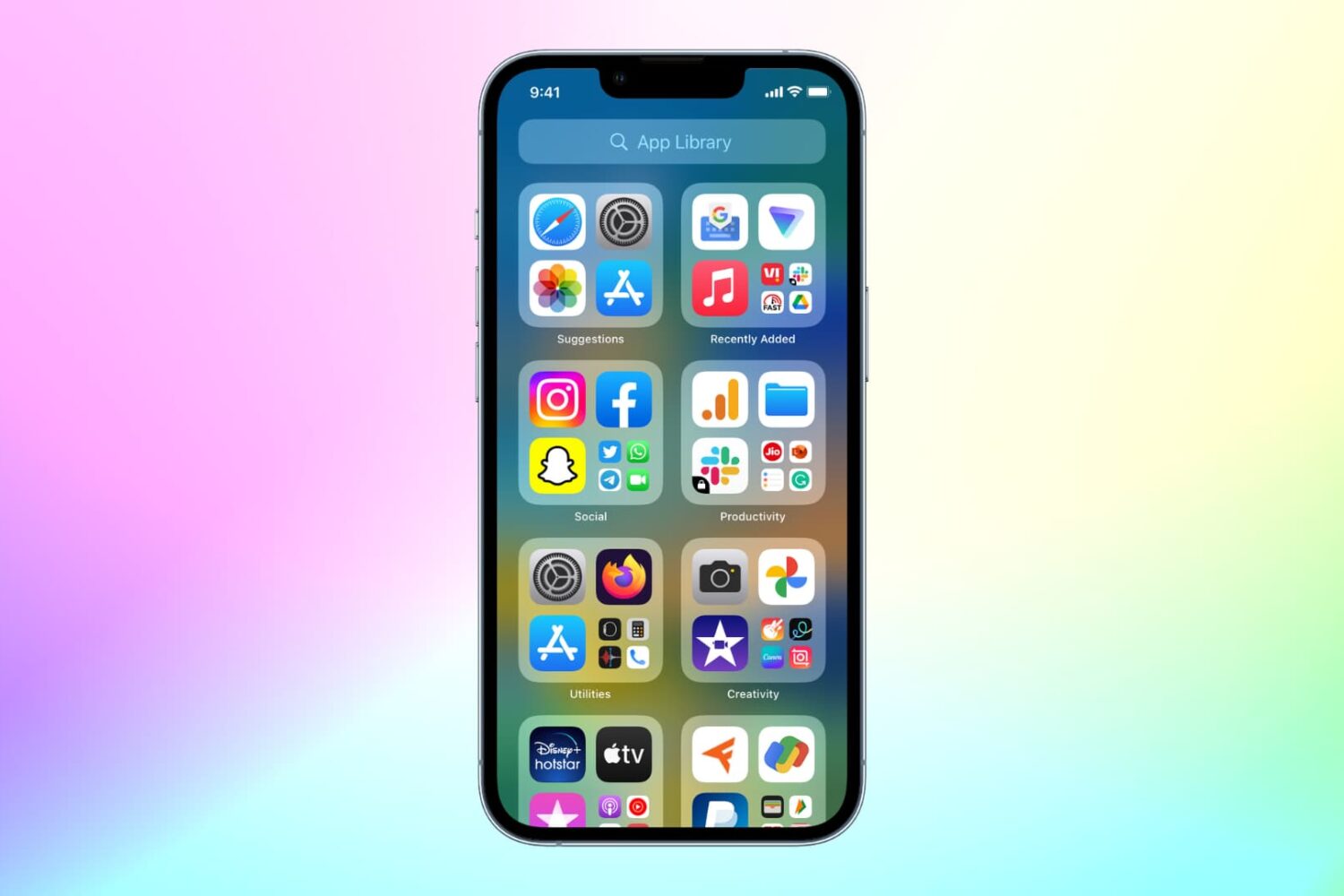
With the App Library feature on iOS 14 and later, your most-used apps are always just one tap away in a central place at the end of your Home Screen pages. And thanks to Siri intelligence, you can quickly launch apps you’re likely to be looking for. Follow along with us as we show you how to get to your recently installed iPhone apps or Siri-suggested apps via the App Library.
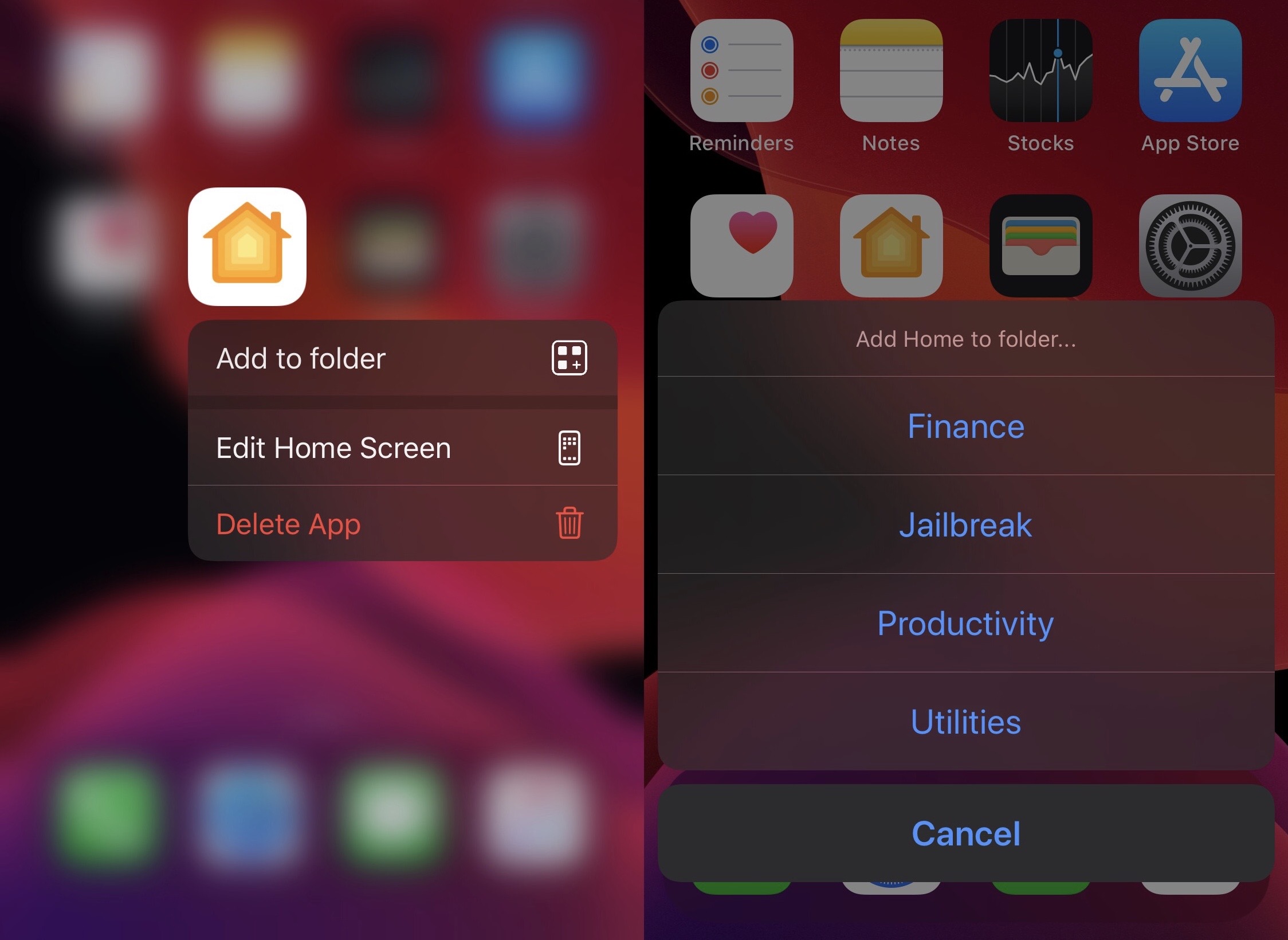
If you’re one of many who find the process of adding apps to folders on the iPhone’s Home Screen to be a cumbersome and tedious process, then we think you’re going to have a lot of fun with the likes of a newly released and free jailbreak tweak dubbed AddToFolder by iOS developer AnthoPak.
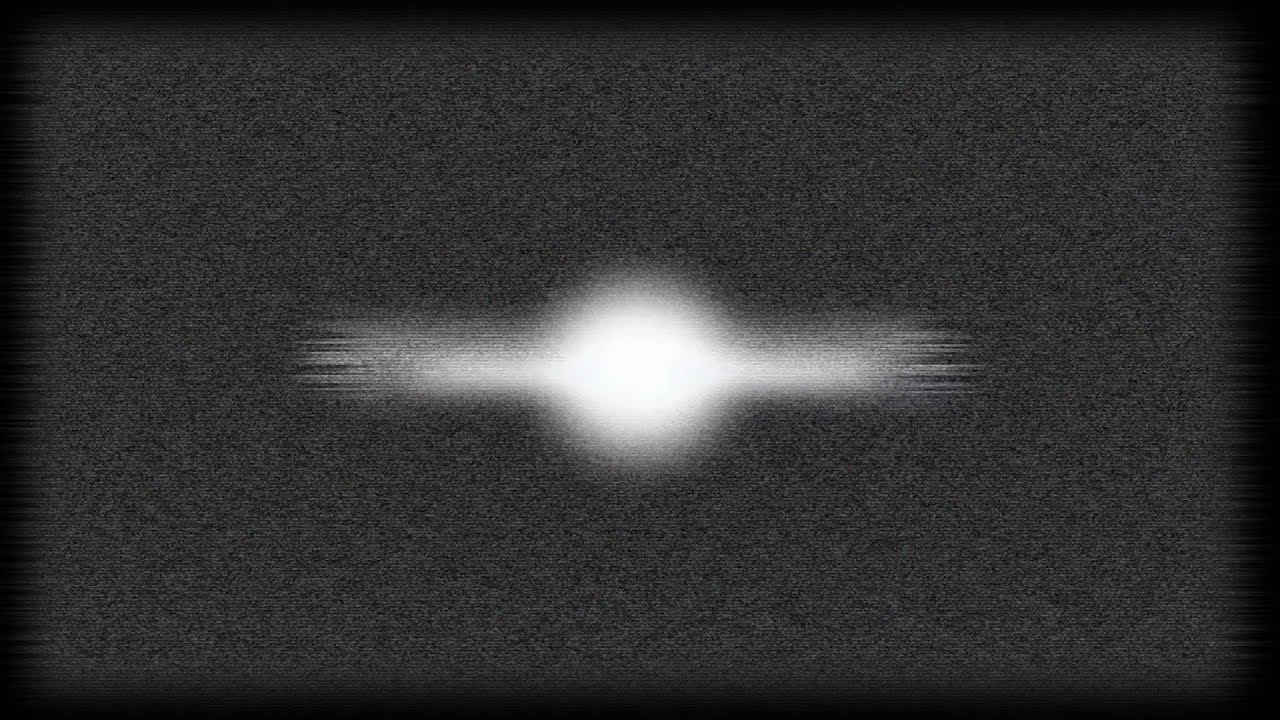
Sometimes it’s the simpler things in life that give us the greatest satisfaction, and a newly released and free jailbreak tweak dubbed TVLock13 by iOS developer Wes serves as a wonderful example of something so simple that can make your iPhone’s user experience better.
Just as the tweak’s name implies, TVLock13 introduces a classic television-inspired ‘off’ animation to your handset when you lock it, A.K.A put it to sleep. Unless you’ve been living under a rock, you’ve probably witnessed this animation previously since it has been particularly popular for jailbreakers over the years. The biggest change here is that this tweak brings the experience to pwned iOS 13 handsets, and at no cost.
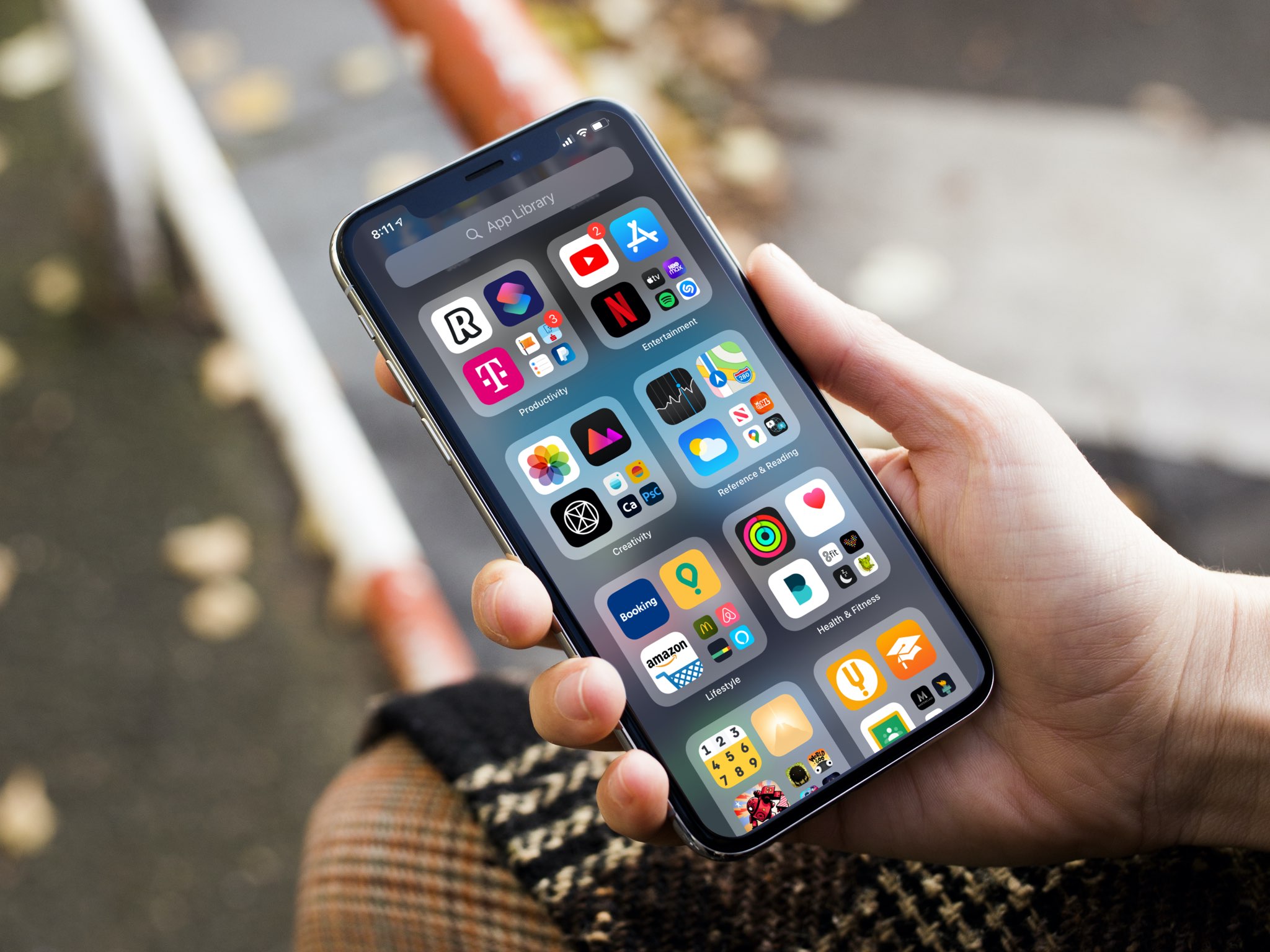
Apple gives you the option to choose for yourself where new iPhone and iPad app downloads will appear. Follow along as we show you how to set whether newly downloaded apps are added to the Home Screen or appear only in the App Library.
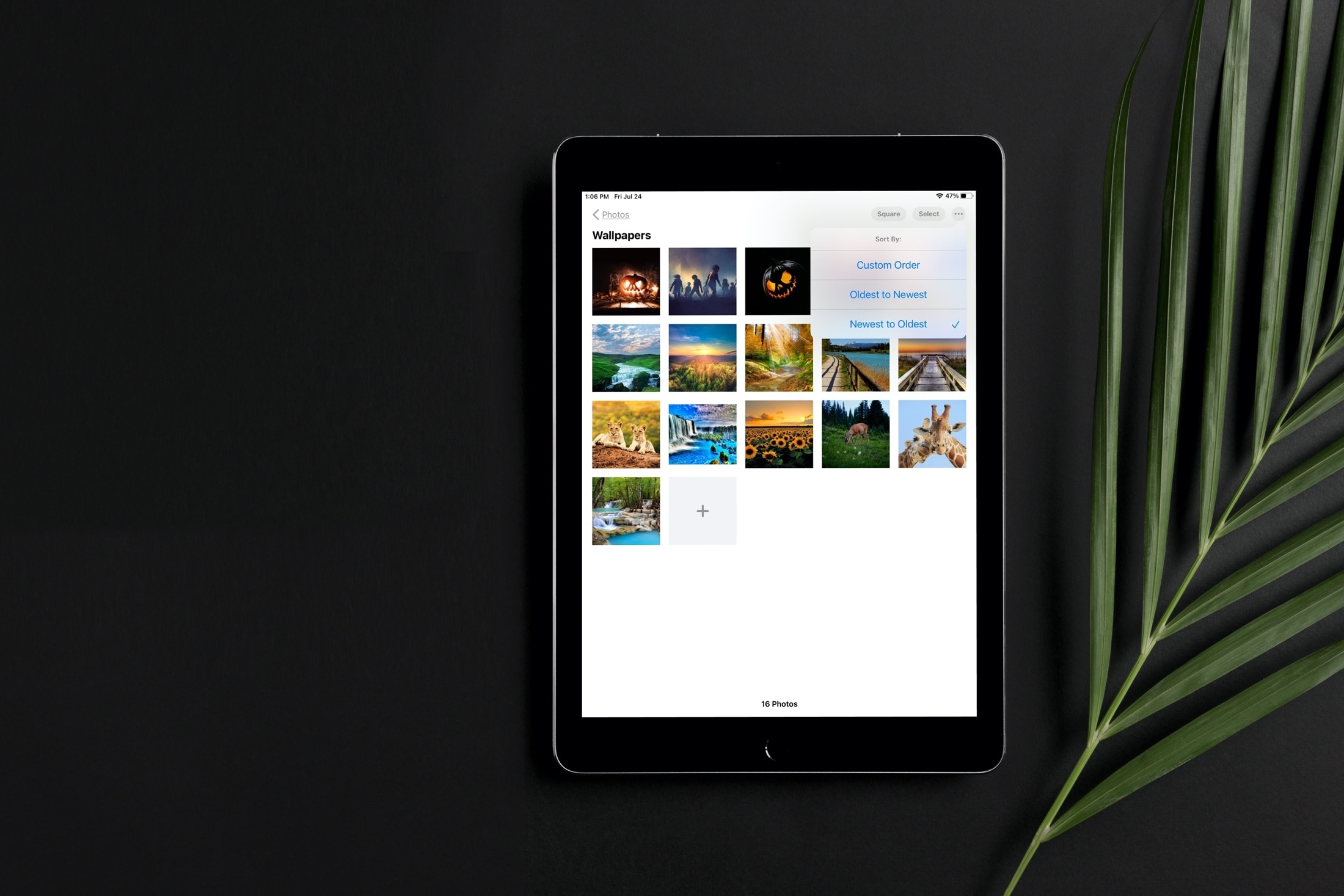
Learn how to sort images and videos in the built-in Photos app on your iPhone or iPad by date or custom order to organize your library.
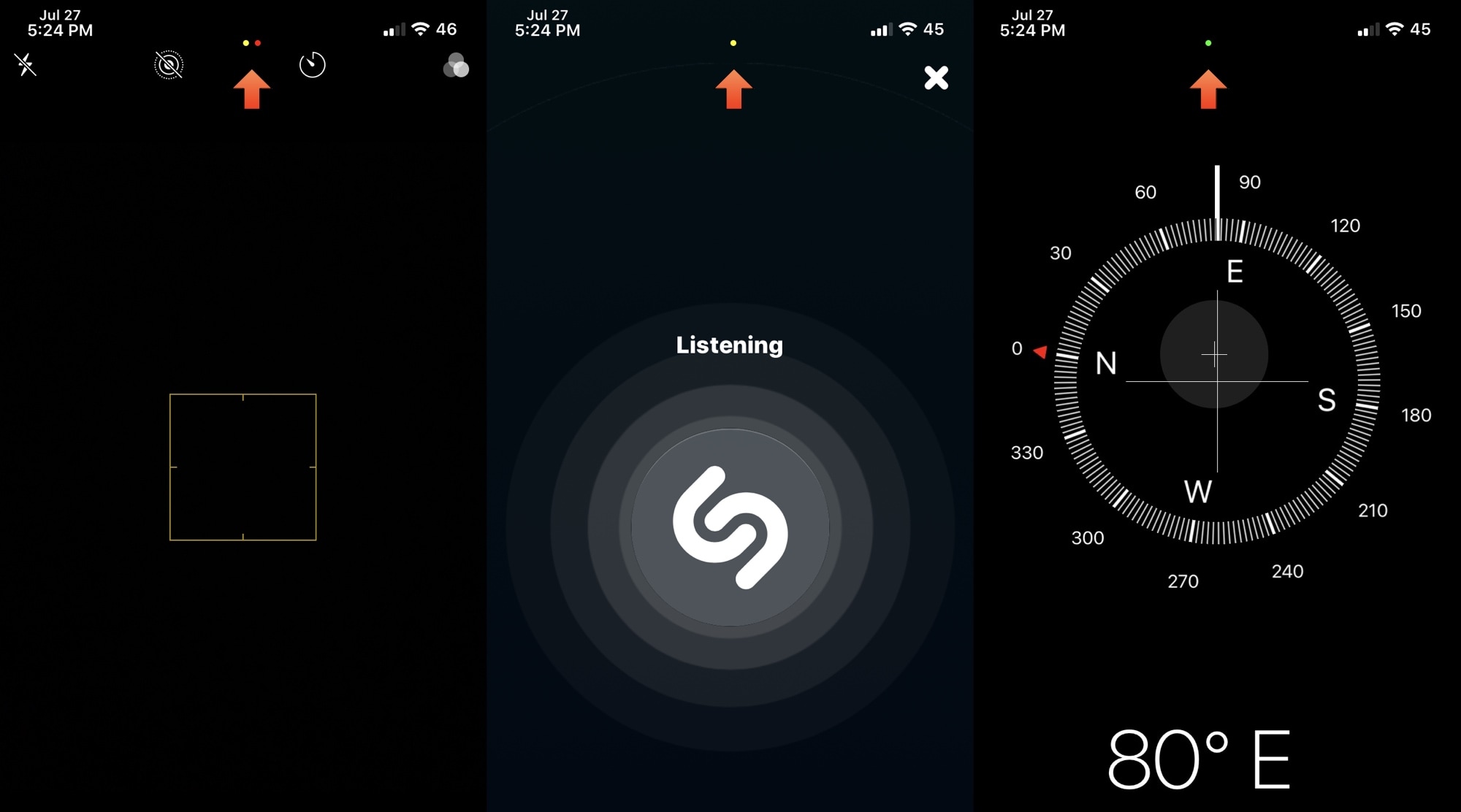
When iOS & iPadOS 14 are released this Fall, the software updates will introduce a bevy of useful new features to the iPhone and iPad platforms. Perhaps one of the most intriguing features that seemed to slip under the radar are the new privacy-centric indicator dots that appear the top of the display when an app or service begins accessing your handset’s camera, location, or microphone.
This particular feature was so highly sought after that even the Android community quickly developed a way to port this feature to their handsets. Unfortunately for those running iOS & iPadOS 13 or earlier, a similar solution wasn’t available – at least not until now, thanks to a new and free jailbreak tweak release dubbed Quorra by iOS developer Lightmann.
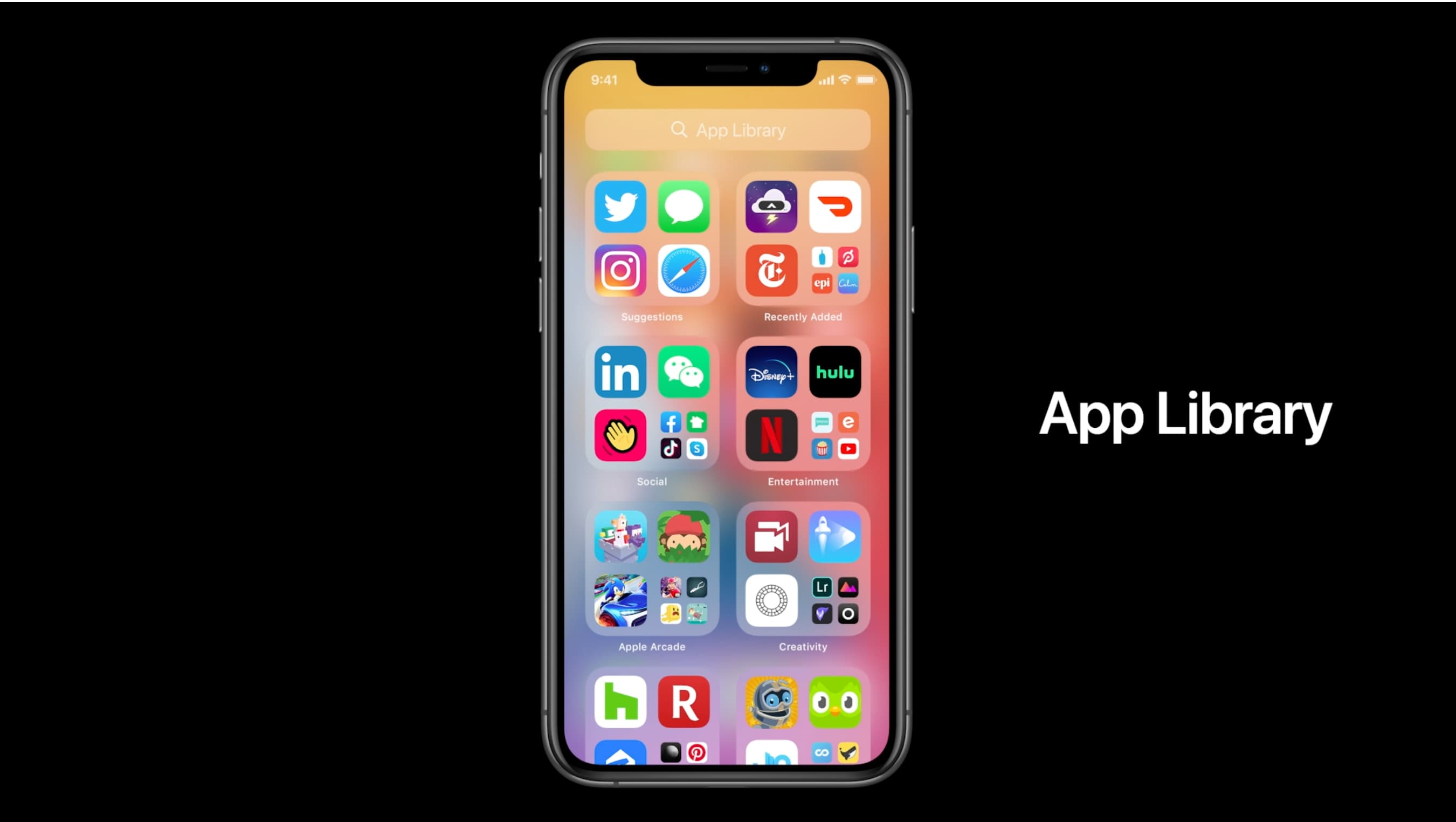
The App Library displays badges on app icons to denote unread notifications, but you can disable them if seeing those red circles is ticking you off. Follow along with our tutorial as we show you how to hide notification badges in the App Library on iPhone and iPad.
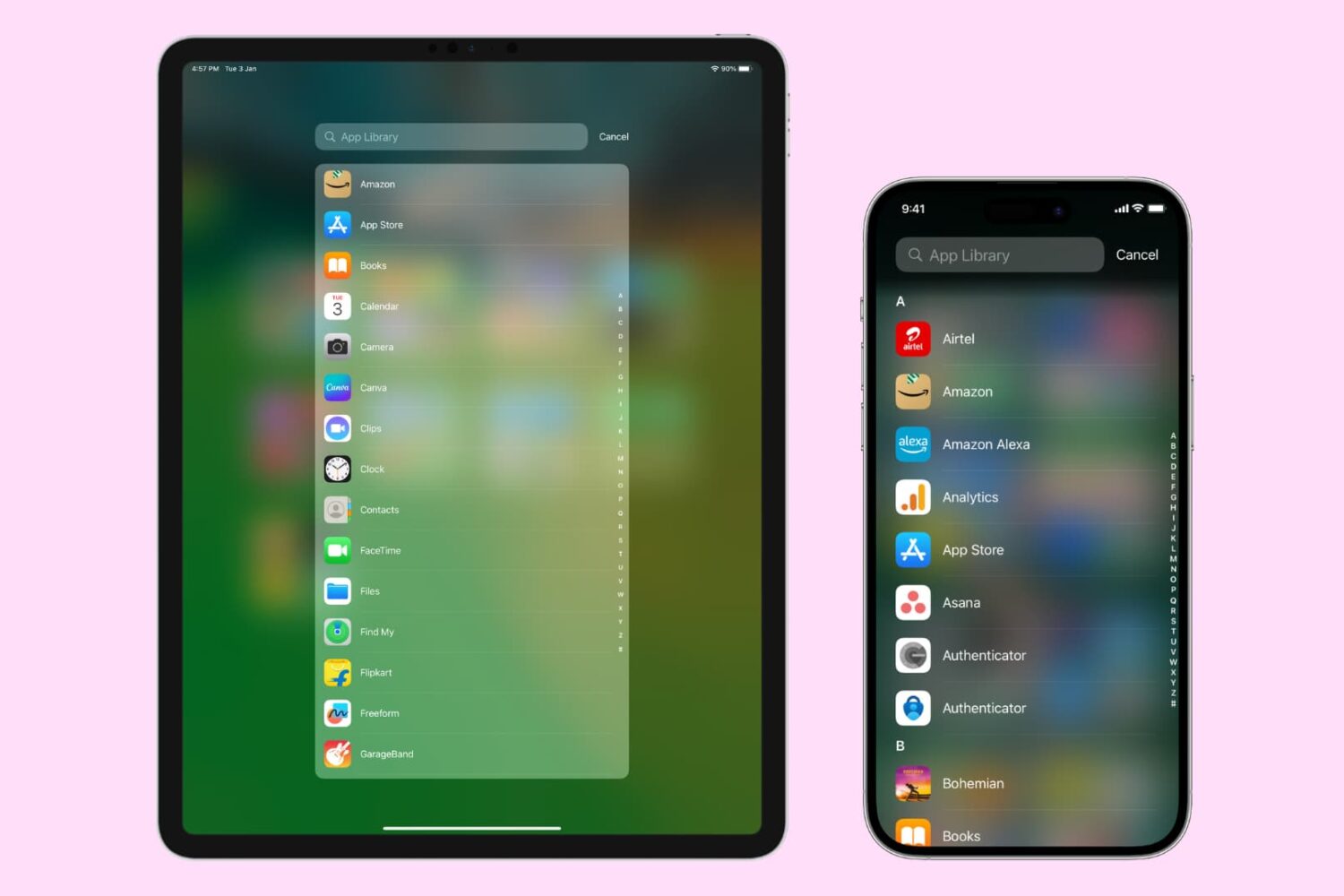
The App Library on your iPhone and iPad automatically organizes your apps, including a handy list view that alphabetically displays all the installed apps.
Follow along with our step-by-step tutorial detailing how to browse iOS and iPadOS apps in alphabetical order.
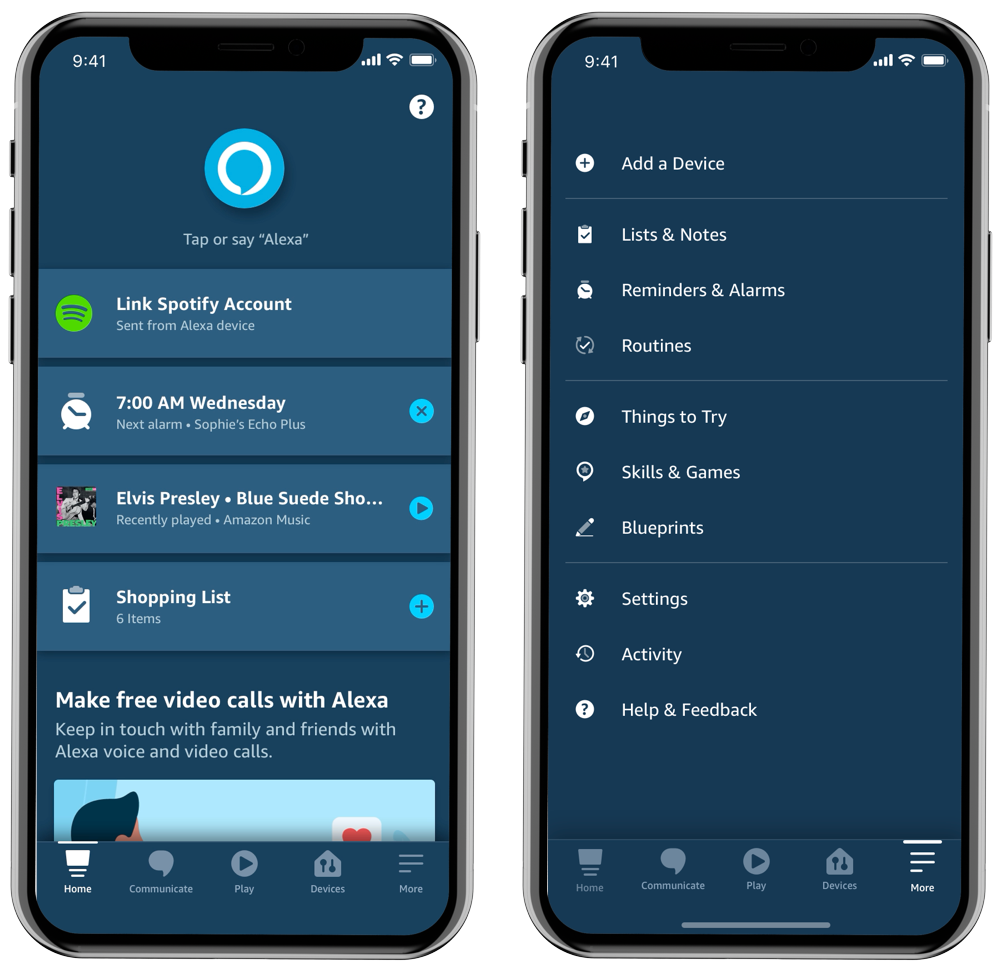
Amazon has overhauled its mobile Alexa app for iPhone and iPad around first-party features.