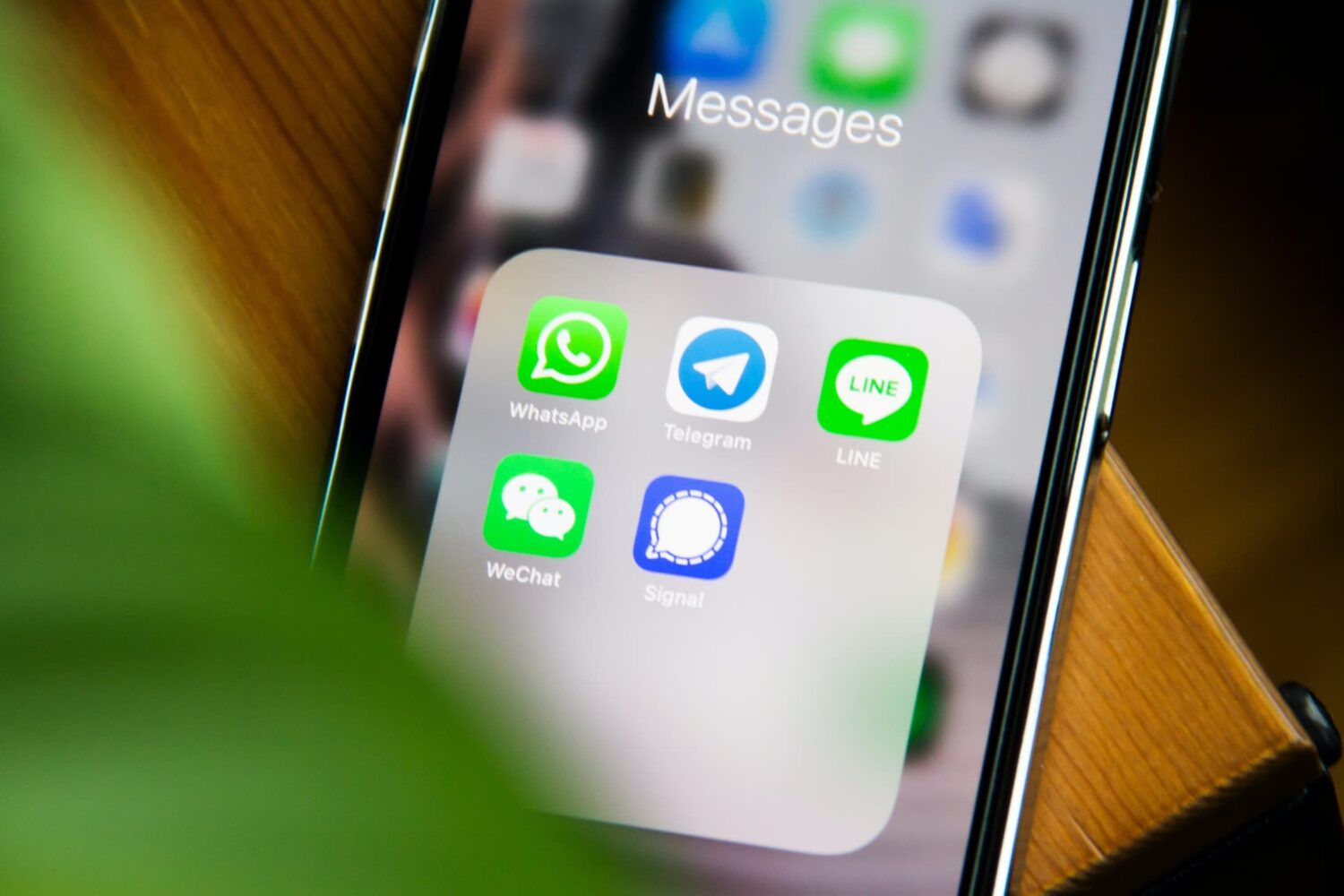
Meta has unveiled five new WhatsApp Status features, including reactions and link previews, to help boost the usage of this Stories-like ephemeral feature.
5 new WhatsApp Status features
Stay up-to-date on the latest iPhone news and learn new tips and tricks with our comprehensive tutorials. From software updates to new features, we’ve got you covered.
Meta has unveiled five new WhatsApp Status features, including reactions and link previews, to help boost the usage of this Stories-like ephemeral feature.
Learn how to use WhatsApp's Star feature (★) to bookmark important messages for quick and easy access later.
Learn why you may need the serial number of your Apple device and how to find it for your iPhone, iPad, Apple Watch, Apple Pencil, and Vision Pro, even if the device is lost, stolen, or not powering on.
If you look at the Lock Screen’s Now Playing media interface on an iOS 16 device beside an iOS 15 device, then you should notice some aesthetic differences.
Find out how much of your iPhone's storage space is lost to system files and how much of it is taken up by the iOS operating system itself, and then follow a quick trick to reclaim some space!
Learn how to prevent your iPhone messages, calls, emails, and app notifications from showing up on your shared Mac to enhance your privacy.
Live Activities are a feature introduced by Apple in iOS 16 to make your iPhone display useful information via the Lock Screen. Live Activities are interactive notifications that may show information such as your Uber progress, sports scores, or a wide array of other information types.
Zooming in on Instagram stories with the familiar pinch gesture will make it easier to discern tiny text and examine image details in people's stories up close.
You’ve made it to iDB’s weekly roundup of the latest iPhone and iPad hacking news, where we show you what’s new in the jailbreak community, bug and exploitation developments, and anything else that may interest you if you enjoy these kinds of stories from this past week.
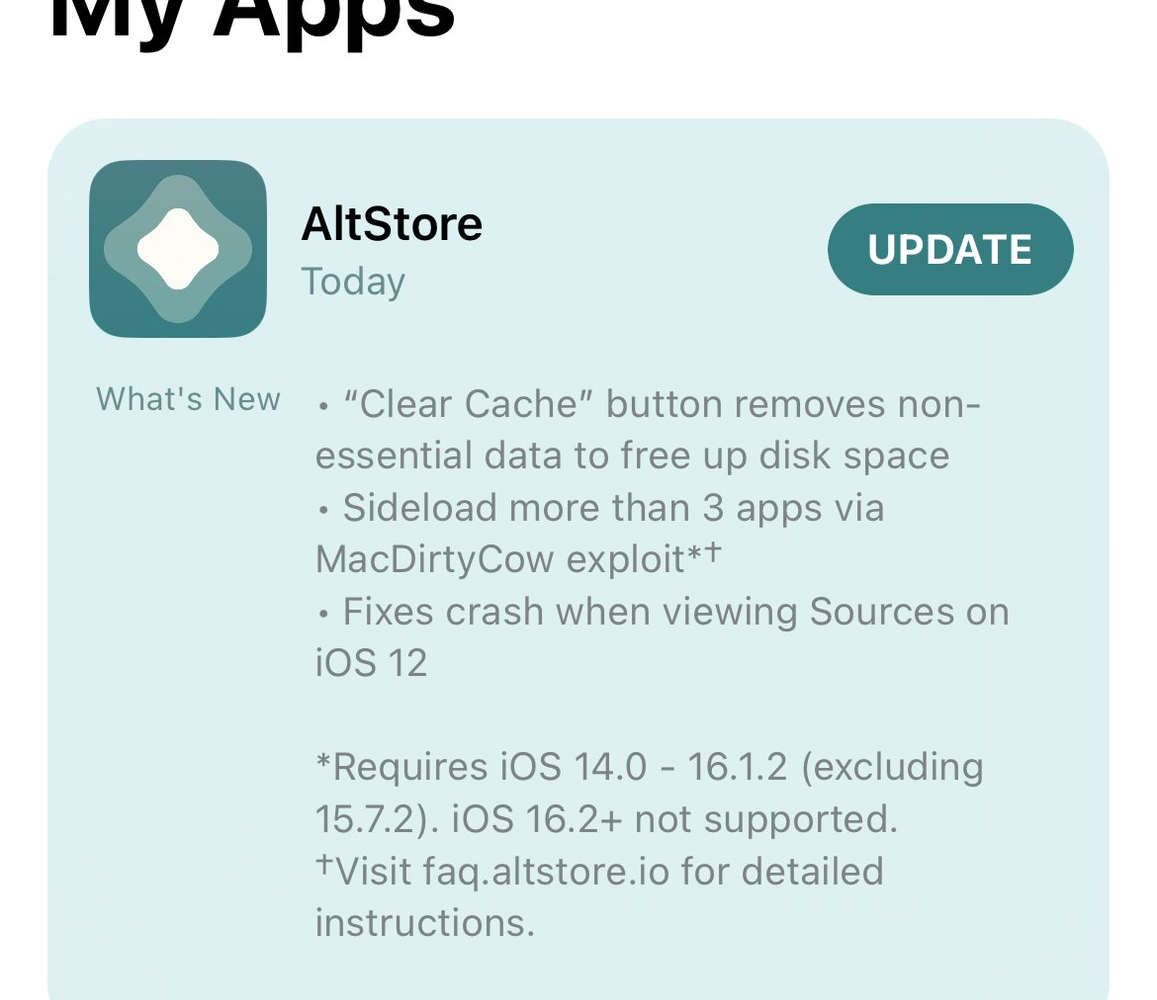
Jailbreaks are hard to come by these days, which is why so many people currently use TrollStore on iOS 14.0-15.4.1 (and some 15.5 and 15.6 betas) or the MacDirtyCow bug (on iOS 15.0-16.1.2) to enjoy a subset of must-have system mods.
This tutorial will show you how to change the default keyboard on your iPhone or iPad to a third-party option, such as SwiftKey or Gboard. We will also cover three specific situations when the iOS keyboard forces itself onto the screen.
Learn how to control your iPhone or iPad using head tilts and hand pinch gestures by enabling the Switch Control accessibility feature.