iPad

From the latest news to the most comprehensive tutorials, learn how to get the most out of your iPad with our step-by-step guides and expert tips.

Instagram testing private sharing feature

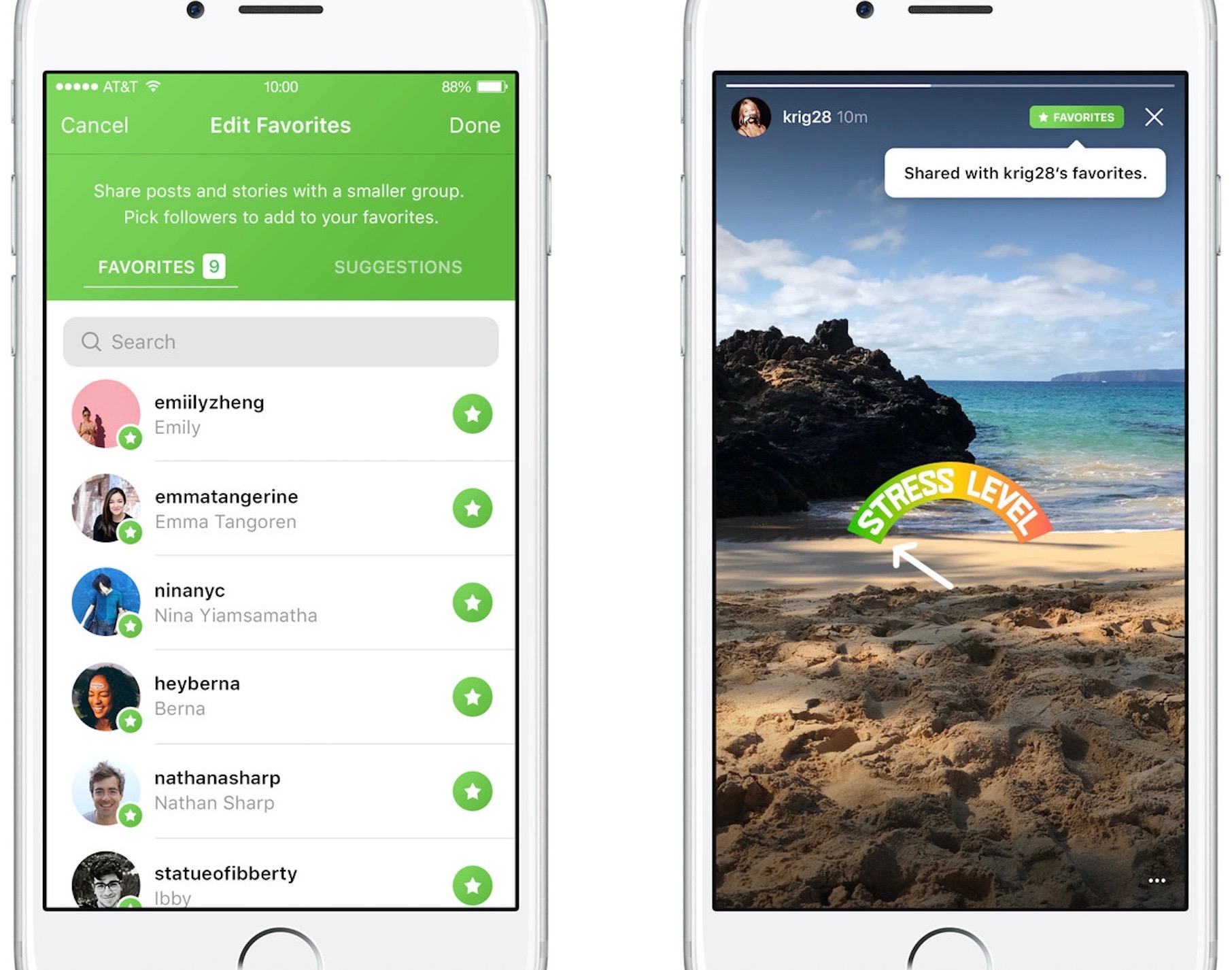
Photo-sharing service Instagram on Friday kicked off a small test for a new private-sharing feature. Called Favorites, it should roll out to all users over the next few months.

Instagram's product lead Robby Stein told The Verge that they've been working on the new private-sharing feature for more than a year.

Privately shared content is denoted by a green Favorites badge on the post.

By hand-picking followers for the new Favorites section, users can easily create a more limited group of the closest friends with whom they can privately share posts and Story updates.

Anyone not in the Favorites list won't be able to see your privately shared posts.

You'll be able to browse all the non-ephemeral posts you’ve shared to your Favorites over time by tapping a new Favorites tab on your Instagram profile.

According to The Verge:

No one gets notified when you add or remove them to the list. They’ll know they’re your favorite only when they see a green Favorites badge at the top of your posts. They can’t request to be added to your list through the app.

And if you remove them from your Favorites, they lose access to all of your private posts. If they visit the Favorites tab in your profile, it will appear to be empty.

There is currently no way to share Instagram posts with select friends only.

You can set your Instagram account to private at any time to personally approve follow requests from a handful of your closest friends, but that approach has many flaws of its own.

According to Stein, people with private accounts often approve hundreds of follow requests due to social pressures and are using Instagram less as a result. “People are trying to hack Instagram to create smaller audiences, and we’re trying to recognize that,” said Stein.

It remains to be seen if Instagram Favorites will come to all users. Given they've been working on this feature for more than a year, I'll be surprised should they decide to pull it.

Will you use the Favorites feature when it rolls out, and why?

Do chime in with your thoughts in the comments section!
Apple seeds fourth beta of iOS 10.3.3 and tvOS 10.2.2 to developers

Apple on Thursday released a fourth beta of iOS 10.3 for iPhone, iPad and iPod touch, as well as tvOS 10.2 for Apple TV. iOS 10.3.3 beta 4 (build number 14G5053a) and tvOS 10.2.2 beta 4 (build number 14W5751b) are now available to Apple's registered developers and members of the Apple Developer Program through Dev Center.

To deploy them over the air, use the Software Update mechanism in the Settings app. Your iPhone, iPad, iPod touch or Apple TV must have an Apple beta configuration profile installed.

Both iOS 10.3.3 and tvOS 10.2.2 are bug-fix releases with no new user-facing features. They're probably the last point updates as Apple is currently beta-testing the next major versions of its platforms: iOS 11, watchOS 4, macOS High Sierra and tvOS 11.

Hands-on with iOS 11 beta 2: DND While Driving and other new features, changes & fixes

Apple (somewhat surprisingly) dropped the second beta of iOS 11 to developers on Wednesday with a myriad of changes and bug fixes. While there doesn't seem to be a huge number of user-facing enhancements, there are still quite a few notable changes and new features in this beta.

A large number of prominent bugs have been fixed that have been plaguing users, like crashing when deleting a voicemail, manual screen brightness not staying set, 3D Touch on phone numbers and addresses not working.

Unfortunately, with all of those bug fixes are several new bugs and known issues.

For instance, an SOS alert may still be sent even though the user cancelled it. This is a good reminder this is an early developer beta that should only be run on secondary devices.

As for the new features, we have the initial implementation of the much touted Do Not Disturb While Driving mode that will lock your phone as well as send a custom auto-reply (customizable in Settings → Do Not Disturb) should someone text you.

Control Center can now be disabled inside of applications, like on prior iOS editions. And far from last, the Files app now has started to show external locations like Google Drive and Box.

New features and changes

This is what you probably wanted to know about iOS 11 beta 2.

CarPlay now has lane guidance in Maps Smaller speed in Maps To edit/add filters in Photos you now tap the edit button in the top right corner instead of the sliders icon Now Playing widget has been tweaked New phone placeholder icon when no album artwork present in Now Playing widget Audio source switcher is now available on Lock screen New orange color for the new Echo effect in Messages Do Not Disturb While Driving is enabled with extra options in Settings Control Center can be turned on or off while in apps New search options within Apple Music You can now select multiple items in Photos Bluetooth widget now works the same as Wi-Fi: instead of turning off, it will just disconnect from whatever is connected to it Notification Center pull down has a gradual blur New Share sheet extension: Save to Files app Safari has new experimental features in Settings Dictation is now available in Hindi New options in Settings to make notification banners permanent or permanent Built-in screen recorder boosts video capture resolution to 1080p

Take a look at our hands-on video to see all of these new features and more in action.

https://www.youtube.com/watch?v=TZ5pwZMPRxI

Subscribe to iDownloadBlog on YouTube

And here's a quick overview of the most important fixes.

Bug fixes 3D Touch data detectors are now working for phone numbers, addresses, etc. Screen brightness stays at set level YouTube search bar has returned More stable Bluetooth connections (Dexcom) Android Migration now works as intended Crashing when deleting voicemails is fixed Lock screen no longer rotates Long exposure photos are now higher quality than in first beta Wrapping it all up

As we conclude our tour of all the changes, fixes, improvements and new features in iOS 11 beta 2, feel free to tell us about your own discoveries and observations in comments or via tips@iDownloadBlog.com.

What's your favorite change in iOS 11 beta 2 thus far, and why?

The best jailbreak tweaks for the Lock screen

The Lock screen separates the outside world from your personal data and is the first thing you interact with any time you use your device. If you're using the Yalu jailbreak for iOS 10, then you might be wondering about the best ways to personalize it.

In this piece, we’ll discuss the best Lock screen-oriented jailbreak tweaks released since the iOS 10 jailbreak launched to the general public.

Second beta of iOS 11 seeded to developers

Apple today seeded a second beta of iOS 11 to its registered developers and members of the Apple Developer Program. To download and install the update, use the Software Update mechanism on your iPhone, iPad or iPod touch, which must be running the previous beta and have an appropriate configuration profile installed (you can download it through Dev Center).

This second beta doesn't seem to come with new features, but rather looks like it is focusing on the usual bug fixes and performance improvements.

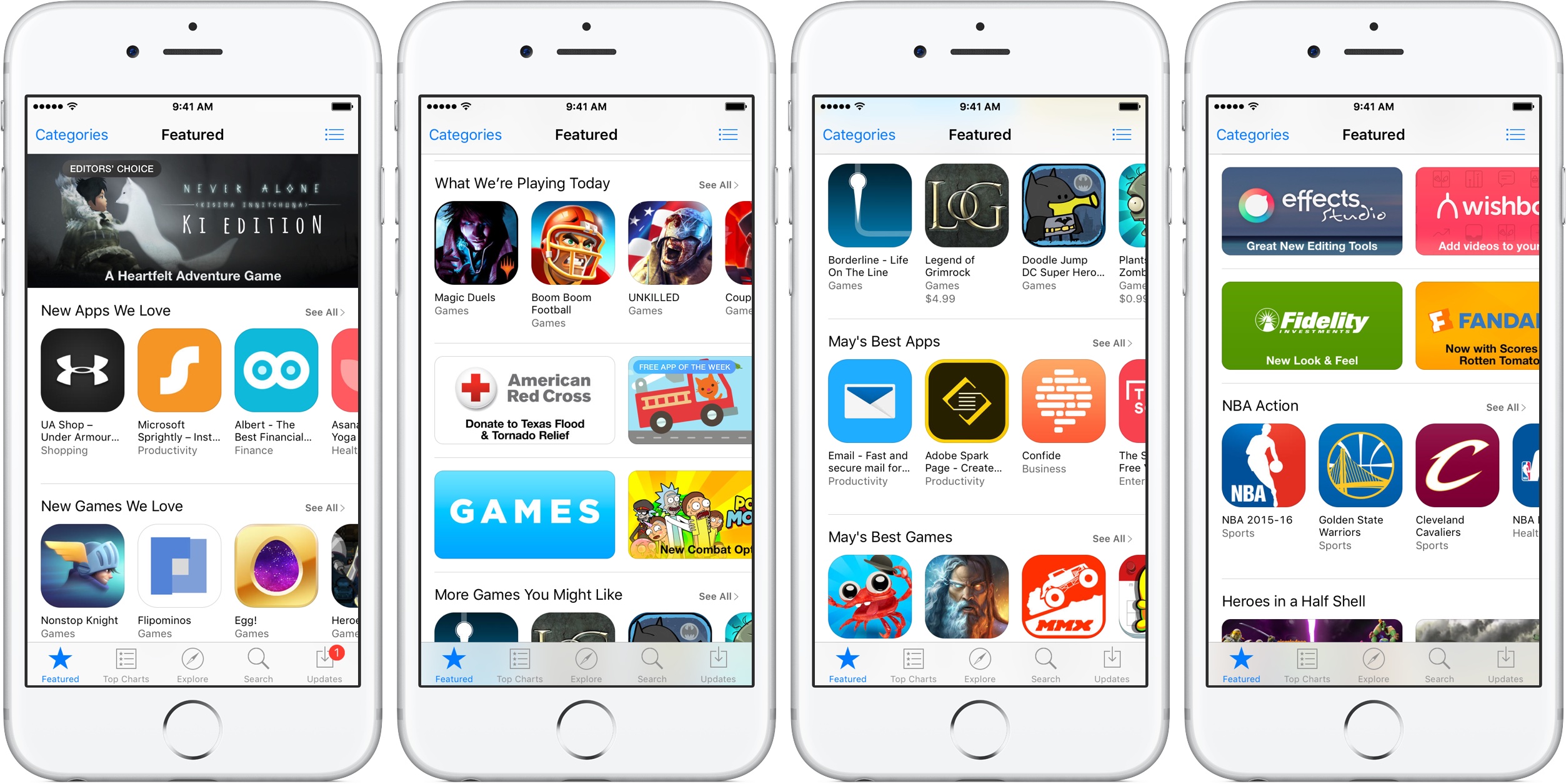
The first developer-only beta of iOS 11 brought out a bunch of new features and platform technologies, including a major revamp for App Store, advanced multitasking features on iPad, drag and drop, a new Files app, AirPlay 2 with multi-room audio, new Siri capabilities and more.

https://www.youtube.com/watch?v=-hoPcMPvL88

Subscribe to iDownloadBlog on YouTube

iOS 11 also packs in many visual refinements across the system designed to make Apple's mobile operating system look prettier than ever. Some of the visual tweaks include bolder headlines across stock apps, a redesigned app drawer in Messages and much, much more.

If you spot new user-facing features, changes or important refinements in iOS 11 beta 2, be sure to ping us on Twitter or shoot us an email via tips@iDownloadBlog.com (attach any screenshots, if necessary) and we'll update the article with any relevant new information.

Videos: cool stuff made with ARKit

Eager to learn why Apple's new ARKit framework is such a big deal? Look no further than a new website which offers a hand-picked curation of some of the coolest stuff developers have made thus far with ARKit, via The Loop.

For the uninitiated, augmented reality experiences superimpose computer-generated imagery on top of live video feed of the real world. According to Apple, ARKit uses a technique known as Visual Inertial Odometry to accurately track the world around an iPhone or iPad by fusing camera sensor data with motion data.

“These two inputs allow the device to sense how it moves within a room with a high degree of accuracy, and without any additional calibration,” the company says.

The following videos offer a look at the capabilities of the ARKit framework.

https://www.youtube.com/watch?v=nMd0dIAEJuc


https://www.youtube.com/watch?v=1hvfpxaxGwc


https://www.youtube.com/watch?v=6OV2mBbNtVk


https://www.youtube.com/watch?v=2xrVFDRJ8HQ


https://www.youtube.com/watch?v=R4OeFjZCi9o


https://www.youtube.com/watch?v=OHJRExynkuI


https://www.youtube.com/watch?v=VdaWHv6hmJk


https://www.youtube.com/watch?v=njQSiO2uj0s


https://www.youtube.com/watch?v=Rq2NChZ3c4E


https://www.youtube.com/watch?v=4HY868Jskrc

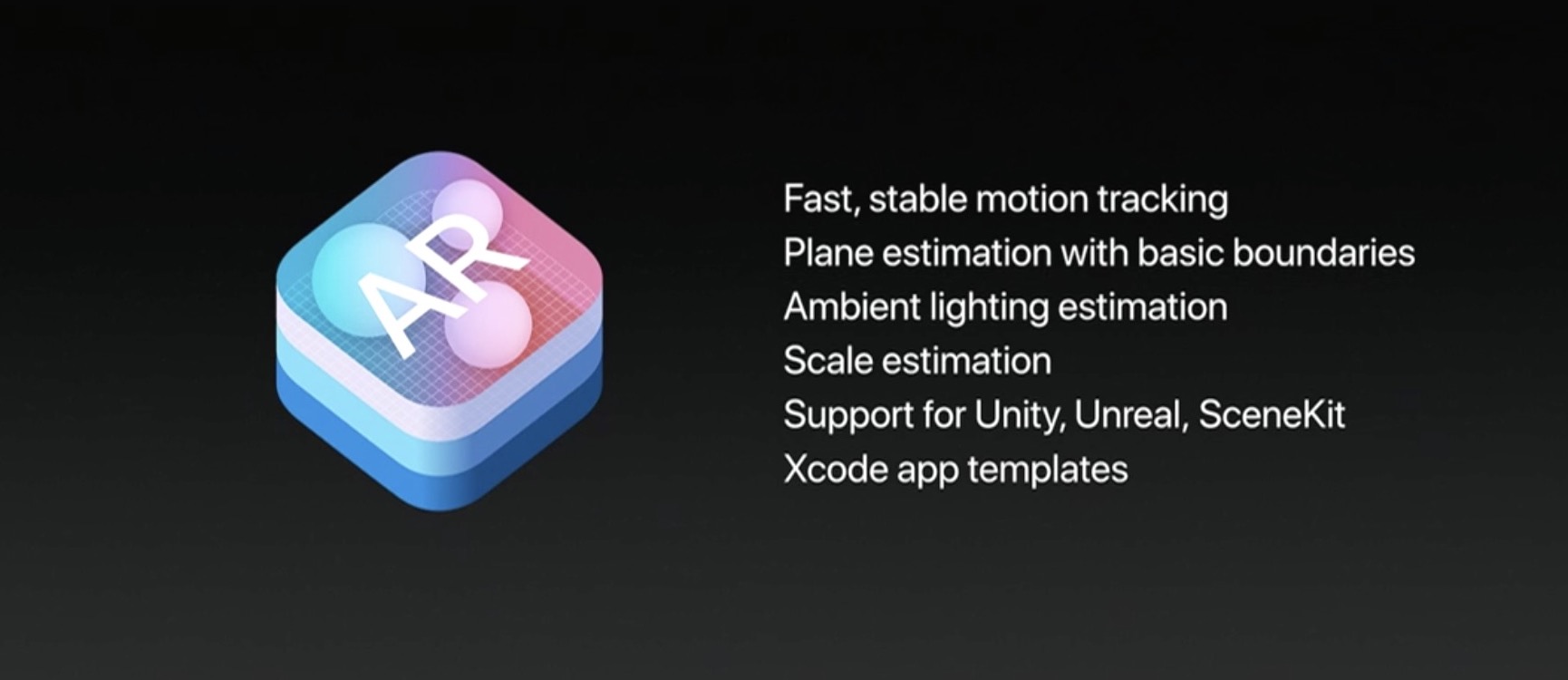
The ARKit framework uses computer vision to determine the layout of your surroundings and automatically find horizontal planes like tables and floors. It can track and place objects on smaller feature points and apply the right type of light to a virtual object in order to match the current lighting conditions in your room.

Ikea is working on an AR app in partnership with Apple that will let users try out furniture in augmented reality before buying it. Apple's WWDC 2017 keynote demos included an upcoming ARKit-driven game, called Wingnut AR, by director Peter Jackson's AR company.

If you like these demos, be sure to follow @madewithARKit on Twitter.

ActIf 2 brings conditional statement support to Activator

To say Activator is a useful tool for jailbreakers is an understatement; the popular extension is by far one of the most powerful tools ever designed for jailbroken devices, and its popularity today is a testament to how the classics never die.

Despite how useful it is out of the box, you can now make it even more powerful with a new jailbreak tweak dubbed ActIf 2 by iOS developer Jay Zuerndorfer, which adds support for conditional statements.

This tweak makes the App Switcher’s Home screen card more consistent

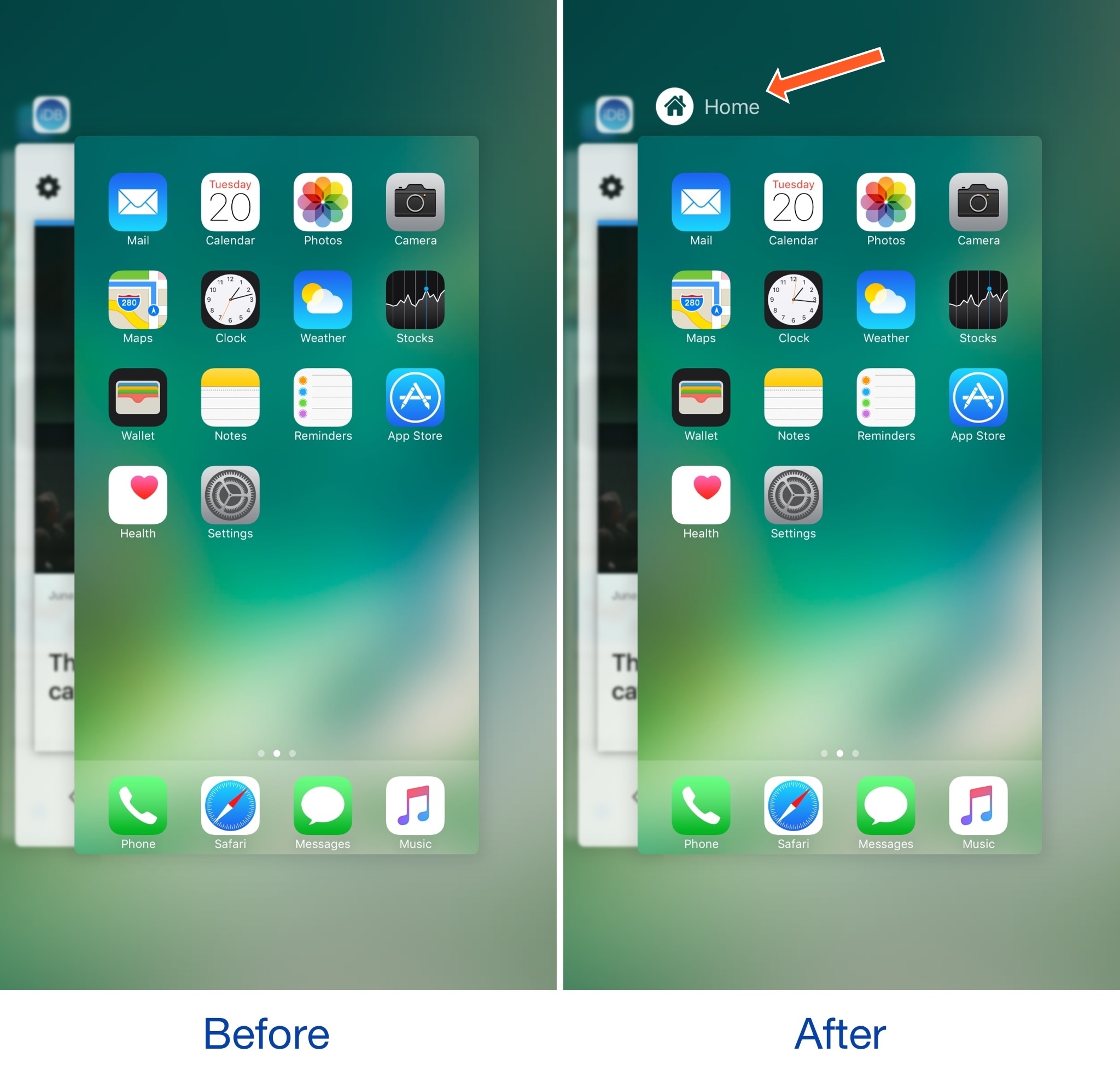
The App Switcher has a Home screen card in addition to those for each of your recently used apps. While each app has its own header with an icon and label above it, the Home screen card unfortunately does not.

A new free jailbreak tweak called HomeCardIconLabel by iOS developer DGh0st does away with this inconsistency and adds both a label and icon to the top of the Home screen card in the App Switcher.

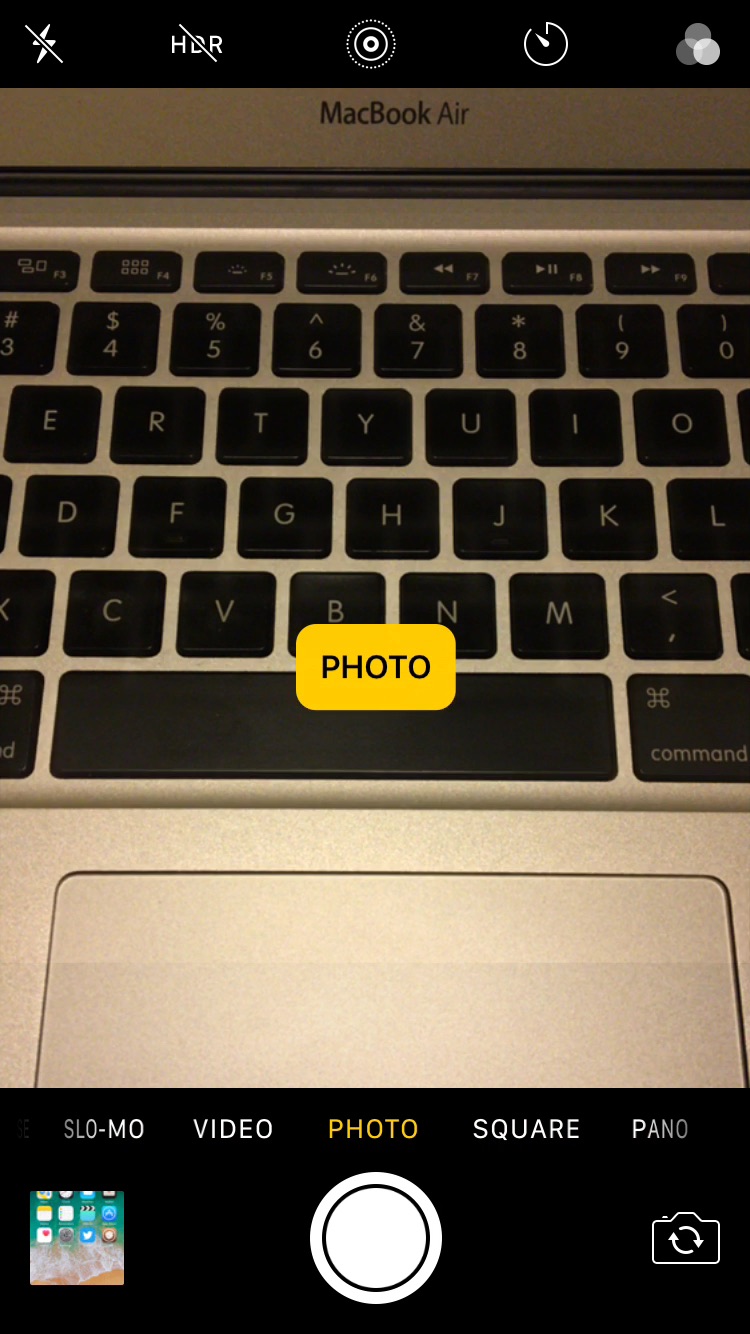
CamMode adds a mode-switching HUD to the Camera app

The Camera app in iOS has a host of different shooting modes that you can switch between by swiping left or right in the viewfinder frame.

The carousel selector just under the frame displays the shooting mode you’re currently using, but iOS could do a much better job communicating this information with the user, especially in the wake of accidental swipes. Developer Cole Cabral agreed, and so he made a new free jailbreak tweak called CamMode.

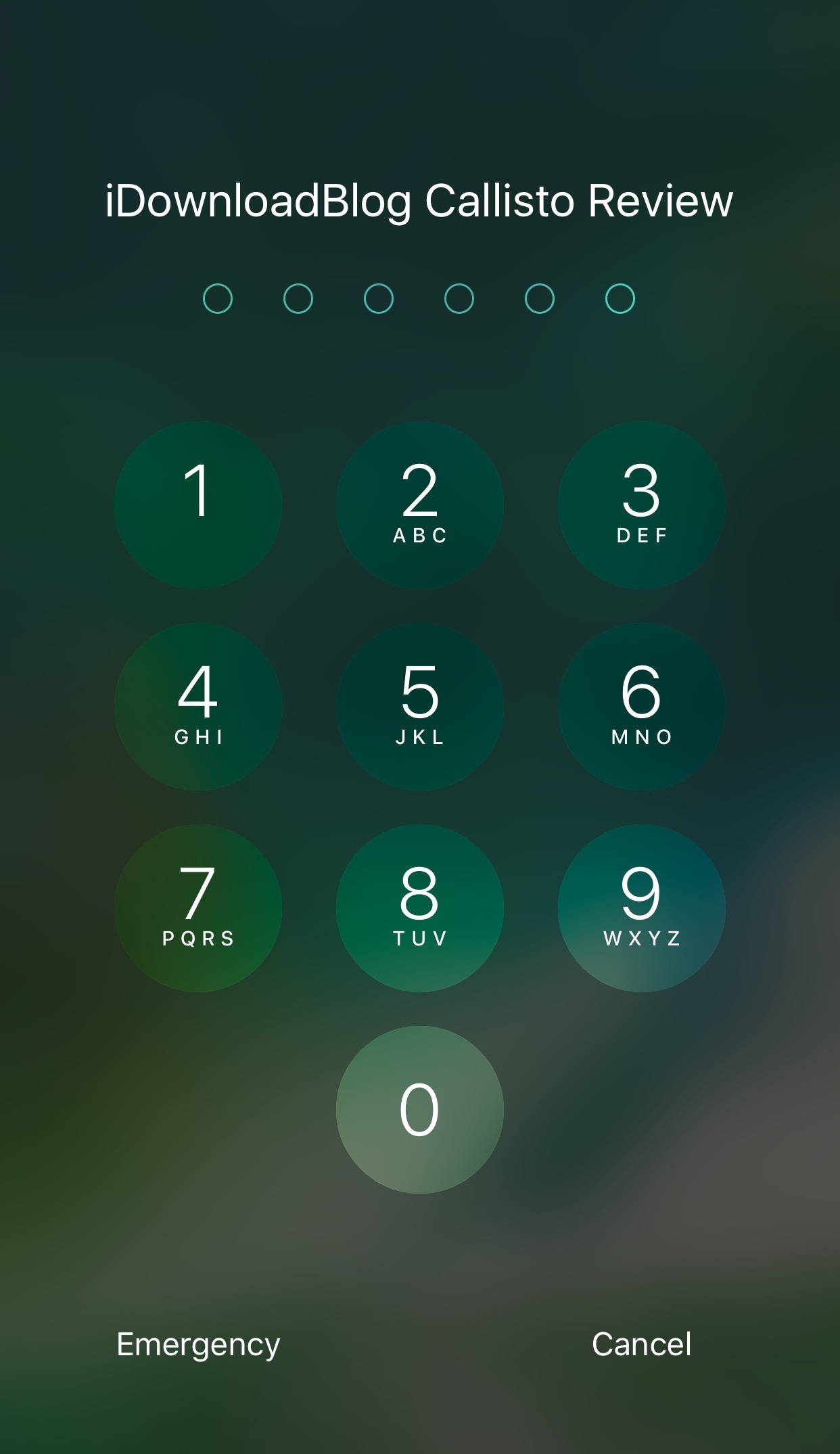
Spice up your Lock screen’s passcode capabilities with Callisto Pro

Whether you’re using Touch ID or a passcode to secure your device, a new jailbreak tweak dubbed Callisto Pro (iOS 10) by iOS developer ijapija00 provides a host of new features for customizing the passcode-entry experience.

It's jam-packed with both aesthetic and functional features, letting you not only customize the way your passcode keypad looks and feels, but also the way it keeps your device protected.

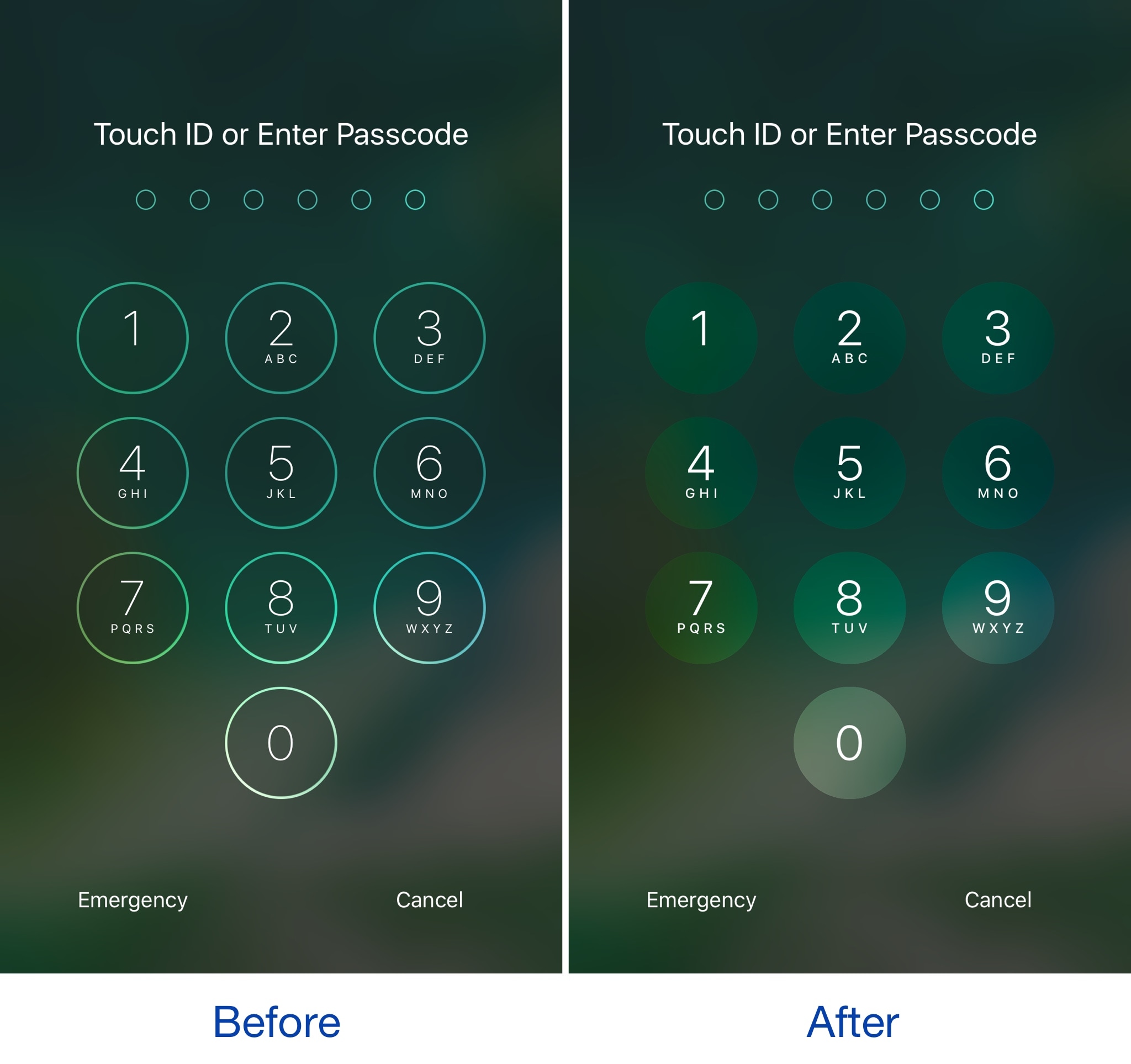
This tweak brings an iOS 11-inspired passcode keypad to iOS 10

Among the slew of interface changes iOS 11 brings to the table, one of first things you’ll notice after picking up a device with the new operating system installed on it is the redesigned passcode keypad.

If you like the way it looks, but you won’t be upgrading this Fall in order to keep your jailbreak, a new free jailbreak tweak dubbed Creamy (iOS 10) by iOS developer ijapija00 can be used to mimic the aesthetics of the iOS 11 passcode keypad on your jailbroken device.