Learn how to filter your YouTube subscriptions in the iPhone or Android app to quickly find what interests you and cut down on your backlog of unwatched videos.
How to filter your YouTube Subscriptions feed

From the latest news to the most comprehensive tutorials, learn how to get the most out of your iPad with our step-by-step guides and expert tips.
Learn how to filter your YouTube subscriptions in the iPhone or Android app to quickly find what interests you and cut down on your backlog of unwatched videos.
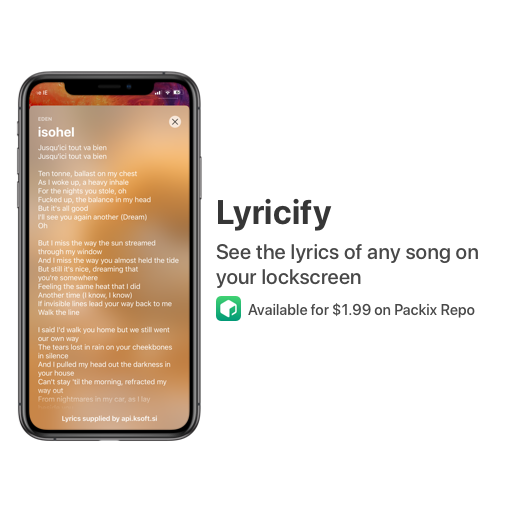
Not everyone cares about song lyrics, but if you’re the type of person who likes to follow along with whatever it might be that you’re listening to, then we have no doubt that you’ll enjoy a newly released jailbreak tweak dubbed Lyricify – originally by iOS developer ConorTheDev and more recently passed to iOS developer Renaitare.
As depicted in the screenshot examples, Lyricify was beautifully designed to display your favorite song lyrics directly on your handset’s Lock screen in an Apple-esque manner. With that in mind, the tweak looks and feels native, making it feel both familiar and easy to use.
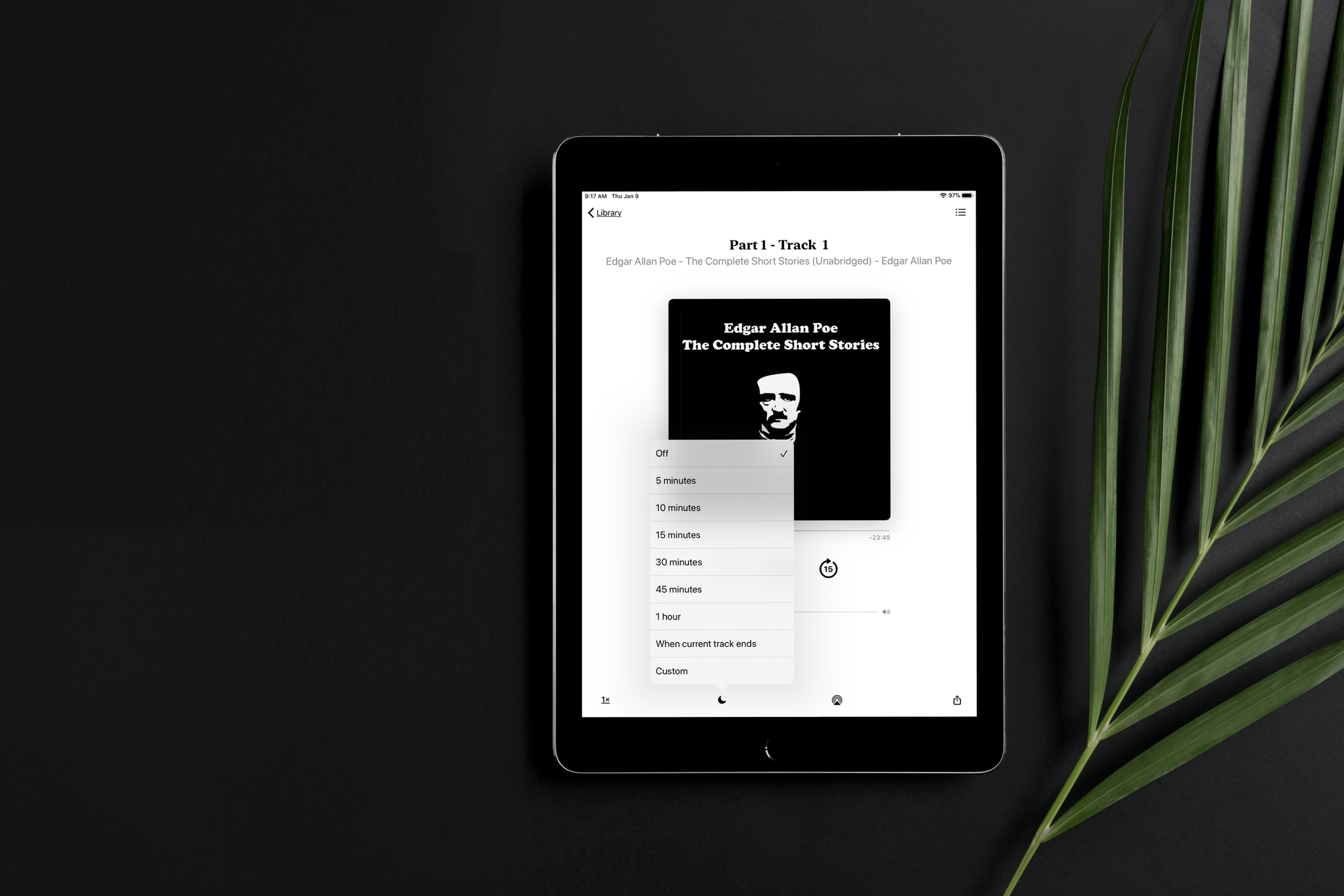
Learn how to set a sleep timer for your audiobook in the Apple Books app so the playback stops automatically after the set time without you having to worry about waking up in the middle of night to pause it manually.

Are you new to an iPhone or iPad? In this brief tutorial, we’ll show you how to quickly copy website URLs in Safari from browser tabs, bookmark folders, Favorites, and elsewhere to your device clipboard.
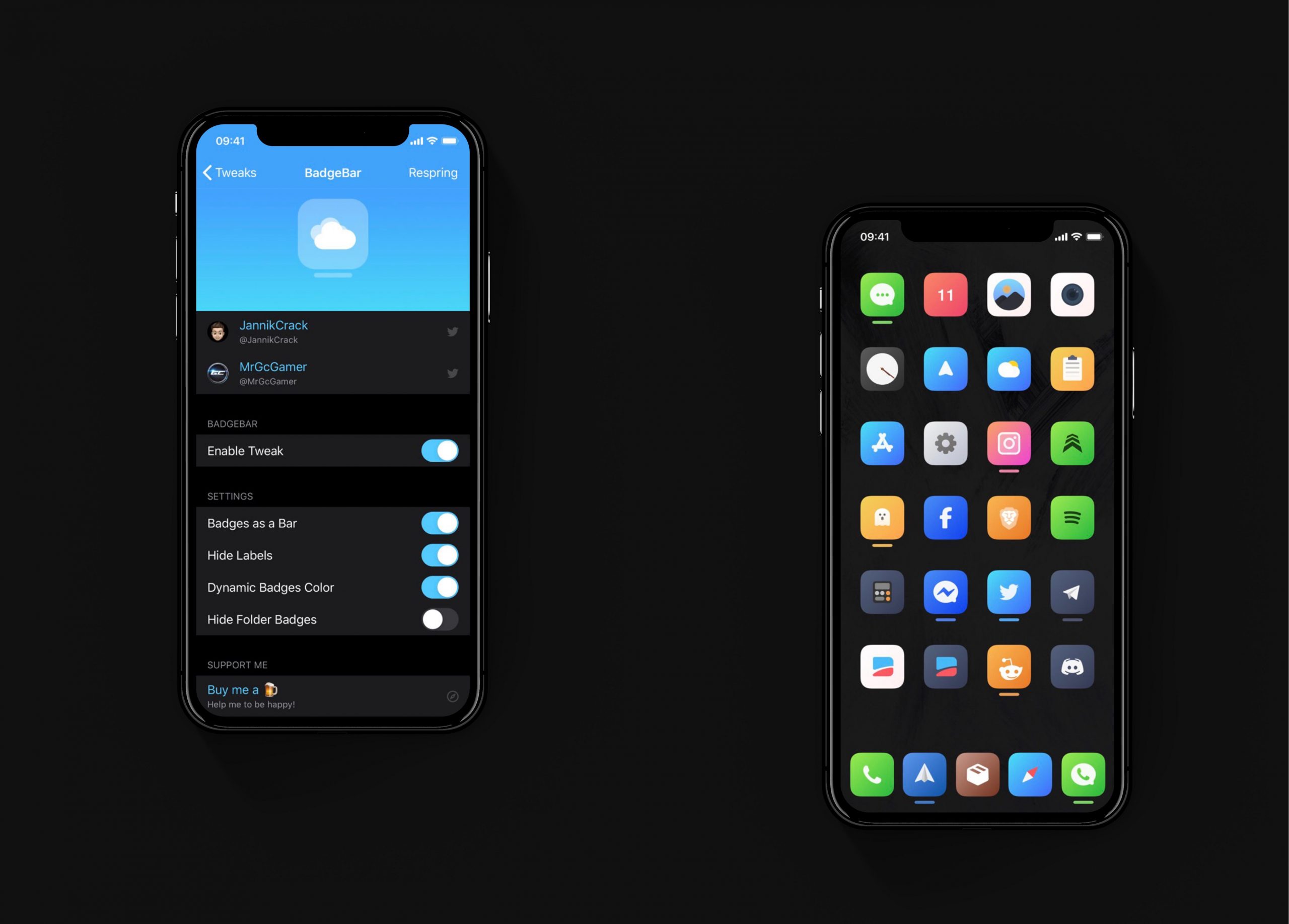
I have always hated the way notification badges look on the iOS Home screen. Although the red dots are great at catching my attention, they do so in an incredibly hideous way, and I sometimes think that it takes away from the beauty of Apple’s platform.
If you agree that iOS’ notification badge system is due for a facelift and you have a jailbroken iPhone or iPad at your disposal, then you just might want to try a new and free jailbreak tweak called BadgeBar by iOS developer JannikCrack.
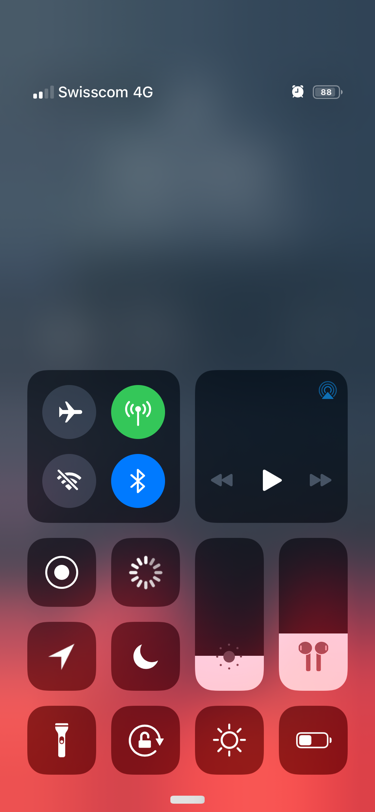
I use Control Center almost every day, and in some cases, the shortcuts near the top of my iPhone’s display can be challenging to reach with just one hand. Given the circumstances, I’m particularly excited to talk about a newly released jailbreak tweak called StayLowCC by iOS developer ubik.
Just as the name implies, StayLowCC moves Control Center’s toggle suite as far down on your display as possible. An example of this is depicted in the screenshot embedded above.
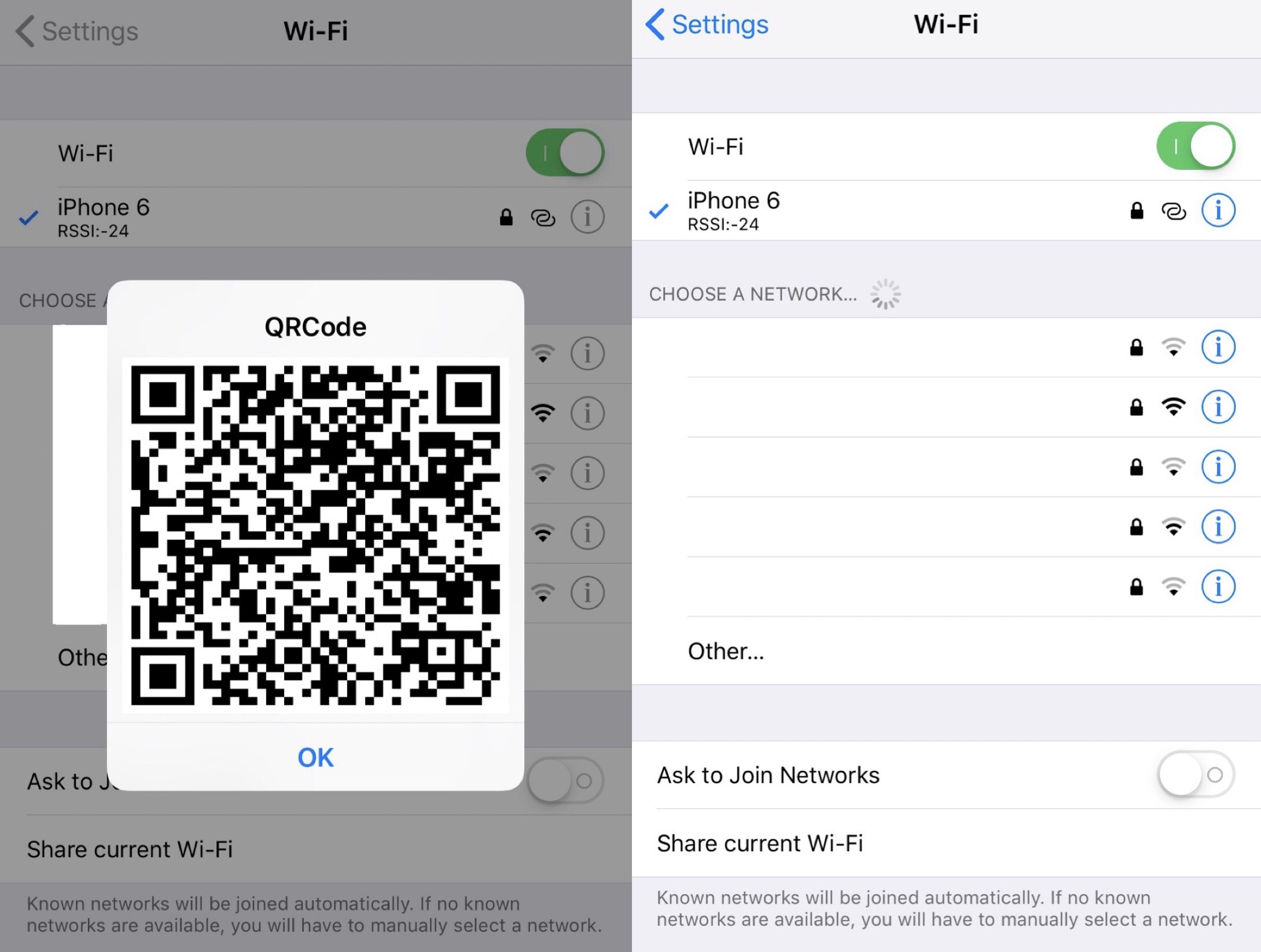
Just last week, we showed you a jailbreak tweak that could generate a QR code for quickly and easily sharing your iPhone’s Personal Hotspot with another user, whether they were using iOS or another mobile operating system such as Android.
But now, a similar QR code-based jailbreak tweak called WiFiQR by iOS developer KingPuffDaddi has been released for sharing your currently-connected Wi-Fi network with others using comparable means to the tweak we showed you last week.
Apple has quietly slashed its top estimated trade-in values across the entire iPhone range, globally, by up to a hundred bucks. As if that wasn't enough, the company has also cut the estimated trade-in values for iPads as well as for some MacBook and Apple Watch models.
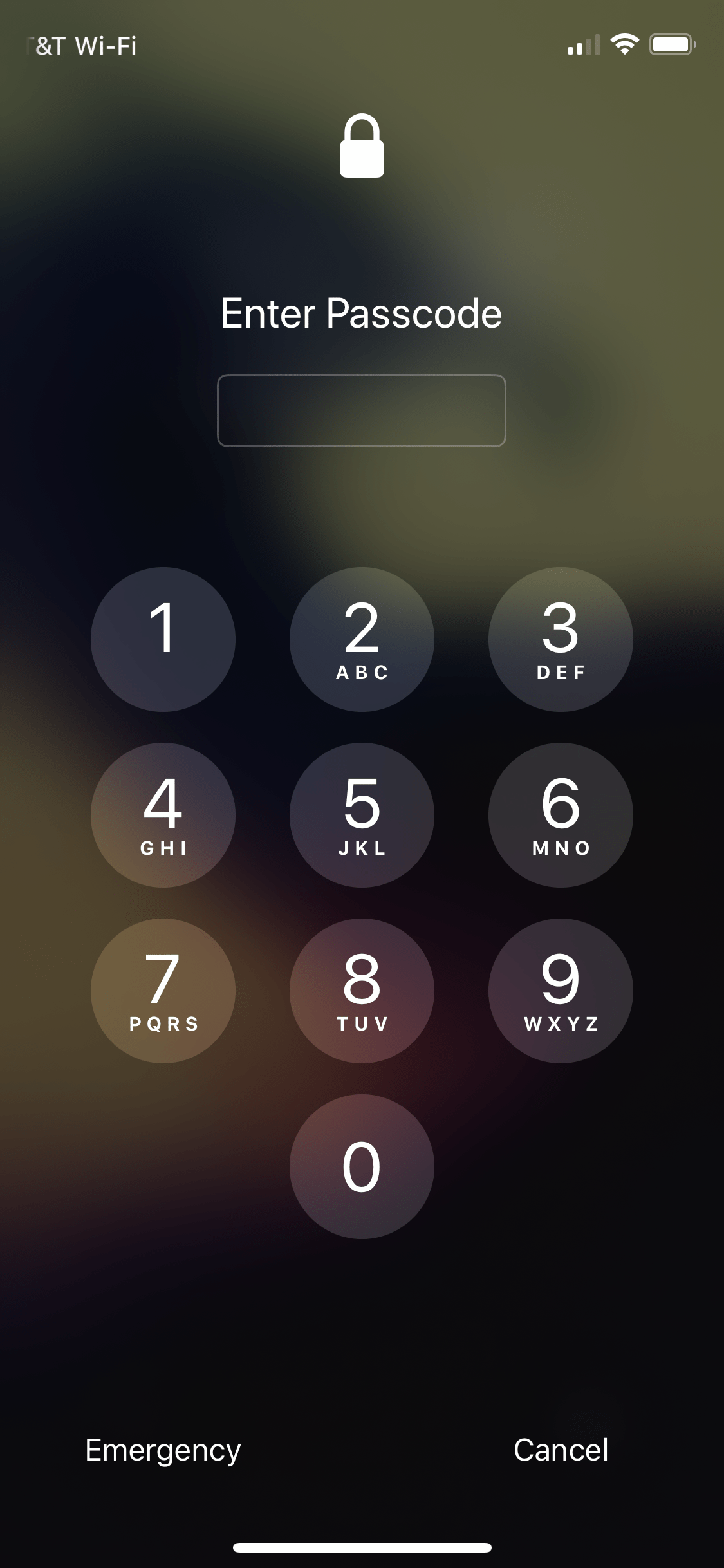
Most people turn to passcodes or biometric authentication to keep the data on their iPhones and iPads safe from unwanted prying eyes. But as many would agree, there can be certain times when such security measures may be unnecessary or workflow inhibiting, such as when your handset is safe in your home or when you’re physically holding it.
IntelligentPass 3 is a commendable jailbreak tweak by iOS developers Luke Murris and Geometric Software that prevents your pwned iOS device from asking you to enter a passcode or authenticate yourself in ‘low risk’ environments. The tweak identifies said environments based on criteria that you, the user, configure.
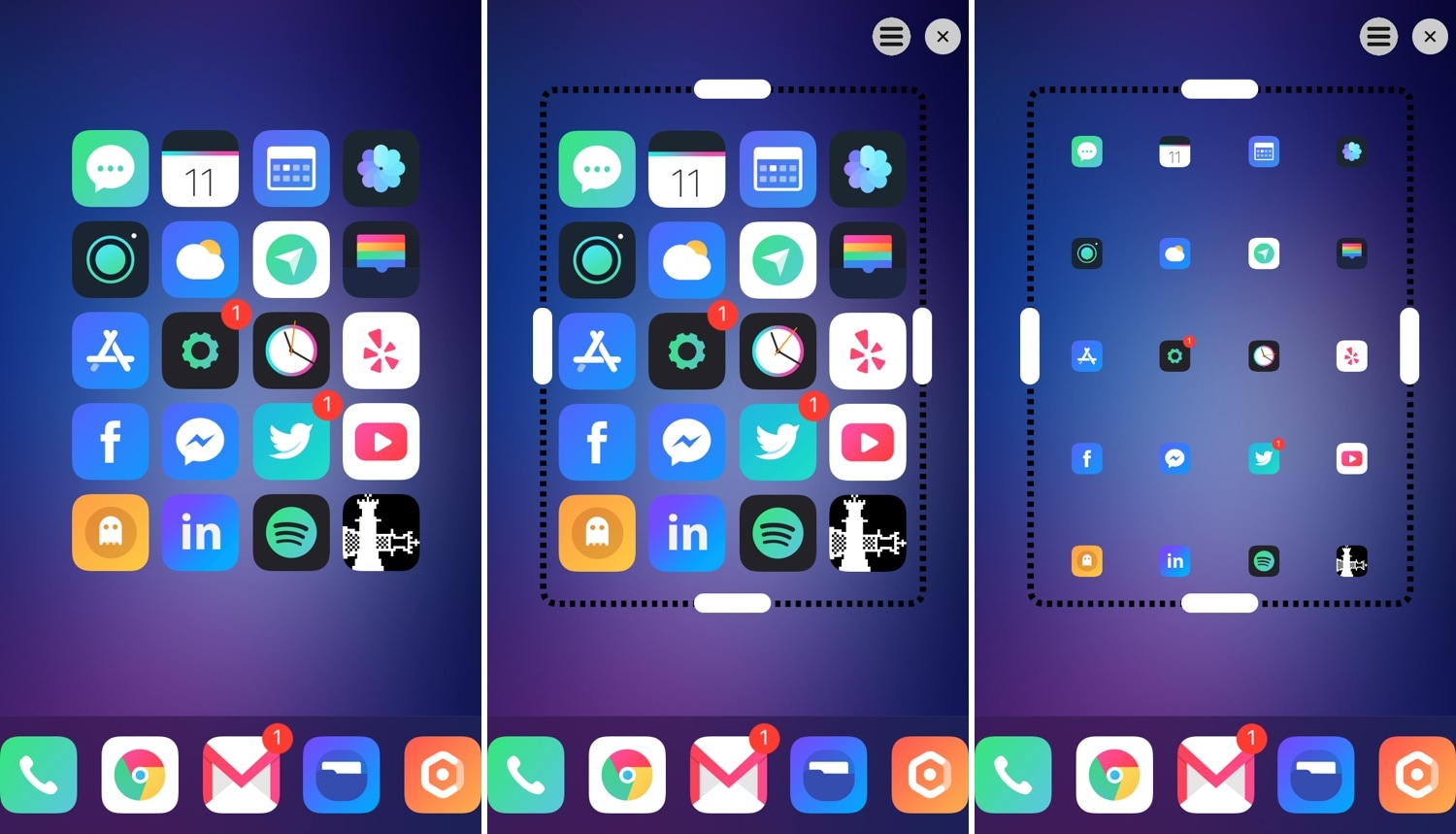
One of the most significant gripes that iPhone and iPad users have is that the Home screen’s app icon layout is as bland as it has been since the introduction of the original iPhone. All app icons are gridlocked to specific points on the Home screen, and it’s impossible to create true empty spaces in between icons on a stock device.
This is one area where the jailbreak community shines. A plethora of different jailbreak tweaks released in the past allow custom Home screen app icon layouts, and if you’re jailbroken on iOS 13 with checkra1n, then you might be excited to learn that a new release called Boxy 4 (iOS 13) by iOS developer William Vabrinskas can now bring this functionality to your handset.
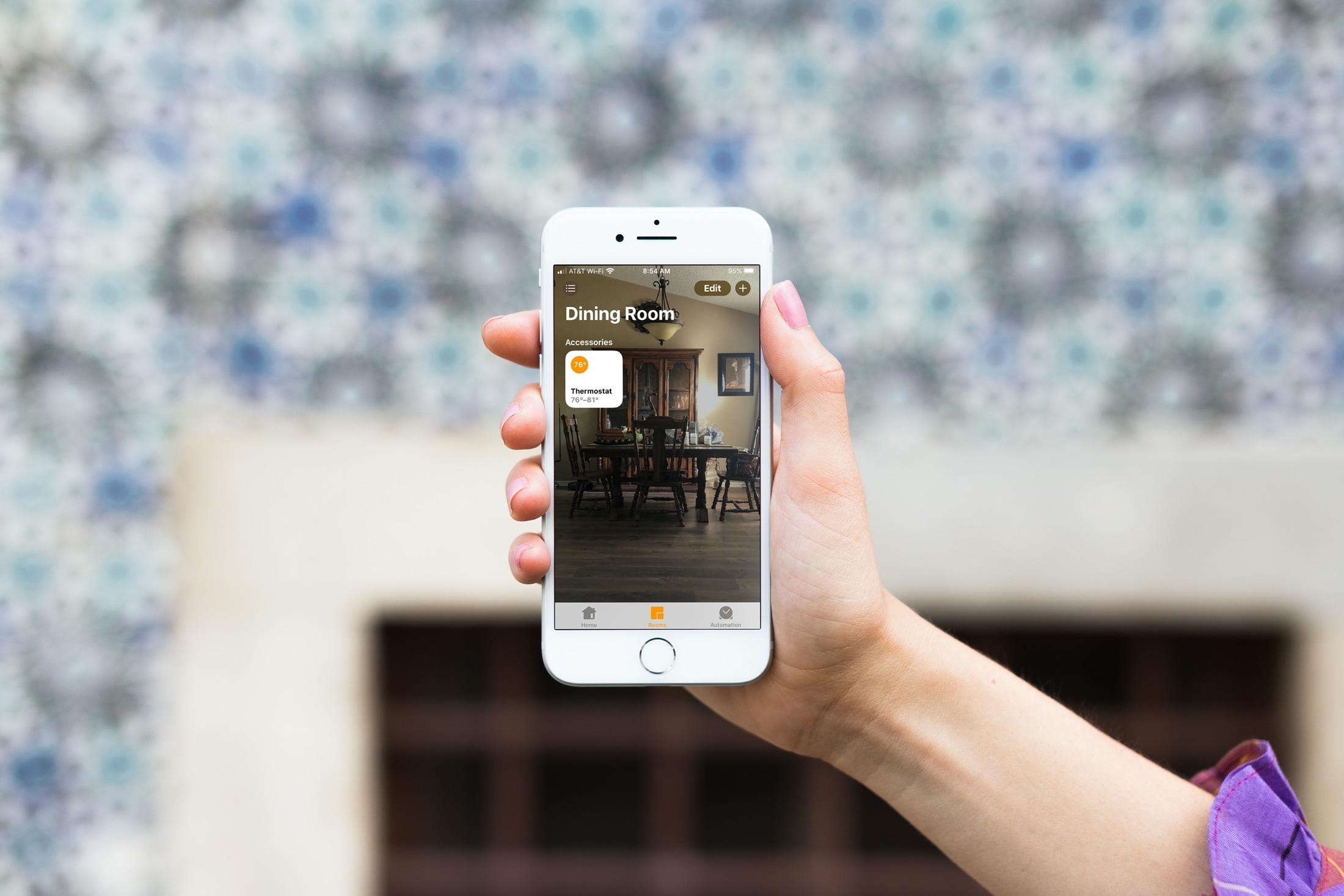
Learn how to change the wallpaper for your home and the rooms in the Home app on your iPhone, iPad, or Mac to give each of them a more personalized appearance.
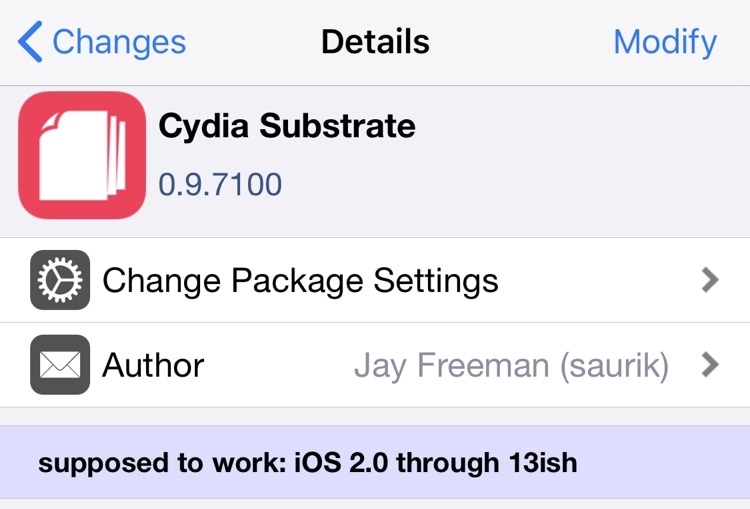
Saurik issued a rare official update for Cydia Substrate on Sunday, officially bringing the native tweak injection method for the checkra1n and unc0ver jailbreaks up to version 0.9.7100.
Although Saurik hasn’t made any official announcements on Twitter about the update, checkra1n and unc0ver co-developer Sam Bingner made a post on /r/jailbreak describing this new Cydia Substrate update.