Check out these 10 simple yet powerful trackpad gestures you can use on your iPad to boost your productivity.
10 trackpad gestures all iPad Pro owners should know
From the latest news to the most comprehensive tutorials, learn how to get the most out of your iPad with our step-by-step guides and expert tips.
Check out these 10 simple yet powerful trackpad gestures you can use on your iPad to boost your productivity.
Albeit rare, iOS sometimes displays alerts as opposed to banners. These alerts are designed to appear at the center of the display, usually with a prompt of some sort for the user to respond to.
Unfortunately, even if you’ve configured your iOS 13 handset for dark mode, some of these alerts may still come through as light instead of dark. This is a problem that iOS developer LaughingQuoll aims to fix with a newly released jailbreak tweak called DarkAlertPls.
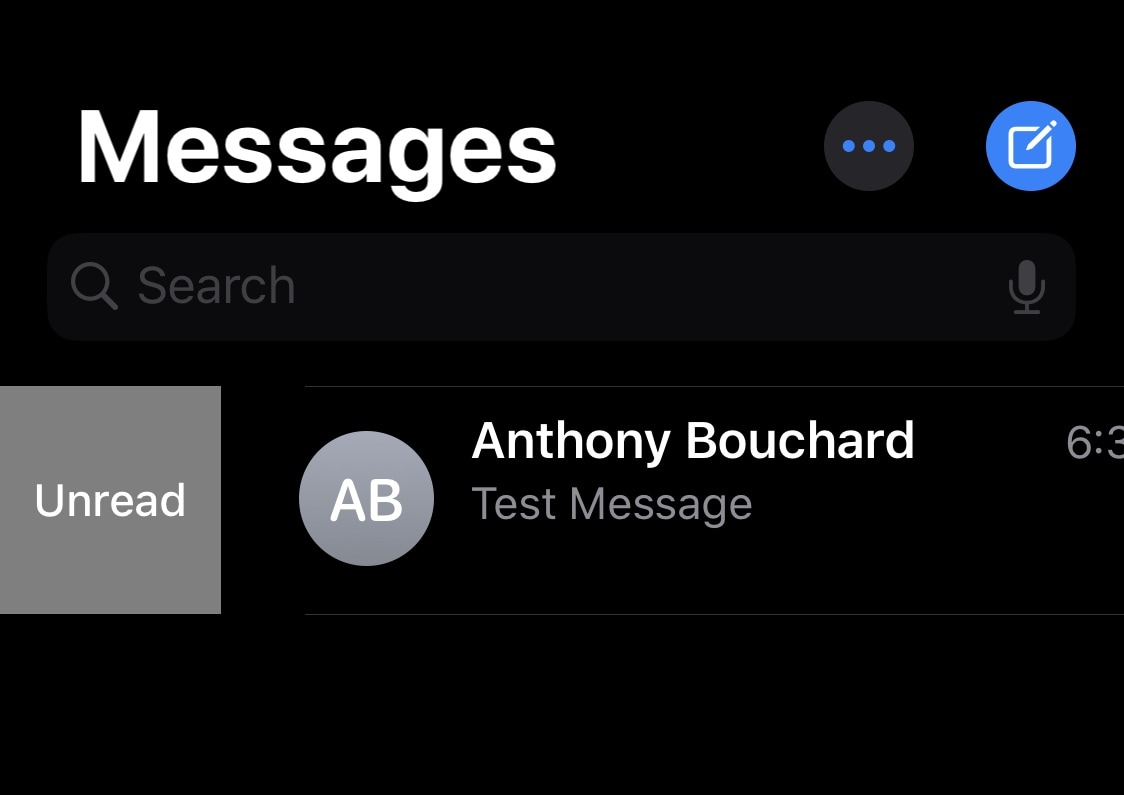
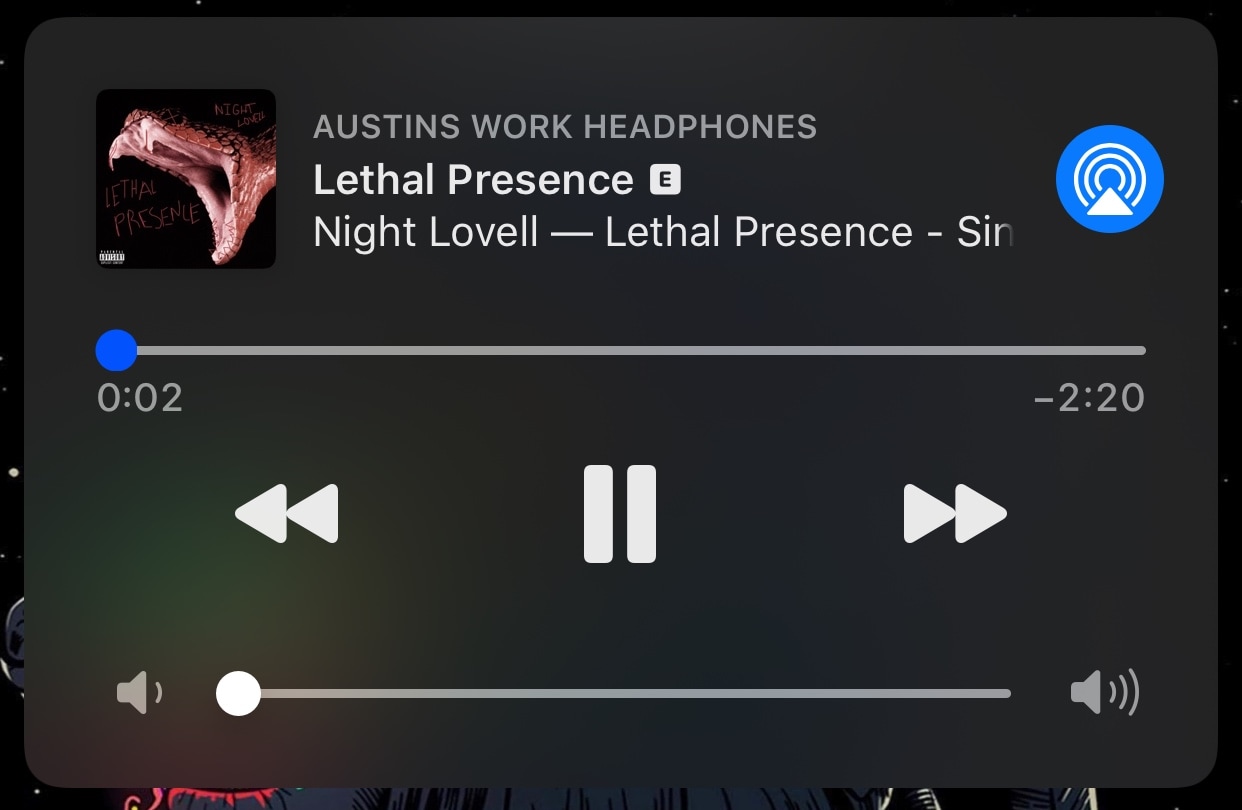
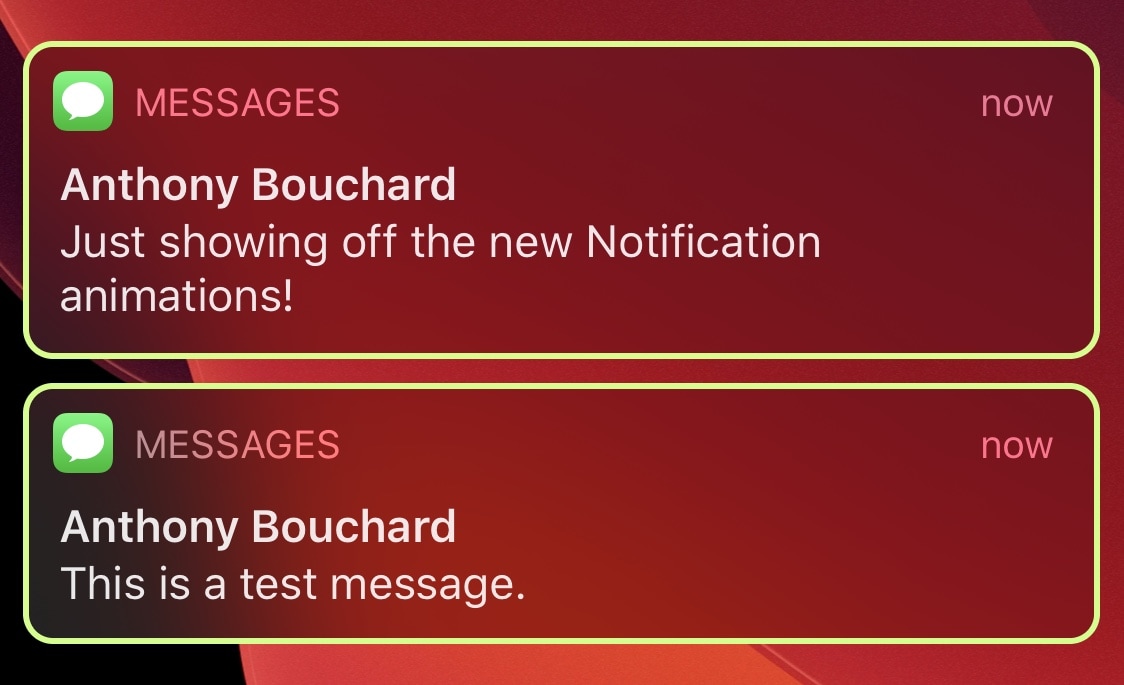
Looking for a quick and easy way to upgrade your iPhone’s Notification Center experience? If so, then you’re in for a treat. Blanca is a newly released jailbreak tweak by iOS developer Phoenix Dev that lets users redesign the native Notification Center interface with custom aesthetics.
As depicted in the screenshot examples above, Blanca can redesign notification banners, Today widgets, and even the Now Playing media player. Furthermore, Blanca users will be able to choose how many preview lines appear in their notification banners and fine-tune the banner corner radii, among other things.
Folders can make organizing your iPhone’s Home screen a lot easier, but the native implementation leaves a lot to be desired. For example, why would anyone want to have a square-esque full-screen folder on a portrait-oriented rectangular display?
YouFold is a free and snazzy new jailbreak tweak by iOS developer Plat-Ykor that addresses this concern head-on by replacing the traditional full-screen folders in iOS with something more friendly to the iPhone’s natural display shape.
With an external (hardware) keyboard like the Magic Keyboard connected to your iPad, the onscreen (software) keyboard doesn’t appear. Apple in its wisdom does allow you to switch between the hardware and software keyboard, but it could have definitely done a better job surfacing that feature for average users who may be unaware it even exists in the firsts place. Follow along with our step-by-step tutorial to learn how to quickly switch your iPad keyboard between the stock iOS keyboard and your Magic Keyboard or any other physical iPad keyboard.
The Magic Keyboard for iPad Pro features backlit keys that make it a lot easier to type in the dark. The Magic Keyboard brightness can be changed manually or automatically, based on the ambient lighting conditions. But sometimes you want to watch a movie in the dark, or perhaps read a long article or a book without the keyboard backlighting interfering. To help with that, our tutorial will teach you how to adjust the Magic Keyboard brightness to your liking.
It’s honestly rather embarrassing that Apple’s incoming call interface on the iPhone still looks the way it does in 2020, and that’s one of the reasons why I’ve always advocated for jailbreak tweaks that unlock minimized incoming call interfaces that are far less intrusive and more visually stunning than the native UI.
With the above sentiment in mind, it may not come off as much of a surprise that I’m having trouble containing my excitement about the likes of a newly released jailbreak tweak dubbed Scorpion by iOS developer Esquilli.
If you have a jailbroken iOS device at your disposal, then chances are you’re looking for new and quirky ways to get the most out of it. Fortunately, we’re here to help with that.
In this roundup, we’ll discuss all the latest jailbreak tweaks to be released from Monday, April 20th to Sunday, April 26th. As usual, we’ll kick things off by discussing our favorite releases first and then wrap things up with an outline of the rest afterward.
If you’ve started distinguishing some rather peculiar instabilities after jailbreaking iOS 13, then you may not be alone. iOS developer Adam Demasi of HASHBANG Productions seems to have recognized a similar wave of patterns that urged him to create a hot-fix in the form of a newly released jailbreak tweak called StopCrashingPls.
Citing the brief Cydia description for StopCrashingPls, it was designed as an experimental workaround for iOS 13’s jetsam crash issue. This apparent issue could be exacerbated by certain jailbreak tweak installations, resulting in unwanted battery drain and overall system instability.
Just over a year ago, we showcased a sleek anti-theft jailbreak tweak for iPhones dubbed No2Theft2 by iOS developer Elias Sfeir that could sound alarms when someone began tinkering with your handset without your permission. Just this weekend, however, Sfeir released the third iteration of his popular extension dubbed No2Theft3.
Just as you’d come to expect, No2Theft3 introduces native iOS 13 support to the popular anti-theft extension. But if that wasn’t enough, it also introduces a slew of new features that will help make catching your suspected thief or prankster even easier for you.