Learn how to adjust the brightness level of your iPhone flashlight to provide the perfect lighting for any situation.
How to adjust the flashlight brightness and beam on iPhone or iPad

From the latest news to the most comprehensive tutorials, learn how to get the most out of your iPad with our step-by-step guides and expert tips.
Learn how to adjust the brightness level of your iPhone flashlight to provide the perfect lighting for any situation.

The coronavirus pandemic has caused a global chip shortage—that's why you haven't been able to purchase your PlayStation 5—and Apple has been immune to this problem, up until now.
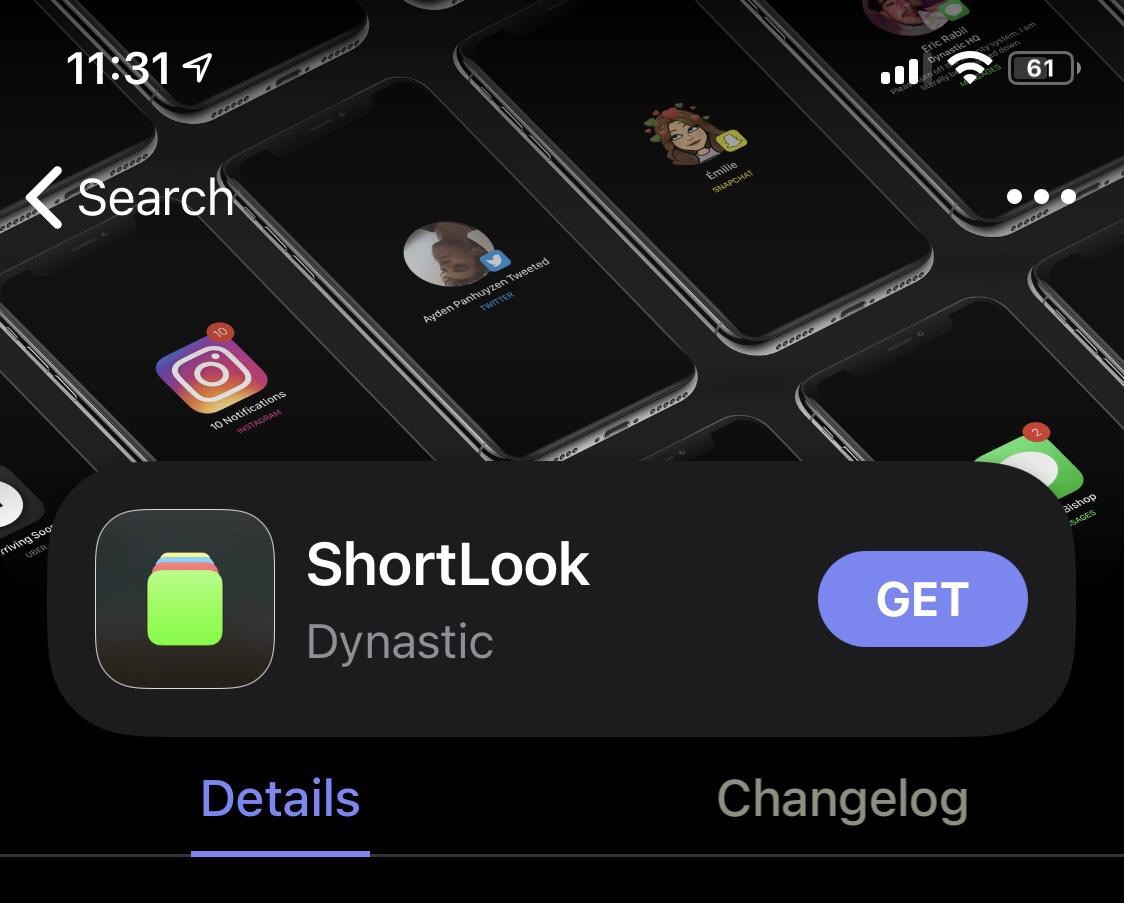
If you’re taking advantage of a jailbreak that uses the Sileo package manager by default, then you’re already enjoying pleasant aesthetics that look and feel like they belong on the latest versions of iOS and iPadOS.
But let’s say you wanted to change those aesthetics in one way or another; what would you do then? You could petition the Sileo Team to make changes, or you could install a jailbreak tweak to accomplish the same task.

It’s important to have a passcode on your iPhone or iPad because it helps keep your information safe by ensuring that only an authenticated user is able to access your apps and personal data. But have you ever found yourself annoyed about the fact that you’re asked to authenticate yourself after respringing your jailbroken handset?
Typically when you’re respringing a device, you’re doing it because you just installed a new jailbreak tweak or because you just applied new settings to an already-installed tweak. In both cases, having to enter your passcode to get back to what you were doing is an extra step that most users would probably prefer to do without.
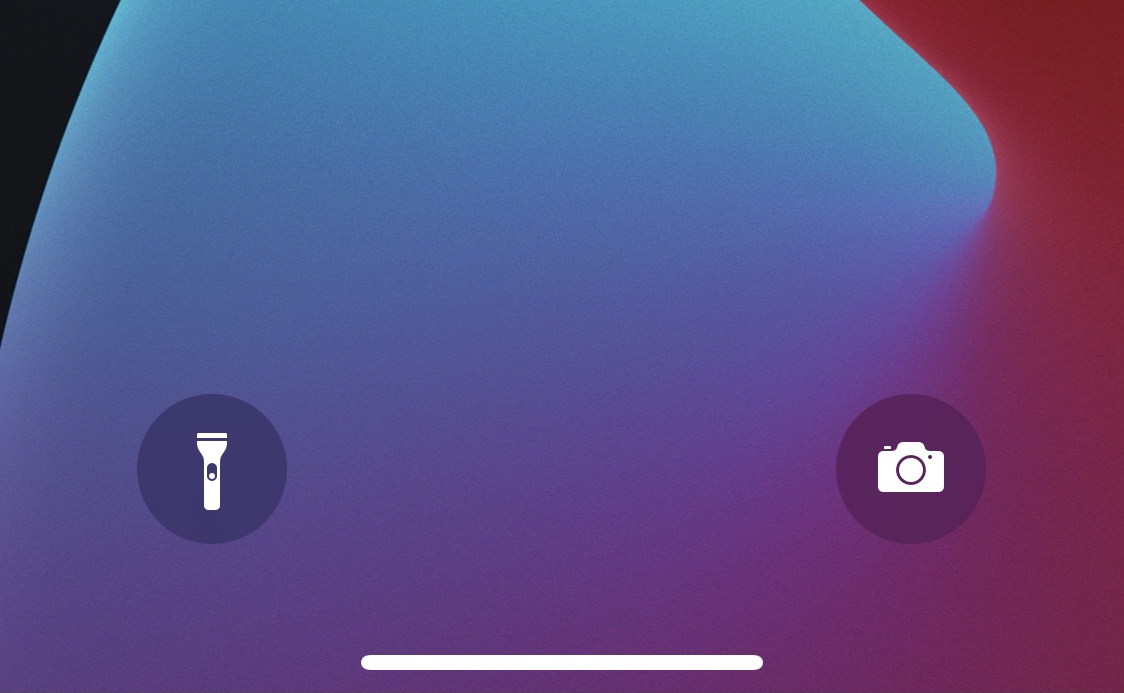
The Lock Screen is home to two familiar Quick Action buttons on notched handsets that allow users to launch their Camera or ignite their flashlight on demand. But some users either don’t like these buttons or toggle them accidentally so often that their sheer existence isn’t worth it at all.
For those who’d like to remove the Camera and Flashlight Quick Action buttons from the Lock Screen, ByeQuickAction is a new and free jailbreak tweak by iOS developer AJB that does exactly that.
The fabled Sileo package manager, which was once endemic to jailbreaks such as Chimera, Odyssey, and Taurine, is now officially available for all modern jailbreak solutions, including the likes of checkra1n and unc0ver, without the requirement of installing the Odysseyra1n script or the Procursus bootstrap.
Given just how frequently we’re asked how to get the Sileo package manager alongside Cydia on checkra1n or unc0ver without unwanted hacks or substantial jailbreak-changing commitments, we decided to take this unique opportunity to show you how to use the new Sileo installer for the checkra1n and unc0ver jailbreaks.

The Sileo package manager has long carried the stigma of being exclusive to specific jailbreaks – namely those created by CoolStar-led development teams such as Chimera for iOS 12, Odyssey for iOS & iPadOS 13, and Taurine for iOS & iPadOS 14.
Third-party ports to permit Cydia and Sileo on the same device have always existed, such as the now legacy Diatrus installer and the more recent Bingner installer. The Oydssey Team even went as far as to create an Odysseyra1n script that could turn a checkra1n’d handset into a quasi-Odyssey device with the procursus bootstrap and the Sileo package manager; the latter was especially popular given the length of time it took for an inclusive iOS & iPadOS 14 jailbreak to surface.

The leading music-streaming service Spotify has rolled out a new feature that lets customers use a wake phrase to summon Spotify’s built-in voice search feature into action.
Anyone using the Chimera jailbreak for iOS 12, the Odyssey jailbreak for iOS 13, the Taurine jailbreak for iOS 14, or the Odysseyra1n bootstrap on a checkra1n’d device will almost certainly want to launch the included Sileo package manager and refresh their sources this morning, as it appears that a new version of libhooker is now available in the form of version 1.5.5.
Libhooker is the premiere tweak injection method for the aforementioned jailbreaks, and this means that all your jailbreak tweaks and extensions depend on it to hook into system processes and make their intended magic happen.
All of the major iPhone and iPad apps from Google how now finally been updated with privacy nutrition label data—four months after the App Privacy section went live on the App Store.

Since officially releasing the Taurine jailbreak tool for iOS & iPadOS 14.0-14.3, the Odyssey Team has been working with diligence in the background, continuously refining the jailbreak’s performance and reliability and squashing bugs in accordance with user feedback.
Today, the Taurine jailbreak was updated for a second time since its original release. The latest iteration, dubbed Taurine version 1.0.2, is now available to all users and appears to further the jailbreak’s resilience by addressing bugs that would otherwise hinder a sound user experience.
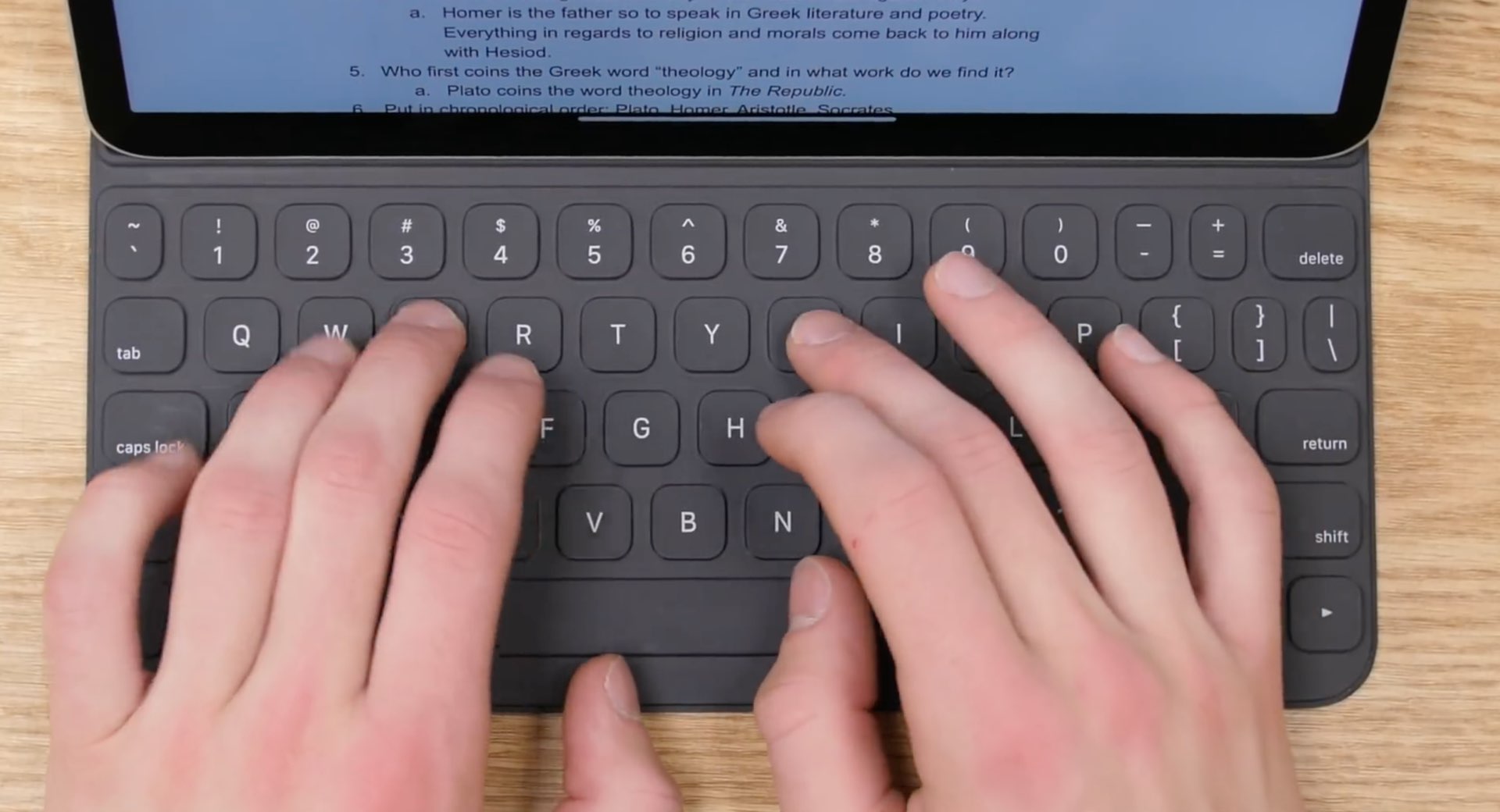
Apple's Smart Folio accessory is a less capable, more affordable iPad keyboard attachment than the company's Magic Keyboard. The slim cover was released alongside the redesigned iPad Pro back in 2018, but is it still worth it in 2021? In this video, we attempt to weigh the pros and cons of the Smart Folio keyboard two and a half years following our initial review.