Sit back and relax as iDownloadBlog's Harris Craycraft takes you on a quick tour of some of the biggest changes in the second developer beta of iOS 13.
Files & Camera improvements and other changes in iOS 13 beta 2
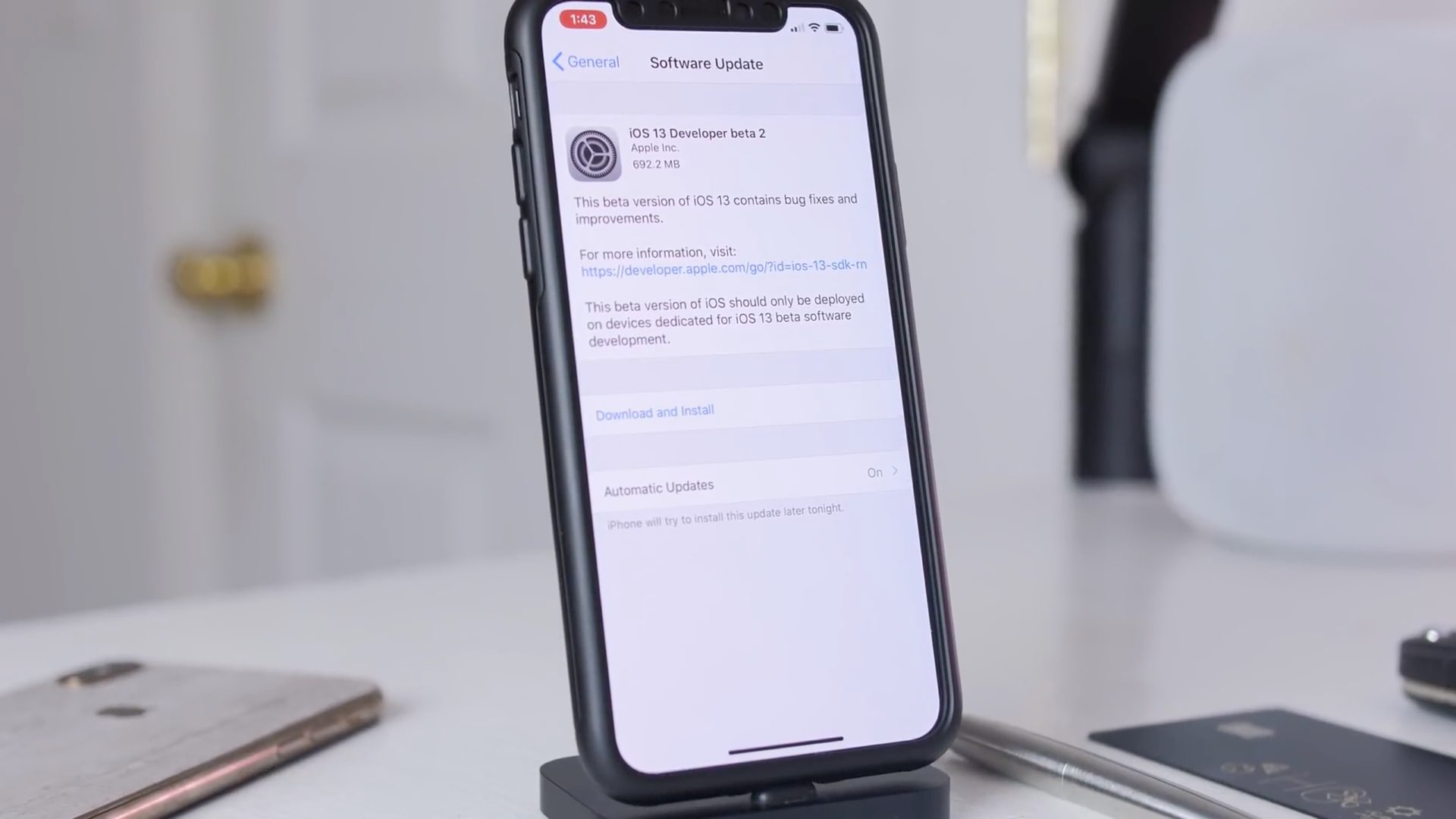
Sit back and relax as iDownloadBlog's Harris Craycraft takes you on a quick tour of some of the biggest changes in the second developer beta of iOS 13.
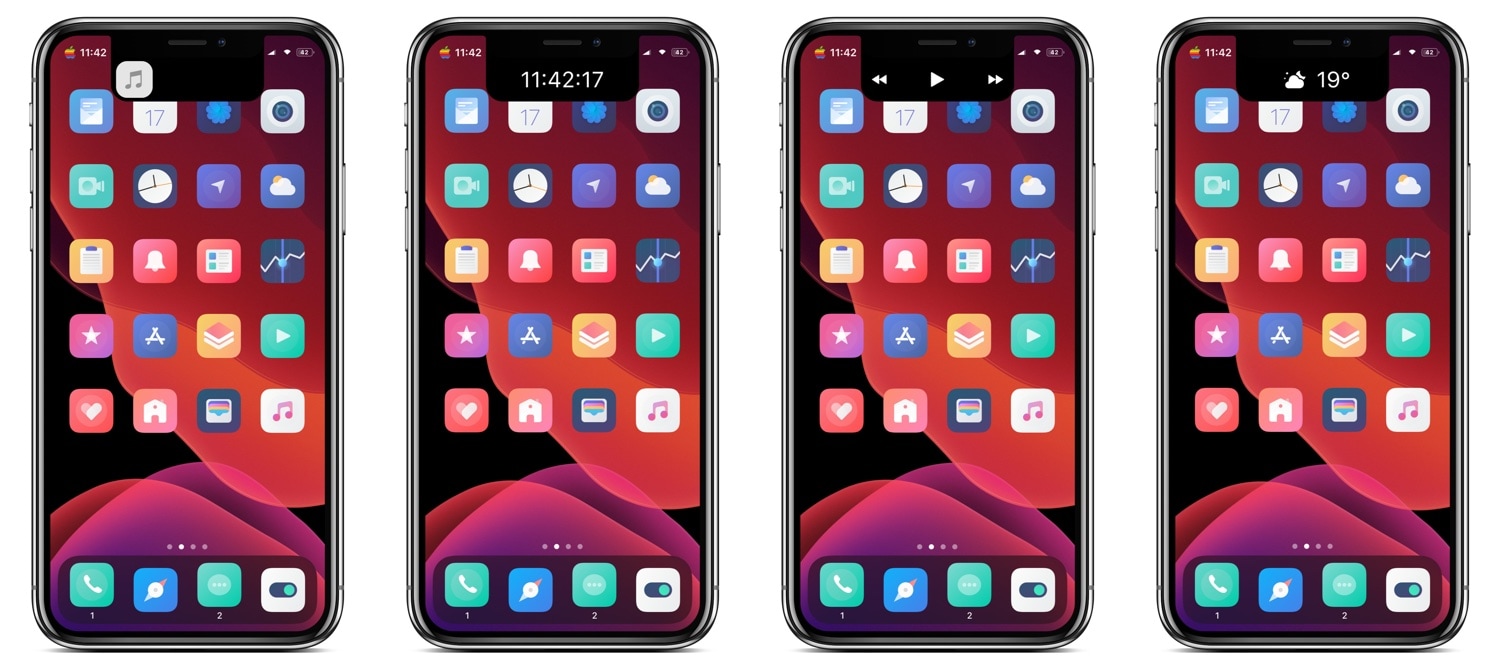
Love it or hate it, most of Apple’s modern-day mobile devices come standard with a top-of-display notch that houses the TrueDepth camera system used by Face ID for biometric authentication and for selfie images. Now that the notch has become the norm, the best thing you can do is embrace it; but why not go a step further and expand it?
NotchControl is a new free jailbreak tweak by iOS developer PeterDev that builds upon the notch’s native aesthetics and functionality. With it, you can incorporate new controls and information displays into the notch, such as things that pertain to music, time, or weather.
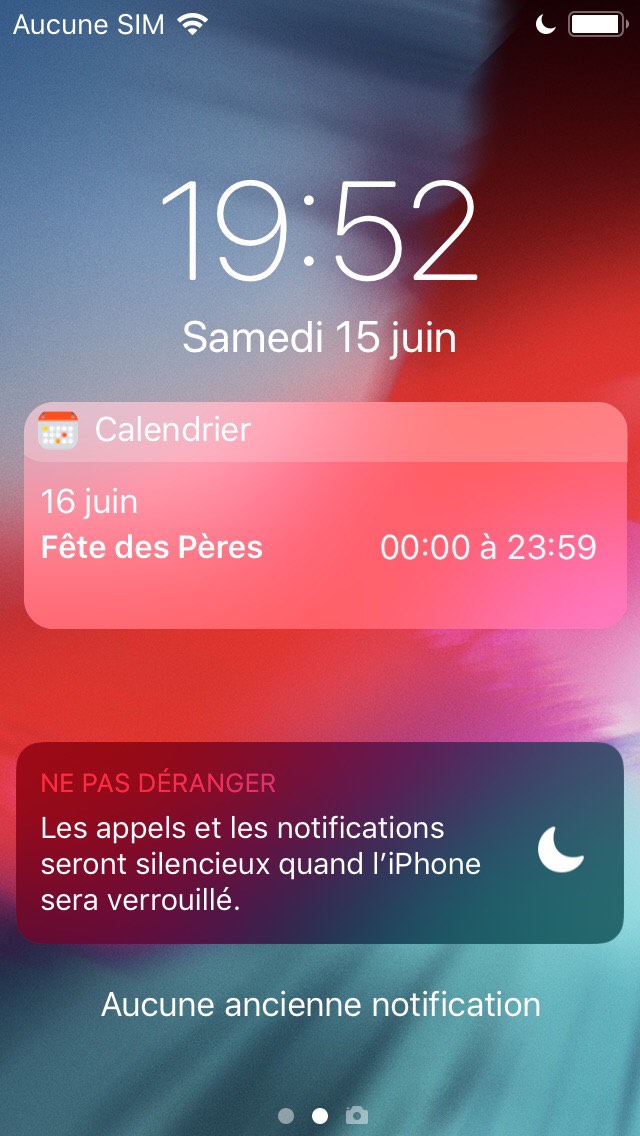
Lots of people pack their iOS handsets’ Calendar app with upcoming plans and events, and we find it particularly alarming that Apple still doesn’t persistently display those plans and events on the Lock screen to prevent users from forgetting about them as the week goes on.
Given the circumstances, we’re particularly excited to show you a newly-released and free jailbreak tweak called Shenmue by iOS developer maximehip, which resolves the aforementioned problem by displaying a specialized event widget on the Lock screen with a persistent reminder regarding what’s still to come.
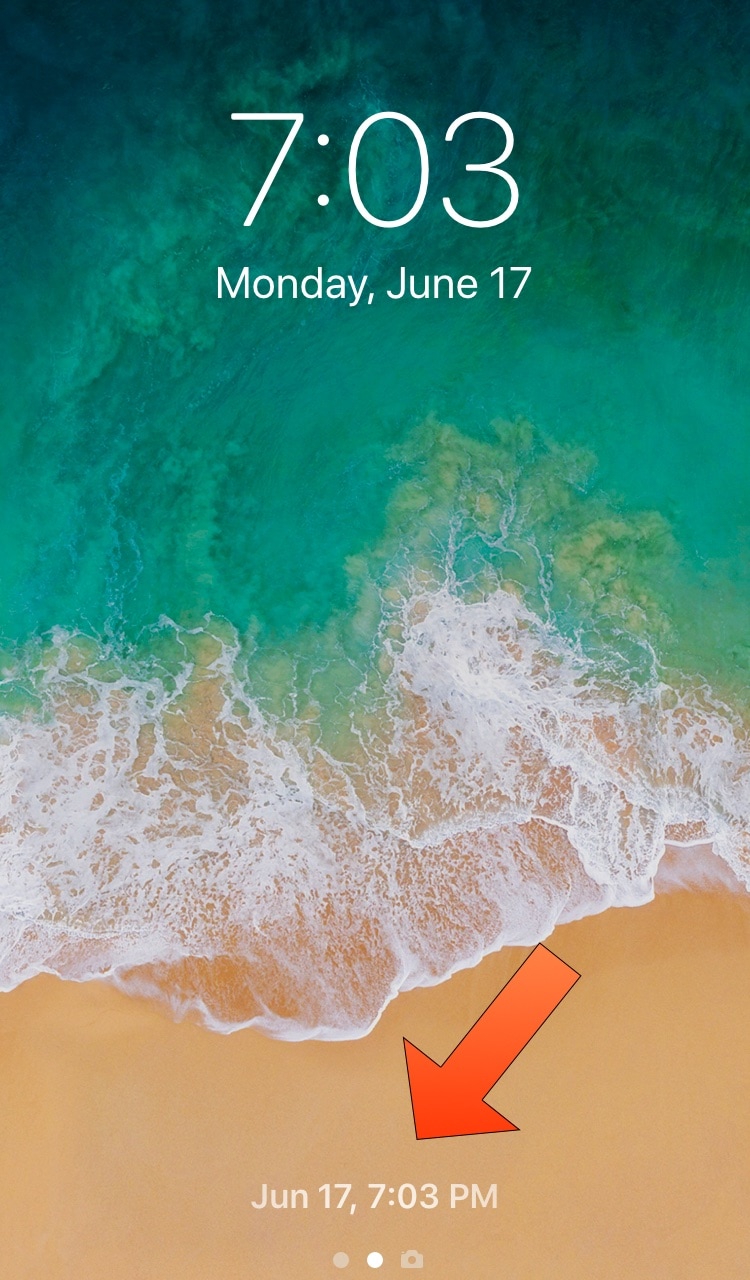
If you have a jailbroken handset in your possession and you’re paranoid that someone might know your passcode and that they might be logging into your device when you aren’t looking, then you just might come to appreciate a newly-released and free jailbreak tweak dubbed LastUnlock by iOS developer Smokin1337.
As indicated by the screenshot example above, LastUnlock records the most recent date and time that your handset was unlocked (whether it was by you or someone else) and displays it on the Lock screen where the ‘press Home to unlock’ or ‘swipe up to unlock’ text would typically appear.
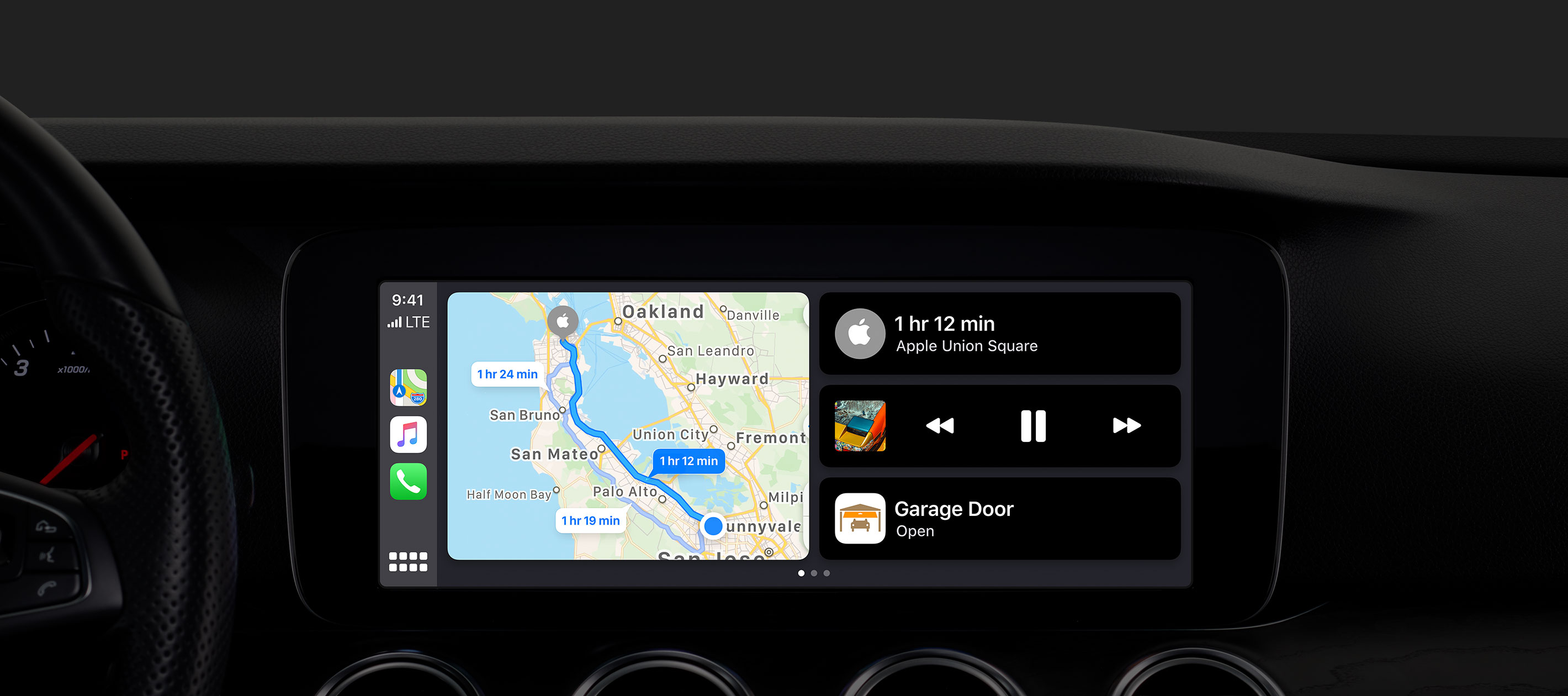
CarPlay has received its biggest update ever in iOS 13 with an all-new Dashboard to access music, maps and more in a single view, in addition to a Light theme, a new Calendar app, Siri support for third-party navigation and audio apps and much more.
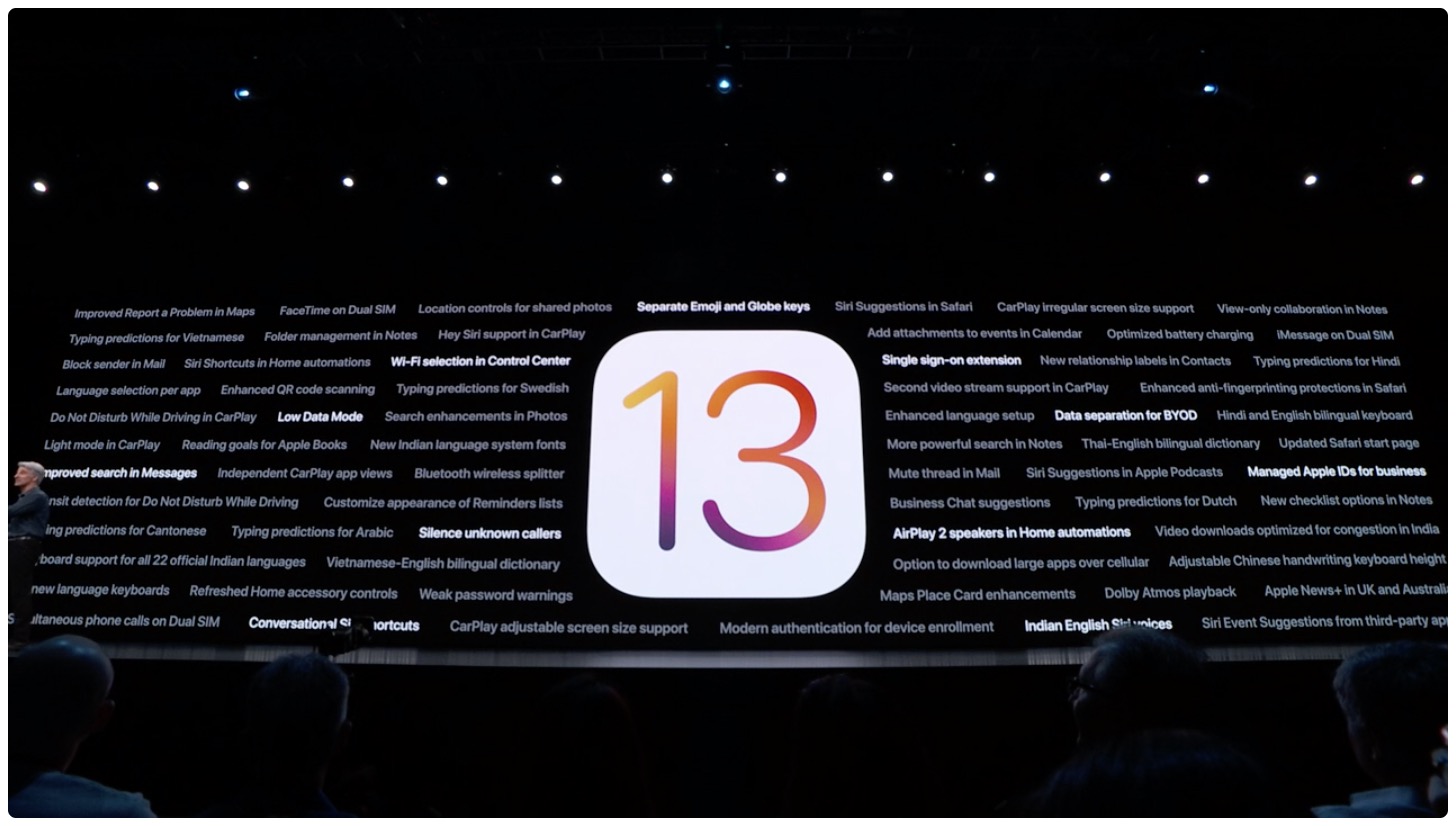
iOS 13 is the next major release for Apple's mobile operating system, and Apple is moving forward with the latest developer beta. Meanwhile, iPadOS is meant to show the turning point for the iPad lineup and Apple's new focus on the tablet lineup. tvOS 13, macOS Catalina, and watchOS 6 are also seeing major updates this year.

The German government is going to take advantage of iOS 13's built-in NFC stack to allow citizens to use their iPhone as documentation.

The jailbreak tweak release schedule has slowed down a little bit since the WWDC 2019 Keynote, presumably because developers are absorbing all the new features to come and pondering about how these ideas can be used to improve existing versions of iOS. That said, we expect that releases will pick up at their normal pace again soon enough.
In this roundup, we’ll discuss all of this past week’s jailbreak tweak releases in one convenient place. As usual, we’ll kick things off by discussing our favorite releases in detail and then we’ll outline the rest of them afterward.
As you use iOS, you’ll become accustomed to seeing activity indicators in many of your apps. The activity indicator is denoted by a spinning wheel, such as what you might see when certain apps load or begin communicating with the internet.
iOS’ activity monitors are typically monotonous, serving no other purpose besides letting you know that an app is doing something; but that doesn’t mean they need to be boring. A newly-released and free jailbreak tweak dubbed Spoke by iOS developer Unicorn808 lets you colorize these activity monitors.
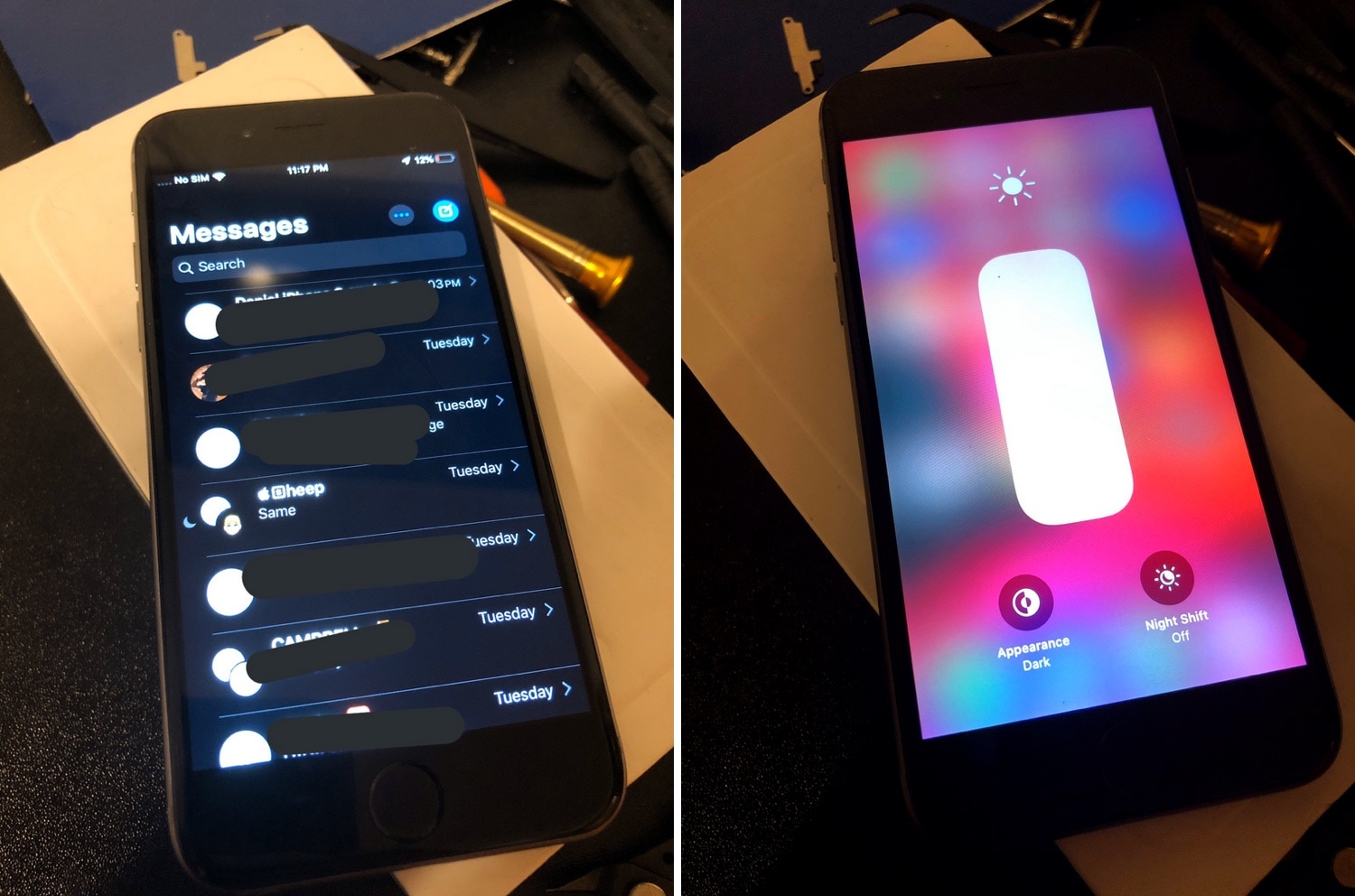
Unless you’ve been living under a rock, you’ve likely heard about Apple’s upcoming iOS 13 for iPhone and iPod touch (iPad gets its own new operating system dubbed iPadOS), which implements native dark mode and a plethora of other jaw-dropping features that users have been requesting from Apple for quite some time. On the other hand, the oldest handsets it supports out of the box are the iPhone SE, 6s, and 6s Plus.
In a seemingly unbelievable turn of events, however, an Apple device tinkerer with the Twitter handle @NighttigerFTW has purportedly managed to get the first iOS 13 beta running on an iPhone 6 with minimal tweaking. The full details below:
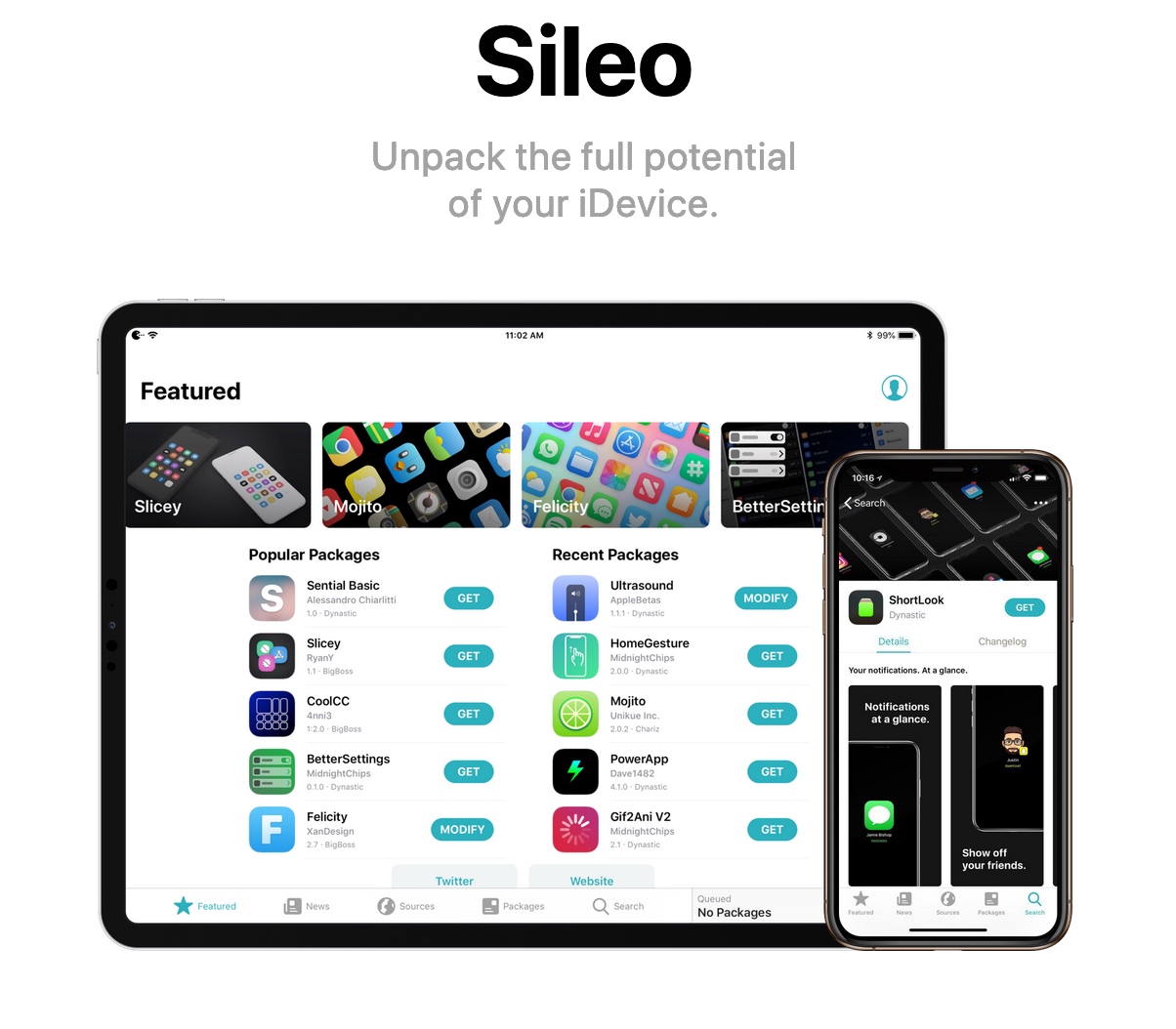
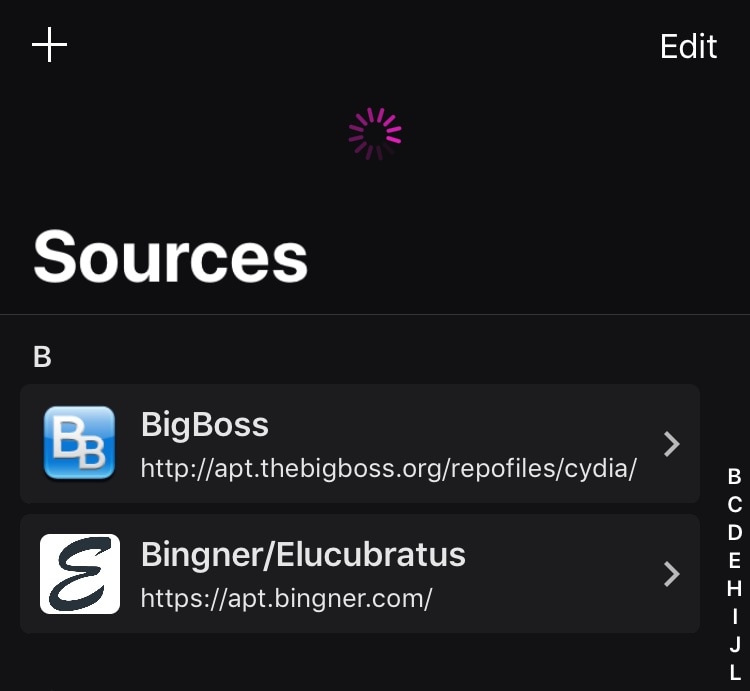
In case you missed it, @0ptimo has officially implemented SHA256 for the BigBoss repository, paving the way for full Sileo support. CoolStar has announced that an upcoming Sileo update will implement the official BigBoss repository out of the box, but why wait?
In this tutorial, we’ll show you how you can add the official BigBoss repository to your Sileo package manager right now.
In an unexpected turn of events this weekend, @0ptimo added official SHA256 support to the BigBoss repository, a move that looks to appease the Sileo Team as an increasing number of people use the Electra Team’s Chimera jailbreak to take advantage of the full-fledged A12(X) support in the here and now.
Sileo Team lead developer CoolStar acknowledged the change just this evening via Twitter, noting that an upcoming update for the Sileo package manager will implement native support for the newly-upgraded BigBoss repository: