Learn how to listen to Apple Music songs in Dolby Atmos on your iPhone, iPad, Mac, Apple TV, HomePod, Vision Pro, and Android phone to enjoy an immersive, three-dimensional audio experience.
How to listen to Apple Music in Dolby Atmos
Learn how to listen to Apple Music songs in Dolby Atmos on your iPhone, iPad, Mac, Apple TV, HomePod, Vision Pro, and Android phone to enjoy an immersive, three-dimensional audio experience.
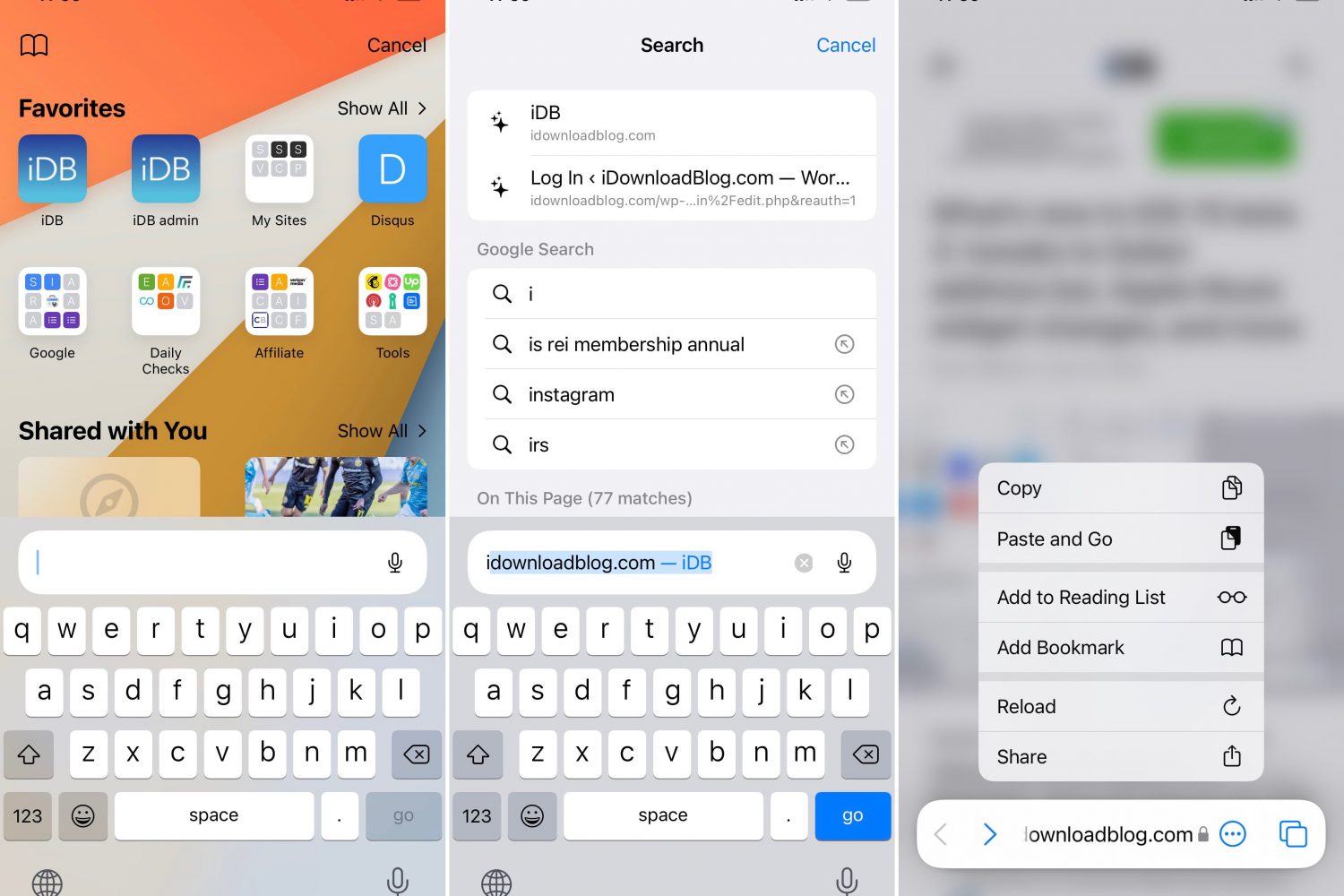
Apple implemented some controversial Safari changes with iOS 15 and iPadOS 15. To give you a feel of everything new in the Safari browser, we've created this hands-on video walkthrough,
When Apple went full-on anti-skeuomorphic starting with iOS 7, one of the things they did away with was the icon shadows on the Home Screen.
With some of the newer iterations of iOS moving away from total flatness, it seems like a better time than ever to have Home Screen app icon shadows once more. This is especially the case if you’re using a theme that has any degree of app icon realism.
Now that the third betas of Apple's next big updates are out there in the wild, the details are still trickling in. There's quite a bit of new in the latest prerelease software beta. And now we know one more bit, which should be helpful to those who might be worried about available storage on their device(s) when the new update arrives.
Earlier today, Apple seeded the latest beta of iOS 15 and iPadOS 15 to developers. Along with betas for the other major platform updates. With this being a big update for all of Apple's most popular operating systems, there's bound to be additional tweaks added to the mix with subsequent beta seeds.
We continue to march towards the inevitable public release of Apple's next big operating system updates. Before that can happen, though, developer and public beta testers need to get their hands on prerelease software. The goal? Test out the platforms, work out the bugs, develop apps, and prepare for the next big thing.
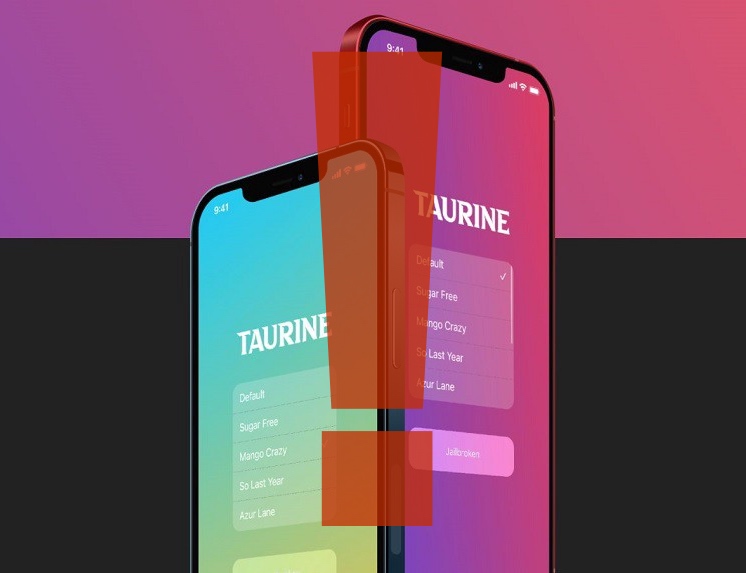
Taurine jailbreak users may want to backtrack their jailbreak from version 1.0.5 or 1.0.6 to version 1.0.4 pending an announcement shared early Wednesday morning by Odyssey Team member @23Aaron_.
In the announcement, which was echoed on in several different places including the Sileo / Taurine / Odyssey Discord channel, the @OsysseyTeam_ Twitter page, and even on /r/jailbreak, we learn that these versions of Taurine (1.0.5 and 1.0.6) exacerbate an issue in stock iOS that can result in data loss and forced iOS updates.
If you’re on iOS 14 and you have a jailbreak at your disposal, then you’re probably wondering how you can get the most out of it. The obvious answer is by installing jailbreak tweaks that are relevant to the end user, but with so many releases launching week after week, keeping up with the best ones isn’t easy unless you’re a robot.
Modern jailbreak tools like Taurine and unc0ver can currently jailbreak all iOS & iPadOS 14 devices running up to and including iOS & iPadOS 14.3. It’s been quite a while since any of these tools have picked up support for new firmware, but there’s always the very real possibility that these tools could add support for new firmware in the future.
Fortunately for those whose devices are operating on iOS or iPadOS 14.4 through 14.5.1, there just might be some hope. Renowned security researcher Ian Beer of Google Project Zero has just released documentation of what appears to be a kernel-level proof of concept (PoC) impacting up to and including iOS & iPadOS 14.5.1.
Dark mode was perhaps one of the most sought-after features in iOS & iPadOS 13 when it debuted in 2019. Even today, a substantial percentage of iOS and iPadOS 14 users continue to use dark mode right out of the box, and there are no signs of that changing with iOS & iPadOS 15 this Fall.
Many apps for iOS and iPadOS automatically adapt to your system dark mode settings in an effort to blend in with other parts of the operating system, but some apps require the user to switch to a dark mode-friendly user interface manually.
Apple has been working towards a public launch of iOS 14.7 and iPadOS 14.7 for weeks now. The goal, of course, to get it out before the wide launch of iOS 15 and iPadOS 15 later this year. To that end, the final Release Candidate has been seeded to developers.
The Weather app for iPhone and iPad is plagued with the stupidest bug you could imagine, preventing it from displaying the temperature of 69 degrees Fahrenheit anywhere in the forecast.