Learn how to create an iMessage profile with a custom photo and display name in the Messages app on your iPhone, iPad, or Mac.
How to create an iMessage profile with a custom profile picture and display name
Learn how to create an iMessage profile with a custom photo and display name in the Messages app on your iPhone, iPad, or Mac.
A trio of fresh 15-second video advertisements from the "That's iPhone" campaign were posted yesterday to Apple's YouTube channel in Australia, focusing on iMessage encryption, Apple's material recycling efforts and privacy in App Store.
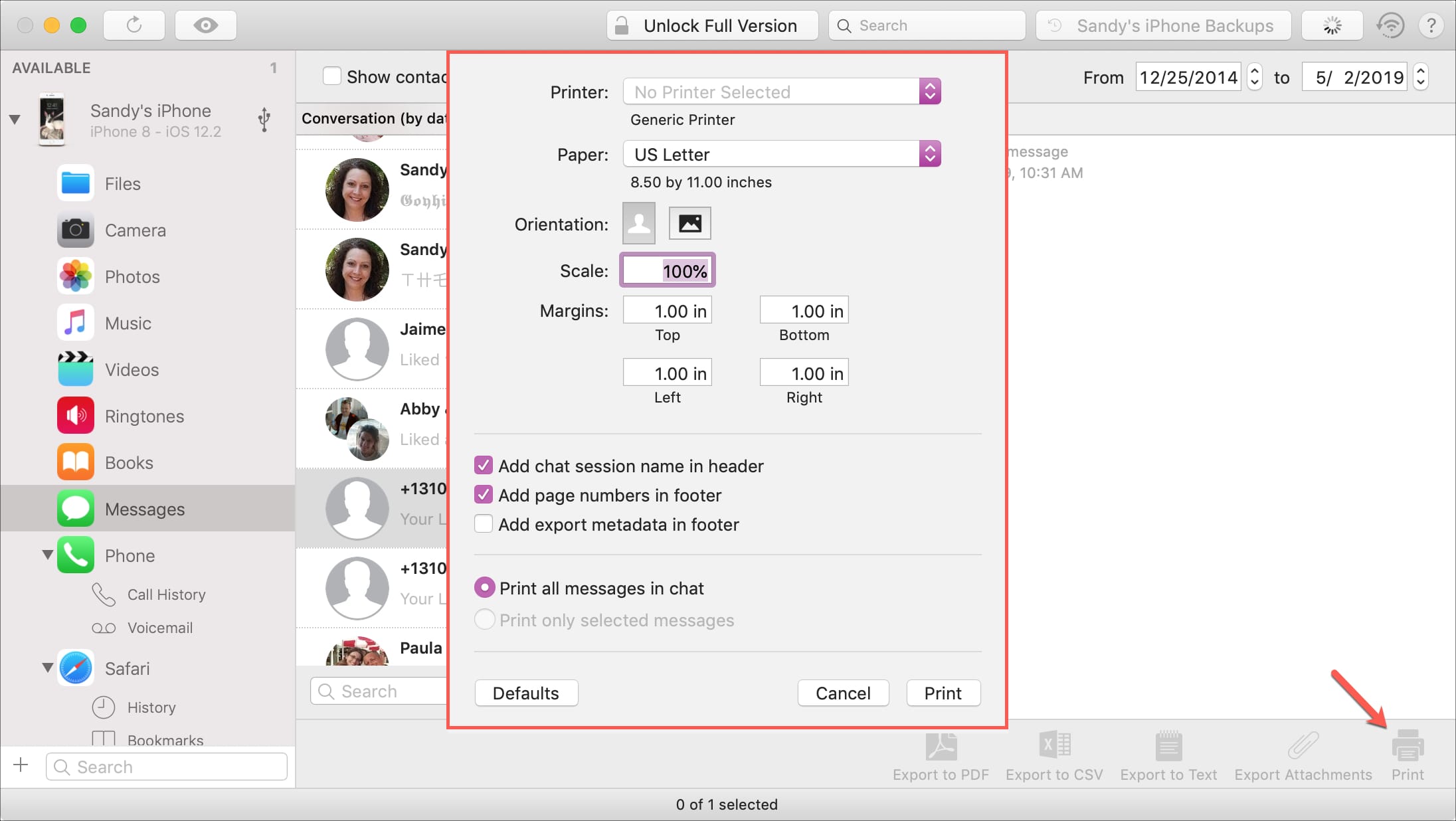
If you haven’t heard of iMazing, this is a software application that you can use to the manage your iOS devices. Among their features, you can back up your device, manage its content, and yes, print your conversations from Messages app.
You likely have a specific reason for needing to print your messages. And this application makes it easy to do. If you already have iMazing installed, then you’re one step ahead. If not, it’s available for a free trial for Mac directly from the iMazing website.
So, let’s jump right to it; here’s how to print iPhone Messages with iMazing on Mac .
These days, using emojis when sending text messages is the norm. You can say about anything with an emoji instead of text from “I love you” to “Let’s grab a burger.” And your iPhone is packed with tons of them to use. But there are apps that take these handy little smileys to another level.
You can send emojis that are arranged in a picture, those that you edit yourself, and many that you won’t find on your iPhone by default. If you want to step it up with your emojis, here are the best iPhone emoji keyboard apps.
Shortcuts, Screen Time, iMessage effects, better Siri, streamlined Apple ID management and other iOS features are coming to your Mac with the major new macOS 10.15 software, which will be previewed at WWDC 2019 on June 3 ahead of launch some time this fall.
Audio messages in the Messages app are cool little ways of communicating without text. You can tell someone you love them, send them a song clip, or just ask what’s up, all with your own voice.
The thing about audio messages, however, is that they don’t hang around forever. By default, they expire after two minutes of sending or listening to them, not to be heard again. This might be fine for some but not for others.
If you fall into the “others” category and want to hang onto those clips, here’s how to stop audio messages from expiring in the Messages app on iPhone and iPad.
If you have an iPhone, then chances are you spend a lot of time in the Messages app text messaging other people. With that in mind, wouldn’t it be great if you could colorize the Messages app to match your individual personality?
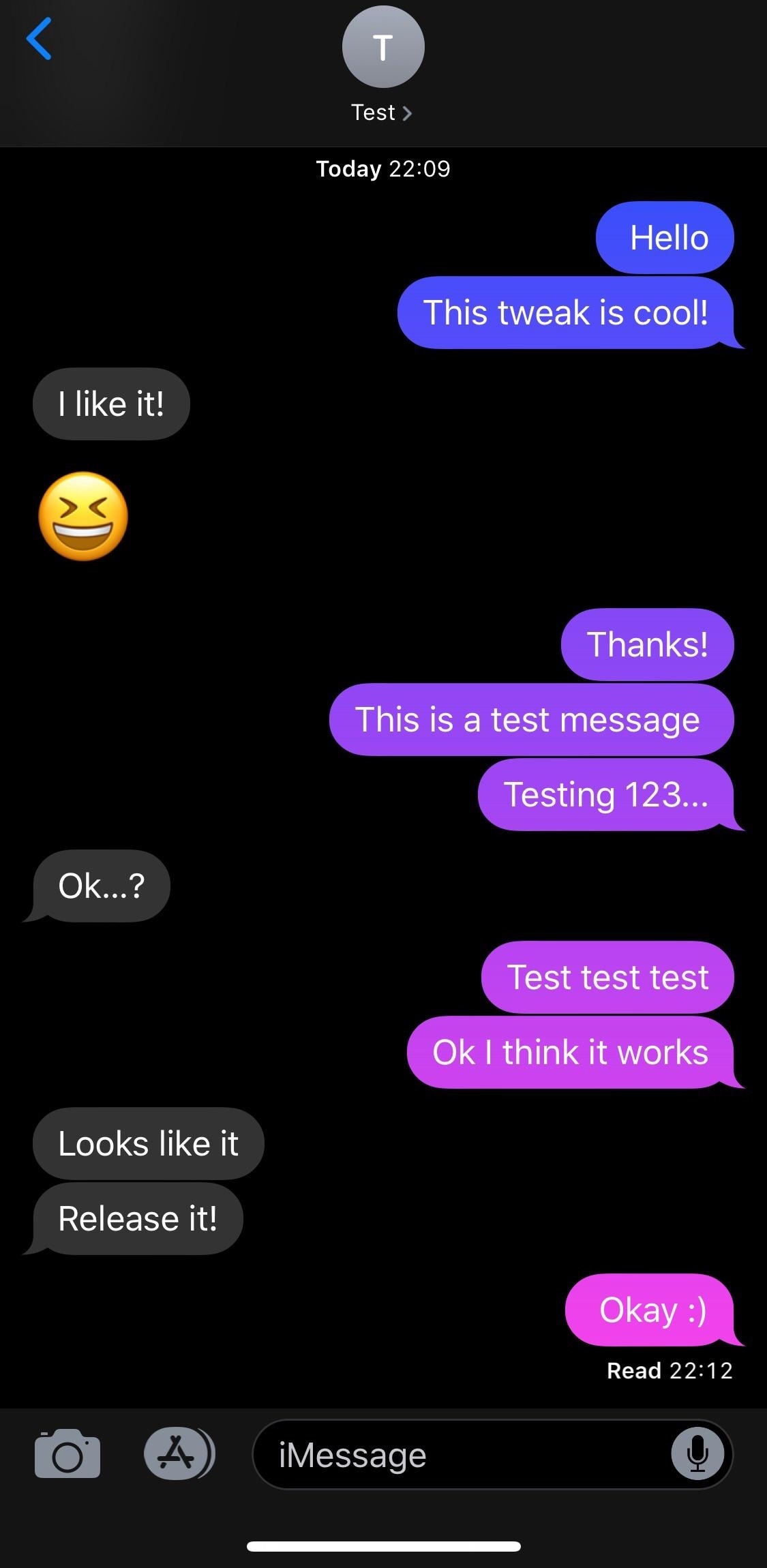
If you like what you’re hearing so far, then you’ll probably enjoy a new free jailbreak tweak called MessageColors by iOS developer RestiveConch. This tweak lets you apply custom color gradients to your Messages app, making it possible to achieve the result you see in the screenshot example above.
Having launched a new "iPhone Can Do What?" micro-site, Apple today shared new videos in its ongoing Tips series of short video tutorials covering the various features of its smartphone.
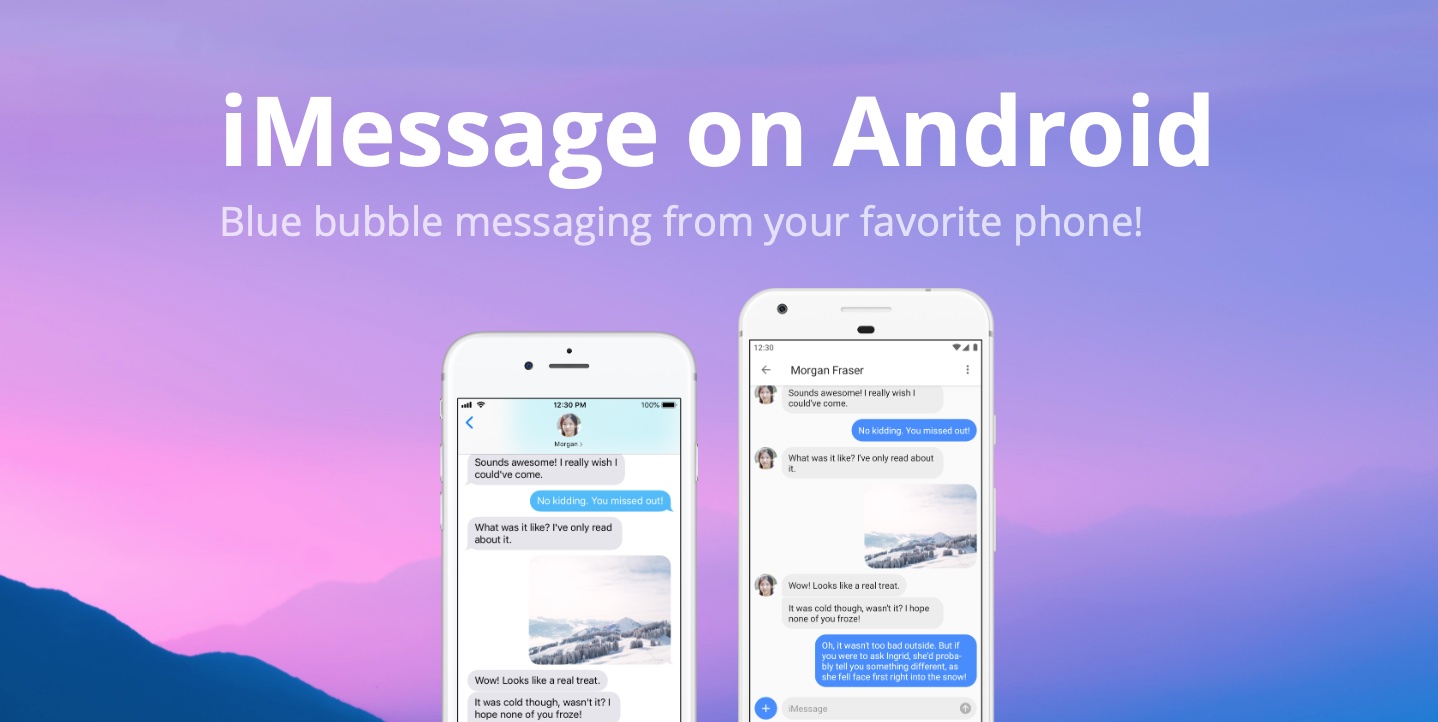
If you're on Android but cannot possibly be bothered to live your life as a green bubble, you may want to try out AirMessage, a new app that allows Mac users to participate in iMessage conversations on Android—with some caveats.
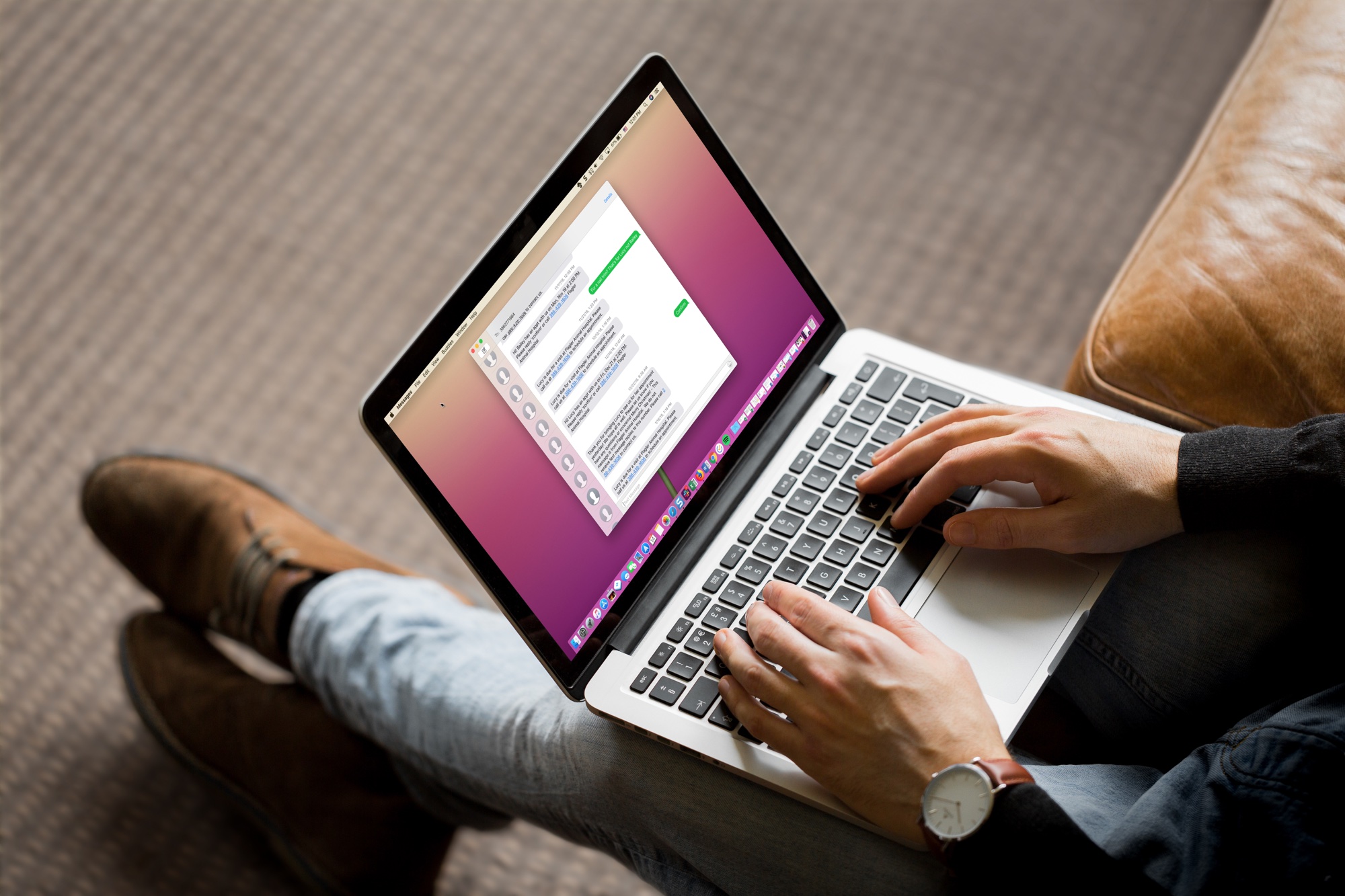
In this quick tutorial, we show you how to block callers on FaceTime and message senders in Apple's Messages app on your Mac.
Learn how to leave group chats in Apple’s built-in Messages app on the iPhone, iPad, and Mac to cut down on notifications and enjoy peace when you need it.
Your iPhone’s native Messages app incorporates a button for attaching photos and videos from your Photo Library, but wouldn’t it be nice if you could also attach general filetypes from your jailbroken handset’s filesystem much like you already can on macOS?
If you answered yes to the aforementioned question, then you’ll be ecstatic to learn about a free jailbreak tweak called MessageFile by iOS developer Julio Verne. Just as the name implies, MesseageFile lets you choose and send any file from your iPhone or iPad’s root filesystem over iMessage or SMS directly from the native Messages app.