iMessage

How to forward a text message on iPhone, iPad, Mac, and Apple Watch

Two messages selected on iPhone and ready to be sent forward

There are all sorts of reasons that you may want to forward a text message. Maybe it’s directions to a location, a confirmation, a receipt you need to share, or maybe it’s simply something funny someone sent you or vice versa.

Whatever your reason, here’s how to forward a text message on iPhone, iPad, Mac, and Apple Watch. And it works the same with both SMS and iMessage texts.

How to quickly hide the App Drawer in the Messages app

Messages App Drawer iPhone

The App Drawer at the bottom of your conversations in the Messages app can be quite convenient. You can share stickers from your favorite apps, send money with Apple Pay, send Digital Touch messages, and so much more.

But, if you would rather have the full view of the conversation screen and keyboard without the App Drawer, you can simply put it away.

Here’s how to hide the App Drawer for your conversations in the Messages app.

How to send voice messages from iPhone, iPad, and Mac

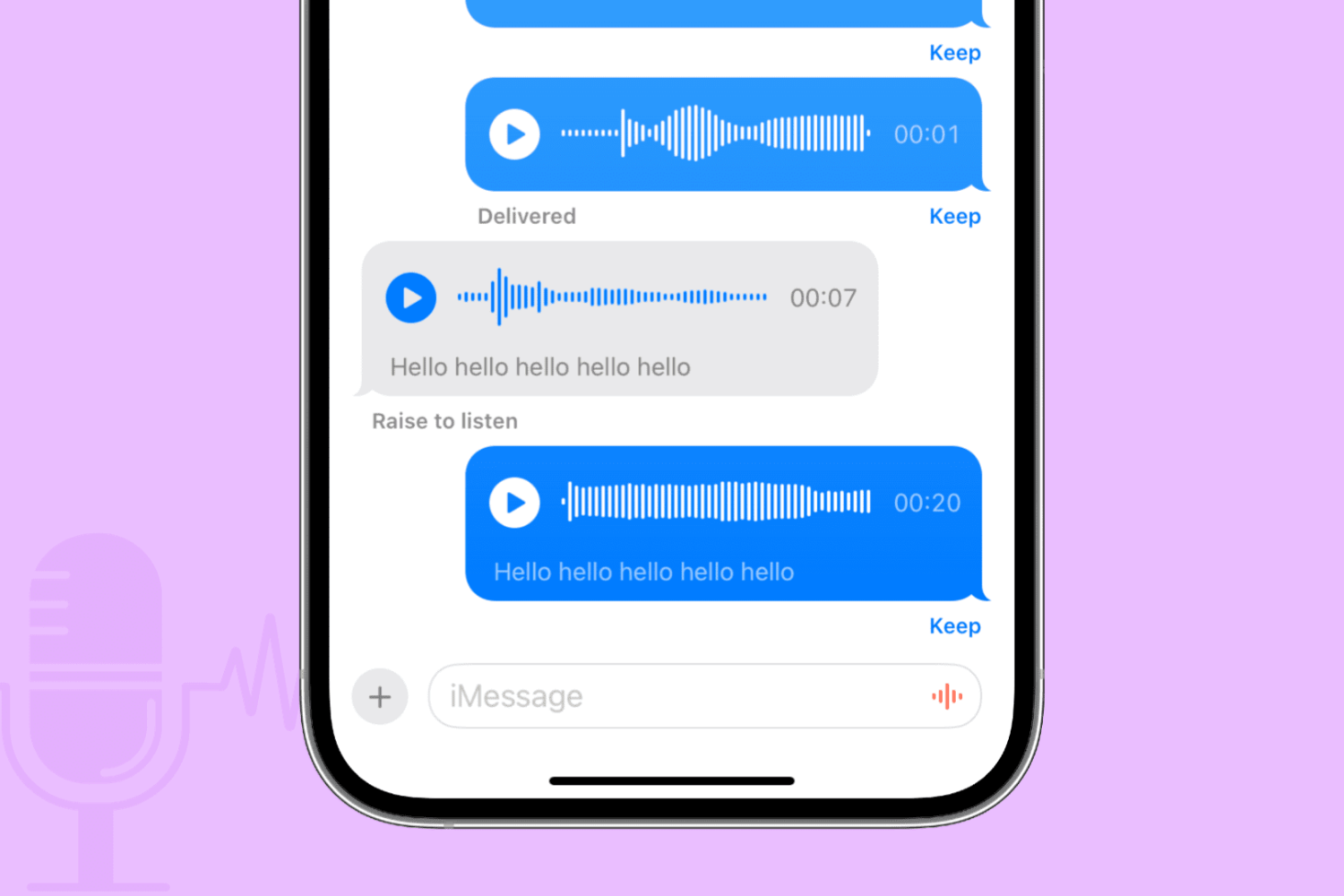
Audio messages on iPhone

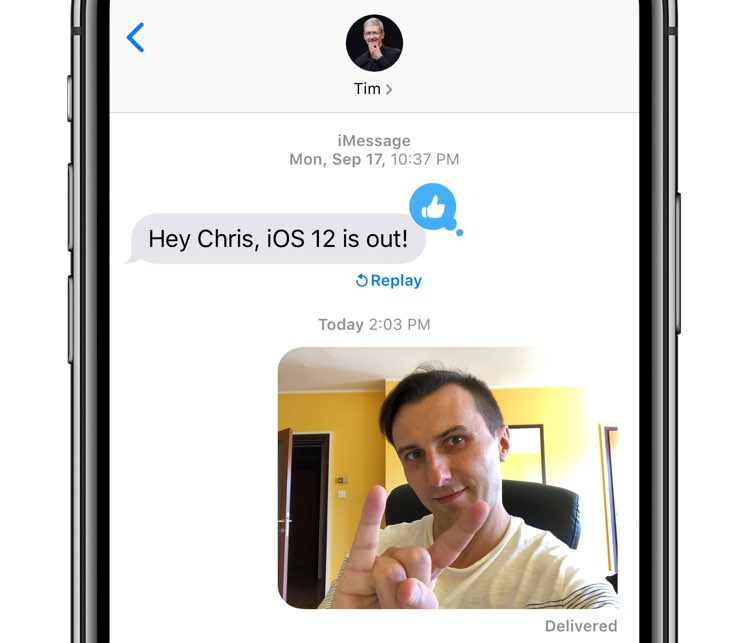
Apple Messages on iPhone, iPad, Mac, Apple Watch, and Vision Pro lets you send and receive audio messages via iMessage that recipients can optionally keep in the app. Audio messages bring that unmistakable personal touch.

Maybe your toddler just uttered his first words. Perhaps you want to send a business colleague a soundbite from an important meeting. Or maybe you’d like that special person in your life to hear a heartfelt message spoken aloud with your own voice.

Learn how to send audio messages to your iMessage friends when you don’t have the time for typing or want to tell them something in your own voice.

NoMoreSkinToneSuggestion prevents iOS from nagging you about skin tones for Emojis

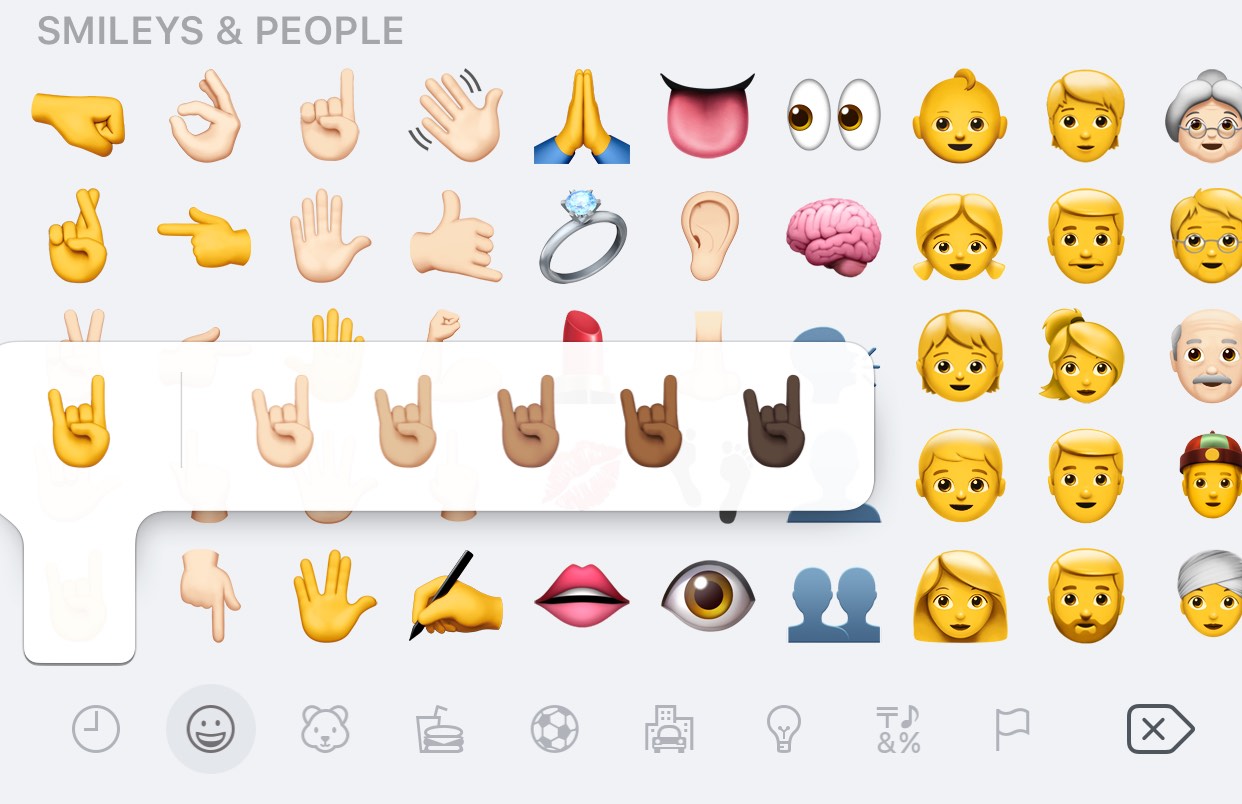
Certain Emojis, especially those depicting hand gestures, support a variety of different skin tones, which are configured on a per-Emoji basis. If you’ve never set a skin tone for a particular Emoji before, then you’re likely to encounter the interface shown above when tapping on it.

While there’s nothing wrong with choosing a skin tone for your Emojis, it’s rather annoying how iOS asks you to select a skin tone for each Emoji individually instead of remembering your choice for all of them. Fortunately, a new free jailbreak tweak dubbed NoMoreSkinToneSuggestion by iOS developer A_H_Rabie prevents iOS from asking about skin tones once and for all.

Send Separately streamlines bulk messaging without the headache of group conversations

Upon refreshing your Cydia sources, you may happen upon a new free jailbreak tweak called Send Separately by iOS developer NeinZedd9.

Although it seems like a subtle tweak at first glance, don’t be fooled. Send Separately can potentially save you a ton of time and frustration when sending bulk messages to friends and family, such as during holidays or special events.