Getting unbearable input delay when typing with your wireless keyboard on Mac? This tutorial lists all the solutions to fix this problem and make your typing lag-free.
Bluetooth keyboard lagging on Mac? Here’s how to fix it
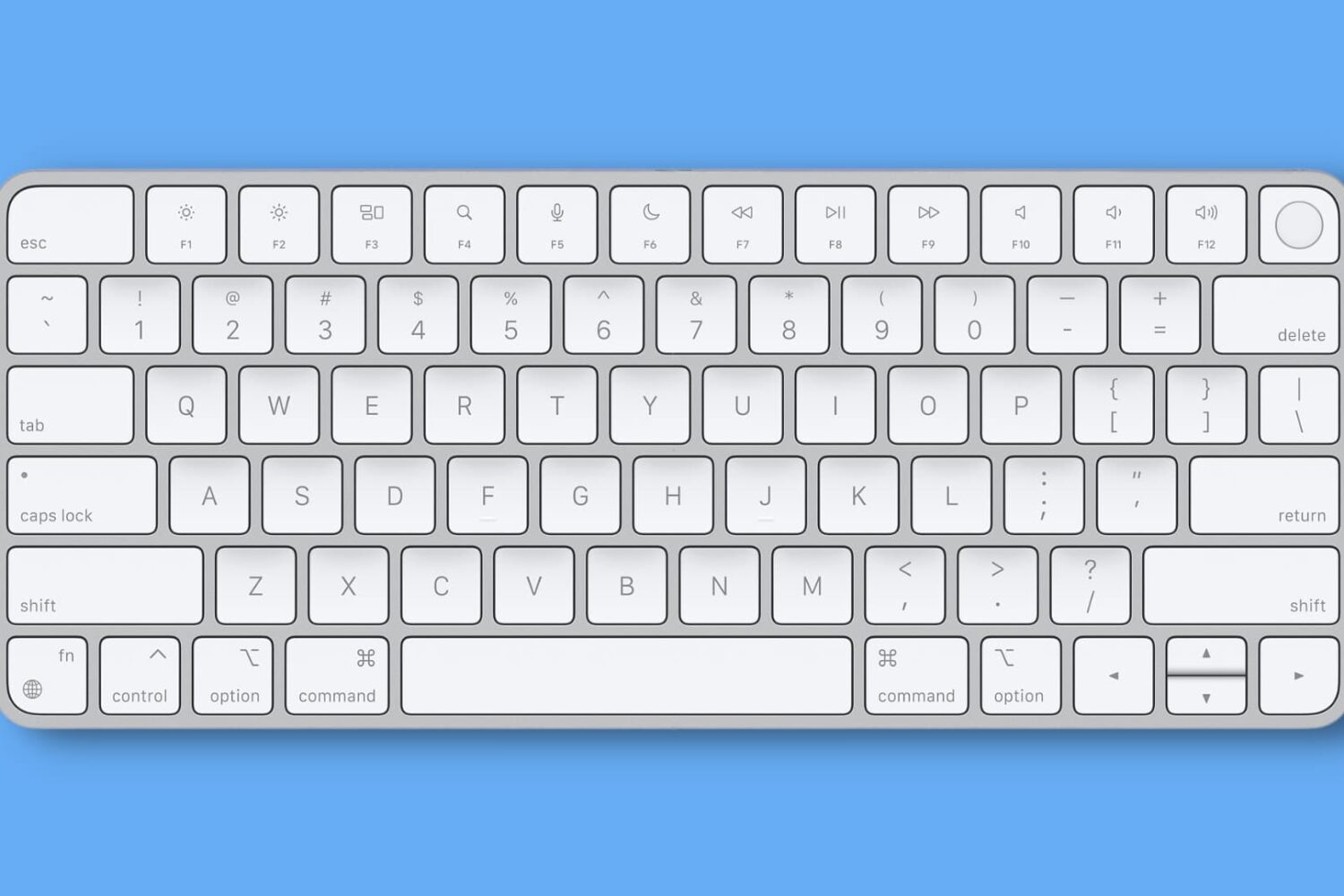
Getting unbearable input delay when typing with your wireless keyboard on Mac? This tutorial lists all the solutions to fix this problem and make your typing lag-free.
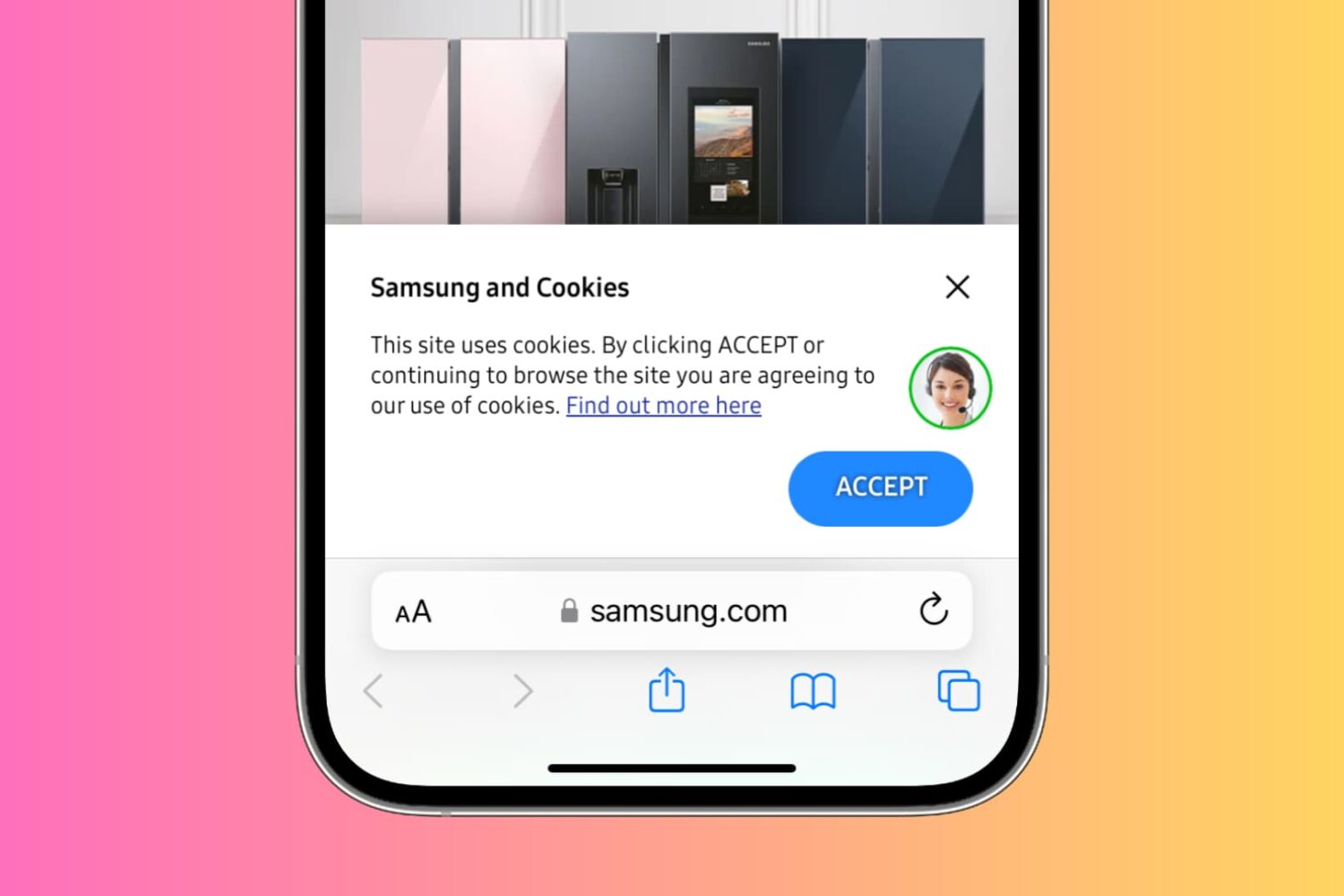
Accumulating cookies on your iPhone can lead to various issues such as slow website loading times, decreased device performance, and potential privacy concerns due to tracking of online activity.
To help address these annoyances, we'll show you how to effectively delete cookies for all or selected websites in popular browsers like Safari, Chrome, Firefox, Edge, Brave, and Opera on your iPhone or iPad.
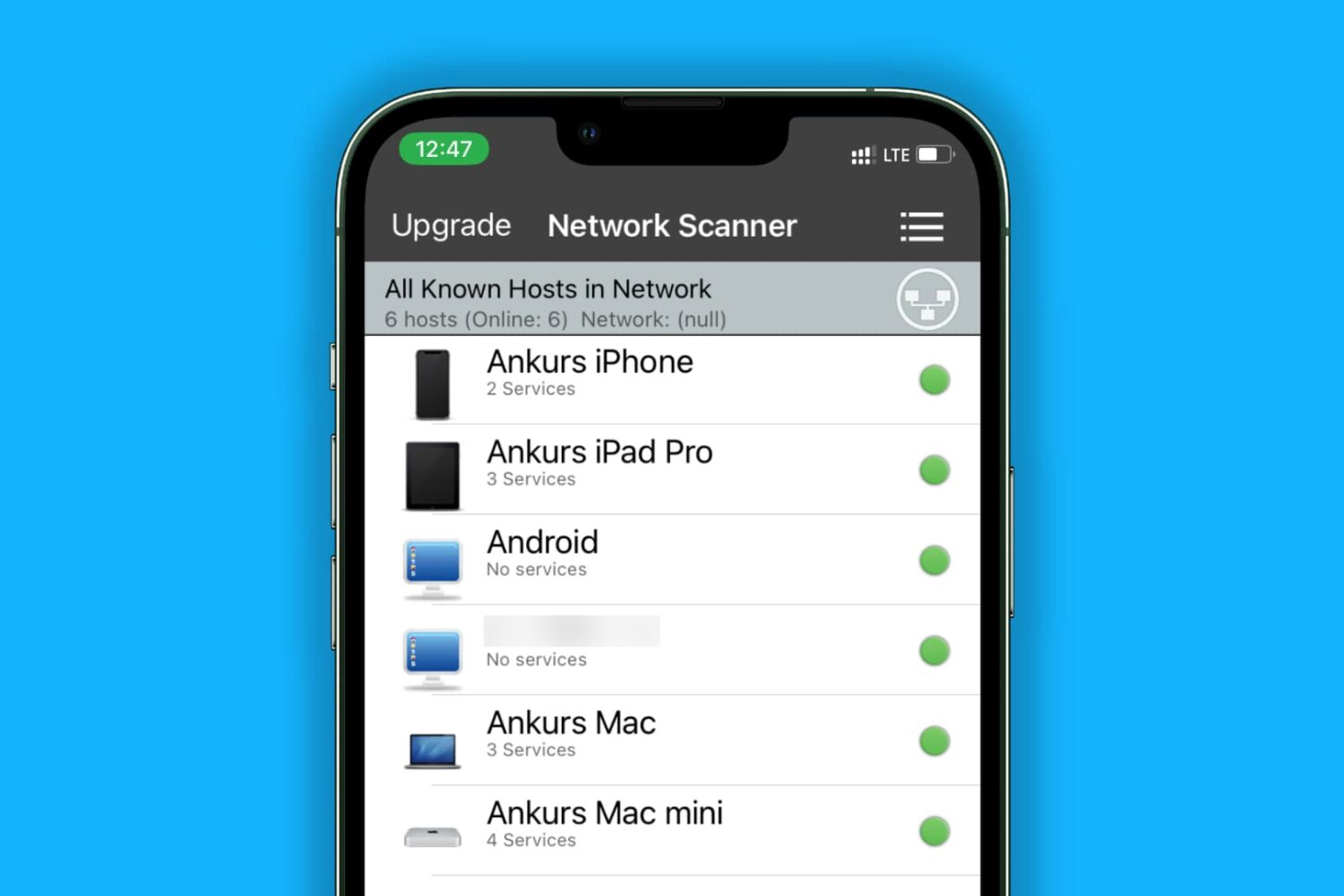
Learn how to easily discover and remove devices connected to your iPhone hotspot to ensure your personal data and internet speed remain secure.
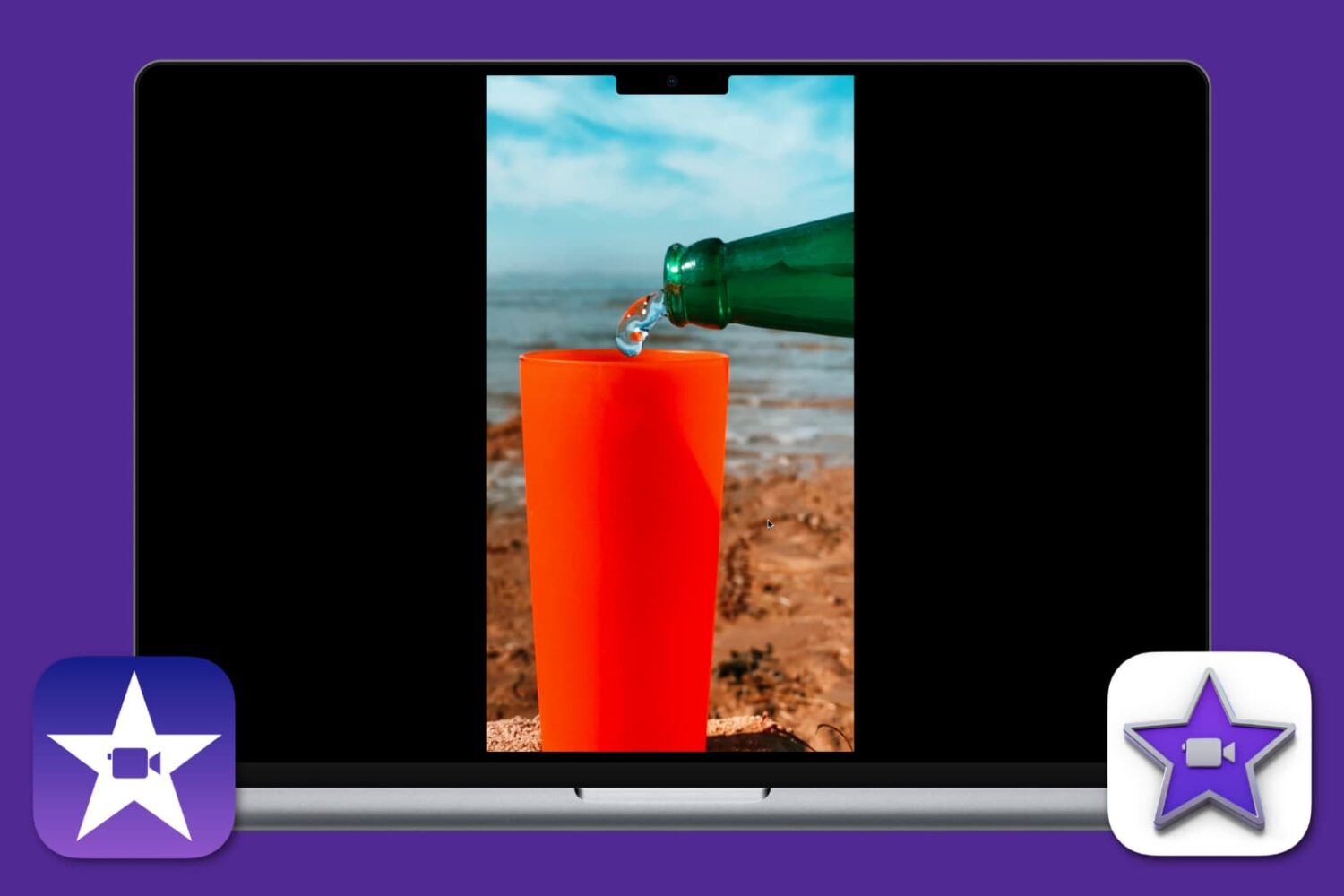
Learn how to edit vertical videos without black bars in iMovie on your Mac, iPhone, or iPad, and make sure they look great in portrait orientation. This is particularly handy if you want to post your videos to Instagram, TikTok, YouTube Shorts, etc.

In case you missed it, iOS developer Lars Fröder (@opa334dev) formally released Dopamine v2, a perma-signable and semi-untethered jailbreak tool for A8-A16 and M1-M2 devices running iOS & iPadOS 15.0-16.6.1*.
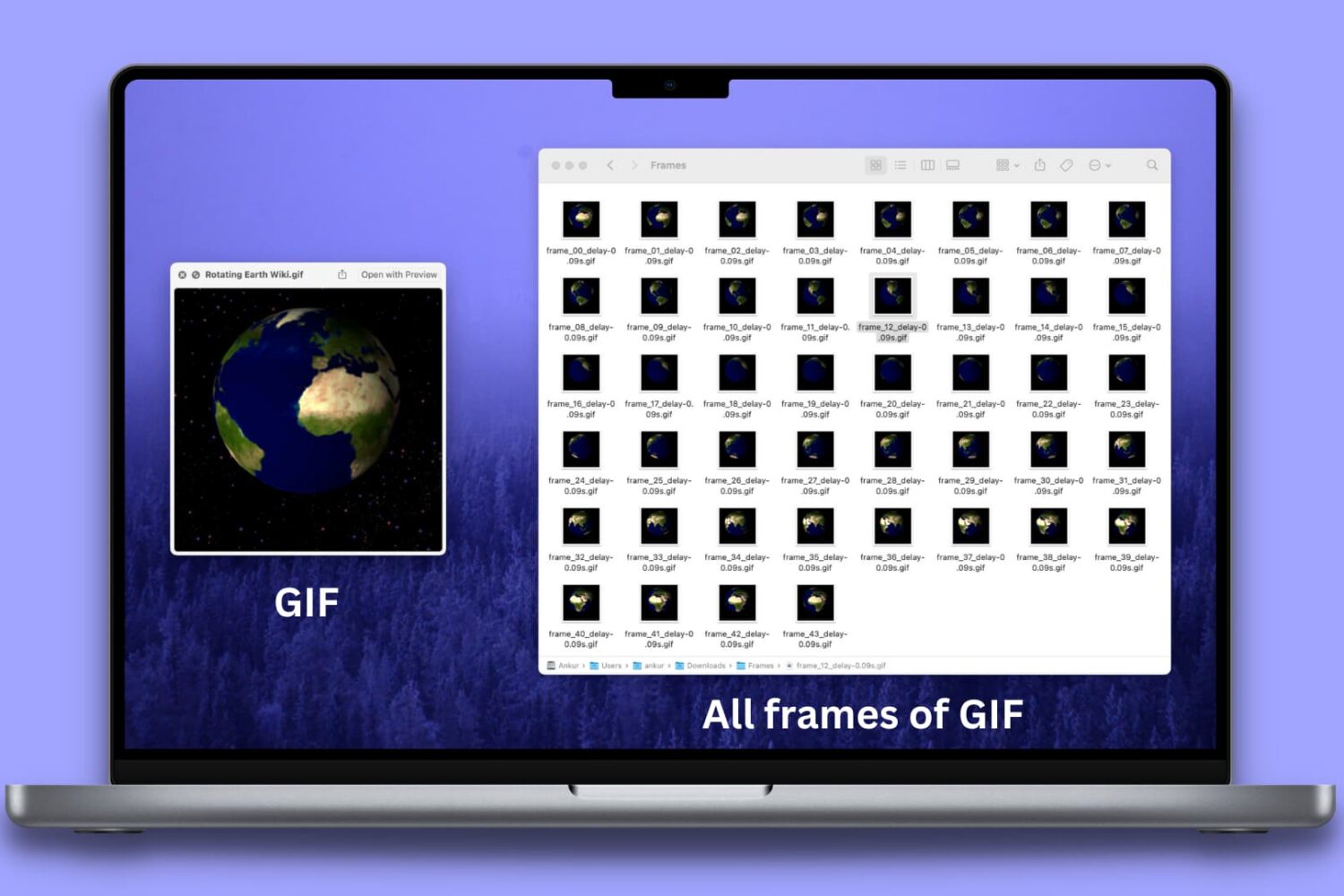
Learn how to separate different frames of a GIF and save each frame as an individual image on your Mac, iPhone, and iPad.
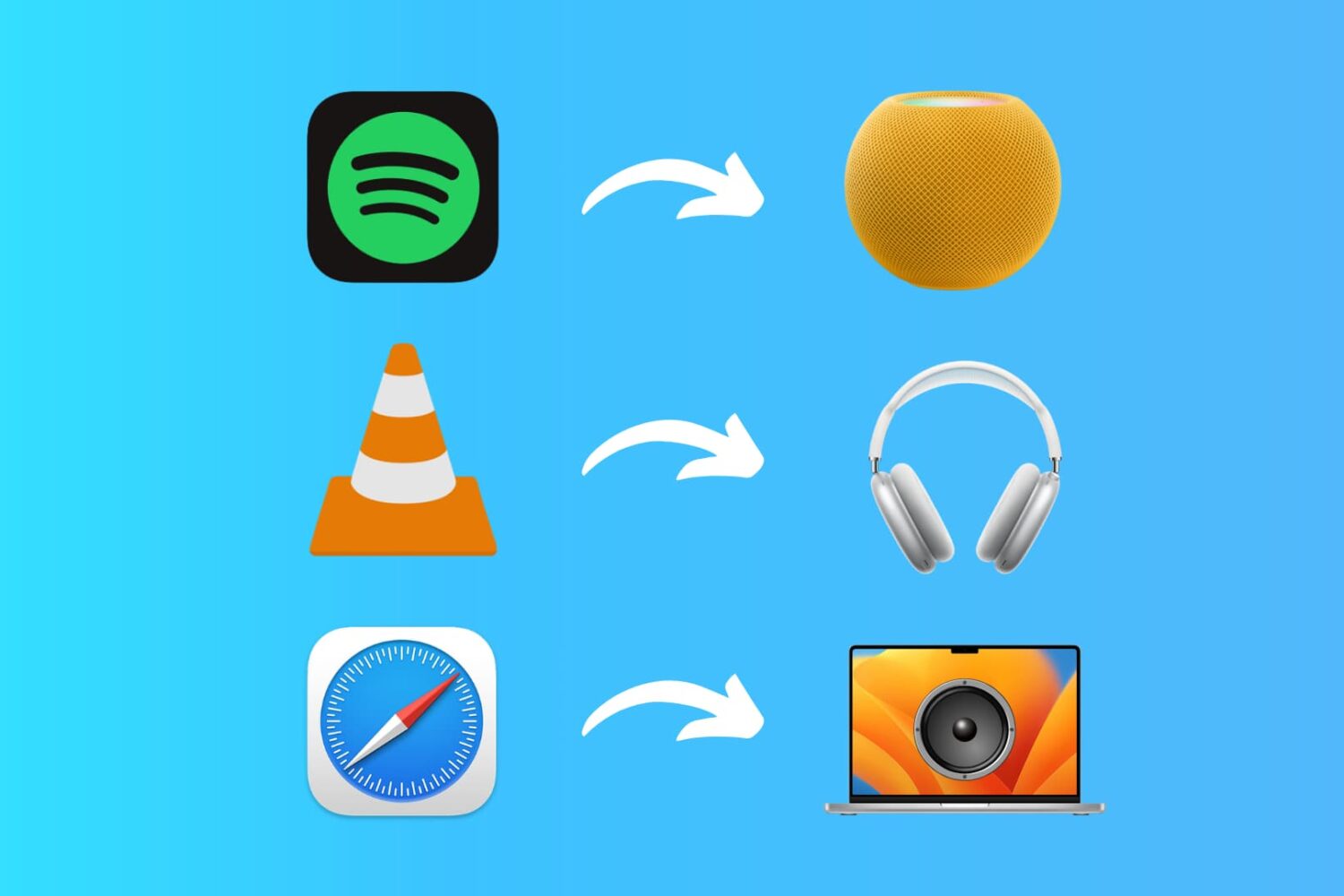
Learn how to set up custom audio output preferences for specific apps on your Mac, allowing you to enjoy your music and media exactly how you want.
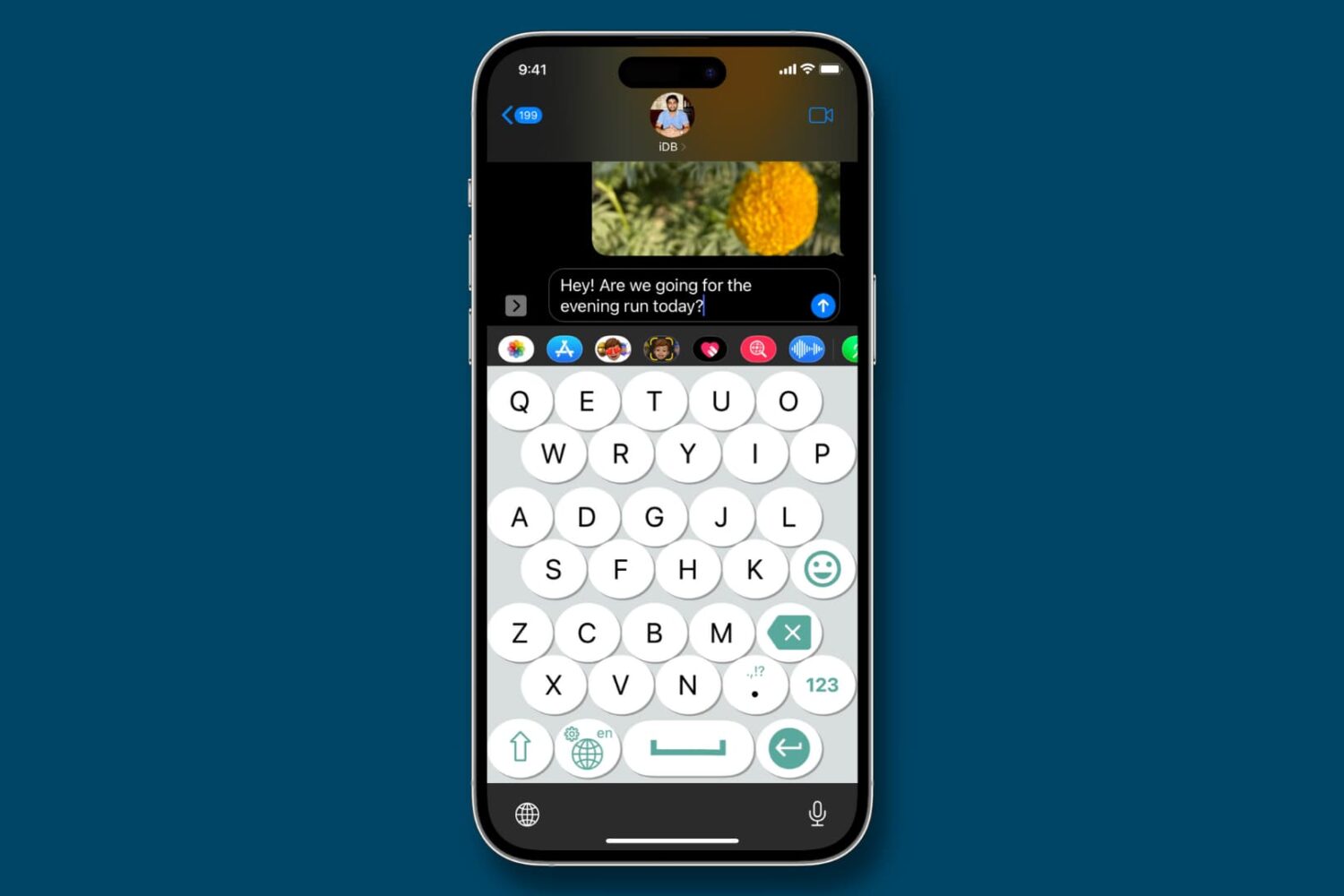
Learn about these simple methods to make your iPhone keyboard bigger and enhance visibility for a more comfortable typing experience if you have trouble using the small keys of the stock iOS keyboard.

Learn how to use a different profile picture for your Google account and other associated Google-owned services like Gmail, YouTube, Drive, Search, Maps, etc.
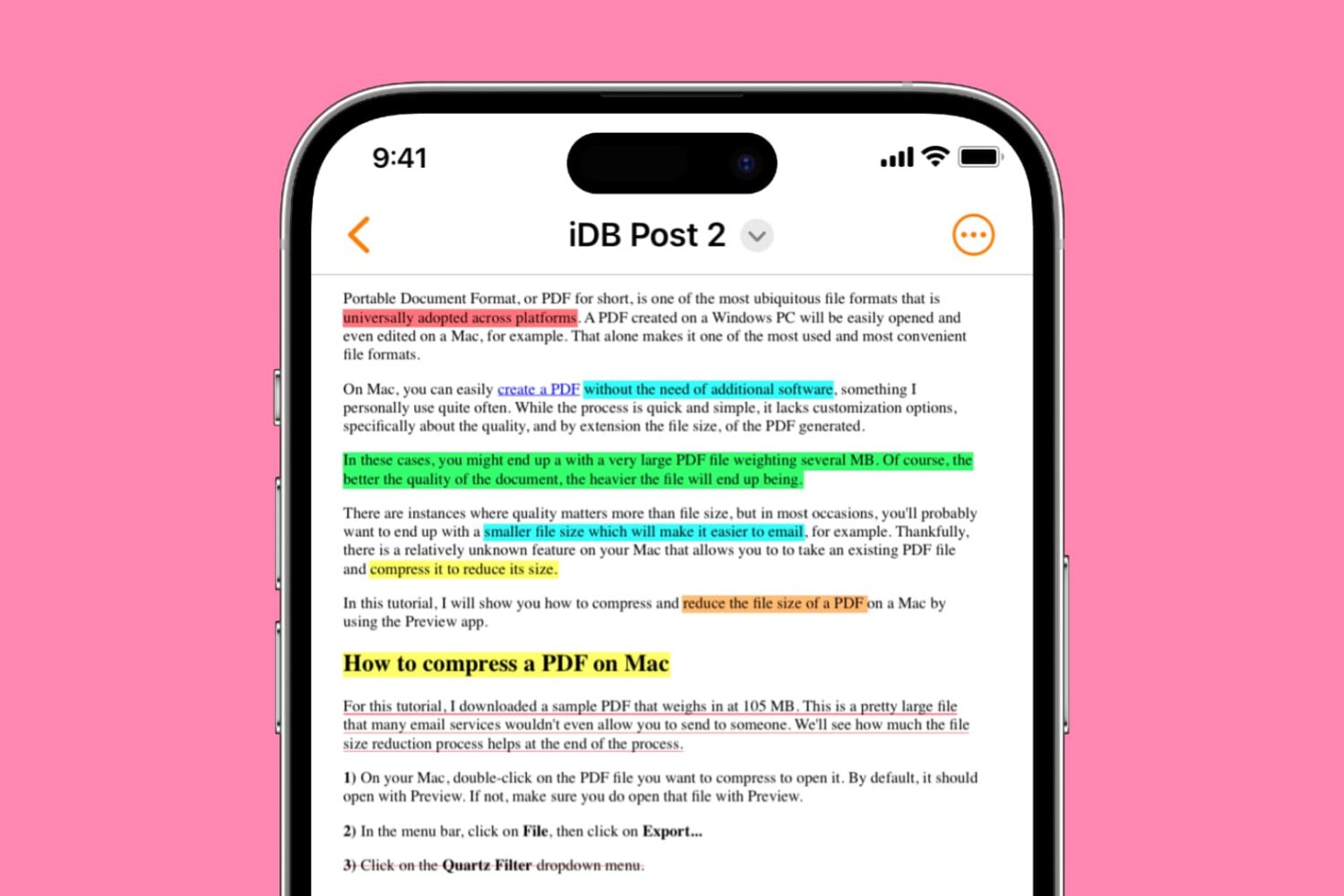
Learn how to highlight, underline, and strikethrough text in PDF files on your iPhone, iPad, and Mac, making it easy to keep track of important information or annotate documents. This article provides a step-by-step guide to using these useful features for free.
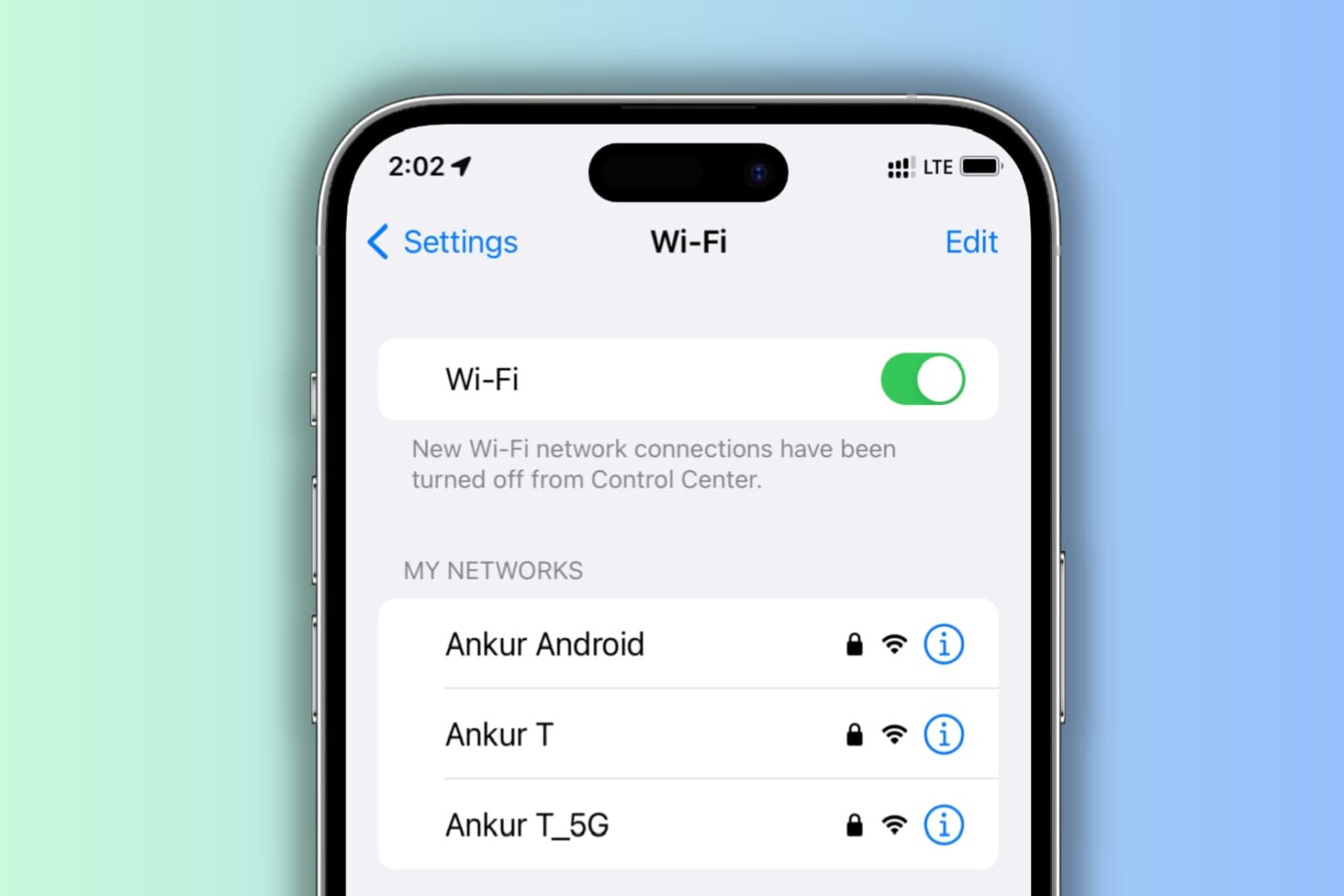
Learn what to do if your iPhone keeps disconnecting itself from a Wi-Fi network and starts using cellular data instead.
When you double-click an image or a PDF in a Finder folder on Mac, it should automatically open in the built-in Apple Preview app, as that’s the default macOS app to view photos and PDFs. However, if you can’t open these files on Mac, here are all the solutions to fix it.