Learn how to set up custom audio output preferences for specific apps on your Mac, allowing you to enjoy your music and media exactly how you want.
How to set different audio output speakers for individual apps on Mac
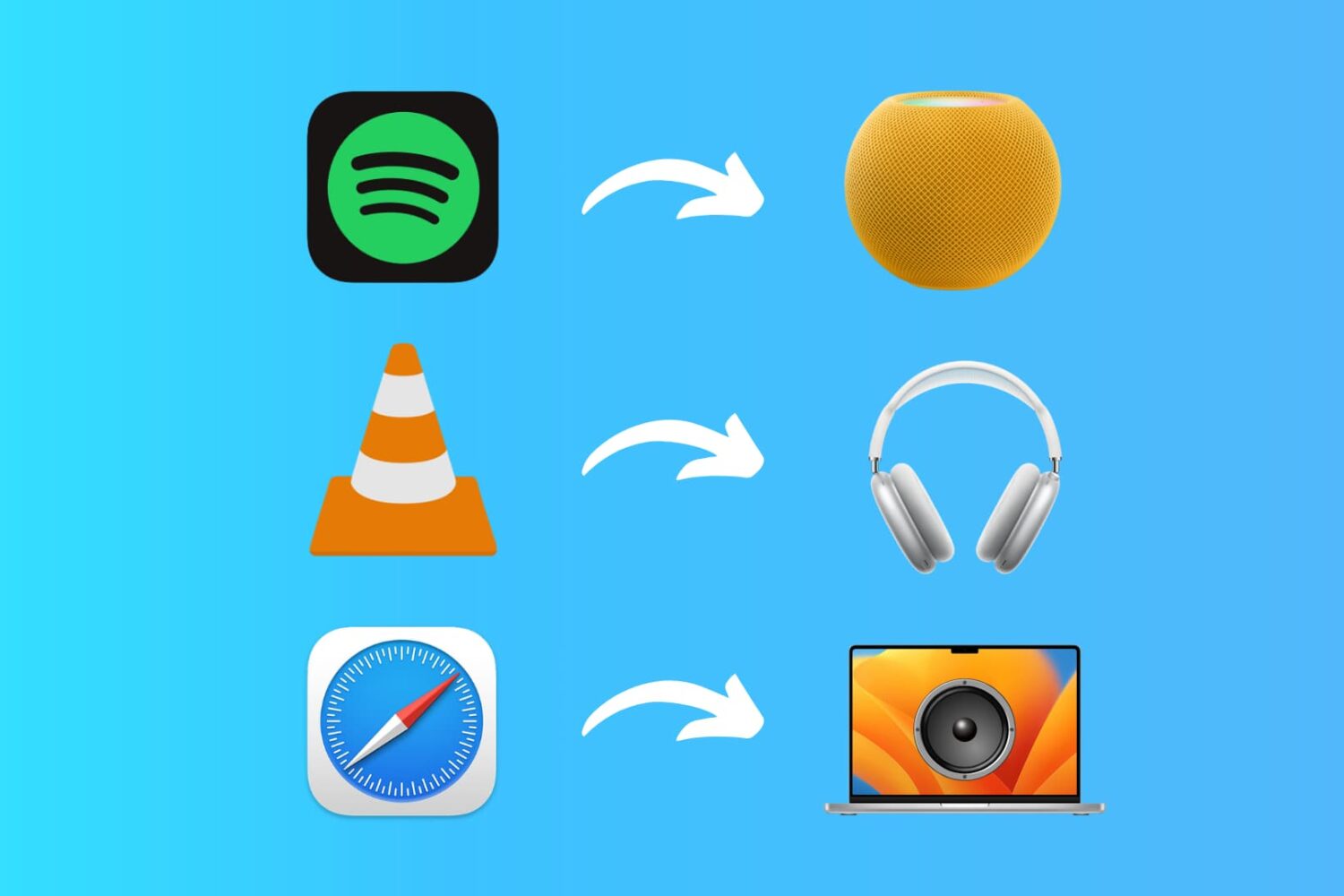
Learn how to set up custom audio output preferences for specific apps on your Mac, allowing you to enjoy your music and media exactly how you want.
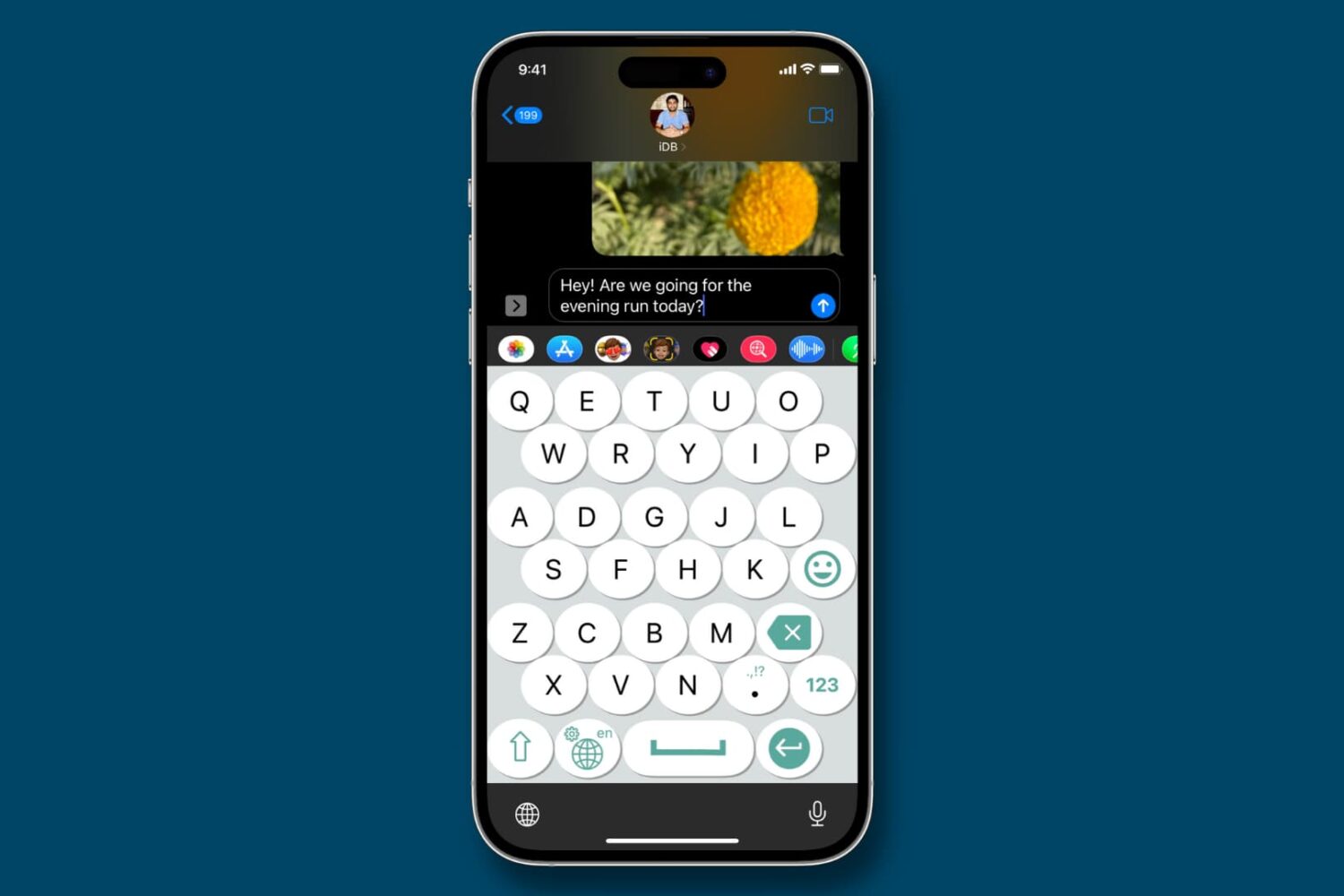
Learn about these simple methods to make your iPhone keyboard bigger and enhance visibility for a more comfortable typing experience if you have trouble using the small keys of the stock iOS keyboard.
Learn how to use a different profile picture for your Google account and other associated Google-owned services like Gmail, YouTube, Drive, Search, Maps, etc.
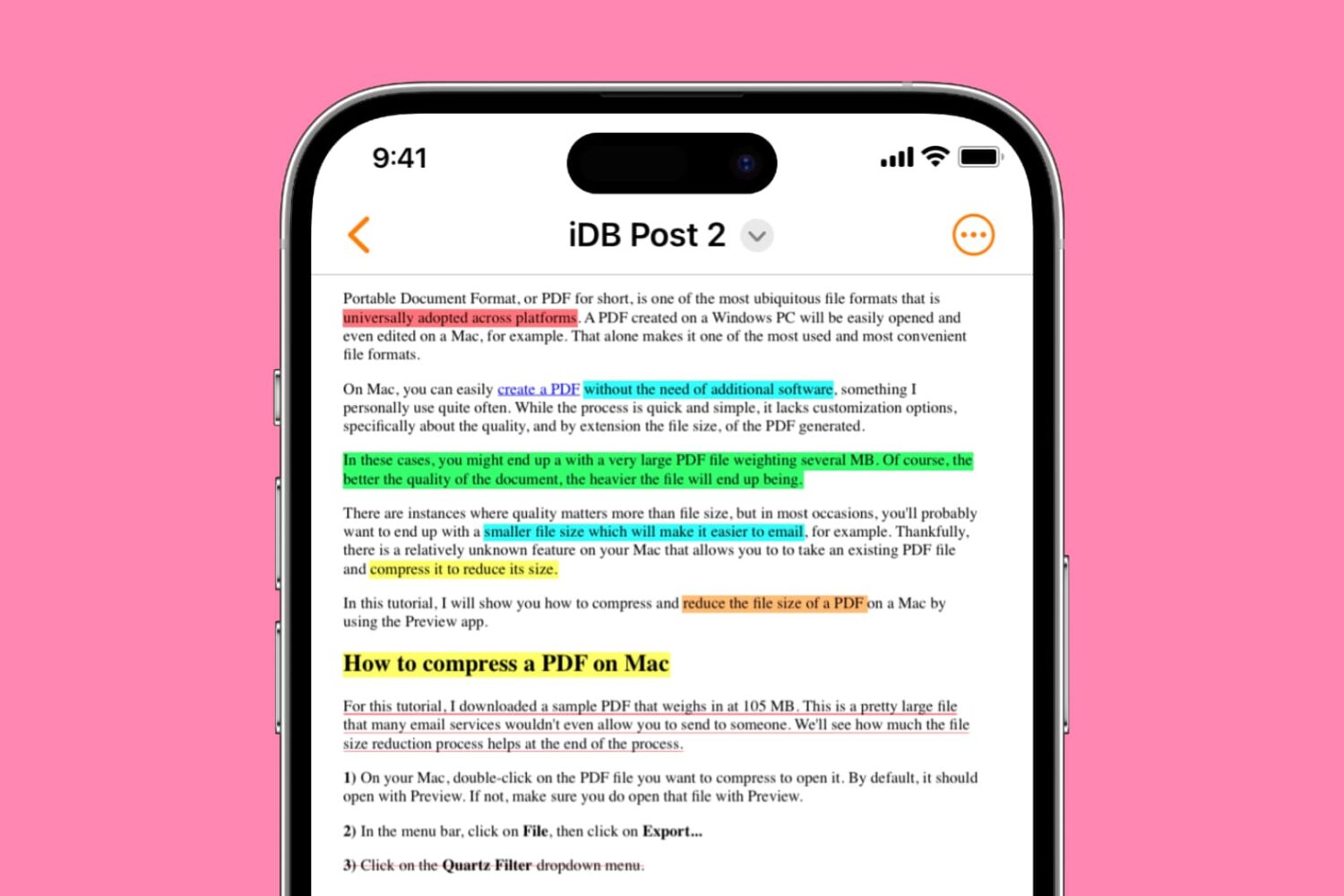
Learn how to highlight, underline, and strikethrough text in PDF files on your iPhone, iPad, and Mac, making it easy to keep track of important information or annotate documents. This article provides a step-by-step guide to using these useful features for free.
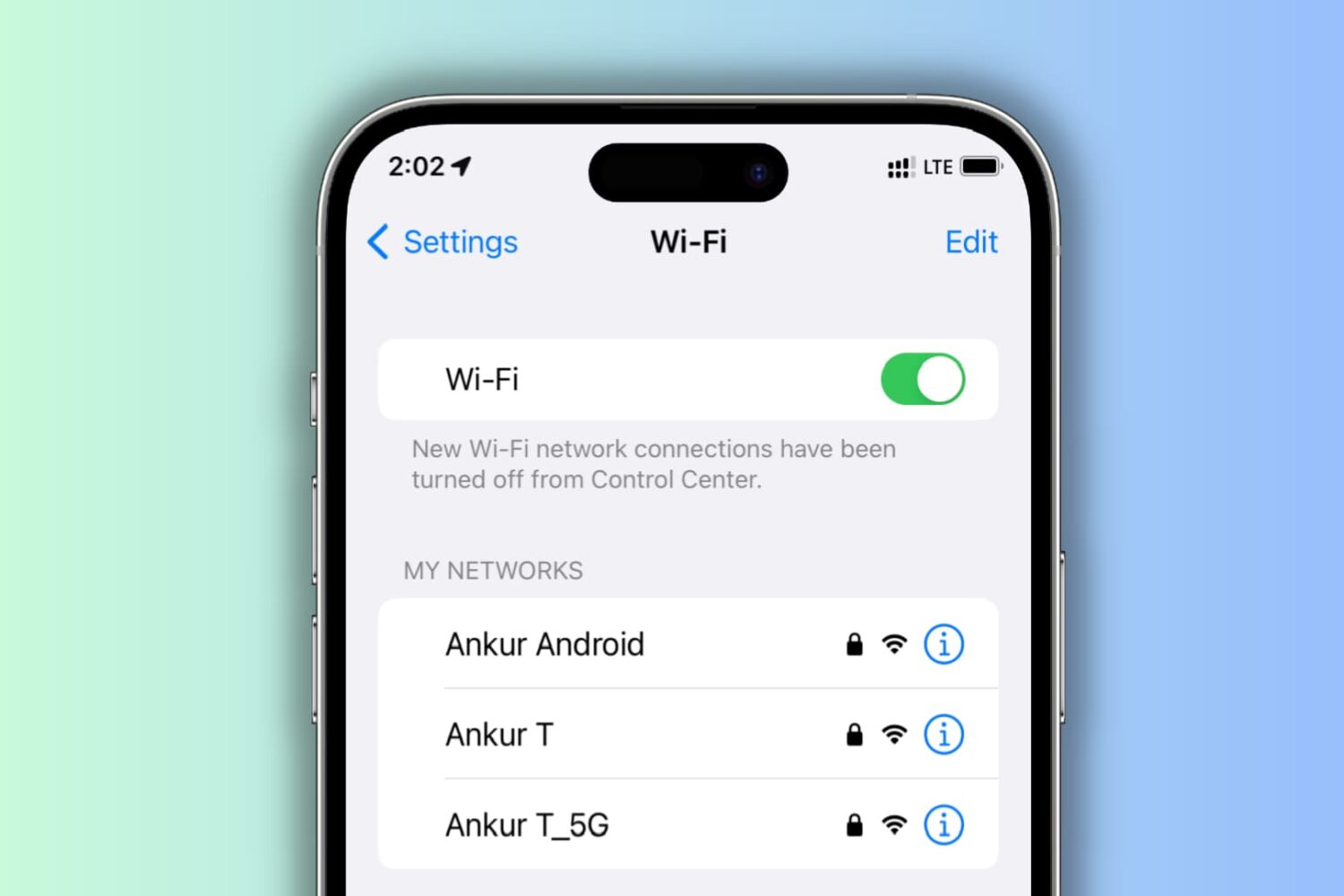
Learn what to do if your iPhone keeps disconnecting itself from a Wi-Fi network and starts using cellular data instead.
When you double-click an image or a PDF in a Finder folder on Mac, it should automatically open in the built-in Apple Preview app, as that’s the default macOS app to view photos and PDFs. However, if you can’t open these files on Mac, here are all the solutions to fix it.
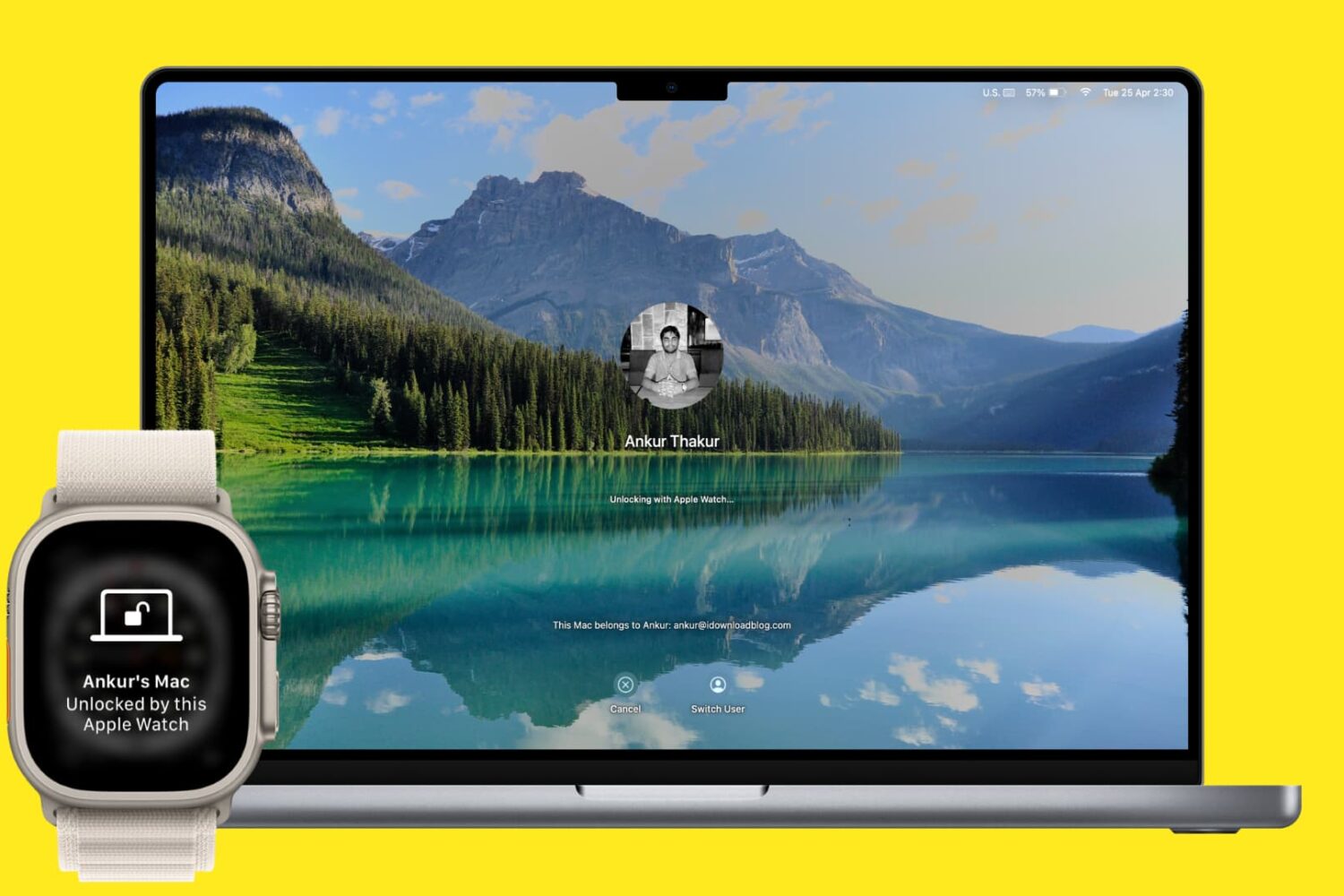
Learn how to unlock your Mac and approve password requests with your Apple Watch to log into macOS accounts without typing and change locked settings faster.

We previously showed our readers how to install TrollStore on non-jailbroken iPhones and iPads running iOS & iPadOS 15.0-15.1.1 with Sideloadly and TrollInstaller, but project developer Lars Fröder (@opa334) has since recommended a different method for installing TrollStore that works on all arm64e (A12 and newer) devices running iOS & iPadOS 14.0-15.6.1, 15.5 betas 1-4, and 15.6 betas 1-5 and arm64 (A9-A11) devices running iOS & iPadOS 14.0-15.6.1.
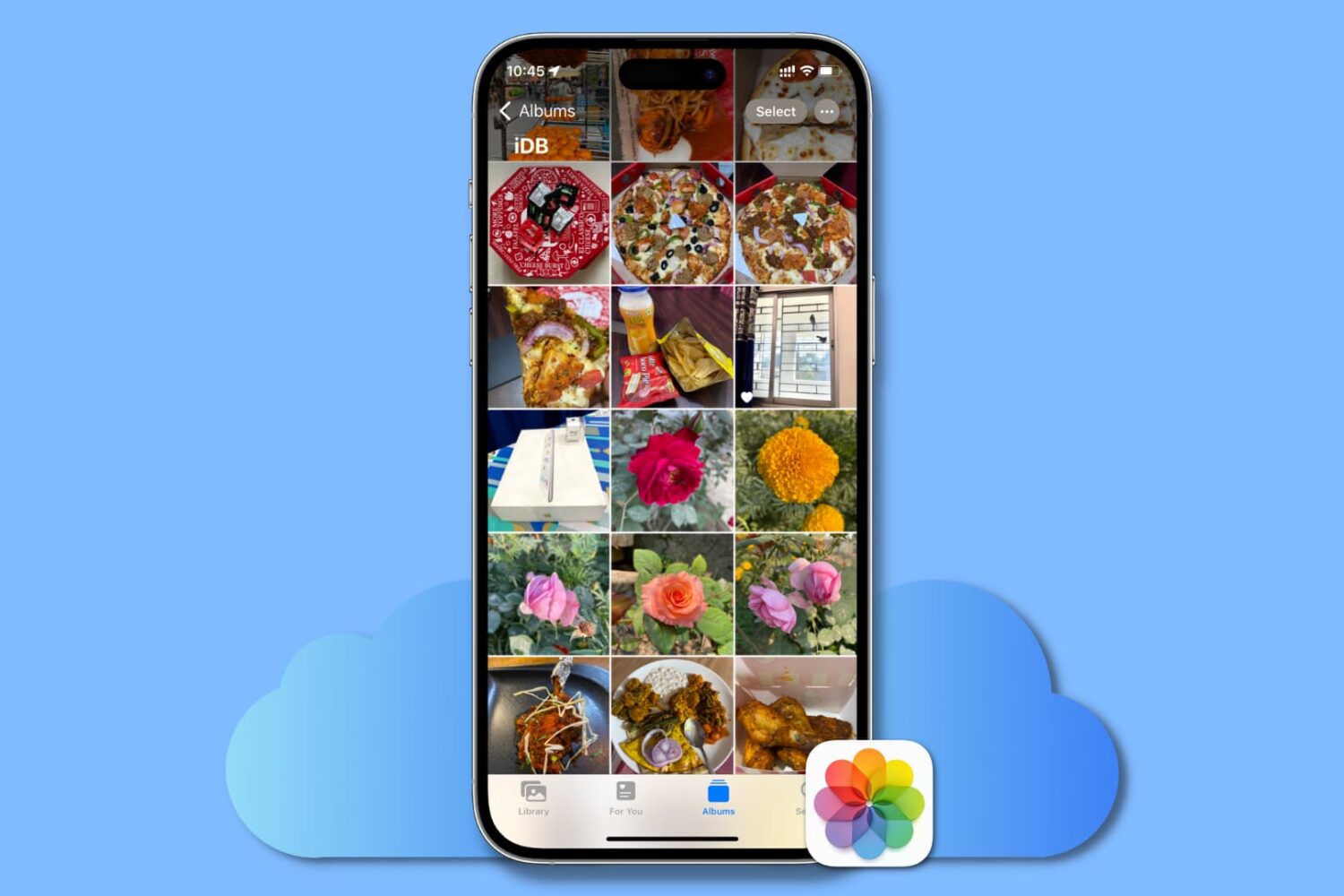
This guide lists all the solutions to fix iCloud Photos not syncing pictures and videos across your Apple devices, iCloud web, and Windows PC.
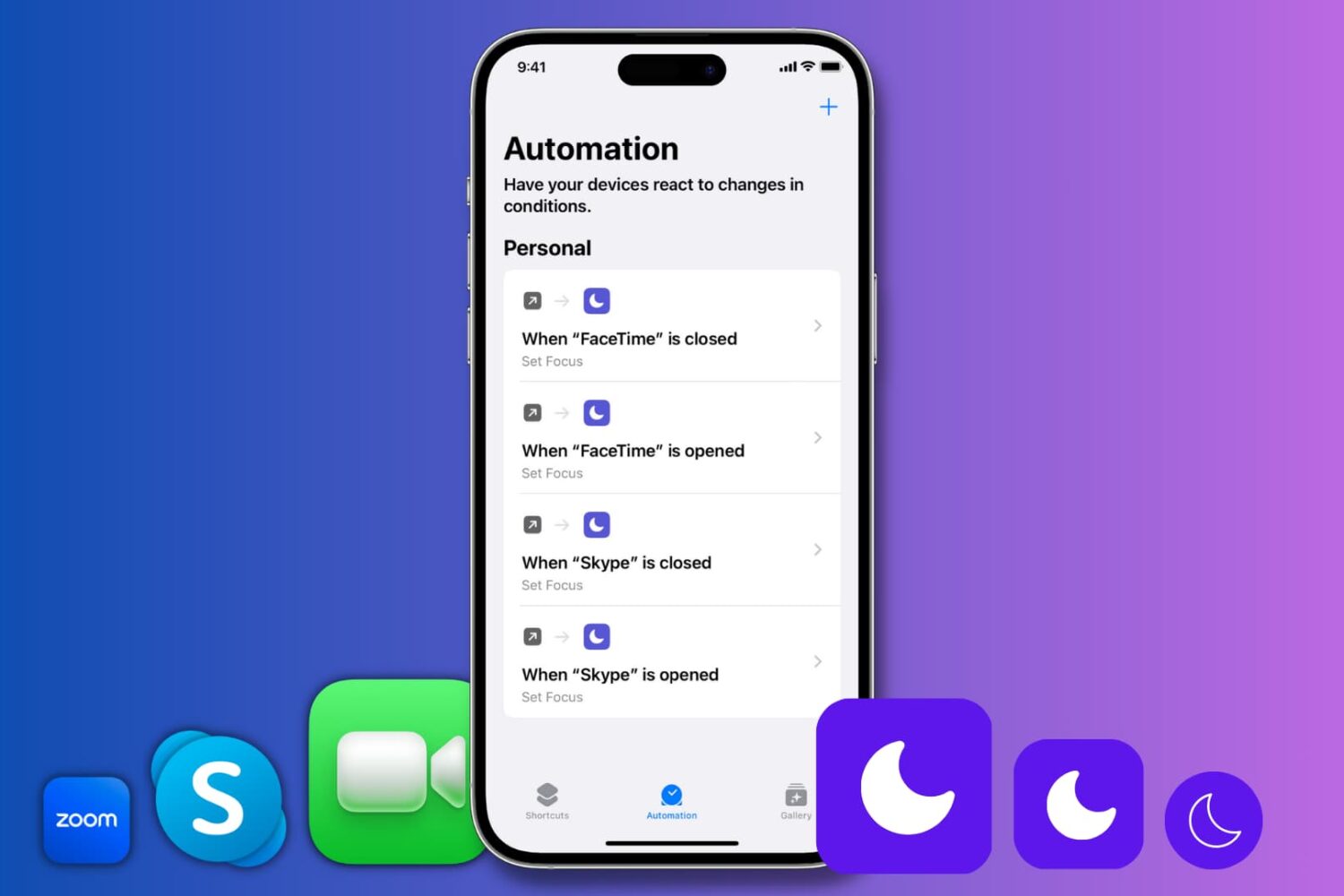
Learn how to automatically enable Do Not Disturb when you open Zoom, FaceTime, Skype, or any specific app on your iPhone or iPad.
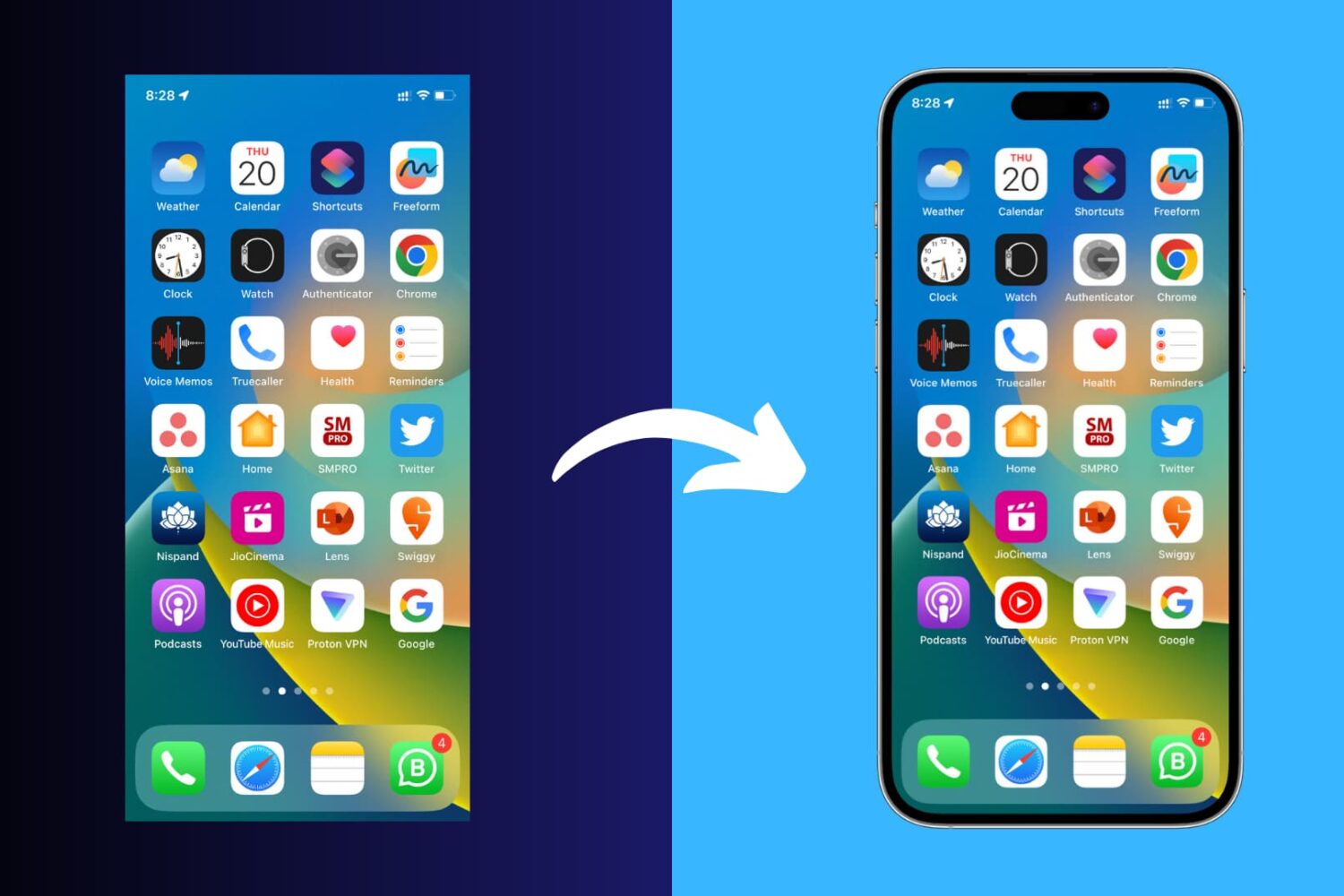
Learn how to add a device frame around your iPhone and iPad screenshots to make them look more polished for presentations, online sharing, and more.
In a previous tutorial, we showed our readers how they can install TrollStore on various devices using the now deprecated TrollInstaller method, but if you have a checkm8-compatible arm64 device (iPhone X or older), then you may use the SSH Ramdisk method to install TrollStore on your device.