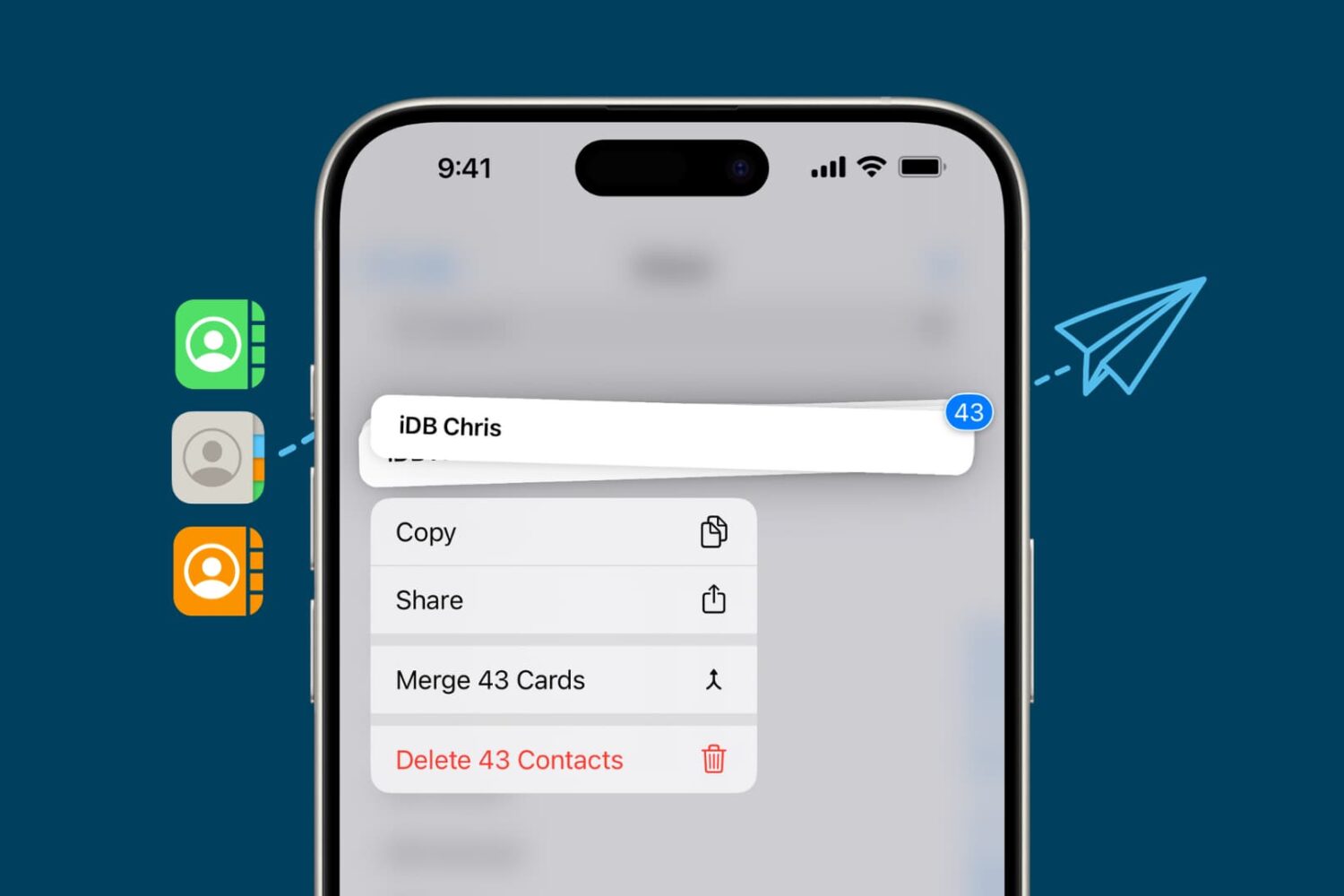
Learn how to turn off voice and video calling for your X (formerly Twitter) account to stop unsolicited VoIP calls from others and enhance your privacy.
How to turn off audio and video calling for your X account
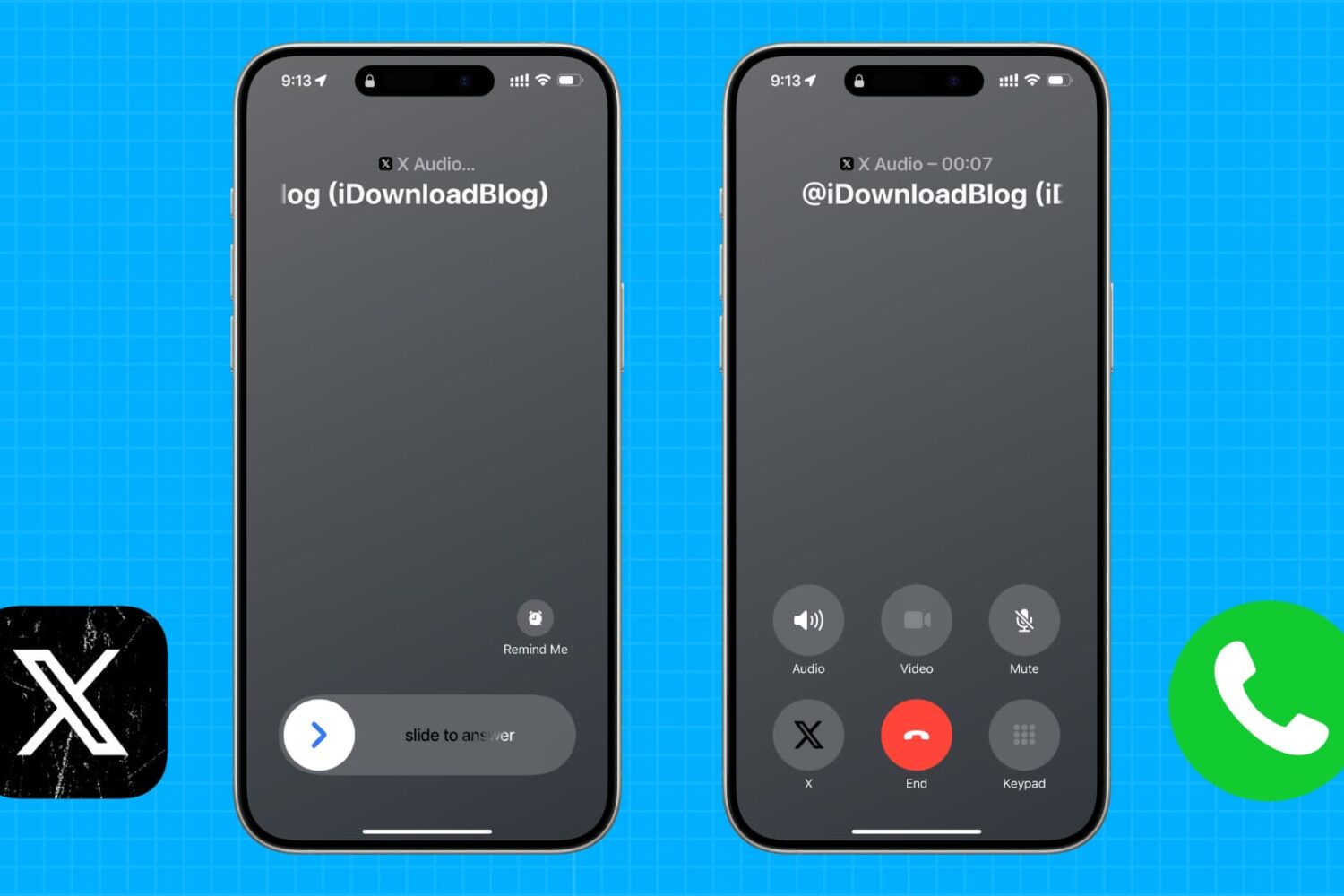
Learn how to turn off voice and video calling for your X (formerly Twitter) account to stop unsolicited VoIP calls from others and enhance your privacy.
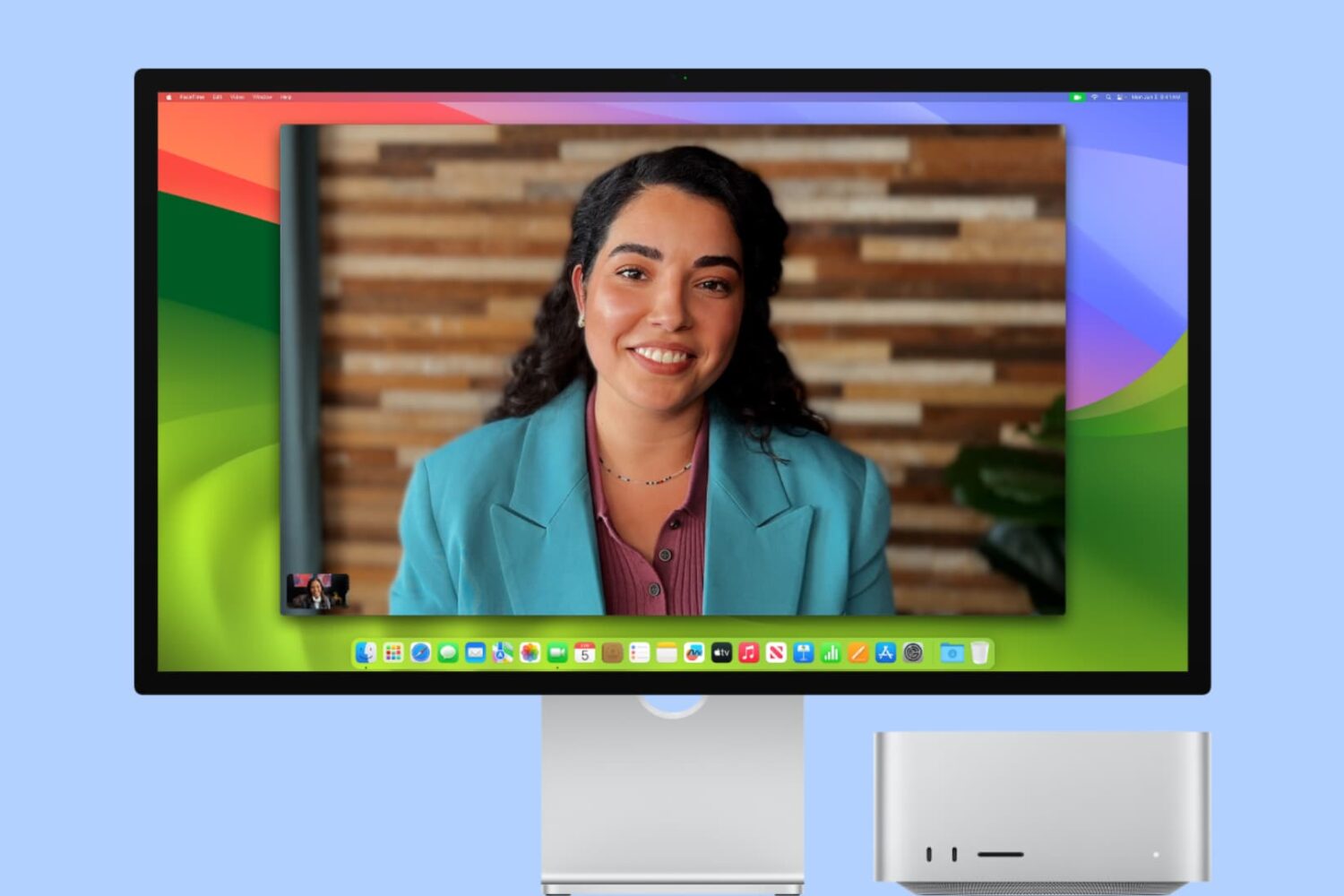
In this tutorial, we will explain what Center Stage is and how to enable or disable it when you are on a video call on your iPad or Mac.
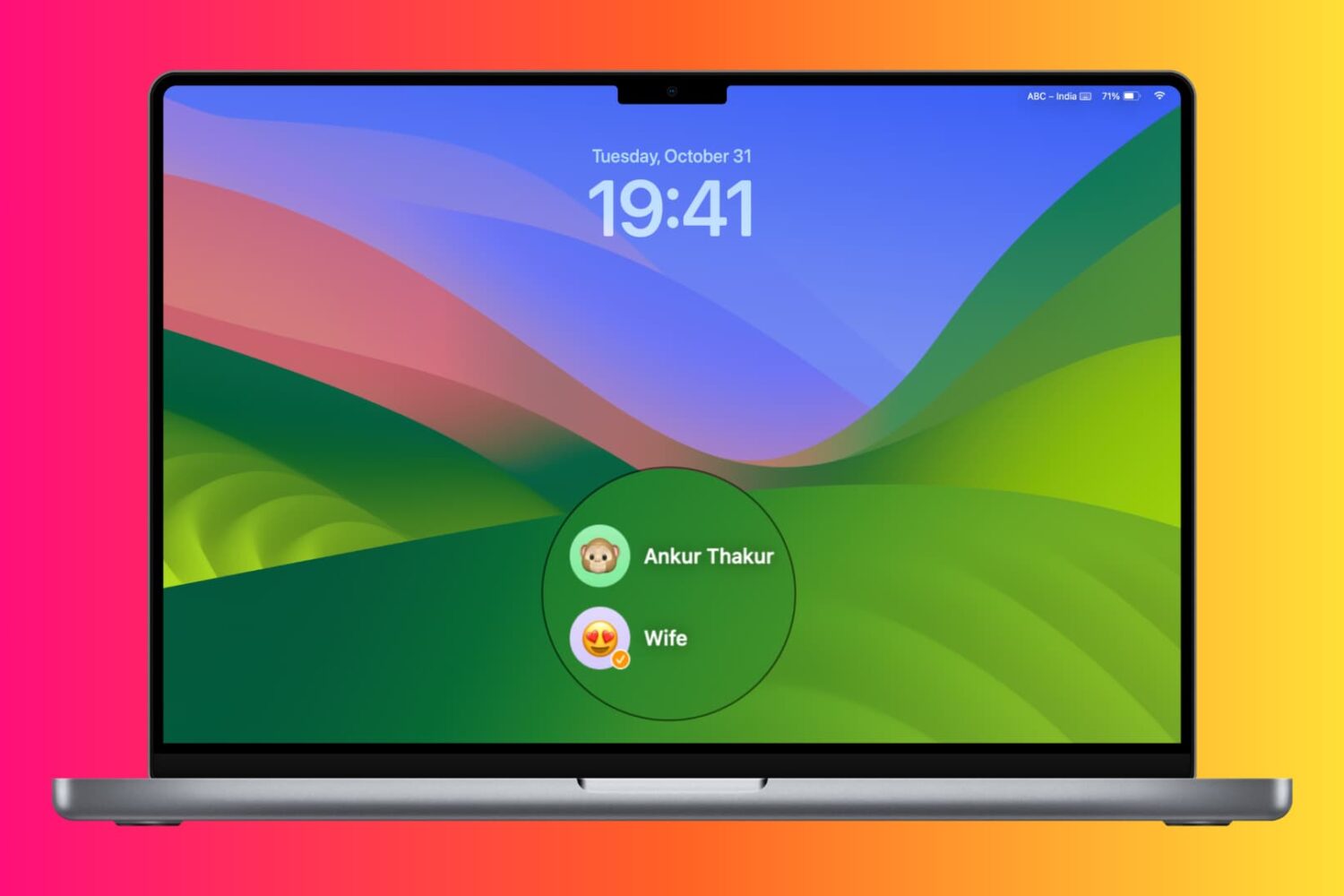
Learn about various ways to switch to a different account on your Mac desktop or MacBook.
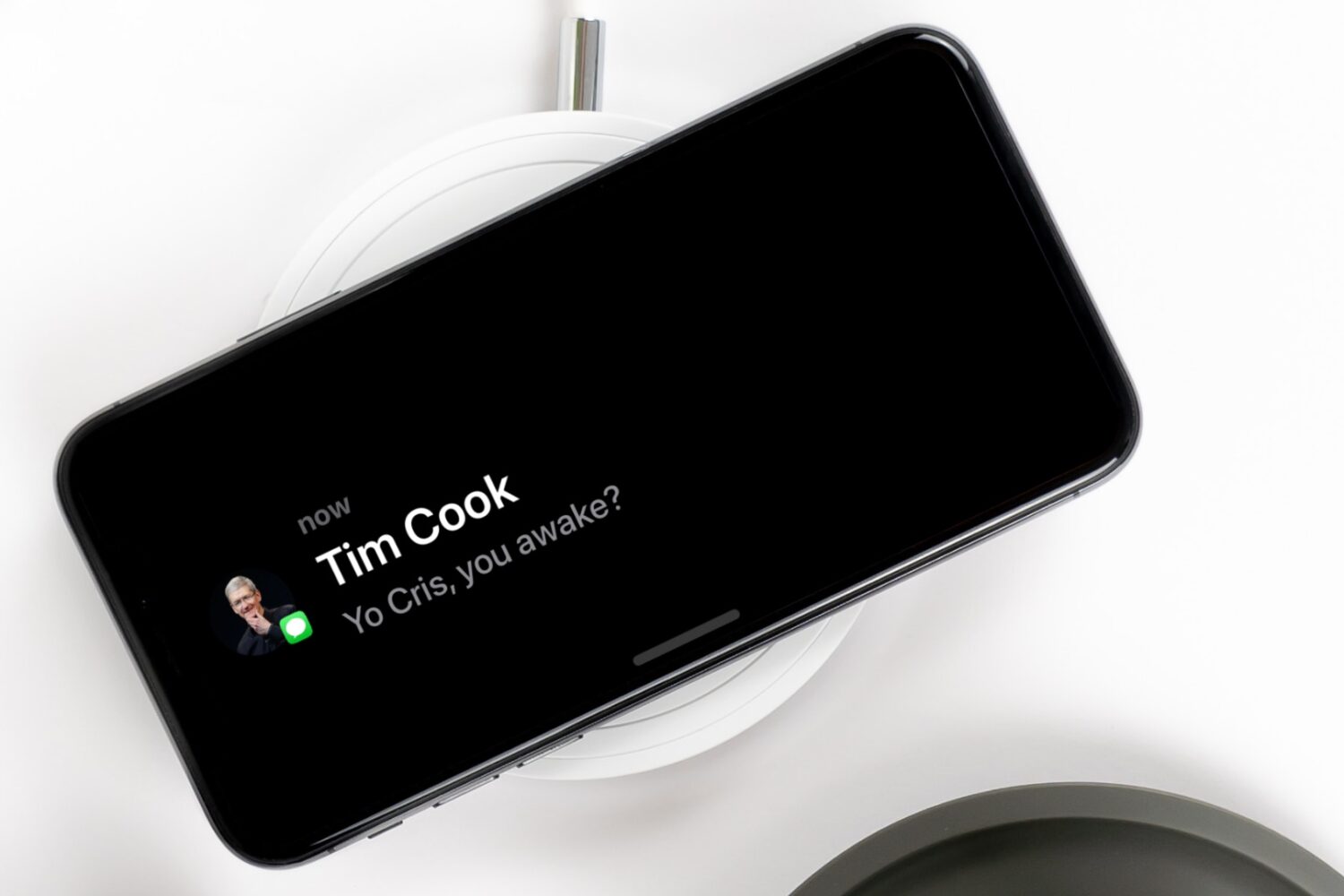
Learn how to make your notifications more private during StandBy Mode by disabling the preview until you tap the iPhone screen.
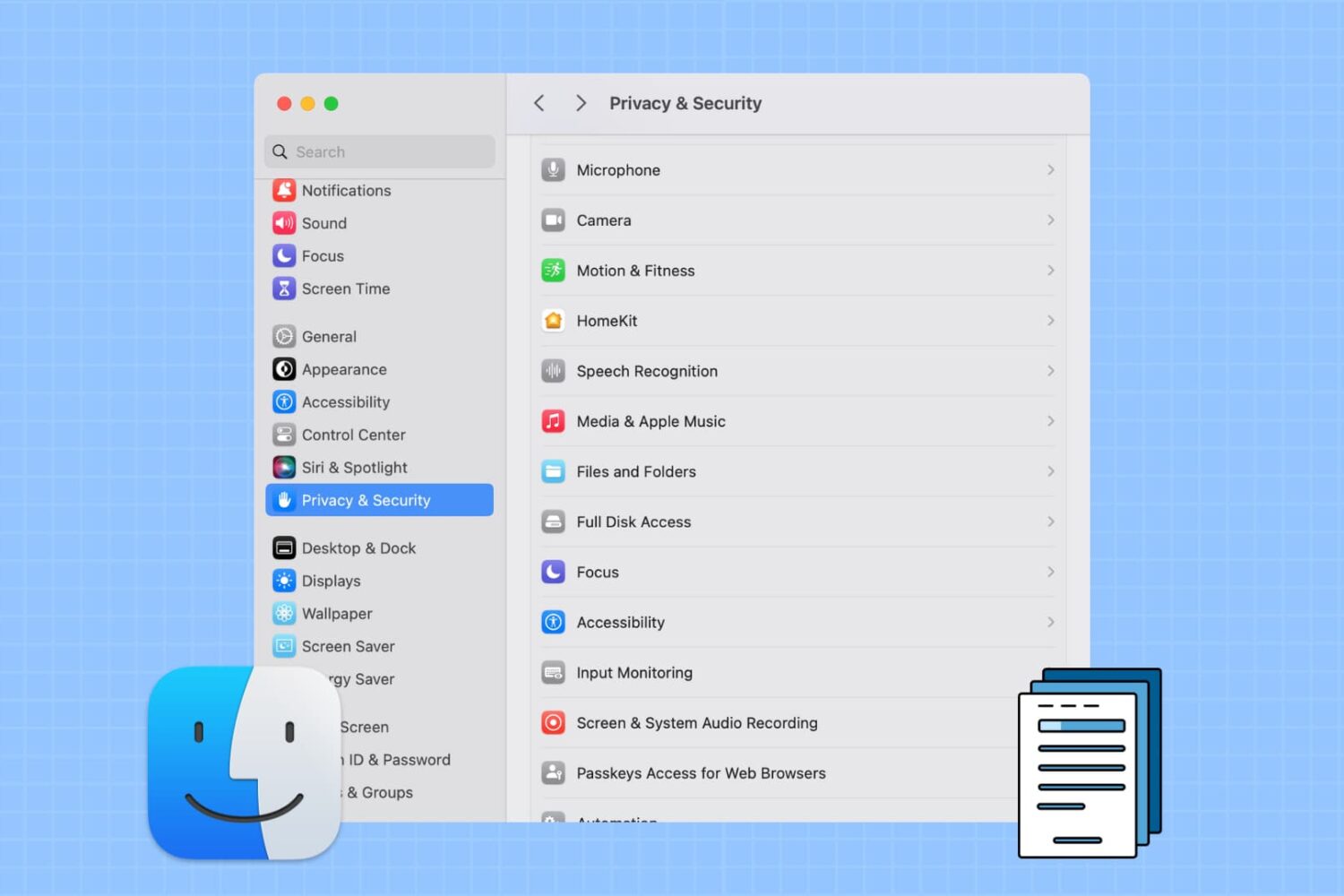
Learn how to prevent specific apps from accessing your personal photos, PDFs, and files stored in Downloads, Documents, Desktop, iCloud Drive, and other Finder folders on your Mac.

Picasso is a device customization toolbox app made for the kernel file descriptor (kfd) exploit, which is a kernel exploit for iOS & iPadOS 16.0-16.5 & 16.6 beta 1 devices. If you’ve never used it before and you have a compatible device, then you’re doing yourself a great disservice.
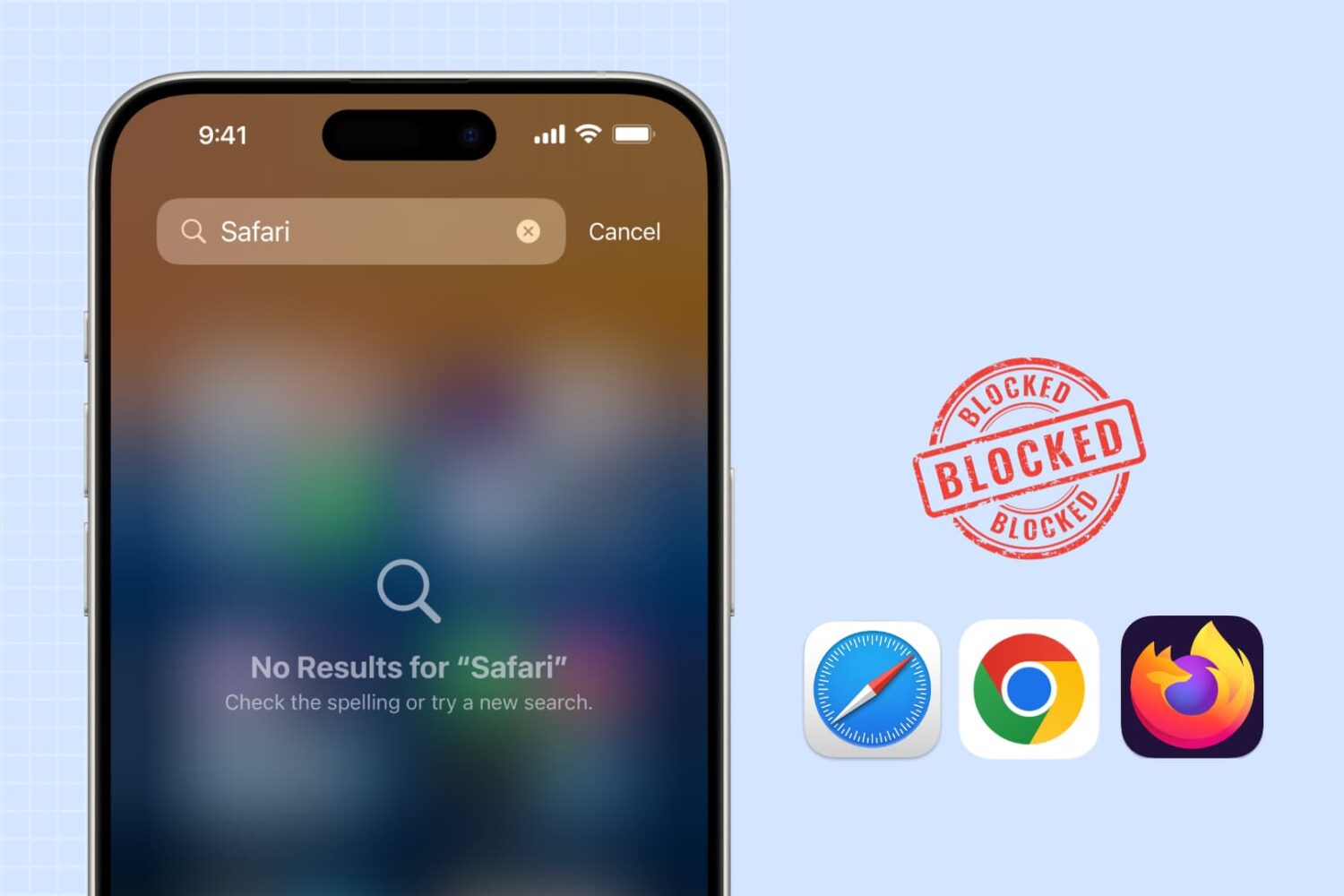
Learn how to block web browsing in Safari, Google Chrome, and other browsers to increase security, limit distractions, and protect children from inappropriate content on iPhone or iPad.

Learn how to track the real-time location of your spouse, kids, family members, and friends directly from your iPhone with the Share My Location feature.

Find out how to turn on the Local Awareness option to ensure the emergency warning alerts you receive on your iPhone from the government are timely and accurate.
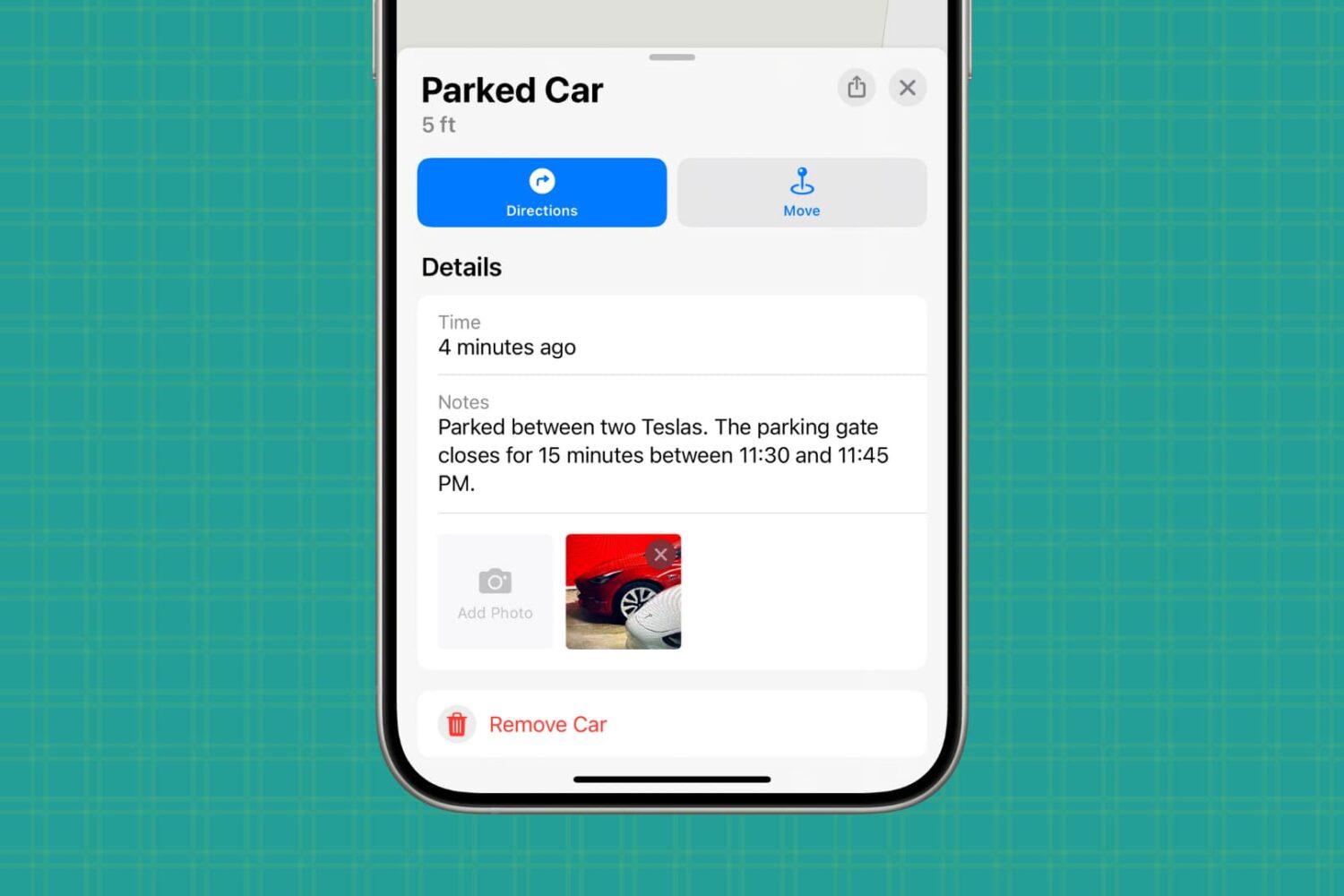
Learn how to set up your iPhone to remember where you parked, making it easier to find your car in busy lots or unfamiliar places.
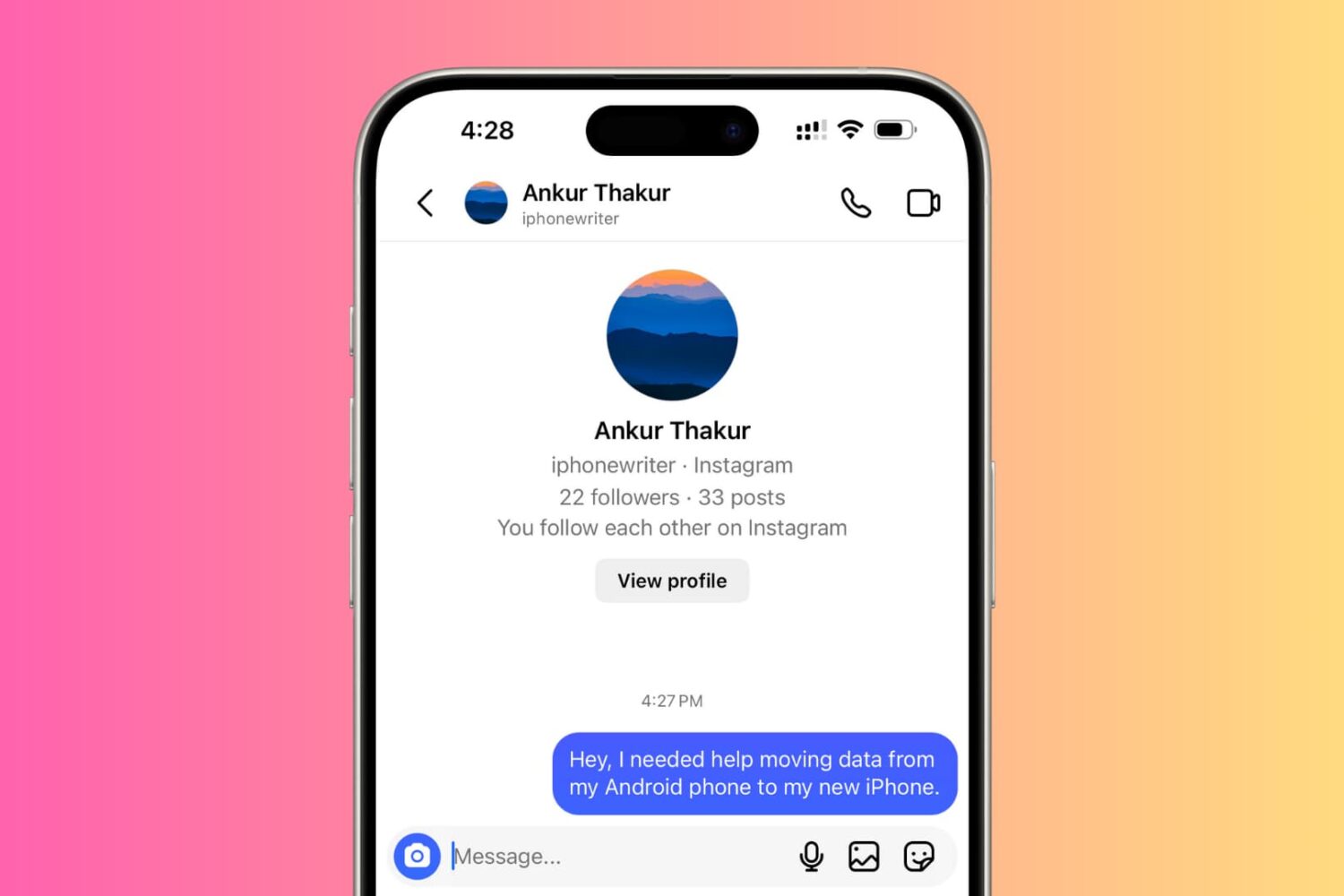
Check out these troubleshooting tips if you're unable to send Direct Messages on Instagram from your iPhone.