How to

How to fix Cydia “failed to fetch” errors by removing the UltraSn0w repo

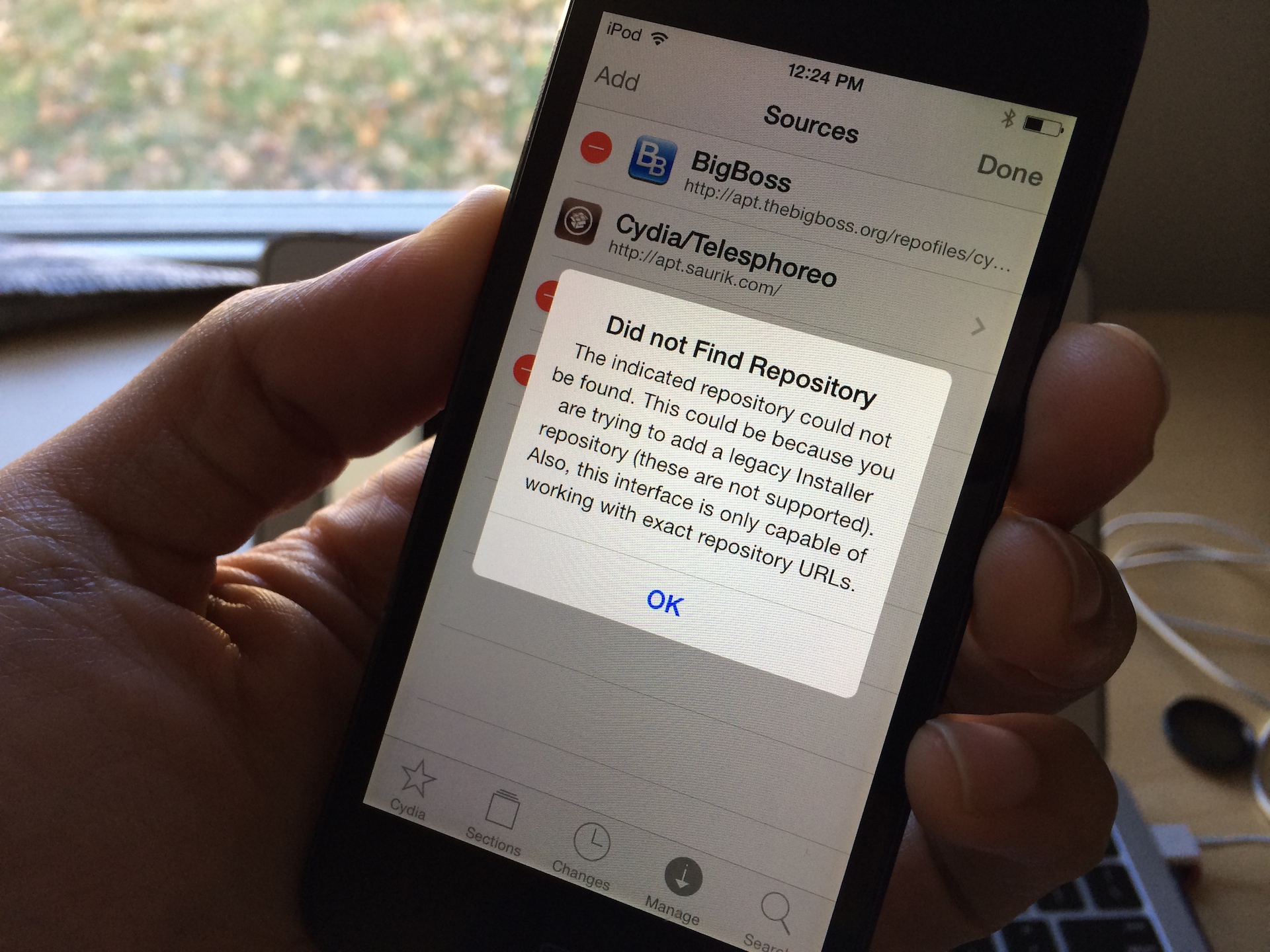
One of the more common error messages that new Cydia users will come across is the error that says Failed to fetch [...] HTTP/1.1 404 Not Found. This is a typical 404 message that you get when you visit a webpage location that no longer exists. Normally, this wouldn't be a big deal, but it causes an error message to appear in Cydia each time you refresh your list of packages and it attempts to pull data from the non-existent UltraSn0w repo.

You'll receive an error that states: Some index files failed to download, they have been ignored, or old ones used instead. Yeah, so no big deal, but it's still a huge annoyance, because this interrupts the stream of refreshing the list of Cydia packages. The fact is that you'll probably never need to use UltraSn0w, and even if you did, you can always add the repo back to Cydia manually.
How to jailbreak iOS 7 using evasi0n7 [Windows tutorial]

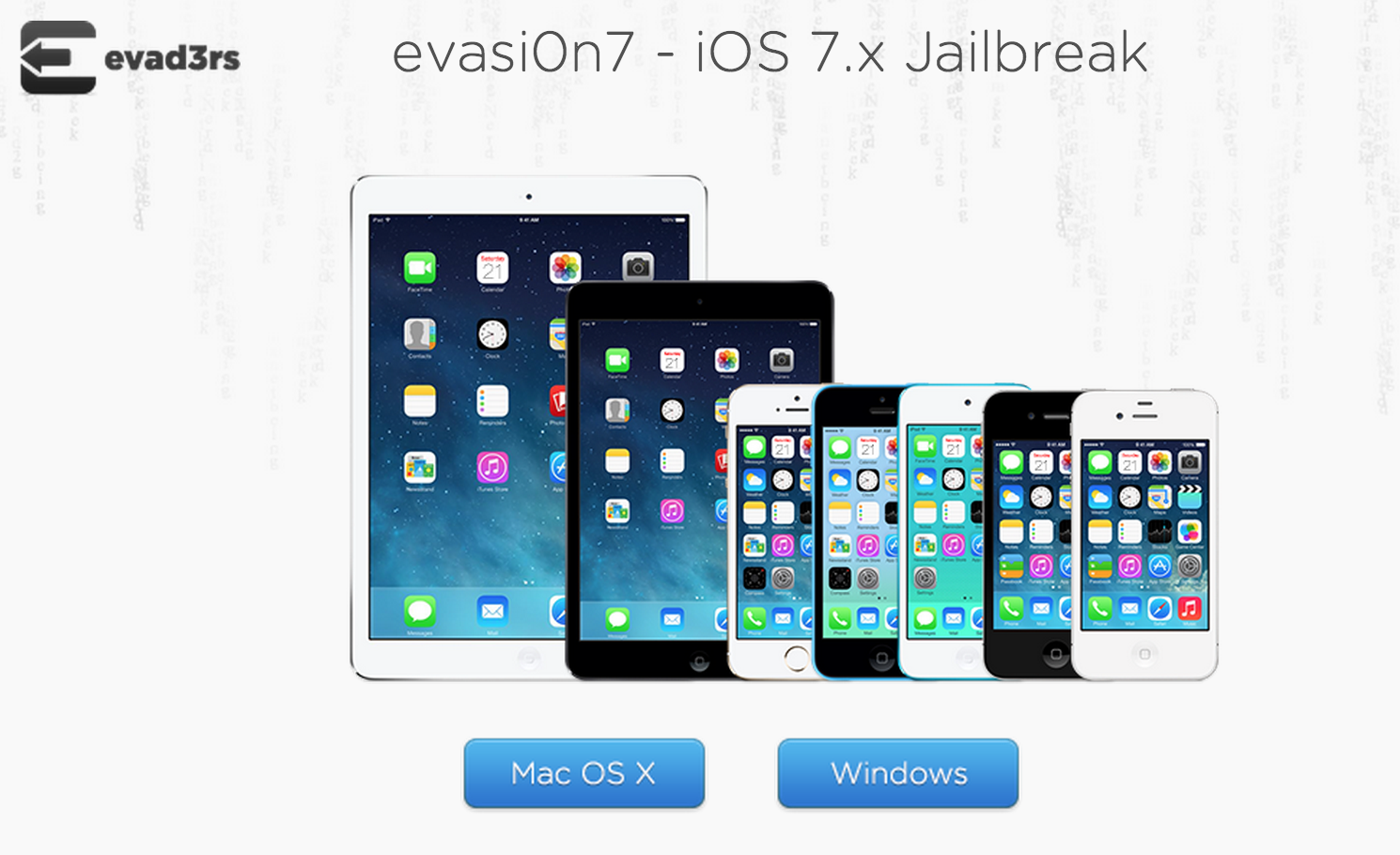
As we just told you, the evad3rs have released a new jailbreak tool called evasi0n7, and it allows you to easily jailbreak iOS 7. The good news is that the hack works with all flavors of iOS 7, which includes iOS 7.0.1, iOS 7.0.2, iOS 7.0.3, 7.0.4, 7.0.5, and 7.0.6 (iOS 7.1 cannot be jailbroken at this time).

As usual, the evad3rs have made the utility fairly easy to use. But also as usual, we know there will be folks out there looking for a bit of help using it, so we’ve created an easy-to-follow tutorial to show you how. This is our Windows guide (our Mac guide can be found here)...

How to jailbreak iOS 7 using evasi0n7 [Mac tutorial]

As we just told you, the evad3rs have released a new jailbreak tool called evasi0n7, and it allows you to easily jailbreak iOS 7. The good news is that the hack works with all flavors of iOS 7, which includes iOS 7.0.1, iOS 7.0.2, iOS 7.0.3, 7.0.4, 7.0.5, and 7.0.6. (no jailbreak for iOS 7.1 at this time).

As usual, the evad3rs have made the utility fairly easy to use. But also as usual, we know there will be folks out there looking for a bit of help using it. So we’ve created an easy-to-follow tutorial to show you how to jailbreak iOS 7 on your iPhone, iPad, and iPod touch...

How to record direct feed footage from iOS to a Mac or PC

Lots of people have asked me how I go about recording footage directly from the iPad, iPhone, or iPod touch. The process is one that is simple and straightforward with the help of a couple of hardware and software tools.

From time to time I will record footage directly from an iOS device, while at other times, I like to record the screen using an external camera so that you can see my hands as I work with the device. Depending on the circumstances, I've been known to switch up my methods for doing so.

The bottom line is that there are times in which you should definitely go the direct feed route as opposed to recording the screen externally. As the saying goes, there are many ways to skin a cat, but the method that I've been using has been working quite well for me. Have a look inside as I spill the details on what makes a successful iOS device recording setup.

How to create custom keyboard shortcuts for Mac apps

Have you ever used a specific menu command in an app and wondered to yourself, "Why is there no keyboard shortcut assigned to this command?" Or "why can't I change that shortcut to something else?" I think we've all been there before. Fortunately, fixing the issue requires little more than a few minutes of your time. Inside, we'll show you how easy it is to quickly create a keyboard shortcut for your favorite apps.

How to speed up animations in iOS and make your device feel faster

iPhone 5S colors running iOS 7

Apparently, the iOS parallax effects and animations can literally make people sick. If that doesn't happen to you, don't discount this as just a phony report. This is real for some people, although I have yet to meet any of them. Apple listened to the complaints from users who were experiencing various degrees of motion sickness while using iOS and drastically increased the motion reduction feature that was already present before iOS 7.0.3.

As it turns out, not only will this feature reduce the motion of the user interface, but it will also make your iOS device feel like it's blazing fast.

How to use Frequent Locations and Maps Destinations features in iOS

A few days ago, I posted a screenshot of my Notification Center showing travel time to my next destination, something iOS had learned about me without any sort of data input of my part. A few people asked me how I managed to get this information in my Notification Center. I believed it was a commonly used feature of iOS, but apparently I was wrong.

In this simple tutorial, I will show you how to use the Frequent Locations in iOS in order to find out information about your next destination. Privacy activists may want to skip this one.