How to

How to set up Facebook Chat in Messages app for OS X

About a week ago, we reviewed Astro, which is a third-party Facebook chat client for OS X that features native options that most other chat clients don’t offer. Some of our readers commented on the fact that you can just use Messages to chat with Facebook friends. A few others noted that they did not realize it was possible to connect to Facebook through Messages, so we thought we’d explain it with a quick how-to guide…

How to use a Safari bookmarklet to send websites to 1Password for iOS

Despite Apple's pretty handy password-saving and syncing feature in iOS Safari, I myself continue to prefer AgileBits' 1Password for iOS and OS X (our own Jeff is a recent convert, too). The reason is simple: 1Password allows me to save and sync just about any piece of information rather than just passwords and credit cards.

There's just one slight annoyance: to take advantage of 1Password's auto-fill feature for usernames and passwords, I must open a website in its built-in browser.

I generally tend to avoid the embedded web view in third-party apps and instead spend most of my mobile web browsing time in Safari. From now on, whenever you want to visit a website that requires a login, you can use this handy Safari bookmarklet to send the current tab to 1Password.

Though far from perfect, this removes some of the friction when visiting websites that require logins and auto-fill information kept in 1Password...

Give your Mac an iOS 7-style Lock screen with this screensaver

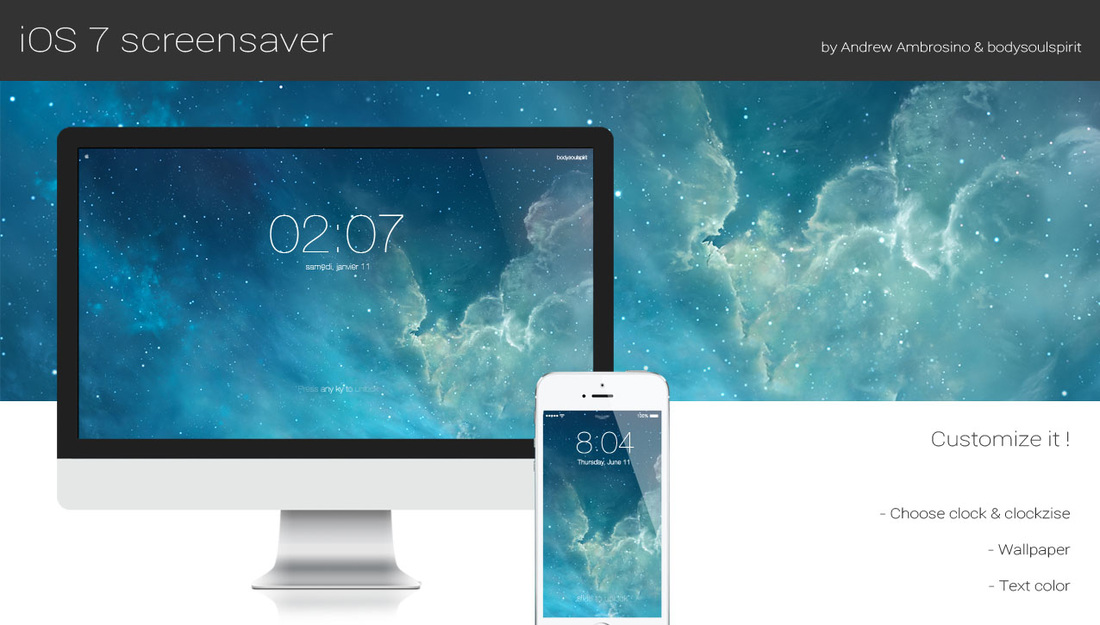
With the release of OS X Mavericks, Apple reaffirmed that it is in no hurry to bring the design of iOS over to the Mac—the two have little in common when it comes to UI. But there are ways to customize your Mac to look more like iOS such as utilities, icon packs, and now this.

What you see above is a new screensaver for OS X that resembles the iconic iOS 7 Lock screen. It features an oversized, 4-digit clock, an animated background, and the text 'Press any key to unlock.' The screensaver is totally customizable and fairly easy to install. Take a look...

How to customize the Lock screen on iOS 7

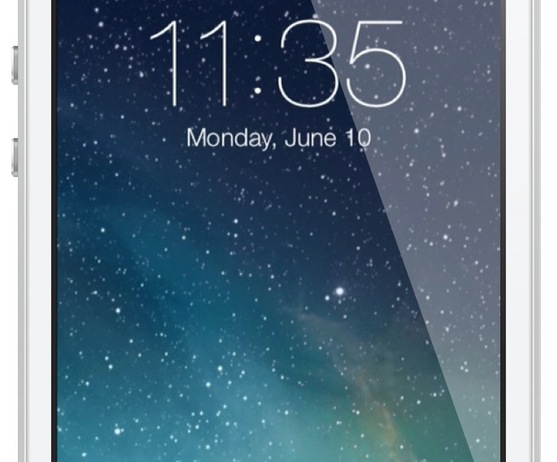
One of the biggest advantages to jailbreaking an iOS device is the ability to customize nearly any aspect of the user interface. In fact, being able to customize or theme is one of the primary reasons that I jailbroke my first-generation iPod touch over six years ago—and I've been doing so ever since.

An important and sometimes overlooked element is the Lock screen. It can be a lot of fun to customize your Lock screen, and the results often look beautiful, so look inside for a few tips on how to perfect yours… 

How to add Twitter and Facebook share widgets to Control Center

A few days ago, I wrote a post showing how to bring Twitter and Facebook share widgets back to the Notification Center using an app called Share Widgets for iOS 7. In this post, I noted that Apple probably didn't add these share widgets in the iOS 7 Notification Center because that's not the right place for them. When you think about it, sharing something on Twitter or Facebook has nothing to do with notifications.

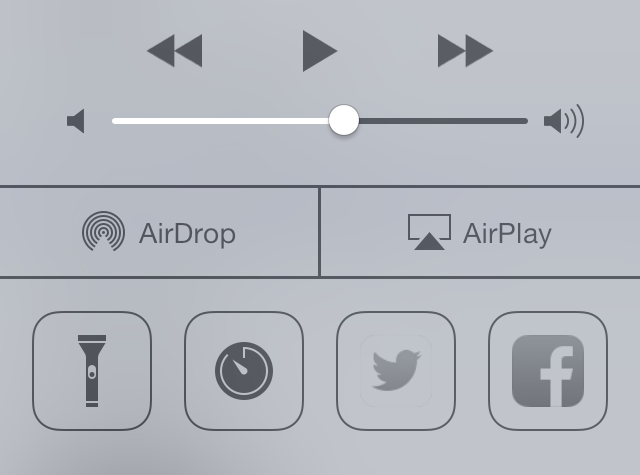
A more natural fit for Twitter and Facebook share widgets is Control Center. With an array of tweaks now being developed for Control Center, one in particular grabbed my attention as it allowed me to do what I really wanted from the beginning: add Twitter and Facebook share widgets to Control Center.

This tweak, some of you may have already guessed, it CCToggles...

How to use Activator to replicate Zephyr functionalities

Zephyr is, with BiteSMS, one of my must-have jailbreak tweaks for iPhone. While BiteSMS has started making its way to devices on iOS 7 for a few weeks now, Zephyr is still nowhere to be found.

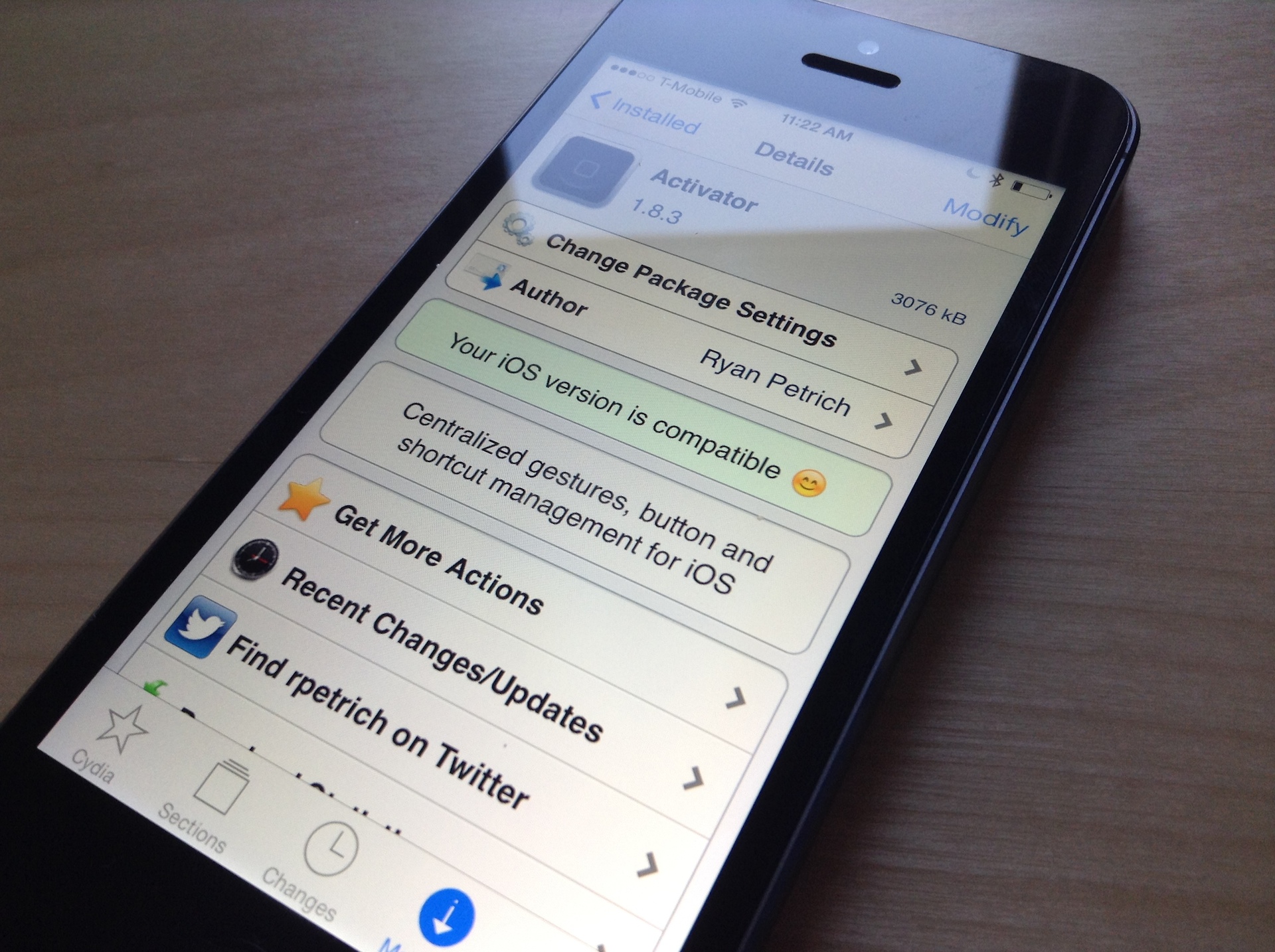
In fact, after chatting with Zephyr developer Grant Paul (aka chpwn), I was told that there were no plans at this time to update the tweak for iOS 7. So I decided to make the best I could with what I have: Activator by Ryan Petrich...

How to use your new Mac Pro on its side

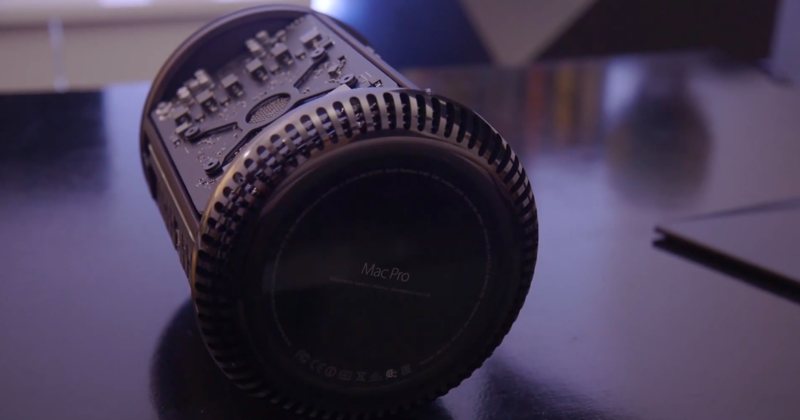
So you've shelled north of $3,000 for a brand spanking new Mac Pro so you could edit 4K video in real-time and I imagine that, as a bonus, the machine would help declutter your desktop due to its drastically reduced footprint (MacWorld has a nice gallery comparing the system to every day objects).

If for some reason you prefer to use your Mac Pro on its side instead of its default upright position, you can do so because Apple's engineers have designed a fan system to support cooling in both orientations, provided you follow the company's guidelines listed in a newly published support document...

Having issues with Cydia Substrate? Try this

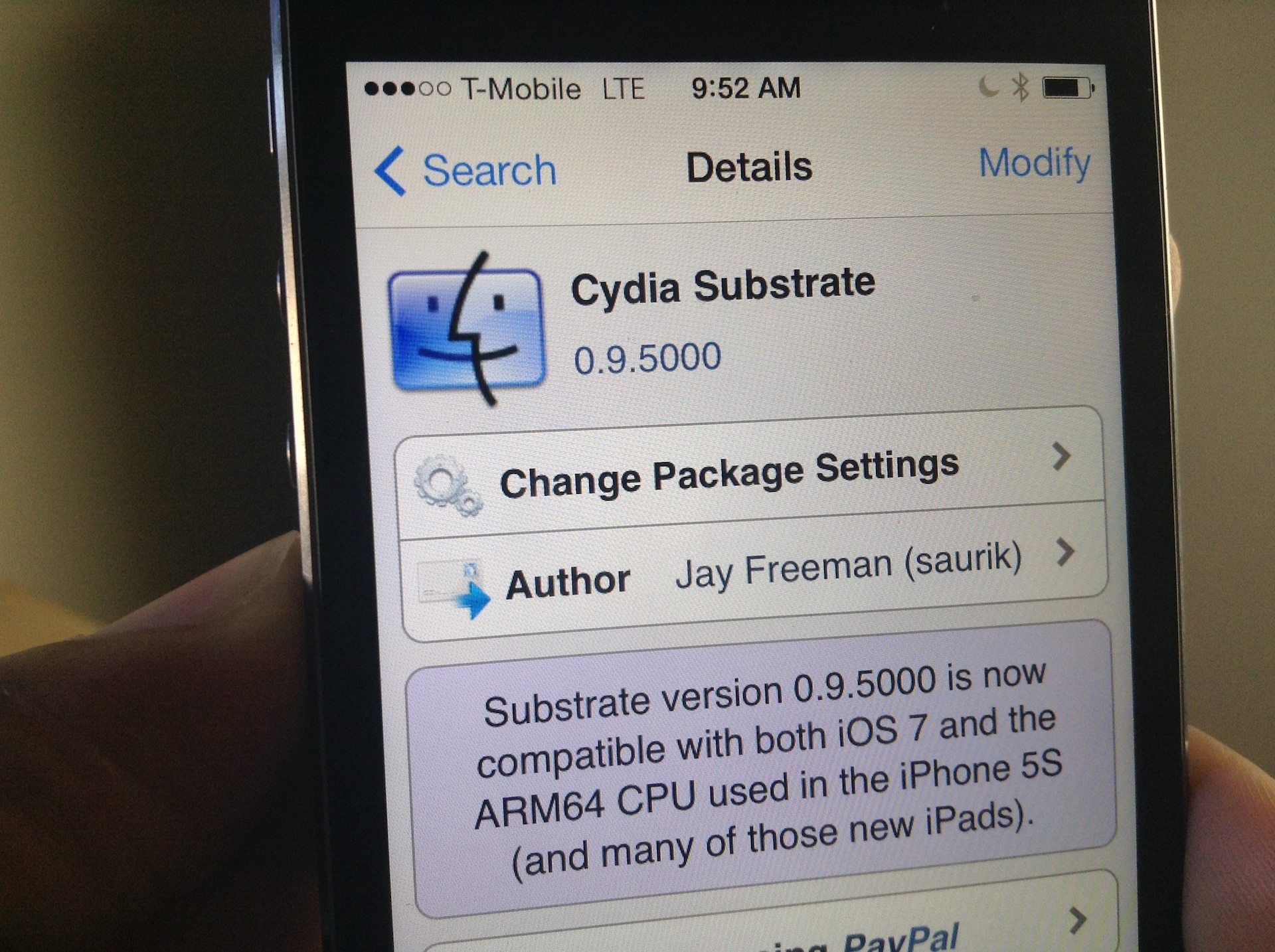
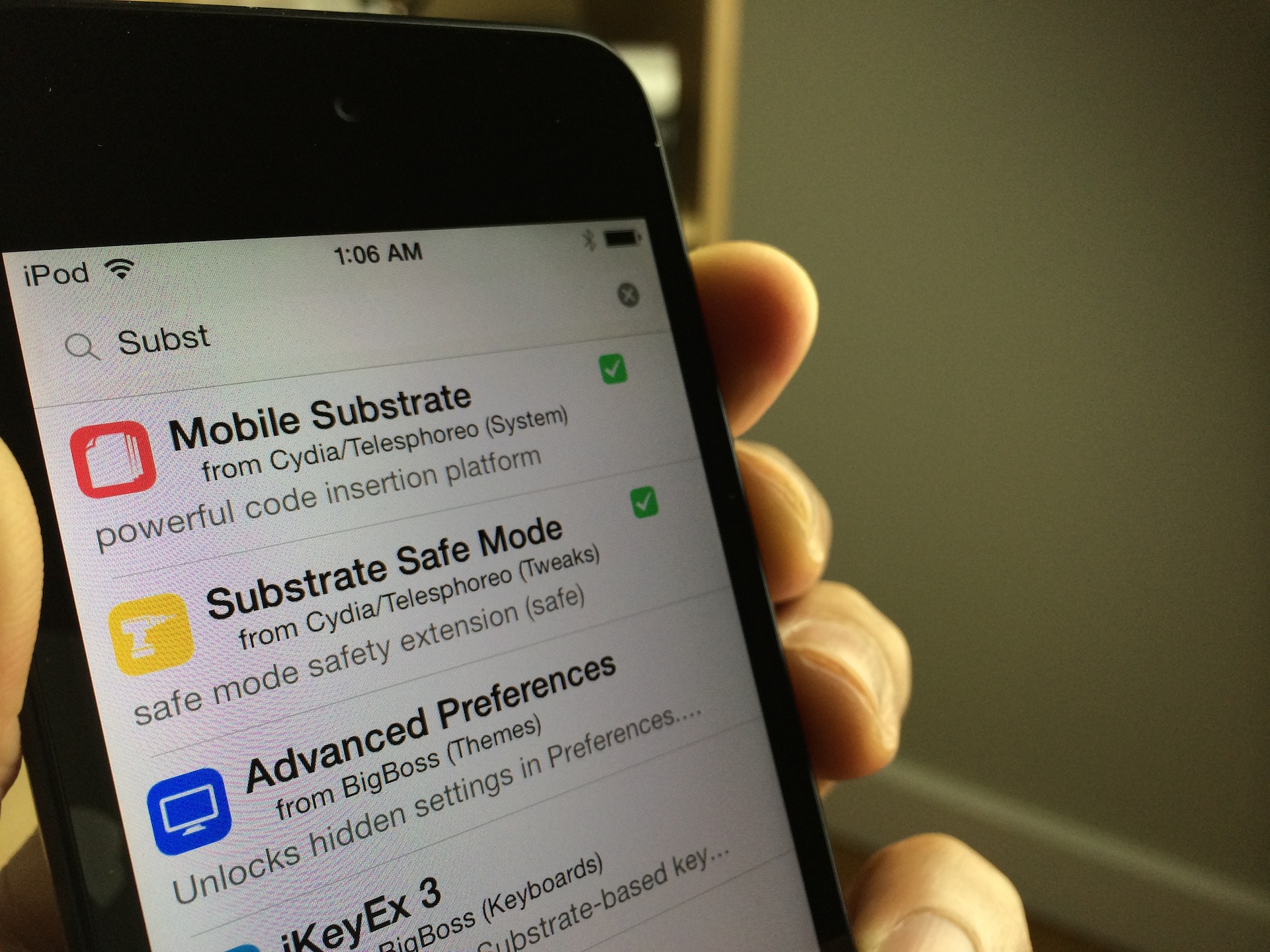
I woke up this morning to a pleasant surprise: Mobile Substrate had been updated to support iOS 7 on ARM64 CPUs, making it compatible with all of the latest Apple devices like the iPhone 5s, iPad Air, and iPad mini with Retina Display. As you can imagine, I rushed to the office without even brushing my teeth (I know, gross) and installed the new Cydia Substrate package that appeared on Cydia.

Unfortunately for me, none of the tweaks and apps that I had installed began to work after Cydia Substrate was updated. I think it may, and I'm just grasping at straws here, have to do with the fact that I was impatient, and already had a bunch of stuff installed that didn't work in the first place. To fix this issue, I took a fairly logical approach; I completely uninstalled Substrate and reinstalled it from scratch. Have a look inside for more details.

Getting stuck with Evasi0n 7 at Configuring System 2/2? Try this

I'm a bit embarrassed to admit it, but I never got around to posting a Windows jailbreak video tutorial for Evasi0n 7. Usually, I'm on such a tutorial like white on rice, and I take pride in helping our faithful readers through the entire jailbreak process, regardless of their platform of choice. This time, however, things were a bit different.

Although we were able to post our Mac video tutorial in a short turnaround time, the Windows video tutorial was nowhere to be found. Why? Well, to be frank, it's because I couldn't get it working.

I could start the jailbreak perfectly fine, and I never ran into any error messages, but I just could not for the life of me get past the Configuring System 2/2 step during Evasi0n's jailbreak process. It's like everything would just come to a screeching halt as soon as it got to this step.

As you've probably figured out by now, I was finally able to work past this issue. The headline kind of gives it away, but the solution isn't something I can take credit for at all. The solution is actually thanks, at least in part, to someone very close to Saurik. Check inside for my explanation and video walkthrough showcasing how to jailbreak iOS 7 on Windows.

How to make most tweaks and apps work with iOS 7 on pre-A7 devices

Are you jailbroken on iOS 7? Are the apps and tweaks installed via Cydia not showing up on your device? If you're running into this problem, you're not alone. I've received numerous questions about this problem over the last few days; so many, that I thought it would good to make a post and video on it for those that need help.

The short answer to the question is Mobile Substrate. Most of the apps and tweaks that you install from Cydia rely on Mobile Substrate, and Mobile Substrate has not been updated for the latest iOS 7 jailbreak as of yet. An update has been promised to come soon, but Saurik, its developer, is no doubt inundated with about a thousand and one different tasks related to the just released jailbreak.

Let's give Saurik the time he needs to get a properly updated working release of Mobile Substrate in our hands. In the meantime, if you're running a non-64-bit device, you can take the following steps to make your favorite apps and tweaks work.

How to change the Cydia icon on iOS 7

Cydia was recently updated with a new user interface for iOS 7, but still has the same logo that dates back to the days of iPhoneOS 2.0. Thankfully, there is a rather simple method that can be followed to replace the current Cydia logo with one that has a more flat or modern design. Those interested can find step-by-step instructions ahead…Â