Learn how to create contact groups directly on your iPhone or iPad to manage your contacts better and easily send group texts and emails.
How to create contact groups on iPhone and iPad

Learn how to create contact groups directly on your iPhone or iPad to manage your contacts better and easily send group texts and emails.

In this comprehensive guide, we’ll show you multiple ways to delete one, several, or all pictures and videos from your iPhone or iPad to clean up your photo library.

In this post, we will guide you through the steps of creating contact groups on your Mac using manual or smart group creation methods, and also teach you how to edit or delete these groups for efficient contact management.

As part of Microsoft's rebranding of its SkyDrive cloud storage solution to the arguably much better "OneDrive," the Redmond firm has set about something of a charm offensive. In an attempt to try and take users away from the hugely awesome Dropbox, Microsoft has already given away 100GB of free storage to the first 100,000 people to sign into the new OneDrive, but if you weren't in on that action then fear not, because you can also snag 3GB of space for absolutely nothing. And that's on top of the 7GB that they offer up right out of the gate.
In order to get your slice of the free cloud-based pie, all you need to do is install one of Microsoft's OneDrive mobile apps – the iOS one, preferably – and enable one little feature. In all honesty it's a feature you're going to want to enable anyway, because Microsoft is giving away 3GB of free storage to anyone that turns on automatic uploading of their Camera Roll.
Now you may be saying the same thing that we said. Why would you want to do that if you already use Dropbox? Well, here's why...
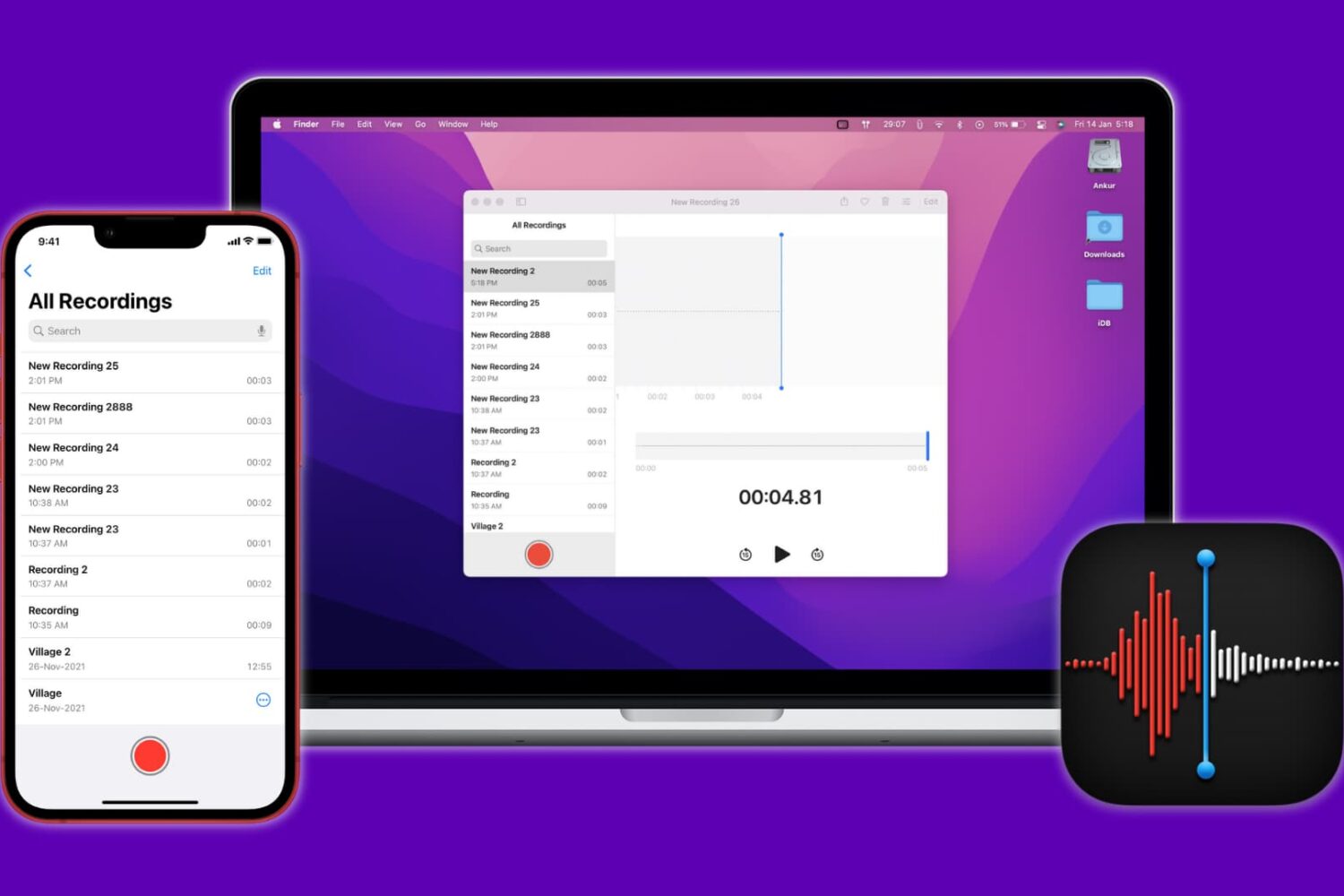
Have multiple voice recordings inside the iPhone Voice Memos app and wondering how to get them to your computer? In this guide, we show you six ways to transfer voice memos from iPhone to Mac or PC.
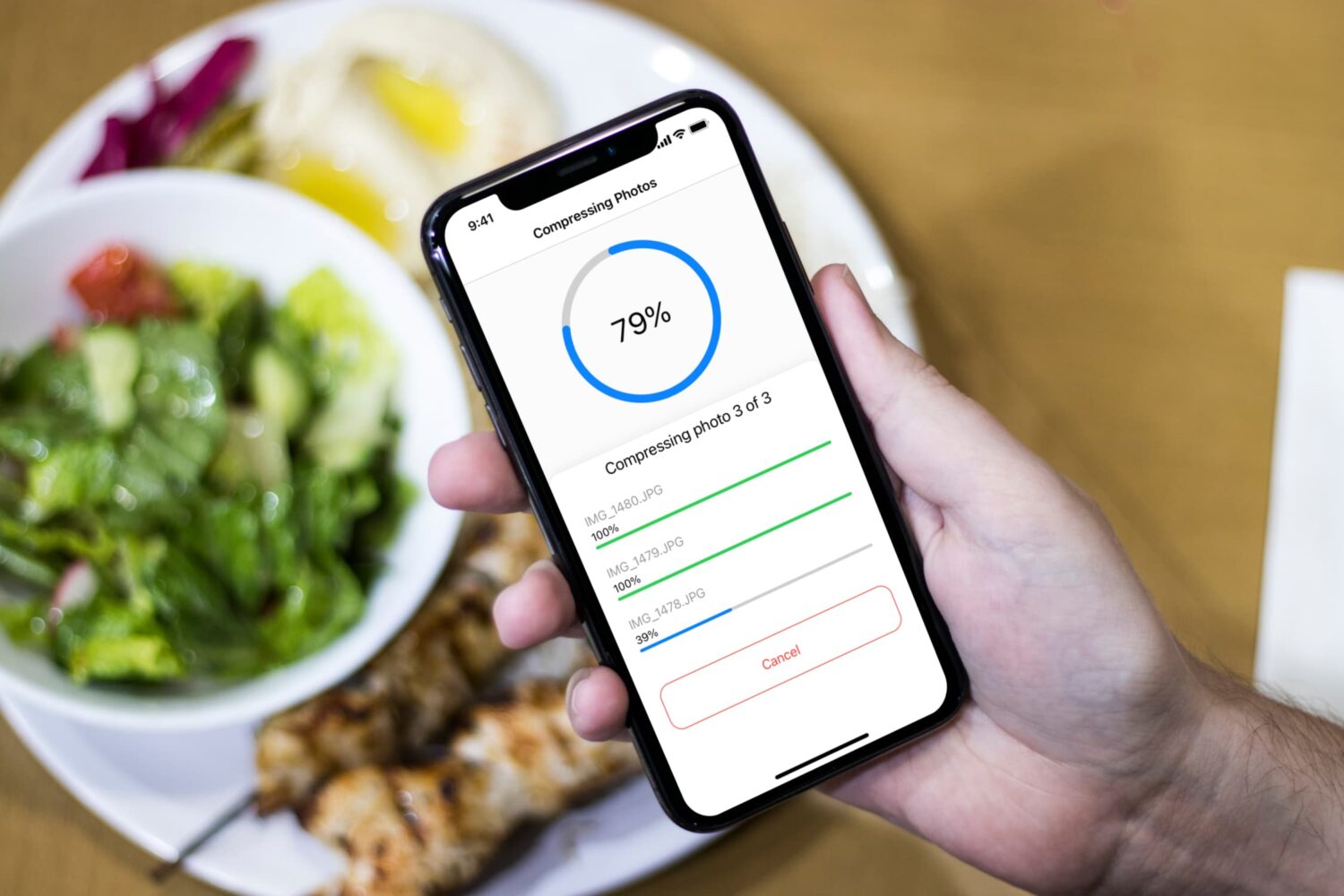
Learn how to compress and reduce your photos file size on iPhone. Using the Compress Photos app, you can lower the size of PNG, JPEG, and HEIF images and reclaim storage space on your iPhone.
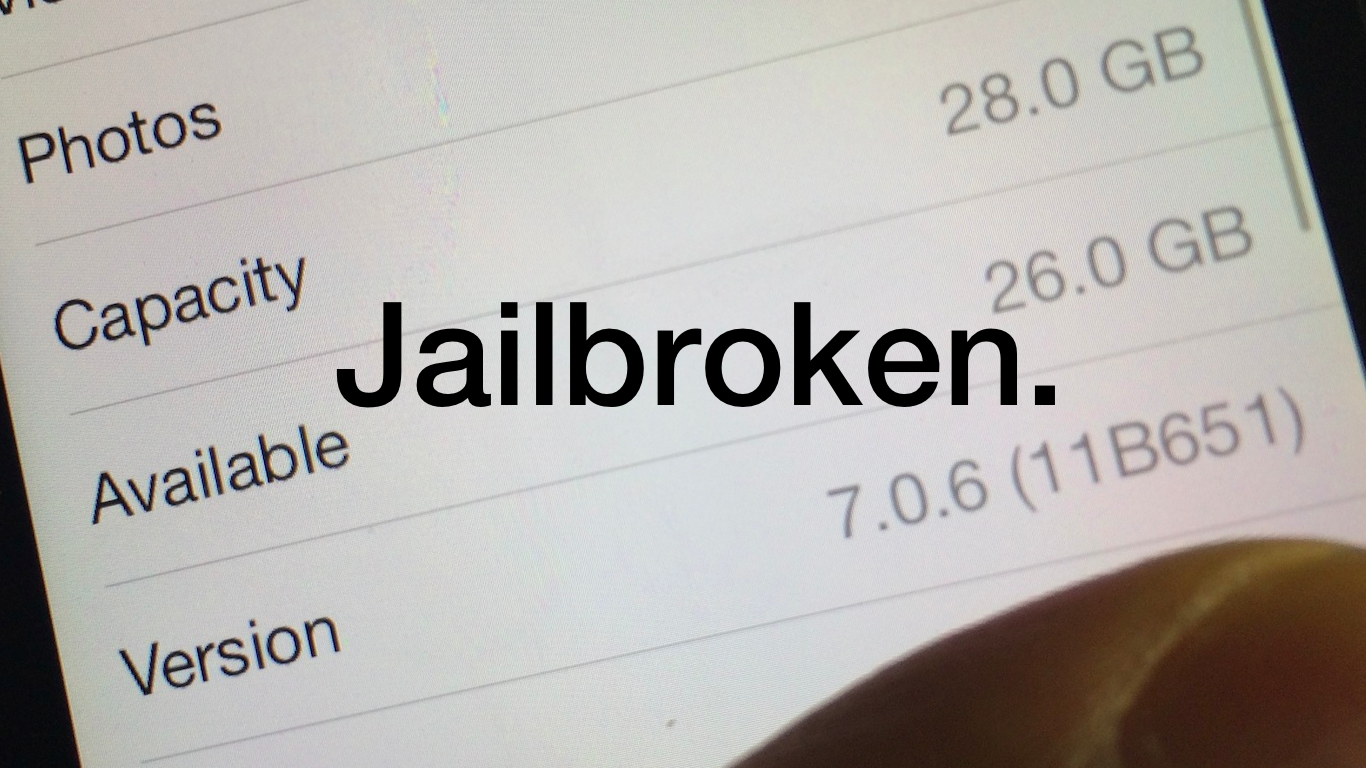
iOS 7.0.6 was just released earlier today, and it contains a fairly serious SSL bug fix that everyone should upgrade to. Unfortunately, the latest build of Evasion7, build 1.0.5, is not yet compatible with iOS 7.0.6. But don't worry, we have you covered. We've uploaded a custom Hex-edited version of Evasi0n7 1.0.5 with the proper build numbers so that you can easily jailbreak iOS 7.0.6 after updating. Check out our full video tutorial after the jump for the proof.
Update: the evad3rs have released evasi0n7 1.0.6 with support for iOS 7.0.6, so the hex-edited file is no longer needed, you can download the proper Evasi0n 7 1.0.6 file from our downloads page. Note that the steps described in this post still work. Just make sure to download the latest official version of evasi0n7.

Do you have a Hotmail email account that you want to set up on your iPhone or iPad? This tutorial shows you how to add one to your iPhone and iPad.
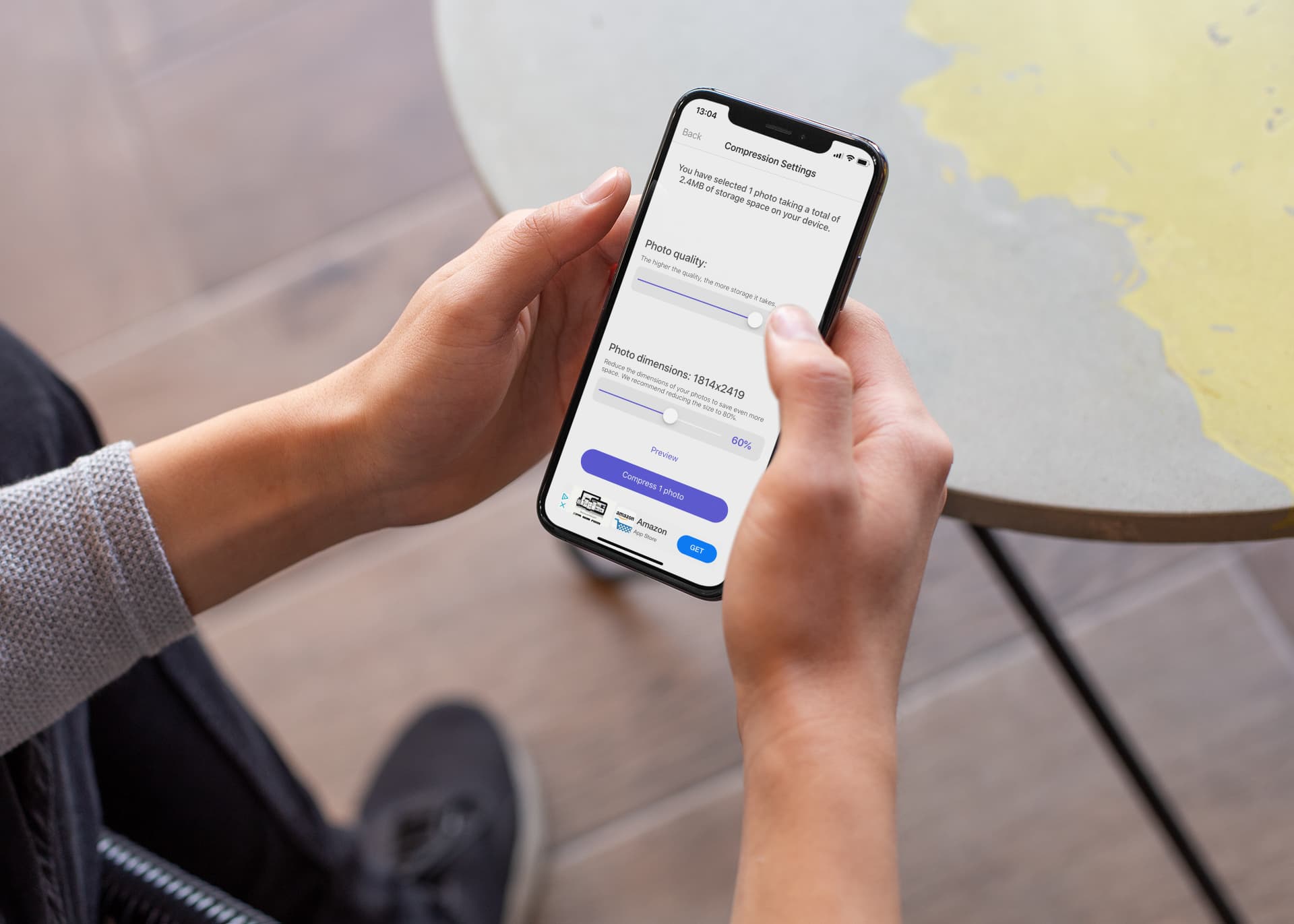
Learn how to resize your iPhone pictures effortlessly with the help of the Compress Photos app, which will not only make it easier to share those photos, but will also optimize your device's storage space.
I'm usually not much of a Facebook user but I have to admit I have been spending more time on the social network in the last two days than I have in the whole last month. Why is that? It's simply due to their new app named Paper, which lets you browse Facebook in a beautiful and intuitive way. If you haven't tried it yet, I really encourage you to have a look at it. It might change the way you see Facebook, at least until they slap a bunch of ads on it.
Although there is no way to customize the sections of Paper with the content of your choice besides the default ones, I want to show you how you can browse through iDB's latest post using Paper...
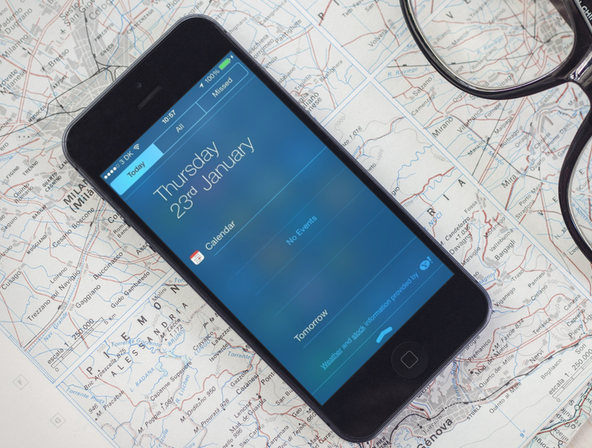
Jailbreaking has so many benefits that we often forget the drawbacks of it all. When you jailbreak your device, you basically put yourself at risk of breaking little things here and there. That's exactly what is happening with the recently released evasi0n7 jailbreak for iOS 7. On the surface, everything is ok, but when you start digging, you might notice that a few elements aren't working the way they should.
One problem that I and many others have experienced is an issue with Notification Center not showing the Today view information properly. In some cases, it won't show any weather or calendar data. If you've been affected by this issue, read on for a short tutorial on how to fix it...
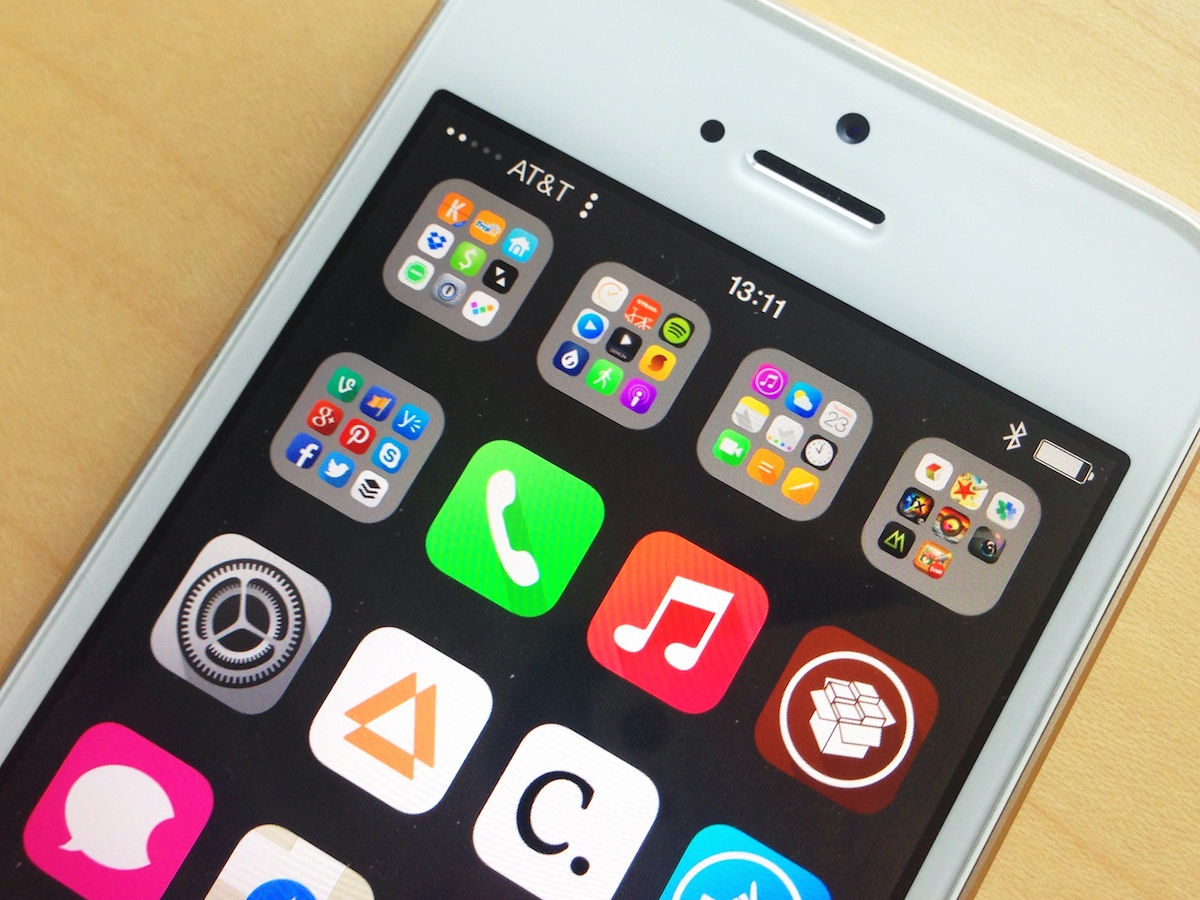
Now that WinterBoard has been updated for iOS 7, themers are back on the wagon either updating their themes or coming up with new ones. WinterBoard is a buggy app, and even Saurik, its creator admitted so when it was updated a few weeks ago. In short WinterBoard for iOS 7 is still a work in progress.
One of the bugs that have been affecting themers is related to the Status Bar. The problem comes from a caching issue preventing the Status Bar theming of some themes such as Ayecon or Solstice to propagate correctly to the entire UI. In some cases, you might see the themed Status Bar when running certain applications, while the themed bar might be absent from the Home screen or other apps.
Fortunately, there is one simple fix for this...