How to

7 tips for taking landscape photos with your iPhone

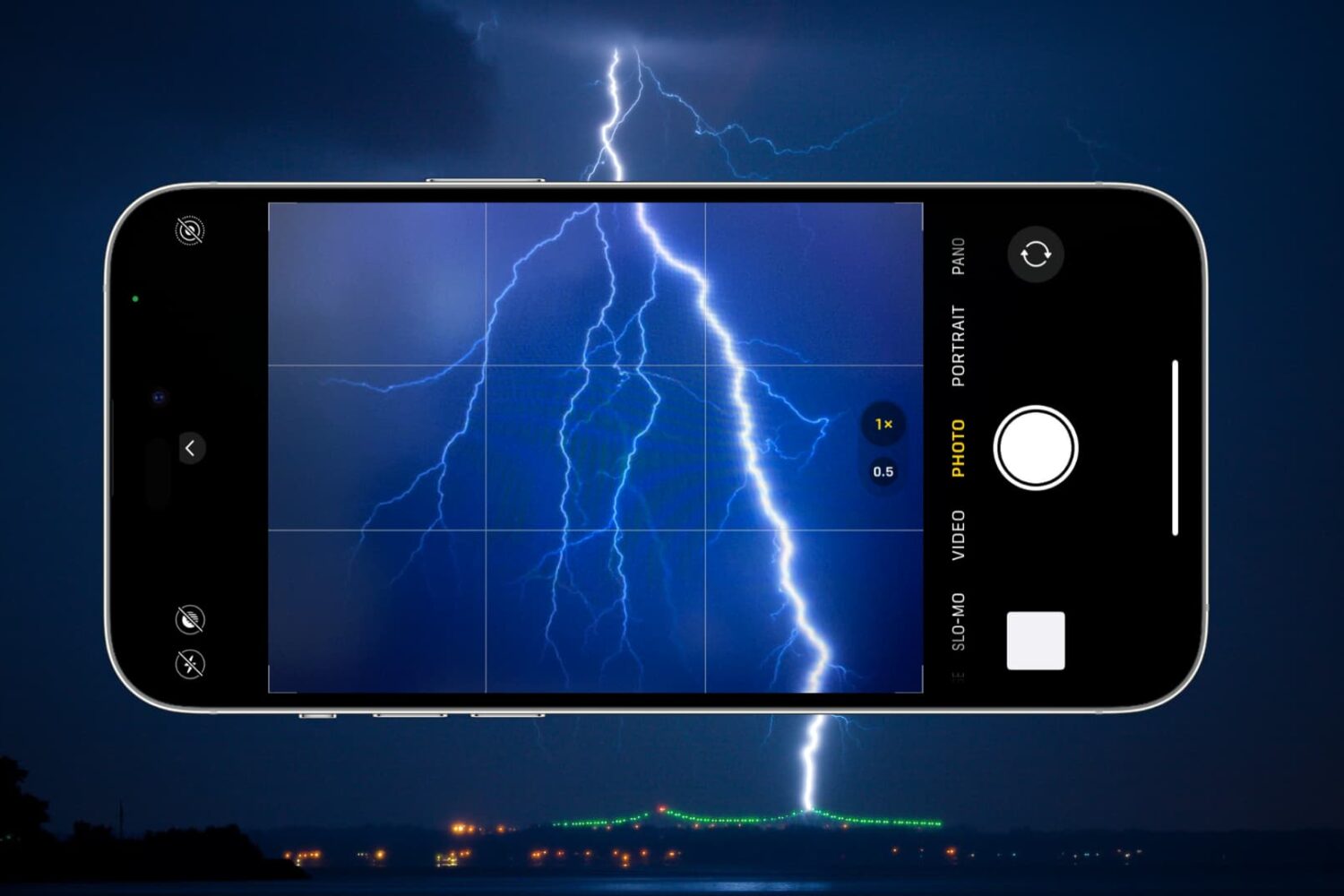
Have you ever taken a photo of a magnificent vista, only to find out that the image doesn’t look nearly as good as in real life? While all of us have experienced that at some point, there are some tips that can dramatically improve the quality of the landscape photos you take with the iPhone.

The iPhone (or any other smartphone) has a small digital sensor which inevitably leads to poor image quality in low-light conditions. However, landscape photos are almost always taken in abundant light, making them practically indistinguishable from photos taken with an expensive DSLR. If you follow the tips outlined in this article, you will be able to take landscape photos that look just as good, if not better, than the same scene in real life.

11 tips to get more Instagram followers

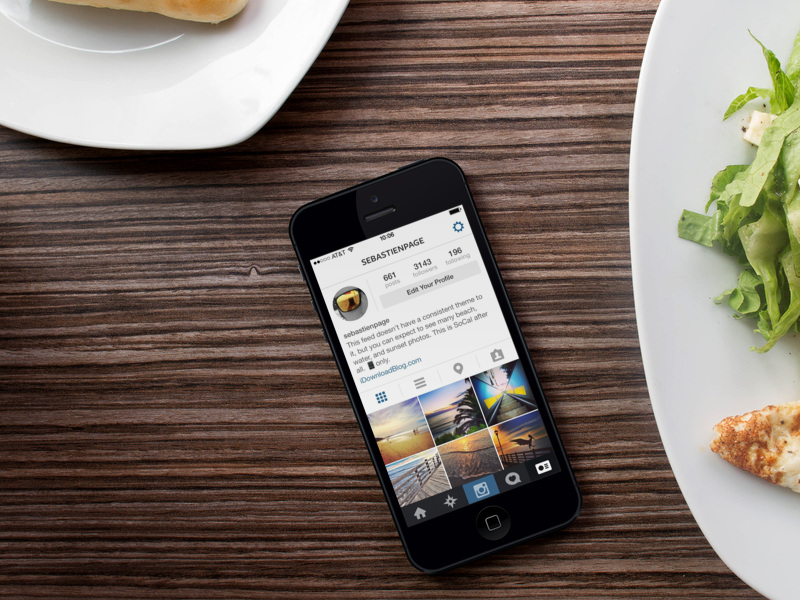
Let’s face it. Instagram is only fun if other people are following you. However, when most of us first sign up for Instagram, hardly anyone is following us. In this article you’re going to learn some simple and ethical techniques to build a following on Instagram.

There's a lot of demand for Instagram followers, and different scams and spammy techniques have been created as a consequence. Needless to say, these techniques don't work (and Instagram will likely delete your account if you use them), so this article only focuses on legitimate ways to get more Instagram followers...

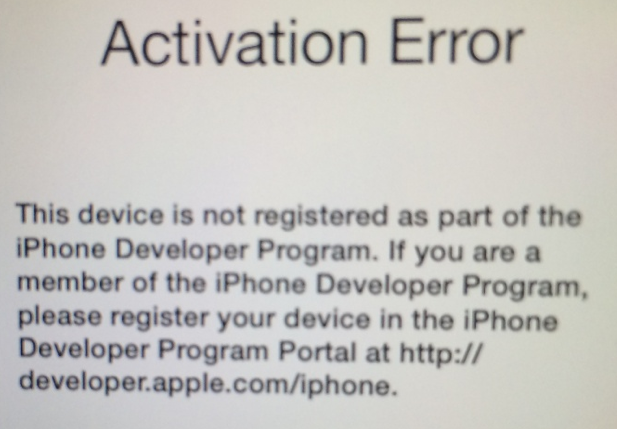
Activation Error: how running an old iOS 7 beta version will get you in trouble

This is a typical illustration of why only developers should install a beta version of a software. In this case, I'm specifically talking about iOS 7 beta, which has been wildly popular among non developers since Apple first made it available in June.

Of course, we've tried to warn everyone that unless you're a developer, you shouldn't really mess with iOS 7 beta. Since yesterday, those that didn't take this warning seriously might have gotten themselves into trouble.

iOS 7 beta 6 was set to expire on October 6, and people who haven't updated to the GM or public release by then found out the hard way that a developer release should really be only for developers.

Many people were greeted today with a message on their iOS device saying "Activation Error - This device is not registered as part of the iPhone Developer Program," rendering the device unusable. Activation Required...

How to receive SMS notifications when iDownloadBlog publishes an article

We have some pretty diehard fans. Quite a few of our readers boast about not being able to go to work until reading our news and jailbreak articles. Some have even mentioned adding our RSS feed to their SMS notification through IFTTT.

For those that don’t already know how to use the trigger-and-action service, we have a quick tutorial for creating an IFTTT recipe from both the website and the iOS app. This will allow you to receive SMS notifications every time an article is published on iDB...

Workaround allows Touch ID to recognize more than 5 fingerprints

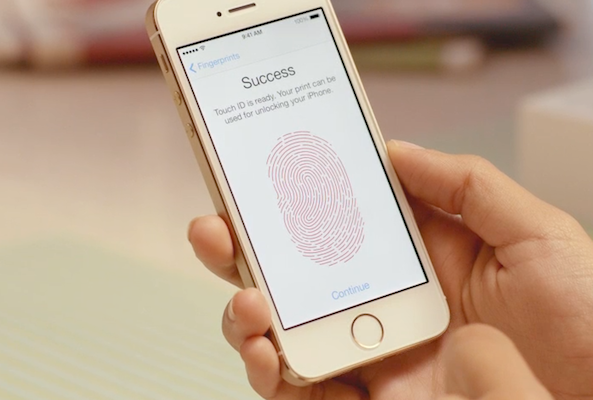
One of the features of Touch ID is the ability to capture and save up to 5 different fingerprints. This not only allows you to unlock your iPhone with both of your hands, but it also allows you to give multiple users access.

Try to save a sixth fingerprint, however, and you'll find you're unable to—the option to add a new fingerprint gets disabled after 5 saves. That is, unless you use this little workaround to register multiple prints to each save...

How to set up your Apple TV using an iOS device

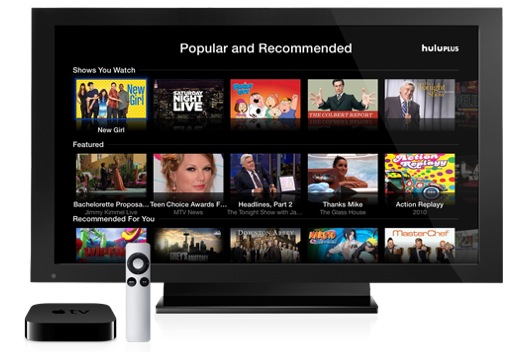
Yesterday, I let you in on a trick to selectively show or hide unwanted app icons from your Apple TV's Home screen. Today, I want to talk about another great Apple TV enhancement, one just implemented as part of the newly-released Apple TV 6.0 software update: tap-to-setup. In a nutshell, you can now use an iOS device to quickly set up your $99 hockey puck.

Sure, the third-generation Apple TV does allow for greater flexibility by letting folks pair a Bluetooth keyboard in order to quickly type in any pertinent information during the setup procedure (or afterwards). Tap-to-setup, however, takes easy to the next level by automatically transferring common settings from your iOS device...

How to hide unwanted Apple TV app icons

I'm loving my Apple TV a lot, even more so after the past few updates have made the set-top box way more useful by bringing out a host of cool features and new content sources such as Disney, Vevo, iTunes Music Festival, HBO Go and more.

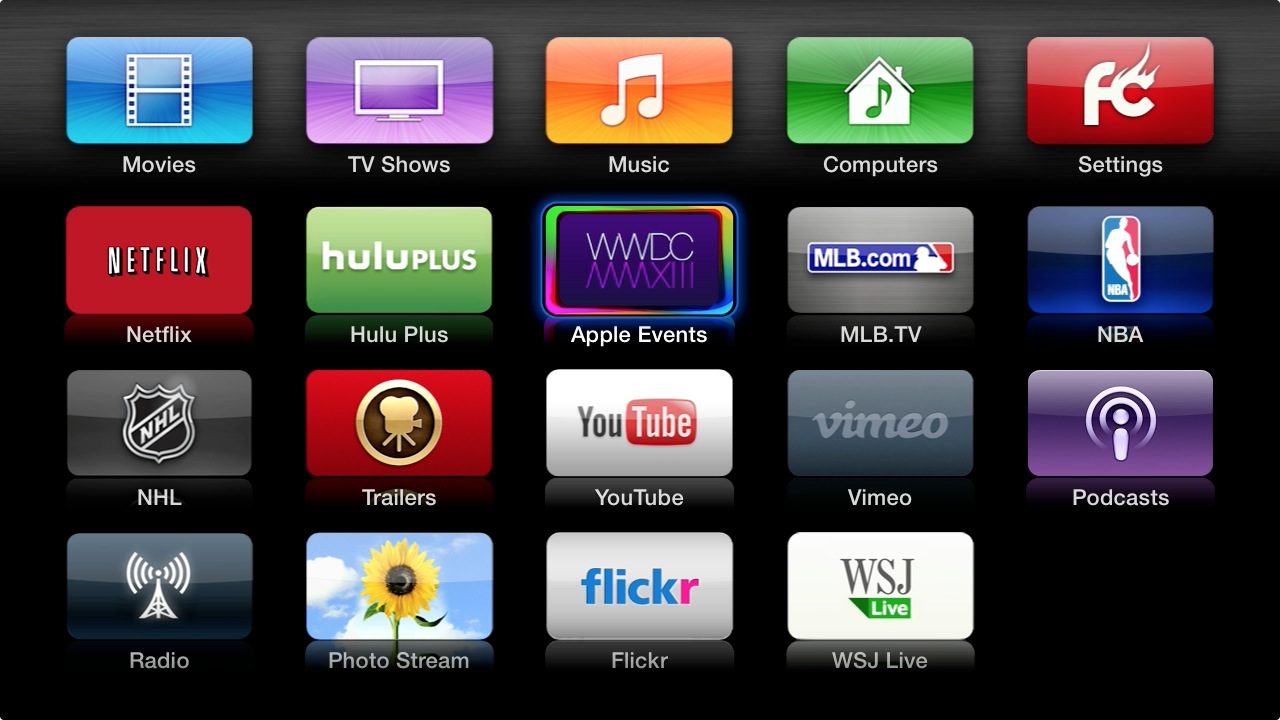
On the downside, each new channel brings with it a brand new icon. And just like that - before you know it, your Apple TV becomes littered with a bunch of icons. Wouldn't it be great if you could somehow declutter the interface? While Apple makes it easy to re-arrange the icons by holding down the Select button on the remote until they start wiggling, there's no straightforward option to remove unwanted ones from the Home screen.

Assuming you're willing to dive into the Apple TV's Settings menu and flip a few switches, you can do just that. Jump past the fold and I'll tell you all about it...

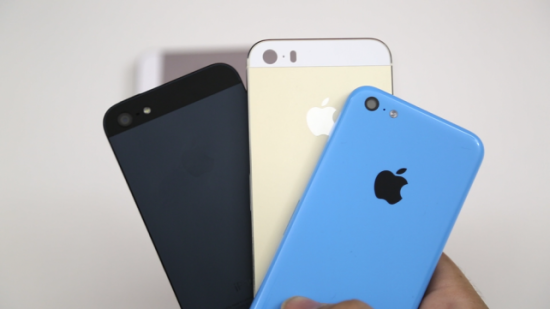
Four ways to sell your iPhone before upgrading to a newer model

Next Tuesday, Sept. 10, Apple is holding an event where, presumably, a new model of iPhone will be announced. While it may not be ready to hit store shelves immediately, it is likely that the next generation of iPhone will ship within the next following weeks.

If you are planning on upgrading, there are a few ways you can make a buck or two off of your current “gently used iPhone” to make the strain on your pocketbook a bit easier…