Learn how to teach Siri about your mother, father, brother, sister, spouse, fiancé, and so on, so you can reference relationships in voice commands instead of contact names.
How to teach Siri who your mother, father, wife, or friends and family are

Learn how to teach Siri about your mother, father, brother, sister, spouse, fiancé, and so on, so you can reference relationships in voice commands instead of contact names.

Learn how to recover deleted voicemails on your iPhone and restore these audio messages for safekeeping, reference, and other purposes.
The iDownloadblog podcast recently reached a milestone. Two weeks ago, “Let’s Talk Jailbreak” hit episode 10. Unfortunately, at about the same time, Apple decided to pull the popular podcast from iTunes.
Don’t worry, you can still listen and subscribe to Let’s Talk Jailbreak without missing a single episode. We’ve got a quick tutorial on how to subscribe in a variety of ways to hear Jeff and Sebastien muse over all things jailbreak…
http://www.youtube.com/watch?v=UT4HK9ystvs&feature=share&list=UUlkfmxPq9DoW4YqH5q0dltw
Just because you can...
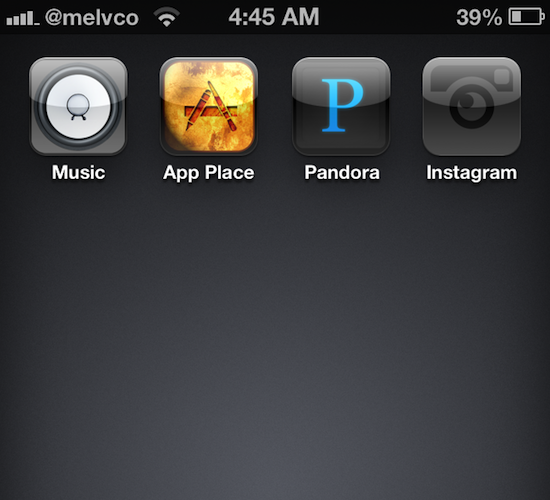
When your iOS device is jailbroken, customizing how it looks can be as easy as installing a WinterBoard theme. There's literally thousands of them in Cydia to choose from. The options get much more limited, however, if your device is hack-free.
But that doesn't mean it's impossible. We've covered a number of ways to modify a stock iOS device in the past, and we've got another one to show you today. Here's how to customize your iPhone or iPad app icons, no jailbreak required...
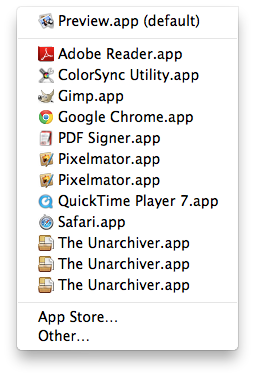
I love my Mac but sometimes it does some strange things, such as showing me duplicate entries in the "Open With" contextual menu you get when you right click on a document. While I'm not sure why it happens, I hear it's due to the Launch Services database.
Of course, there probably is a valid explanation as to why and how it happens. Some people might even be able to convince me it's more of a feature rather than a bug, but the fact of the matter is that it drives me absolutely insane.
If like me, you are annoyed by this, I'll show you how to delete duplicates from the "Open With" menu on your Mac.
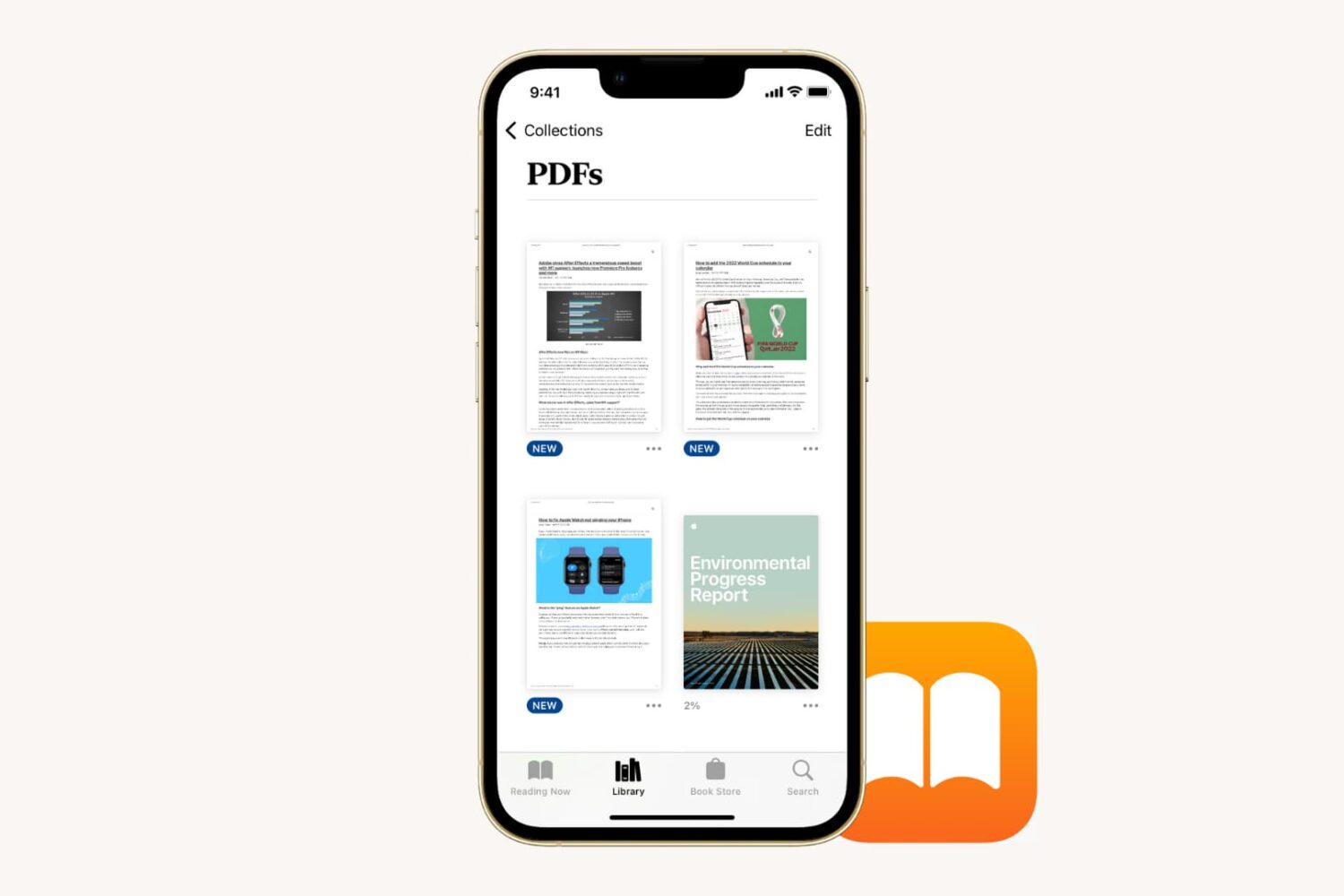
Learn how to save a PDF document to Apple's built-in Books app on your iPhone or iPad for safekeeping and easy access across your devices.
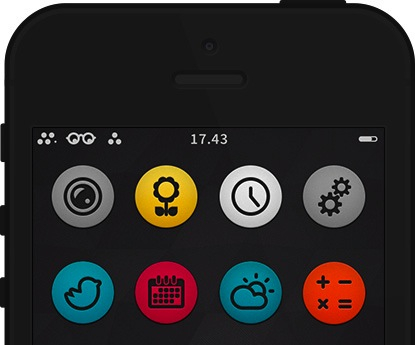
There are countless amounts of themes already available for iPhone/iPad with more emerging each week. It starts getting harder to find a theme that is truly worthy of your iDevice. That's where we come in... Introducing Circul8. A theme that is well crafted with the perfect minimalism for a simple but effective look.
The best part? It’s free...
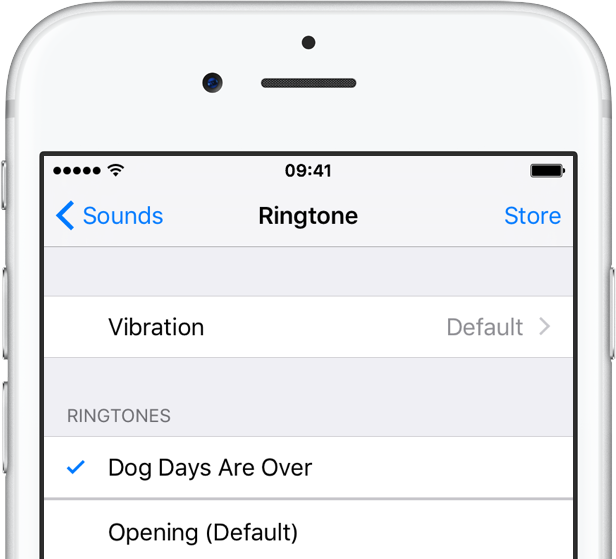
How many times have you been sitting around with friends when their phone rings and you hear the opening theme to Knight Rider, or the subtle hum of the Starship Enterprise and thought to yourself, “Dang, I wish I had that ringtone.” Well, now you can and it won’t cost you a dime.
You can convert any song or audio clip in your iTunes library into a ringtone with a few simple steps. We’ve got a step-by-step tutorial to show you how to create awesome ringtones that will make you the envy of the party…
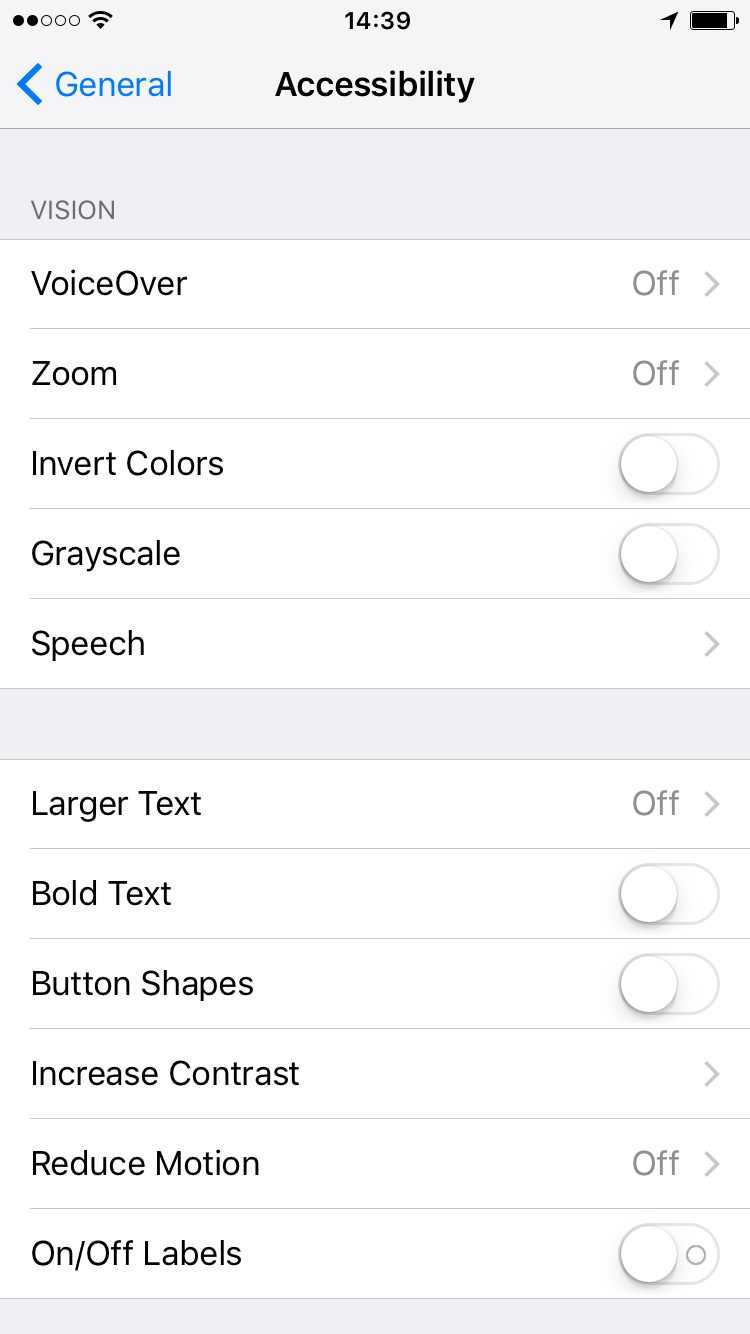
Touch screen devices like Apple’s iPhone, iPad and iPod touch, are not particularly usable for visually impaired people. If you are blind, or simply have a difficult time seeing the small images and texts on the screen, iOS devices are effectively useless.
Apple has worked to make their touch screen products usable for those with impaired vision. Apple’s accessibility features offer a variety of options for vision including VoiceOver, zoom, inverted colors, and more. We have a basic tutorial for activating these features, plus an explanation of what each one does…
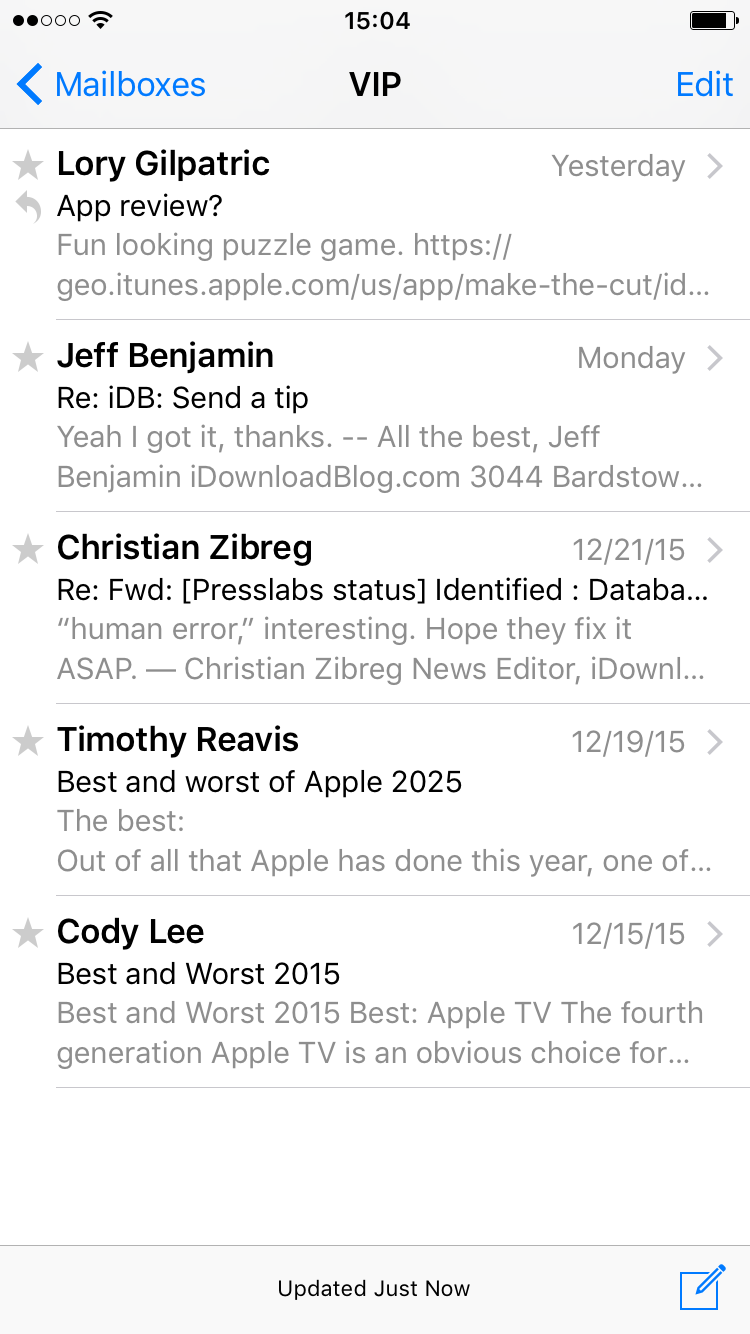
When Apple inveiled iOS 6 way back, one of the new Mail features was the addition of a “VIP” inbox. I’m sure you’ve seen it. Some of you may have already started using the VIP feature. For those of you who have an Aunt Linda in your ear, asking what this VIP “doo-hickey” is all about, send them our way and let us guide them through the steps to setting up VIP contacts.
By setting up VIP contacts in your Mail app inbox, you will have a separate folder for your important email correspondences with certain people. If you get dozens (even hundreds) of emails every day, it may be difficult to weed through the garbage to find the important ones. The VIP contacts feature automatically sends all emails from your selected contacts to a separate folder so their correspondences are much easier to find.
In this post, we will show you to use setup a VIP email inbox on your iPhone or iPad.
I have to admit that ever since I discovered Wunderlist, I stopped using my Reminders app for the most part. I love Apple’s Reminders application and had used it for a while on all of my devices. I think I just wanted to try something new when Wunderlist came out and it satisfied my listing needs.
When Sebastien asked me to write a how-to guide for sharing Reminders on iCloud, it rekindled my love of the simple list-making app. Not only is it easy to create and edit reminders, but you can also share and collaborate on lists with anyone else in the world, even if they don’t have an Apple device with them. All they need is their iCloud account.
Update: While still correct, this article is slightly outdated. We have published a new tutorial on how to share reminders from iPhone, Mac, or a web browser. Click on that link for the most up-to-date way to share reminders with others.