How to

How to tab between dialogue box buttons on Mac

Tab key on Mac's keyboard

The tabbing experience on Mac might feel a little gimped if you're coming from a Windows machine. That's because, by default, macOS makes it so that the option to move keyboard focus between all controls with the Tab key is disabled. Instead, tabbing is only possible between text boxes and lists using the default setting. In this tutorial, I'll show you two quick and easy ways to change this setting and enable a much-improved tabbing experience on your Mac.

How to sort notifications by arrival time in Notification Center on Mac

I have to admit that I'm not a huge user of Notification Center, and this applies to both iOS and the Mac. One of the reasons that I'm turned off by Notification Center is the disarray that I see when viewing it.

By default, Notification Center is set to sort manually, which means that you can go into its preferences, and sort each app by hand. That's fine and all, but it makes for a less than ideal experience when trying to find the most relevant notifications based on time of arrival.

For me, this results in a less than ideal experience when opening Notification Center. If you have a lot of apps enabled for Notifications, it can be overwhelming, because there's no real logical order to the way they're sorted. To remedy this issue, try this simple tip, and sort your notifications by time of arrival instead.

How to assign a keyboard shortcut to Notification Center on Mac

It might seem fairly obvious, but it might be a good idea to assign a keyboard shortcut to Notification Center on the Mac. Perhaps you already have, or maybe you still haven't. I hadn't, at least not up until a few days ago when a reader suggested that I do so, and I honestly can't come up with a reason as to why I waited so long. I think it's because I just never thought about doing it.

Assigning Notification Center to a keyboard shortcut just makes sense. It especially makes sense if you use a keyboard and mouse combination on your Mac, instead of a trackpad. Granted, MacBook users might not be so easily convinced, because invoking Notification Center can be accomplished via an effortless two-finger swipe on the trackpad.

But if you're working on an iMac, or if you're using a traditional mouse and keyboard combination with your MacBook, as I am, then I definitely recommend that you follow this uber-simple tip.

How to embed Tweets and Twitter videos on your website

Embed Tweet on website in Light and Dark modes

Adding tweets and Twitter videos to your website can add an interactive and engaging element to your content. In this tutorial, we will walk you through the simple process of embedding tweets and Twitter videos onto your blog or website, allowing you to enhance your content and engage your audience.

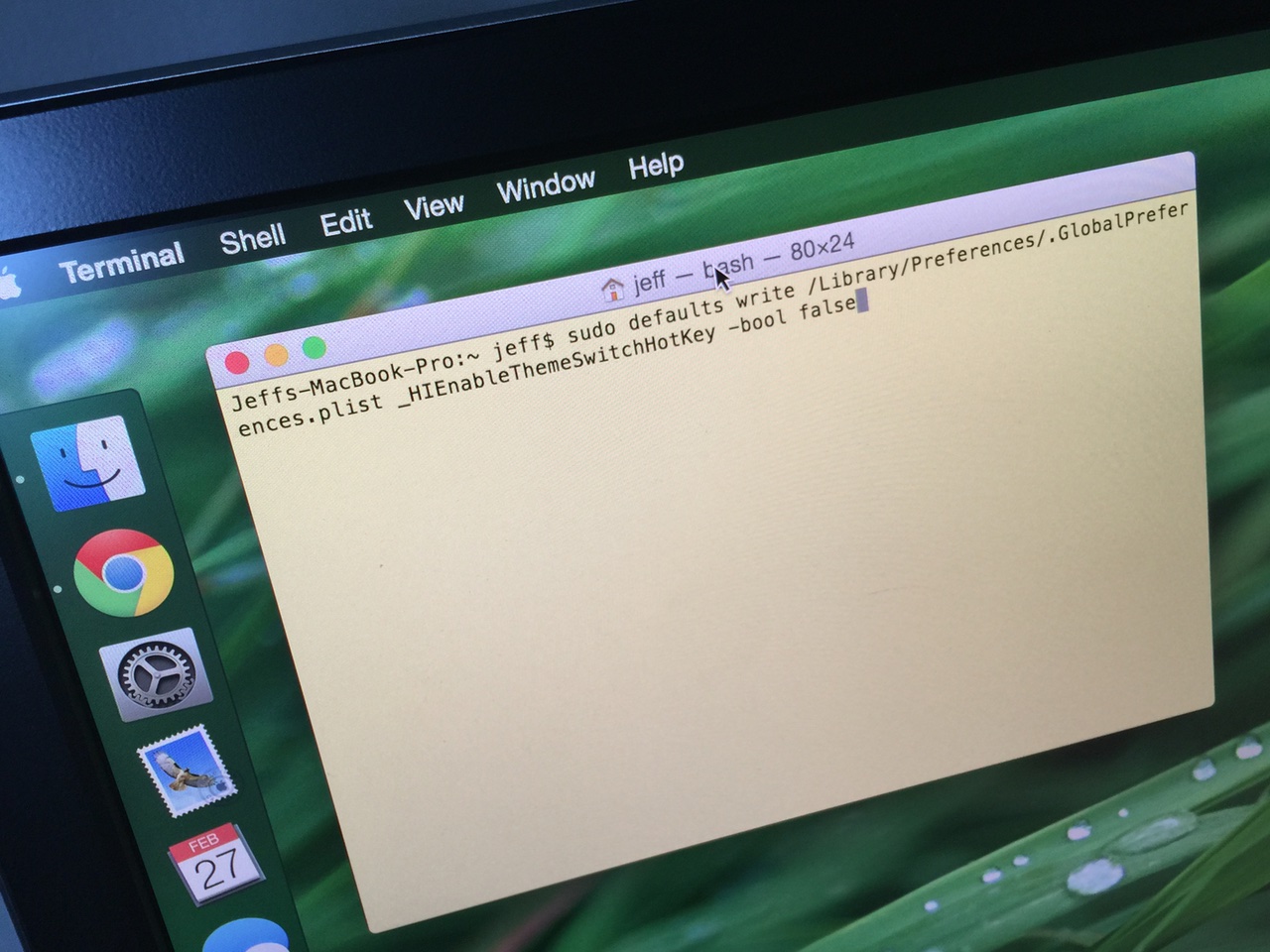
How to quickly toggle dark mode using a keyboard shortcut on Mac

Dark mode is one of the more popular features of OS X Yosemite, because it allows you to add a dark tint to both the dock and the menu bar on Mac. The standard way to enable dark mode involves venturing to System Preferences, opening the General section, and clicking on the enable dark mode option. But wouldn't it be cool if you could toggle dark mode using a simple keyboard shortcut?