How to

How to create a new library in the Photos app
Creating separate libraries. It's one of the best ways to go about organizing photos with the new Photos app in macOS. I find that using multiple libraries to separate things like work and personal life is a good strategy. Fortunately, it's extremely simple to create new libraries and to switch between those libraries on the fly.

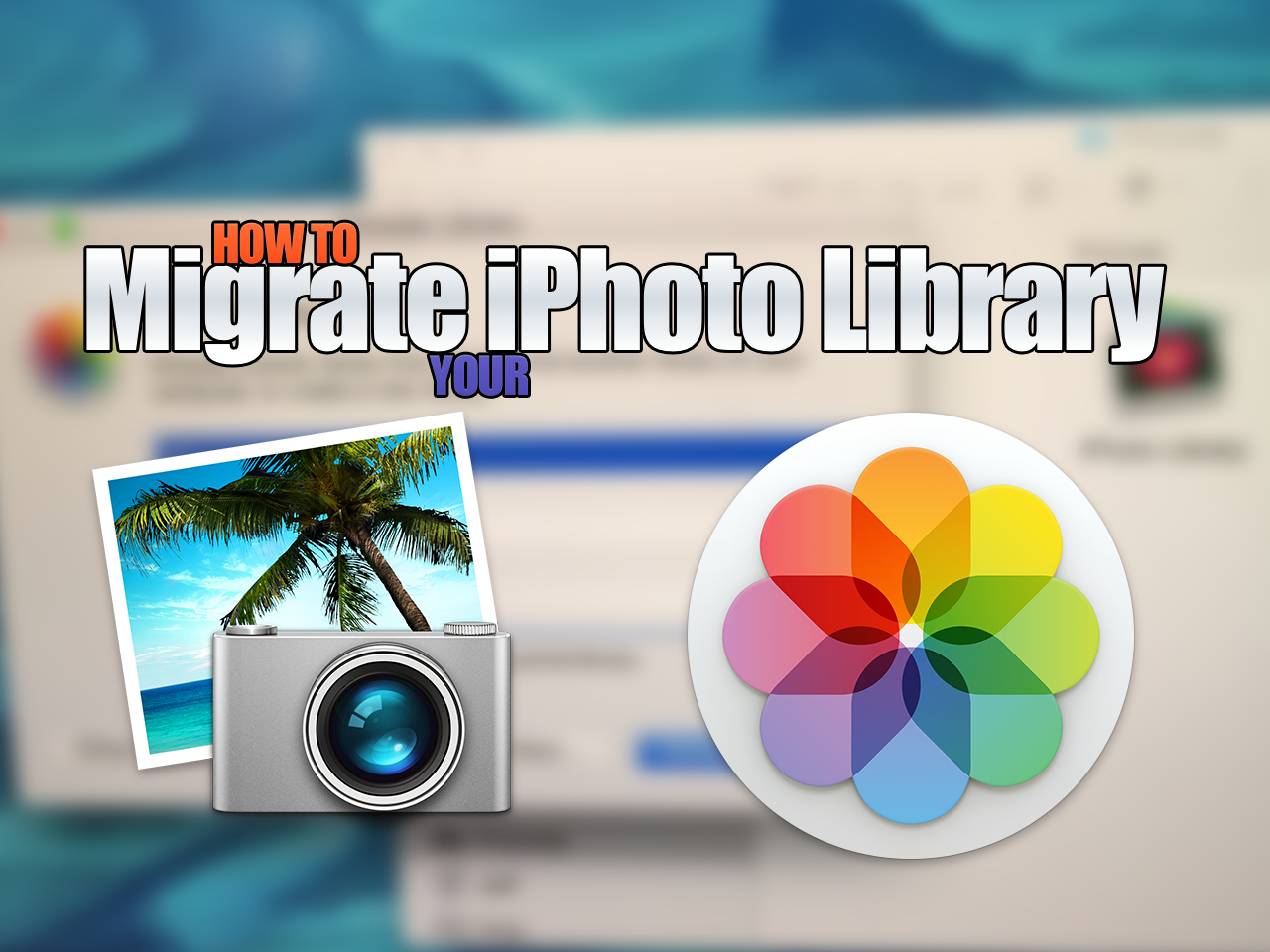
How to migrate your iPhoto Library to the new Photos app

Now that OS X Yosemite has been officially released, it's time to think about migrating your old iPhoto library to the new Photos app. Migrating over is extremely easy, as there are multiple ways to do so. In this post, we highlight one of the easiest and most straightforward ways to migrate an iPhoto Library over to a new Photos app install.

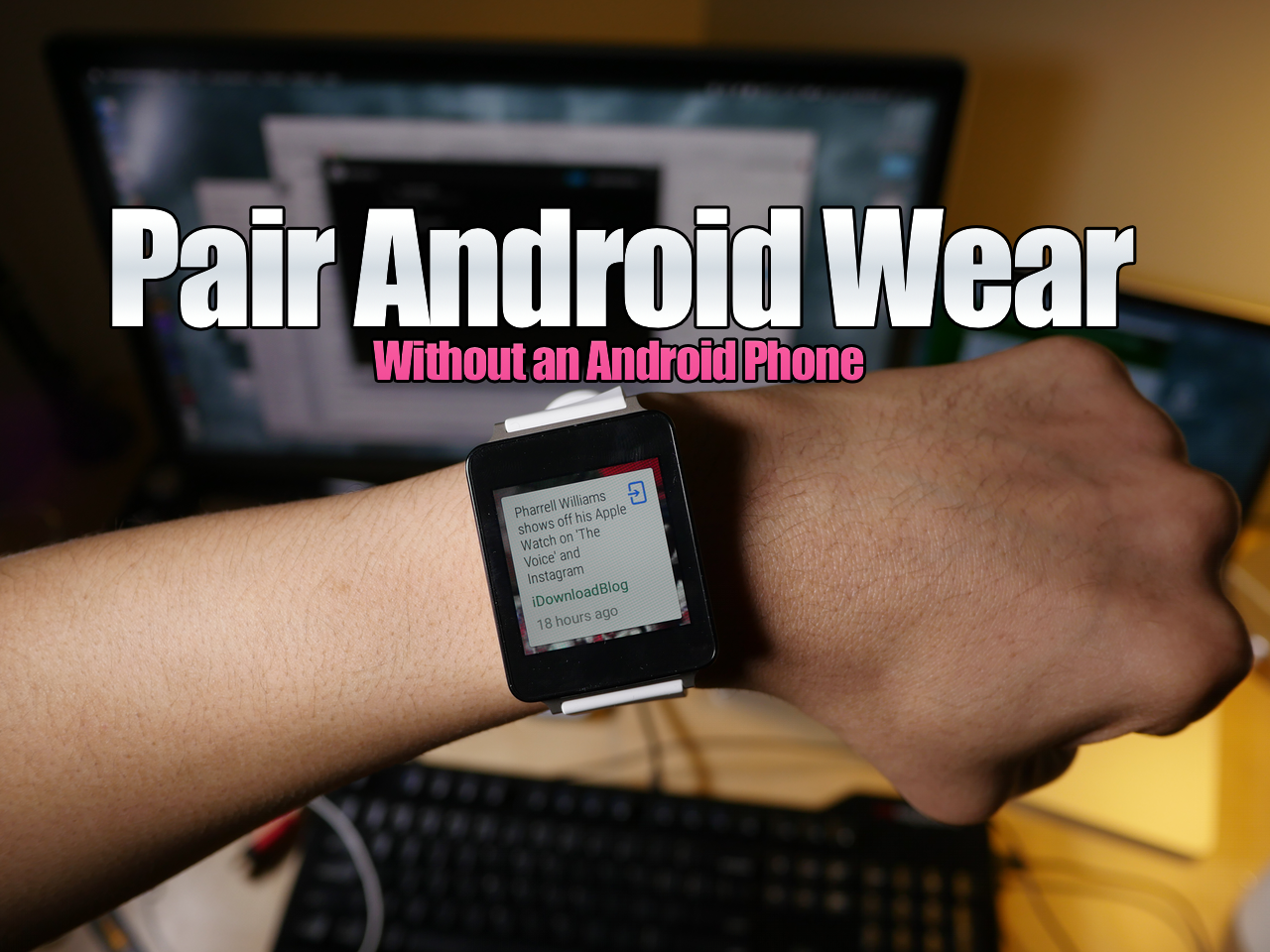
How to pair Android Wear without an Android Phone using a virtual machine on Mac

I know, it may sound fairly niche, but hear me out. Recently, there's been a lot of buzz about using Android Wear devices with the iPhone, and that's the reason why I started exploring this topic to begin with.

As it turns out, when you buy an Android Wear device, you need an Android device to "activate" the smartwatch (go figure). Since I don't currently own an Android phone, my LG G Watch was stuck at the pairing screen.

Yes, there are more "in-depth" ways to go about getting passed this screen, but not everyone is up to that task. With this in mind, I've created a video tutorial that shows you how to run an Android virtual machine on your Mac with Parallels, and how to then pair an Android Wear device with the virtual machine.

How to use a secret Activator gesture to keep your Lock screen secure

Worried about unscrupulous individuals trying to unlock your device or accessing Control Center or Notification Center without your prior approval? If so, then Secret-Lock may interest you.

Secret-Lock is a recently released jailbreak tweak that freezes the iOS Lock screen until a secret Activator gesture is used. This allows you to secure the Lock screen and prevent swipes, and Control Center or Notification Center invocation gestures.

How to troubleshoot Cydia refresh issues

From time to time, you may encounter a situation where Cydia will not stop "Reloading Data". This usually has something to do with a bad repo, or a repo that may be unresponsive, offline, etc. If you have a lot of third-party repos added to Cydia, then the chances of you encountering this error increase. In this post, I'll show you how to successfully troubleshoot this issue, and make it so that Cydia can successfully refresh.

TinyUmbrella can now save local SHSH blobs from device, and that includes iOS 8.1.2

Semaphore has been on a roll lately, as shown by the release of yet another TinyUmbrella beta build, and this version contains a significant new feature. You now have the ability to save SHSH blobs directly from a local device. This means that if you're on a jailbreakable firmware like iOS 8.1.2, you can save the 8.1.2 blobs even though Apple is no longer signing that firmware version.

How to get a 3D dock on OS X Yosemite

Do you miss OS X's 3D dock? OS X Yosemite finally did away with the 3D dock that's been present since the release of OS X Leopard, but you can get it back by using a simple application called cDock.

cDock includes, among a host of other features, the ability to theme the dock with over a dozen built-in themes. There are night themes, fullscreen themes, pink themes, and, of course, 3D themes. If you've been reminiscing about the "good ol' days", then you can easily relive the past with this handy little application.

How to unlock the Apple Watch Activity app on iOS 8.2, no jailbreak required

A few days ago, we showed you a detailed walkthrough video of iOS 8.2's Activity App. Today, we'll show you how you can go hands-on with this brand new app.

In the tutorial that follows, we'll walk you through each step needed to get the iOS 8.2 Apple Watch Activity app running on your iPhone today, even though the Apple Watch is still weeks from releasing. No jailbreak required.

How to create folder shortcuts on Mac

On Windows, you create shortcuts. On Mac? There's this little thing called aliases. Aliases are shortcuts that make it easier to find a file, folder, disk, or application. You can place aliases on your desktop, in the Dock, or anywhere else that's easy to find. In this tutorial, I'll show you two easy ways to create aliases on your Mac.

How to extract images from apps with the Preview app on Mac

Applications on the Mac are really just directory structures containing files, images, assets, executables, and the like. If you've ever right-clicked on an application and selected Show Package Contents, then you know exactly what I mean.

While right-clicking is a reasonable solution for extracting image, font, and other visible assets from an application, the Preview app makes doing so even easier. By simply dragging and dropping an app on the Preview app icon in the dock, you're presented with a easy navigable thumbnail view of all of the app's various assets.