How to

How to update the iOS 9 public beta to iOS 9 beta 4

It's possible to update to the latest developer version of the iOS 9 beta directly from the iOS 9 public beta. If you want the latest and greatest updates offered by iOS 9 beta 4, but you're currently running the public beta, listen up—it's super-easy to upgrade to the latest developer version of the iOS 9 beta.

Jailbreak tip: spoof your location in Snapchat to use any geofilter

Phantom for Snapchat is a popular jailbreak tweak that allows you to supercharge Snapchat with all sorts of bolt on features. It also has the ability to spoof your location.

Snapchat uses your location to present you with custom geofilters, which are basically stickers that you can place on your Snaps that reflect your current location. So, for example, you couldn't normally add a Paris filter to your Snaps unless you were actually in Paris.

With Phantom's location spoofing option, it's possible to snag filters for any location that you desire around the world. It's super-easy to use as well. We'll show you how to spoof your location in Snapchat to add custom filters in our video tutorial.

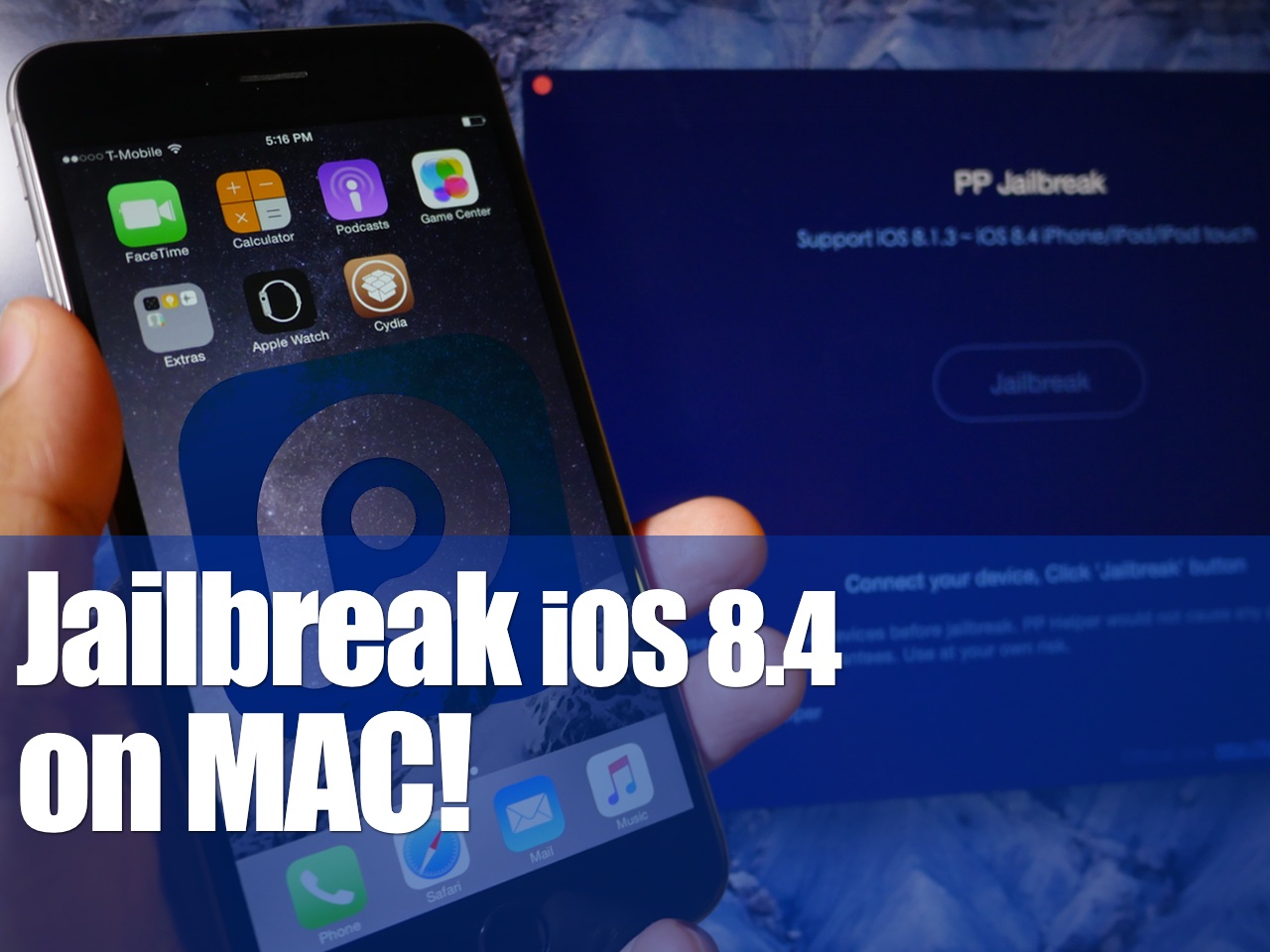
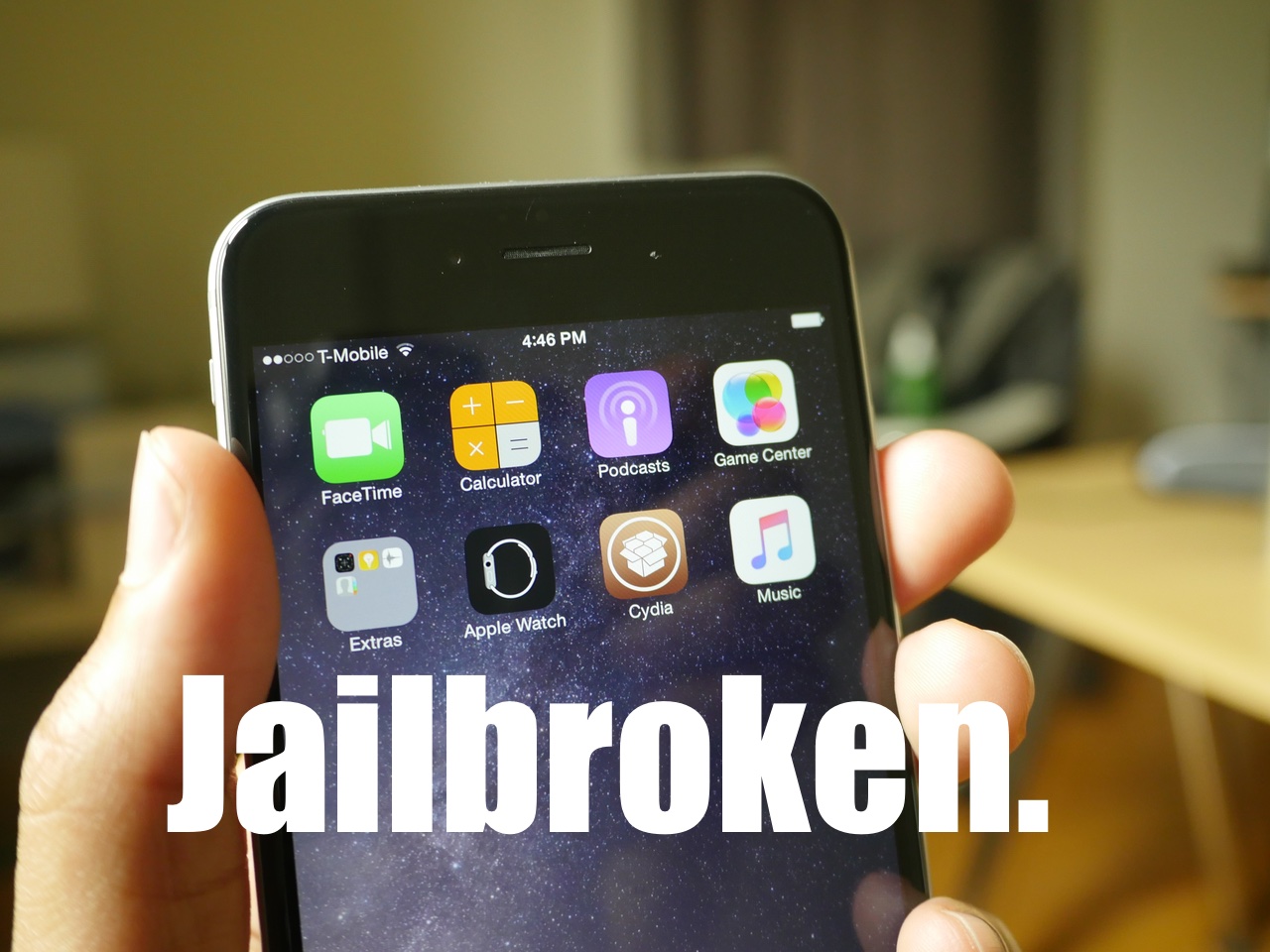
How to jailbreak iOS 8.4 on Mac with PP jailbreak [Video]

The PP untethered jailbreak for iOS 8.4 is out, and it has been confirmed to work. As we continue to wait on a possible TaiG jailbreak for Mac, the 25PP team is making it so that Mac users can jailbreak now.

Of course, you can always use the virtual machine method for jailbreaking iOS 8.4 using TaiG on Mac, but the PP jailbreak tool is as simple as simple gets for Mac users. Inside, we'll show you how to jailbreak your iPhone, iPad, or iPod touch running iOS 8.4 on Mac using PP jailbreak.

How to restore DRM-laden Apple Music matched songs to DRM-free

Apple today released iTunes 12.2.1 which solves a few issue, among them an annoying bug that's been driving more than a few early adopters of Apple Music crazy.

For context, Apple's standalone $25 per year iTunes Match subscription is commonly used to legitimately replace matched songs in your library with DRM-free files from iTunes in the high-quality 256Kbps AAC format. Unfortunately, iTunes Match as part of Apple Music membership contains a flaw.

Even though Apple Music checks songs in your own library against its vast catalog, matched tracks get incorrectly labeled as Apple Music and wrapped inside FairPlay, Apple's proprietary DRM system. As a result, you're prevented from enjoying your own Matched music on non-Apple devices.

More importantly, Apple Music members who cancel their subscription may end up with DRM-protected matched tracks. Making matter worse, deleting a track in your Mac's original library for the purpose of re-downloading it as a 256Kbps AAC file will prompt Apple Music to incorrectly replace the original, non-DRM version with a DRM-laden file.

This was never intended behavior: a flaw causes iTunes to incorrectly label songs from Matched to Apple Music. But worry not, iTunes 12.2.1 comes to the rescue: release notes state that the update resolves an issue “where iTunes incorrectly changed some songs from Matched to Apple Music”.

Here're the steps you must take if your matched songs show up as DRM-protected Apple Music tracks.
How to view and restore specific files using Time Machine

Time Machine is very useful, because not only does it allow you to back up all of your user data, but it also allows you to selectively view and restore portions of that data, even down to individual files.

In this tutorial, the forth in our series about Time Machine, I'm going to show you to how to view and restore an individual file using a Time Machine backup.

How to disable Apple Music Connect

If you choose to hide Apple Music on an iPhone, iPod touch or iPad, the Music app gains a new Connect tab.

Described by Apple as a place where “musicians give their fans a closer look at their work, their inspirations, and their world,”Apple Music Connect permits music lovers to view and follow an artist's stream, like and comment on their posts and more.

Apple Music Connect is basically Ping 2.0. The feature is a tad crude in appearance and feels rough around the edges so little wonder that some folks don't view Connect as valuable enough for it to deserve its own tab.

Wouldn't it be great if you could get rid of the Connect tab? Thankfully, there is.

You'd be forgiven for thinking that the Connect feature couldn't be disabled: Apple has made sure to burry and hide it in an obscure place. In this post, I'm going to explain precisely how you can disconnect from Connect in Apple Music on iPhone, iPod touch, iPad or Mac.

Bloons Tower Defense 5 for iPhone and iPad named IGN’s Free Game of the Month

IGN has partnered with Ninja Kiwi to name Bloons Tower Defense 5 for the iPhone, iPod touch and iPad its free game for the month of July. This popular tower defense download is available on a first-come, first-serve basis so make sure to redeem your copy following the instructions provided below.

This promotion is only available through IGN so don't bother visiting the App Store, where Tower Defense 5 for iPhone and iPod touch currently sells for $2.99, with the iPad edition fetching an additional $4.99, so you're looking at a cool $8 saved.

How to exclude files from Time Machine backups

In our third Time Machine tutorial for macOS, we'll show you how to exclude specific files or folders from being included in your Time Machine backup. You'll find that it's extremely easy to curate your Time Machine backups using its preferences.

The thing that I really like about Time Machine is that you can exclude not only individual files, but entire folders of files as well. Have a look at our easy to use tutorial to find out how you can exclude certain data from becoming a part of your backup.

How to master Apple Music liking system to influence ‘For You’ recommendations

Apple Music offers a section called For You which provides a personalized selection of music based on your listening habits. On the surface, it sounds great until a song you can't stand listening to anymore or an artist you really aren't a big fan of gets injected into the For You feed.

Wouldn't it be great if you could teach Apple's algorithm exactly what music you like and, more importantly, what you dislike? Thankfully there is, but it takes a bit of a learning curve to master the Apple Music recommendation system.

Here's what you need to know regarding fine-tuning For You recommendations and customizing your listening experience on Apple Music.

Find out if Apple Music, Apple Music Radio, Beats 1 and iTunes Match are available in your country

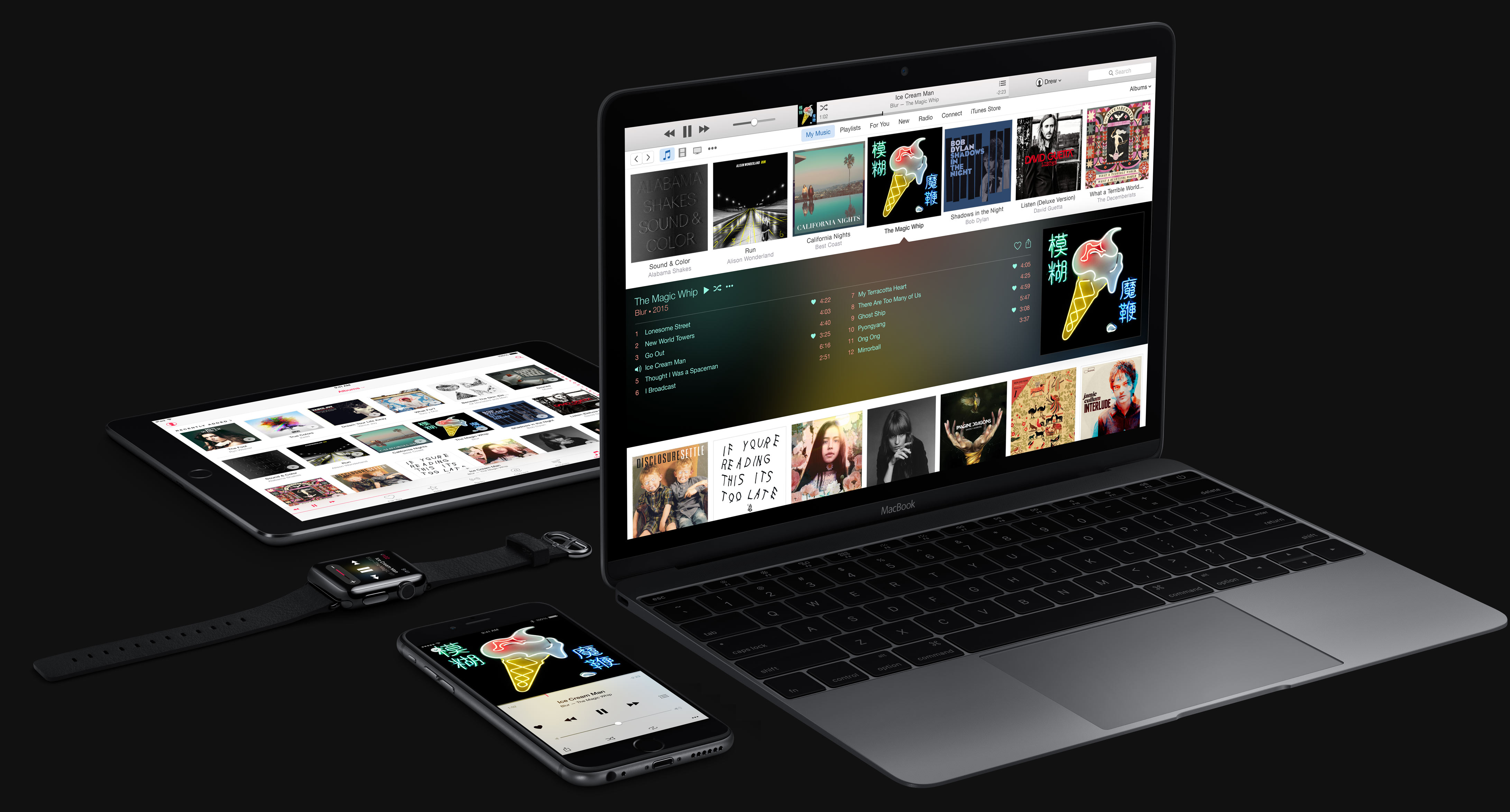
Apple's new music package, available across 115 countries around the world, packs in Apple Music Radio, Beats 1 Radio, iTunes Match and Apple Music on-demand streaming. But not all of these services are available in each and every country.

For example, people in Romania can only enjoy iTunes Match. Beats 1 Radio is currently off-limits in nearly two dozen countries. In addition, eight countries currently lack access to Apple Music, Apple Music Radio and Beats 1 Radio.

This article helps you find out in which countries you can join Apple Music, listen to Apple Music Radio (formerly iTunes Radio) and Beats 1 Radio or subscribe to iTunes Match.

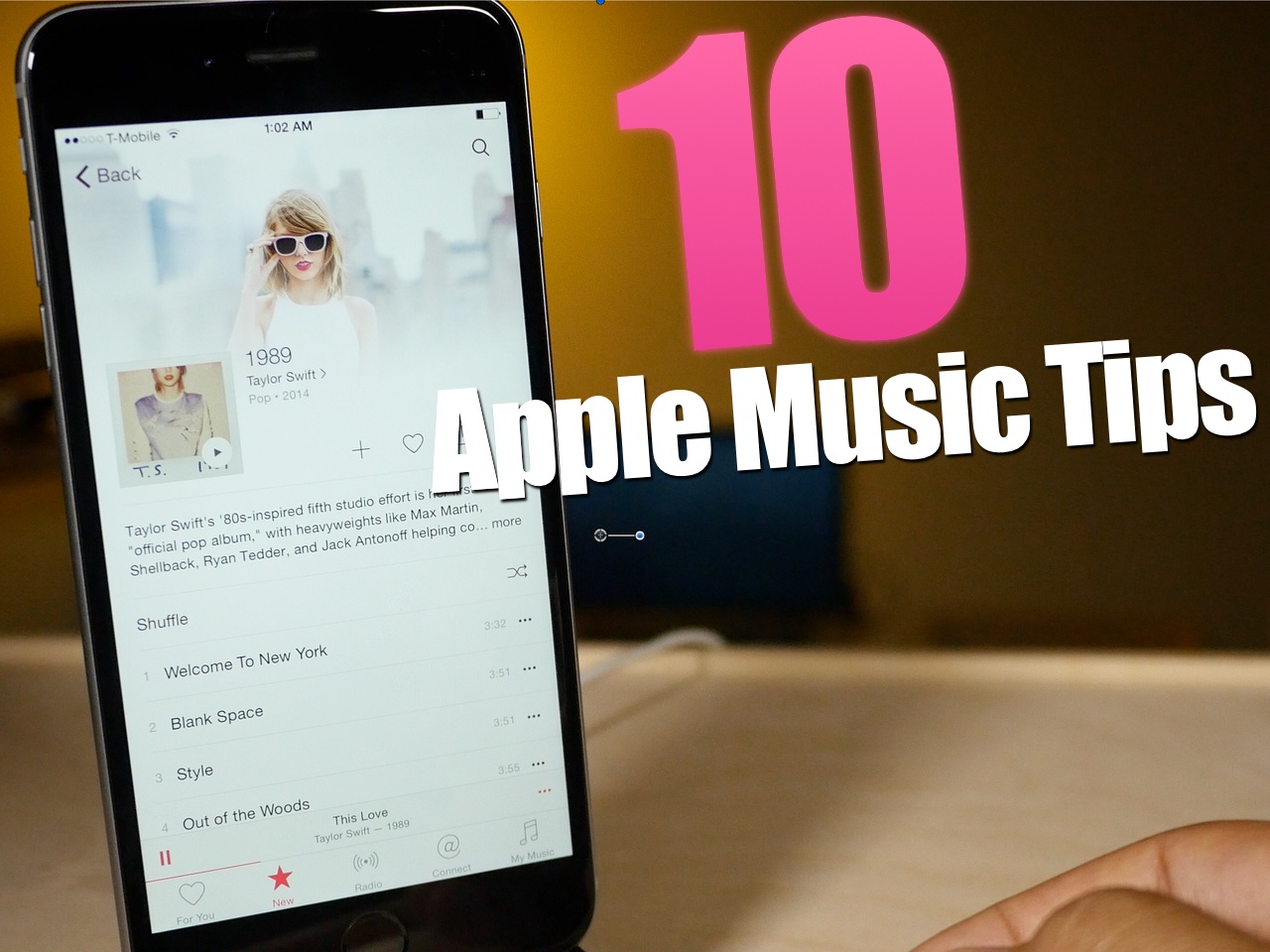
10 tips for Apple Music

Apple Music is here, and after using it for several hours today, I can attest that it's pretty great. Not only does it live up to the hype, but it's been relatively stable as well.

I think the future for artists on Apple Music is relatively bright. Here is a paid streaming service that I think many will be more than willing to get behind.

To celebrate the launch, here are 10 tips for getting more out of Apple Music.

How to jailbreak iOS 8.4 with TaiG 2.2.0

TaiG 2.2.0 was just released about an hour ago, and it brings with it support for iOS 8.4. Like previous versions of TaiG's tool, this version is Windows-only, so you'll need to use a Windows machine or a virtual Machine.

We've created a full video walkthrough and tutorial to show you how to jailbreak your iPhone, iPad, or iPod touch running iOS 8.1.3-iOS 8.4 using TaiG 2.2.0. It's an extremely easy jailbreak that only takes a few minutes if the directions are followed closely.