In this tutorial, we go over four ways to force-quit apps on Mac so you can close an app that is misbehaving, frozen, unresponsive, or monopolizing system resources and slowing down your computer.
How and why to Force Quit one or all apps on Mac

In this tutorial, we go over four ways to force-quit apps on Mac so you can close an app that is misbehaving, frozen, unresponsive, or monopolizing system resources and slowing down your computer.

Apple's new 24/7 radio station, Beats 1, went live this morning and is now in full effect. Initial feedback on the experiment is mixed—some people really like it, others don't—but the consensus is that Apple has managed to capture the essence of radio.
Keeping with that theme, Apple has announced that it's going to start taking listener requests for songs during at least a small segment of its Beats 1 broadcast. From the service's official Twitter account: "in a few hours, we turn the show over to you."

Apple Music launched around the world a few years, and with it comes a lengthy 3-month free trial. But after the trial period is up, you'll be on the hook for $10 per month, unless you turn off auto-renewal. Luckily, as with all iTunes-billed subscription services, this is quick and easy to do.
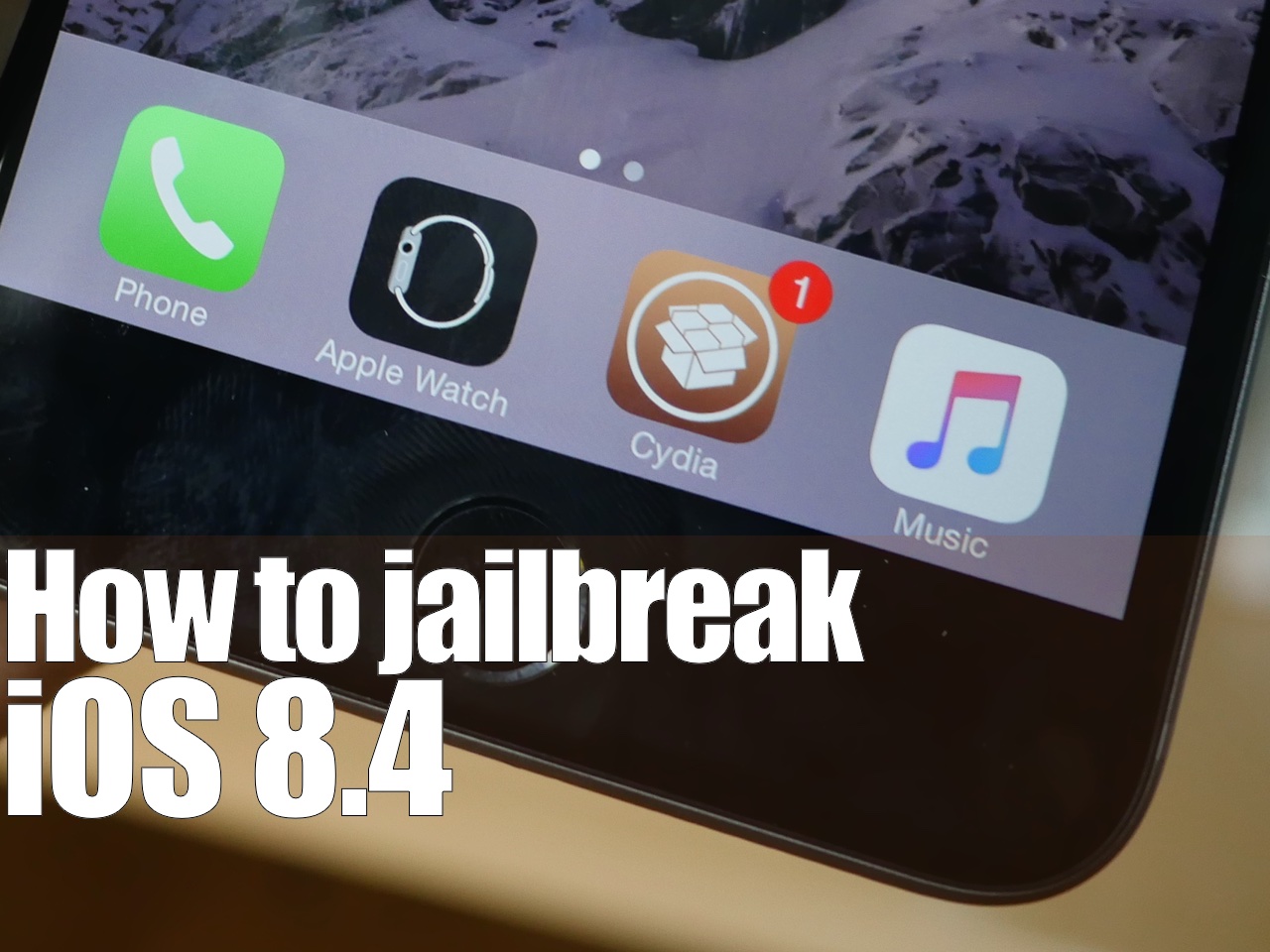
Surprise. Only a few hours after iOS 8.4 released, there is a working jailbreak. The tool, entitled PPGhost, is a Windows only jailbreak tool that works for iOS 8.4. In this tutorial, I'll show you how to jailbreak iOS 8.4 on your iPhone or iPad using the PP Jailbreak tool.
There are some rumblings that PP took the code from TaiG, but we have not confirmed this. As such, you may want to wait for the TaiG tool update to jailbreak iOS 8.4. I personally prefer waiting, as it's wrong to steal code, if the claims are true, which are difficult to prove. When TaiG releases their updated tool, we'll post a tutorial, and deprecate this one. In the meantime...
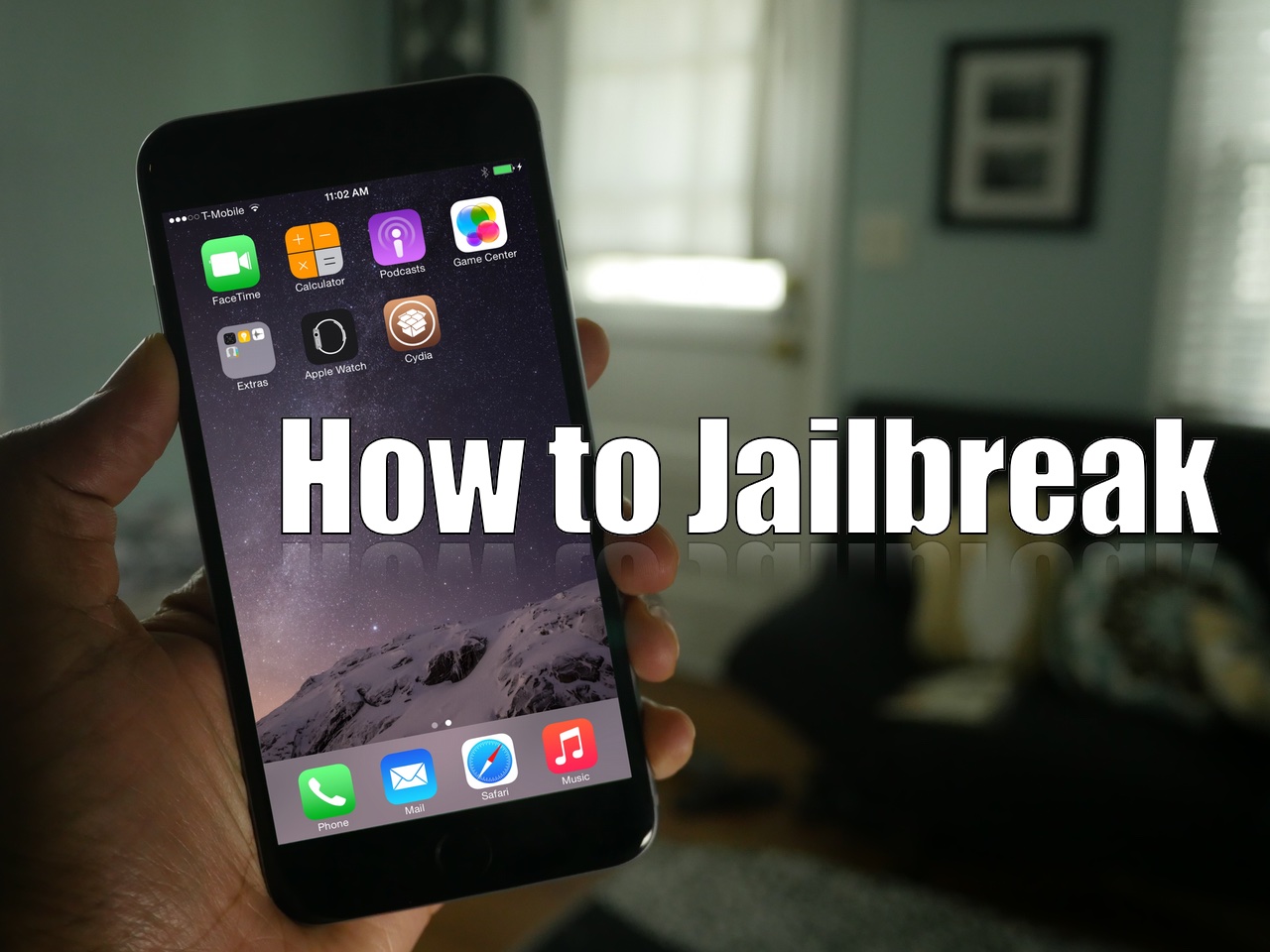
As we mentioned earlier, TaiG has released version 2.1.3 of its jailbreak tool, and it's a significant update as far as fixes go. First and foremost, it works with virtual machines, so you no longer need to modify your virtual machine to use the tool. Secondly, it fixes the 20% hangup. With these things in mind, we thought we'd show you how to jailbreak using this latest TaiG update.
This post is primarily aimed at those who have yet to jailbreak, and are looking for guidance with the latest tool. In the video that follows, we'll show you the proper way to go about jailbreaking your iPhone or iPad, and we'll show you how well the tool runs on a virtual machine.
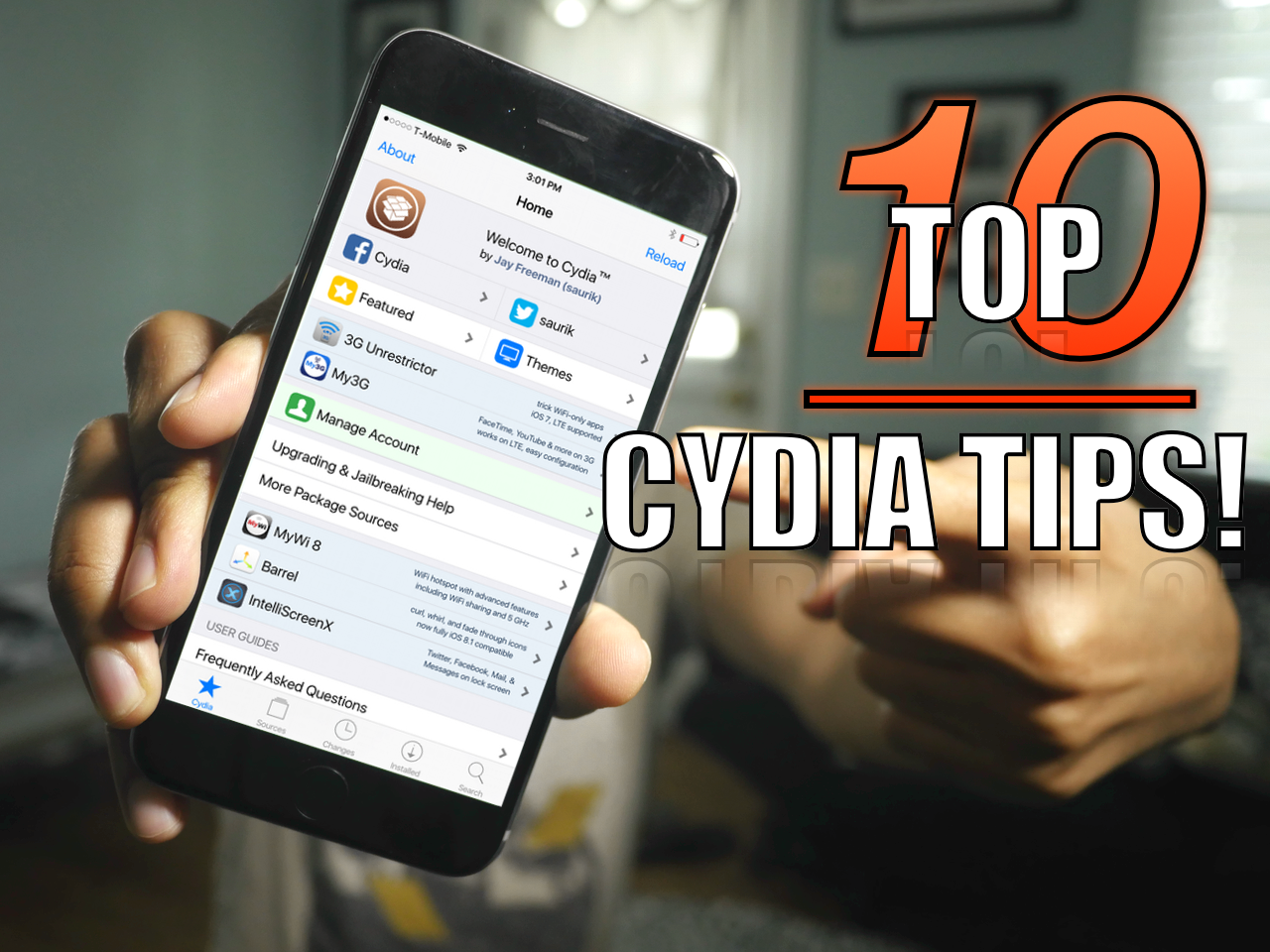
Since I imagine that there are probably tons of new jailbreakers since the iOS 8.3 jailbreak touched down, now is a great time to review some of my favorite Cydia tips. But even if you're a seasoned Cydia veteran, you may find a tip or two in this list that you'll find handy. How many of these tips do you use on a regular basis? Watch our video and find out.
In our second Time Machine tutorial, we're going to show you how to encrypt a Time Machine backup. Encrypting your backups is extremely easy and straightforward. All you need to do is select a single check box in order to enable encryption and enter a password. In this tutorial, we'll show you how to do it, and why you should consider encrypting your backups.
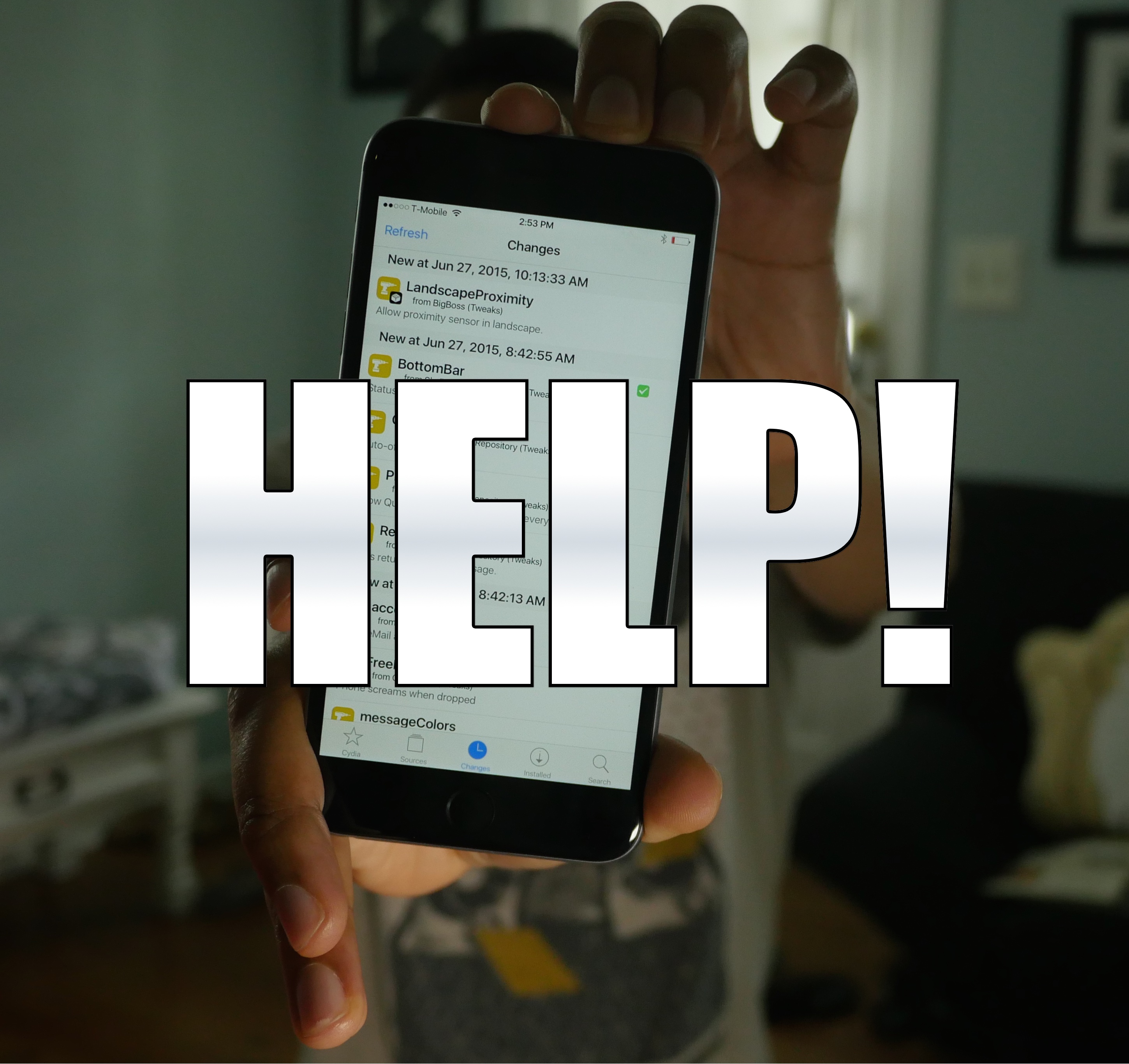
Sadly, there are still many individuals that cannot successfully jailbreak iOS 8.3 with the TaiG. I understand how insanely frustrating this can be, but also want to help. Trust me, I feel your pain on this, as it's super-frustrating when you see everyone else enjoying their jailbreak and you're stuck with a stock phone.
But don't give up! You're going to do this. Consider some of my tips inside. Some may be obvious, but some may be not so obvious. Whatever you do, just give it a try.

Earlier today, the Apple Watch hit an additional seven countries around the world, thus bringing the number of countries where the wearable gizmo officially sells to sixteen, with more markets joining Apple's party it in the coming weeks and months.
The Cupertino firm has pledged to sell “some models” in its retail stores to walk-in customers. But, you still cannot just waltz inside an Apple Store, pick up an Apple Watch and walk away—without making an online reservation first.
That's where the Apple Online Store's handy online reservation system comes into play. Called Reserve & Pickup, it lets prospective customers reserve their Apple Watch with in-store delivery for pickup in person. In this tutorial, I'm going to guide you step by step through using the Reserve & Pickup system to find an Apple Watch you'd like to buy and have it shipped to your nearest Apple Store.
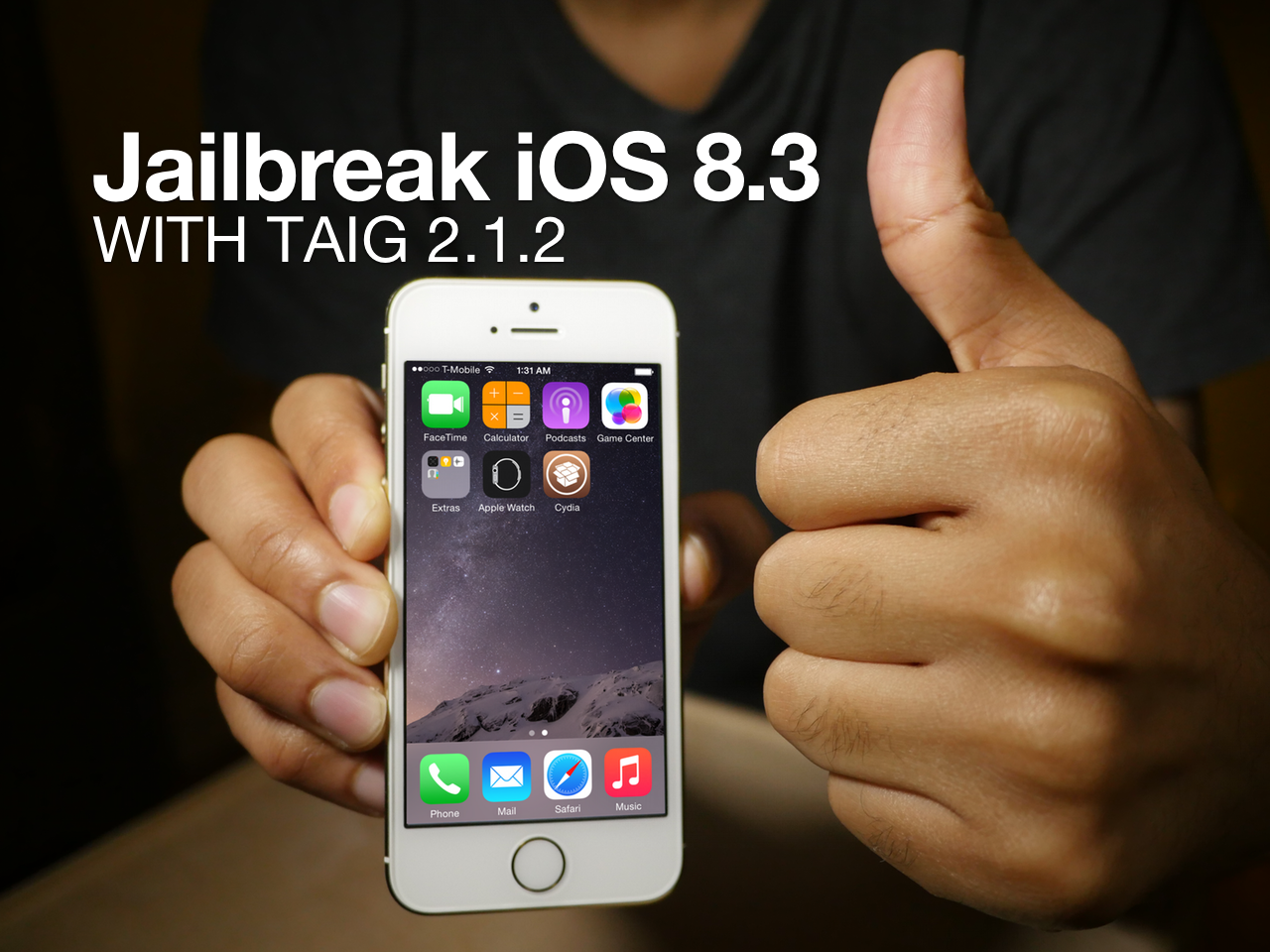
As we noted earlier, the TaiG 2.1.2 untethered jailbreak tool was just released to much fanfare. This is the version of the tool that works as you would expect. It's compatible with the latest version of iTunes, and works with Cydia Substrate out of the box.
Sadly TaiG 2.1.2 is still Windows only, but we have a good virtual machine tutorial for Mac only users. In this tutorial, we'll show you how to jailbreak iOS 8.3 with TaiG 2.1.2 in mere minutes.
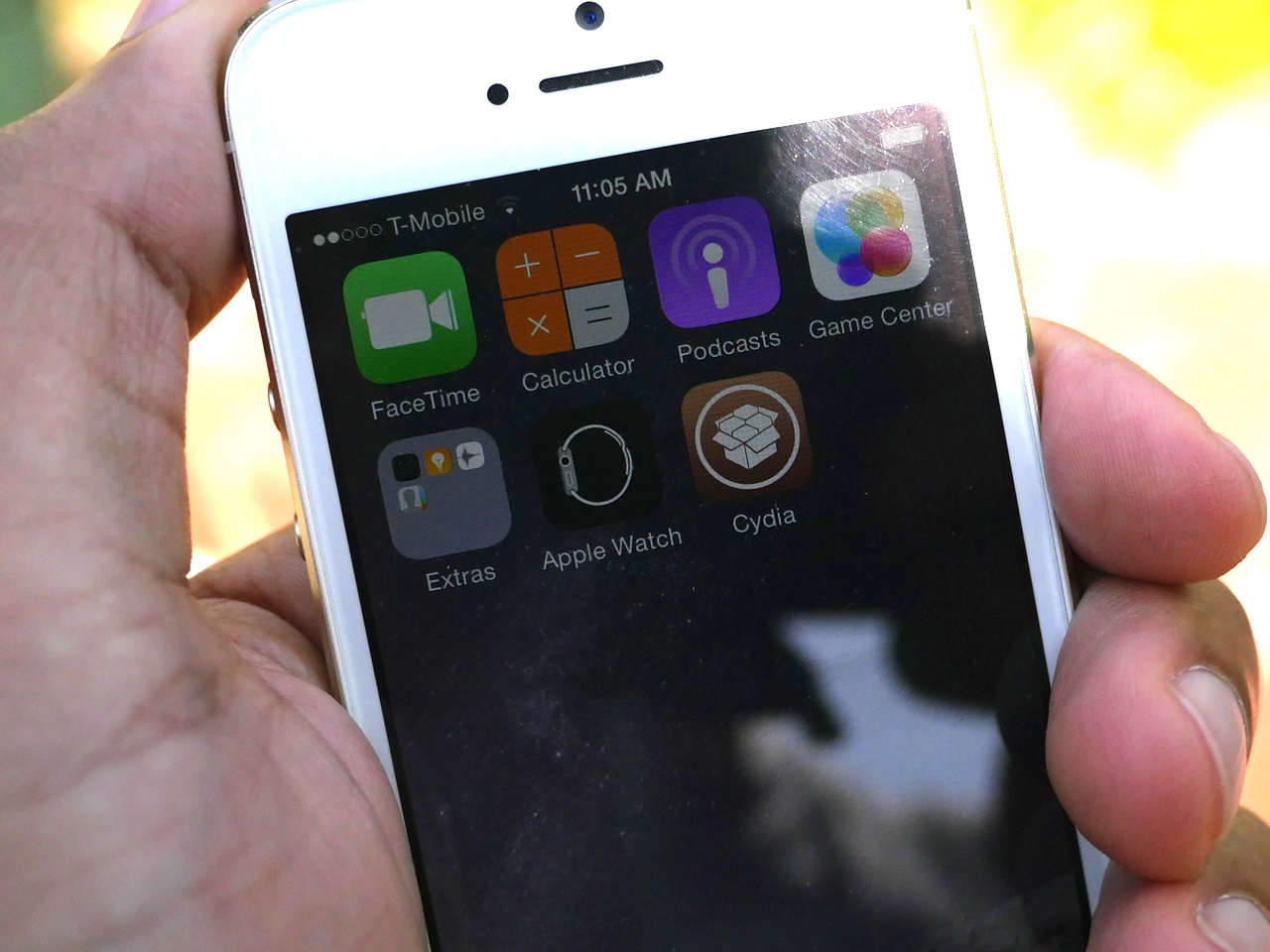
It's been a crazy last couple of days, but it's also been very exciting. It all started when the jailbreak for iOS 8.3 came unexpectedly on Tuesday morning, and it culminates with the release of a Cydia Substrate compatible update this evening. No doubt, there's still much more to come, but now we'd like to take the time to wrap up the ongoings of the last two days.
In this post, we'll tell you everything you need to know about the iOS 8.3 jailbreak, and what you might expect in the future.
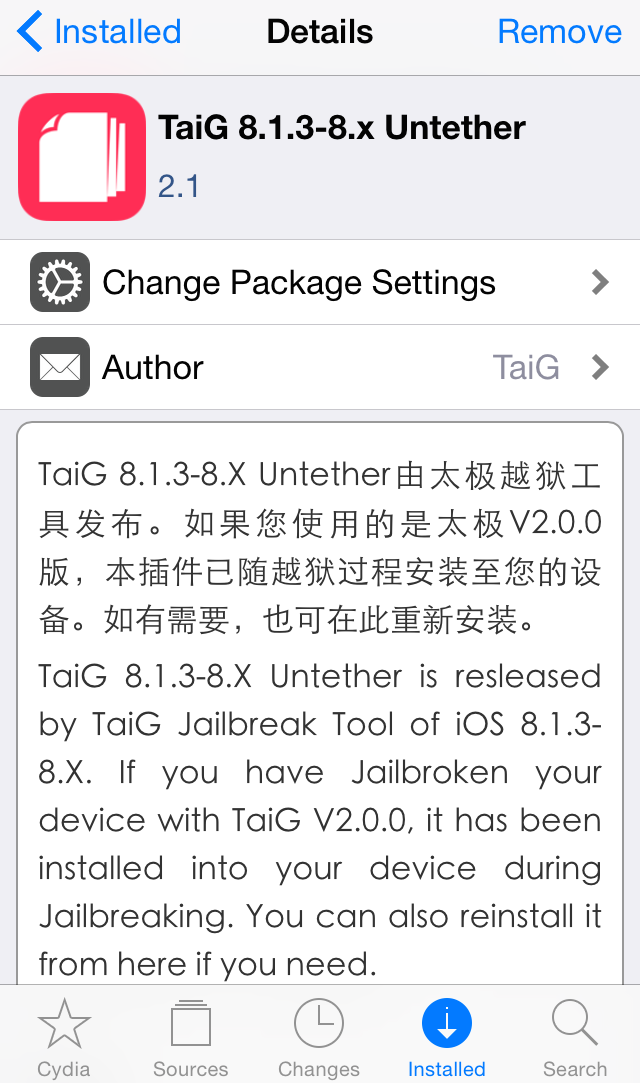
If you're jailbroken on iOS 8.3, you've likely been frustrated by the lack of Cydia Substrate support up until now. As you're no doubt aware of by now, Cydia Substrate hasn't worked on iOS 8.3 due to a fix that needs to be implemented by the folks at TaiG.
The good news is that the fix is out, and I've confirmed that it works. If you've jailbroken your device with the TaiG 2.0 tool yesterday or earlier today, you can use a simple .deb file install to fix Cydia Substrate in just a few minutes.
In this tutorial, I'll show you how to install the TaiG 8.3 Untether .deb on your jailbroken iOS 8.3 device and fix Cydia Substrate.