Learn how to insert footnotes and endnotes in Apple Pages documents on your Mac, iPad, or iPhone to reference or cite sources in a professional manner.
How to add footnotes and endnotes to Apple Pages documents
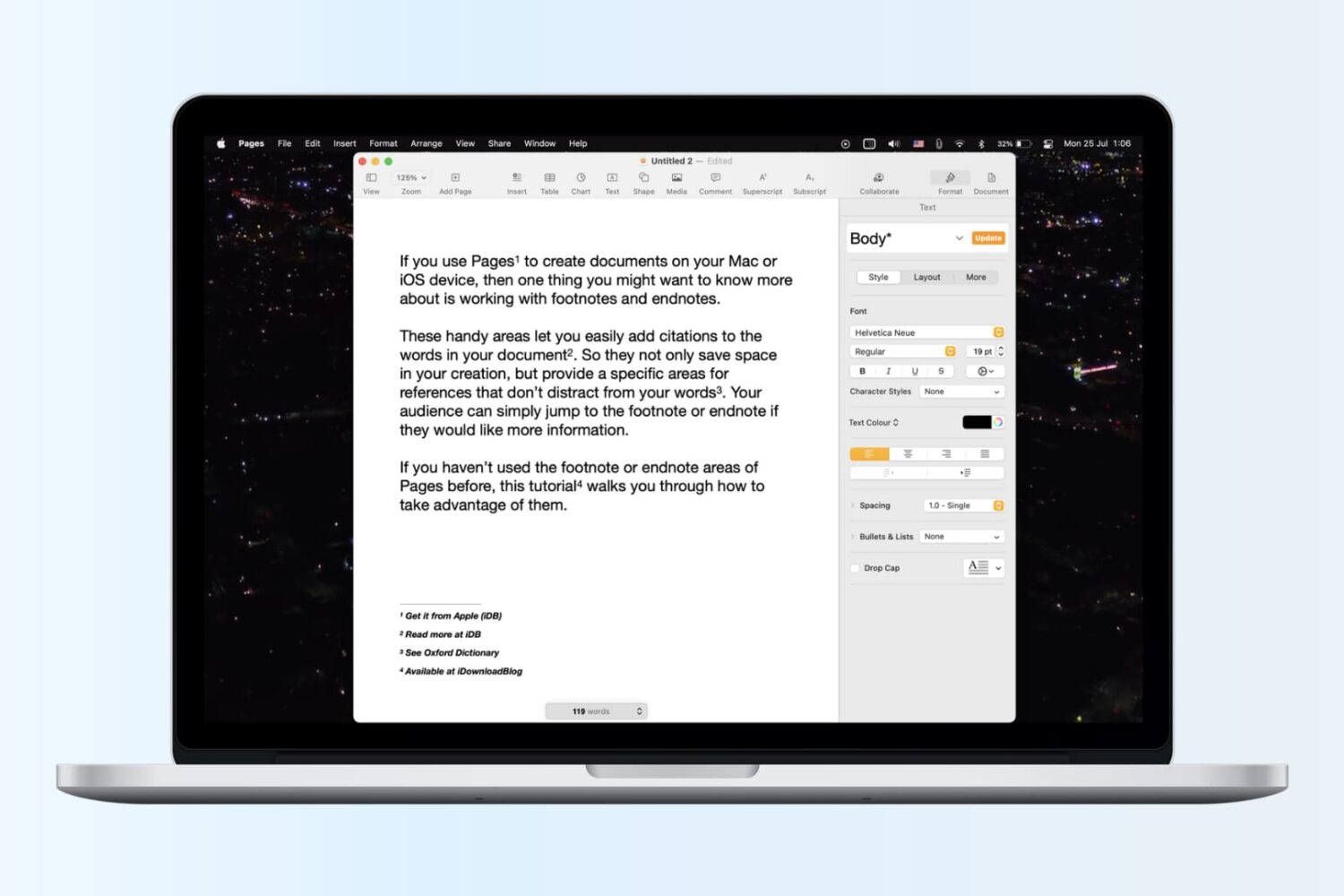
Learn how to insert footnotes and endnotes in Apple Pages documents on your Mac, iPad, or iPhone to reference or cite sources in a professional manner.

Learn how to create and use folders and subfolders in the Apple Mail app on your iPhone, iPad, and Mac to keep your emails better organized.
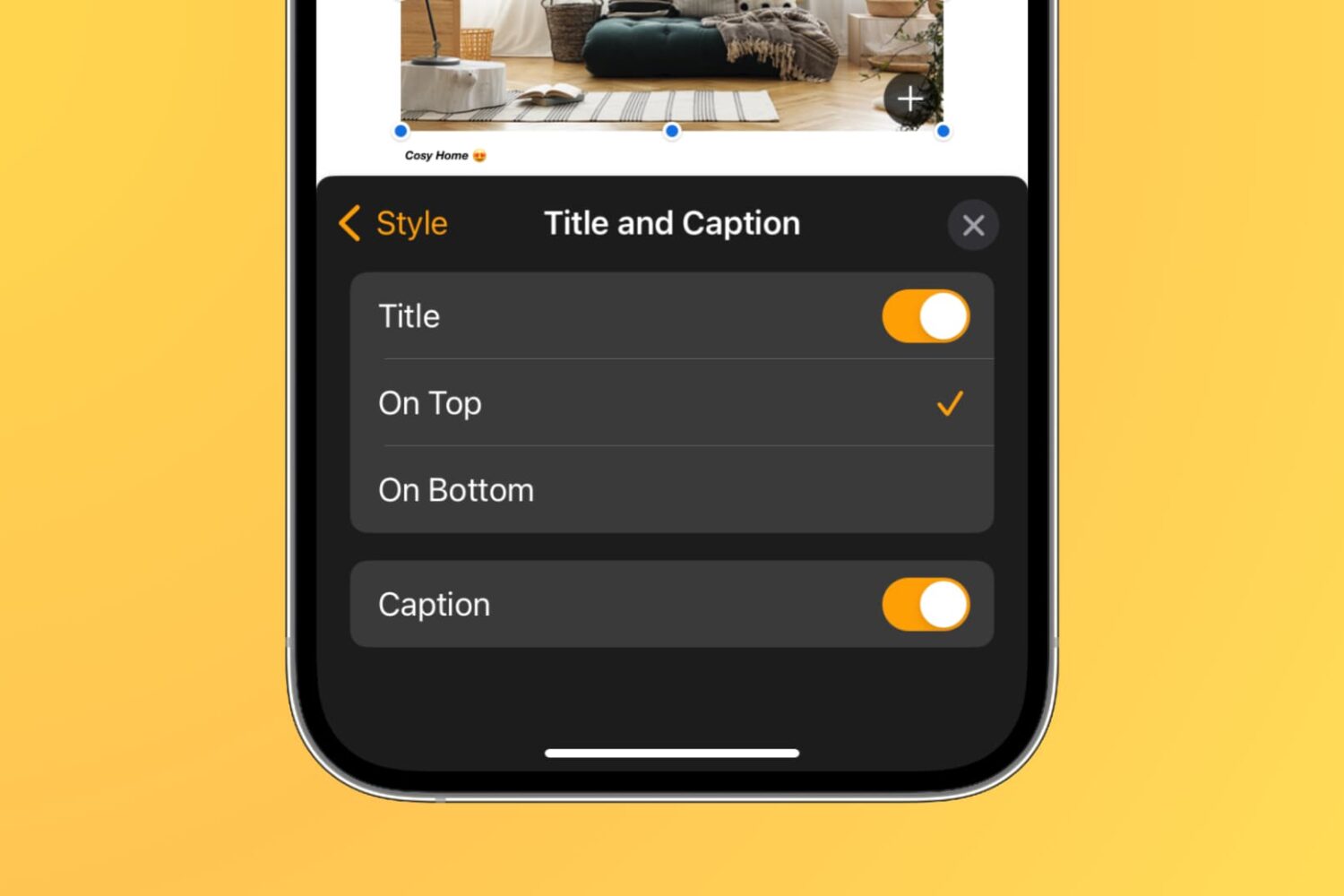
Learn how to add captions and titles to photos, videos, shapes, and other objects in your documents, spreadsheets, and presentations to provide descriptions, citations, or references.
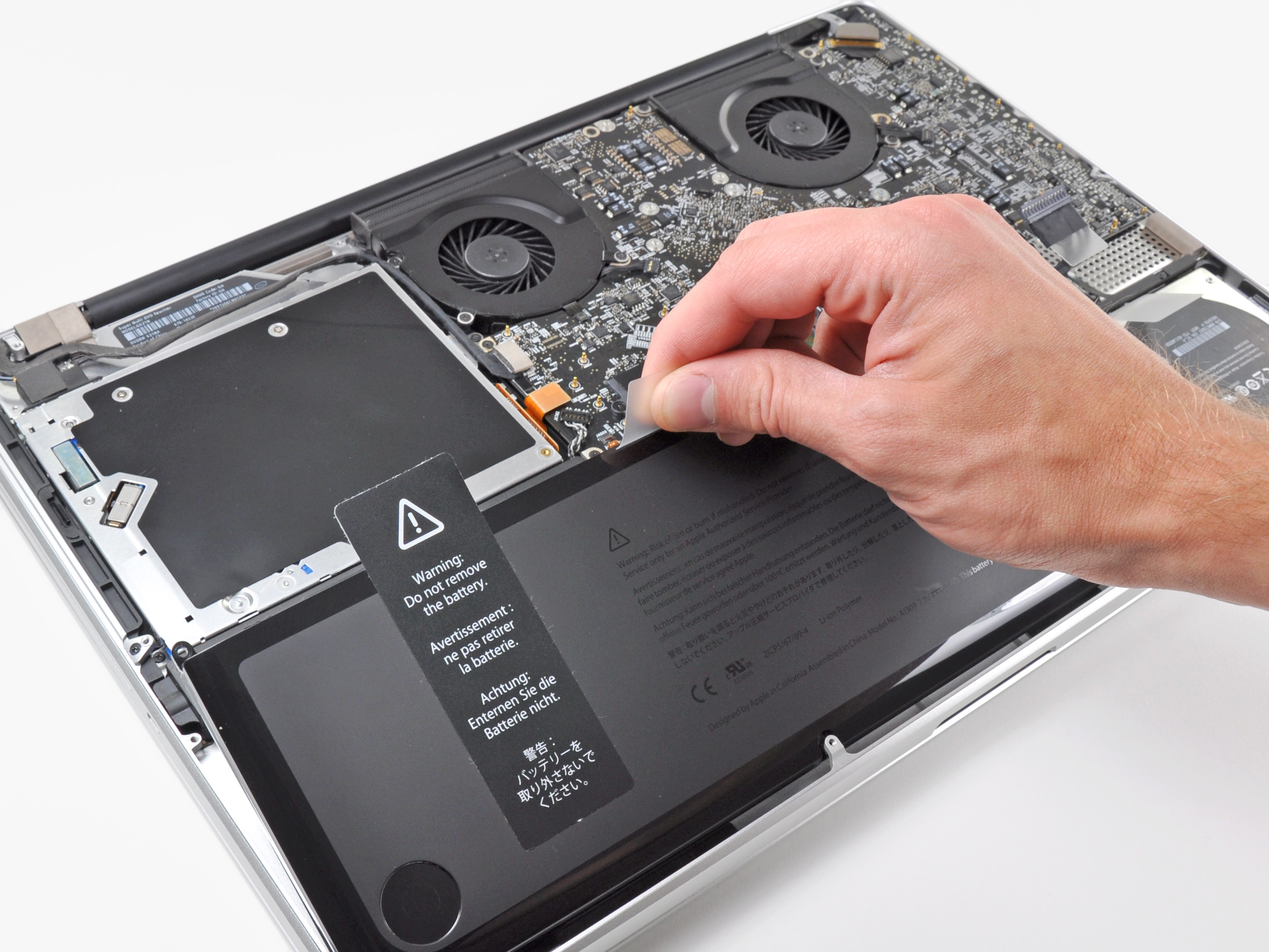
Learn more about the built-in battery health management feature made to improve the lifespan of your MacBook’s battery.
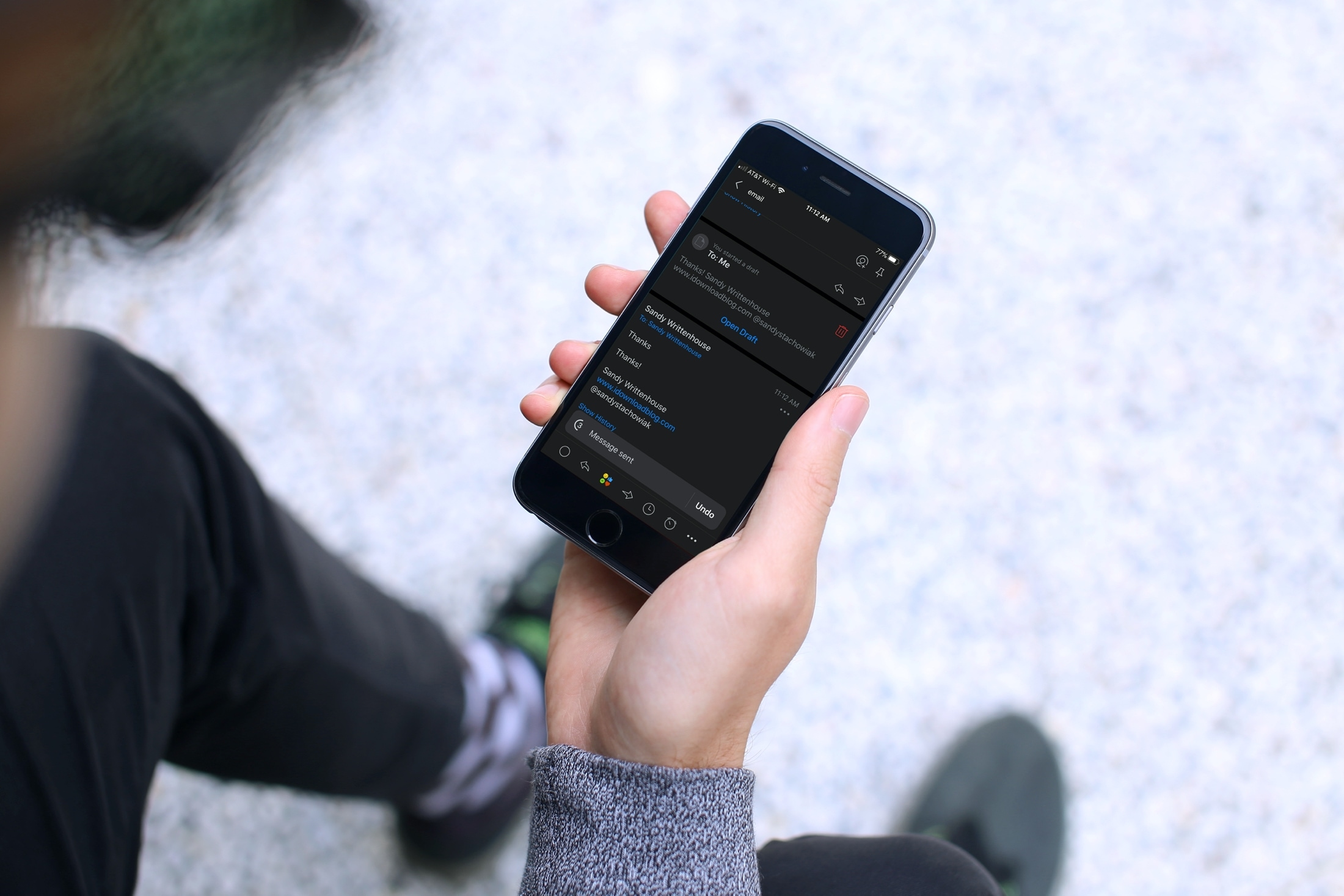
Have you ever sent an email that you wish you hadn’t? Maybe you forgot something like an attachment or perhaps you wrote something you shouldn’t have? Apple’s Mail app on iOS and Mac doesn’t currently give you the option to unsend an email you sent. But, the Spark email app does.
If you’re new to the app or simply haven’t had the need to recall an email, this tutorial shows you how to unsend an email in Spark on iPhone, iPad, and Mac.
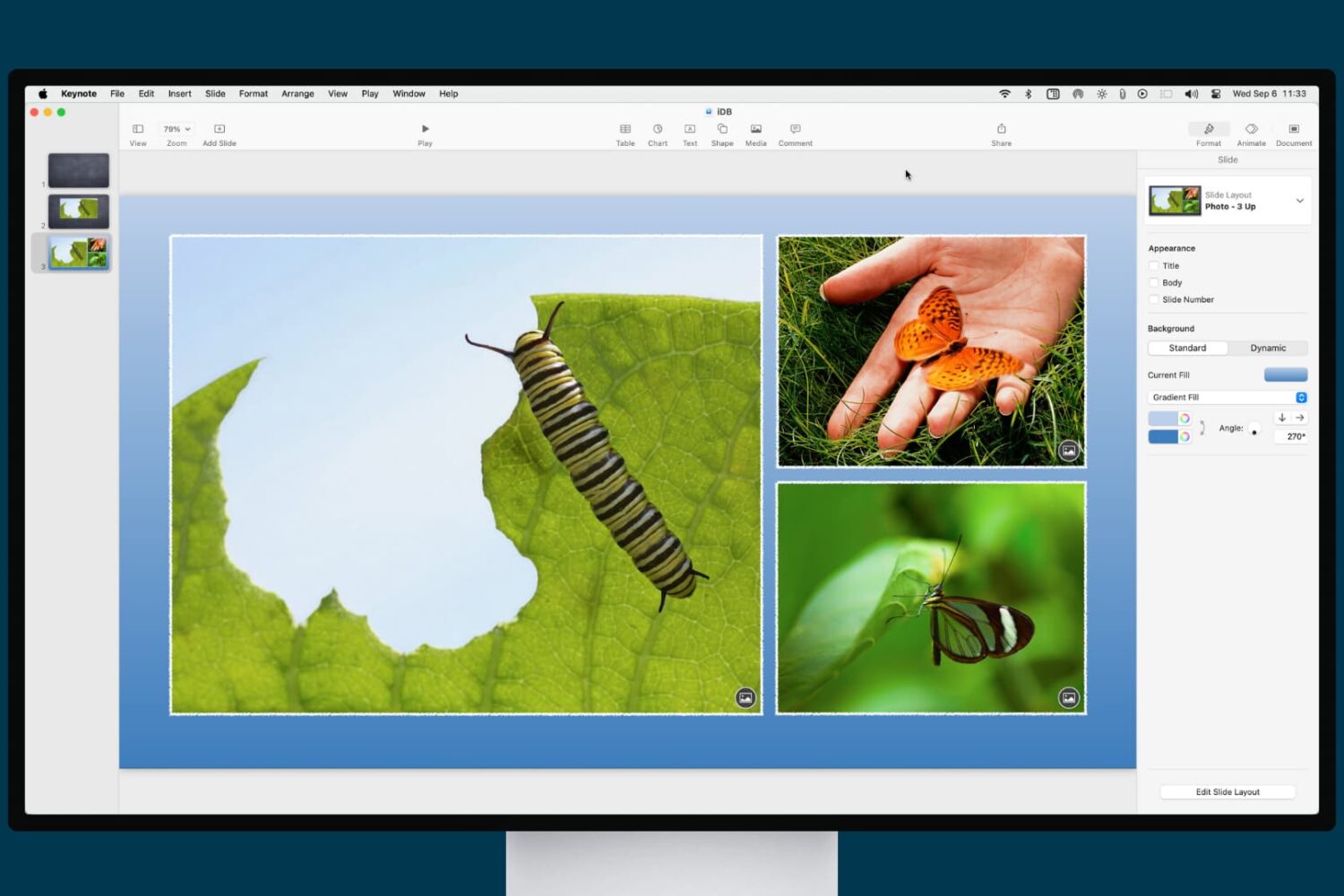
Learn how to enhance your presentation with a slide background or border in the Apple Keynote app on iPhone, iPad, and Mac.

Learn how to clear Apple Maps location history on your iPhone, iPad, and Mac to safeguard your privacy and enhance your security.
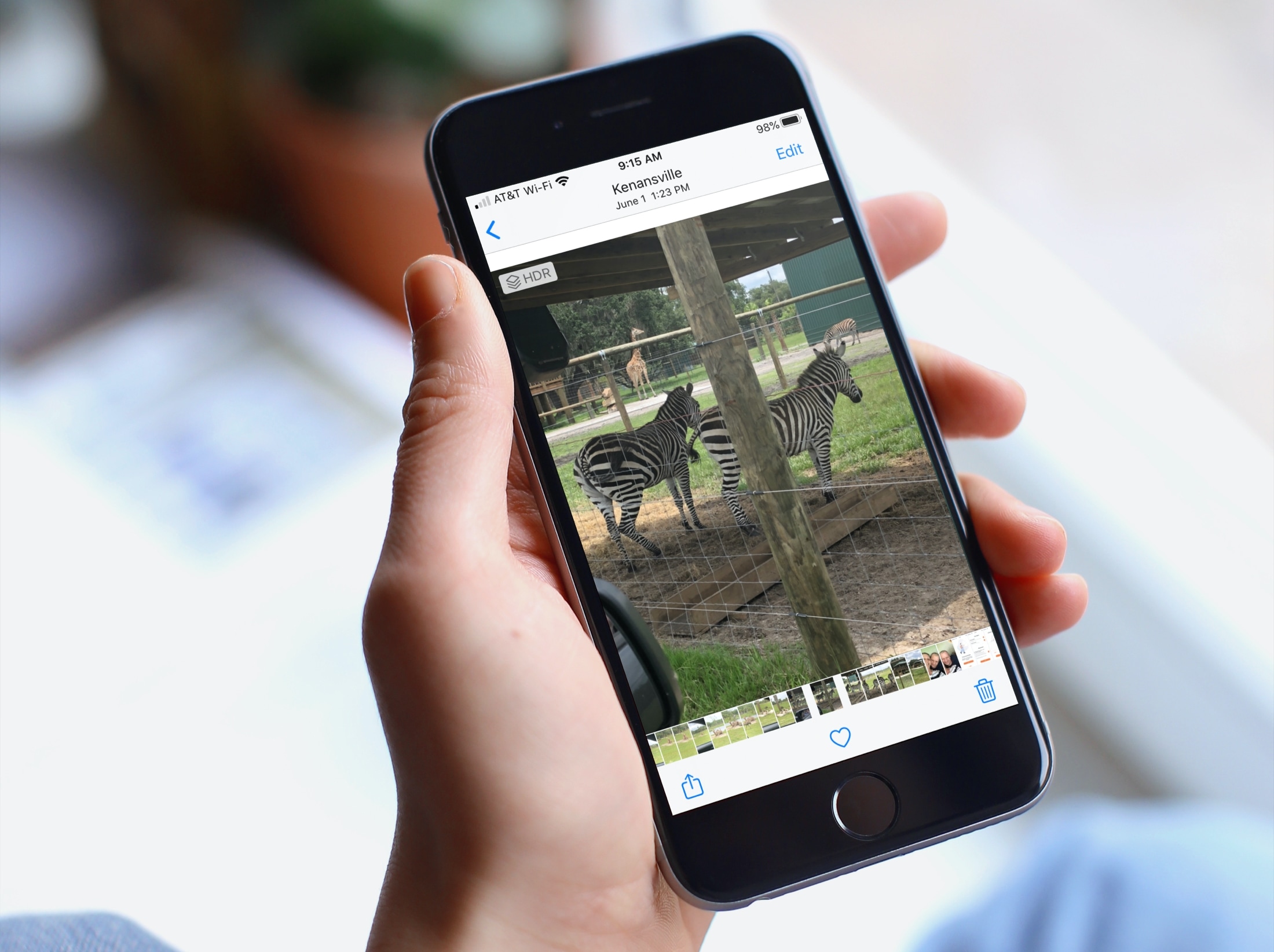
When you’re browsing through your pictures in the Photos app, you might notice that Live Photos and videos automatically play. And while this can be convenient if you’re just reliving some memories, it can be distracting if you’re looking for something in particular. If you’re someone with motion sickness, it can even cause extra discomfort. So, here’s how to deactivate the autoplay feature for videos and Live Photos in the Apple Photos app.
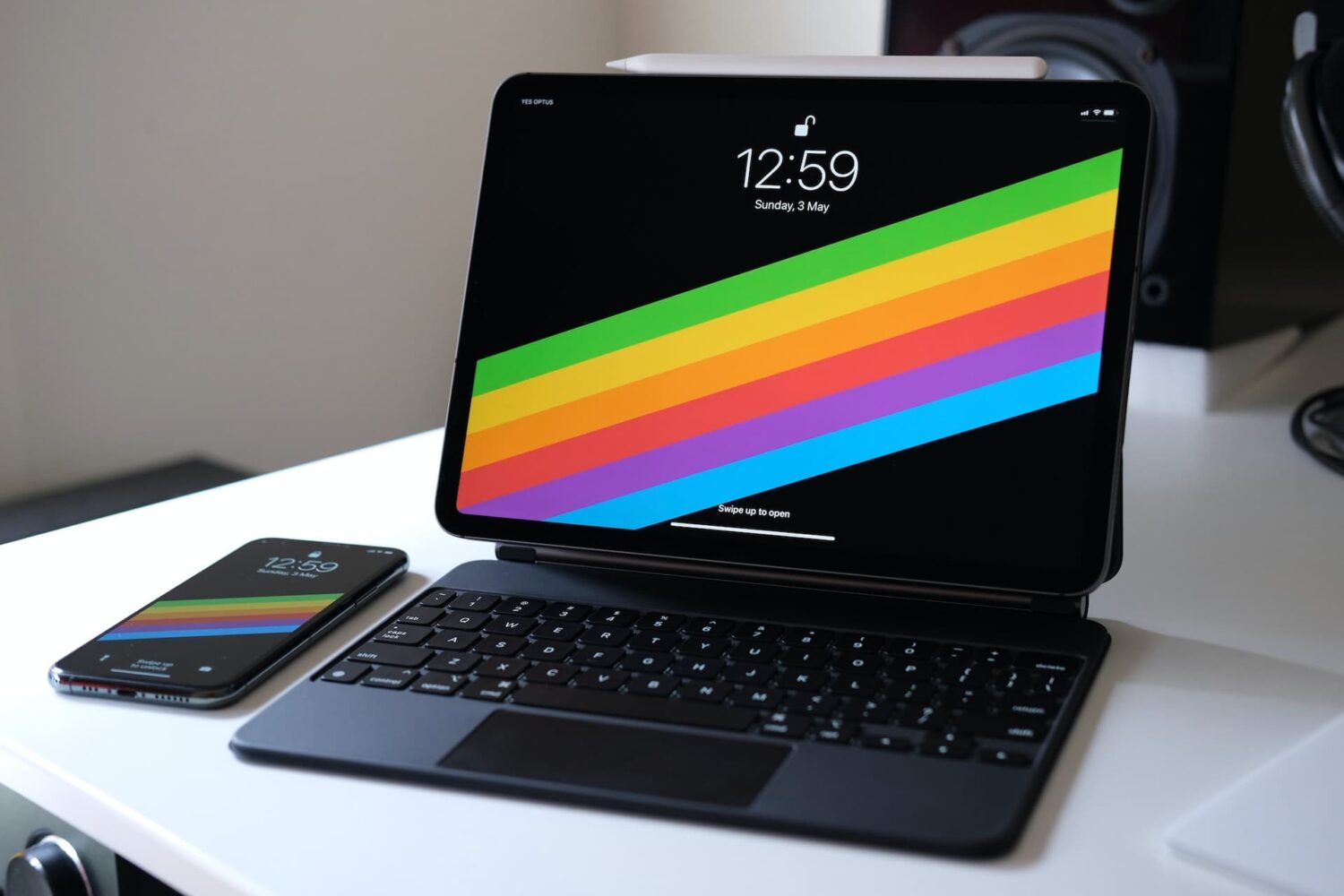
The right-click on the iPad is pretty similar in concept and execution to the long-standing right-click on Mac. In this tutorial, we show you how to do that on iPad with your finger, mouse, or trackpad.

From creating stations and custom playlists to organizing your favorite music systematically and saving power while on the go, here are the top ten Apple Music tips you should know about.

Learn how to set up Personal Hotspot on your iPhone to share your cellular data with family members, giving them access automatically or with your approval.
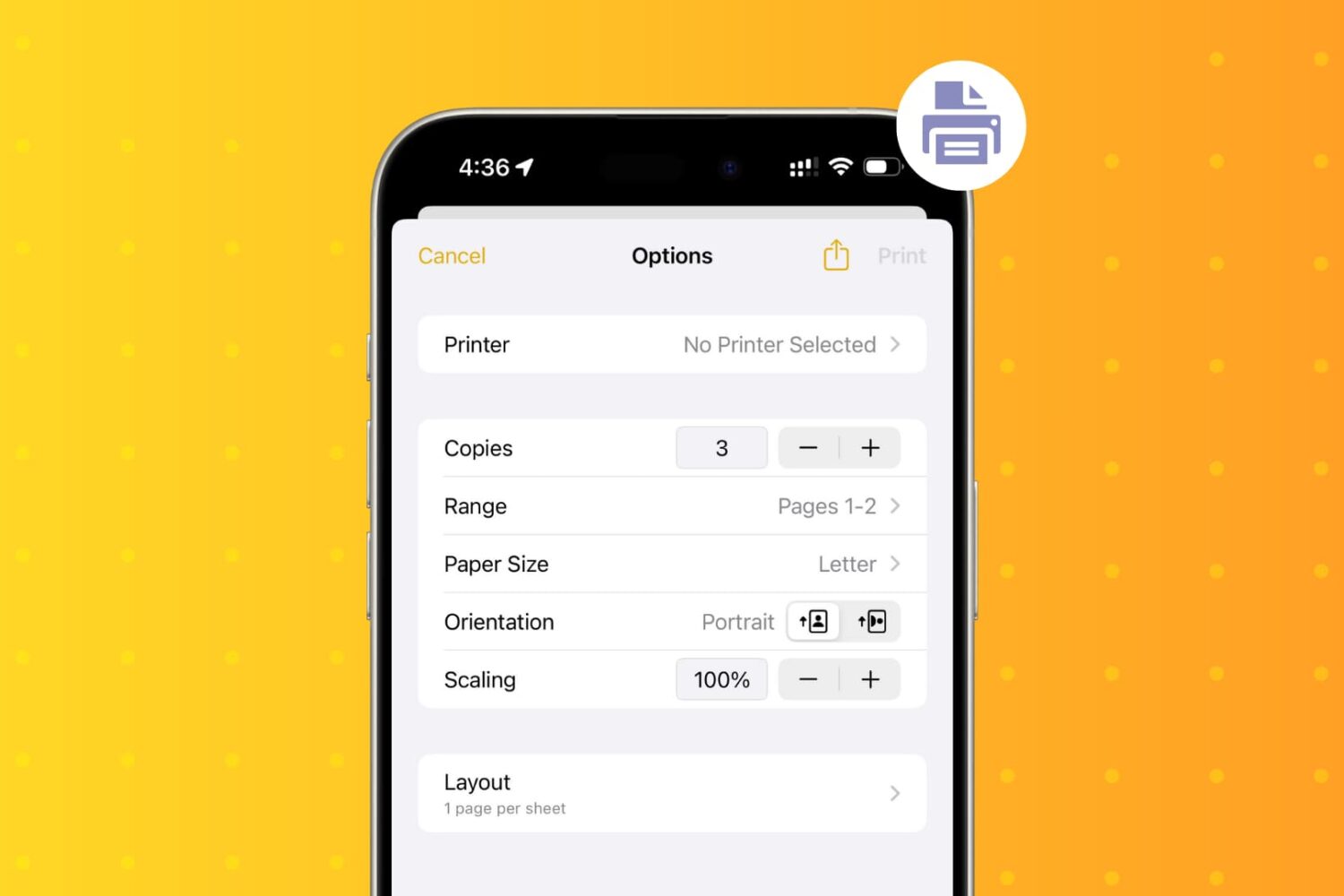
Learn how to wirelessly print PDFs, documents, or images from your iPhone and iPad using an AirPrint printer.