Learn how to pin notes in the Apple Notes app on your iPhone, iPad, and Mac to keep your most important entries easy to access.
How to pin notes on iPhone, iPad, and Mac
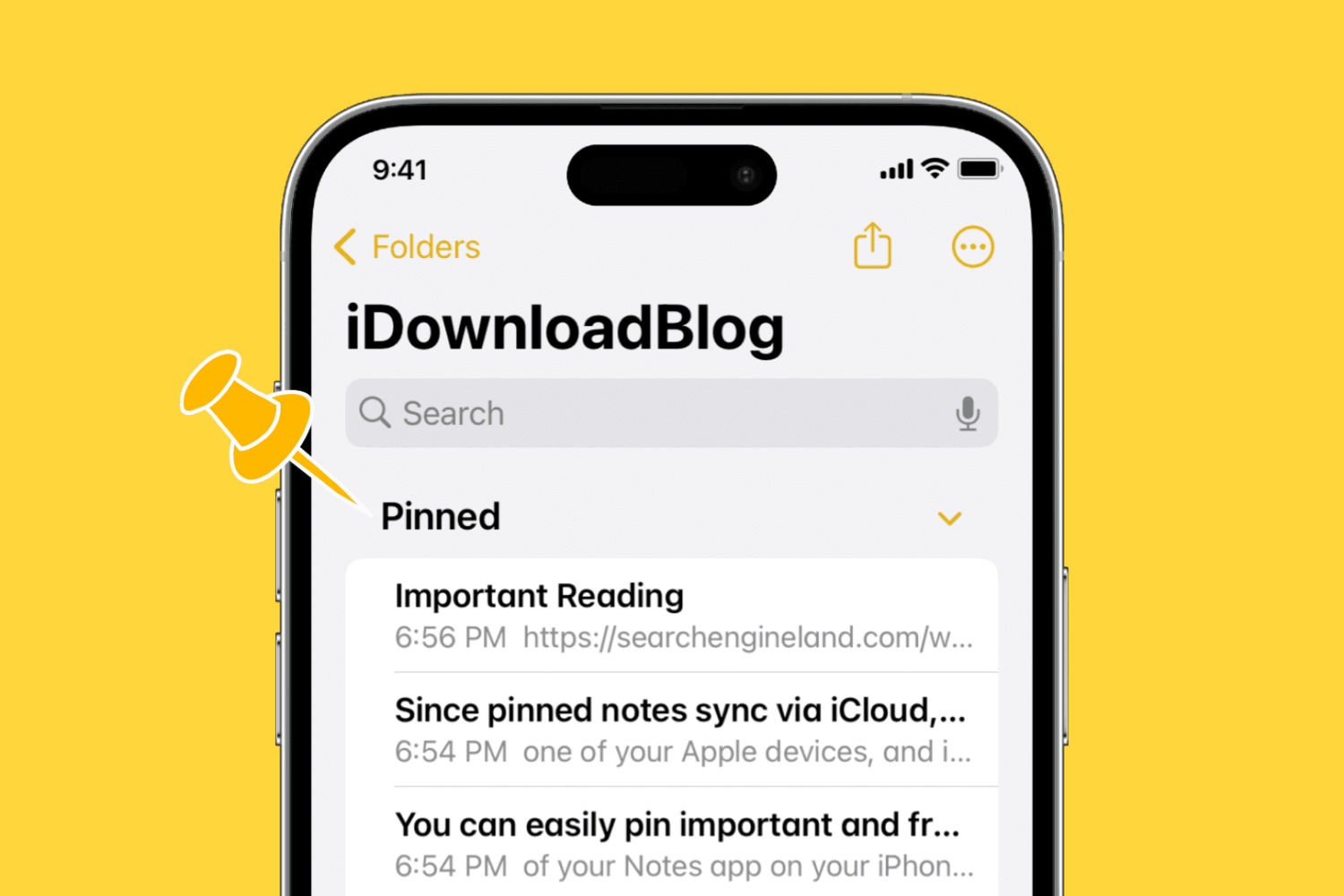
Learn how to pin notes in the Apple Notes app on your iPhone, iPad, and Mac to keep your most important entries easy to access.
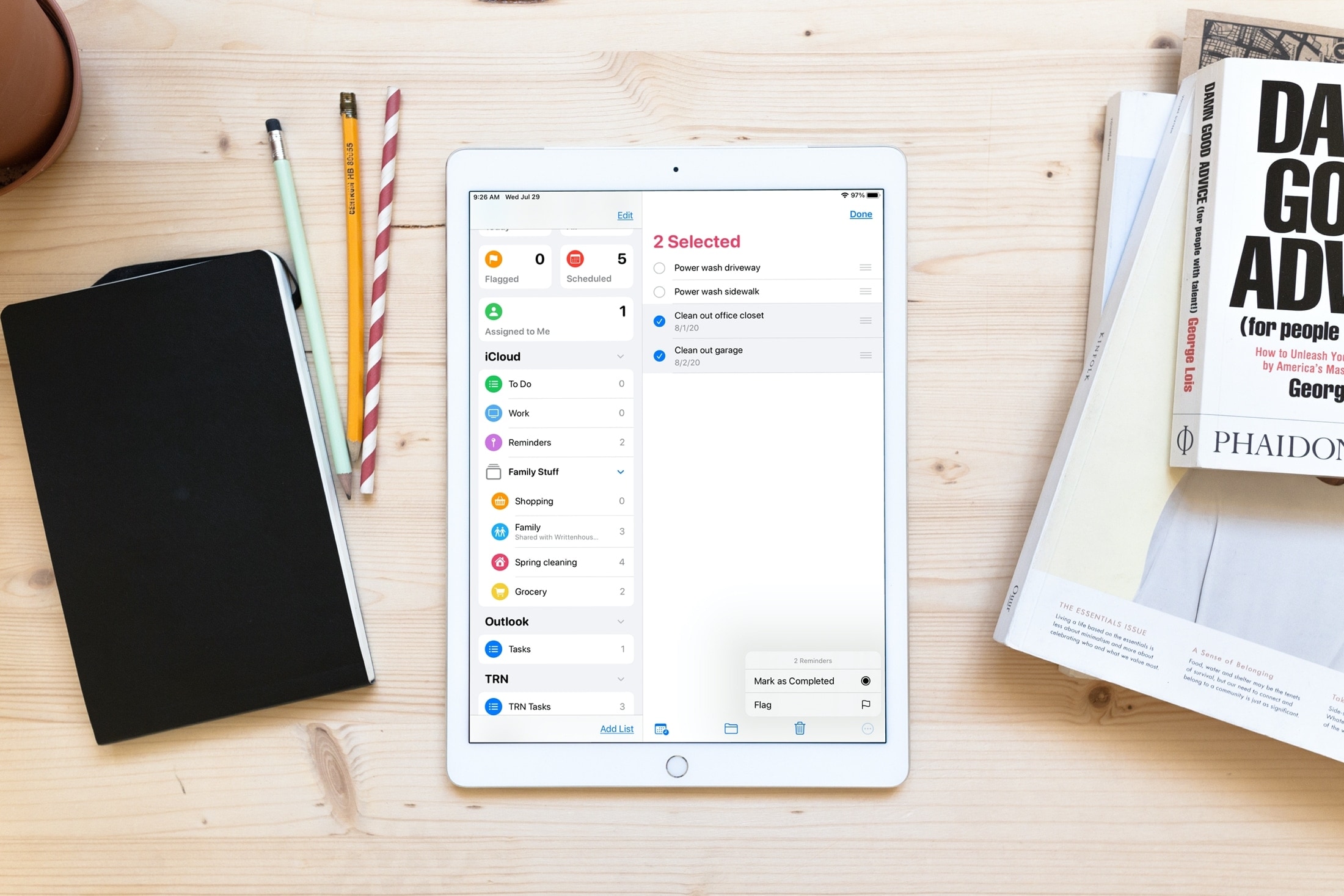
Save time and increase productivity by editing multiple reminders at once, including marking them as done or revising their due date.
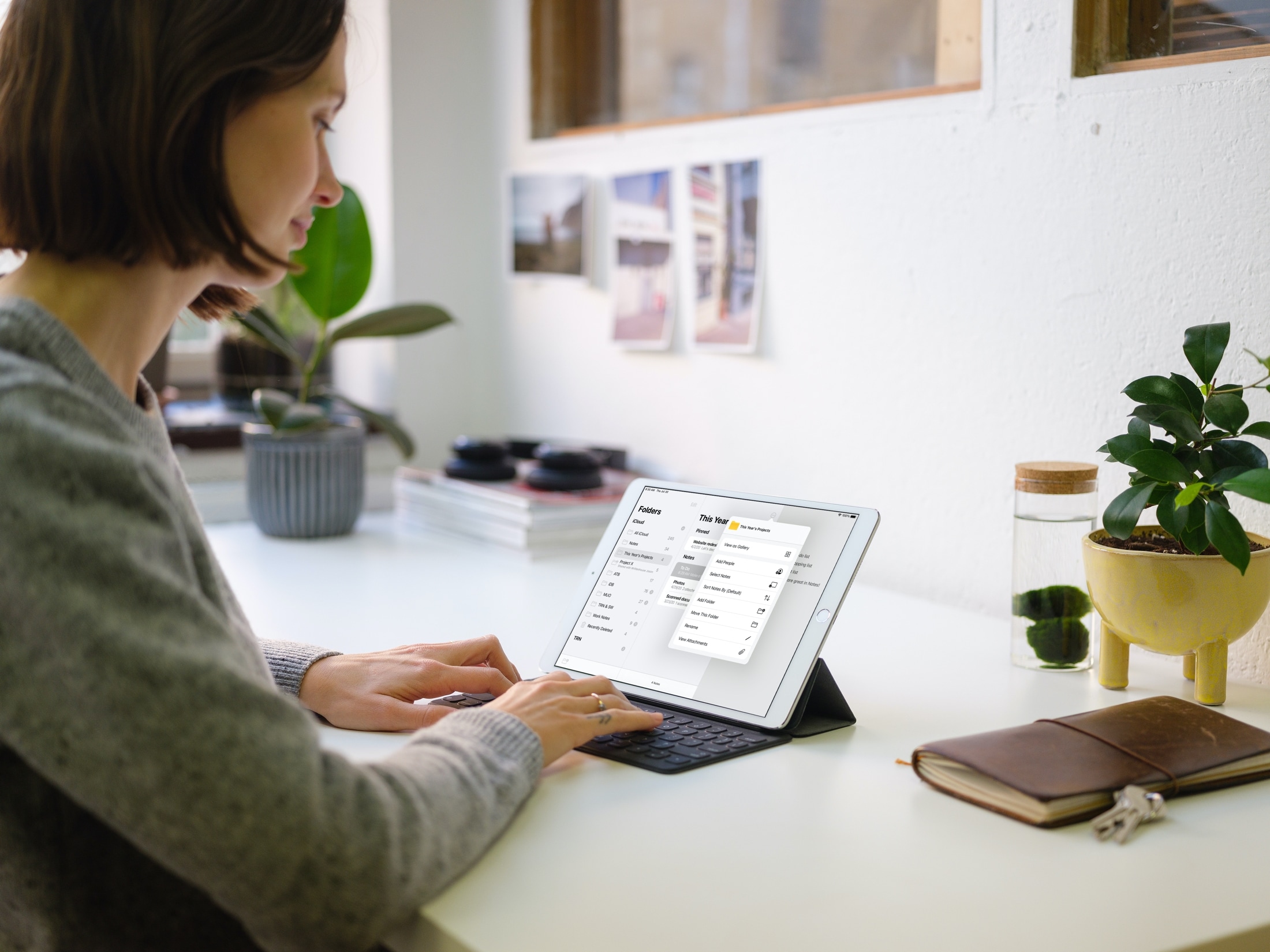
Get quick and easy access to the most common actions of the iOS Notes app by learning how to use the handy actions menu for an individual note, folder, or sub-folder.

Learn how to improve your online privacy by sharing only your approximate location with apps that request it.
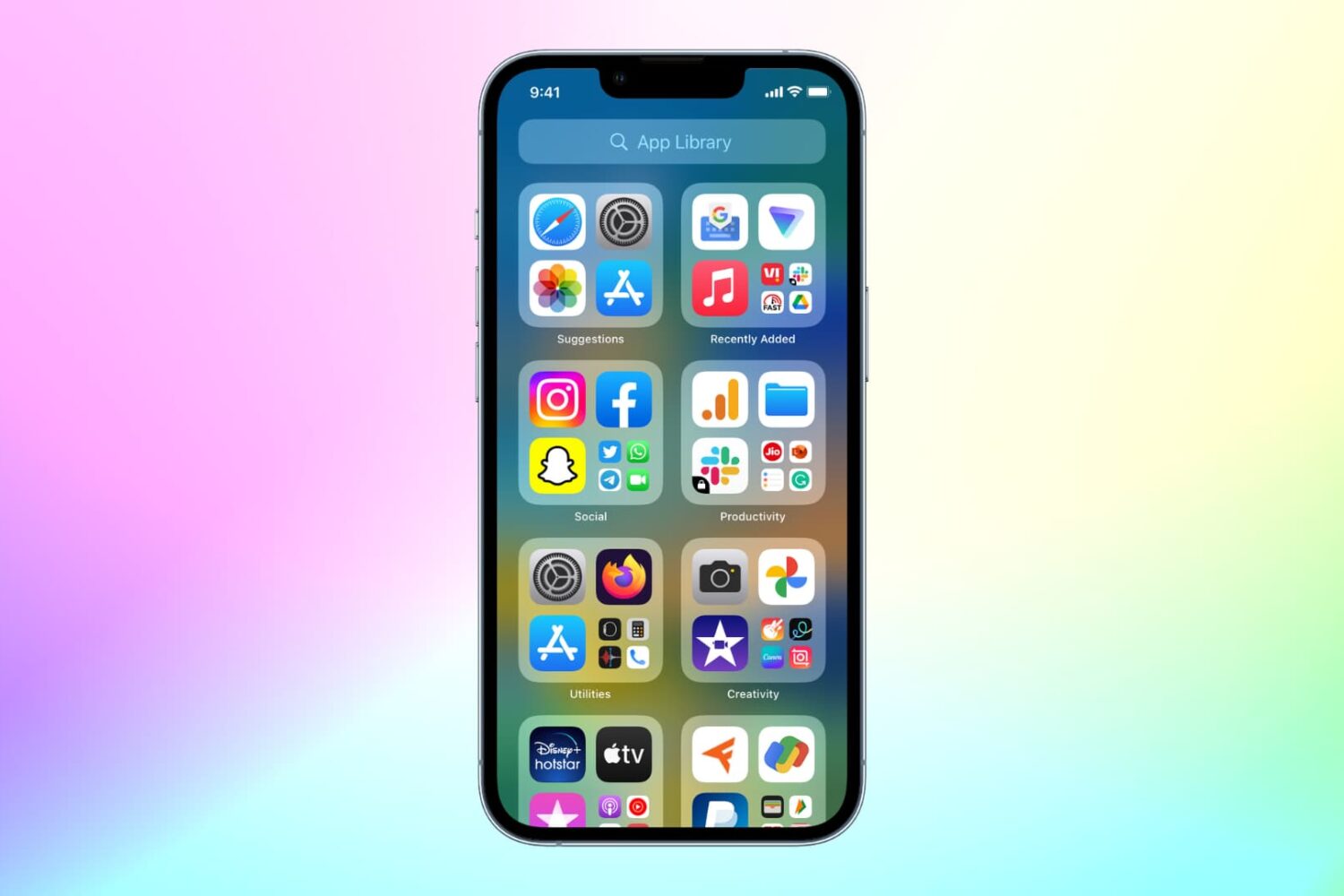
With the App Library feature on iOS 14 and later, your most-used apps are always just one tap away in a central place at the end of your Home Screen pages. And thanks to Siri intelligence, you can quickly launch apps you’re likely to be looking for. Follow along with us as we show you how to get to your recently installed iPhone apps or Siri-suggested apps via the App Library.
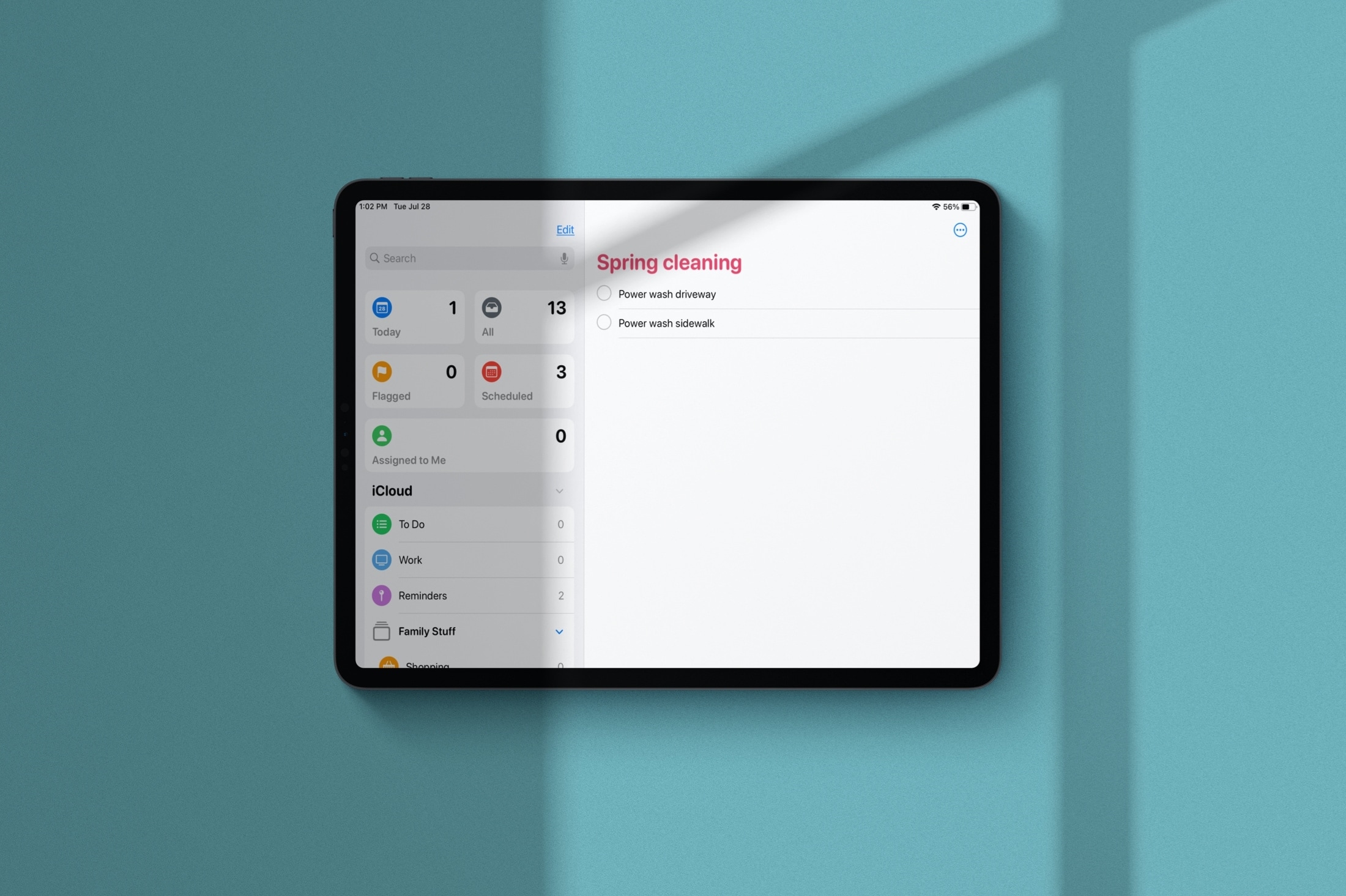
Learn how to manage Smart Lists in the Apple Reminders app and rearrange their order or hide the ones you never use.
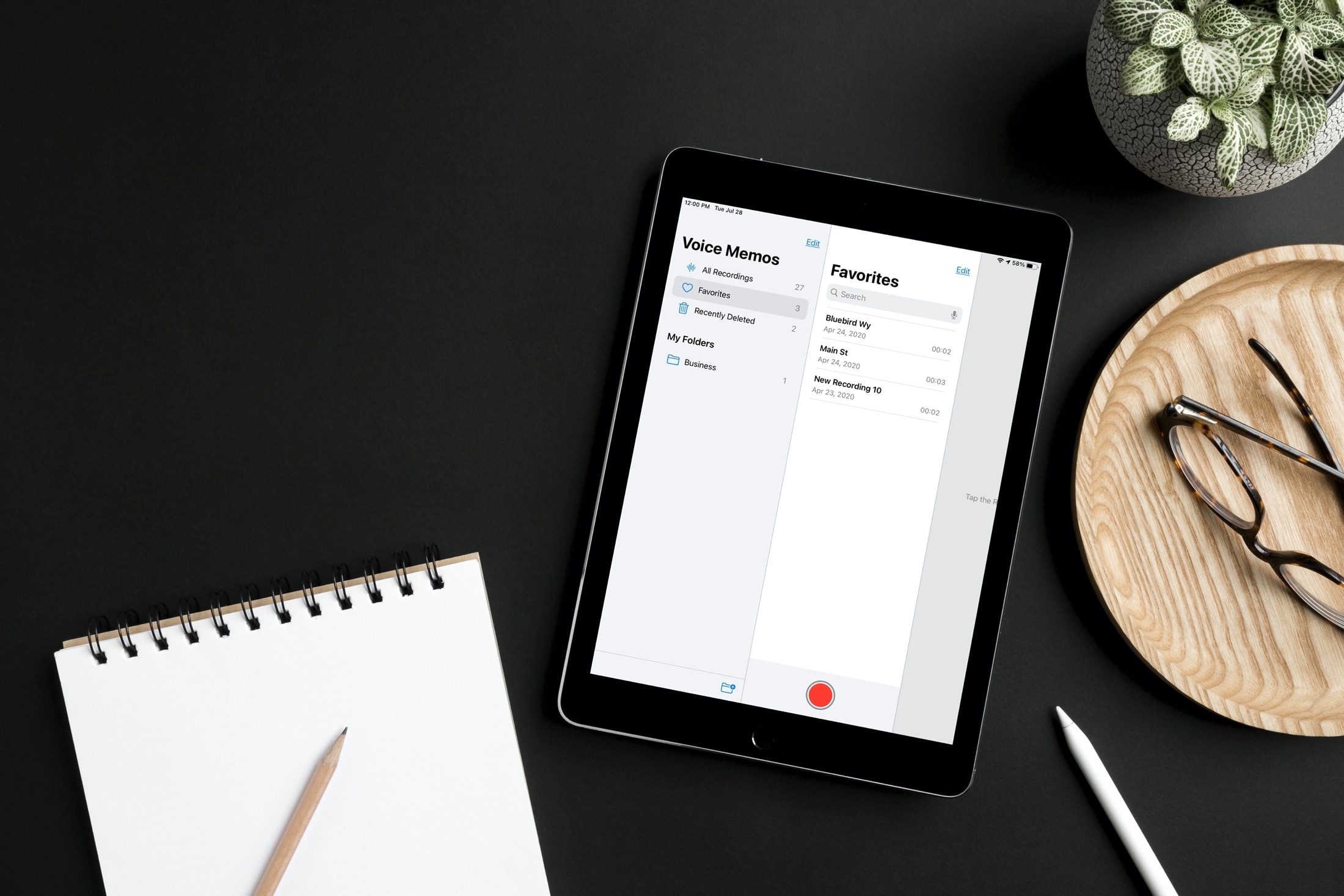
Label specific audio recordings as favorites in the Voice Memos app on your iPhone, iPad, and Mac so you can quickly access those important voice clips when needed.
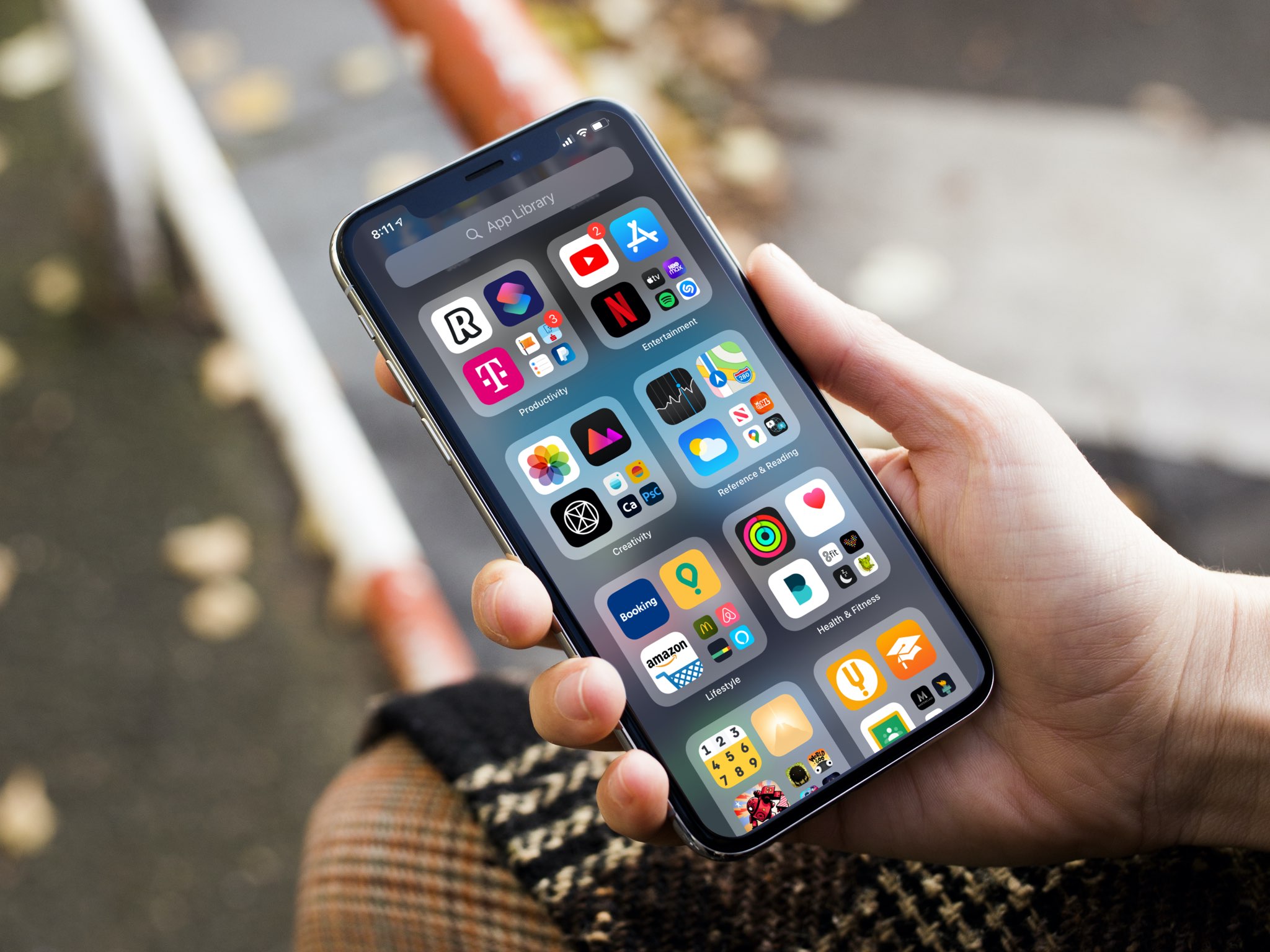
Apple gives you the option to choose for yourself where new iPhone and iPad app downloads will appear. Follow along as we show you how to set whether newly downloaded apps are added to the Home Screen or appear only in the App Library.
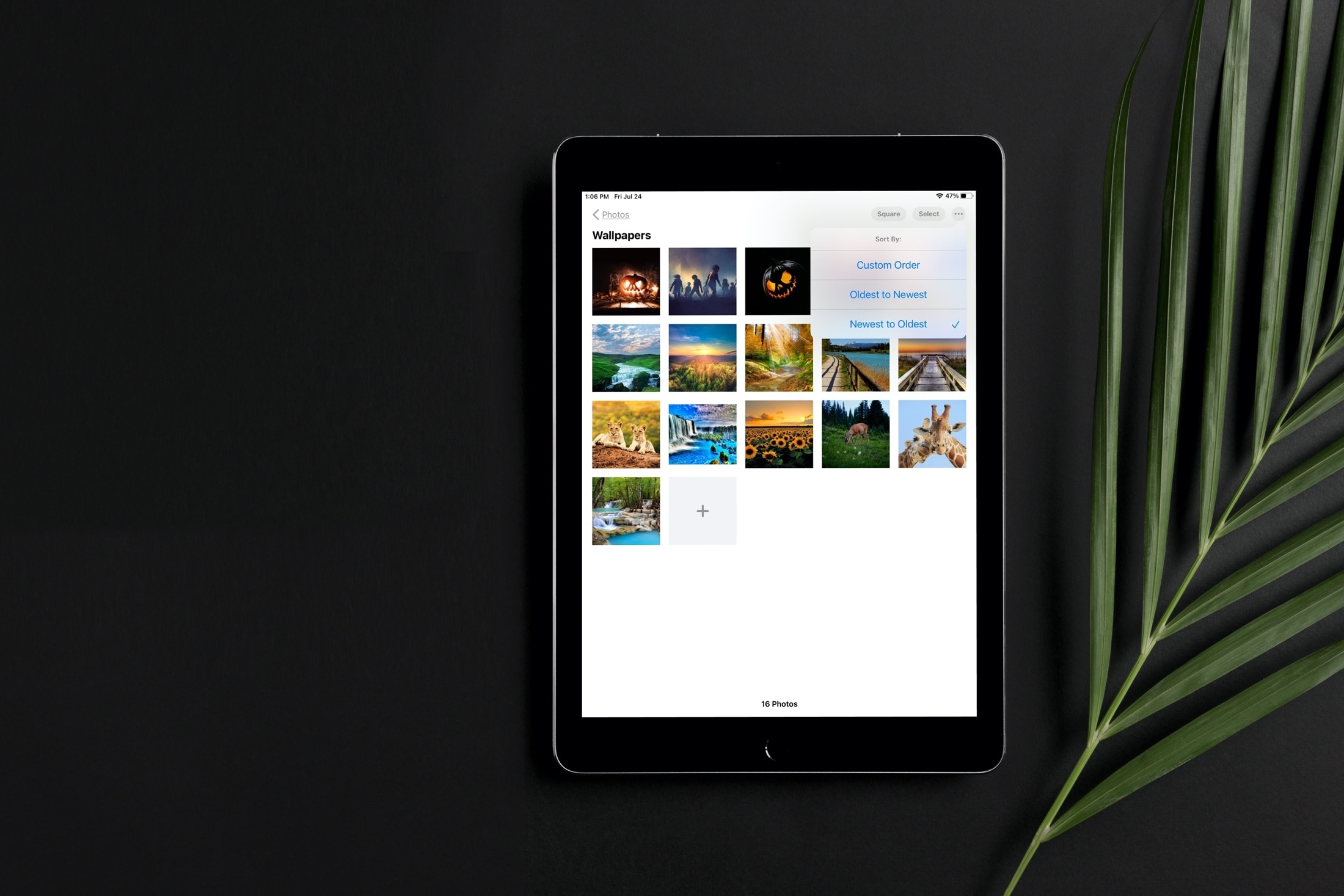
Learn how to sort images and videos in the built-in Photos app on your iPhone or iPad by date or custom order to organize your library.
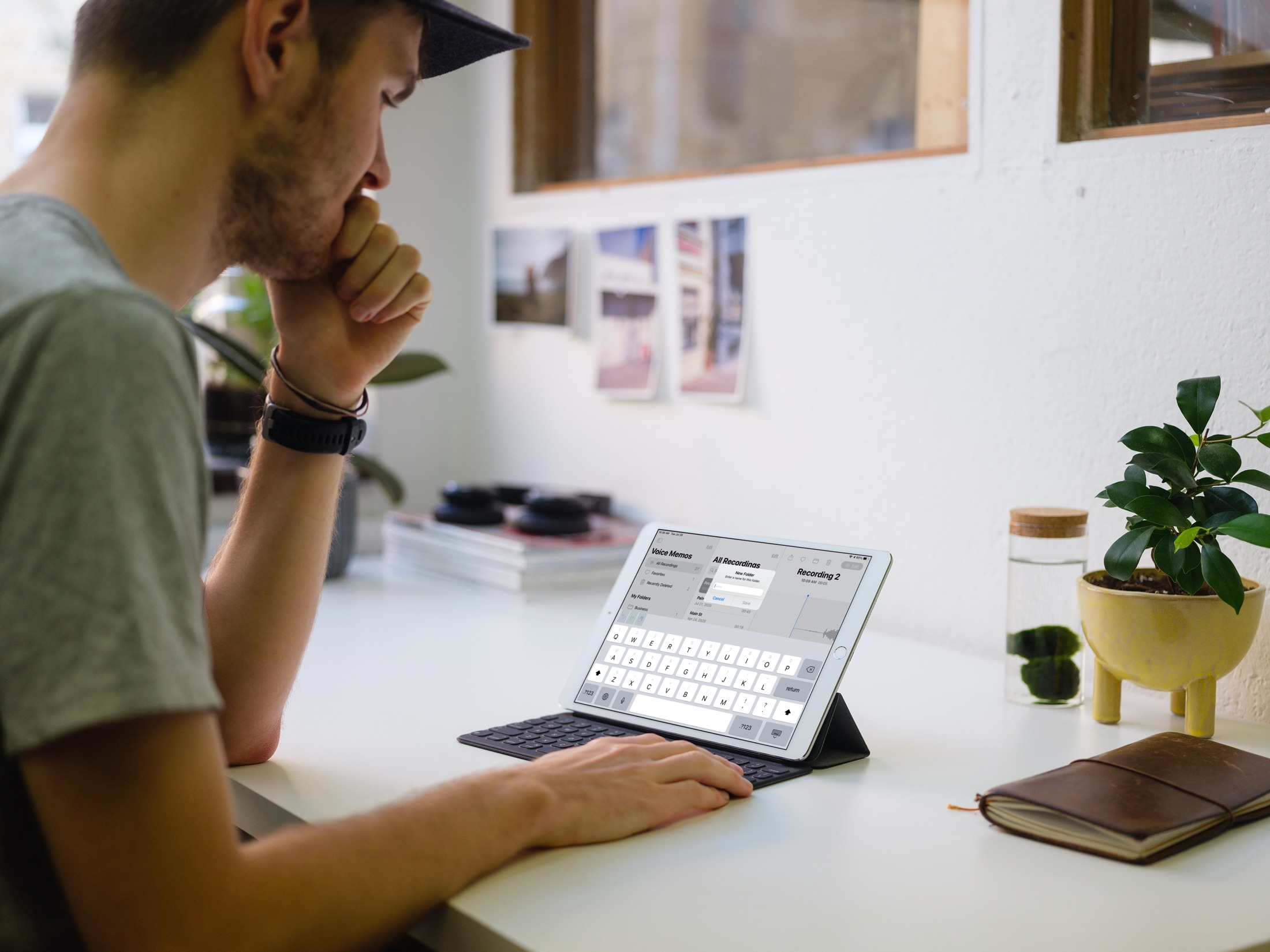
Check out the easy steps to create, use, and manage folders in the Voice Memos app on iPhone, iPad, and Mac to better organize your voice recordings.
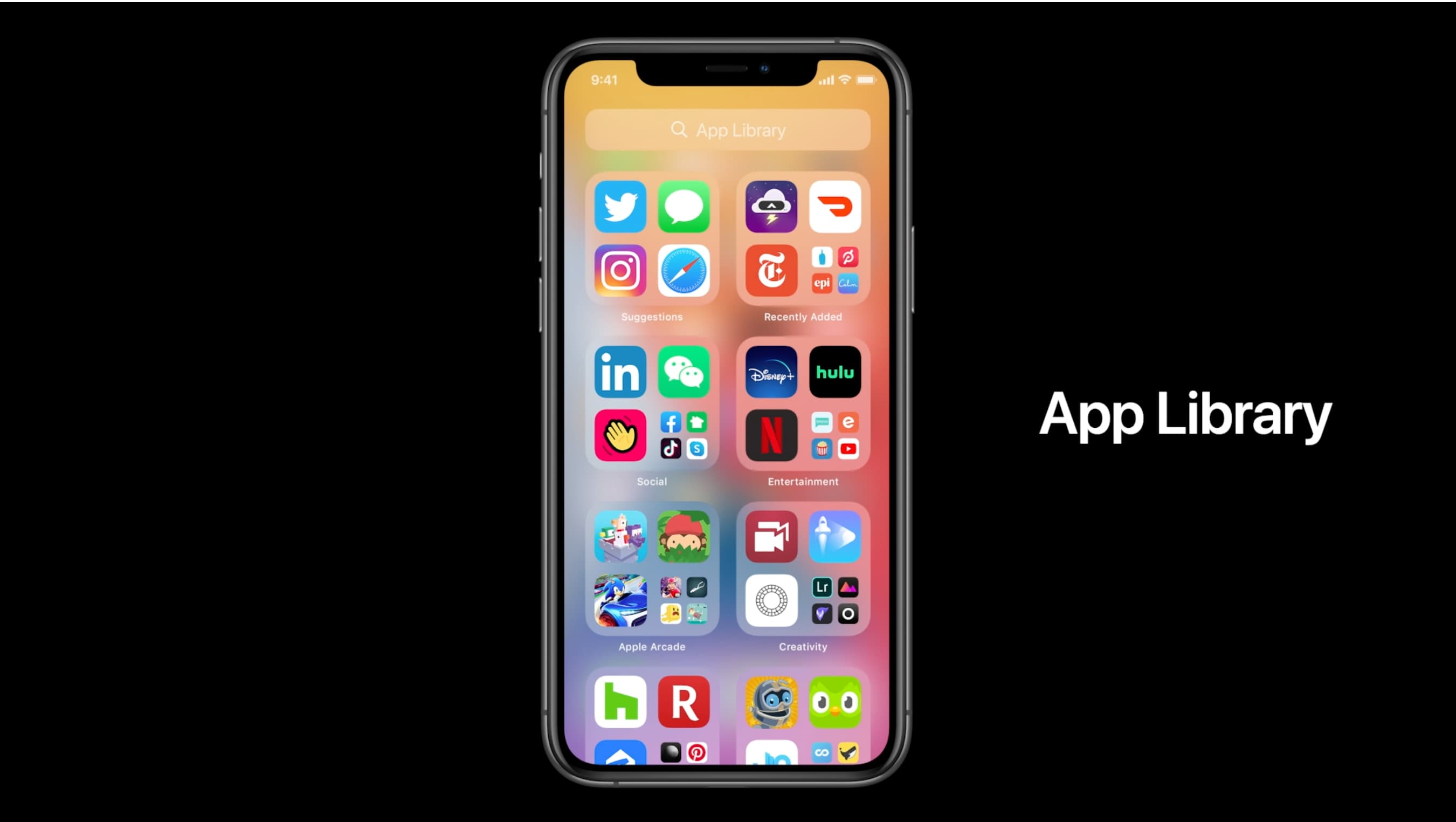
The App Library displays badges on app icons to denote unread notifications, but you can disable them if seeing those red circles is ticking you off. Follow along with our tutorial as we show you how to hide notification badges in the App Library on iPhone and iPad.
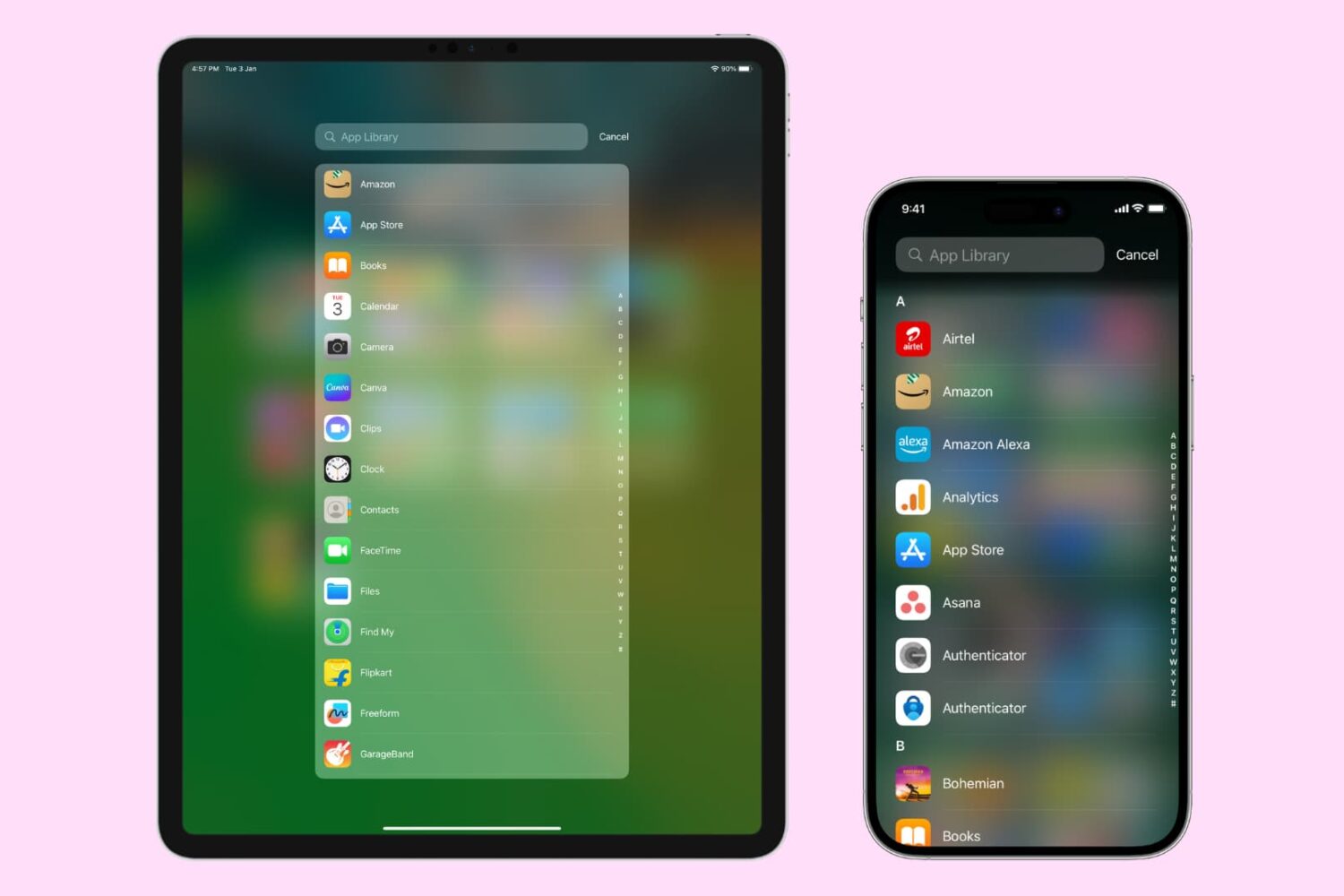
The App Library on your iPhone and iPad automatically organizes your apps, including a handy list view that alphabetically displays all the installed apps.
Follow along with our step-by-step tutorial detailing how to browse iOS and iPadOS apps in alphabetical order.