Learn how to view calendar events as a list in the Calendars app, as well as on the Home Screen and Lock Screen of your iPhone, iPad, and Apple Watch.
How to see your calendar events as a list on iPhone, iPad, and Apple Watch
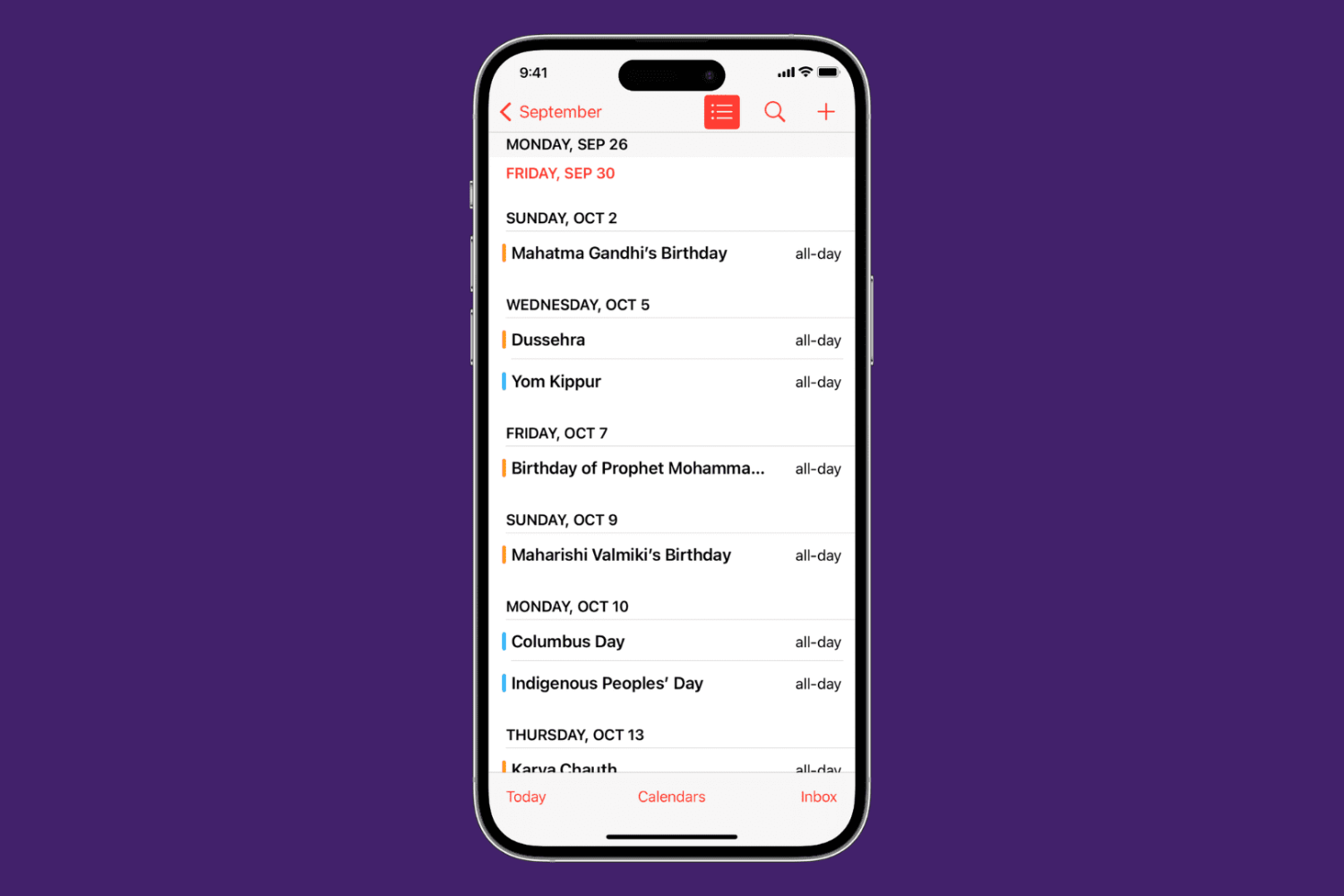
Learn how to view calendar events as a list in the Calendars app, as well as on the Home Screen and Lock Screen of your iPhone, iPad, and Apple Watch.

Learn how to use the Safety Check feature on your iPhone to audit what you're sharing with people and apps so you can take the appropriate actions to keep yourself and your data safe.
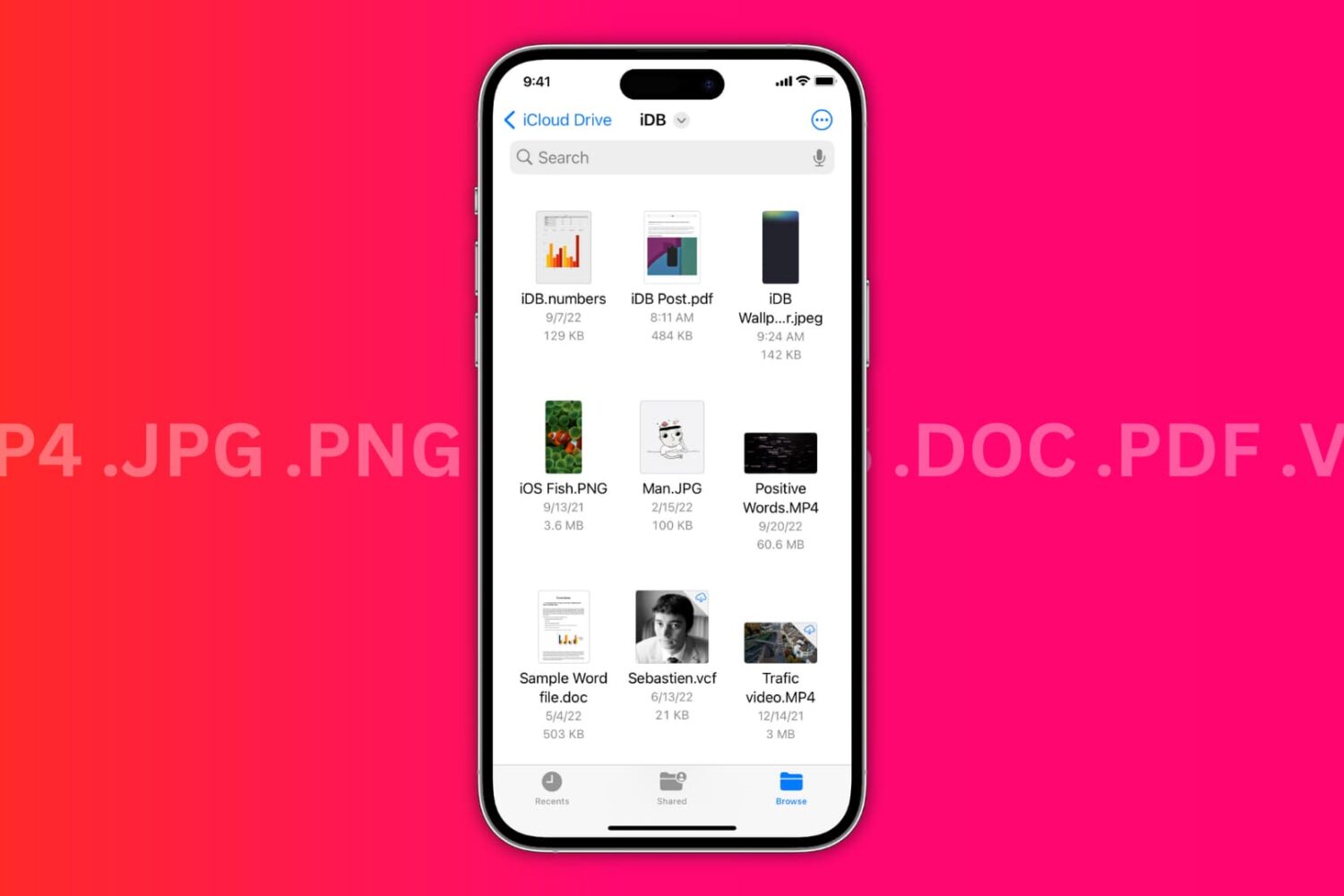
In this brief tutorial, we’ll discuss two ways to check the file extension for saved images, videos, audio, documents, and more in the Files app on iPhone and iPad.
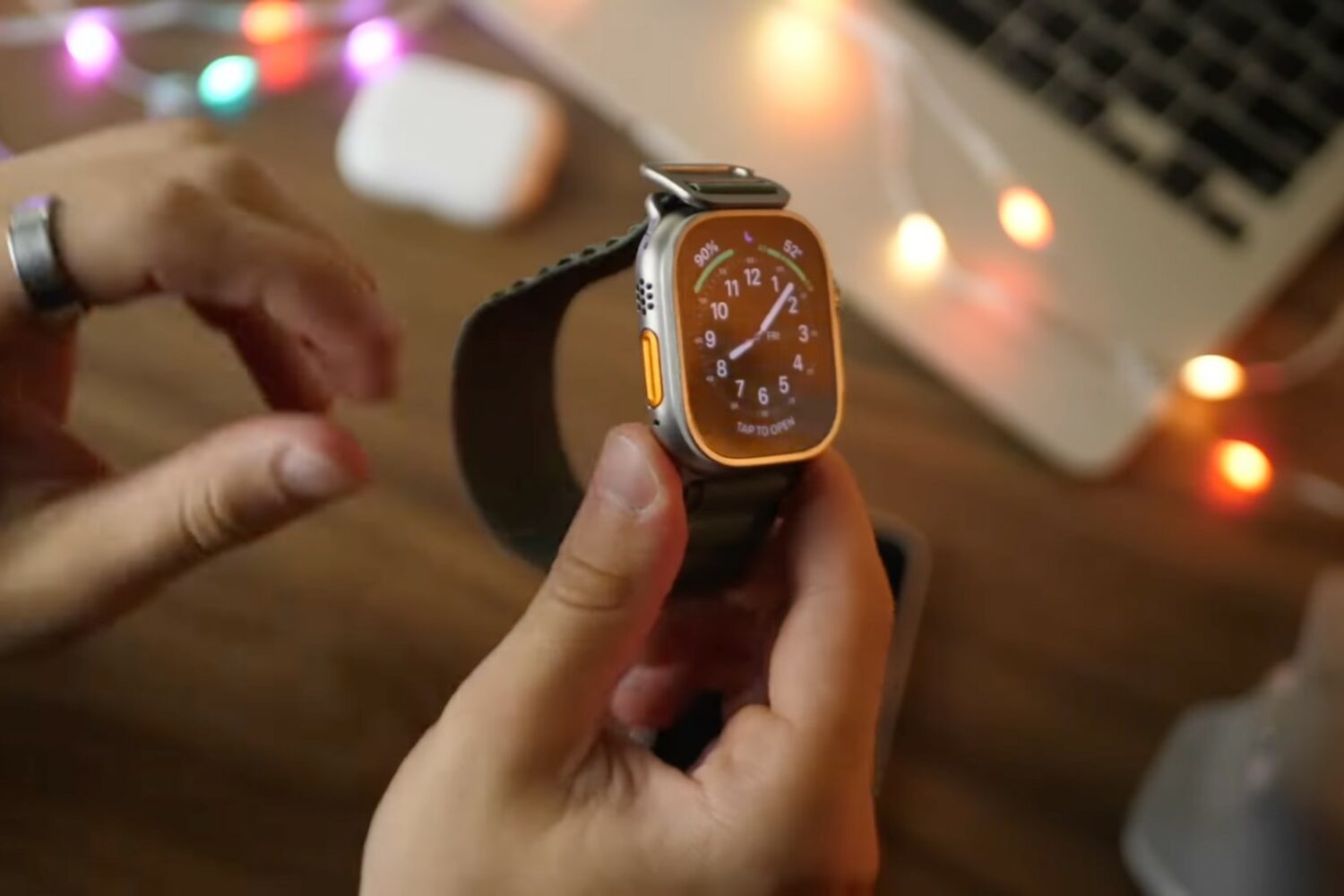
Watch this new collection of Apple Watch Ultra video tips, ranging from the setup process to adjusting important settings, configuring features and setting up apps.
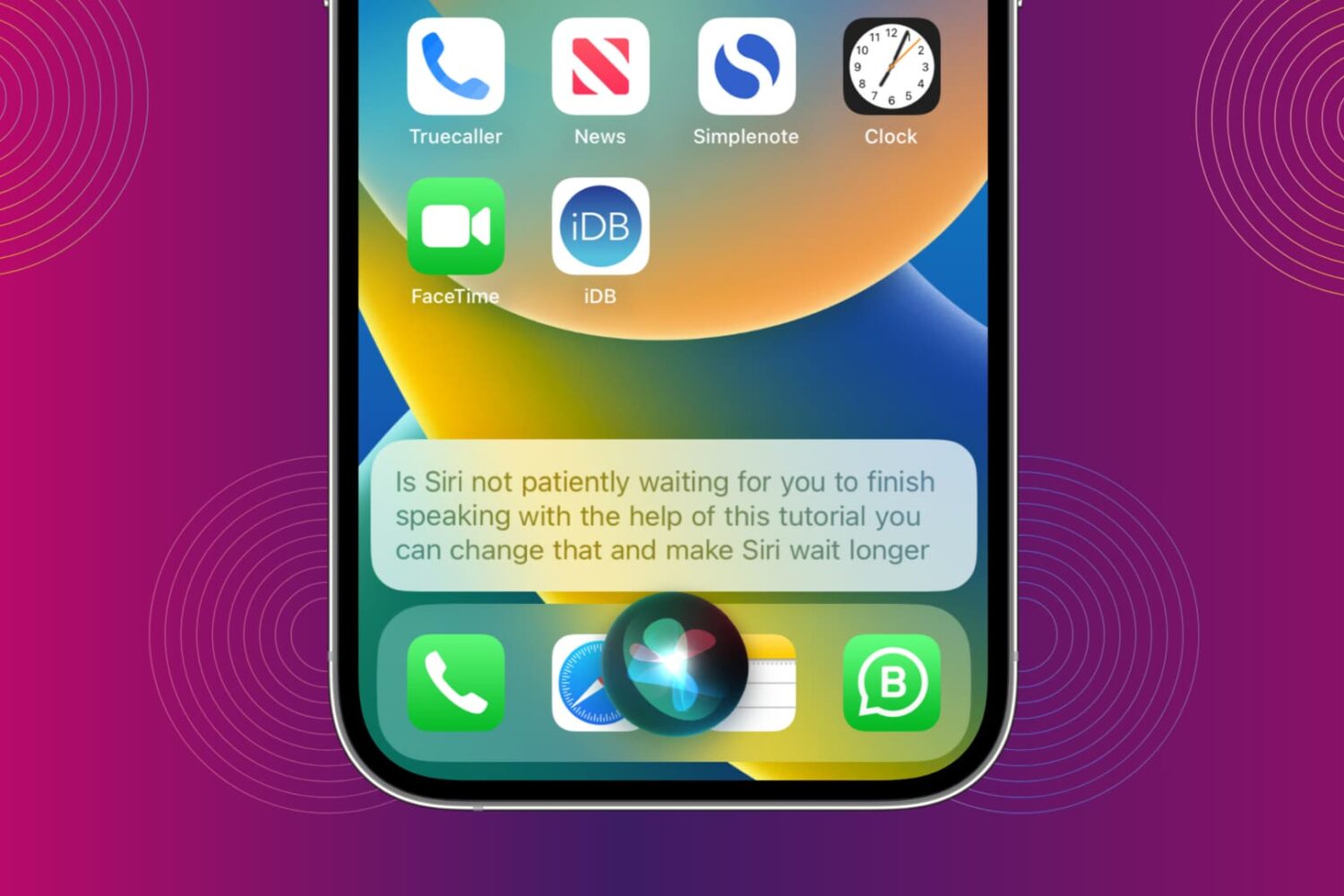
You can make Siri wait longer and have it keep listening until you finish speaking. In this brief tutorial, we show you how to do that and increase Siri Pause Time so that the assistant waits patiently for your voice command to be over before it starts working on it.
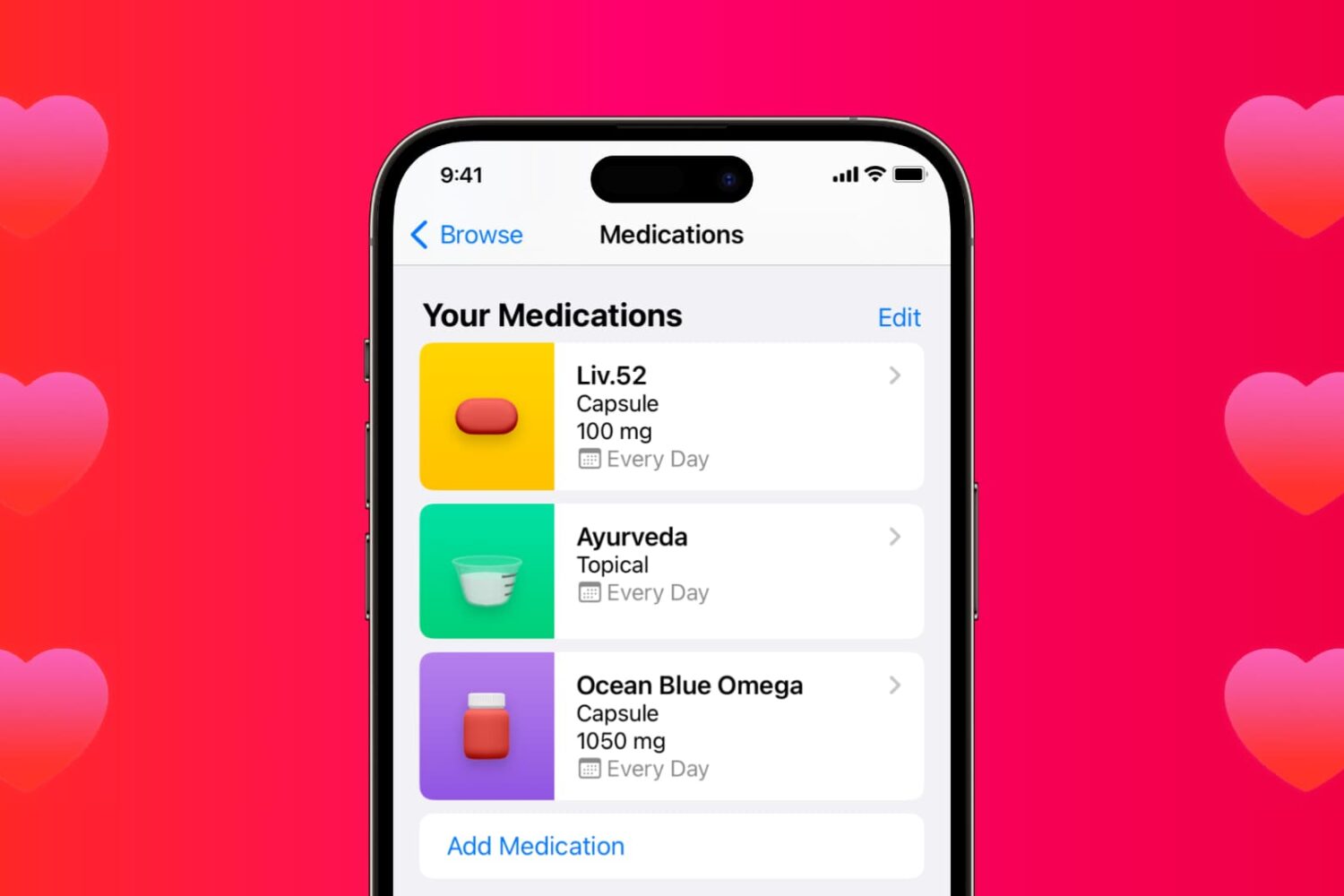
Learn how to use the Medications feature in the iPhone and iPad Health app to keep track of your medications and be reminded to take them on time.
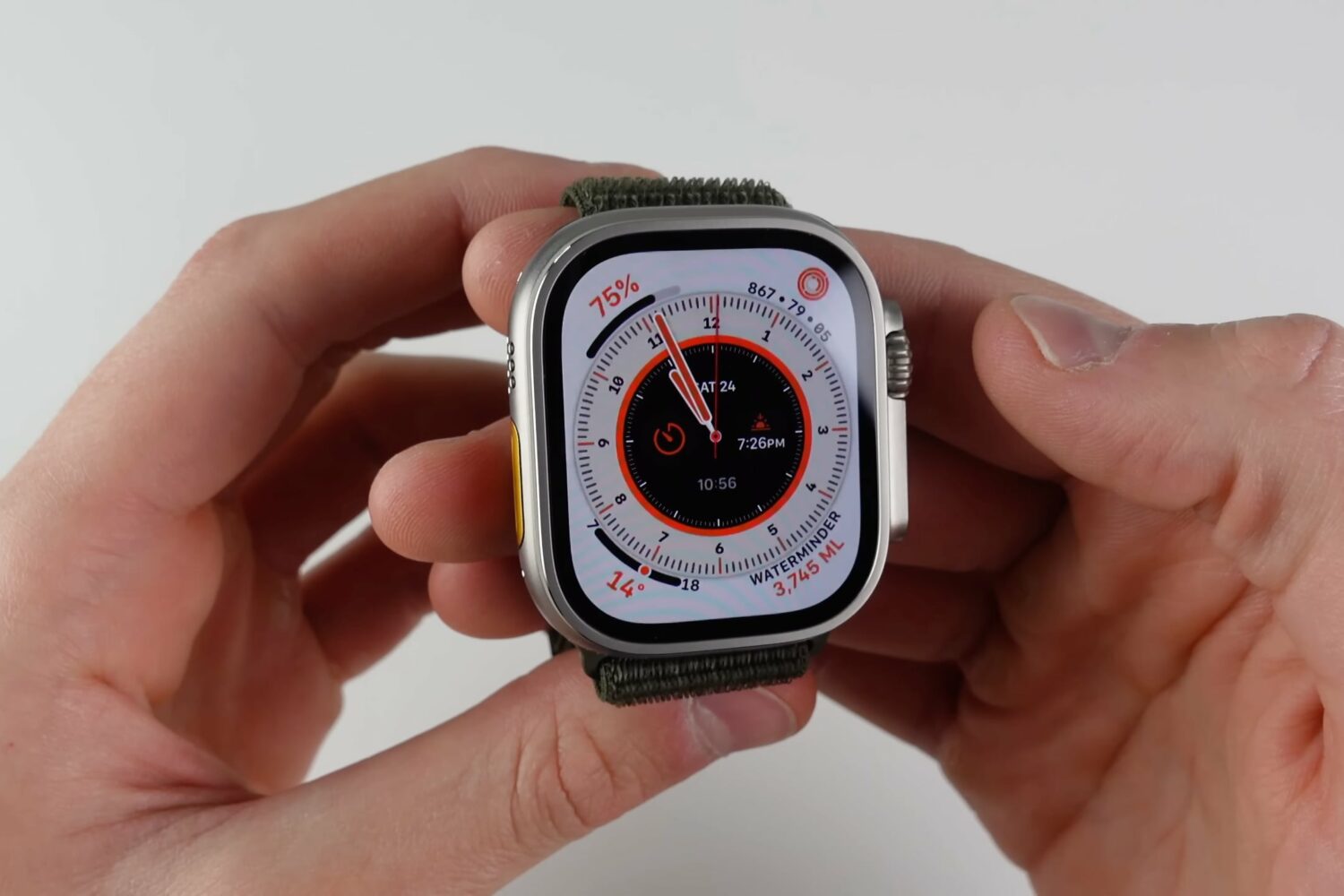
Watch our video tips and tricks to learn how to use the 10 best features of Apple Watch Ultra in watchOS 9, including hidden and secret ones.
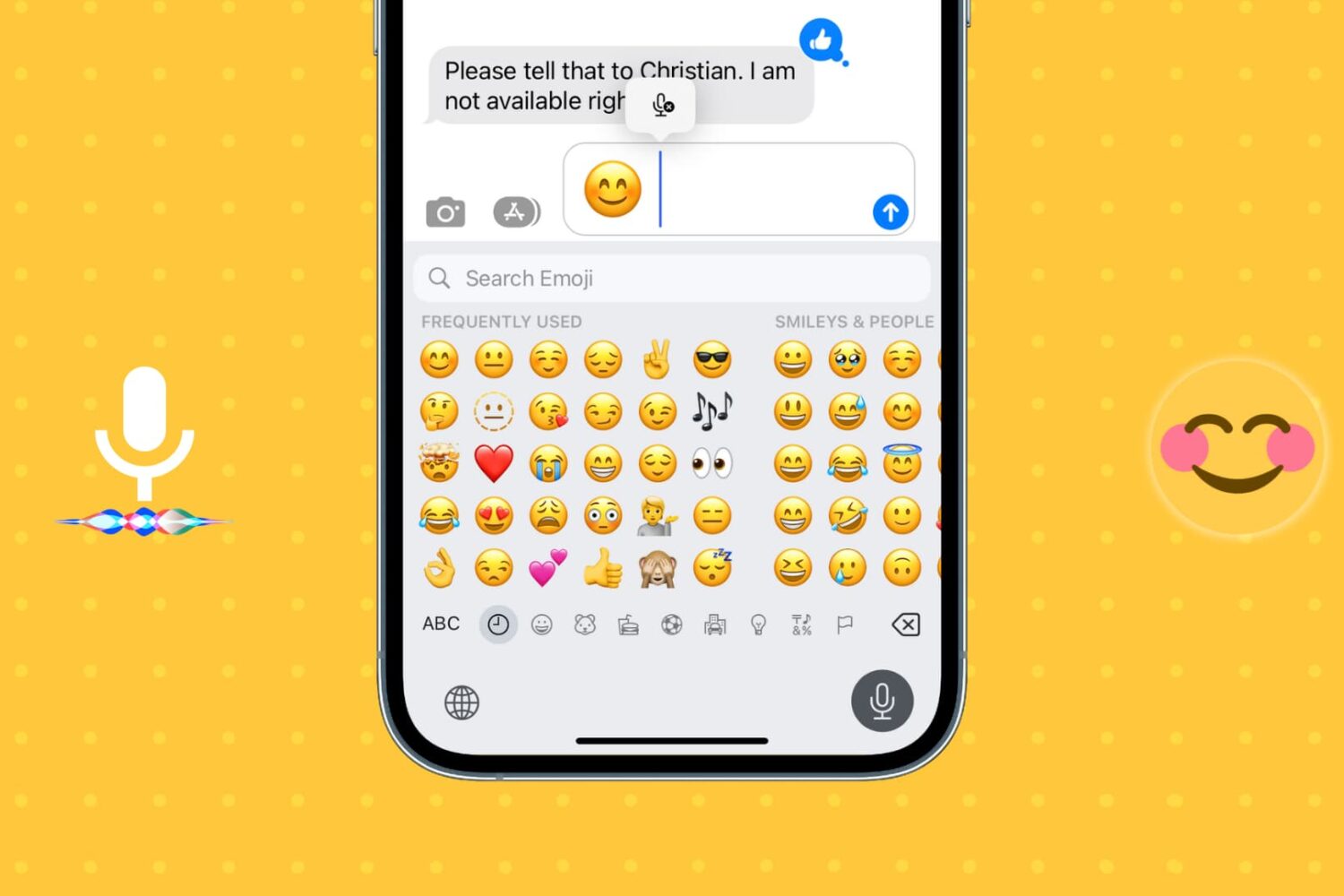
Learn how to insert emojis into your text via voice using Dictation or Siri so you can be more expressive without having to switch to the emoji pane of the on-screen keyboard.
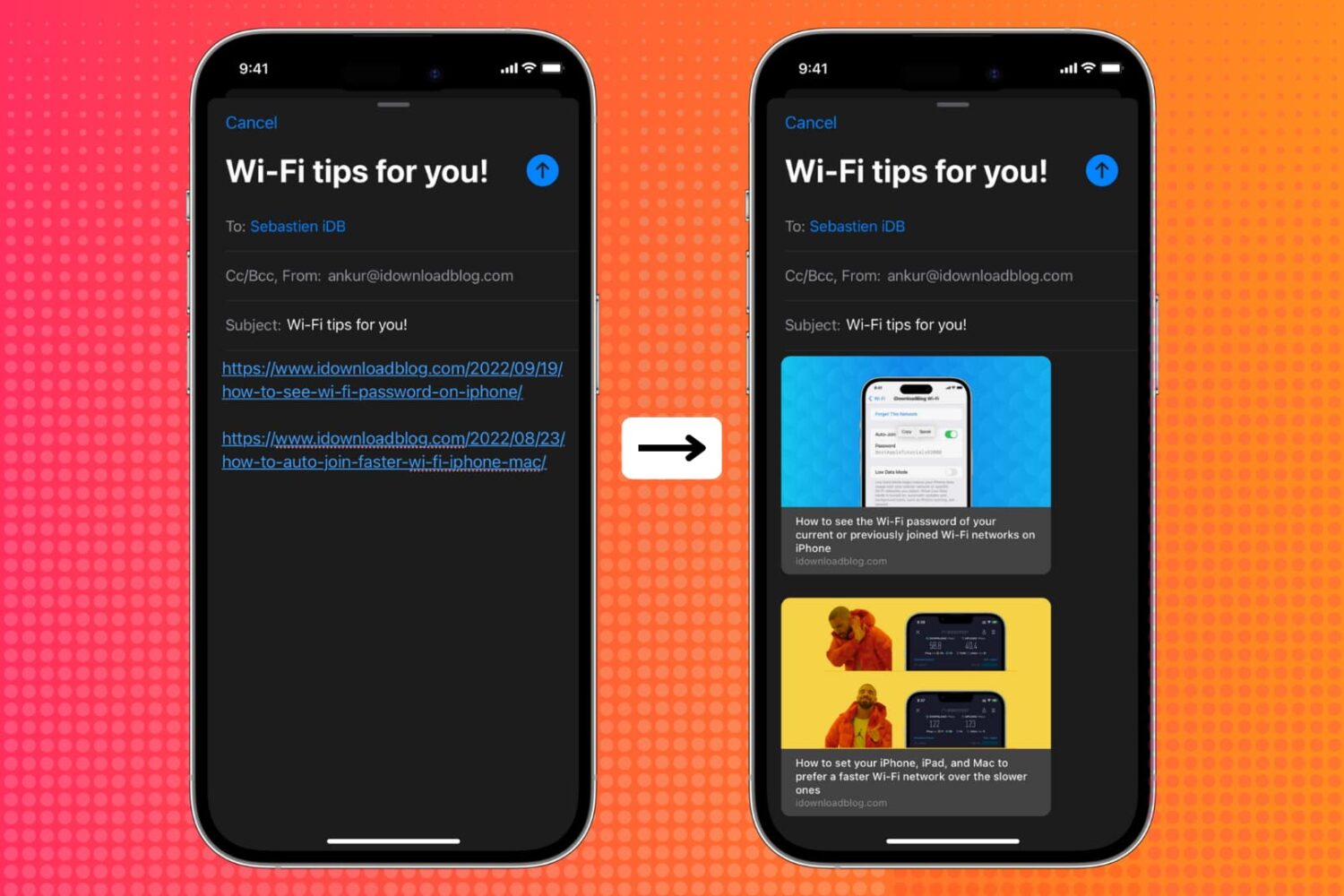
Learn how to show link previews by converting plain URLs into rich links in the Apple Mail app on iPhone, iPad, and Mac.

Watch our AirPods Pro 2 video tips explaining how to set up your earbuds, adjust touch controls, locate a lost charging case with Find My, charge it and more.
iOS 16 is now available for all iPhone users who have an iPhone 8 or later. In most cases, the update should download and install within minutes.
However, when updating an iPhone to iOS 16 or one of its incremental versions, such as iOS 16.0.2 or 16.1, you may face problems such as your iPhone staying stuck on the Apple logo, or the screen turning black/blue/white with no progress bar. It's also possible that your iPhone keeps rebooting more than it should, ultimately leading to a failed iOS 16 update.
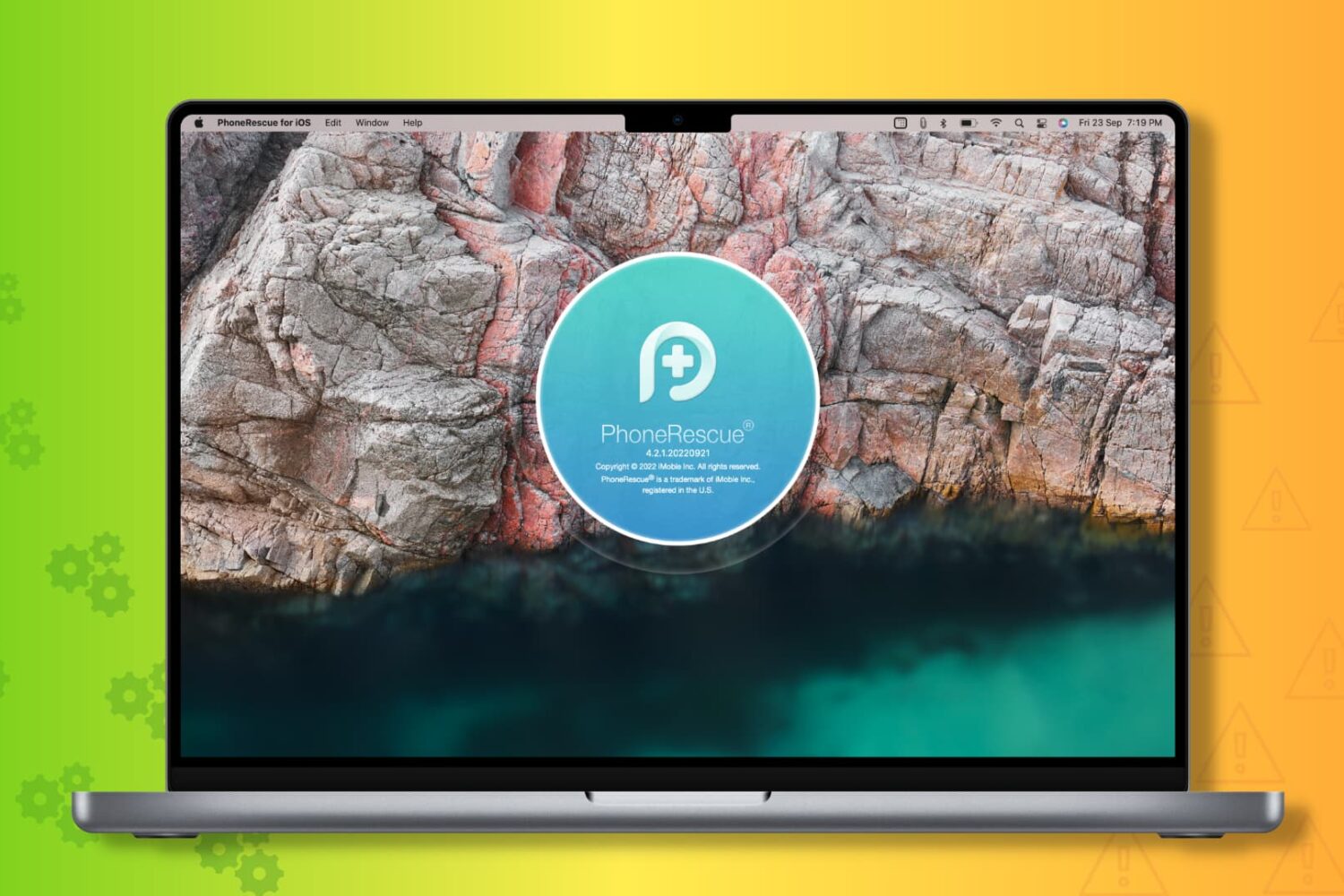
To get you out of these situations, PhoneRescue by iMobie can be a helpful companion! It's a piece of software for your Mac and Windows PC that can fix most iOS 16 update issues.
So, if you're unable to update your iPhone from iOS 15 to iOS 16 or iOS 16 to one of its future versions, read along and learn how to fix this.

We previously showed our readers how they could install TrollStore on a jailbroken iOS or iPadOS 14.0-14.8.1 device, but as we’ve said many times over in other posts, TrollStore also supports non-jailbroken iOS 15.0-15.1.1 devices. The only question, then, is how can you install it on a non-jailbroken device? Well, we intend to show you in today’s tutorial.