Learn how to manually update the Spotify app on your Mac to ensure you have the latest available version with the newest features and bug fixes.
How to manually check for Spotify app updates on Mac

Learn how to manually update the Spotify app on your Mac to ensure you have the latest available version with the newest features and bug fixes.
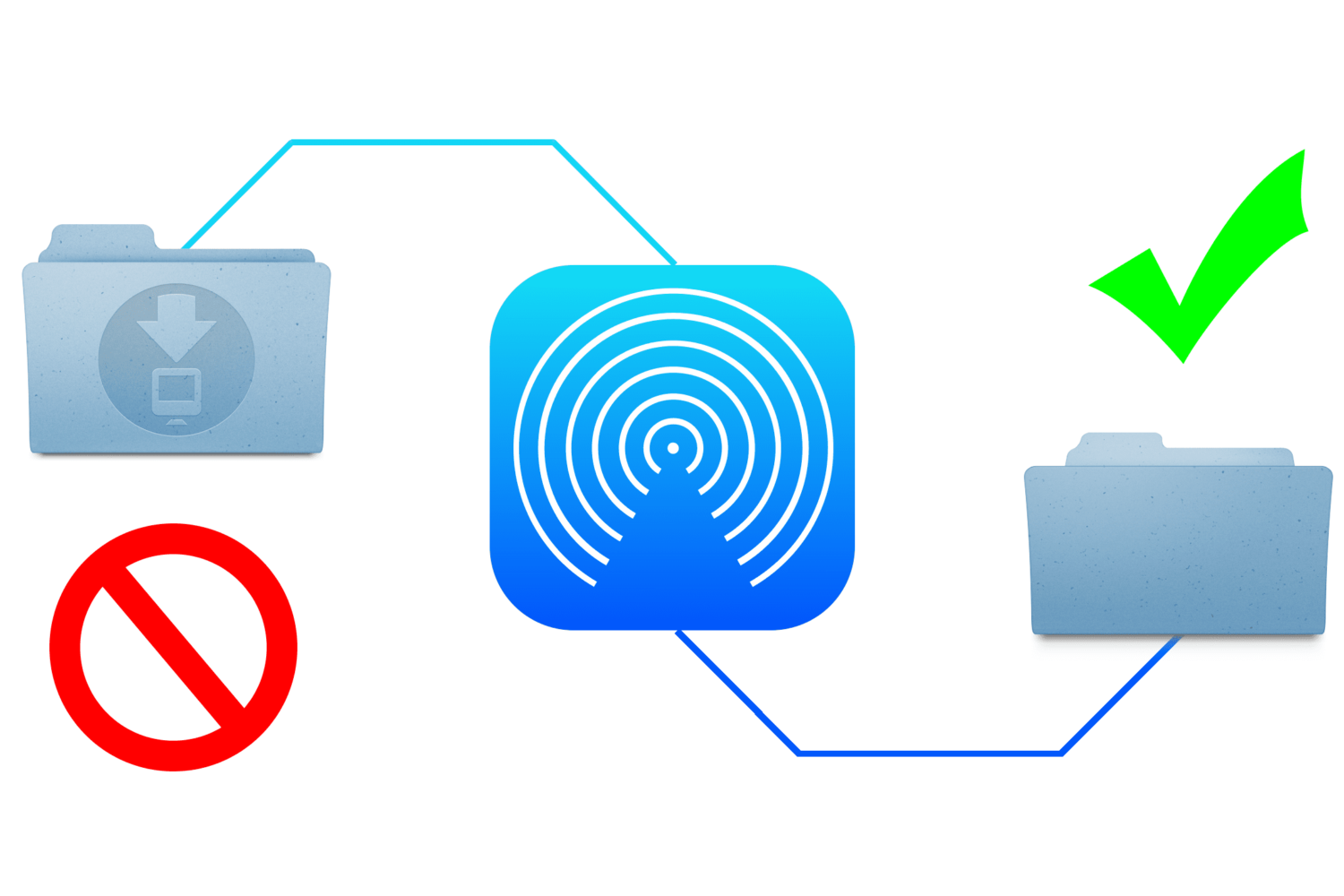
When you send files to your Mac via AirDrop, the received files are automatically saved to the Downloads folder. While this is a logical place for them to go, it's non-configurable and lumps them in with your Mail attachments and Safari downloads.
This approach is not granular enough for some users who may wish to designate a specific folder for AirDrop files to be saved to. Although macOS does not allow this out of the box, it's possible with some straightforward steps.
In this guide, we show you how to change the save location of files you receive via AirDrop on your Mac.

Whether you’re a parent trying to filter explicit content from the limitless Google searches your child could be searching on the web, or you’re simply trying to figure out why it seems like certain images or web results are being filtered from your Google search queries, chances are Google SafeSearch is the answer.
In this tutorial, we’ll show you how you can toggle Google SafeSearch on or off, depending on whether you need to start filtering explicit search results from your queries or stop doing so when the feature is already enabled.

Learn how to enhance visibility and ease of use on your Mac by adjusting the mouse or trackpad cursor size.
Use a simple Terminal command to find out when macOS was last reinstalled on your Mac.
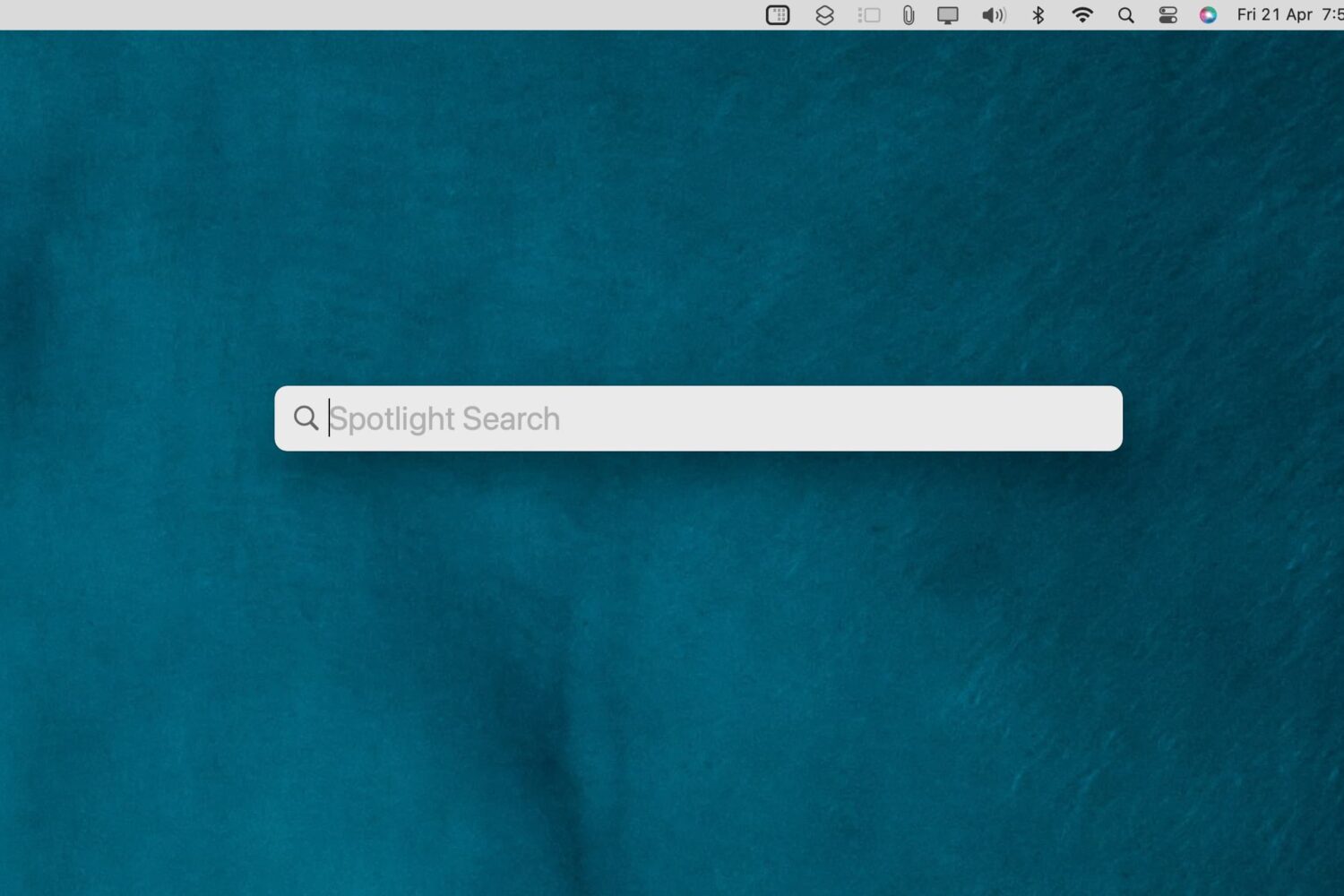
Check out these 3 ways to remove the Spotlight Search icon from the top menu bar on your Mac and keep your desktop clutter-free.

In this tutorial, we share eight useful tips for getting the most out of Mac’s built-in controls for resizing, minimizing, maximizing, and moving app windows around.
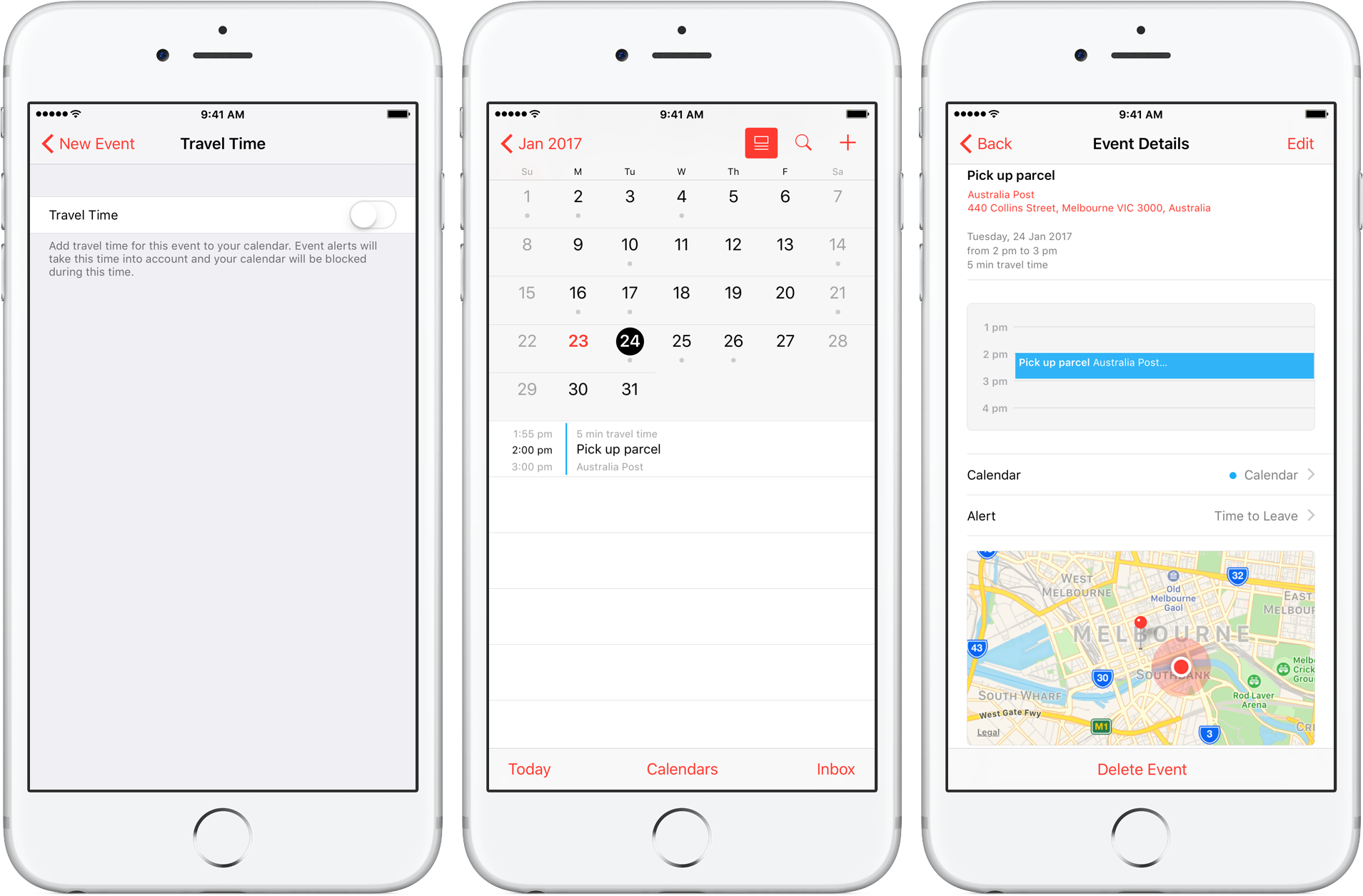
Travel Time is a nifty addition to Apple’s Calendar app, capable of precisely estimating the duration of your upcoming trip based on parameters such as milage and traffic. Used properly, it can notably ease some of your daily scheduling woes, but paradoxically, a large contingent of regular Calendar users still routinely overlook the feature.
Formerly introduced as frequent locations and traffic conditions widgets, the service has only slowly gained traction amongst users. Travel Time today however has come of age and is now neatly integrated into one of the most popular productivity applications both on iOS and macOS. So if you didn’t get the memo on the virtues of Travel Time in Calendar, here’s what you need to know.

If you only have a small SSD in your Mac or Hackintosh, then storage space can be at a premium. For most users, by far the largest thing saved on their boot drive is the User folder, which contains their user account. If your user folder is filling up your SSD and you want to keep that high-speed storage for the operating system and applications, then this guide is for you.
It is possible to move your entire user account onto another drive, completely separate from your macOS boot drive. This will free up space on the boot drive and allow large media folders like Music, Movies, and Downloads to reside on a larger capacity drive.
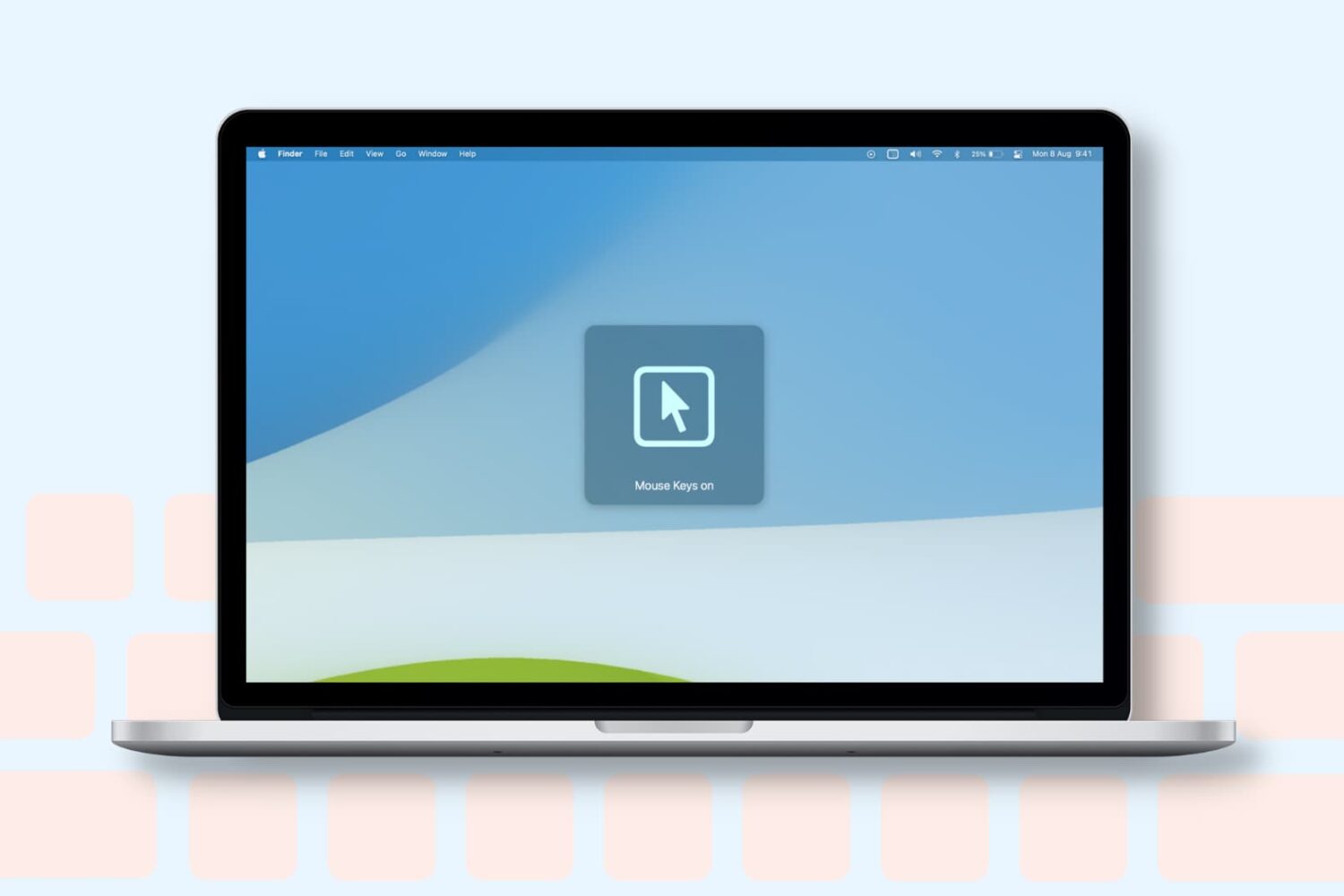
Learn how to turn on the Mouse Keys feature on your Mac to control the mouse pointer with the keyboard or numeric keypad.
In this comprehensive troubleshooting guide, we list 24 solutions to fix all or specific websites not loading in Safari on your iPhone, iPad, and Mac.
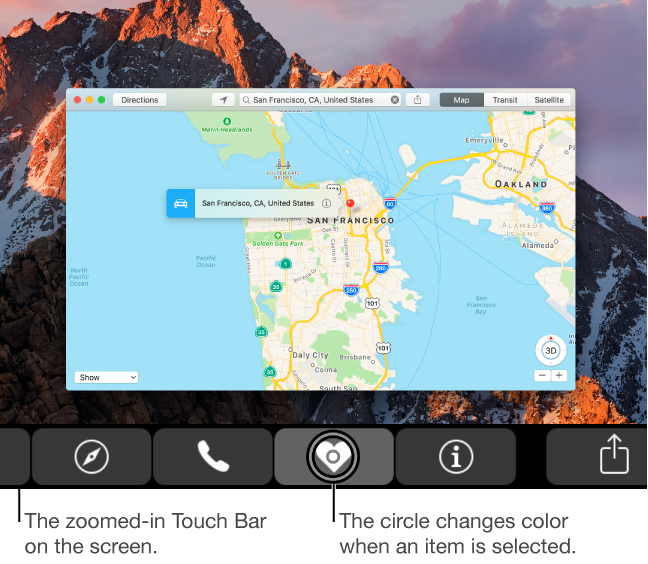
Visually impaired users who own Apple's MacBook Pro with Touch Bar may be pleased to learn that macOS provides a set of specialized Accessibility features that help people who are blind or have low vision enjoy the compelling features of Touch Bar. If you have difficulty seeing items in your Touch Bar, turning this feature on renders a larger Touch Bar on the main display. Other users should check out Touch Bar zoom, too.
In this tutorial, you'll learn how to turn Touch Bar zoom on, increase or decrease the zoom level, select or split-tap an item on Touch Bar and use other specialized gestures.