How to

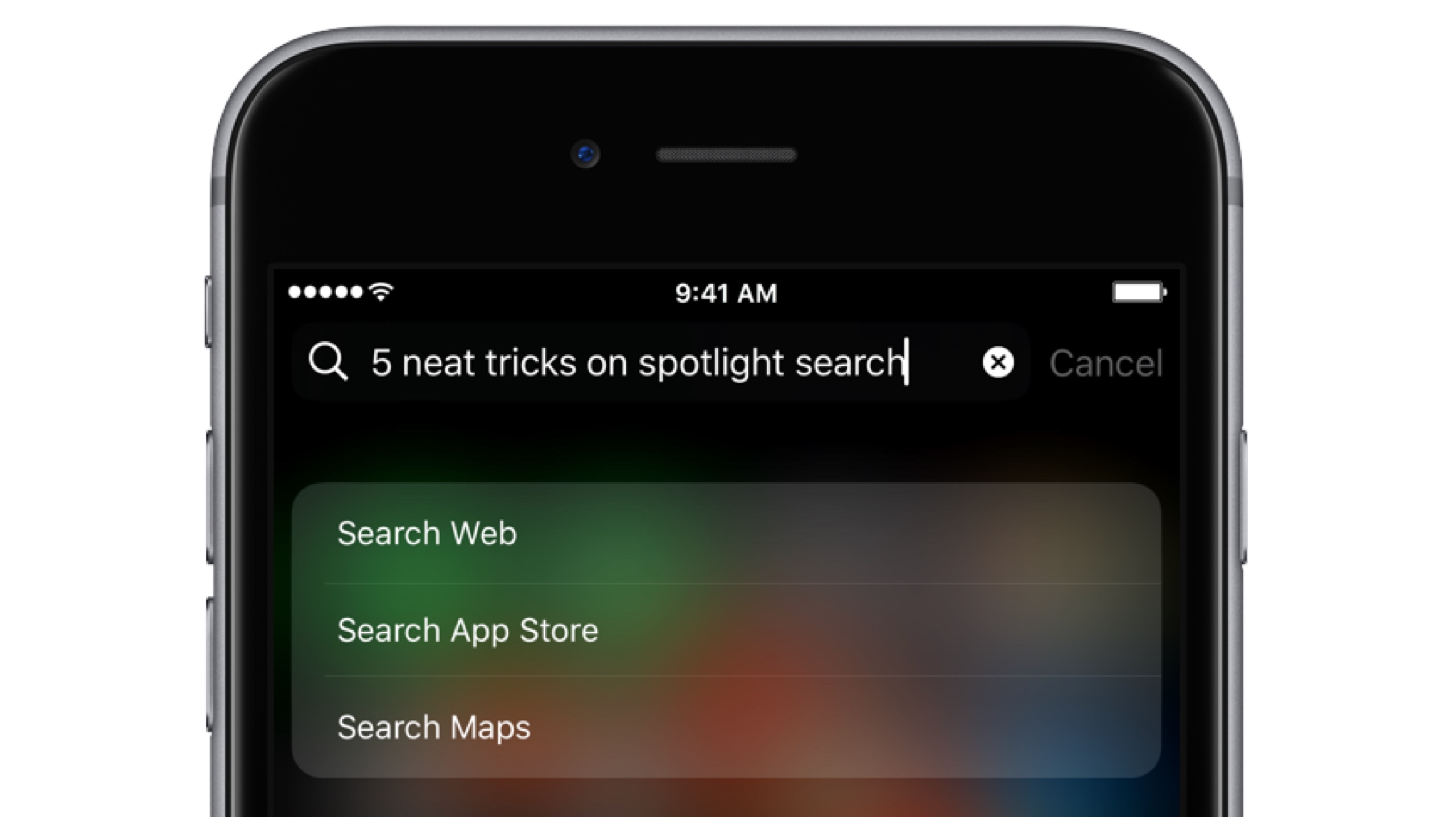
Five neat tricks Spotlight search can do for you on iPhone

Bearing in mind the numerous ways to invoke Spotlight search on your iPhone today, the feature has clearly become a centerpiece of iOS 10th iteration.

That is because for one, it's the fastest way to rifle through your device for any type of information, however it is also incrementally adopting Siri-level intelligence. You might know about using Spotlight for swift currency and measurement conversions by now, but the list does not end here. Largely undiscussed on the web, here are five more cool uses for Spotlight.
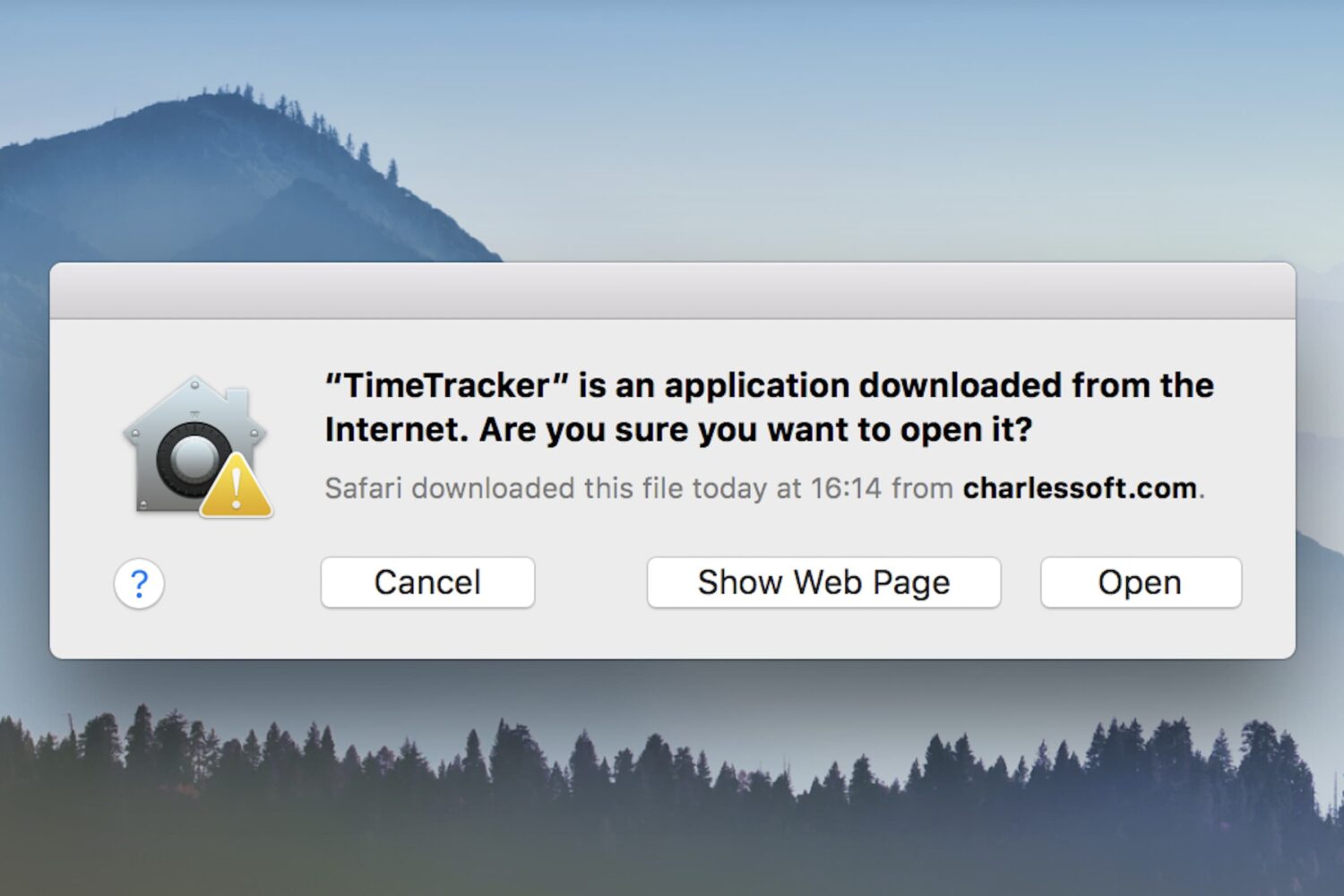
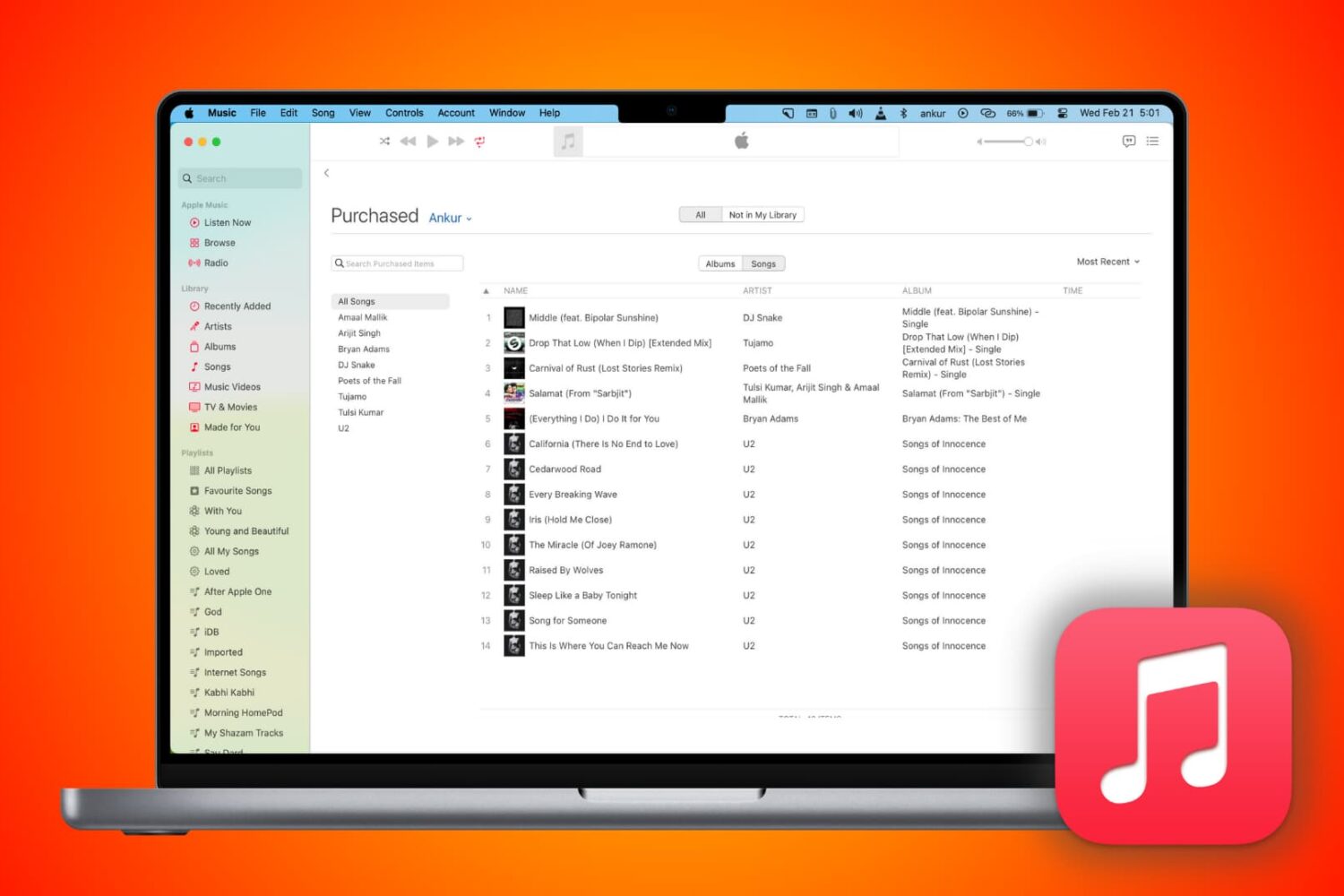
How to fix: This is an application downloaded from the Internet. Are you sure you want to open it?

Open app dialog box on Mac

One of the security features in macOS is a prompt that appears when opening a program for the first time: This is an application downloaded from the Internet. Are you sure you want to open it?

While this can be helpful to the average Joe, preventing him from opening programs he may have downloaded accidentally (such as malware), power users may wish to circumnavigate the prompt. If you already practice good housekeeping with what you download and open, this dialog can be a time waster. There are various ways to deal with it, and this guide will talk you through their pros and cons.

Does your Mac support Night Shift?

macOS Sierra 10.12.4 brought Night Shift to Mac. As you know, Night Shift debuted on iPhone, iPad and iPod touch with the release of iOS 9 nearly two years ago.

Like with iOS devices, macOS's implementation of the feature automatically shifts your display's colors to the warmer end of the color spectrum after dark, based on your computer's clock and geolocation. This helps cut down on exposure to blue light, which is said to cause sleeping problems.

Your computer must meet certain hardware requirements in order to benefit from Night Shift. Here are the full Mac system requirements for Night Shift and how to find out whether or not your particular Mac model is compatible with this feature.

Don’t want internet providers to sell your browsing data? Use a VPN

While the FCC fought hard to keep your internet browsing data safe from third parties, it appears the United States government has other interests in mind. That said, your internet service provider (ISP) may soon begin selling your personal internet browsing data to third parties, putting your privacy at risk of exploitation.

On the other hand, there's still a way you can protect yourself and your data. Using a Virtual Private Network (VPN) will keep your internet browsing data hidden from your ISP, which in turn keeps it from being sold to third parties.

How to add Continuity features to older Macs

Most of our readers will be familiar by now with Apple's Continuity suite, a slew of features which were introduced with iOS 8 and OS X Yosemite. These features include Instant Hotspot, a new AirDrop, SMS/Phone calls from Mac, and Handoff. With macOS Sierra and iOS 10, they added Auto Unlock and Universal Clipboard to the group.

The catch is of course that making use of these features requires certain hardware. Therefore, Macs from before about 2010/11 appear not to support some or all of the new functionality. However, it turns out there is a way to enable Continuity on your older hardware. In this guide we'll go through how to do it.

How to show basic system information on your Mac login screen

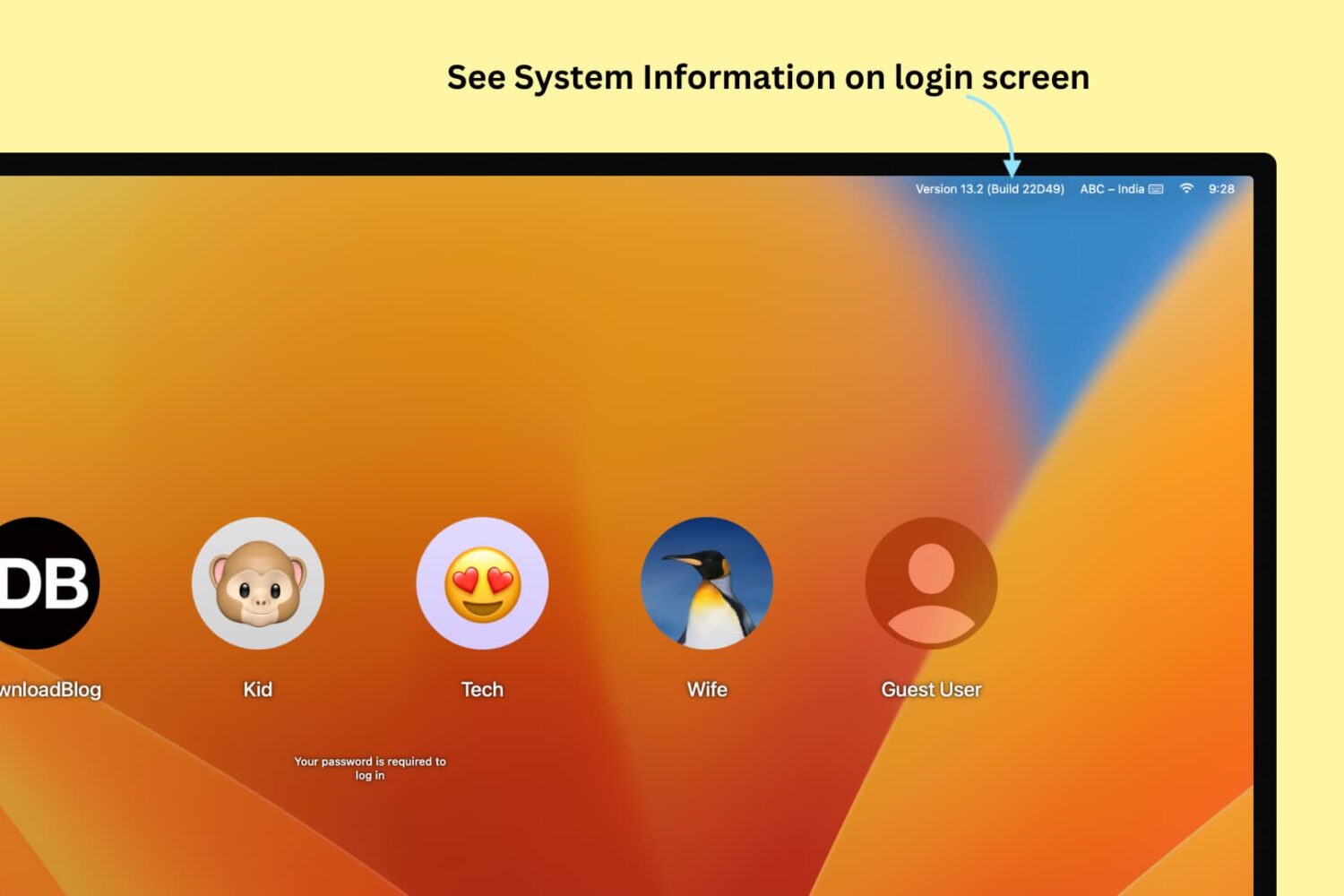
See System Information on Mac's login screen

If you're one of those who love to tweak every little facet of their Mac experience, then this guide is for you. It brings some system information items, such as your computer name, your current IP address, and your macOS version, right to your login screen where they can be easily referenced. For this modification, all you need is the Terminal application and a few minutes.