How to

How to view and delete your Google search history

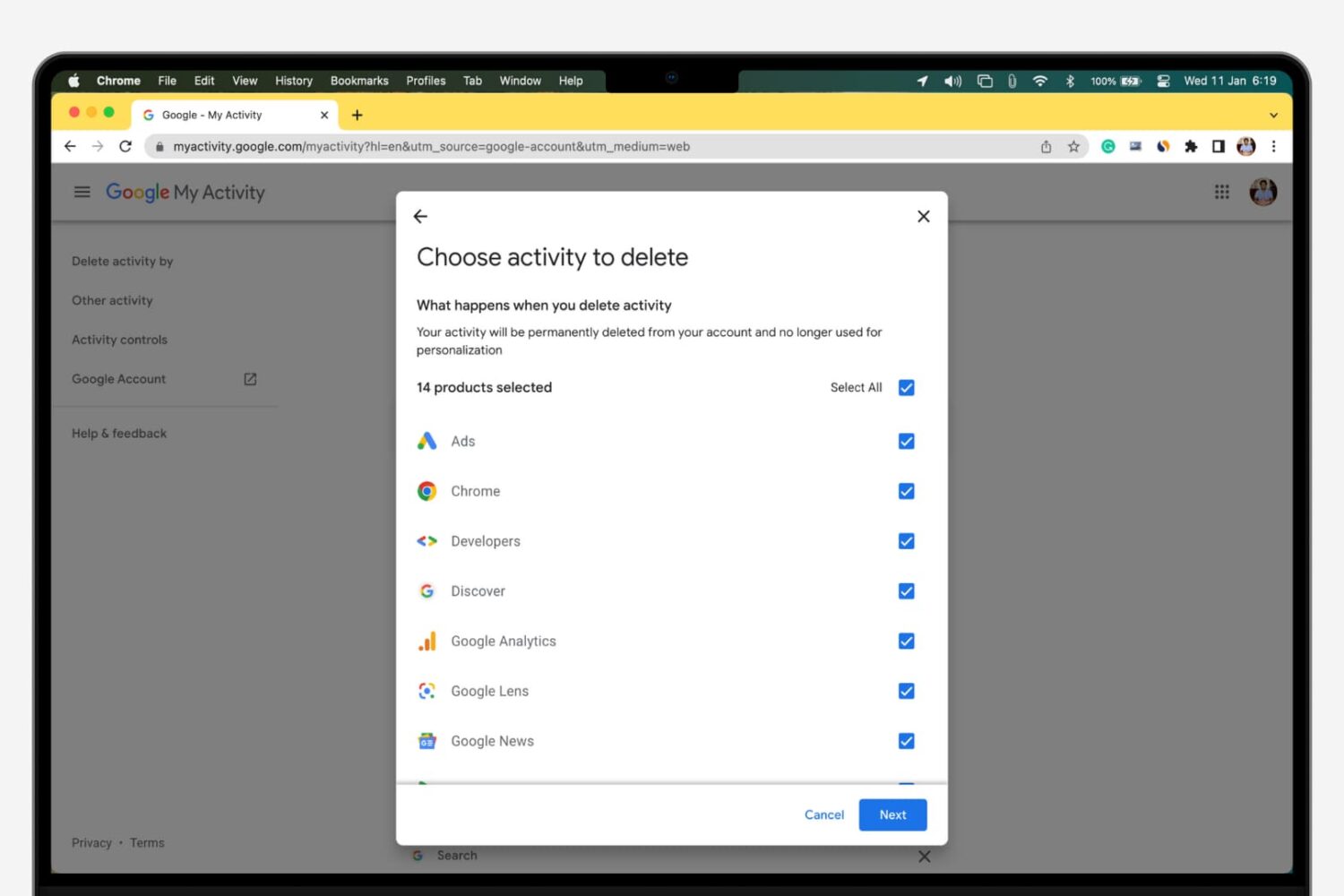
Delete your Google activity

Whenever you make a Google search while being logged in to any service from the company, your search is saved to your Google account’s activity. This is designed to help improve your search experience by increasing the amount of relevant results you'll see.

In this tutorial, we’ll show you how to view and delete your Google search query history, a step you can take to increase your privacy by preventing others from seeing what you’ve searched for.
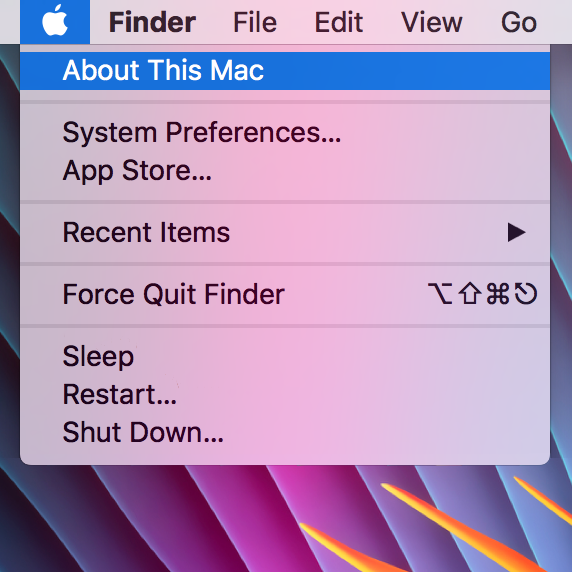
How to customize the “About This Mac” section of a Mac

The "About This Mac" window contains information relating to your computer specifications and OS version, and is useful for quickly checking any of those details. However, it's a little impersonal, and often (on a Hackintosh), incorrect. If, like me, you enjoy customising your machine to your own personal taste then this guide should help somewhat, by jazzing up the "About This Mac" section.

How to convert music tracks to Audiobook in iTunes

Venturing into the depths of iTunes is no longer an activity for the faint-hearted, as Apple’s gold mine is famously becoming more convoluted with every update. It is by no means impossible to keep up with the changes, but staying on top of every small cosmetic shift does pose a decent challenge today.

As somebody very fond of the spoken word on iTunes, I can attest that this general rule holds true for audiobooks as well. So as I was fiddling around with some old school CDs the other day and trying to move audio files within my iTunes library to the Audiobooks tab, I noticed my old methods were already outdated again. If you’re not up to speed on iTunes, here’s a refresher on how to get your talking book to properly identify as Audiobooks inside the application, followed by an encore for CD enthusiasts with regard to joining tracks during import.

How to move emails from one inbox to another in your Mac’s Mail app

The Mail app in macOS is a multi-email handler and supports a wide variety of email platforms. That said, it you wanted to move some of your emails from one of your email account inboxes to another, you could.

This is a handy feature to know if you sent or received an email via the wrong account and wanted to keep your emails organized under the correct email inbox, so we’ll show you how it can be done in this tutorial.

How to change the behavior of Control, Option, Command and Caps Lock keys on Mac

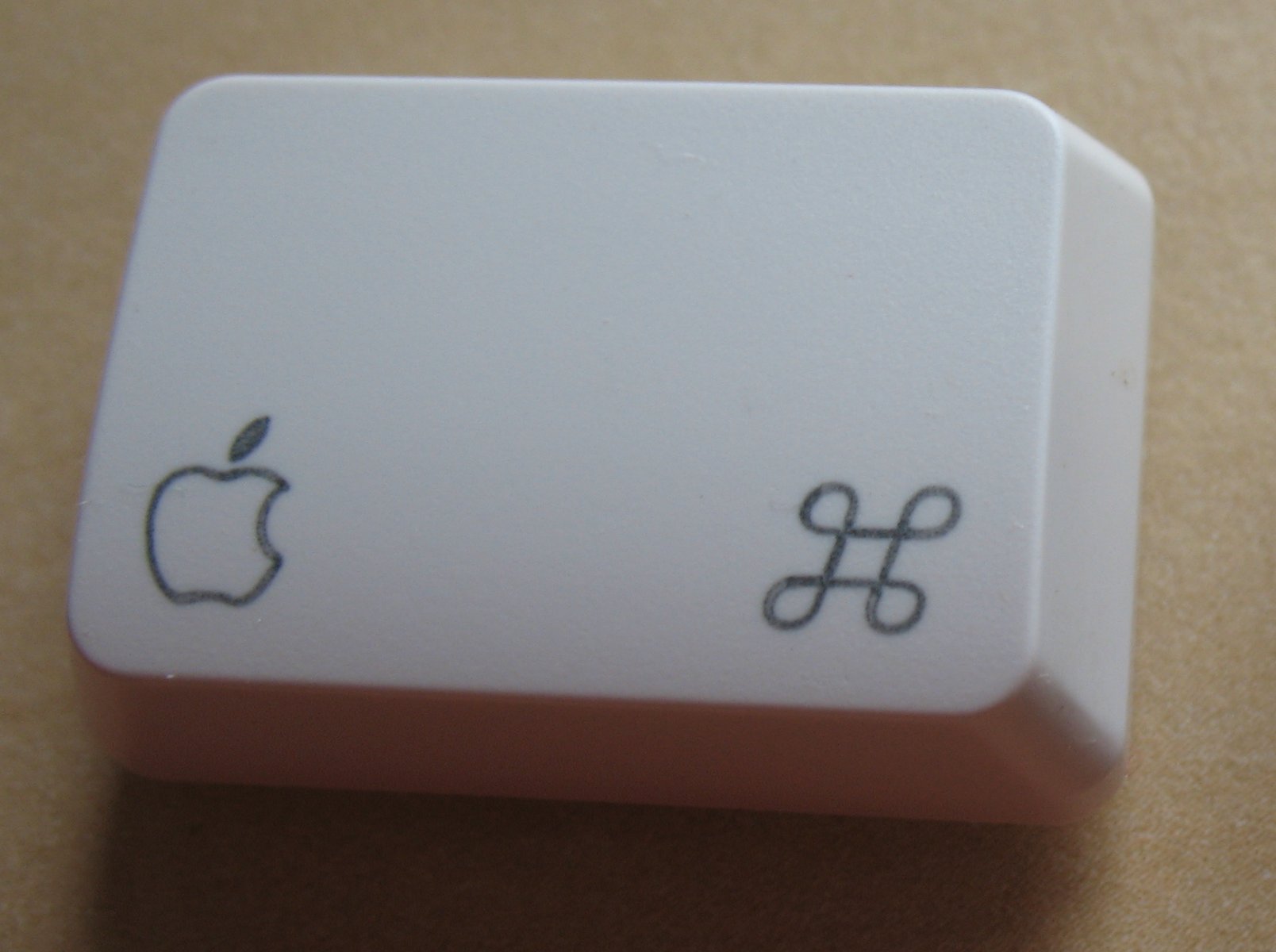
macOS provides an enhanced keyboard remapping feature that allows you to change the behavior of the special modifier keys on your Mac's keyboard, such as Caps Lock (⇪), Control (⌃), Option (⌥) and Command (⌘).

For example, you could remap the Caps Lock key to trigger the Escape command.

This feature is especially useful if you’re familiar with a keyboard layout different from your current keyboard or are an experienced touch typist who finds some of the default modifier key actions a bit awkward to use. In this tutorial, you'll learn about remapping the Mac's modifier keys to non-default actions.

How to check if your Mac supports Auto Unlock

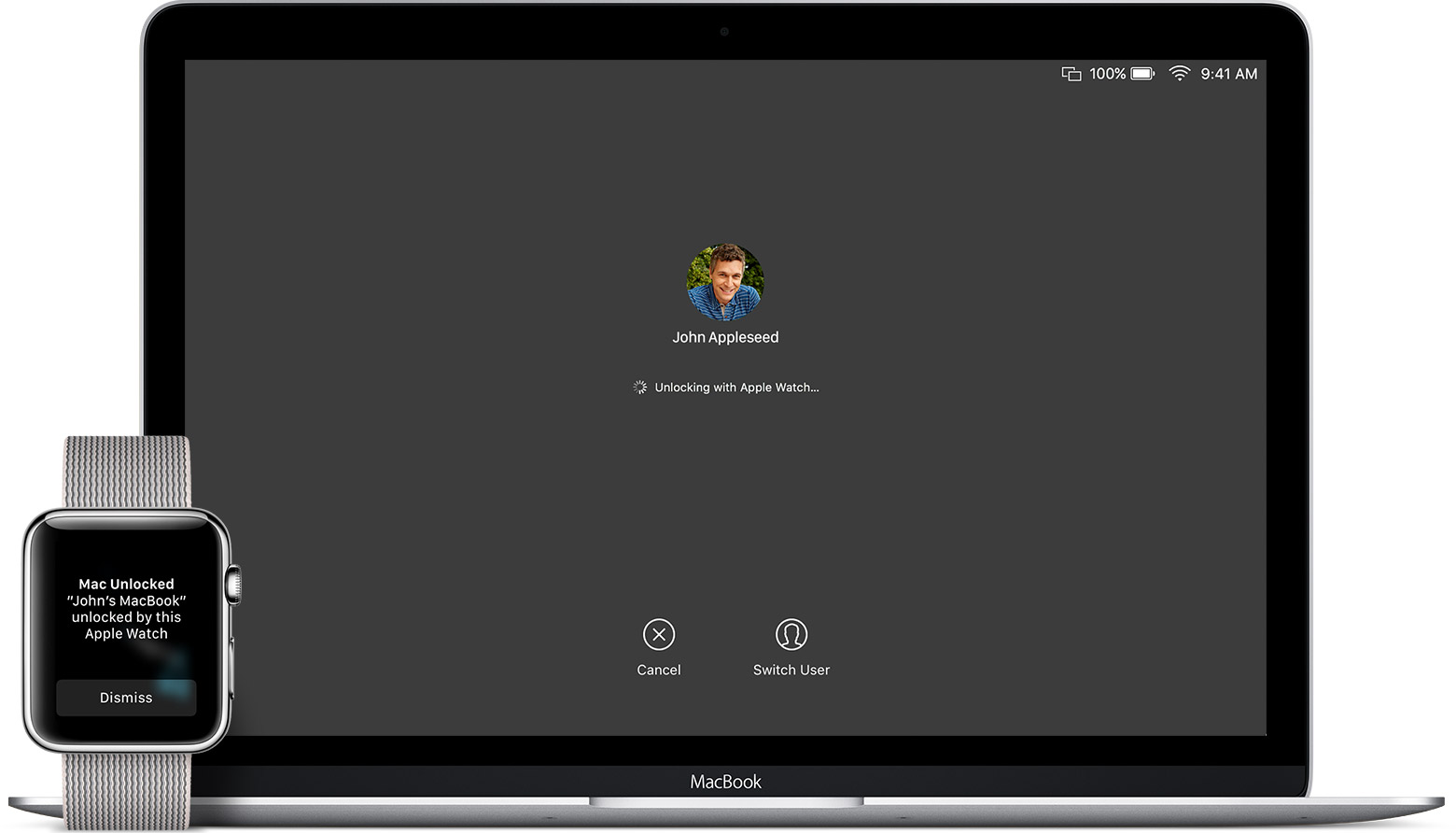
macOS Sierra debuted a new feature called Auto Unlock that lets you get into your Mac without typing your account password simply by wearing a passcode-protected Apple Watch. With Auto Unlock, you just wake up your Mac and if it senses you're nearby and wearing your watch, it'll log you in automatically. Yes, it just works!

Auto Unlock imposes certain hardware pre-requisites in terms of modern Bluetooth and Wi-Fi chipsets. Here's how you can quickly check if your Mac supports Auto Unlock.

How to fix TinyUmbrella v9.3.4 crashing on launch

Many jailbreakers will be familiar with the program TinyUmbrella, which has traditionally been one of the best ways to save SHSH blobs for their iOS devices onto their Macs for safekeeping. What SHSH blobs are, their function, and how to save them is outside the scope of this article, (I will put something together soon on this), but suffice to say that saving these blobs is of some importance to many jailbreakers and that TinyUmbrella has been the go-to application for doing so for a long while.

Whilst the application was updated as recently as August by its creator Semaphore, many Mac users (myself included) have noted that the new version, 9.3.4, gives an error on launch and cannot be used at all. This guide will walk you through the fix to get your umbrella back up again on Mac, so you can carry on wishfully saving those blobs.