How to

How to create and format lists in Stickies for Mac

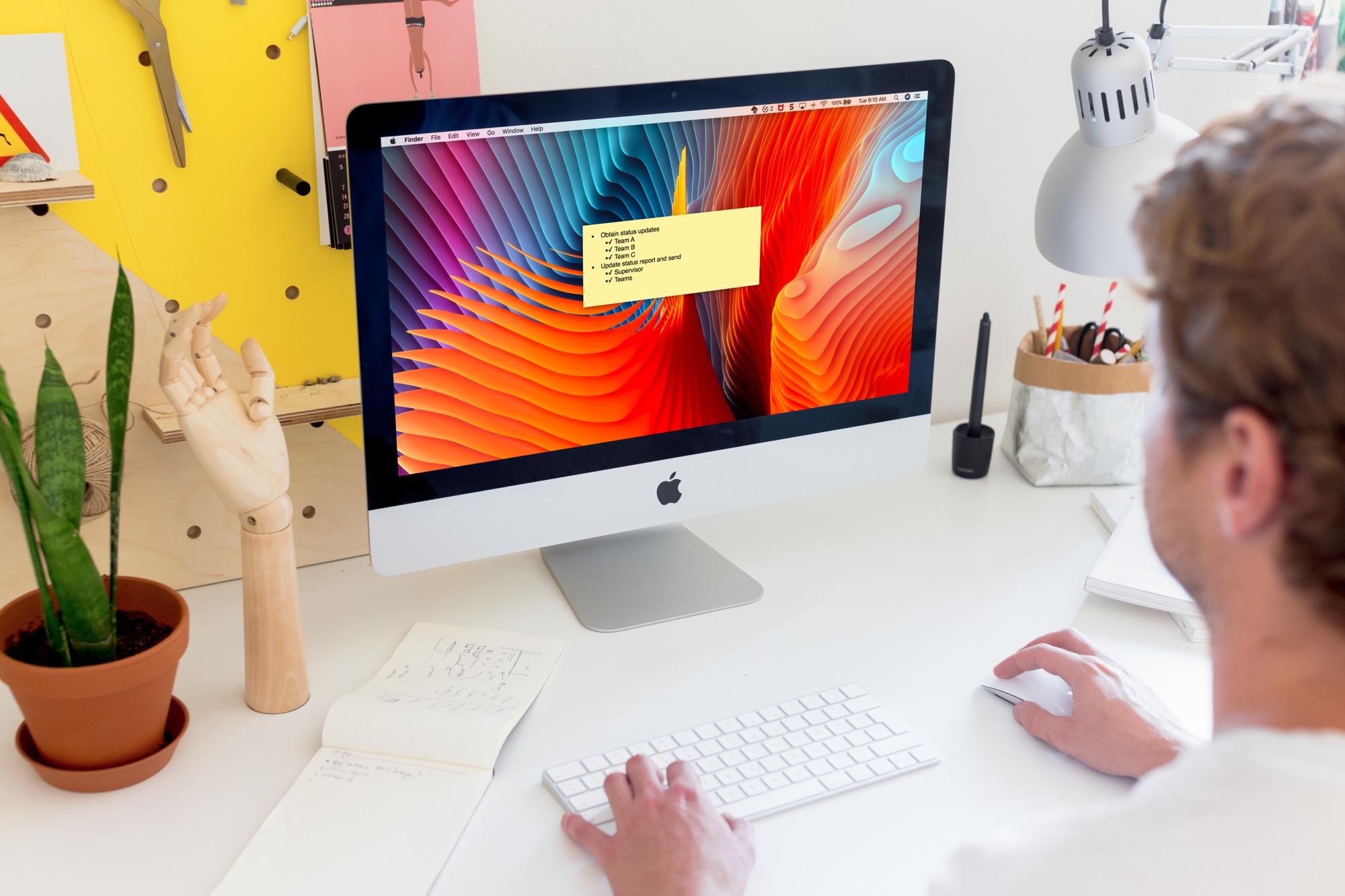
Stickies on Mac Desktop

The Stickies app on Mac is a convenient tool for creating digital notes. You can pop Stickies onto your desktop just like you can put physical sticky notes on your desk.

While it’s a really simple app that comes in handy, it does offer a list feature that makes it even more practical. You can make lists for tasks, shopping, ideas, and more. Here’s how to create and format lists in your Stickies.

How to customize the card template for your Contacts on Mac

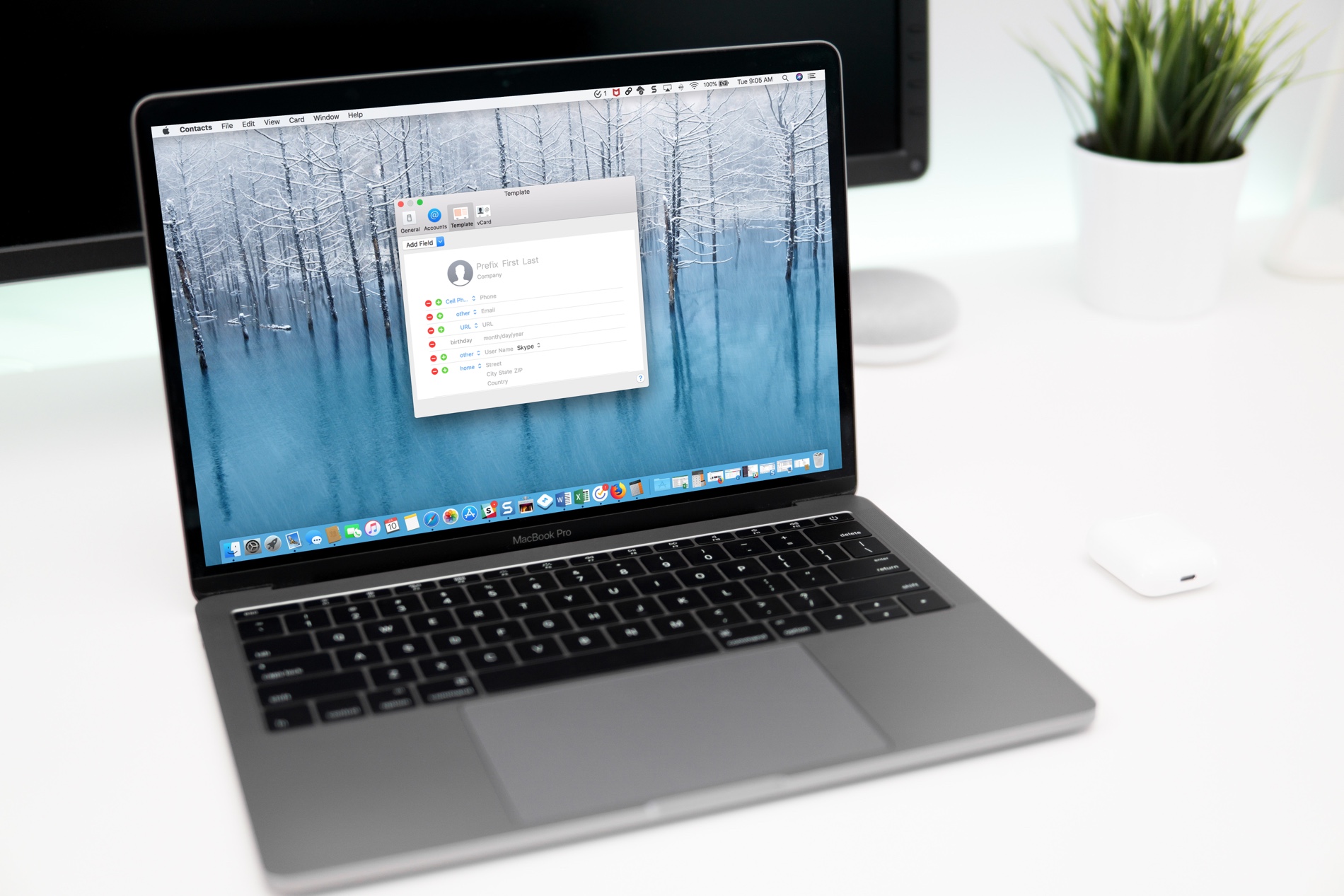
Contacts Template on Mac

If you use the Contacts app, you’ve likely noticed by now that the cards for your contacts contain certain information by default. Each one has mobile phone, birthday, and a few email fields. But what if you want something different?

You can customize the card template for your Contacts app on Mac to add fields, remove fields, and have just the details you want.

How to set up email rules in the Mail app on Mac

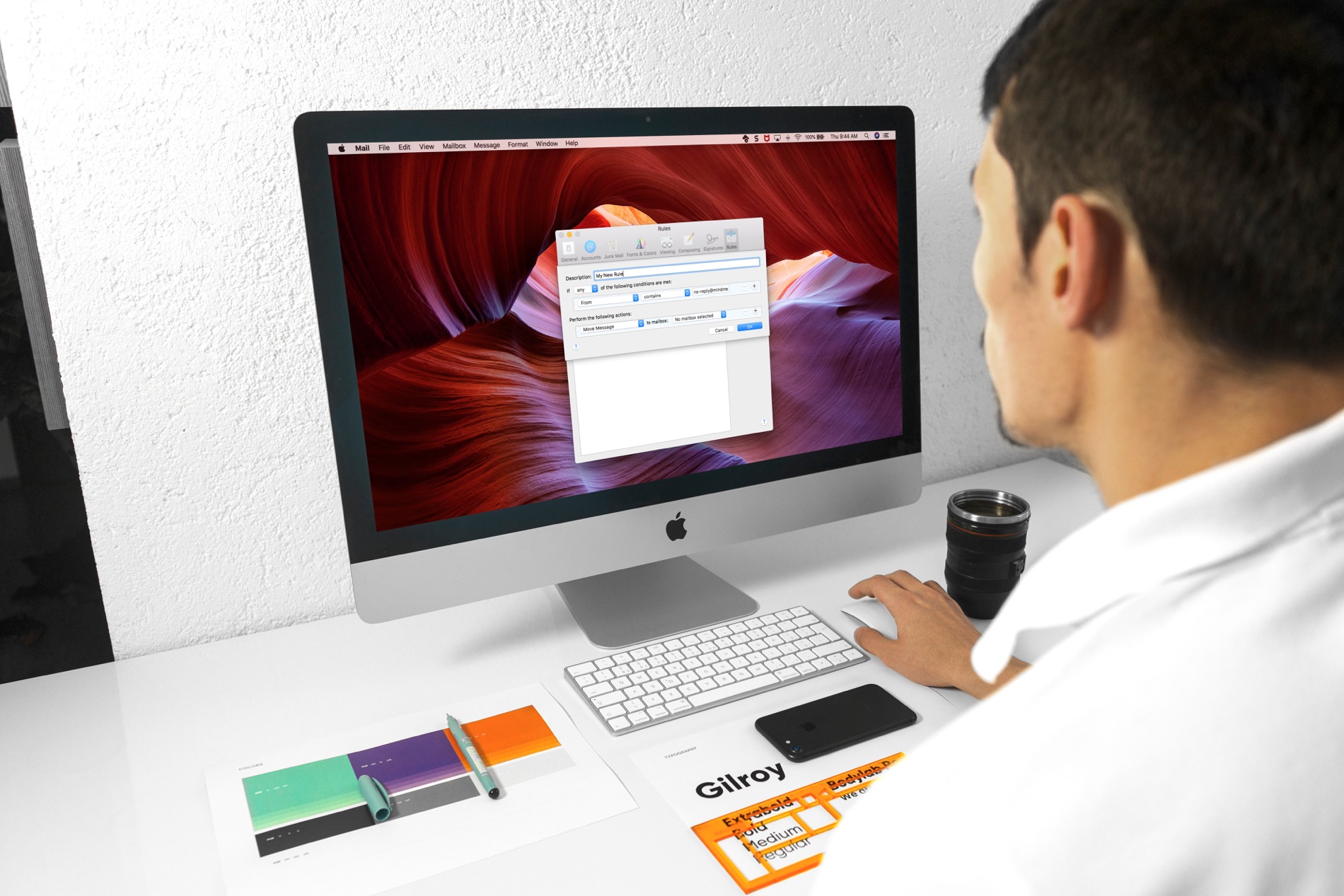
Mail Rules on Mac

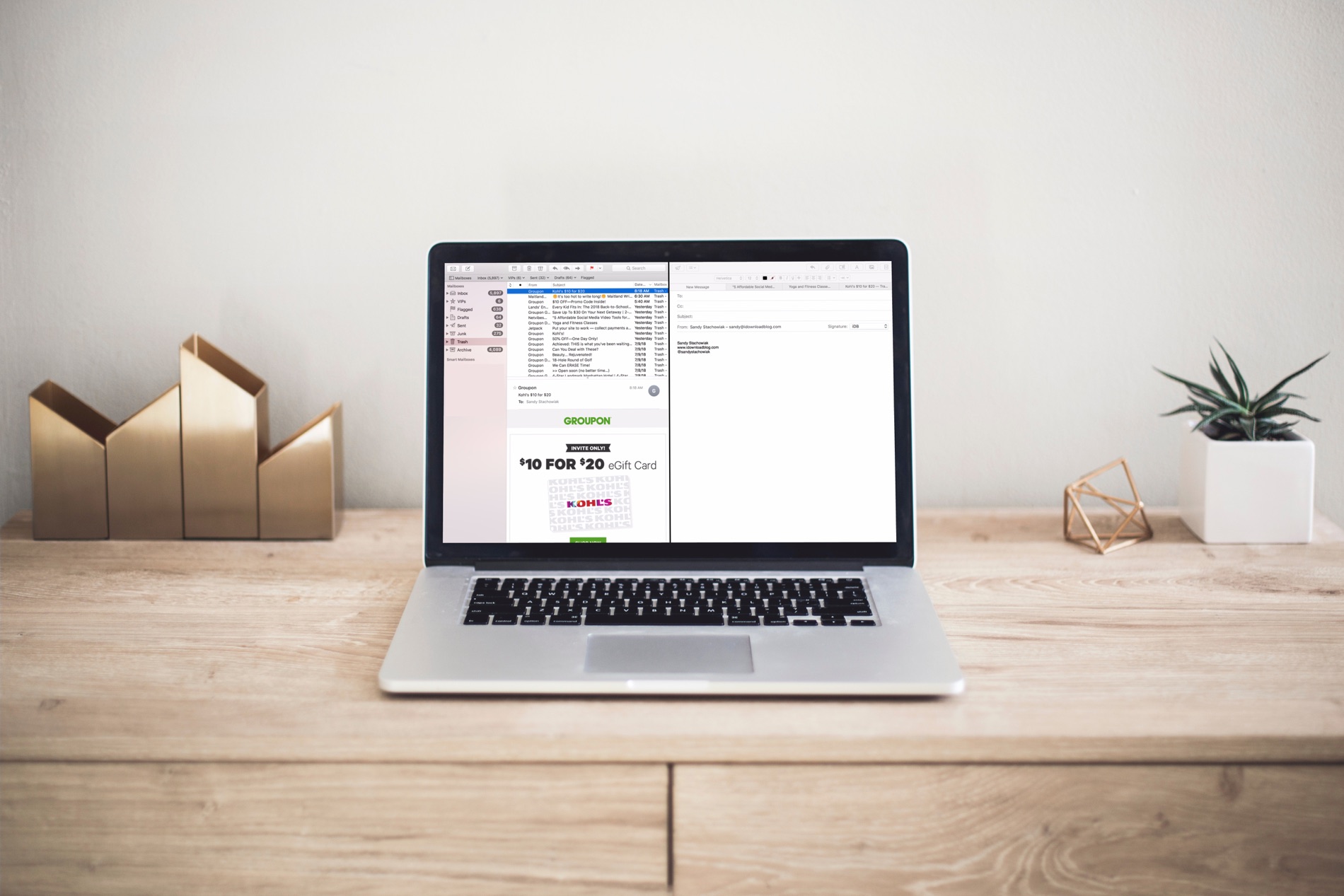
Managing your inbox can be a daunting task these days. From those important emails, you must see to those that just get in the way, it can be tedious to organize it all to see what you want to see.

If you use the Mail app on your Mac, you can set up email rules that help you manage it all. Direct emails as they arrive, mark them, so they’re easier to spot, and clean up your inbox easily; here’s how.