Find out how to always allow downloads in Safari on Mac from sites you trust, so you don’t have to deal with pop-ups asking for your permission every time you want to save something from these websites.
How to always allow downloads in Safari on Mac

Find out how to always allow downloads in Safari on Mac from sites you trust, so you don’t have to deal with pop-ups asking for your permission every time you want to save something from these websites.
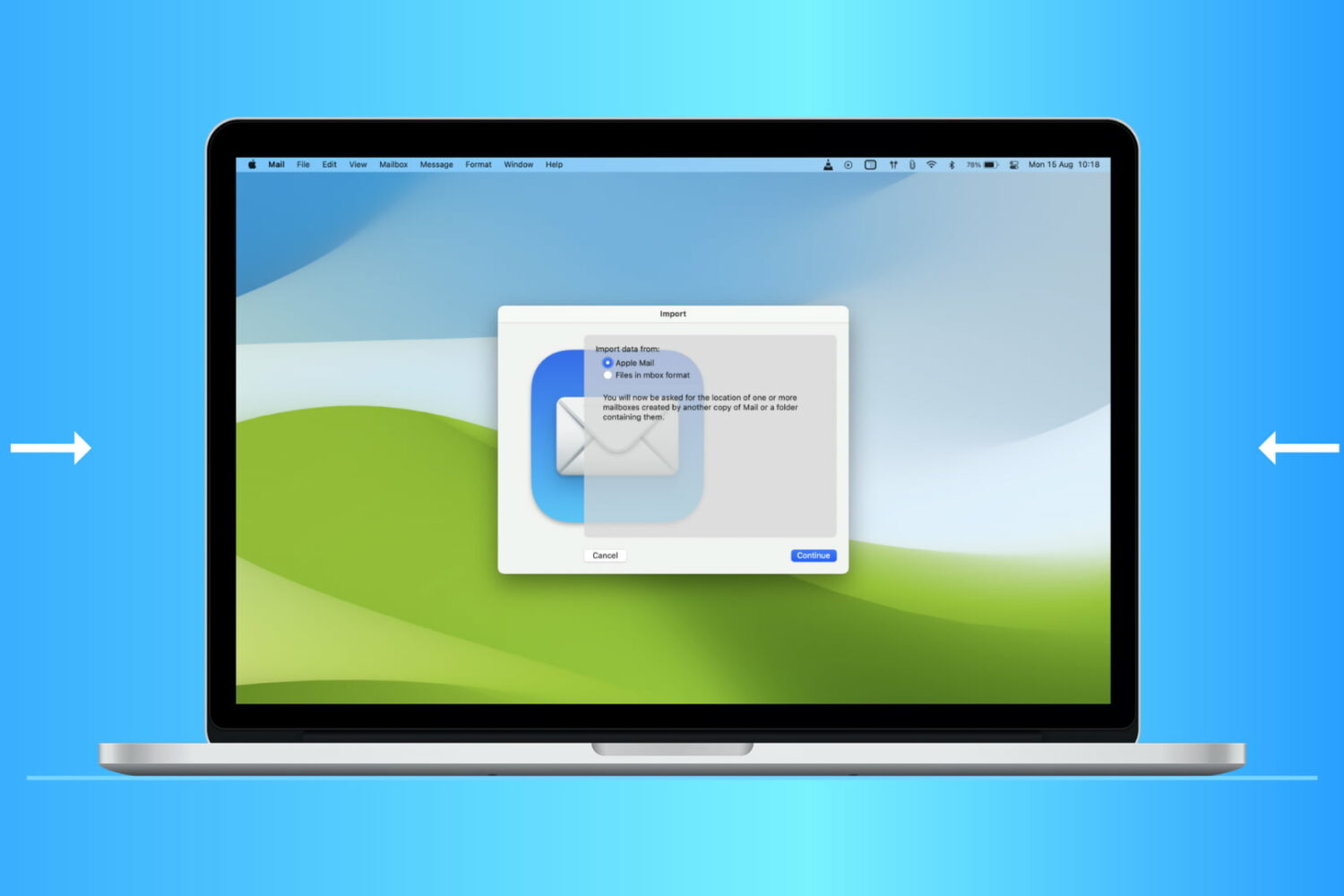
Find out how to import or export mailboxes in the Apple Mail app on your Mac to back up your emails or transfer them to a new device.

In this quick tutorial, we show you a couple of easy ways to see all the songs you have marked as your favorite in the Apple Music app on your iPhone, iPad, and Mac.
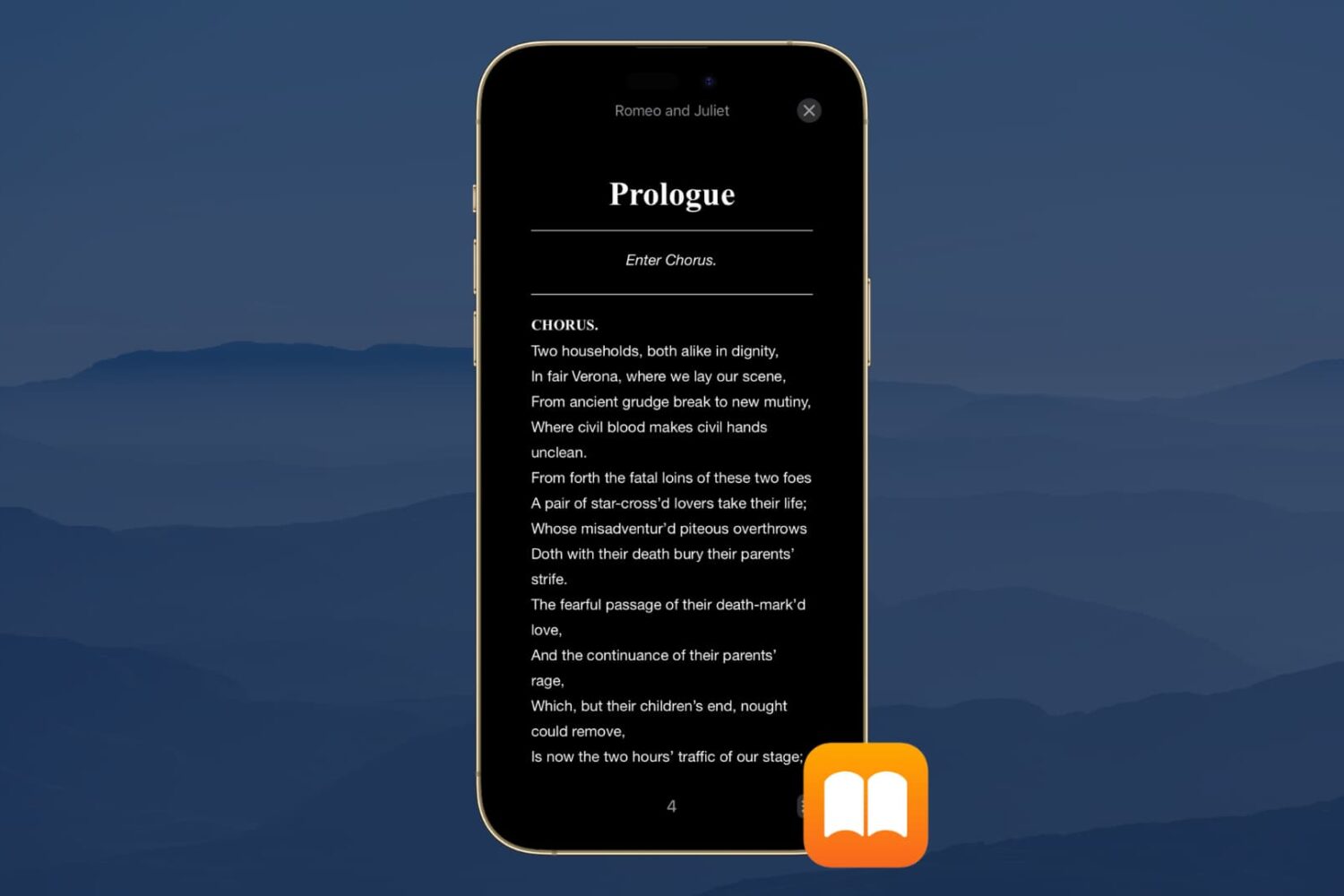
Dark Mode is a wonderful tool for easing eye strain at night on your devices. It replaces that bright screen with one that’s more soothing. So if you use the Books app to read at night, Dark Mode is ideal.
Along with the darkest mode, you can pick from a couple of other options. This is great if you simply enjoy reading with a dimmer background. Here’s how to turn on Dark Mode in the Books app on iPhone, iPad, and Mac.
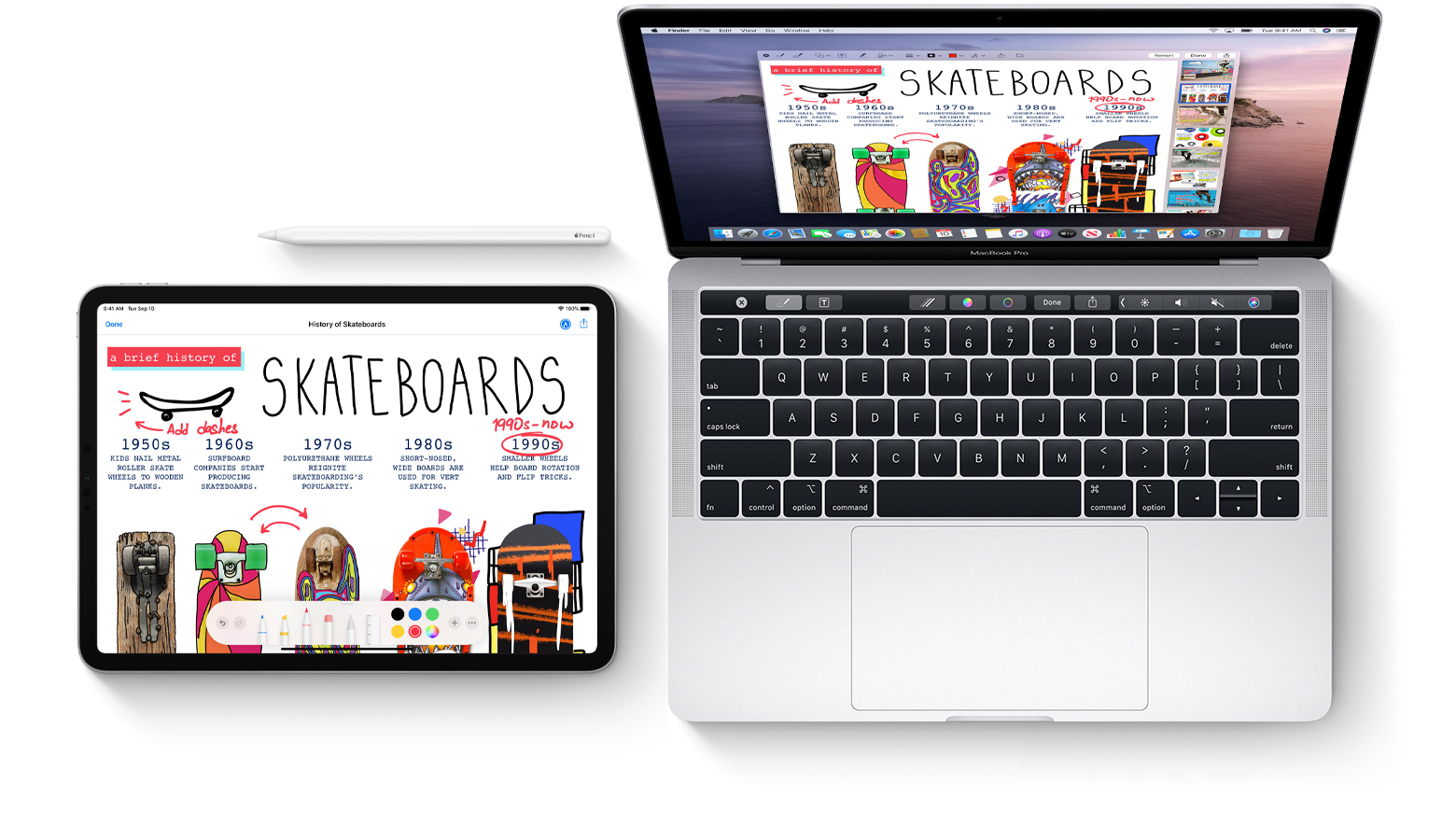
Learn how to mark up PDF documents and images on your Mac by using Apple Pencil or your finger on a nearby iPhone or iPad.
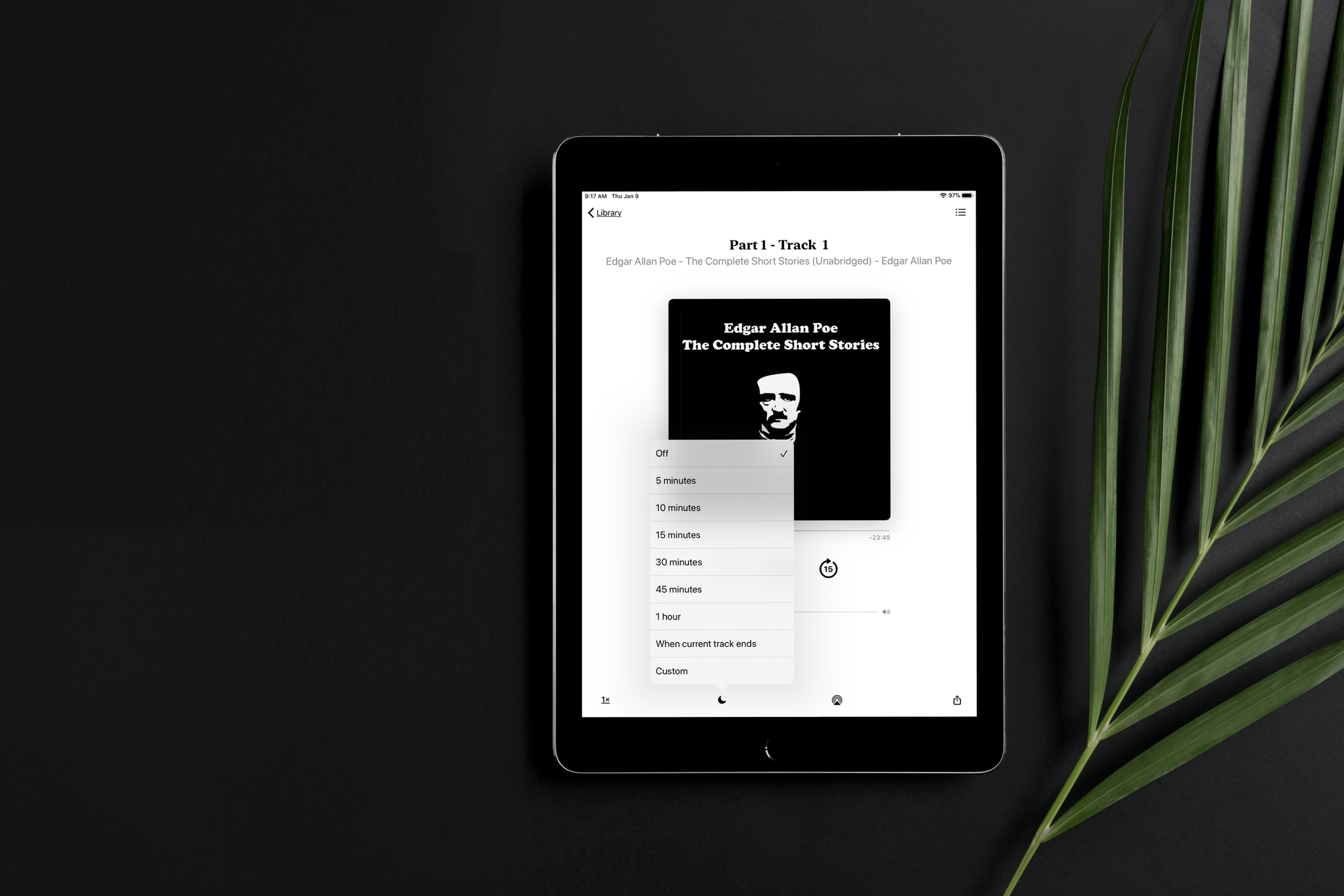
Learn how to set a sleep timer for your audiobook in the Apple Books app so the playback stops automatically after the set time without you having to worry about waking up in the middle of night to pause it manually.
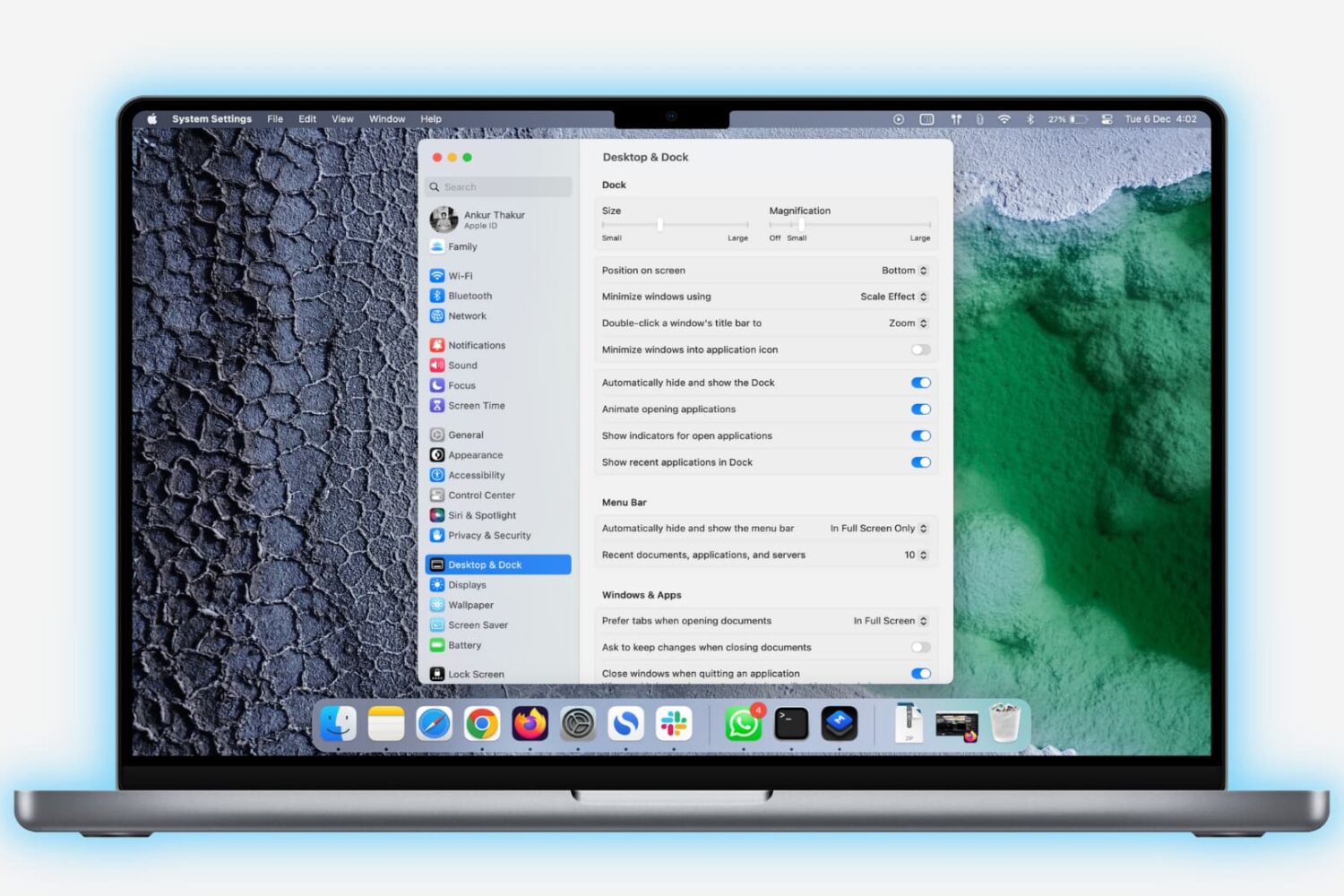
Learn how to lock the Dock on your Mac to prevent unwanted changes to it by you or anyone with access to your computer.

Learn how to enter, use, and exit full-screen mode on Mac to use apps and windows on the entire screen for a distraction-free experience.
You can run Mojave and Catalina on the same Mac in a dual boot setup and without reformatting or repartitioning your Mac's storage thanks to APFS, the file formatting system that Apple made ubiquitous with Mojave's release. Great if you need to use apps that won't run on Catalina, but still want to use what Catalina has to offer. Here's how.

Want to show the iTunes Store in the Apple Music app on your Mac? With a simple setting, you can display the store and buy songs, albums, and music videos.
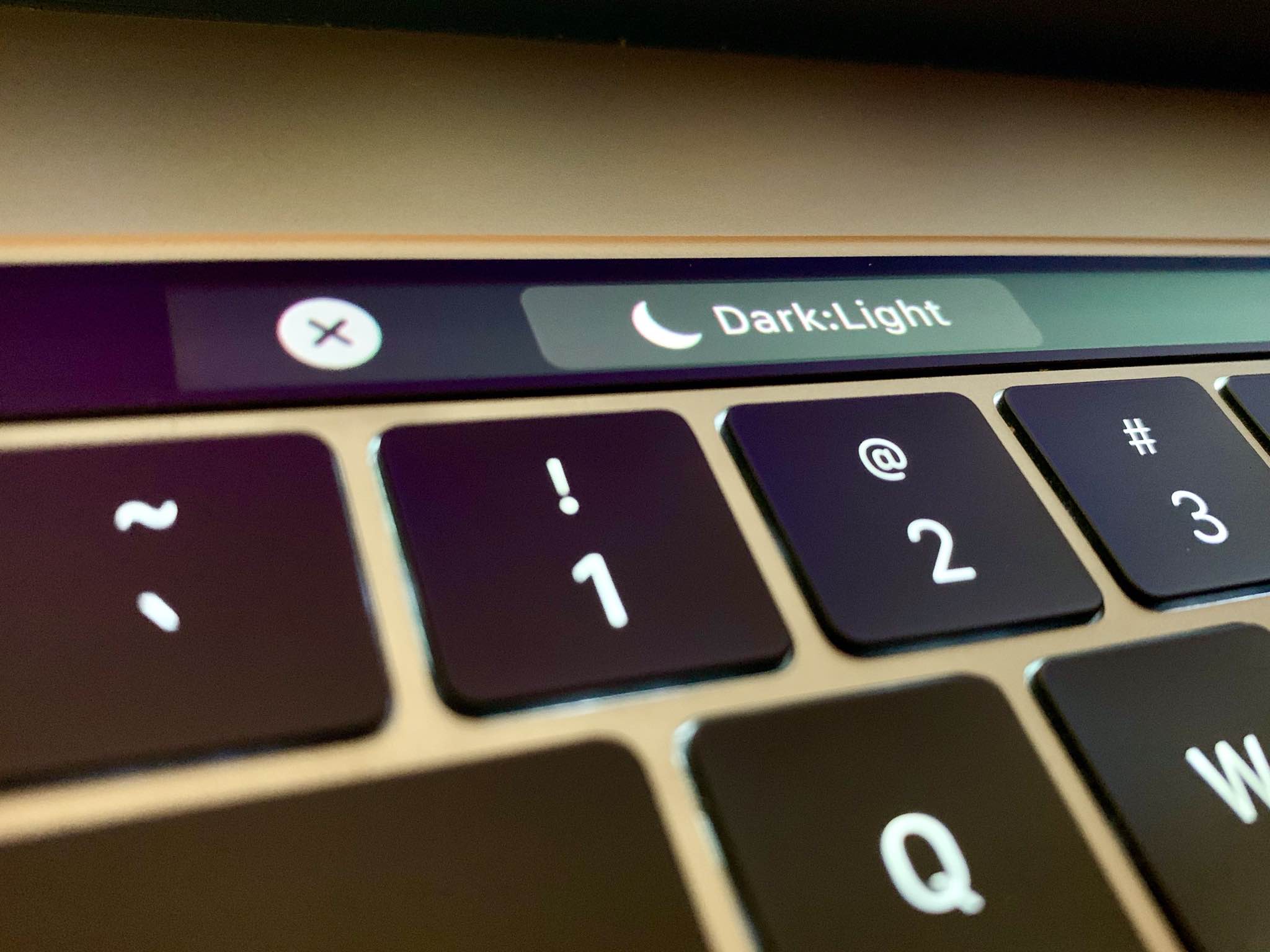
Follow this step-by-step tutorial to learn how to quickly switch between macOS's dark and light themes by adding a dedicated toggle for Dark Mode to the Touch Bar of your Mac.
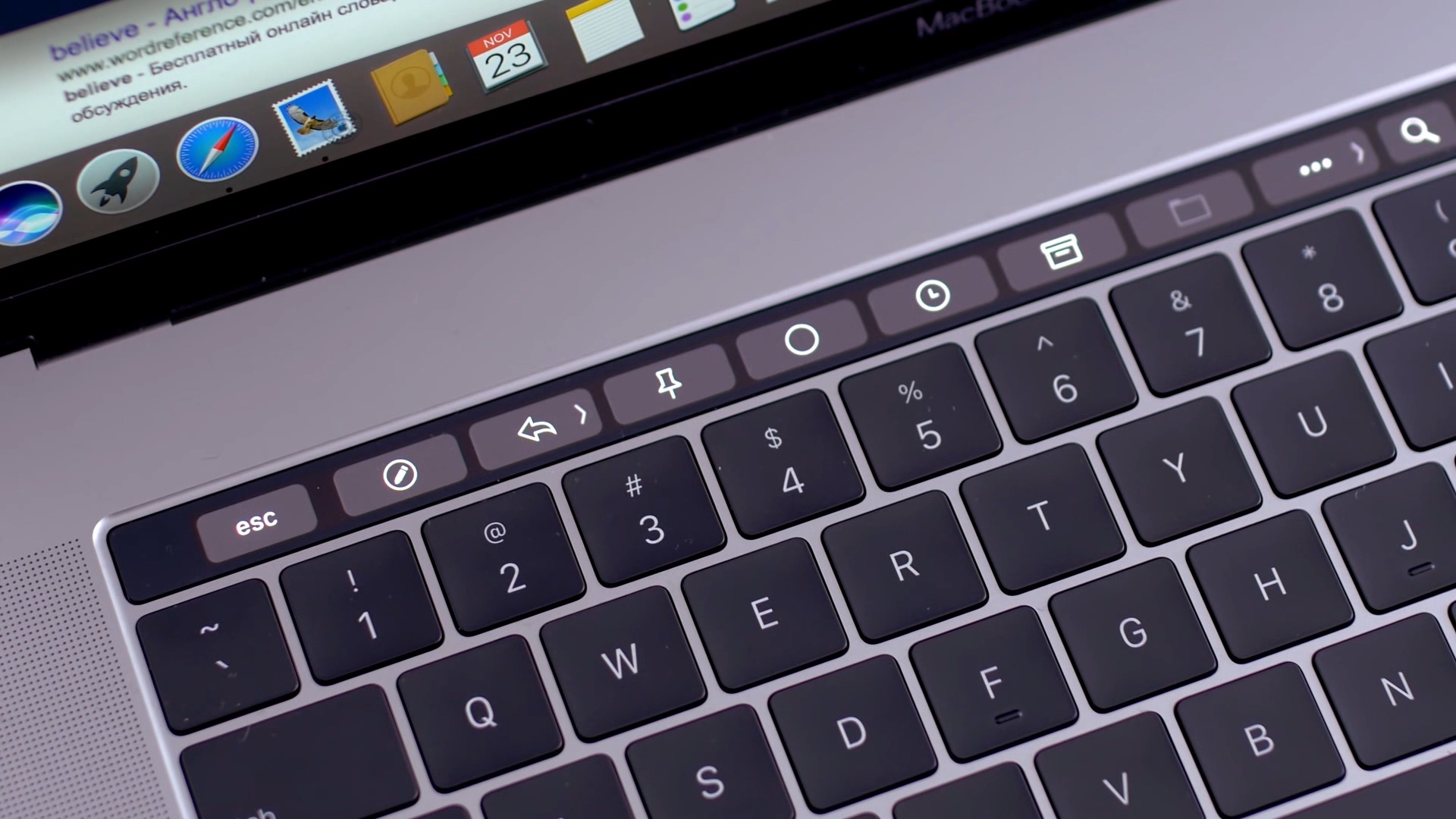
Learn how to add Automator workflows that are saved as Quick Actions to the Touch Bar of your Mac. Doing so will let you easily run your favorite macOS automation shortcuts at any time because they’ll be just two taps away.