How to

How to set your default printer and change its name and location on Mac

Set Default Printer Change Name Location on Mac

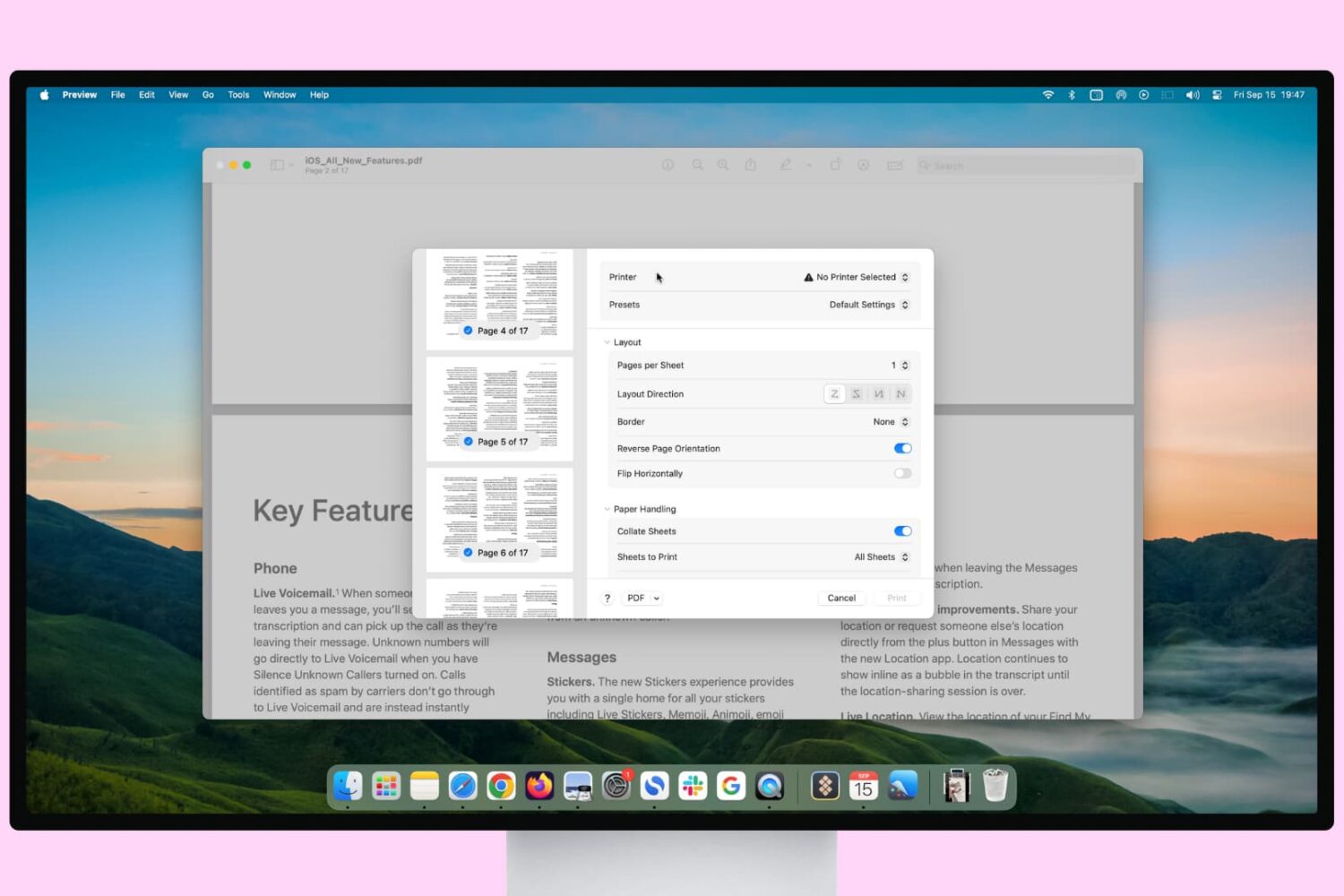
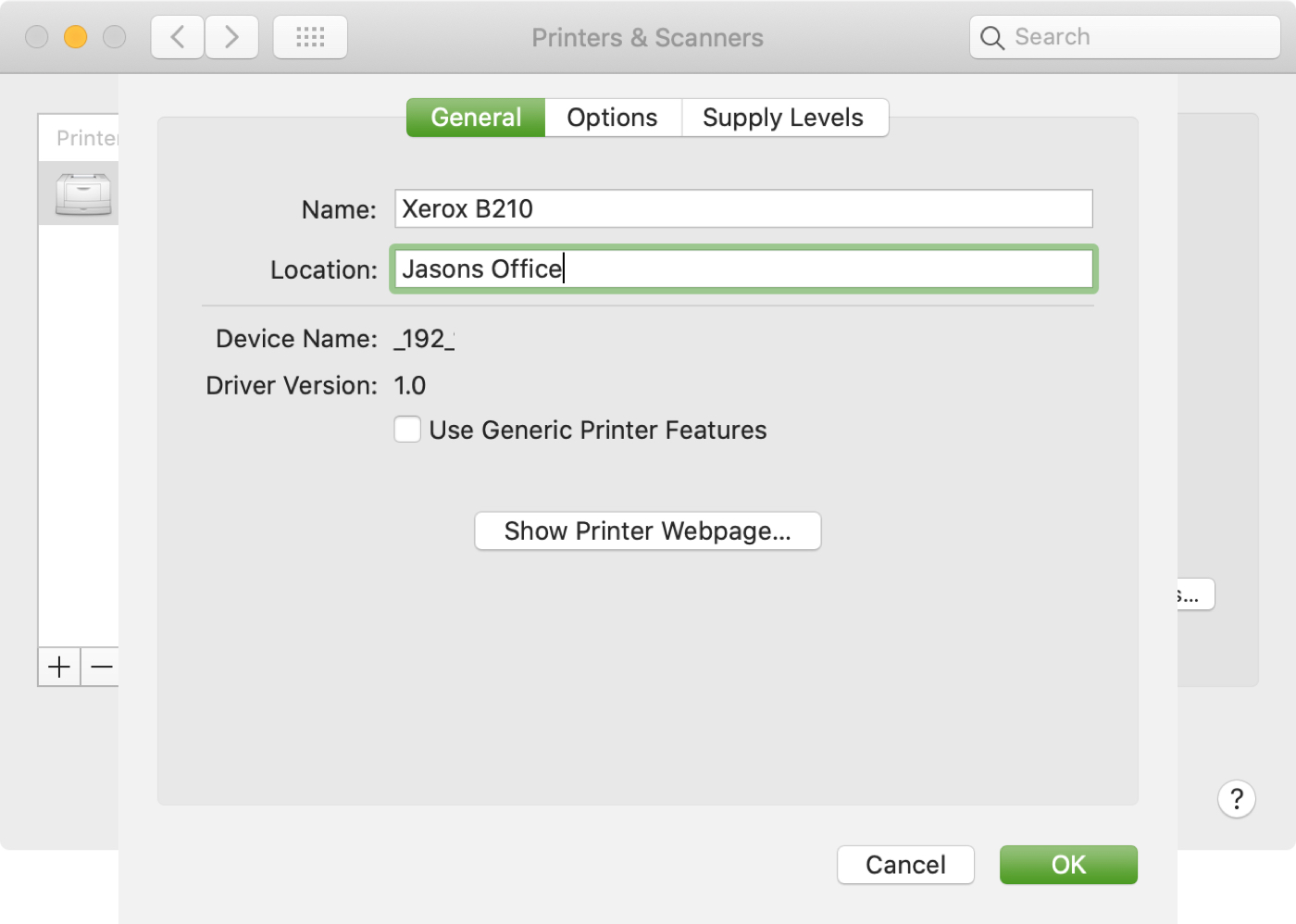
If you use more than one printer with your Mac, it’s important to know how to choose the default printer. This is useful if you take your Mac to your physical office, school, or library and then return to your home office. And if you share your Mac and printer with others, giving a name and location to your equipment is also helpful.

In this tutorial we’ll show you how to set your default printer as well as change its name and location on your Mac.

macOS Big Sur: How to make Dark Mode even darker on your Mac

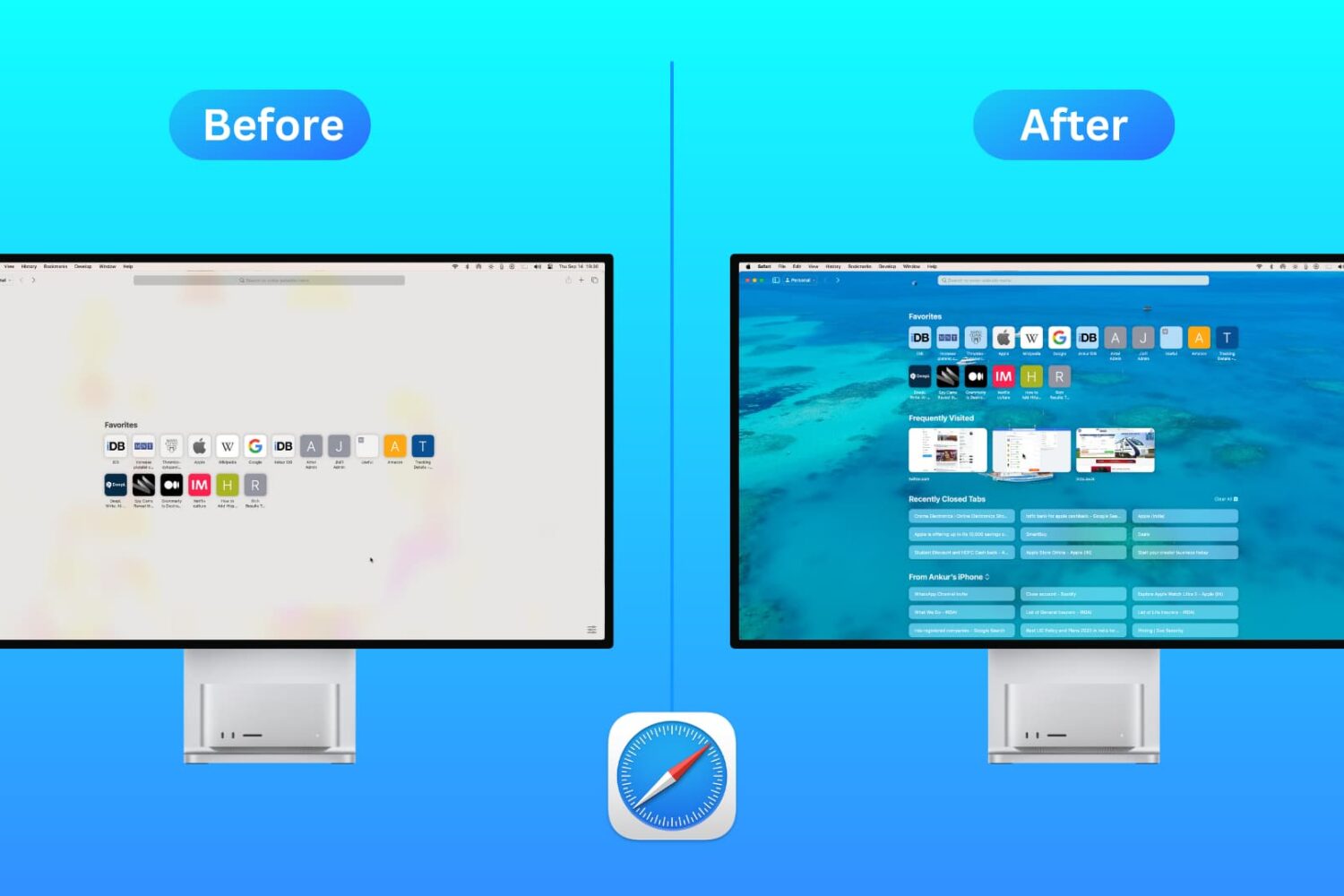
The dramatic Dark Mode look arrived to the Mac with the October 2017 release of the macOS 10.14 Yosemite software update. Fast forward three years and users can now force Dark Mode to become a bit darker thanks to a new setting in macOS 11.0 Big Sur. Follow along with our tutorial for step-by-step instructions for how to to make Dark Mode even darker on your Mac.