Learn how to hide all open apps on your Mac except the one you’re currently using, helping you declutter your workspace and stay focused on your task.
How to quickly hide all apps except for the active one on Mac
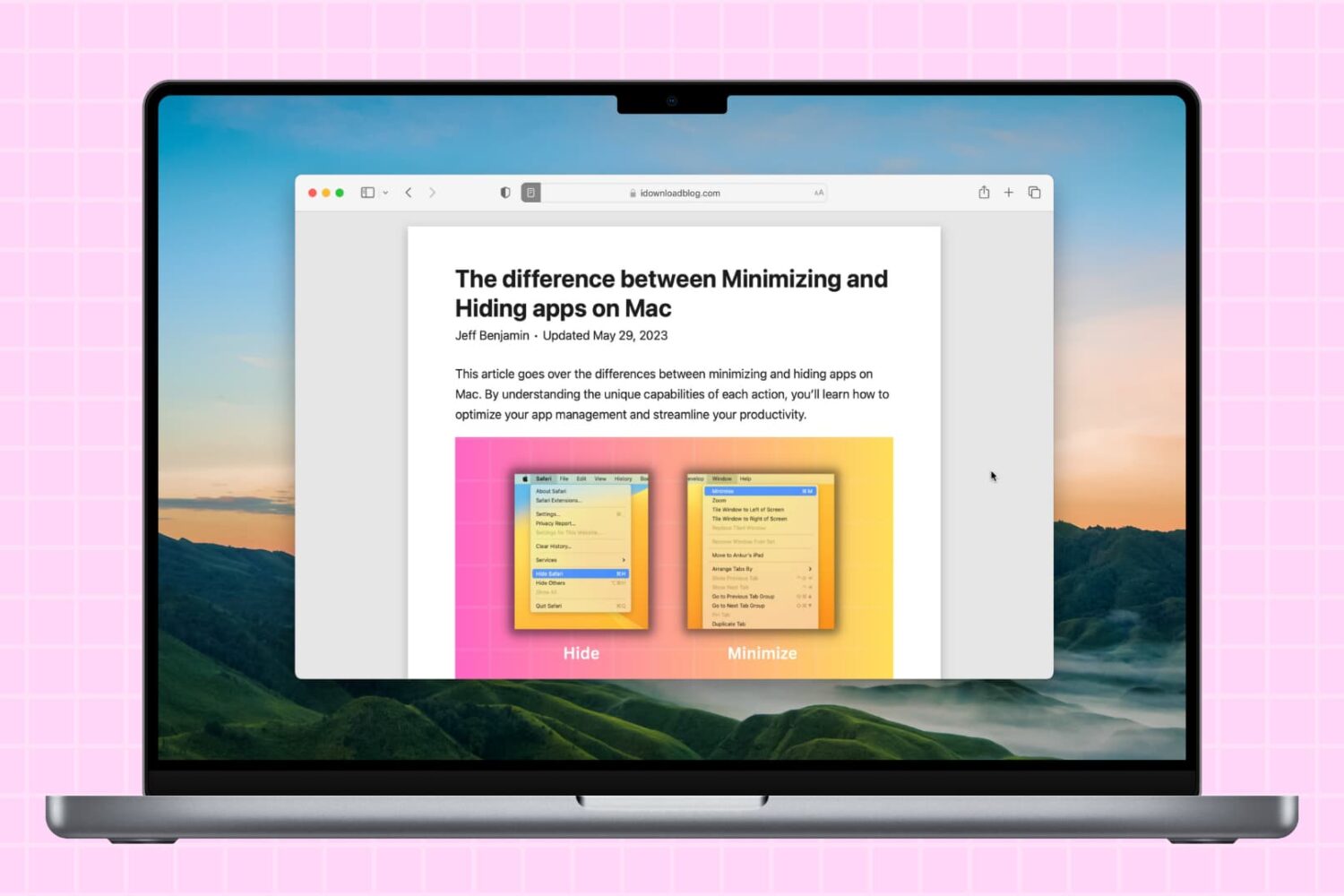
Learn how to hide all open apps on your Mac except the one you’re currently using, helping you declutter your workspace and stay focused on your task.
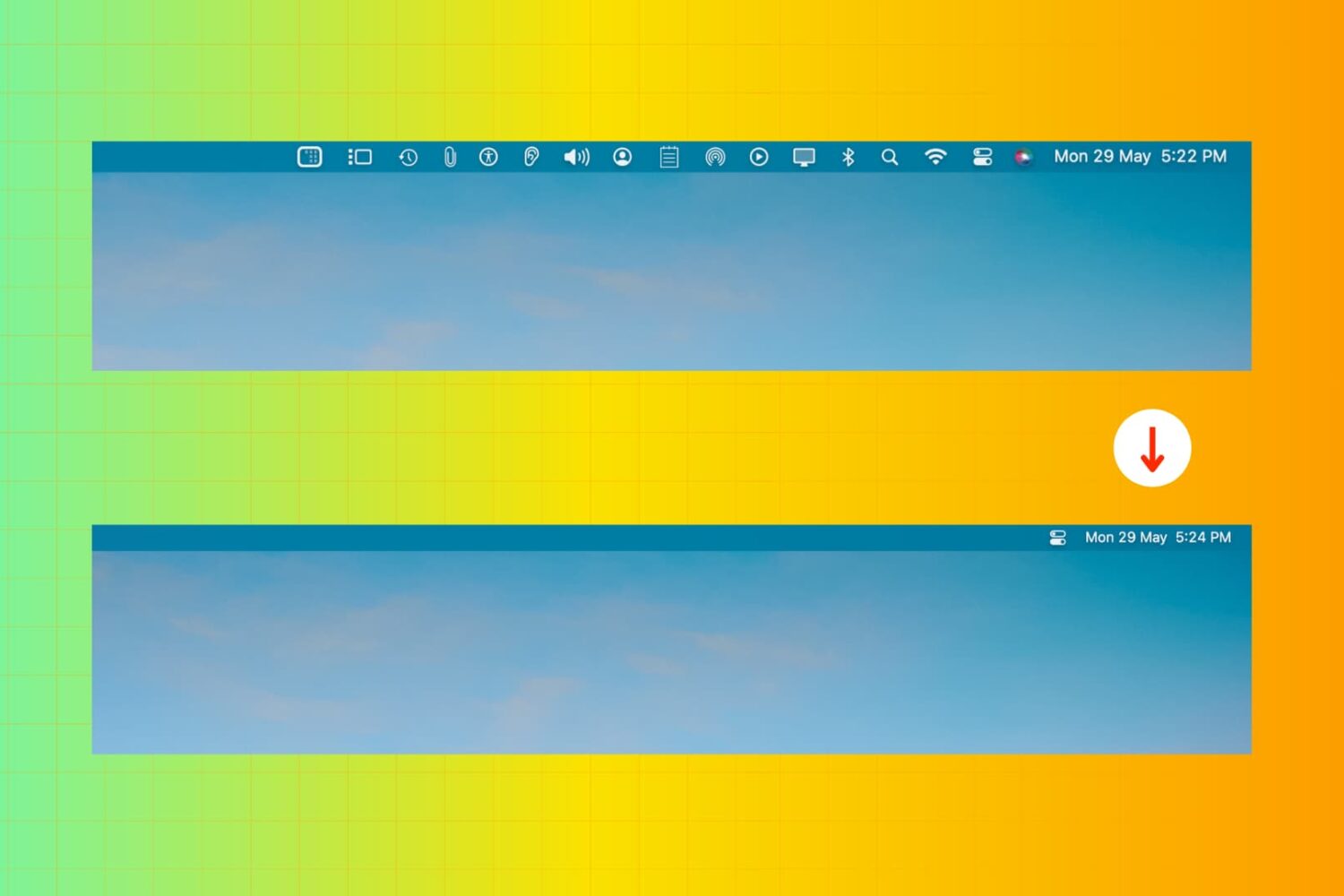
Learn about five simple ways to remove or rearrange icons in your Mac menu bar to declutter and customize it to your liking.
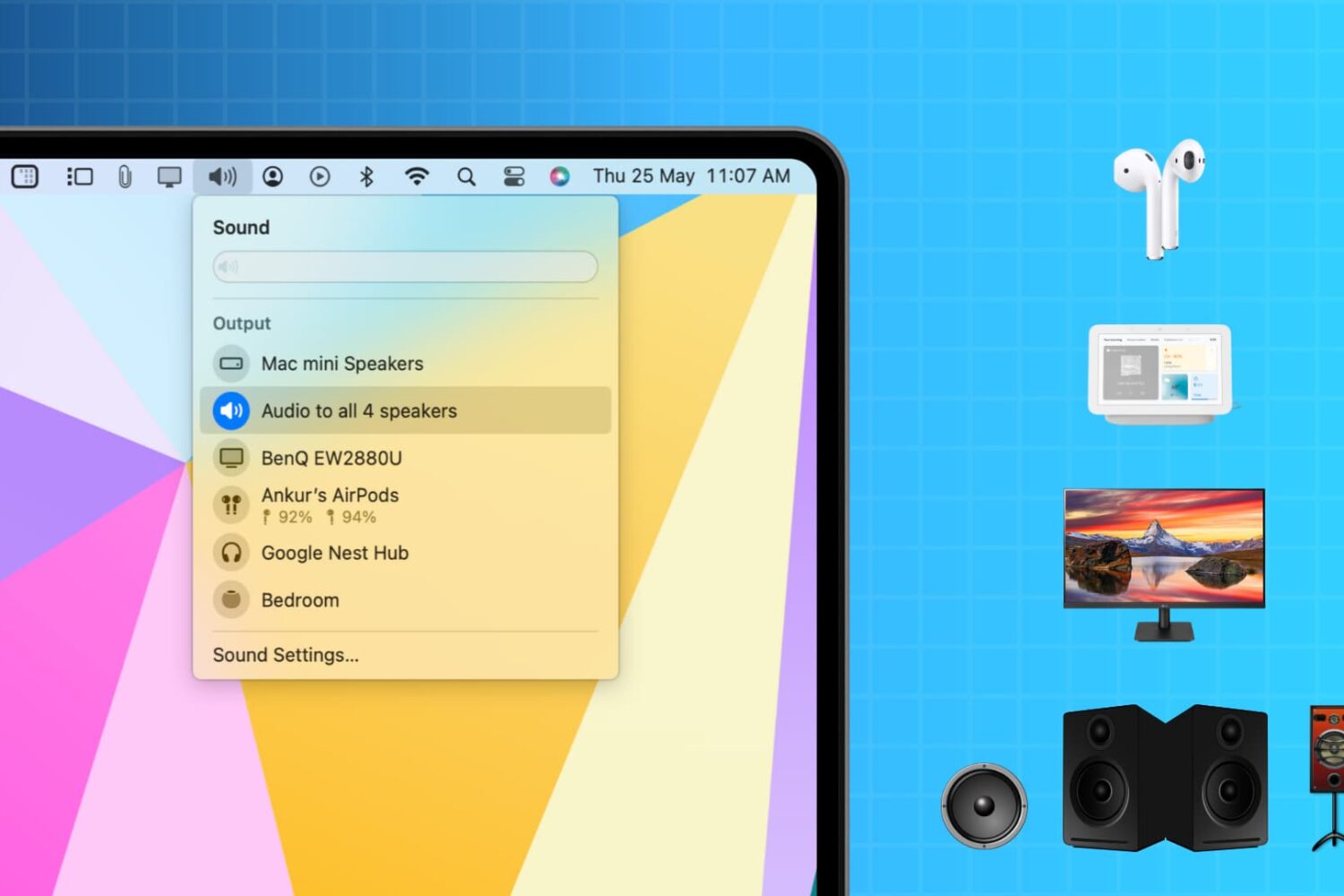
Learn how to output audio to multiple wireless or wired speakers and headphones simultaneously from your Mac to create an immersive sound experience.
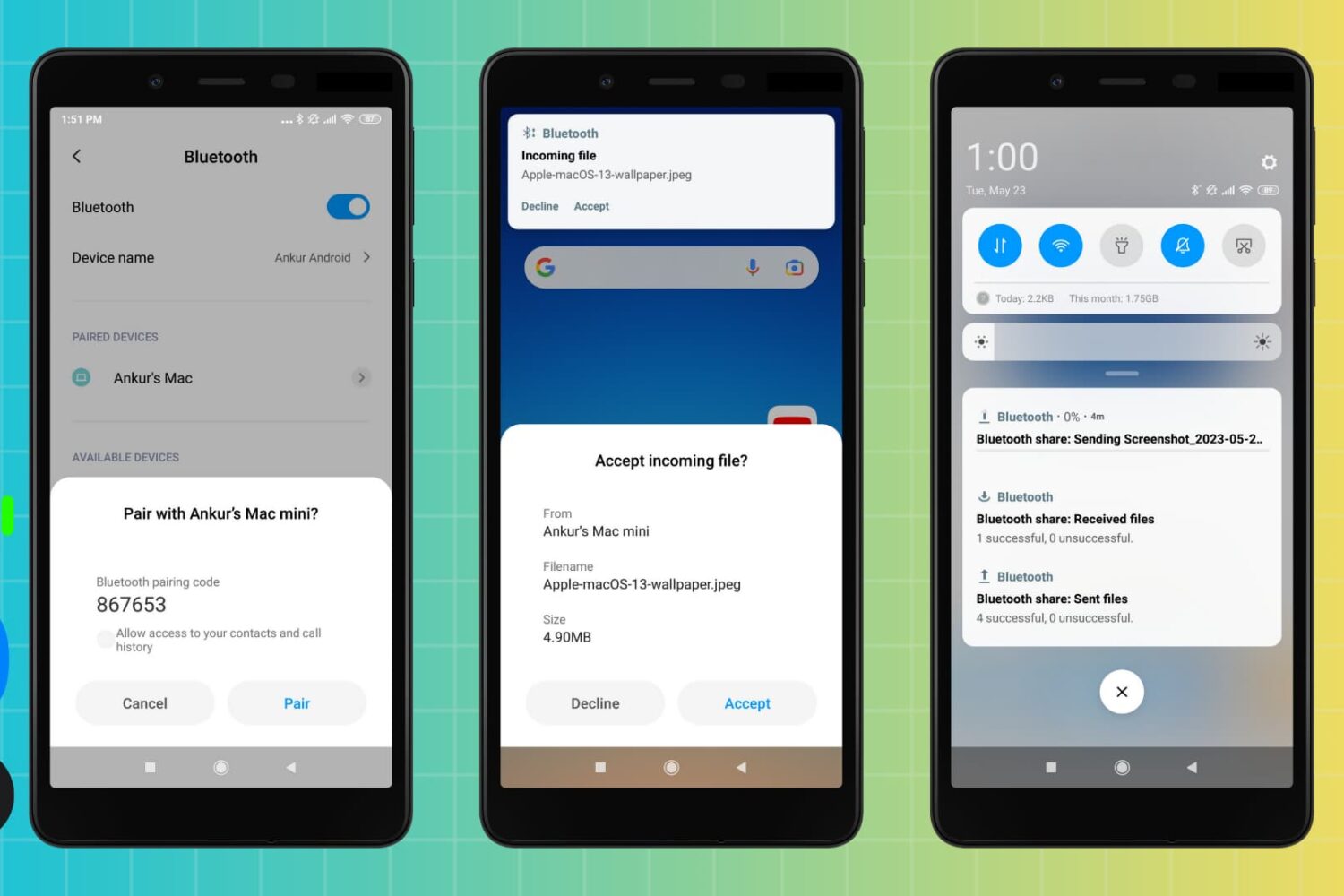
You can use Bluetooth to transfer files between an Android phone and a Mac, and vice versa. But if Bluetooth file transfers fail, the troubleshooting steps below will help you fix the problem and get your file sharing up and running again.
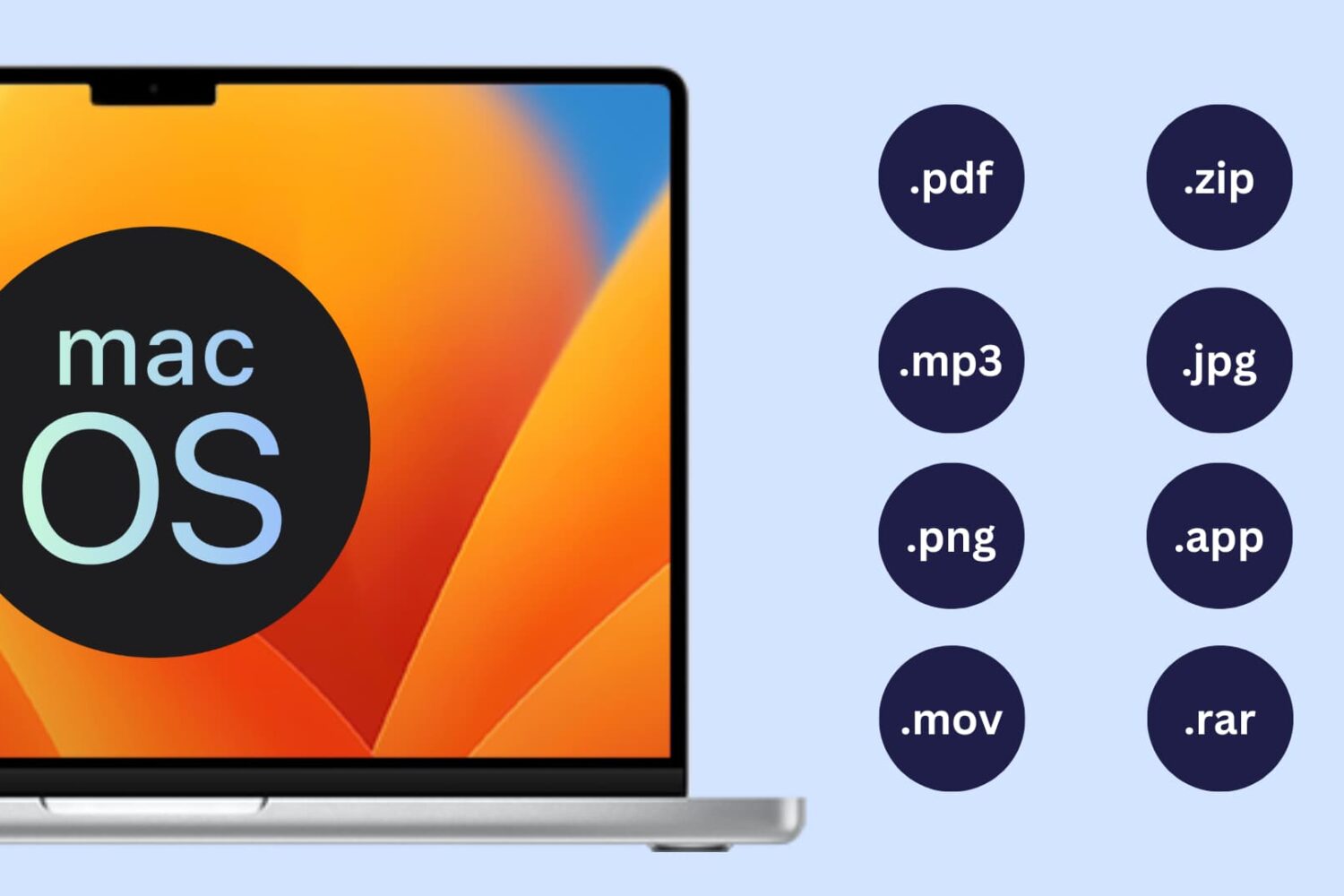
Learn how to show or hide file extensions in macOS so you can quickly identify file types and better understand what kind of file you’re working with.
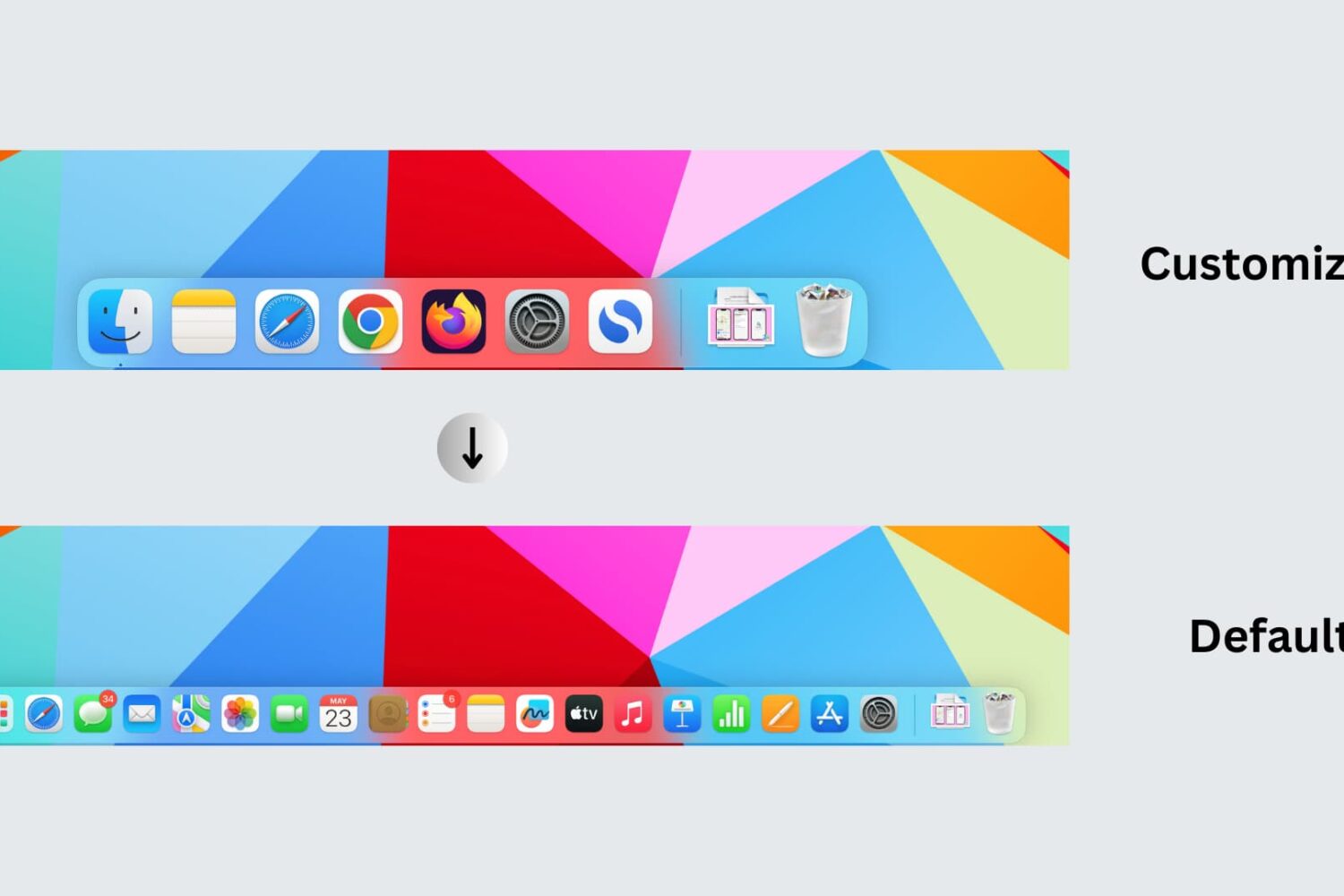
Learn how to reset your Mac’s Dock to its default settings, restoring the built-in Apple apps and settings that appear on it when you first set up your computer.
Check out some easy ways to export your text messages as PDFs from iPhone, iPad, and Mac. This will make it easier to save, organize, and share your conversations.
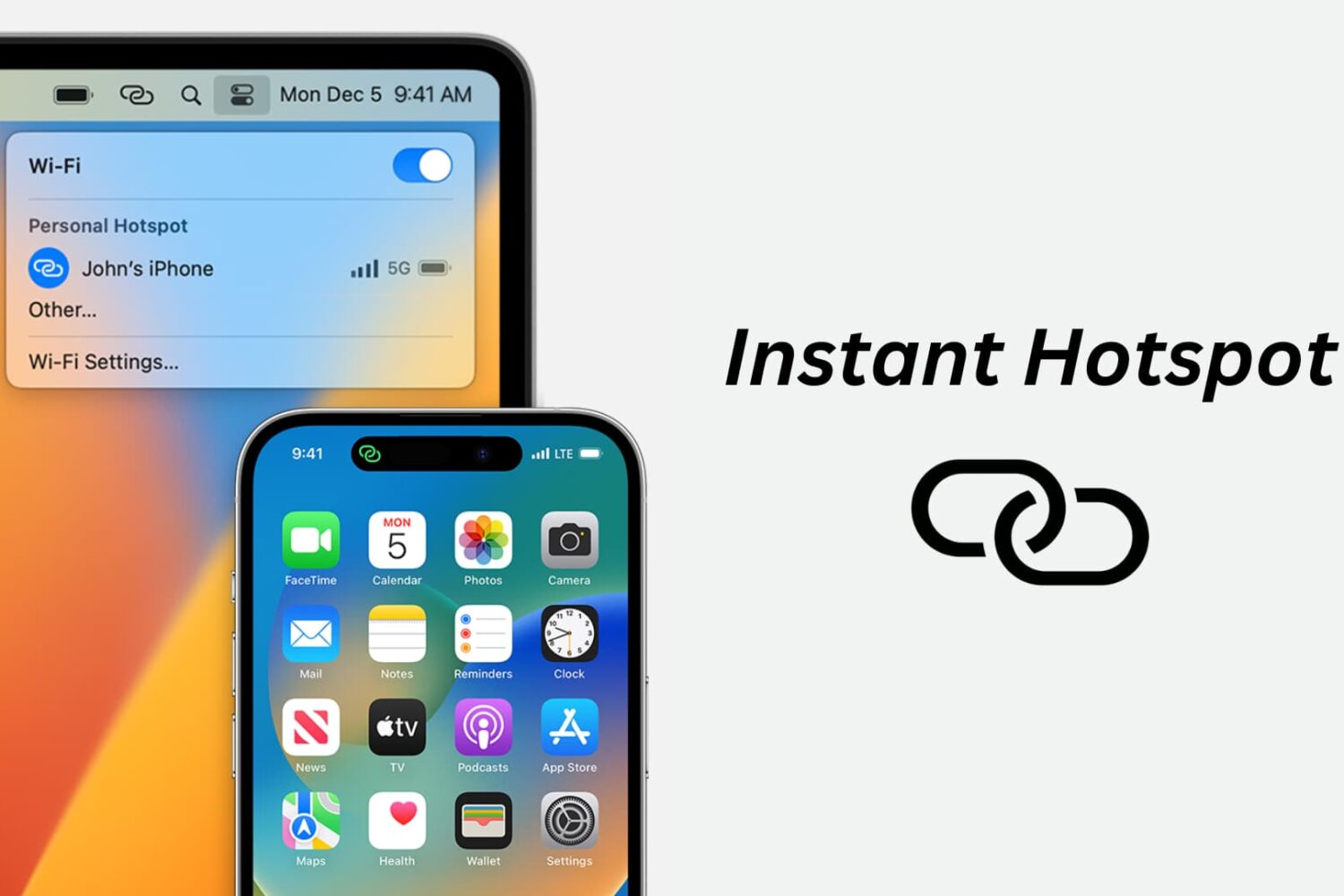
Learn how to use the Instant Hotspot feature to share your iPhone’s cellular data as an internet hotspot that other devices can connect to via Wi-Fi.
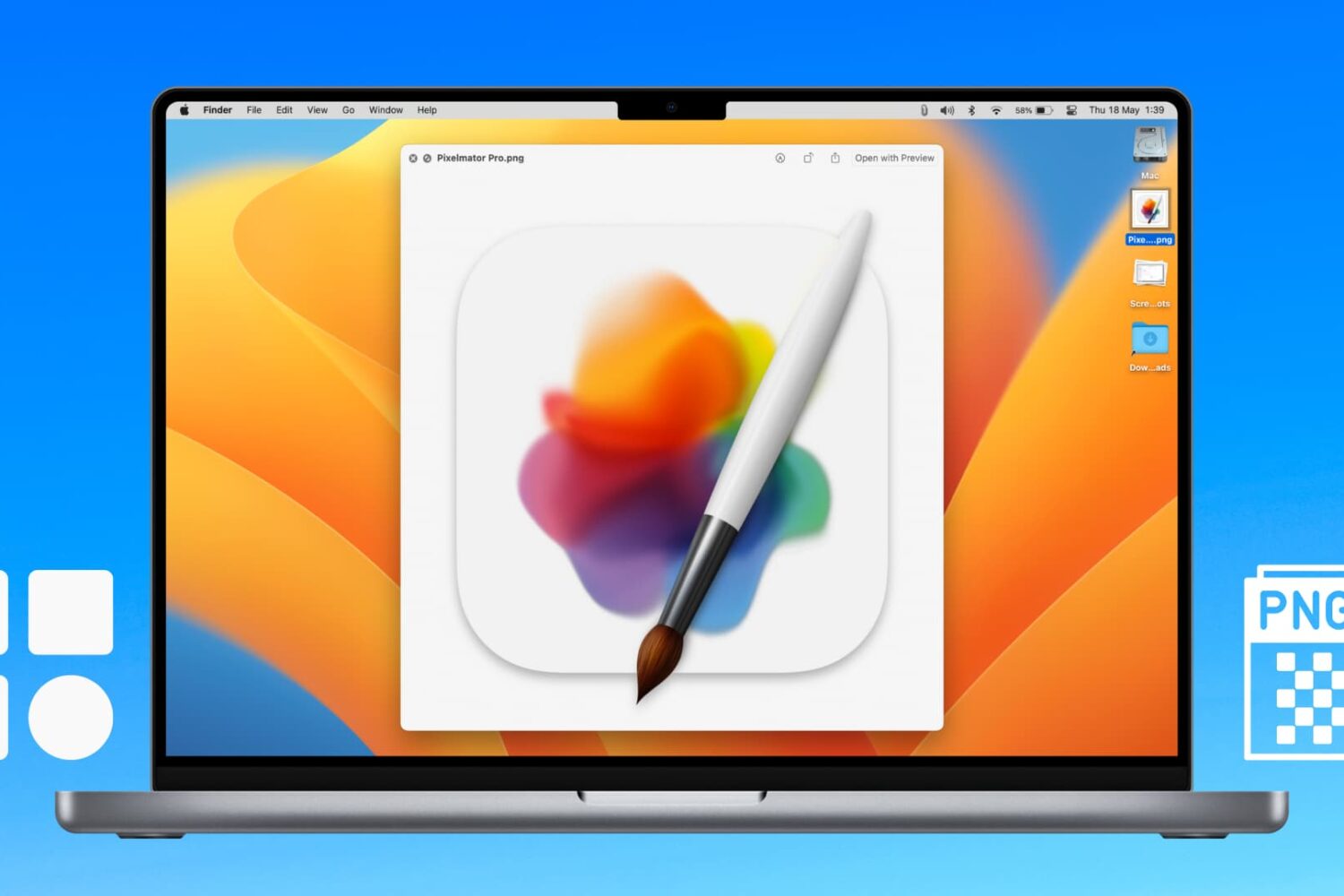
Learn how to extract icons of any Mac apps and save them in ubiquitous bitmap image formats such as PNG, JPG, and more.
Learn what to do if you cannot access your iCloud emails or send and receive emails using your iCloud account on your iPhone, iPad, Mac, and web browser.

Looking to create a PDF document? This tutorial will show you multiple free and easy ways to make PDFs on your Apple devices without using any third-party tool.
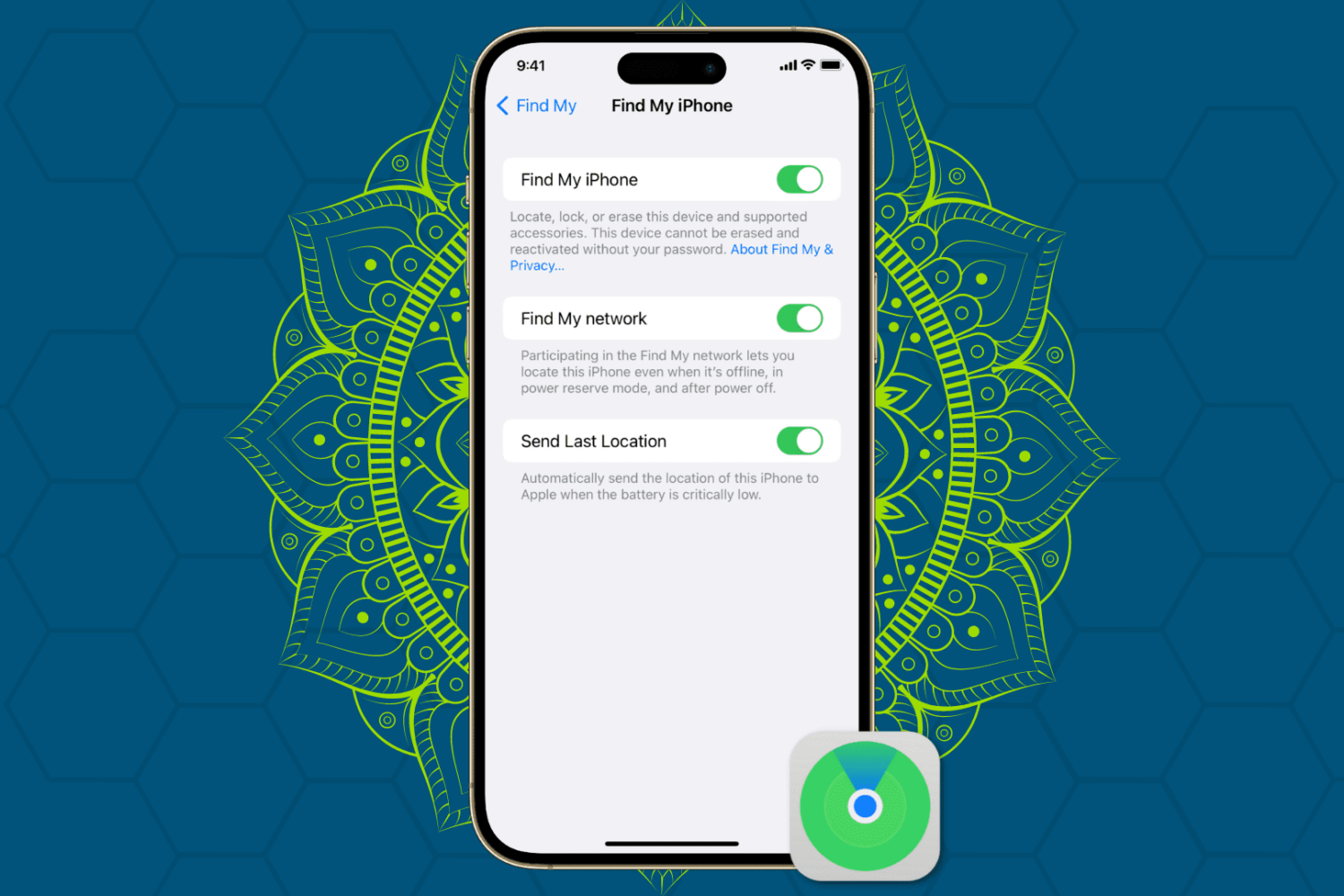
Protect your Apple devices from theft and unauthorized access by enabling Find My Activation Lock, ensuring enhanced security for your iPhone, iPad, Mac, and Watch.