Learn how to take window screenshots on your Mac without the drop shadow effect to remove distracting extra space and white borders for a cleaner look.
How to remove the shadow effect from screenshots on Mac
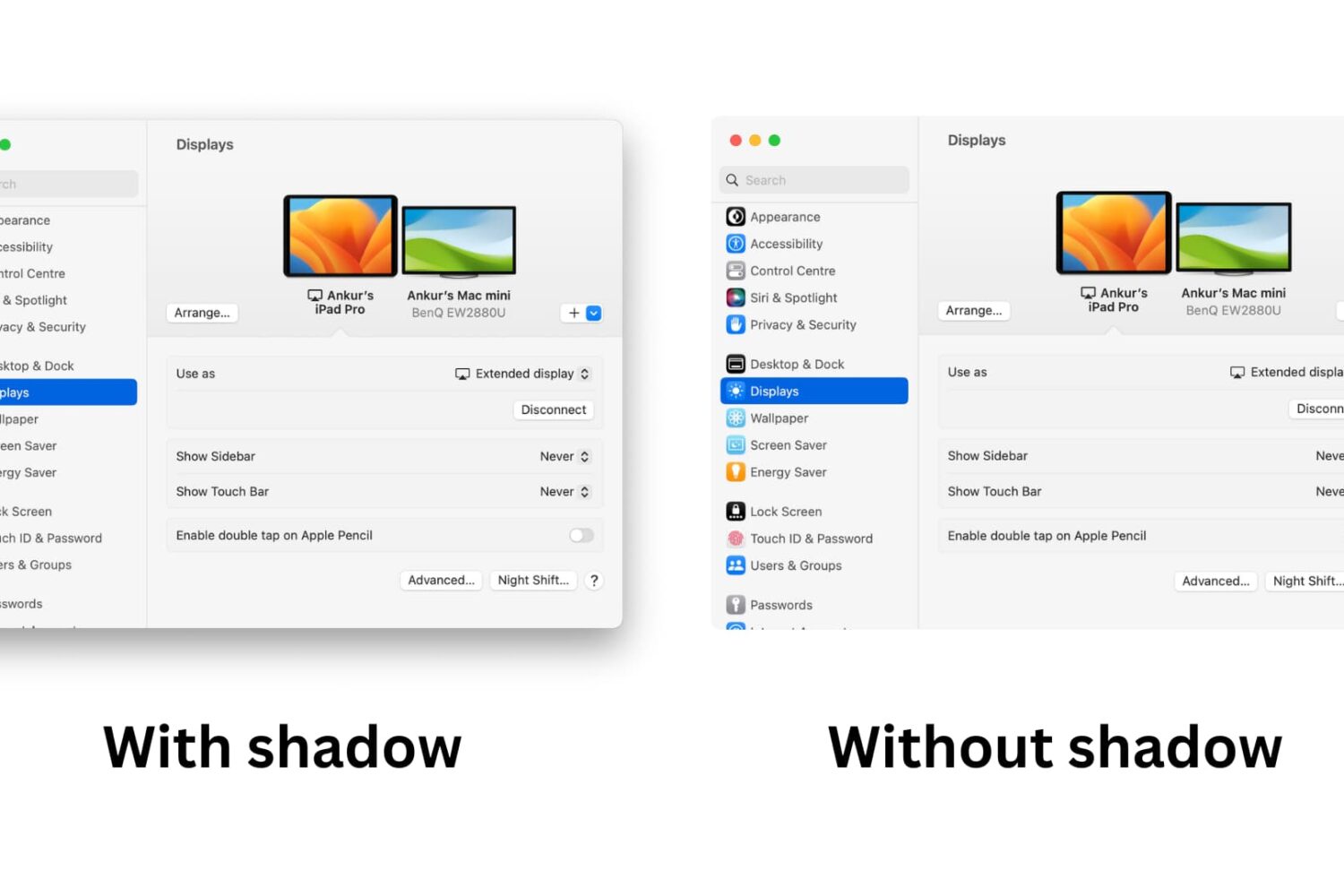
Learn how to take window screenshots on your Mac without the drop shadow effect to remove distracting extra space and white borders for a cleaner look.

Learn how to change the default macOS screenshot file format from PNG to JPG, HEIF, GIF, PDF, or TIFF to avoid manual image conversion.
Following Apple's release of a public beta of OS X Yosemite, iDB reader Antony Verros sent us some code he wrote in AppleScript, which allows users to quickly restart a computer and automatically boot up in the installed OS of choice. For anyone who installed the OS X Yosemite beta on a separate partition, this is an easy solution for booting up into Yosemite or Mavericks without having to hold down the Option key on boot to select the desired partition. The script can even be tweaked to work with BootCamp.
While it's mostly a matter of time-saving convenience, this method can prove to be quite advantageous over time, particularly for users who find themselves frequently switching between OSs, whether it be a Yosemite beta, Mavericks, or Windows 7. Having an easily accessible application for booting into another OS while making a sandwich or refilling a cup of coffee, versus having to wait around to hold down Option, can be highly useful...
Apple today opened the floodgate by posting the public beta of its upcoming OS X 10.10 Yosemite software, which launches officially sometime this Fall, and already a bunch of people took to Twitter over an error message saying the redemption code has already been used.
Each copy of Yosemite beta requires a promotional code which must be redeemed in the Mac App Store to download the installer. Is there anything you can do about this error message?
Yes, there is - and a remedy couldn't be simpler. Read on...
Pangu for the Mac was just released today, and it brings with it the ability to jailbreak iOS 7.1.x untethered. The Windows version, which was released last week to much fanfare, has already allowed many people to enjoy the fruits of jailbreaking iOS.
I think it's safe to say that the Mac version has been highly anticipated since word of Pangu first hit the Internet. For those of you who remained patient, your patience has paid off. You can now jailbreak iOS 7.1 and iOS 7.1.1 using your Mac. Check our our full video walkthrough inside for all of the details.
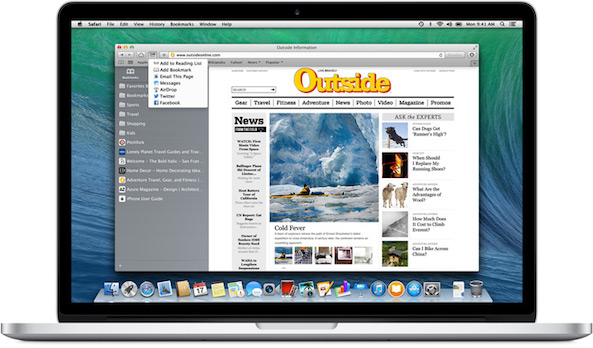
Learn how to sync Safari bookmarks between your iPhone, iPad and Mac for seamless access to your favorite websites wherever you browse.
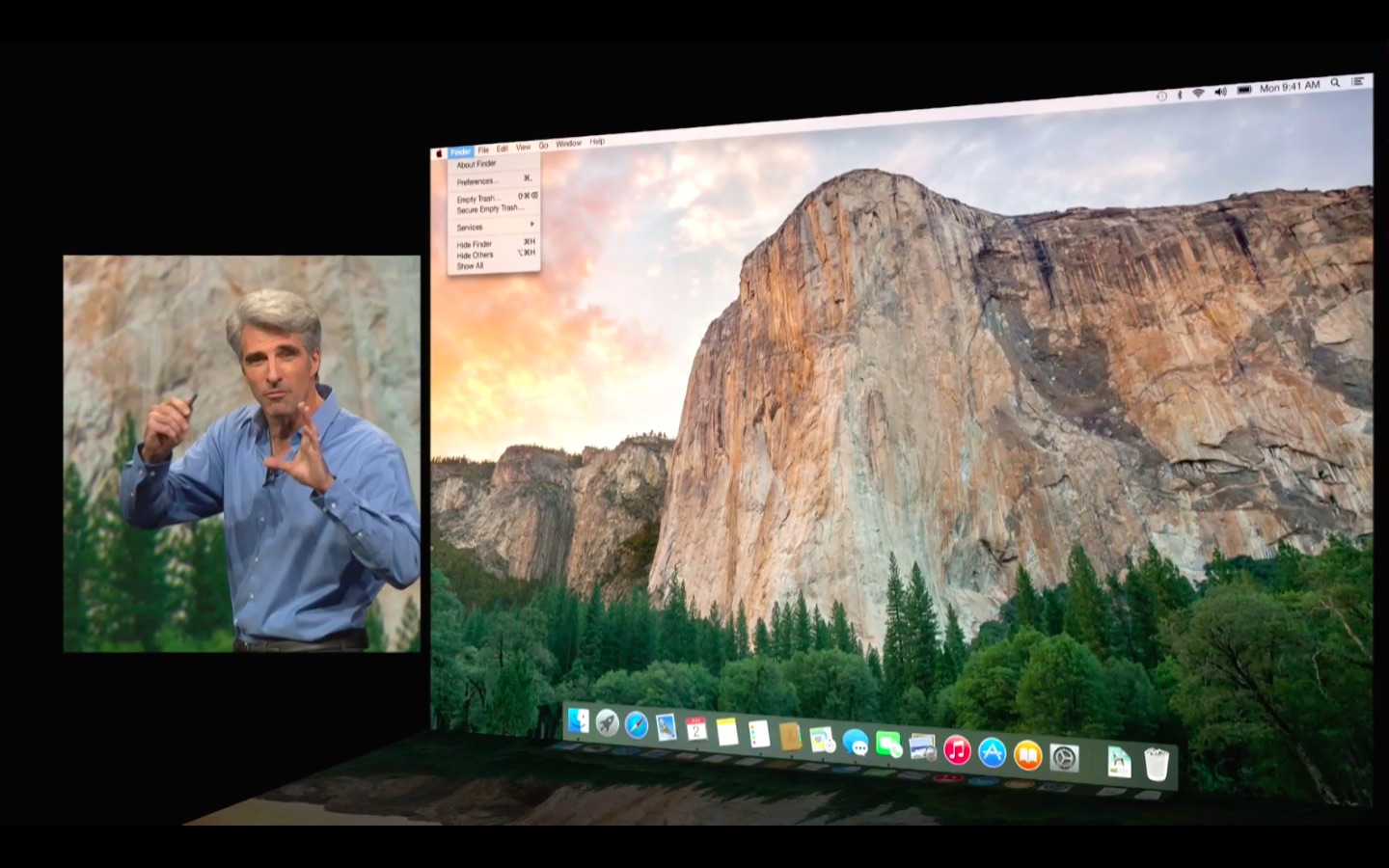
There were lots of oohs and aahs in response to Apple's software engineering chief Craig Federighi showing off a new dark UI mode in OS X Yosemite at WWDC two weeks ago. It basically alters the appearance of the menus, sliders, buttons, windows and other UI elements.
The gorgeously subdued look is inspired by the dark appearance of Apple's pro software such as Aperture and Final Cut Pro. In fact, I like it so much that I enthusiastically tweeted right after the keynote that I was very much looking forward to using it on a permanent basis come this Fall.
However, dark mode was notably absent from the first beta of OS X 10.10 and is nowhere to be found in the just-released Beta 2. For a good reason, too, as it's unfinished and very much work in progress so not really ready for prime time yet.
If you're a type of person who can't wait to see it in action, you can enable Yosemite's dark UI using just a simple Terminal command...
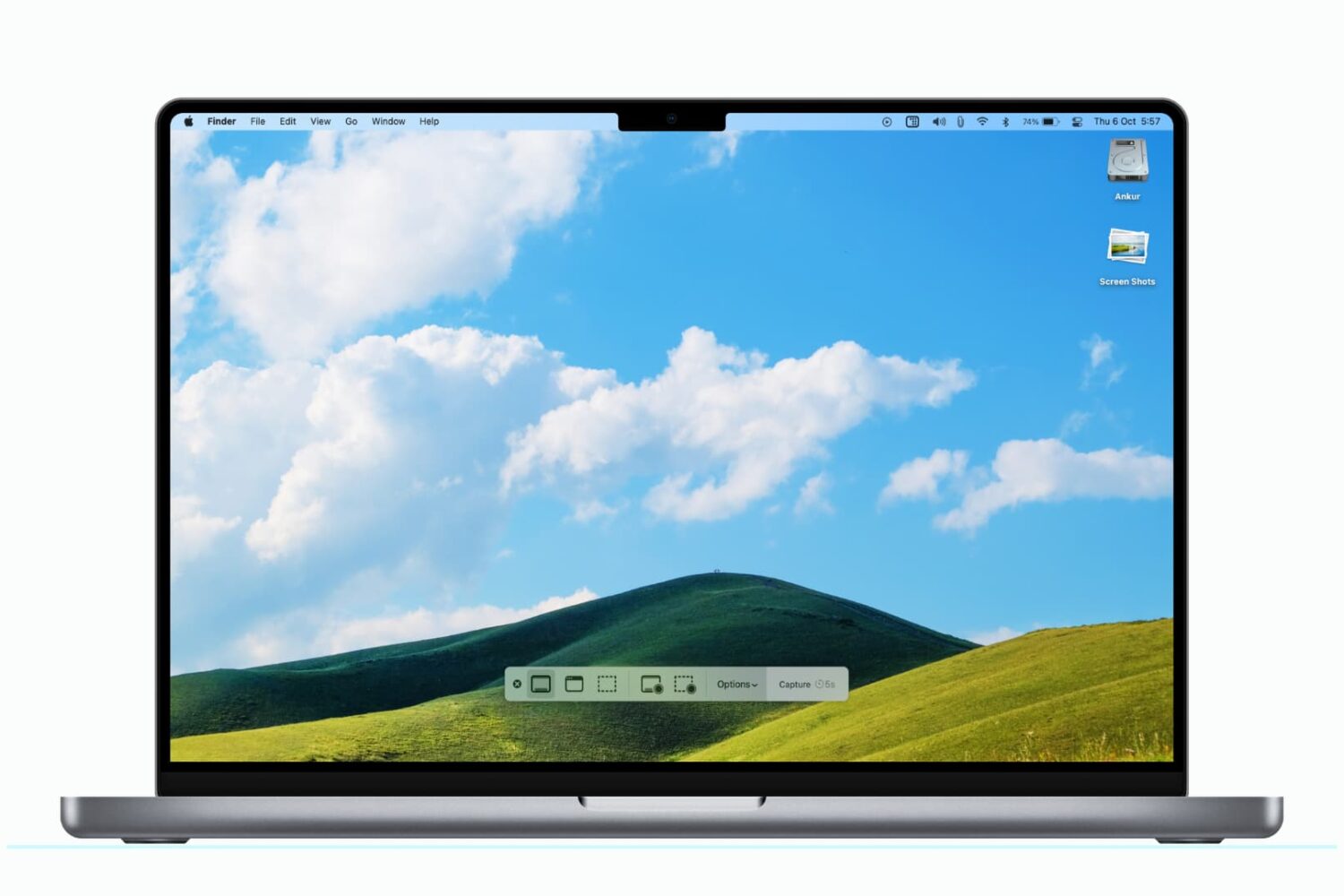
Learn how to change the default location where macOS saves your screenshots instead of piling them up on the desktop.

Find out how to remove a paired Bluetooth device from your iPhone, iPad, or Mac and learn what to do if you can’t remove them easily.
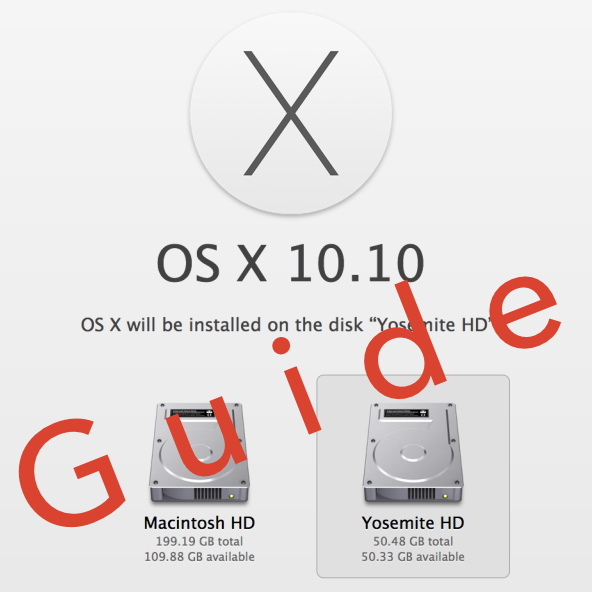
When Yosemite was first announced with all of its awesome features, I exclaimed on iDB's group chat session that I would be installing the OS as soon as it was available for download. Sebastien quickly rebuffed my excitement and told me how unreasonable it was to install a beta OS on my main machine, and especially so while I'm out of the country. After being a bit disappointed (that wasn't what I wanted to hear at all...I mean, SMS texting on OS X!) I eventually came to the realization that he was right.
But then, I remembered that I didn't need to settle. I could easily create a partition on my Mac and keep Yosemite completely separate from my main (and stable) Mavericks install. It had been a while since I had last messed around with disk partitioning in OS X, but it didn't take long before I was installing the Yosemite beta on the same Mac where my primary Mavericks install lays its head down at night.
The benefits are multi-faceted. Number one, you get to try out Apple's new OS right now. Number two, you don't have to worry about buggy beta software cramping your style; after all, you're still running your main OS on the a separate partition. Number three, it can be done quickly, and with little to no downsides (as long as you have the disk space to spare). Check inside for our full tutorial that shows you how to install OS X 10.10 Yosemite on a separate partition on your primary Mac.

Learn how to stream music, videos, and movies from your Mac to your iPhone, iPad, or another Mac using Apple’s built-in Home Sharing feature.
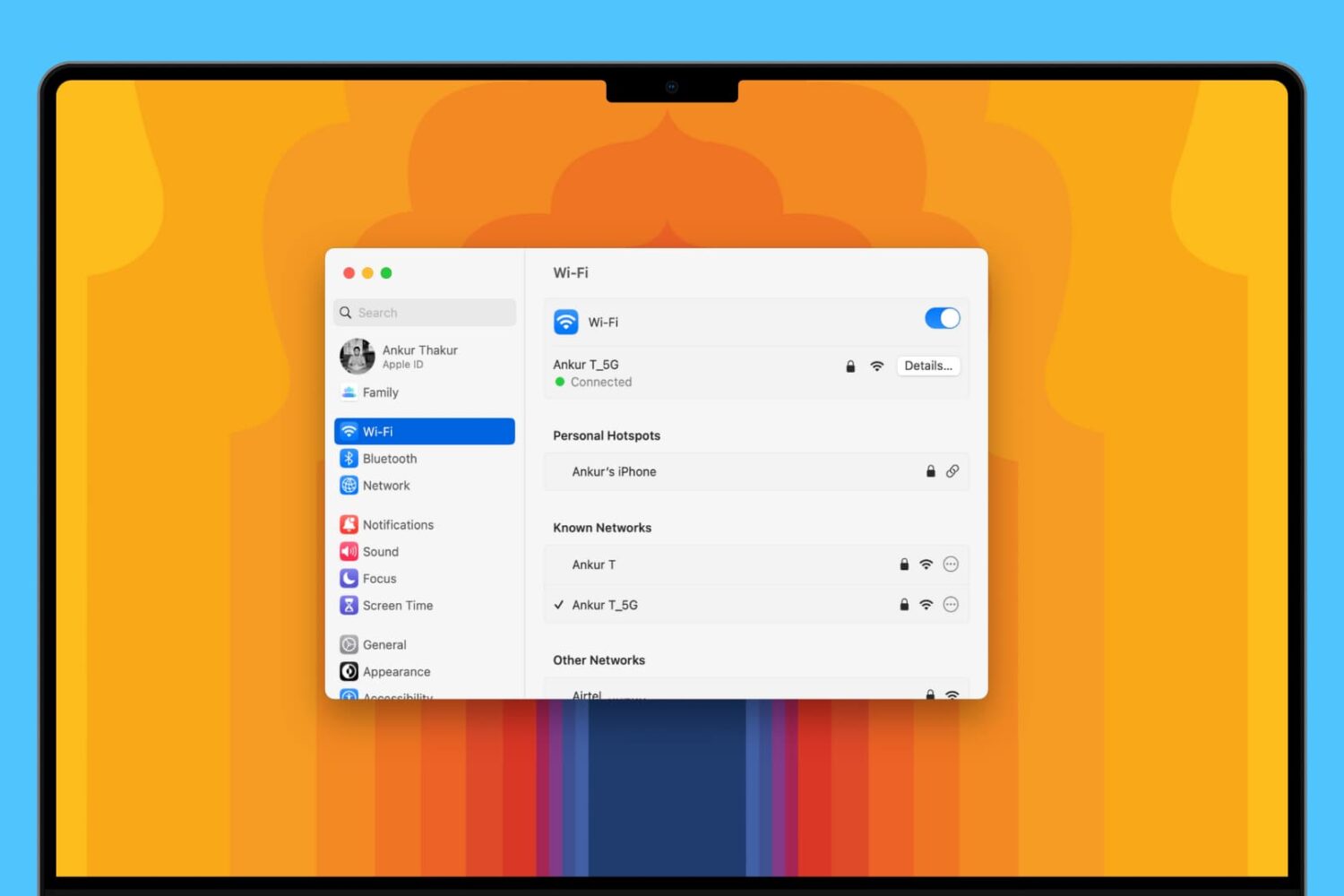
Learn about 5 quick ways to see the saved Wi-Fi passwords on your Mac if you need to connect a new device or simply want to share the password with someone else.