Hack

How to jailbreak iOS 9.3.3 with Pangu [English]

Pangu released an English version of its iOS 9.2-9.3.3 jailbreak tool on Friday, which gets the same job done as the Chinese jailbreak tool that was released over the weekend.

In this tutorial, we'll show you how to jailbreak your iOS 9.3.3 device with Pangu on Linux, Mac, and Windows with the new tool.

Apple is reportedly revoking some certificates used to jailbreak iOS 9.3.3 from Safari

Over the weekend, Pangu and 25PP launched a jailbreak for iOS 9.2-9.3.3, and not long after, iOS developers found a way to make the jailbreak possible via the Safari web browser without the need to use a computer.

Unfortunately, however, Apple appears to be blocking the enterprise certificate that has been used in this process, so attempting jailbreaks from the device itself isn't currently working.

Properly rebooting your device after jailbreaking with Pangu or Yalu

Those of you who have jailbroken your iOS 9.2-10.2 devices with the Pangu jailbreak tool or the Yalu jailbreak tool should know by now that it's a semi-untethered jailbreak. This means you have to re-run the jailbreak app from your Home screen every time you reboot your device.

In this piece, we'll talk about how to reboot your semi-untethered jailbroken iOS 9.2-10.2 device properly so that Cydia works as expected after your device turns back on.

Apple likes the fact that the prices for iPhone vulnerabilities are high

FBI and Apple logos

In order to gain access to San Bernardino shooter's iPhone 5c beyond the Lock screen, the United States government eventually had to pay through the nose to a third-party to exploit a little-known iOS vulnerability and break into the device. According to FBI director James Comey, the agency paid at least $1.3 million for the hack.

Analyzing the black market for so-called zero-day iPhone vulnerabilities, a top Apple security engineer is actually pleased by the fact that they command steep prices because it means they're rare and difficult to pull off, Business Insider reported Monday.

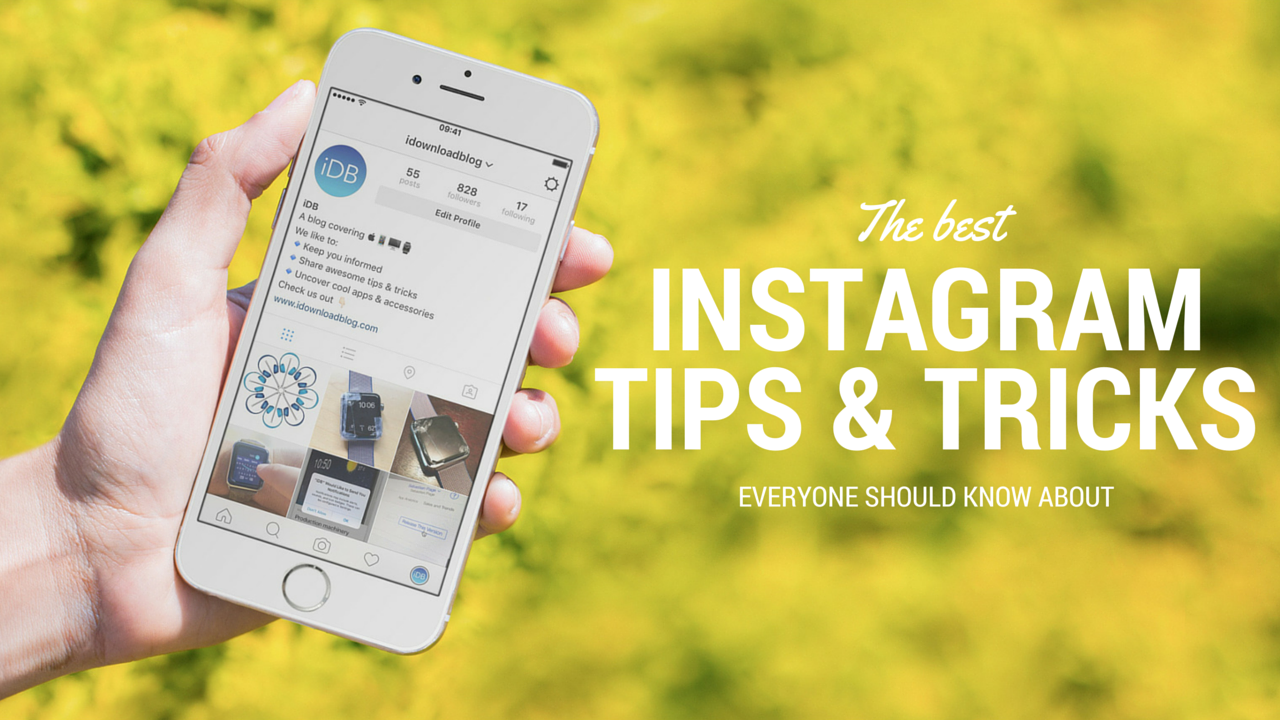
15 Instagram hacks, tips and tricks you should know about

Over the years, I've learned or picked up a few Instagram hacks and tricks that I'm going to share with you. They aren't life changing by any means, but they can be helpful, fun, or just make your Instagram usage more enjoyable. Chances are, you already know some of these tips, but I'm hoping you will still learn a thing or two along the way.

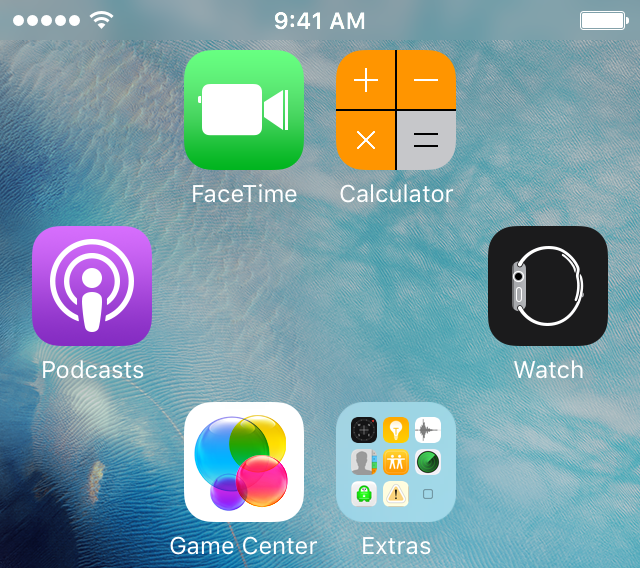
Tip: create empty spaces between apps on the Home screen, no jailbreak needed

One of the top things that those without jailbreaks wish they could do is put blank spaces between app icons on the Home screen.

Whether it's to help with your creative organization technique, or to simply add a personal touch or pattern to your Home screen, you may be excited to hear that it's possible to create blank spaces between your app icons on a completely stock, non-jailbroken iOS device.

In this tutorial, we'll talk about how you can generate blank spaces between your app icons on the Home screen, as shown above, without having a jailbreak.

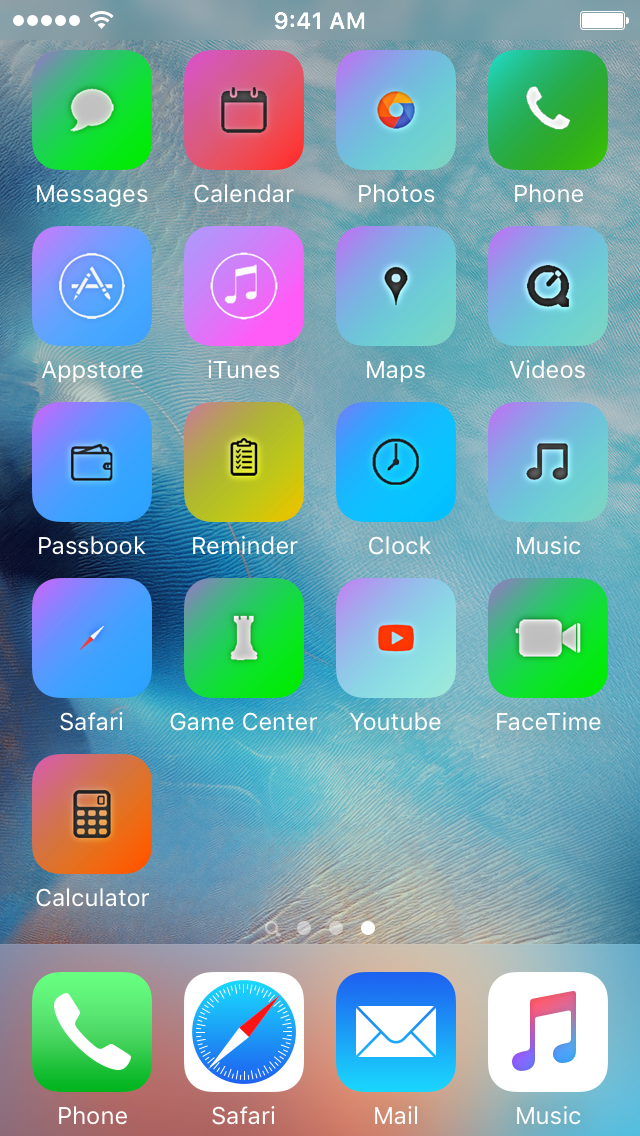
Installing themes on your iPhone without a jailbreak

Theming your iPhone, iPod touch, or iPad has been a long time primary reason of jailbreaking. Unfortunately, as the wait for a new jailbreak becomes ever so longer in between iOS releases, the jailbreak scene is becoming less reliable for getting the features you want on the latest version of iOS.

For those who are tired of waiting, iSkin is a new platform that can be used directly from your Safari web browser to install themes on your iOS device without a jailbreak, and we'll show you how it's used in this tutorial.

A handy collection of Snapchat hacks (from a pro user)

Snapchat has helped me realize I'm getting really old, really fast. While I understand the appeal of the platform, I just can't get into it, yet it fascinates me to see how popular it is to younger users, some of them spending hours and hours in there each day.

This video popped up in my YouTube feed over the weekend, and not only did I find the content very interesting, but what struck me even more was how Victoria Samson delivered the message. To me, she perfectly illustrates the Snapchat generation.

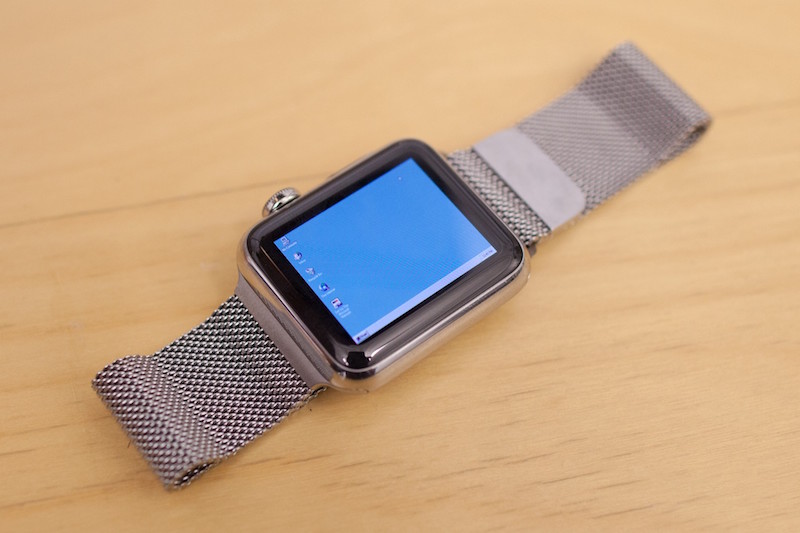
Developer manages to run Windows 95 on an Apple Watch

A developer for the Apple Watch has found a way to emulate the Windows 95 operating system experience on Apple's flagship wearable accessory.

Albeit nothing more than a concept, it really does show off how powerful the Apple Watch's internal hardware really is. This is just one of those things you have to see to believe.

Phishing emails: what they are and how to report them

Emails are a popular way to keep in touch with people, be it friends, family, or co-workers, but often companies that you deal business with will send you the occasional promotional email if you signed up for subscriptions.

Sometimes, you get an email that you think is legit, and it turns out it's just a fake email pretending to be something it's not and it tries to get you to click on stuff or give up your personal information. These emails are malicious and they're known as phishing emails.

In this piece, we'll go over some of the things you can look for to tell if the emails you're getting are legitimate, or if they're a con artist trying to scam you of your personal information.