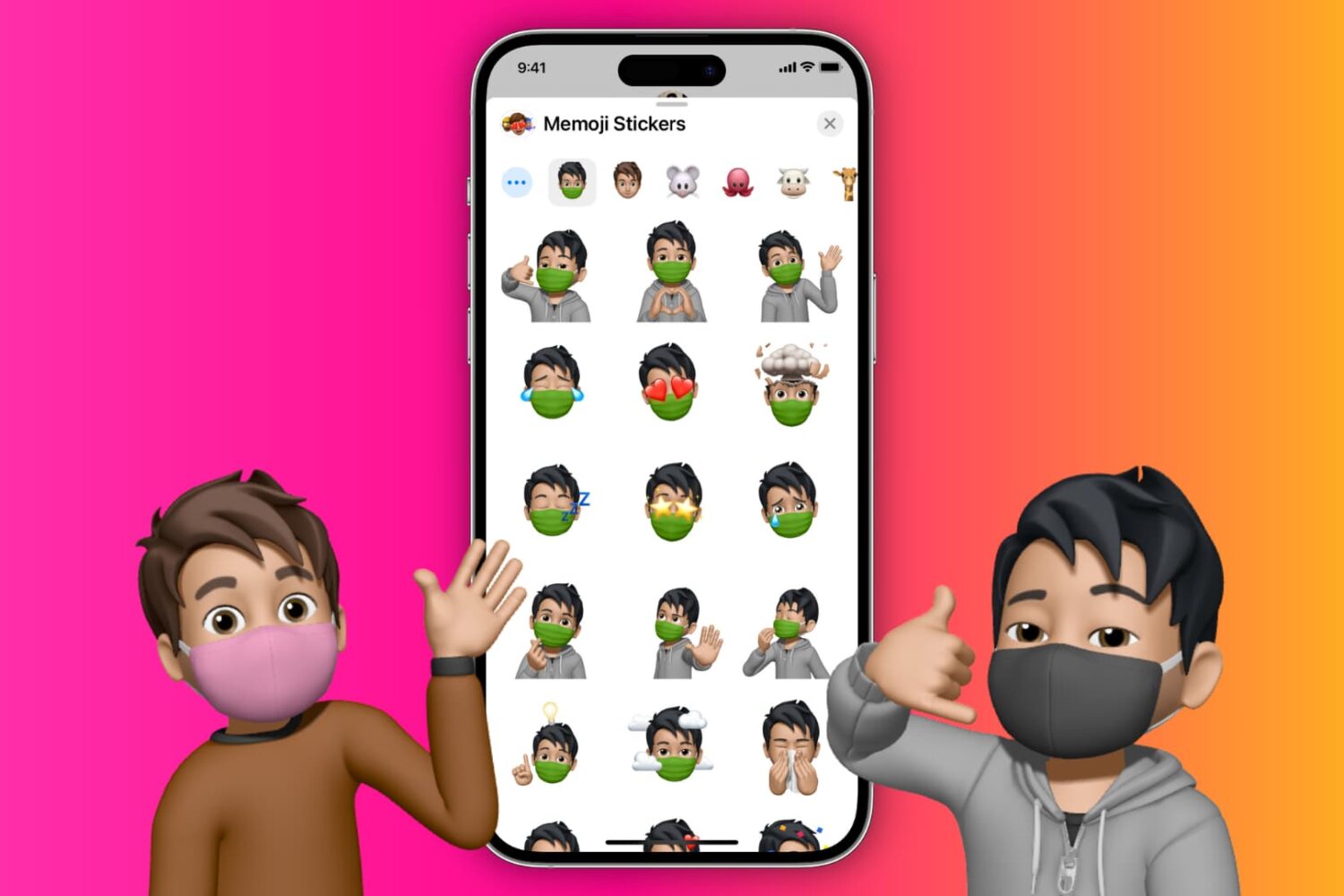
In this tutorial, we'll show you how to quickly find and insert emojis when you're using a hardware keyboard with your iPad.
How to insert emojis when using a physical keyboard with iPad
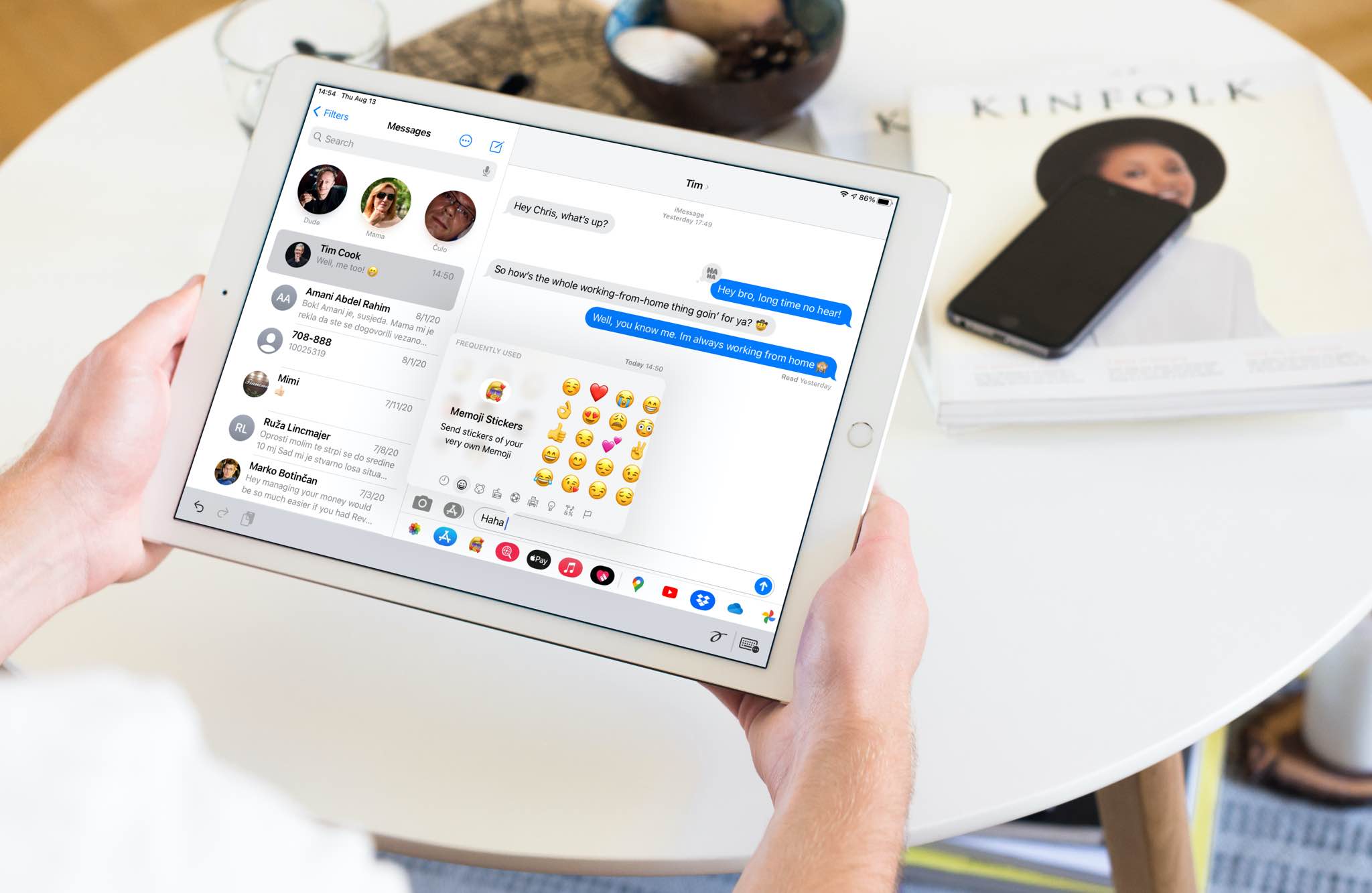
In this tutorial, we'll show you how to quickly find and insert emojis when you're using a hardware keyboard with your iPad.
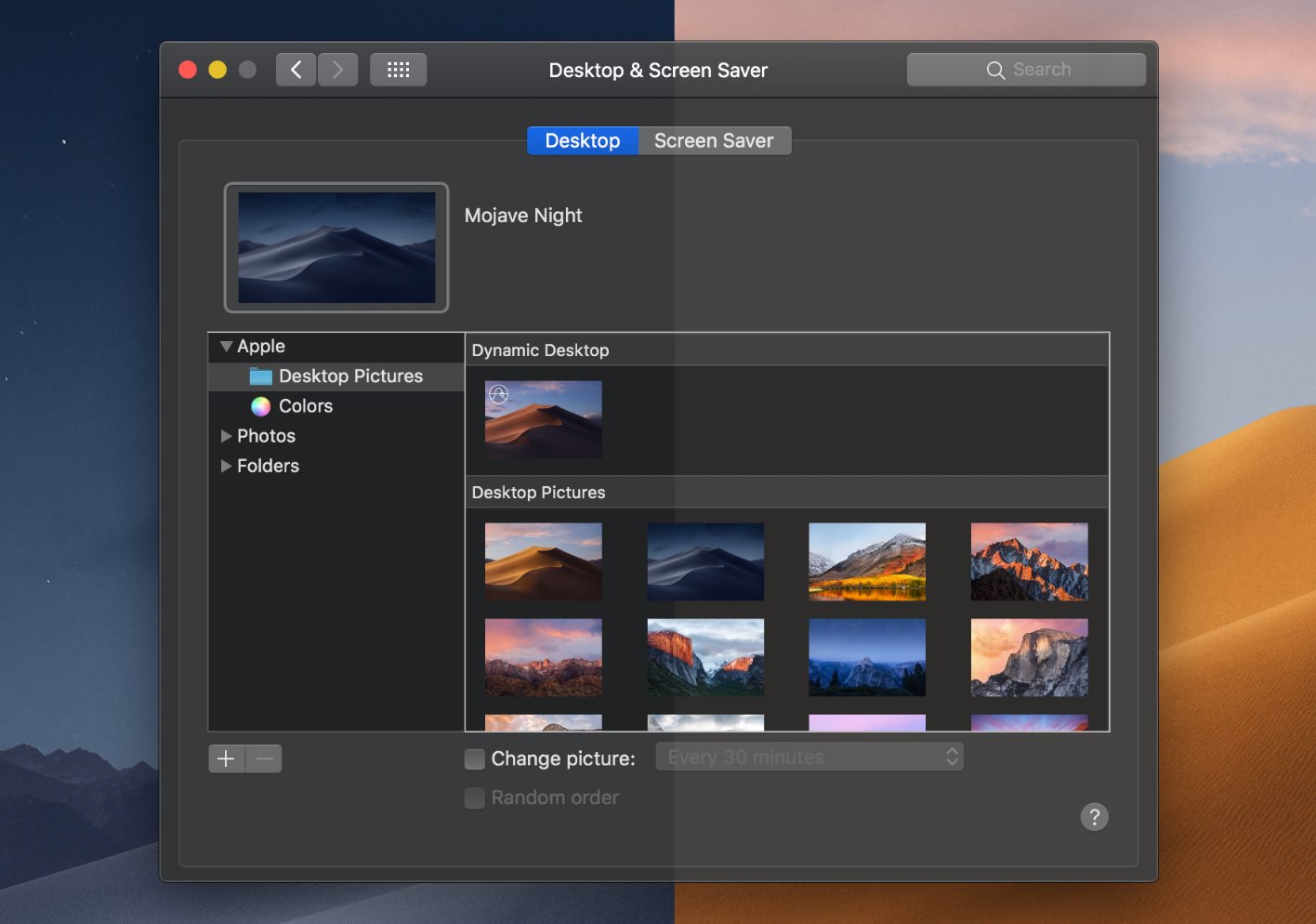
The dramatic Dark Mode look arrived to the Mac with the October 2017 release of the macOS 10.14 Yosemite software update. Fast forward three years and users can now force Dark Mode to become a bit darker thanks to a new setting in macOS 11.0 Big Sur. Follow along with our tutorial for step-by-step instructions for how to to make Dark Mode even darker on your Mac.
Learn how to stop your iPhone from flipping selfies and instead save un-mirrored originals that match exactly what you see in the Camera app’s viewfinder.
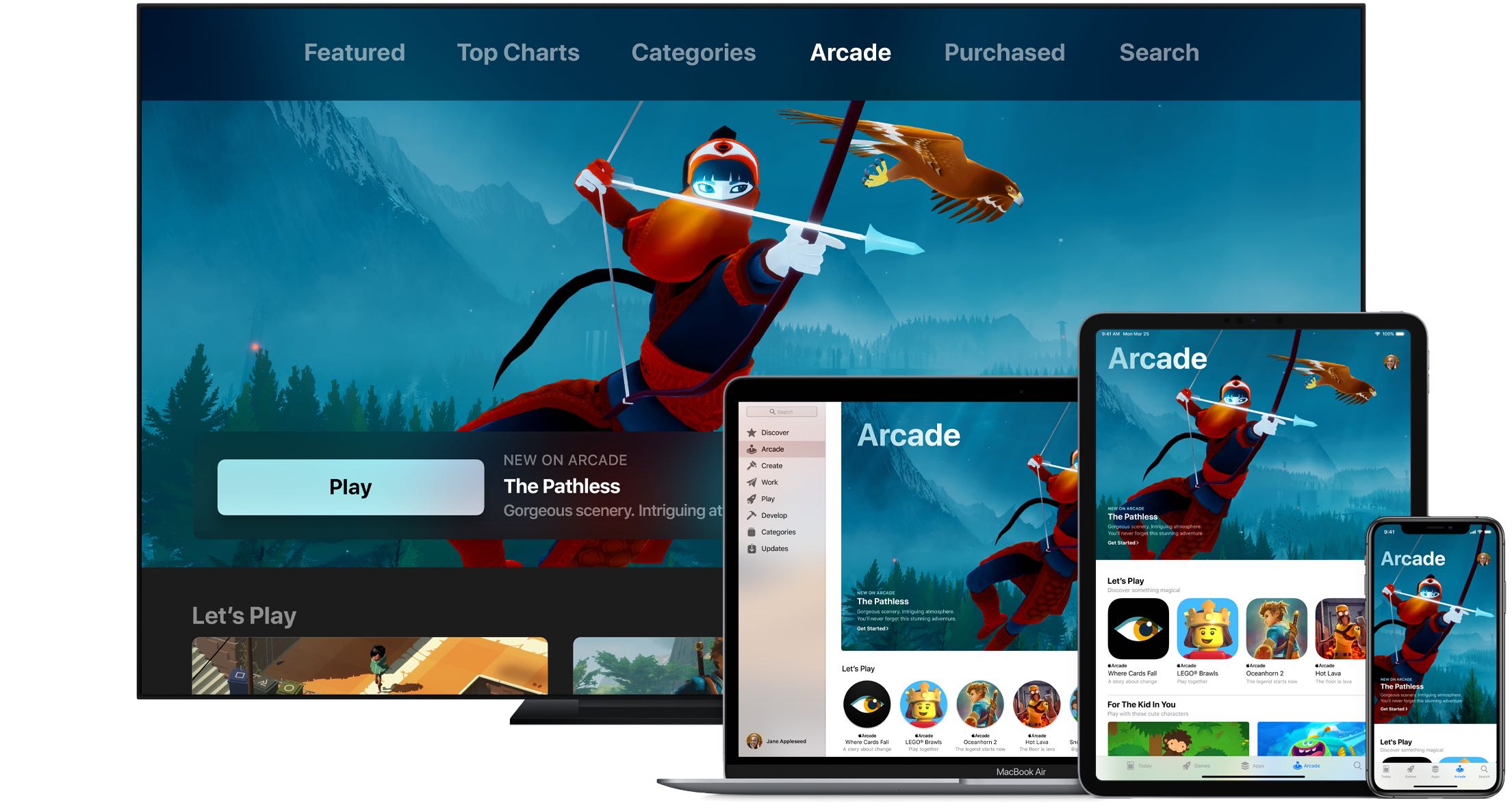
Wouldn't it be great if you could see upcoming games that will launch soon on Apple Arcade, the iPhone maker's game-subscription service? With the new App Store features available on iOS 14, iPadOS 14 and macOS 11 Big Sur, you can do just that. Follow along with our quick tutorial as we show you how to get a sneak peek at upcoming Apple Arcade games.

If anything, the US elections and the coronavirus crisis have reminded us yet again how rapidly misinformation can spread through social media and messaging platforms. To help with that, you now have the ability to fact-check forwarded WhatsApp messages, and we show you how.
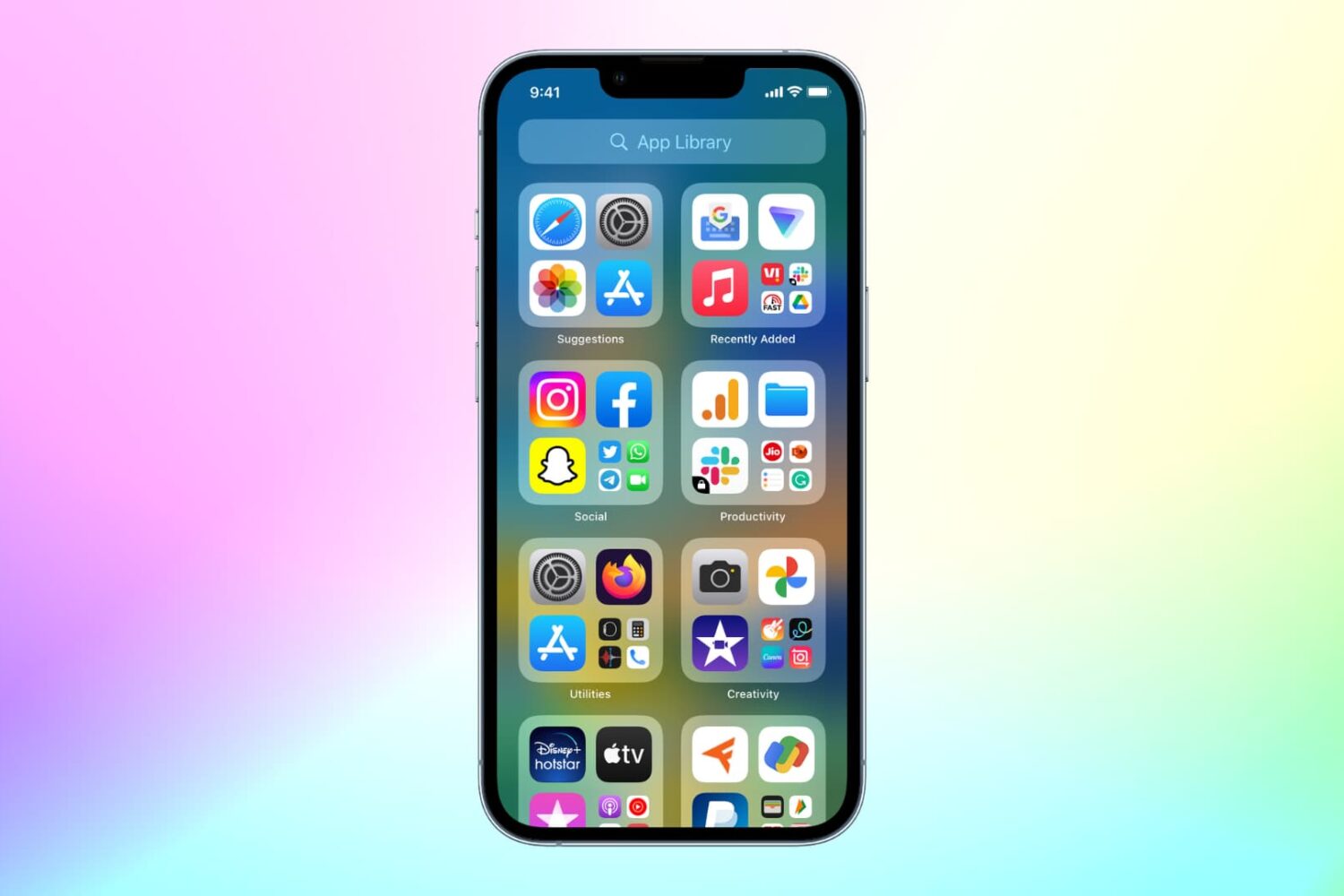
With the App Library feature on iOS 14 and later, your most-used apps are always just one tap away in a central place at the end of your Home Screen pages. And thanks to Siri intelligence, you can quickly launch apps you’re likely to be looking for. Follow along with us as we show you how to get to your recently installed iPhone apps or Siri-suggested apps via the App Library.
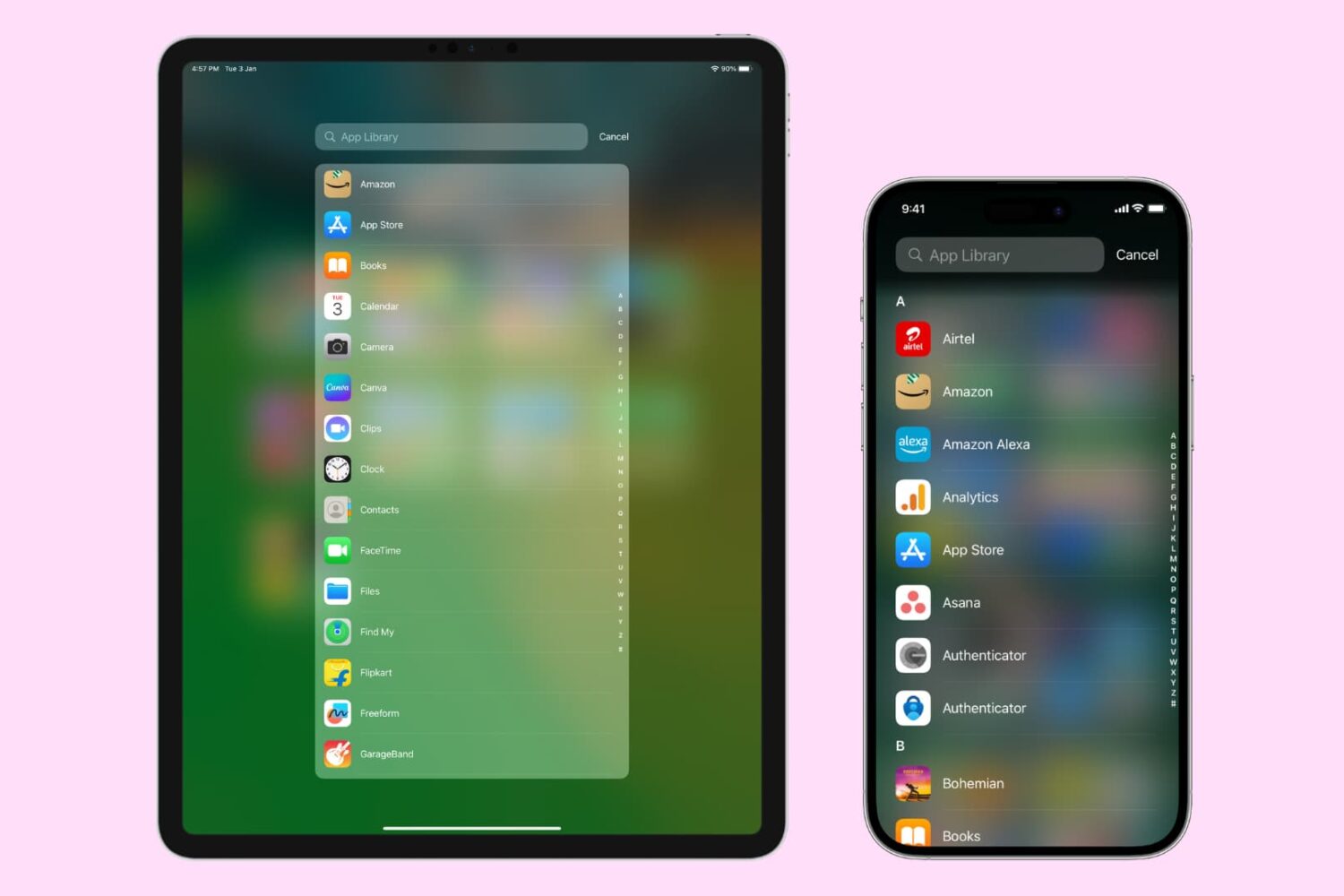
The App Library on your iPhone and iPad automatically organizes your apps, including a handy list view that alphabetically displays all the installed apps.
Follow along with our step-by-step tutorial detailing how to browse iOS and iPadOS apps in alphabetical order.

If your handset is jailbroken with unc0ver and you’ve either decided that you revert to a vanilla version of iOS or that you want to start over with a different jailbreak tool, it’s important to know that the unc0ver jailbreak incorporates a mechanism for rolling your handset back to a pre-jailbroken state.
In this step-by-step tutorial, we’ll walk you through the steps necessary to remove the unc0ver jailbreak and all of its components from your iPhone or iPad. This process is recommended over totally restoring your handset because it will preserve your valuable personal data and ensure that your device can still be jailbroken in the future if you happen to change your mind.
Just as promised, the Electra Team’s new Odyssey jailbreak for iOS 13.0-13.5 lets users install Saurik’s tried and true Cydia package manager (and others) alongside the jailbreak’s default Sileo package manager.
While some people prefer the Sileo experience over Cydia, the fact remains that many remain loyal to the package manager they’re most familiar with. With that in mind, we’ll be showing you how you can install Cydia on your Odyssey or Odysseyra1n device in this step-by-step tutorial.

Odyssey is the Odyssey Team’s latest creation, and it’s specifically intended for jailbreaking iOS & iPadOS versions 13.0-13.7. Much like the competing unc0ver jailbreak, Odyssey is a side-loadable jailbreak app that installs a semi-untethered jailbreak.
The Odyssey jailbreak by default uses the Sileo package manager for installing packages and libhooker for tweak injection. Additionally, it installs the all-new Procursus bootstrap, which powers everything that makes this jailbreak tick. If you’re interested in using this concoction, then you’ve come to the right place because this tutorial will show you how you can jailbreak your iPhone or iPad with Odyssey.
Whether you’ve jailbroken with the checkra1n tool and fancy reverting back to a vanilla version of iOS or you merely want to uninstall checkra1n to try a different jailbreak tool, the checkra1n jailbreak includes a convenient built-in utility for removing the jailbreak with just a few simple taps.
In this tutorial, we’ll show you how to remove the checkra1n jailbreak without completely restoring your iPhone or iPad. This method is traditionally recommended over a full-blown device restore because it doesn’t erase your data and it preserves your version of iOS. The latter is especially useful if you’re removing checkra1n to try another jailbreak since other jailbreaks can be picky about the versions of iOS they support.