Learn how to quickly create widget stacks on iPhone for better organization and to make the most of the space on your Home Screen.
How to create widget stacks on your iPhone
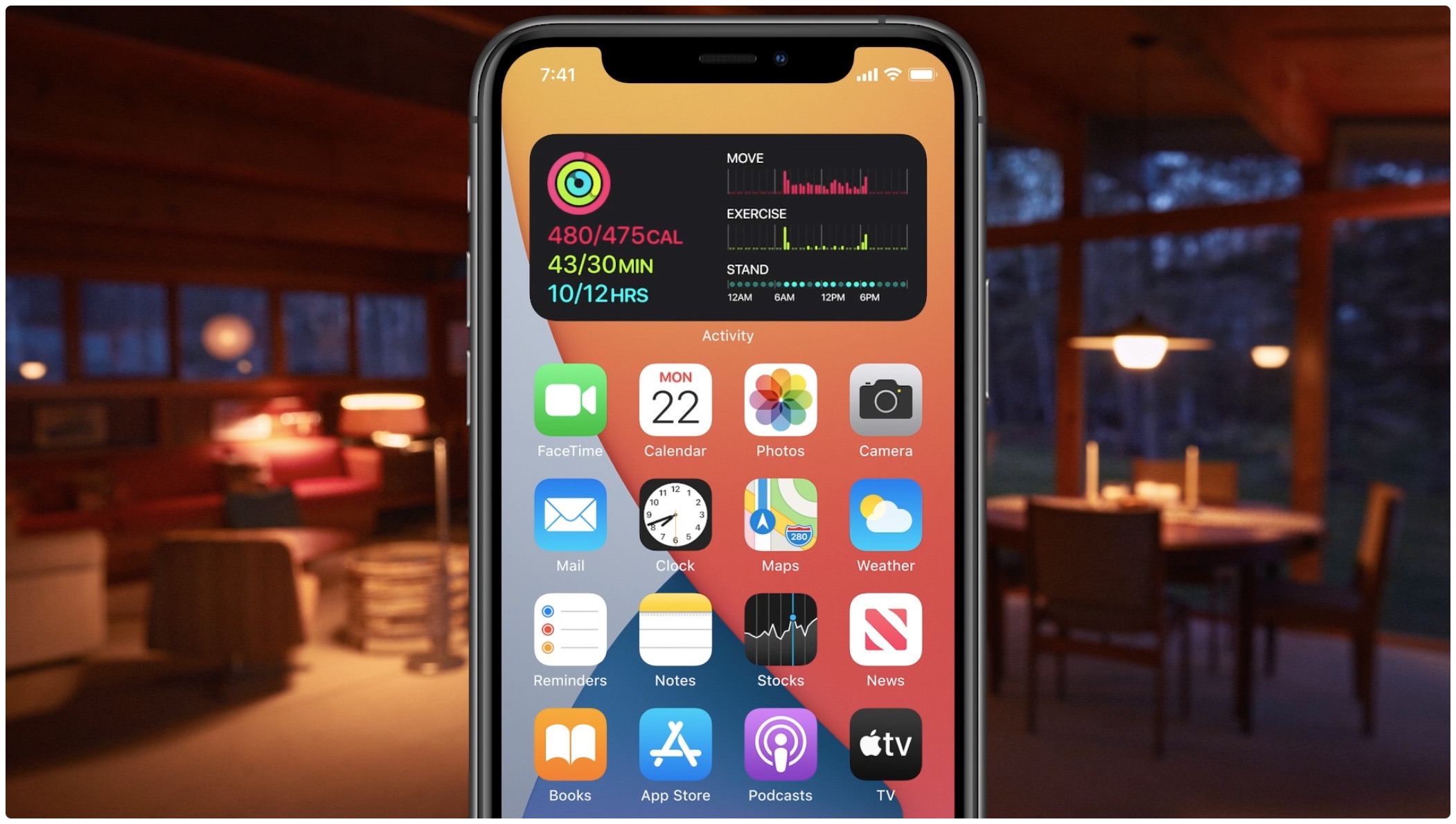
Learn how to quickly create widget stacks on iPhone for better organization and to make the most of the space on your Home Screen.

Learn how to disable FaceTime eye correction, which simulates direct gaze even when you’re not looking straight at the iPhone’s camera.
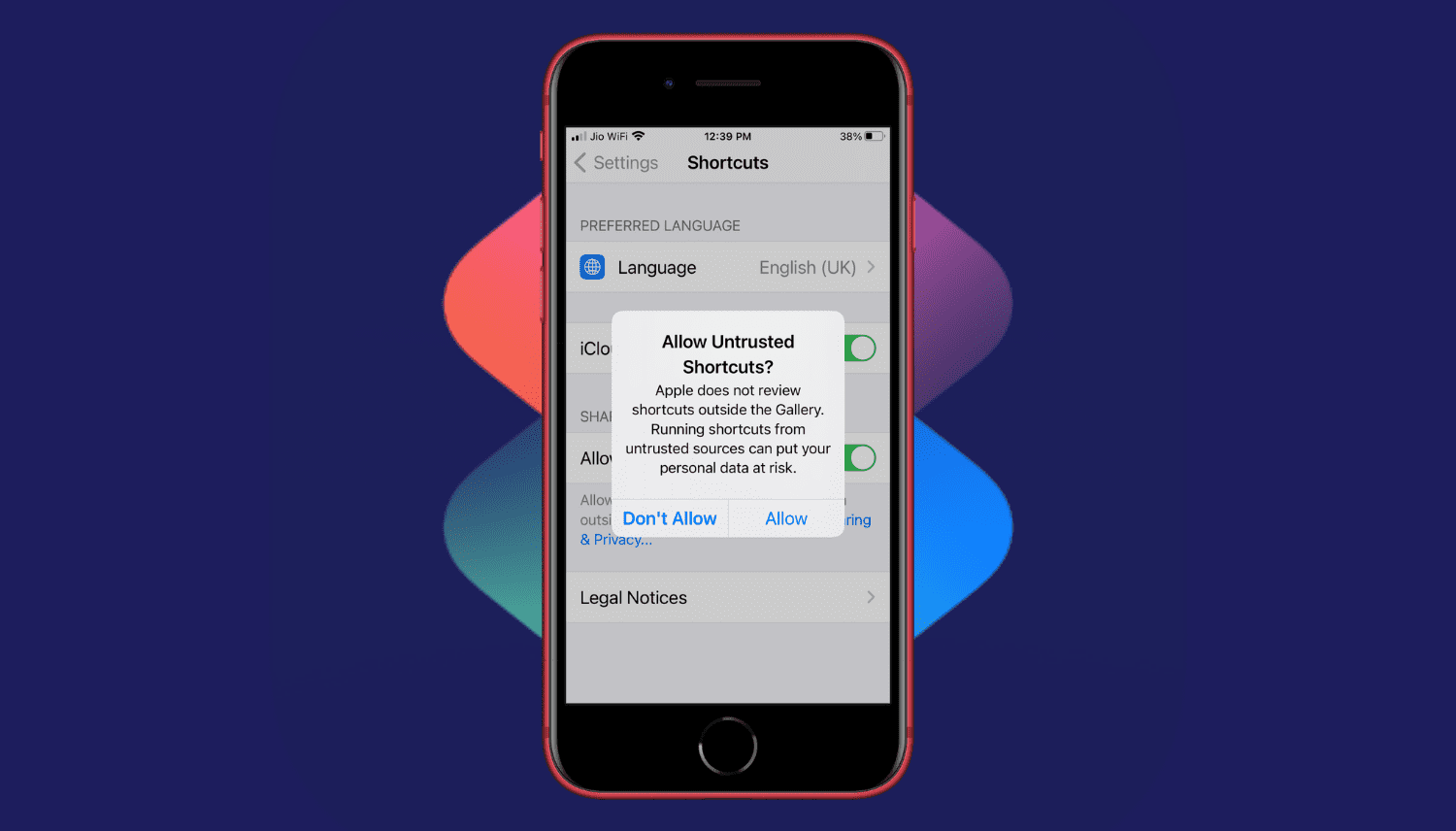
Are you trying to add a shortcut on your iPhone or iPad but can't proceed as your device is blocking unknown shortcuts? Here's how you can easily flip a switch and allow untrusted shortcuts on your iPhone. After this, you can use non-Apple curated shortcuts from elsewhere, like a website, shared via services like iMessage, received from AirDrop, and more.

If your iPhone or iPad is jailbroken, then it can be easy to go overboard with installing jailbreak tweaks. While the primary purpose of most jailbreak tweaks is to make your handset better, it’s always possible for a buggy or poorly coded tweak to go rogue and cause more harm than good; sometimes rendering your entire handset momentarily inoperable.
While some panic at the aforementioned thought, especially when it happens to their own jailbroken device, it’s not always necessary to restore your device and lose your jailbreak. In fact, the unc0ver jailbreak supports a function that lets you boot into a no-tweak state tantamount to the likes of no-substrate mode so that you can safely launch Cydia and uninstall the offending tweak(s). We’ll show you how that’s done in this tutorial.

Jailbreaking can be both a fun pastime and a way of making your iPhones and iPads capable of functionality that Apple doesn’t empower them with out of the box. Unfortunately, not all jailbreak tweaks work as expected, and in some cases, buggy or poorly coded tweaks may render your device temporarily unusable.
But fear not, as you probably won’t need to restore your device and lose your jailbreak data. The checkra1n jailbreak tool incorporates a Safe Mode mechanism that can be used to boot your jailbroken iPhone or iPad into a no-substrate-like mode in which jailbreak tweaks don’t load. You will, however, be able to launch Cydia and uninstall the offending tweak(s). We’ll show you how to do that in this tutorial.
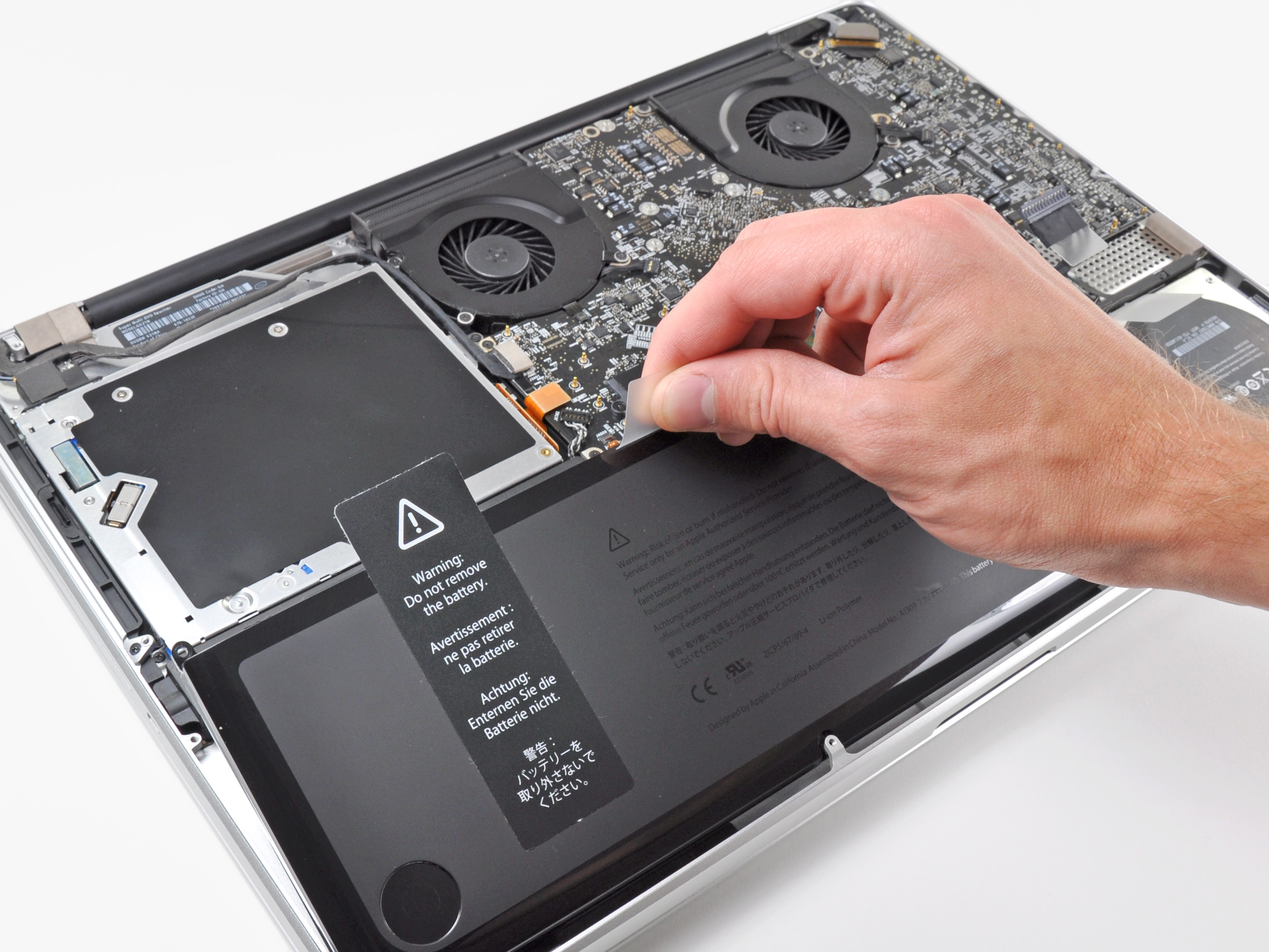
Learn more about the built-in battery health management feature made to improve the lifespan of your MacBook’s battery.
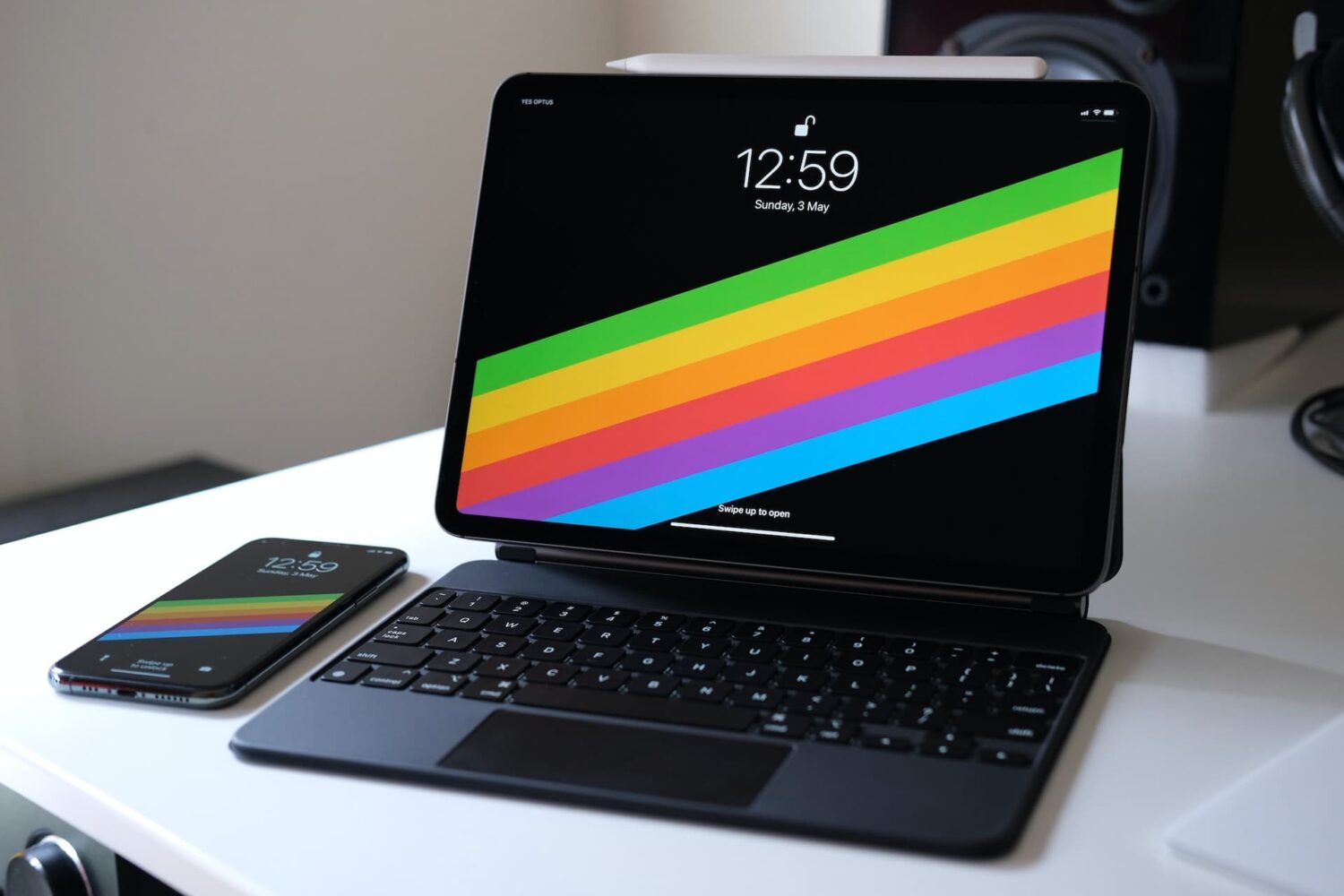
The right-click on the iPad is pretty similar in concept and execution to the long-standing right-click on Mac. In this tutorial, we show you how to do that on iPad with your finger, mouse, or trackpad.

From creating stations and custom playlists to organizing your favorite music systematically and saving power while on the go, here are the top ten Apple Music tips you should know about.
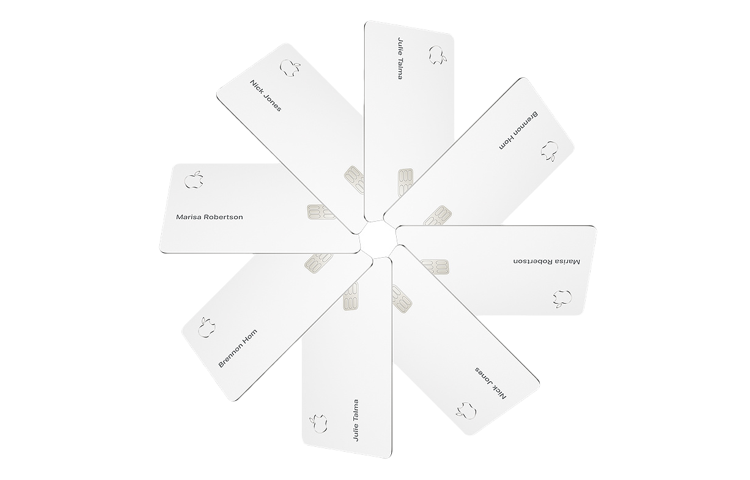
The Apple Card COVID-19 Customer Assistance Program helps those who have been impacted by the novel coronavirus by letting them skip their monthly payment during the time of crisis. Here's how to enroll in Apple's COVID-19 Customer Assistance Program for Apple Card.
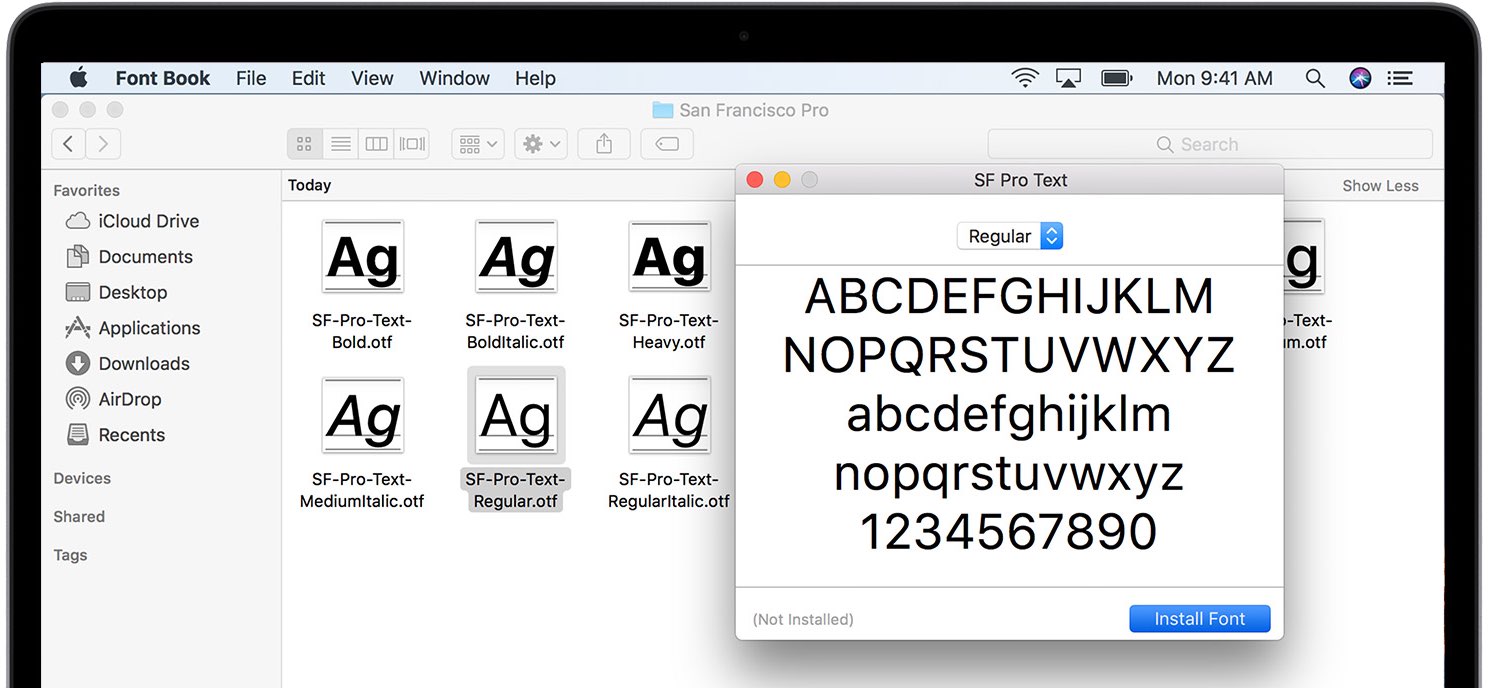
macOS Catalina packs in many licensed fonts and they're beautiful. The vast majority of fonts in Catalina are available out of the box while some must be downloaded. Here's the complete list of all the macOS Catalina fonts, including built-in and downloadable typefaces.
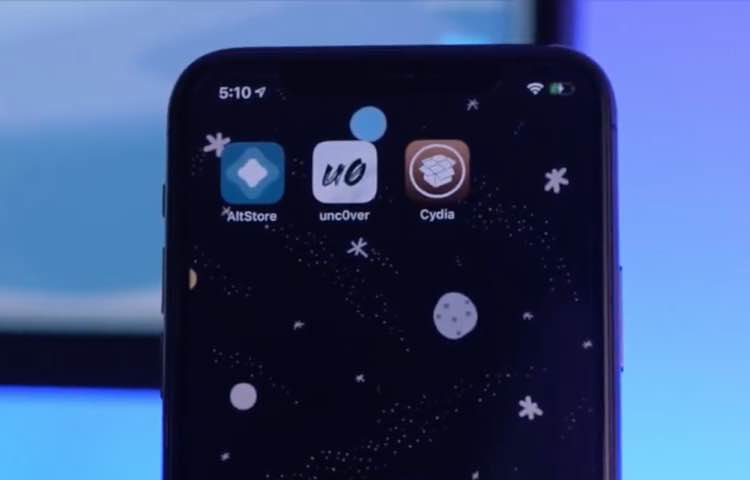
Has it been quite some time since you moved onto jailbreaking and stayed in there for a while? If so, you may want to consider pwning your iPhone again because iOS 13.5 has been successfully jailbroken and there still exist at least a dozen very compelling reasons to jailbreak.
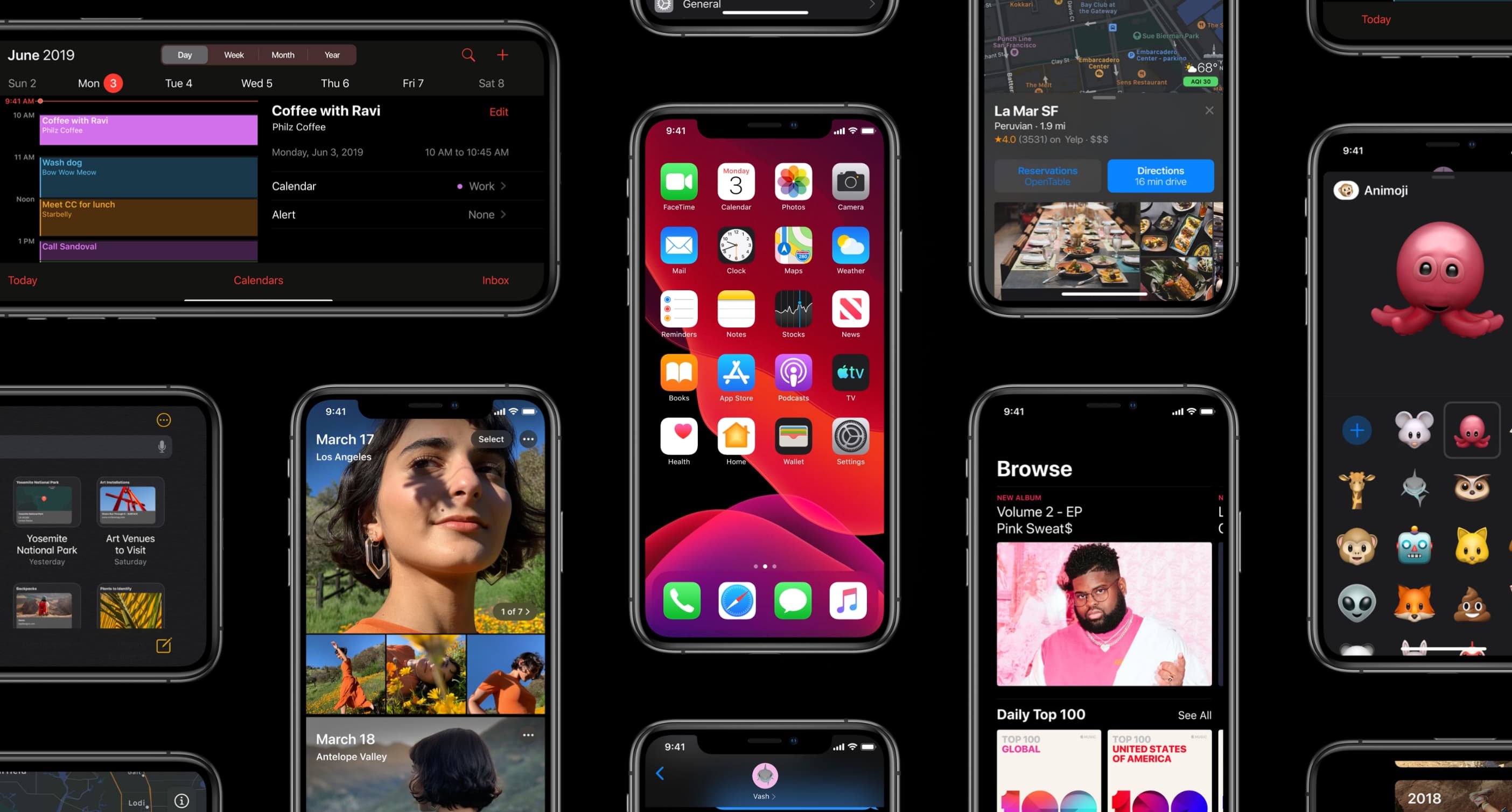
Apple on May 20, 2020 released iOS 13.5 for the iPhone and iPod touch devices and the iPadOS 13.5 update for compatible iPads. With those updates come several new features worth mentioning, including a new COVID-19 exposure notification system, Face ID improvements for mask wearers, disabling moving faces in FaceTime, Apple Music sharing to Instagram and Facebook Stories and more. Follow along with our quick tutorial explaining how to use everything new in iOS and iPadOS 13.5.