Learn how to enable Olympic mode in Google Chrome's dinosaur jumping game on your mobile devices and computers, just in time for the 2021 Tokyo Summer Olympic Games.
How to turn on fun new Olympic mode in Google Chrome’s hidden dinosaur jumping game

Learn how to enable Olympic mode in Google Chrome's dinosaur jumping game on your mobile devices and computers, just in time for the 2021 Tokyo Summer Olympic Games.

Learn how to translate foreign text in Instagram stories into one of the 90+ supported languages on your iPhone or Android phone.
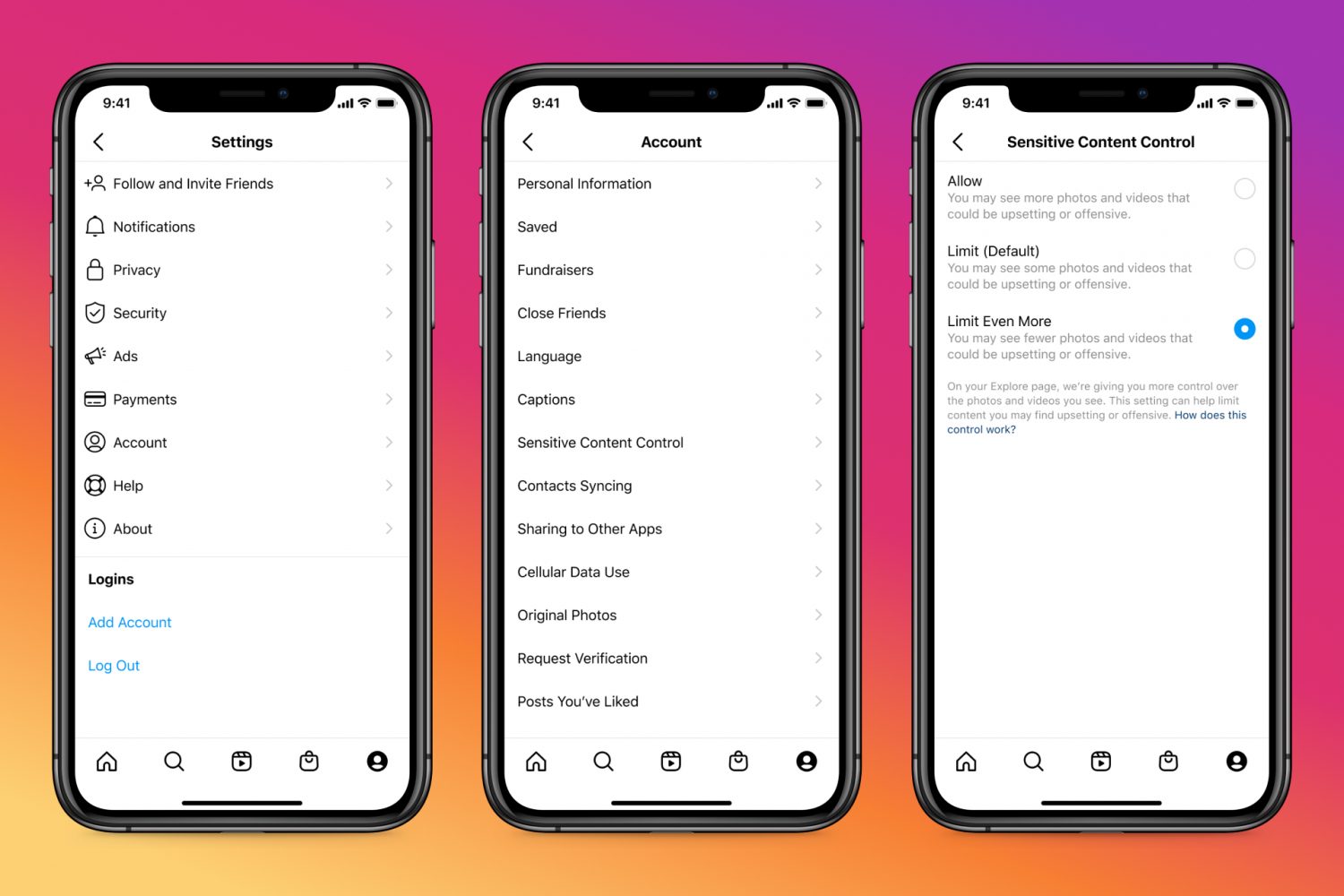
Learn how to adjust the Sensitive Content Control to see less or more sensitive content recommendations when browsing Instagram on your phone or computer.

Learn how to increase or decrease the text size of specific apps without changing the system-wide text size of your iPhone or iPad.

TikTok used to lack playback control because it initially focused on short-form videos up to sixty seconds long. But with TikTok videos now up to three minutes long, the app's gained video navigation. Here's how to use TikTok's fast-forward and backward scrubbing control.

iCloud Backup is a great convenience. But before you use this handy feature, be sure to learn about Apple's data retention policy in terms of keeping old backups.

Check out this list of useful offline Siri commands on your iPhone and iPad that work without an internet connection, including messaging, networking, setting timers and much, much more.
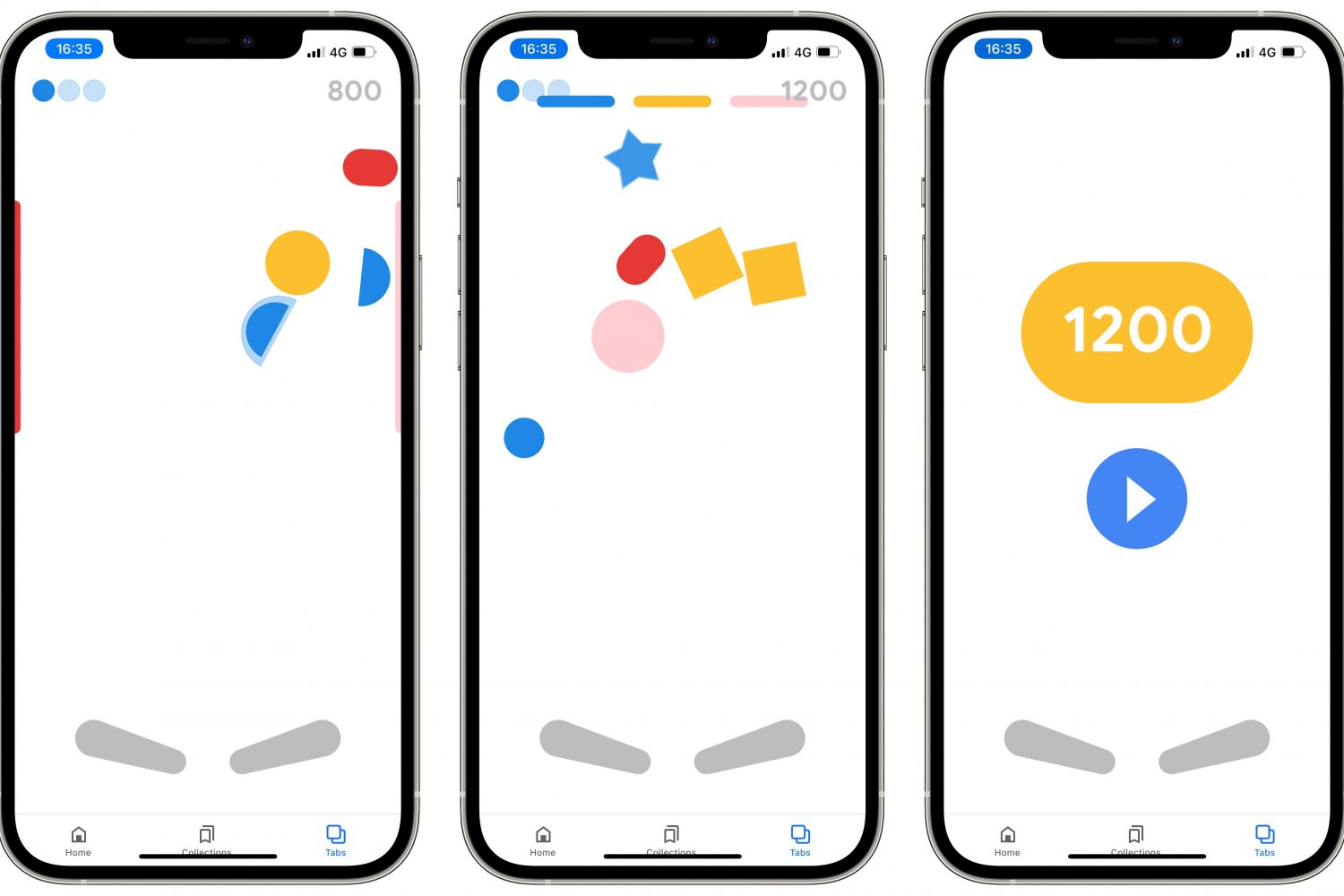
Follow a few simple steps laid out in our tutorial if you'd like to discover and play a secret Google Easter egg pinball game in the company's official app for iPhone and iPad.

Learn how to use Apple's Spatialize Stereo feature to boost stereo, two-channel audio, and other non-Dolby audio content on your iPhone, iPad, and Mac.

Learn how spatial audio dynamically tracks your head movement on your Apple TV or Mac when using your AirPods or Beats headphones.

In this tutorial, we'll show you how to configure your Apple TV the right way by adjusting a few important audio and video settings that are to improve your experience.
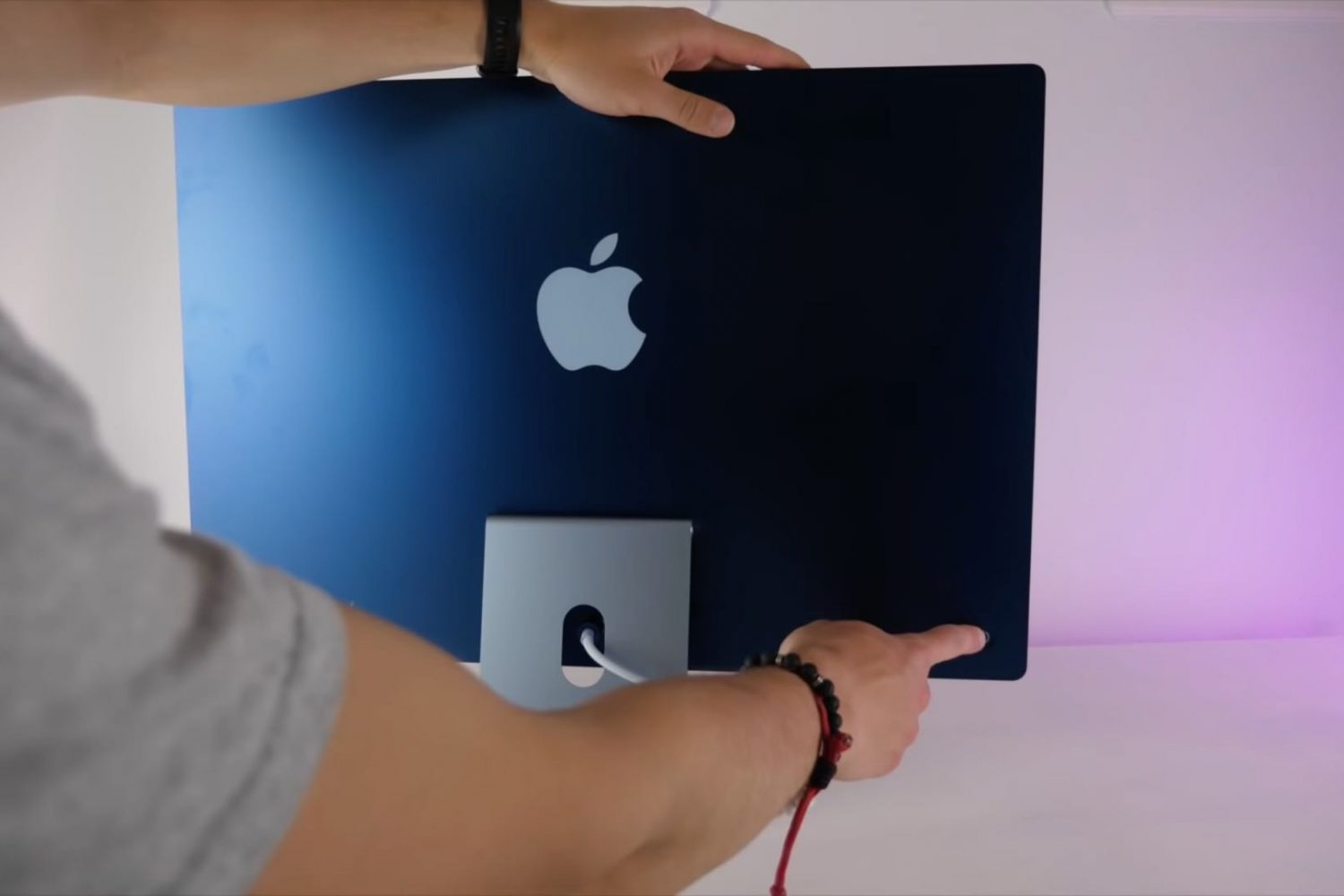
Your dream desktop has landed! The new 24-inch iMac powered by the Apple M1 chip runs circles around the previous Intel-based 21.5-inch model, but that's hardly the only thing it's got going for it. Watch our handy video tips highlighting some of its best features.