Think twice before concluding there's nothing new to learn about editing iPhone alarms. If you have iOS 15.0 or later on your iPhone, use this handy tip to quickly edit an alarm.
Tip: Edit an alarm on your iPhone without hitting an Edit button first
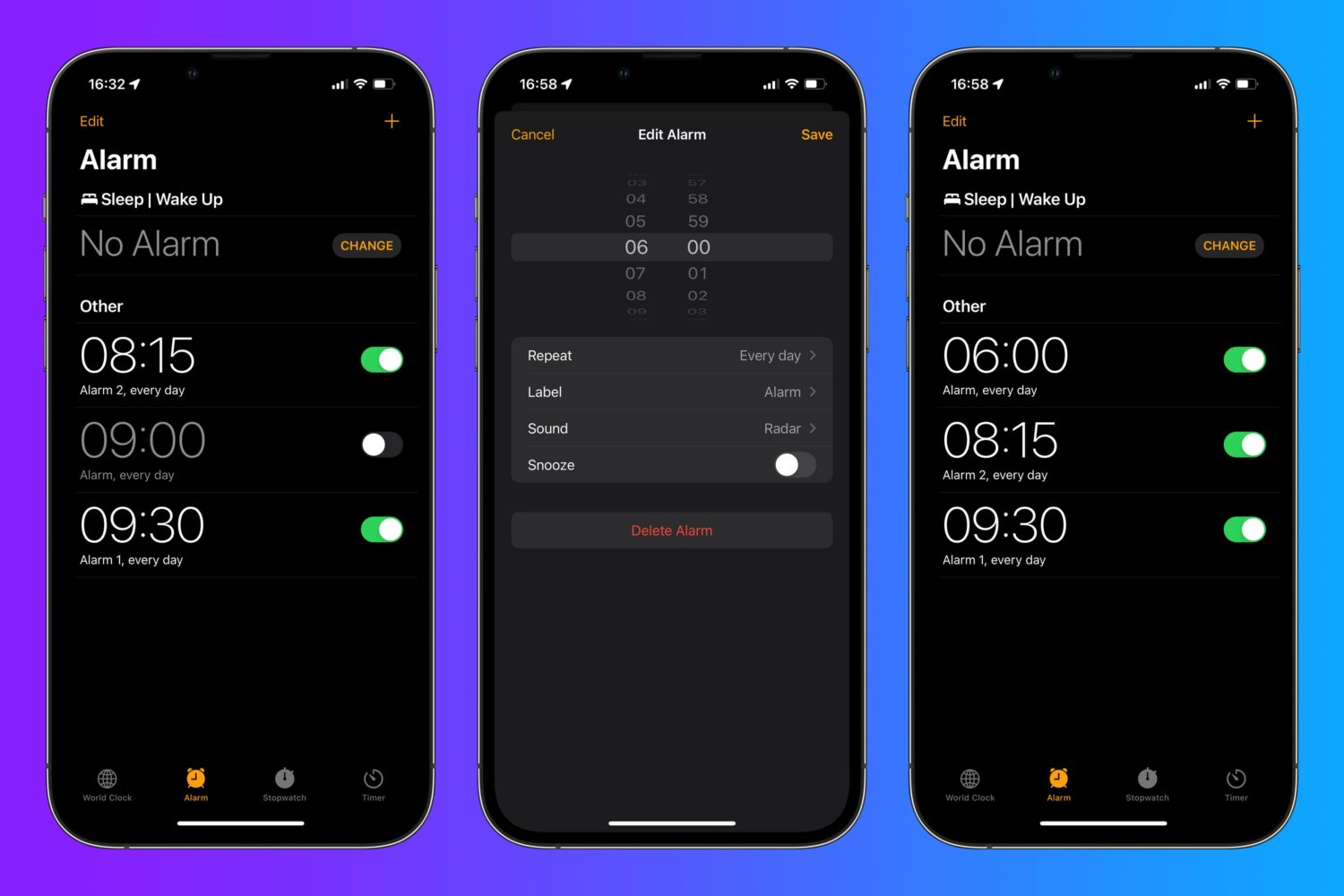
Think twice before concluding there's nothing new to learn about editing iPhone alarms. If you have iOS 15.0 or later on your iPhone, use this handy tip to quickly edit an alarm.
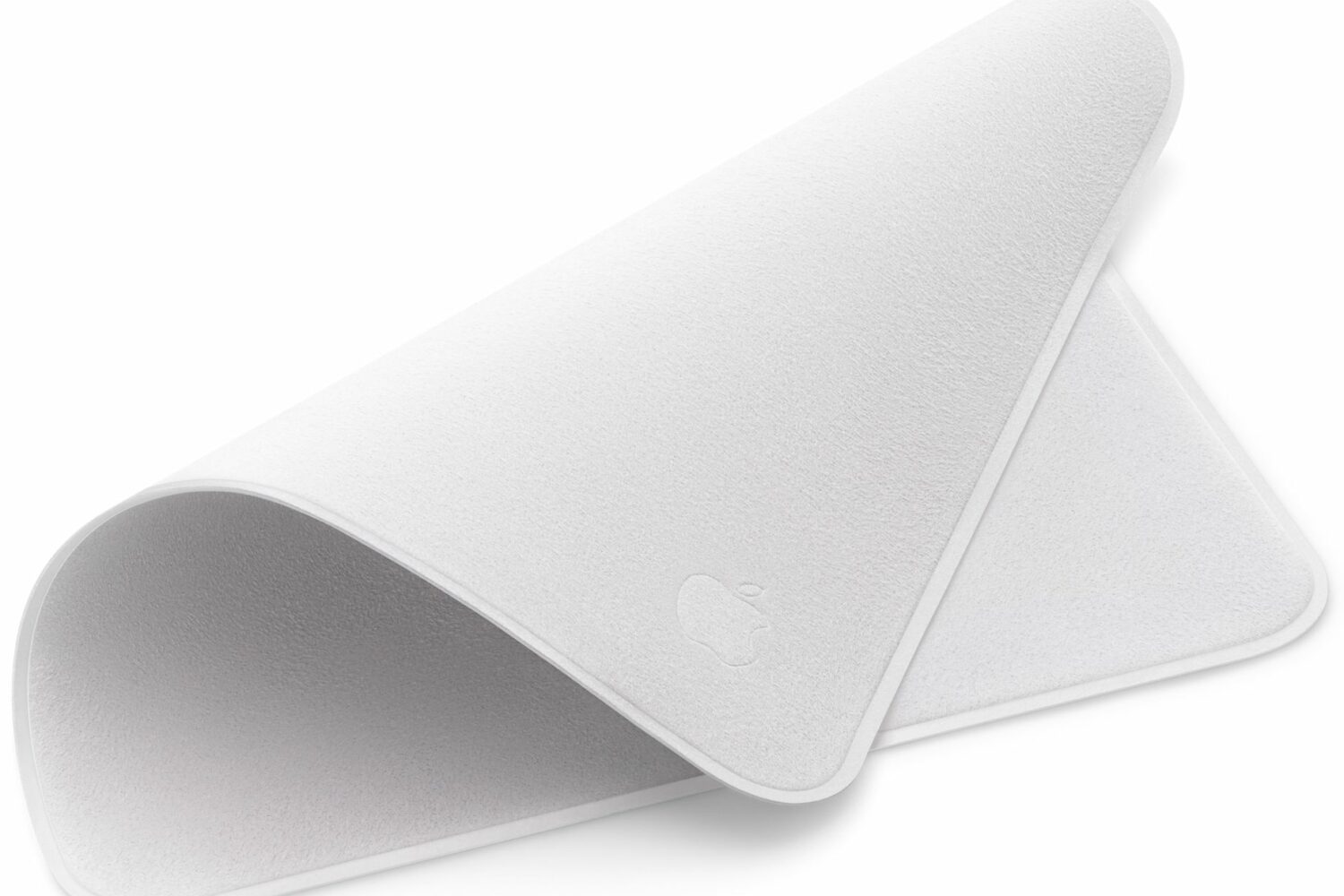
Check out these specific instructions on how to clean Apple’s polishing cloth to prevent damage when removing dust or smudges from your nano-texture glass screen.

Power Reserve mode allows you to use certain features when the battery is low or the device is completely turned off. It runs your device on low energy until the battery is fully depleted, letting you access features like Apple Pay that don't require the operating system to be up and running. In this guide, we're going to explore how Power Reserve works, see which devices support this handy feature and learn what you can do with it.

Learn how to use High Power Mode on your MacBook Pro to boost its performance during demanding, sustained workloads like video editing, file exporting, 3D designing, and more.
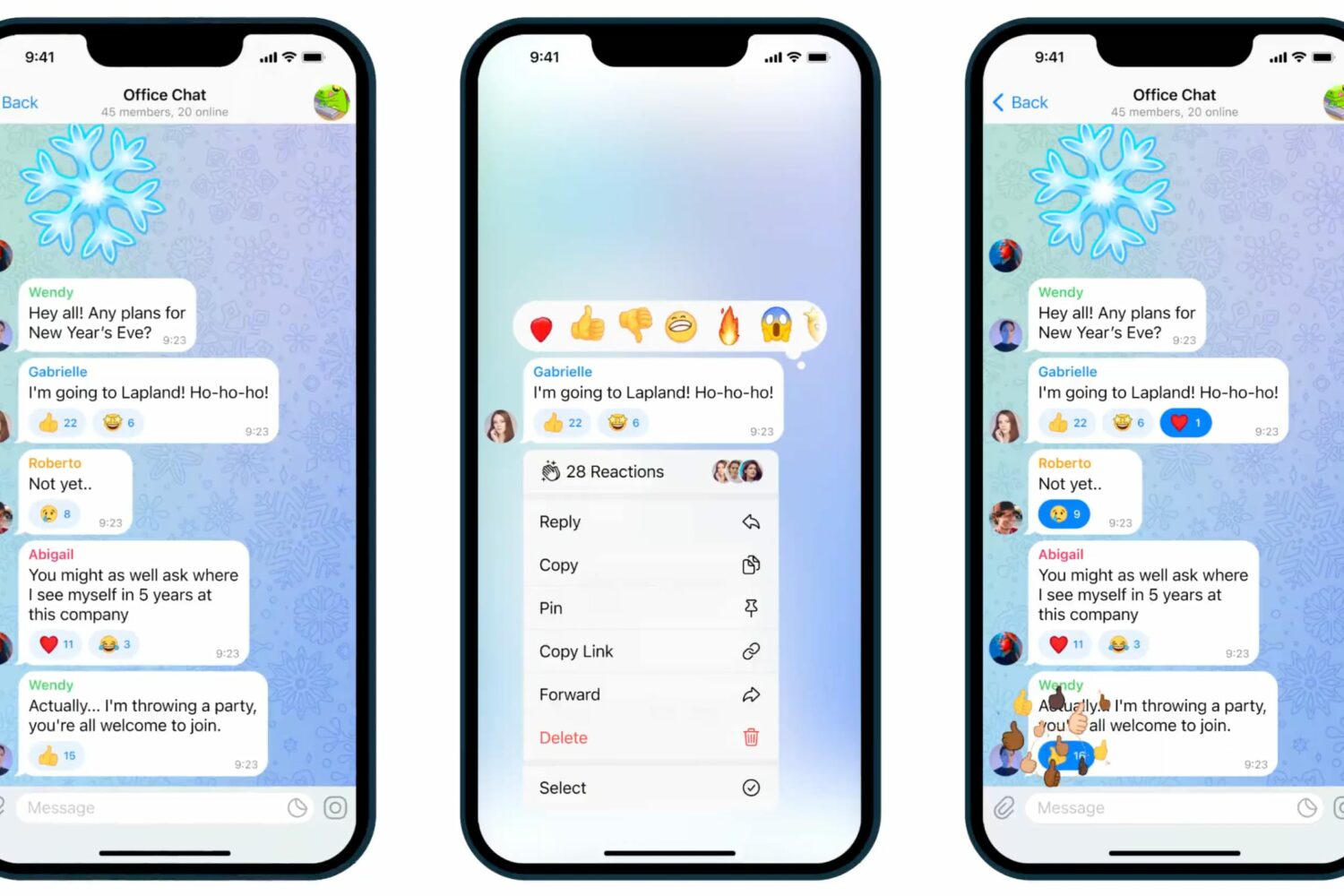
Learn how to use Telegram emoji reactions to spice up your conversations with a red heart, fire, party popper, or other expressive emoticons.

A dedicated telephoto lens (aka zoom lens) found on some iPhones boosts iPhone photography with optical zoom capabilities. Future iPhones are rumored to allow for even deeper zoom by adopting a periscope lens (or foldable lens as it's sometimes referred to). At its core, this technology diverts light through a prism and into a telephoto lens set at a ninety-degree angle to a rear-facing lens and buried deep inside the chassis.
When you have a jailbroken iPhone or iPad at your disposal, the inevitable happens; you install add-ons to upgrade the user experience of your handset, whether to make it look better or to give it new functional capabilities.

If you jailbroke your iOS or iPadOS 13 device with the Odyssey tool and decided that it’s time to remove your jailbreak, either to revert to a vanilla installation of the operating system or for the purpose of starting over with a fresh jailbreak installation, then the Odyssey app’s built-in Restore RoofFS feature will come in handy.

Many Taurine jailbreak users are content with how their iPhones and iPads turn out post-jailbreak. But if for any reason you decide to revert to a vanilla version of iOS or iPadOS 14 or perhaps even develop the urge to try a different jailbreak tool instead, it’s important to remember that you can use the Taurine jailbreak’s rootFS restore feature to roll your handset back to a pre-jailbroken state.

This tutorial shows you the steps to take screenshots on any iPhone and iPad model, including the latest iPhone 17, Air, 17 Pro, and 17 Pro Max.
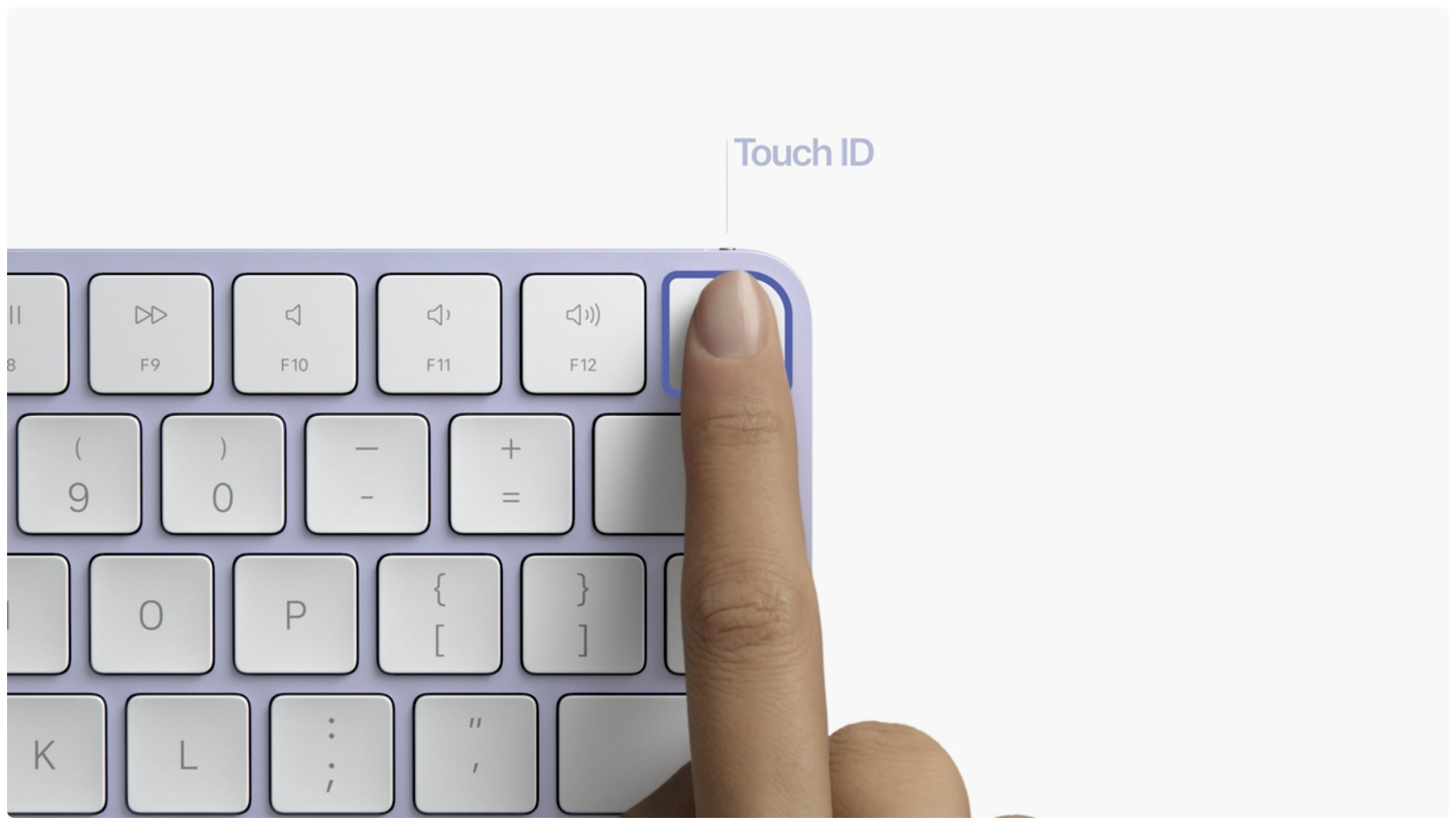
If Apple Pay Touch ID authentication isn't working on your Intel-based or Apple silicon Mac, this is by design. Here's what you need to know.
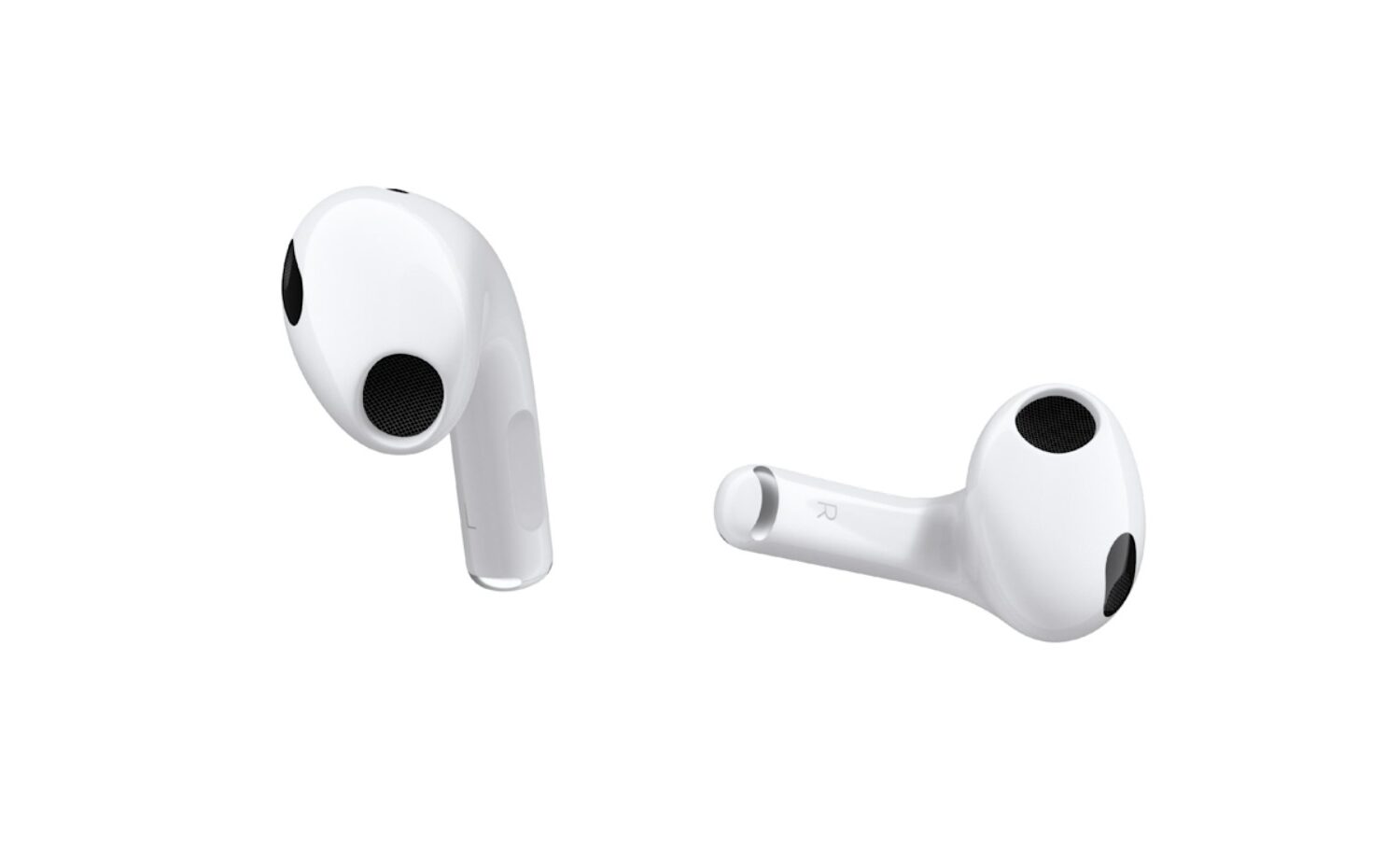
Watch this video going through some handy AirPods 3 tips and tricks recommended to set up, configure, use and get the most out of your third-generation Apple earbuds.