Learn how to win Apple's International Dance Day fitness challenge on your Apple Watch to earn a time-limited award along with animated iMessage stickers.
2022 International Dance Day: How to win this Apple Watch fitness challenge
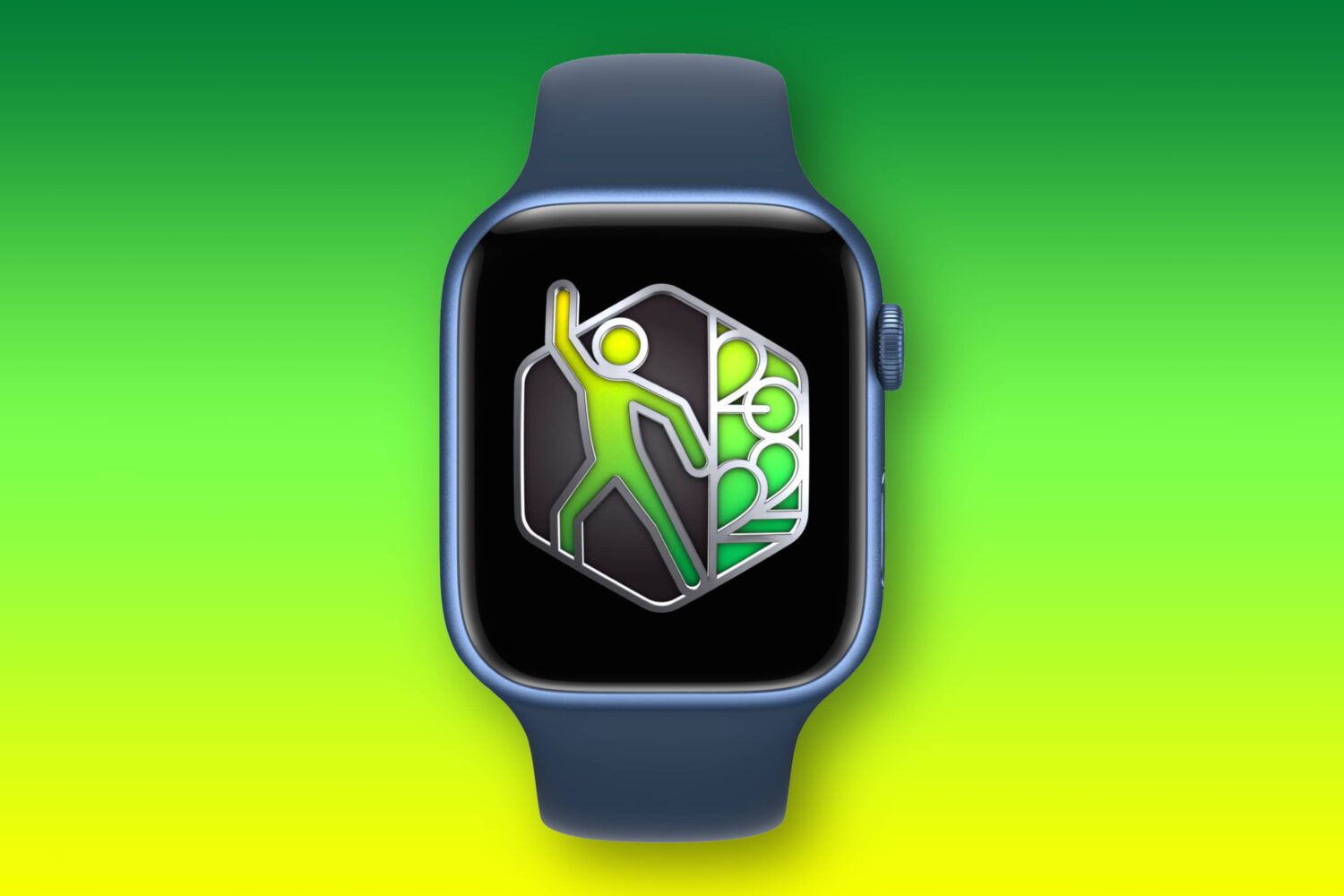
Learn how to win Apple's International Dance Day fitness challenge on your Apple Watch to earn a time-limited award along with animated iMessage stickers.
AltStore is a popular utility for sideloading apps on iPhones and iPads, and whether you depend on it to use your favorite semi-untethered jailbreak tool or merely to install apps that aren’t approved for the App Store, chances are you could benefit from making a Siri-compatible shortcut for refreshing all your sideloaded apps on demand.
If you live in the middle of nowhere, then buying a cellular signal booster might be in the back of your mind. In many cases, these can improve your cellular reception by using a larger antenna to capture a distant signal and rebroadcasting it closer your iPhone. However, it’s important to get one that’s compatible with the cellular bands your carrier uses.
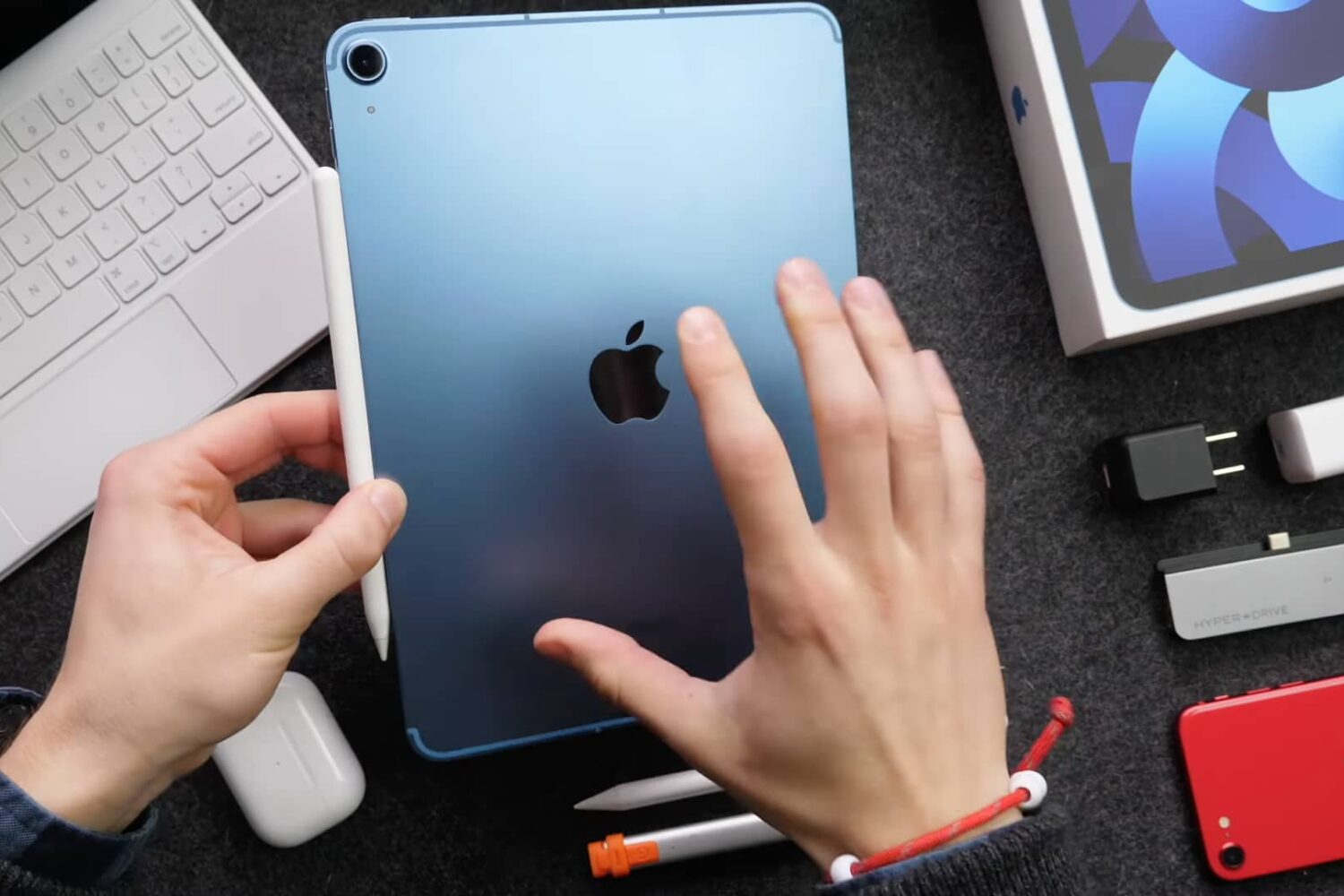
Watch our quick video tips to set up, configure and make the most of your fifth-generation iPad Air (2022).
After jailbreaking your iPhone or iPad, you’ll get all your favorite jailbreak tweaks and add-ons from what are known as repositories. You can browse and utilize almost any repository with a package manager app, with the most mainstream of those being Cydia, Installer, Saily, Sileo, and Zebra.
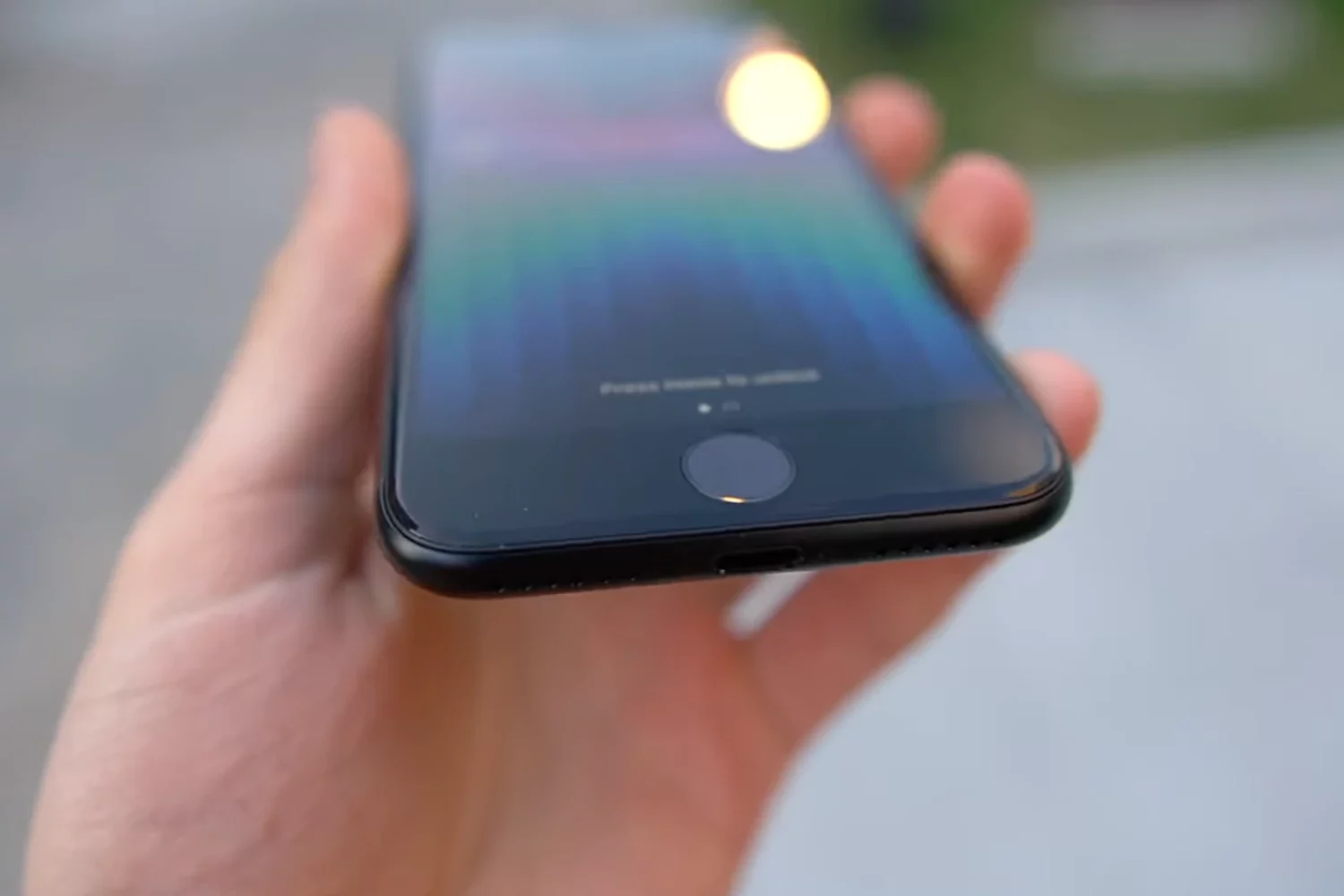
Got Apple's most affordable iPhone? If so, then check out these video tips for getting started with the third-generation iPhone SE, released in 2022.
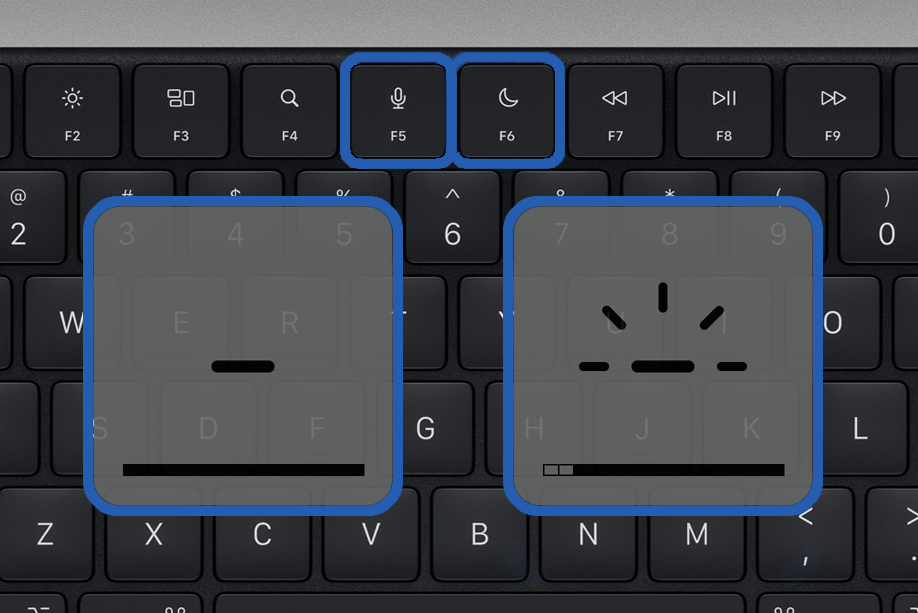
Apple's new laptops have a revamped keyboard layout with more dedicated function keys, but some previous options didn't make the cut.
Tons of people, myself included, use online speed tests to verify their internet connection’s download and upload speeds. By far one of the most popular options in this department is the Speedtest.net app by OOKLA.
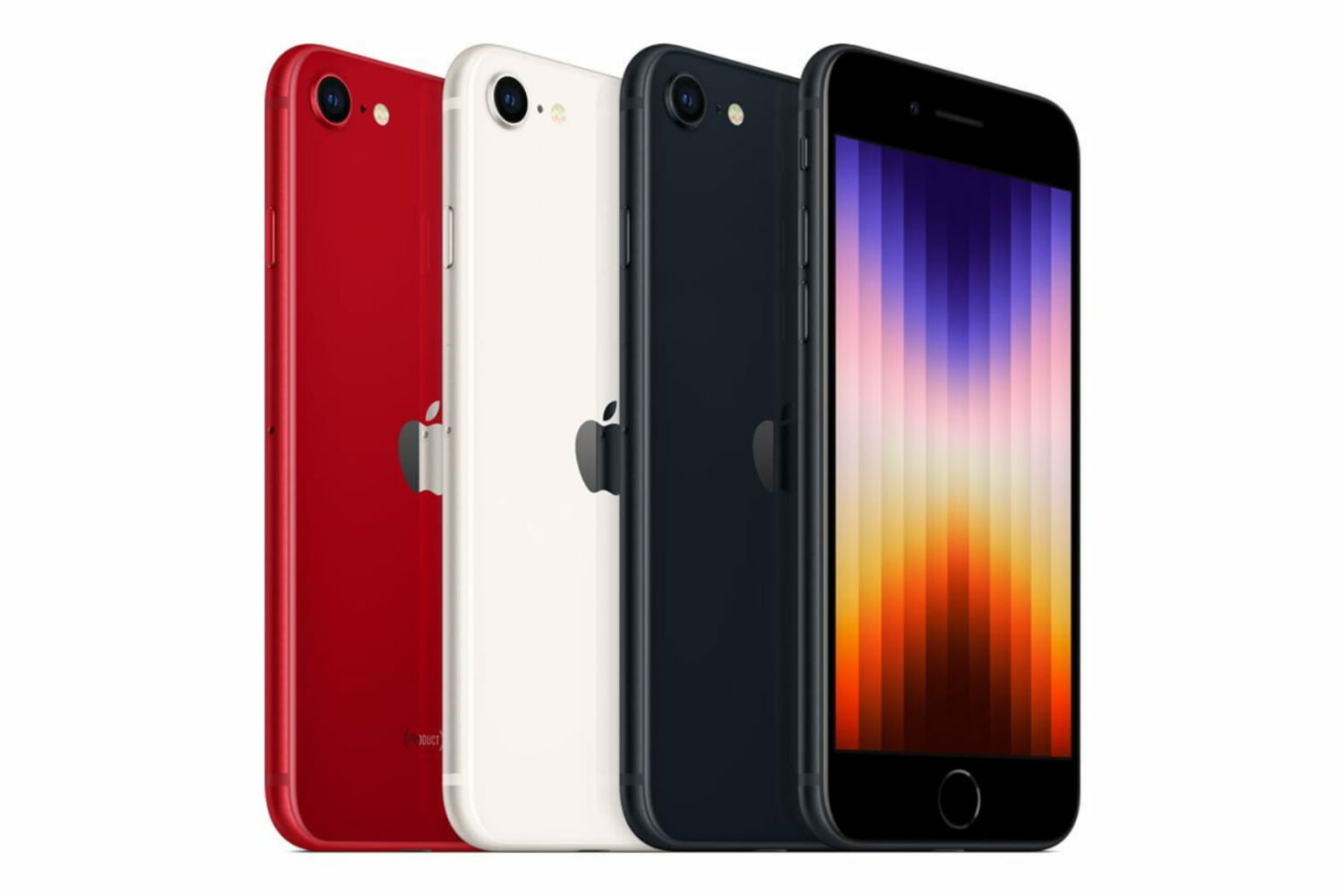
In March 2022, Apple announced a new version of the iPhone SE. If you are planning to buy an iPhone SE 3 for yourself, your kids, younger sibling, parents, or grandparents, you might have a few questions about this new device.
To help you figure out whether the new iPhone SE (2022) is a good buy, we compiled over 75 frequently asked questions related to this new model.
Almost all Windows users, and even some macOS users have heard of CCleaner, a popular utility to monitor and remove the junk files that pile up and bog down your system to prevent it from running as zippily as possible. But did you know similar software exists for jailbroken iPhones and iPads too?
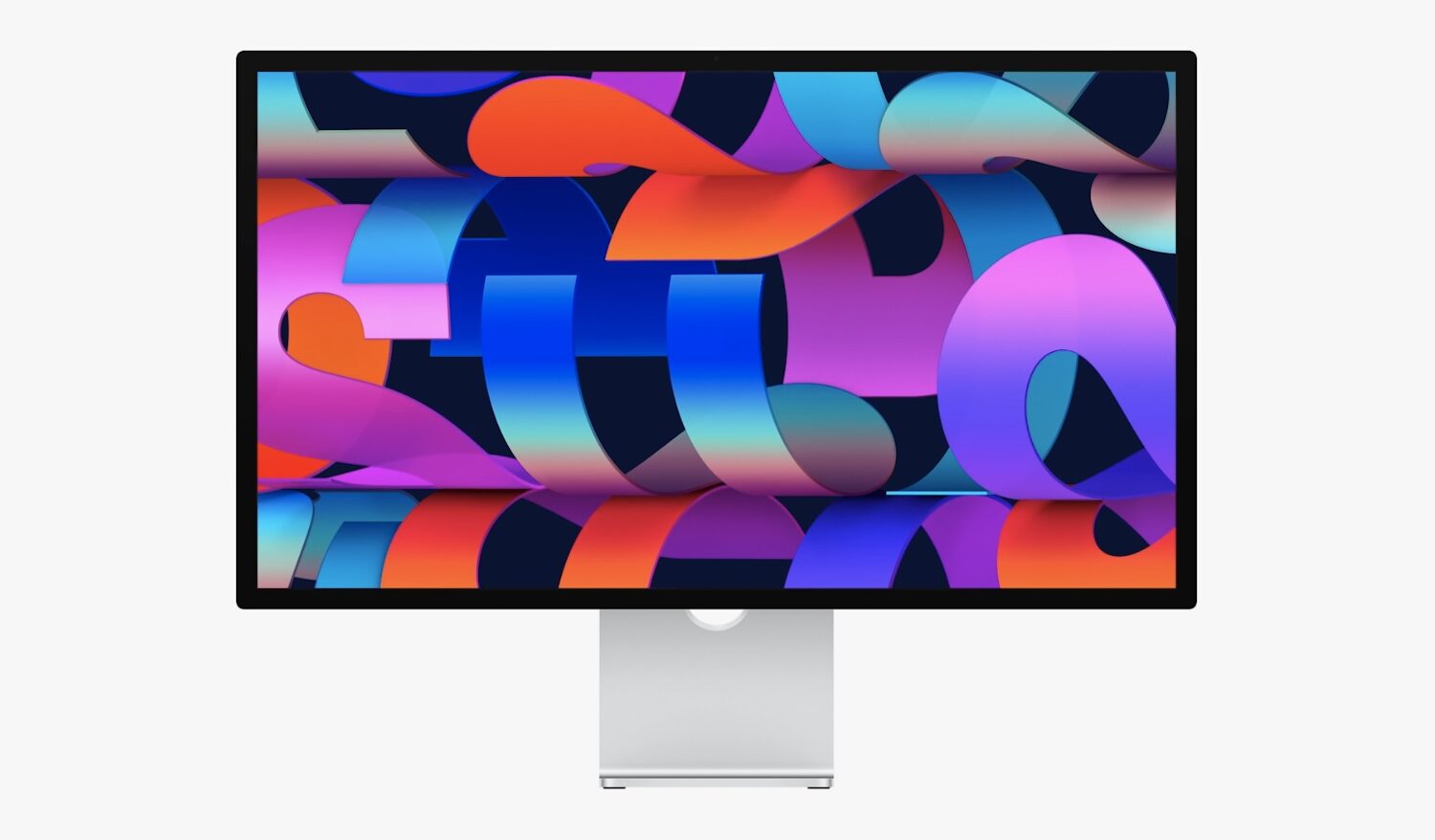
During its March 8 special event under the tagline "Peek Performance," Apple announced a new 27-inch 5K external monitor for the rest of us, dubbed Studio Display. Similar to the discontinued Thunderbolt Display, Studio Display provides a plethora of ports and smarts thanks to the integrated Apple A13 Bionic chip making it the ideal docking station for your Mac. In this post, we're going to answer your frequently asked questions about the new Studio Display.
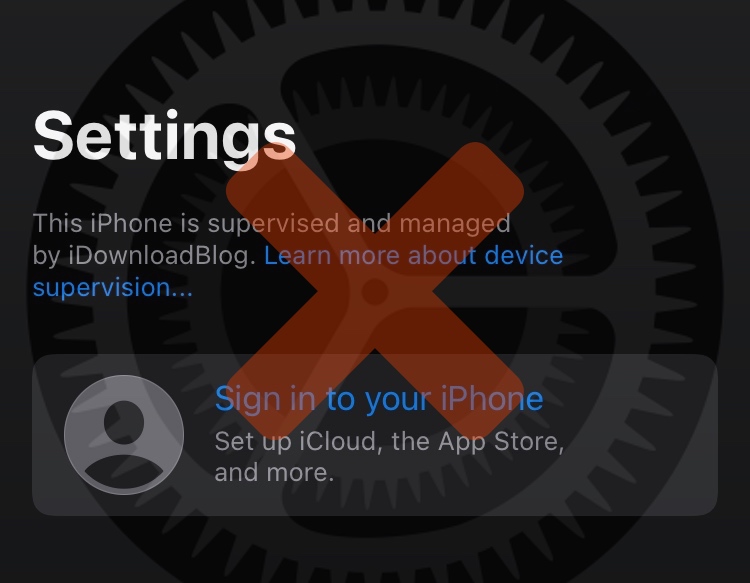
If you followed either of our tutorials for using DelayOTA on a jailbroken or non-jailbroken handset to upgrade to an unsigned firmware within the 90-day grace period, then you might be left wondering how you can remove the unsightly “This iPhone is supervised and managed by [insert name here]” spiel that appears at the top of your Settings app.