Learn how to restore your Mac’s built-in spell and grammar checker if Grammarly has disabled it and taken over your typing.
How to restore the built-in macOS spell checker after Grammarly has turned it off
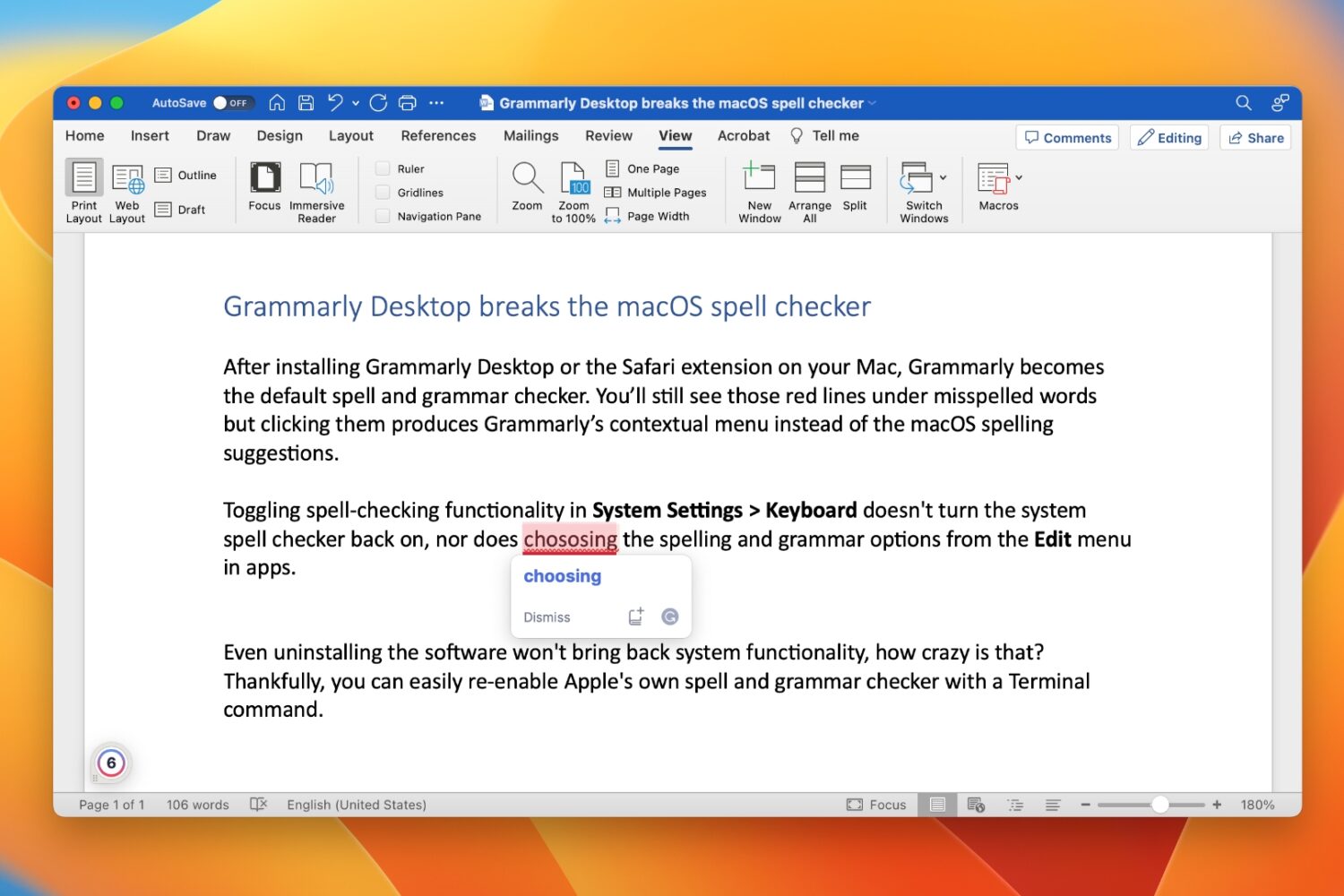
Learn how to restore your Mac’s built-in spell and grammar checker if Grammarly has disabled it and taken over your typing.

If you’ve decided to remove the palera1n-c jailbreak for any reason after using it, then you’ve come to the right place. We’ll be showing you how you can do exactly that in this step-by-step tutorial.
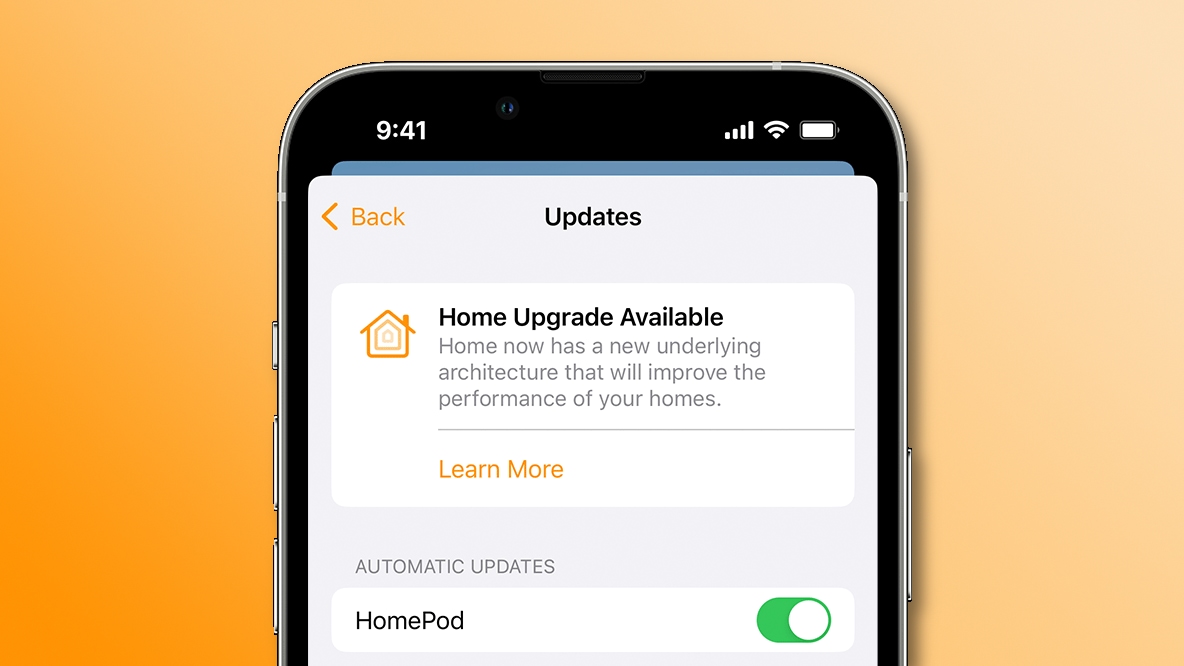
Upgrade to the new smart architecture in Apple's Home app to make your HomeKit appliances perform faster and more reliably than before.

If you have the OLED edition of the Nintendo Switch, then you’ve got a larger and more vibrant gaming display that looks better than that of the traditional LCD display model.
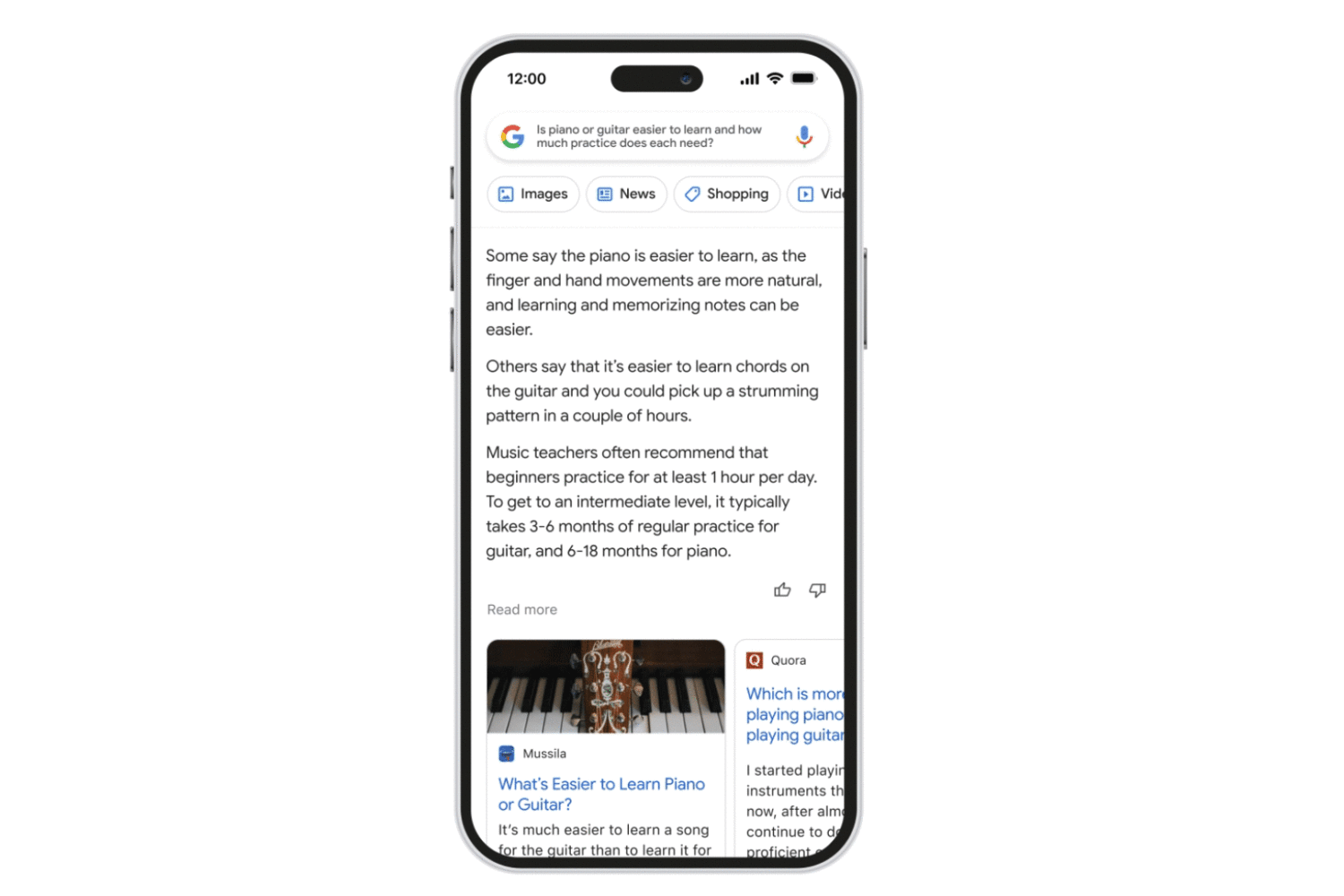
Follow these steps to access the Bard AI chatbot, Google’s ChatGPT rival, using a browser on your iPhone, iPad, Mac or other compatible devices.
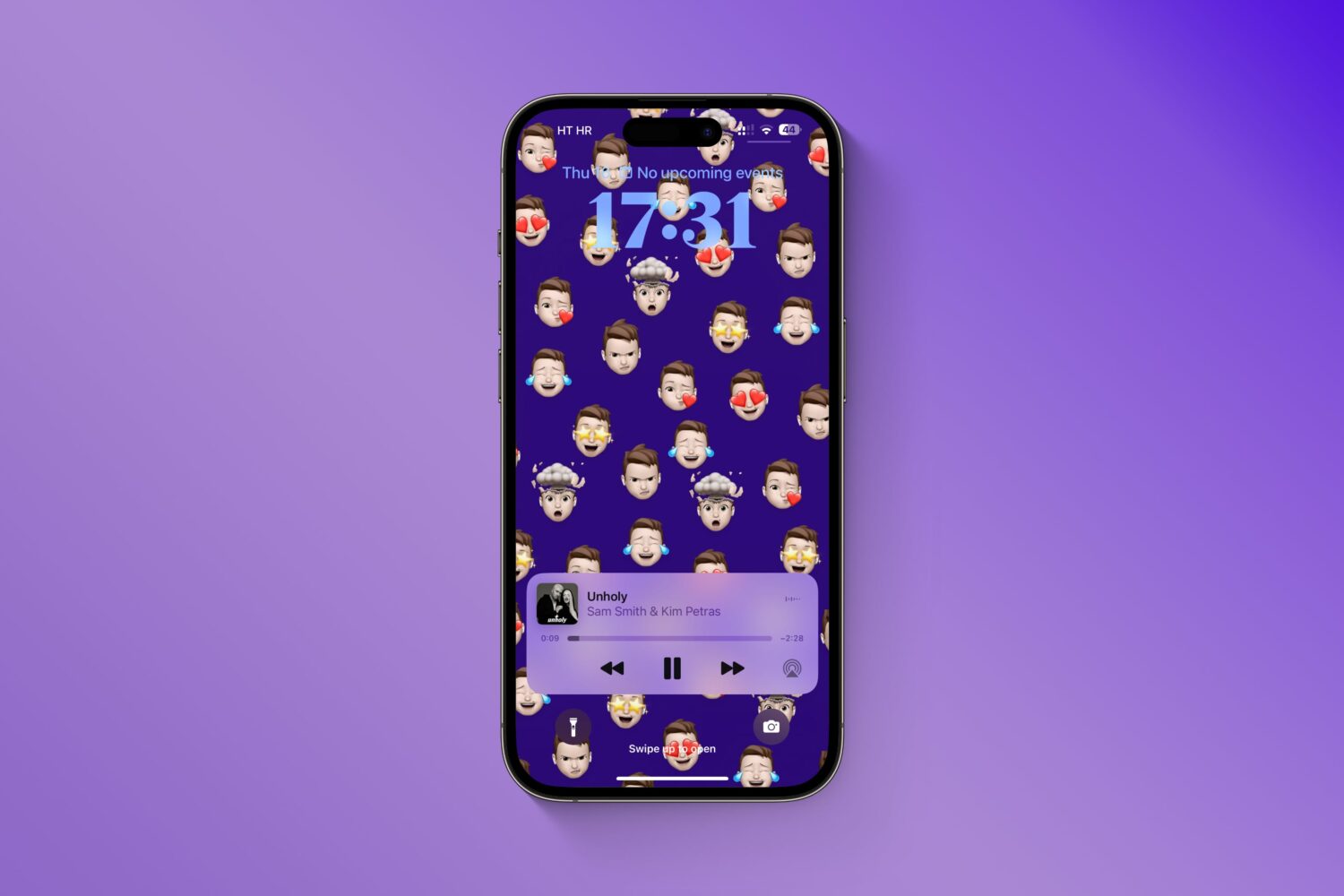
Give your iPhone's Lock Screen and Home Screen a unique look by creating wallpapers from your personalized Memoji, Genmoji, and photo stickers instead of using the same old emoticons.

Previously, we showed you how you could jailbreak any A9-A11 chip-equipped handset using the checkm8 bootrom exploit-based palera1n jailbreak, but since then, a newer version of palera1n has been released.

Learn how to manage and customize Telegram's Power Saving Mode on your Mac, including setting the battery threshold to automate the feature.

The iOS & iPadOS 16.4 beta includes a number of new Emojis that aren’t currently available to anyone on iOS or iPadOS 16.3.1 or earlier, but as jailbreakers know, there’s always a way to port them over to older firmware.
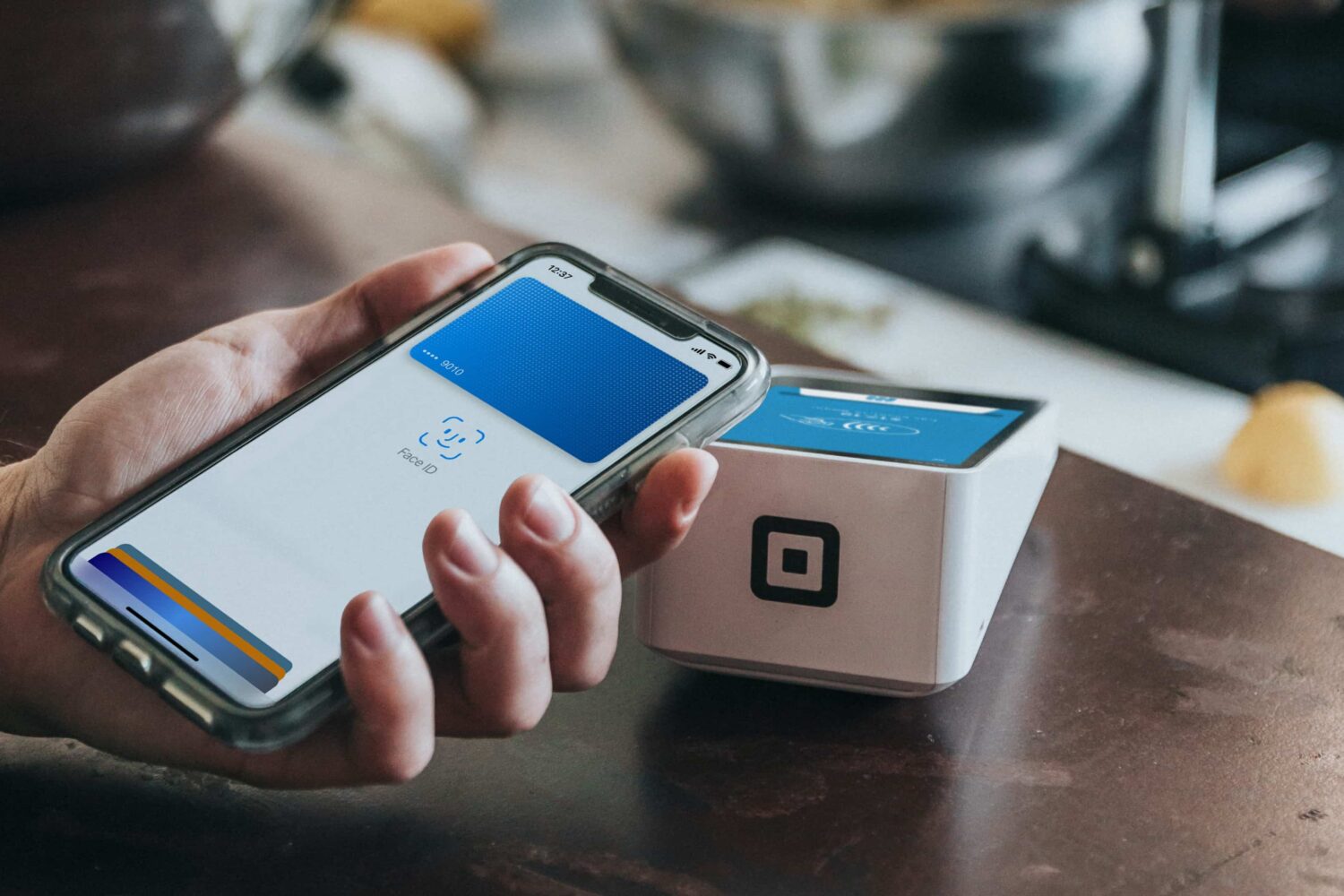
Learn how to get a refund for purchases made with your credit or debit card using Apple Pay, and what to do if a merchant requires additional information.

So you’ve just removed the palera1n jailbreak from your iPhone or iPad, only to find that the rootfs restore left behind some unwanted icons on your Home Screen; namely Sileo and Substitute, which are the package manager and tweak injection apps that are installed by palera1n when you jailbreak your handset with it.
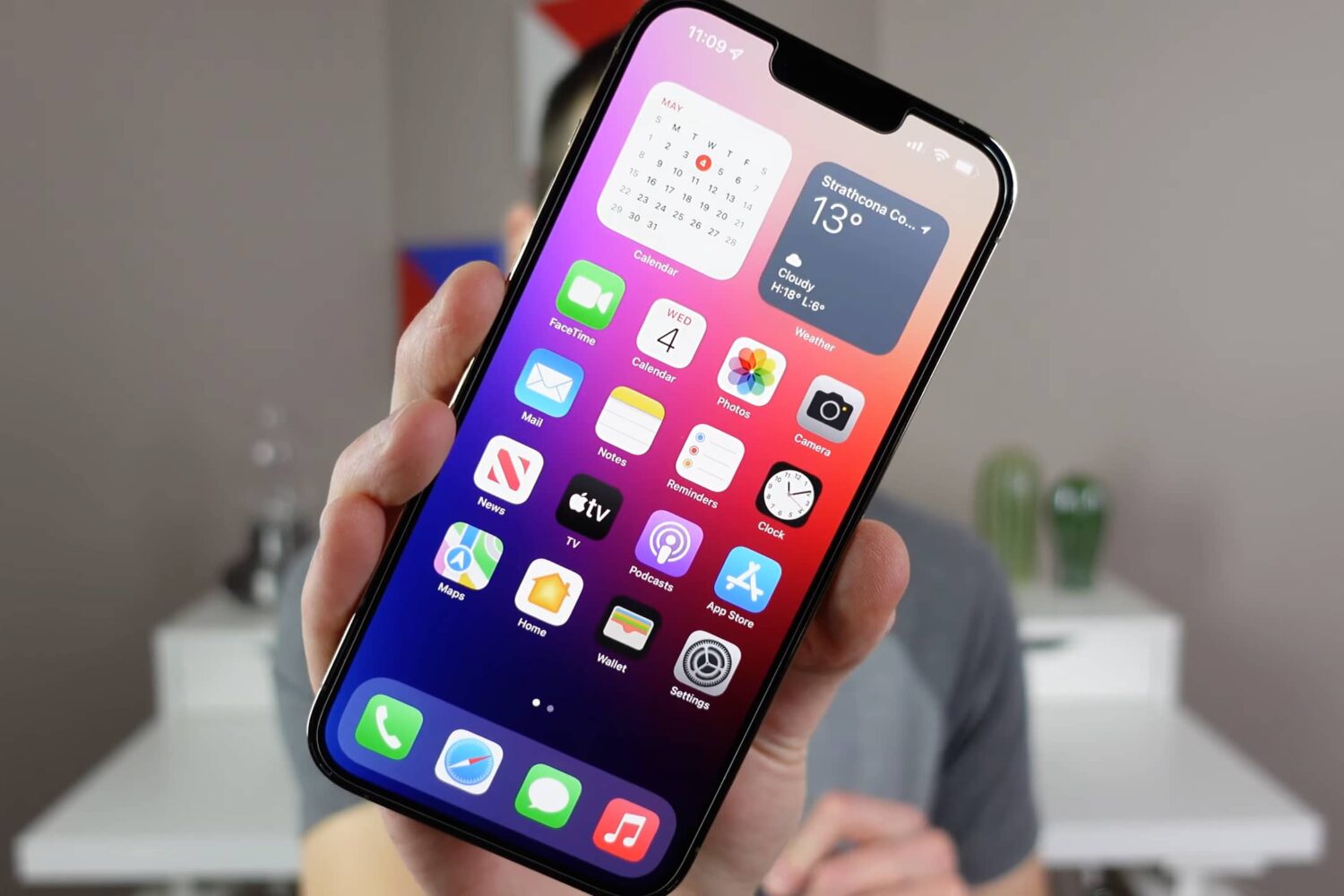
Watch our video walkthrough to learn about cool iPhone tips, tricks, and secret features, such as downloading any video, getting precise battery info, and more.