Check out the easy steps to create, use, and manage folders in the Voice Memos app on iPhone, iPad, and Mac to better organize your voice recordings.
How to create and use folders in the Apple Voice Memos app
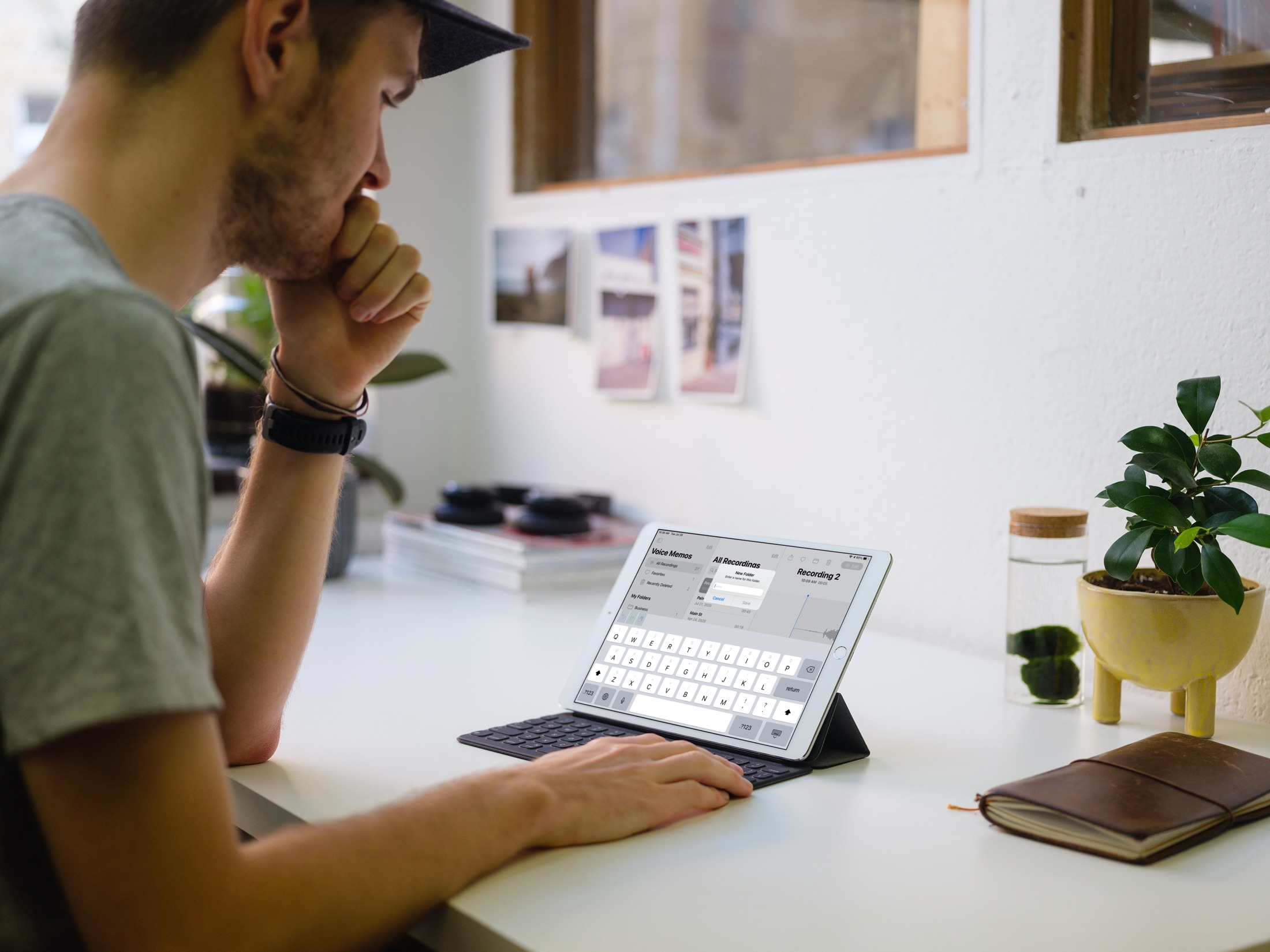
Check out the easy steps to create, use, and manage folders in the Voice Memos app on iPhone, iPad, and Mac to better organize your voice recordings.
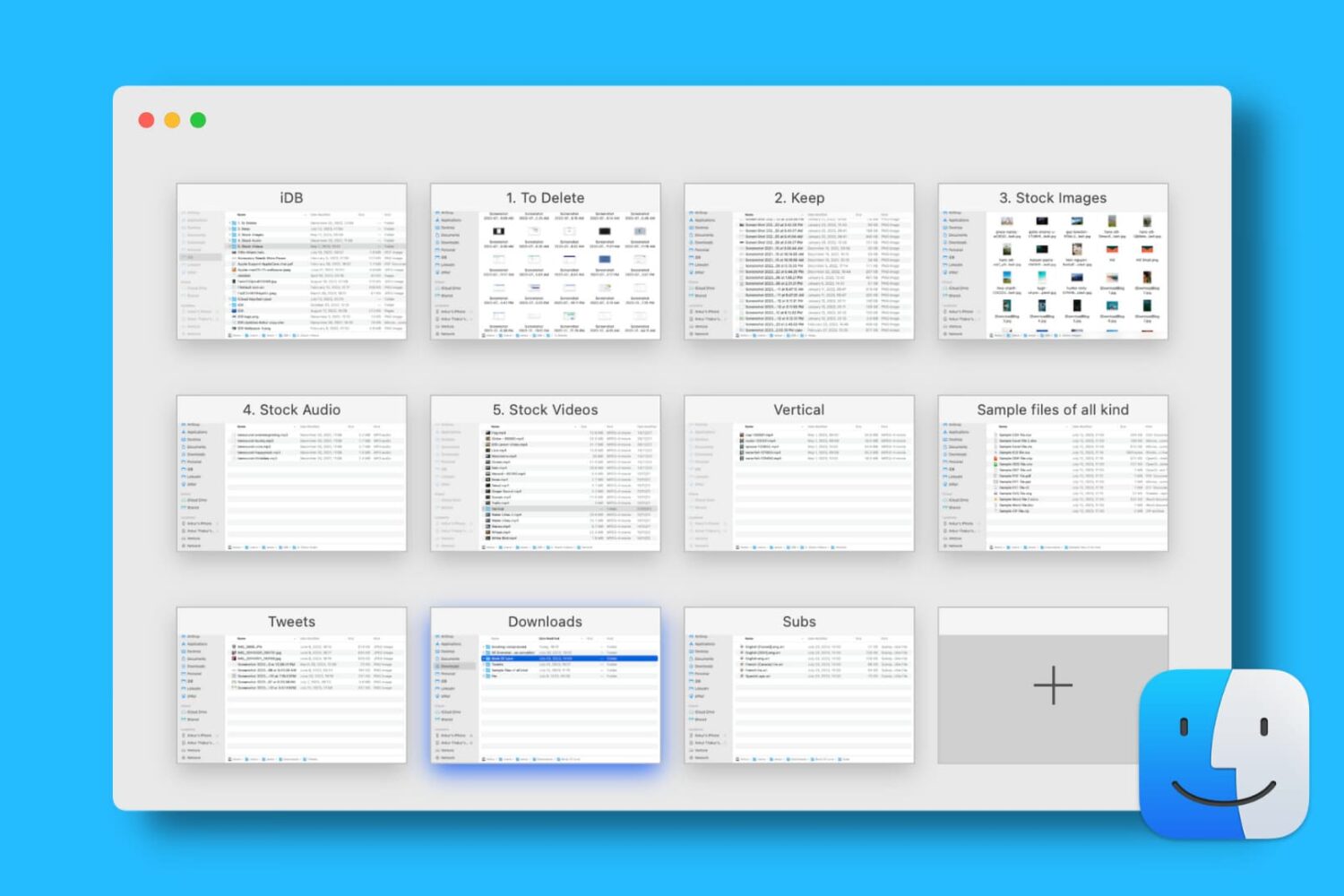
Find out how to open, use, navigate, rearrange, and close tabs in Finder on your Mac so you can work with multiple folders in just one window and keep your desktop uncluttered.

Are you looking for the best iPhone Home Screen app arrangement? Explore some simple ways to arrange your Home Screen on iPhone and iPad, for a perfect mix of productivity and aesthetics.
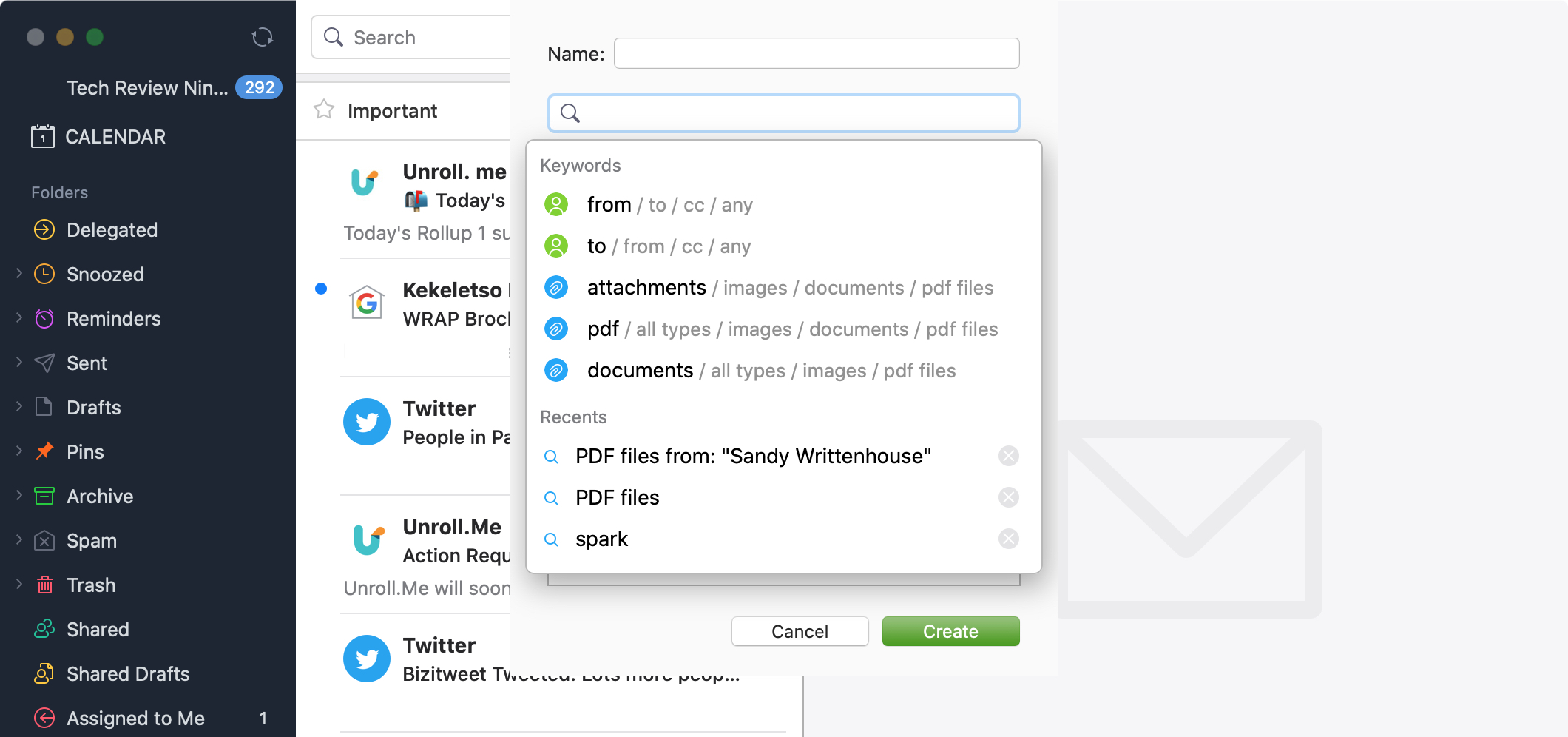
Just like smart mailboxes in the Mail app, you can set up smart folders in the Spark email app. This makes organizing your inbox easier, plus gives you a specific spot to go to for those particular emails you need.
You can use smart folders in Spark for travel arrangements, purchase receipts, or work-related emails. Or, you can set them up for emails you received in certain time frame, with a particular type of attachment, or from a specific sender.
Whatever you might find smart folders useful for in Spark, here’s how to create and edit them on iPhone, iPad, and Mac.

Learn how to create and use folders and subfolders in the Apple Mail app on your iPhone, iPad, and Mac to keep your emails better organized.
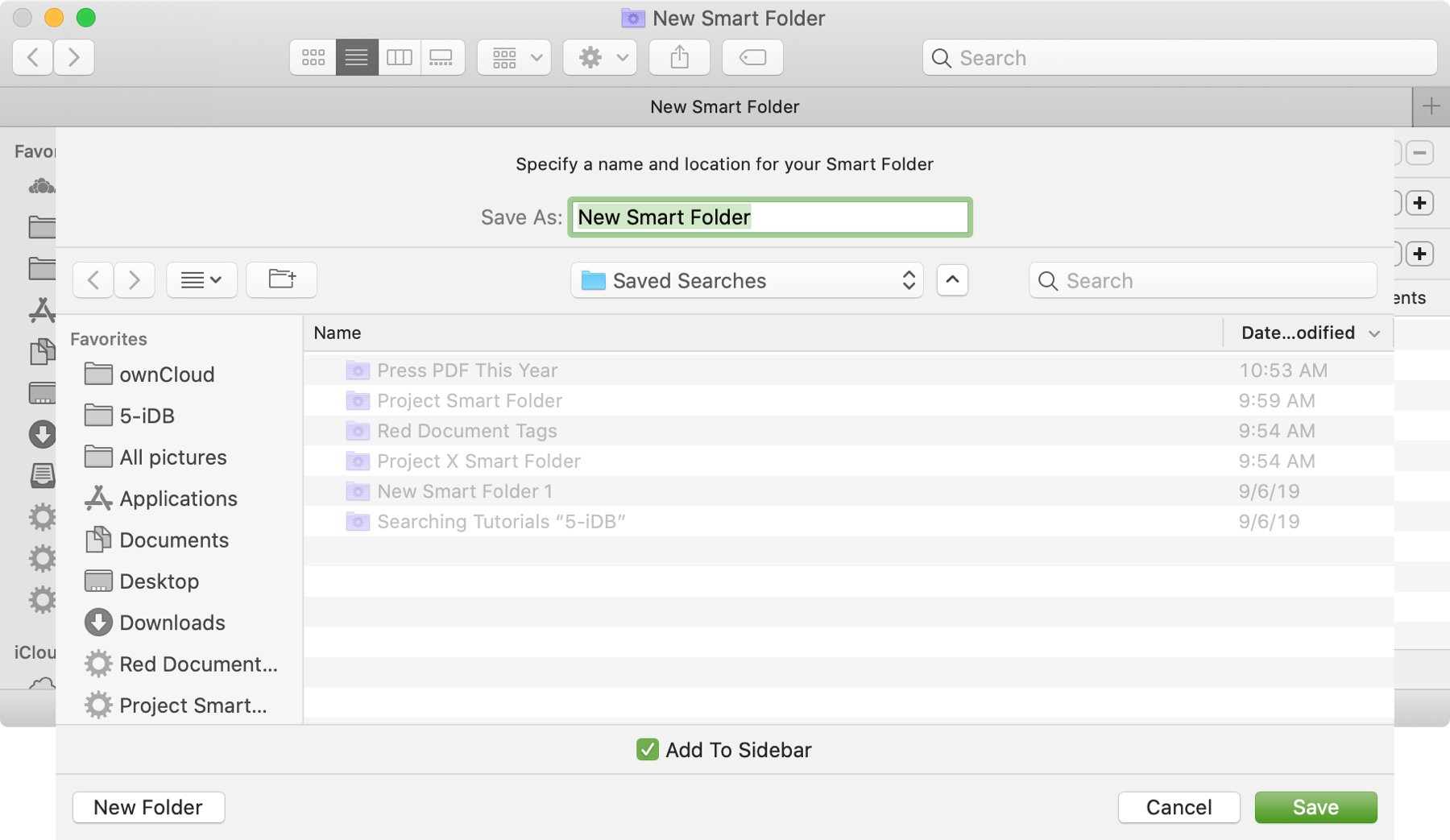
The Smart Folders feature on Mac gives you a great way to collect items that match specific criteria. You can use Smart Folders for business or pleasure and instead of searching for files, images, or documents.
We have a basic tutorial for how to use Smart Folders on Mac if you’re just getting started. But if you’ve used Smart Folders before, you might be interested in additional ways these handy folders can be even more useful.
To keep up with your work or school projects, here are several creative ways to use dates as conditions for Smart Folders on your Mac.

Learn how to organize your albums more efficiently by creating folders in the Photos app on your iPhone, iPad, or Mac.
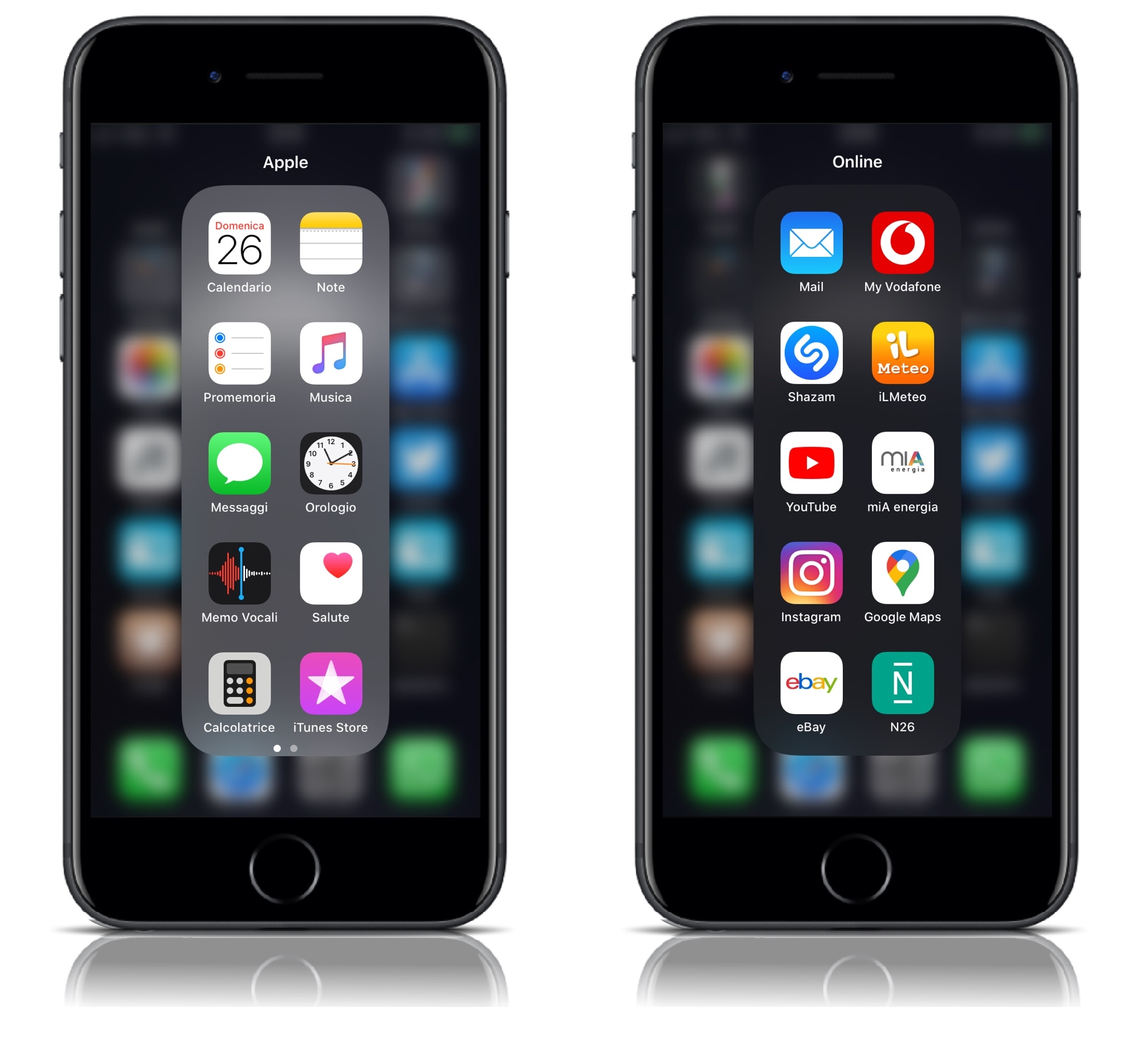
Folders can make organizing your iPhone’s Home screen a lot easier, but the native implementation leaves a lot to be desired. For example, why would anyone want to have a square-esque full-screen folder on a portrait-oriented rectangular display?
YouFold is a free and snazzy new jailbreak tweak by iOS developer Plat-Ykor that addresses this concern head-on by replacing the traditional full-screen folders in iOS with something more friendly to the iPhone’s natural display shape.
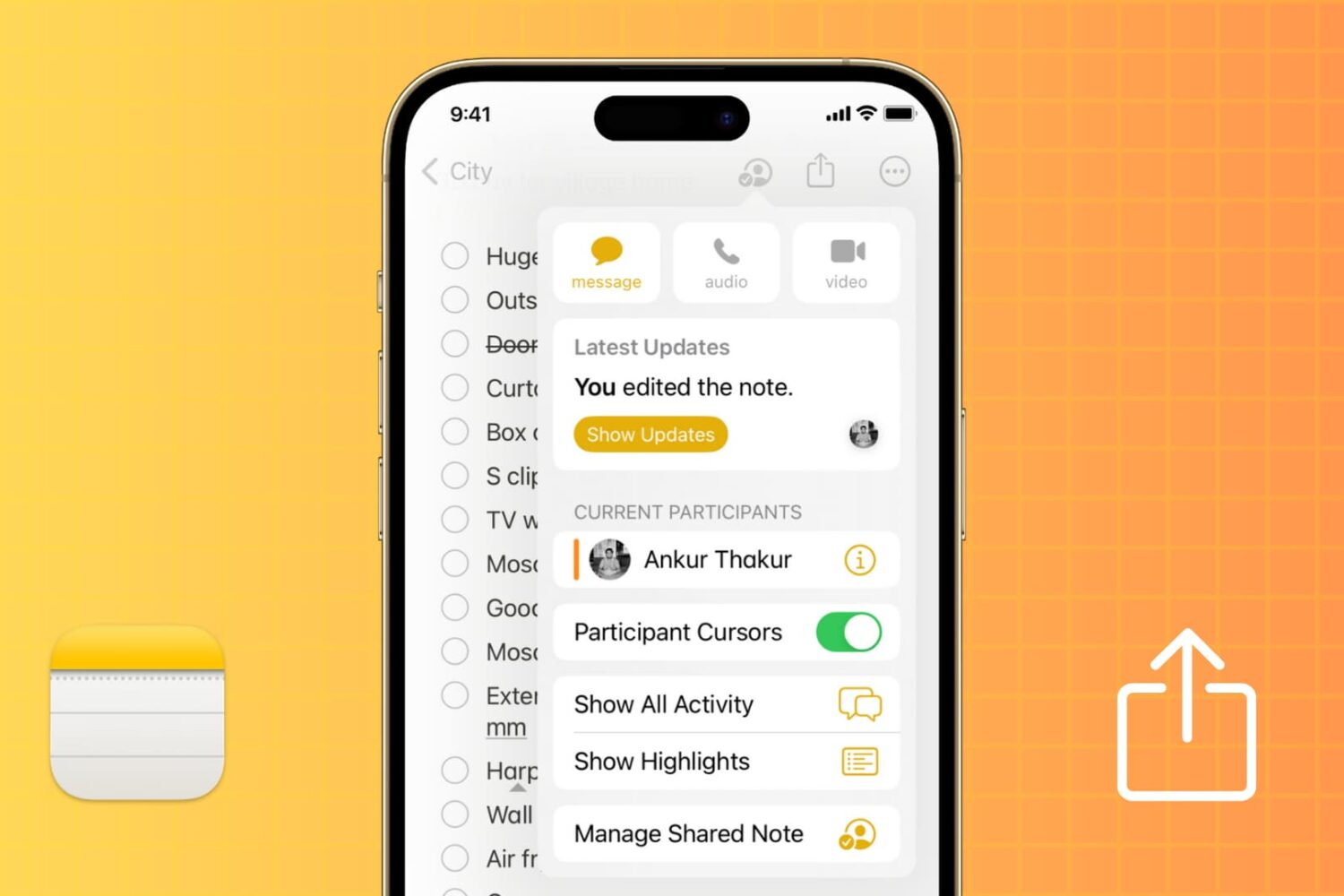
The Apple Notes app offers an easy way to share and collaborate on notes and folders. Whether you're using an iPhone, iPad, Mac, or accessing iCloud on the web, this tutorial provides a comprehensive guide on how to share, collaborate, and manage permissions for a seamless teamwork and project coordination.
Learn how to change the folder where Google Chrome and Firefox download and save files from the internet.
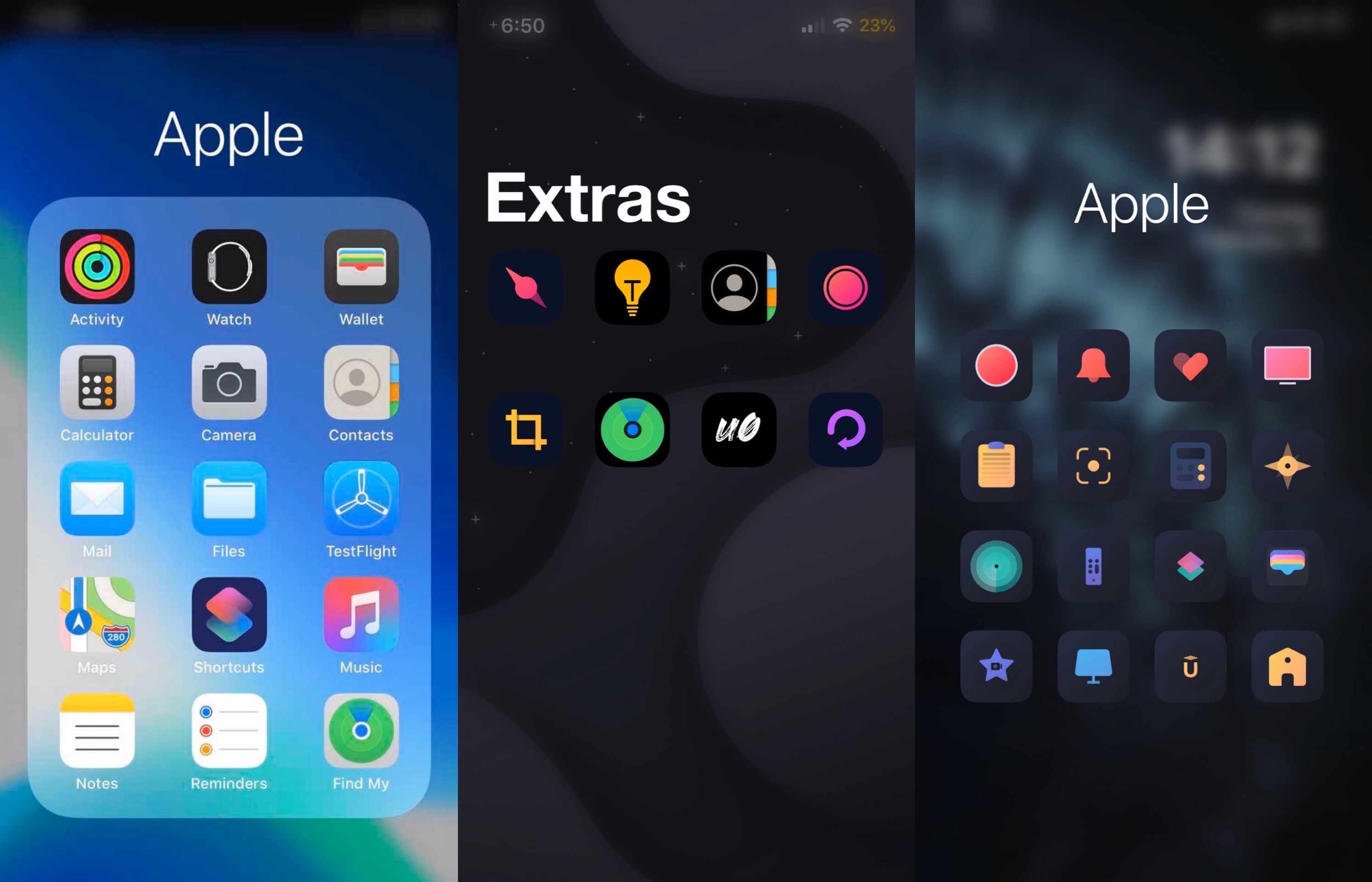
If you’re looking for a way to spice up your iPhone or iPad’s native Home screen folder behavior, then there’s a fairly good chance that a newly released and free jailbreak tweak called Cartella by iOS developer burrit0z could be right up your alley.
Cartella was designed to let jailbreakers adjust the look and feel of their handset’s Home screen folders. Straight out of the box, it incorporates a plethora of different customization options, including:
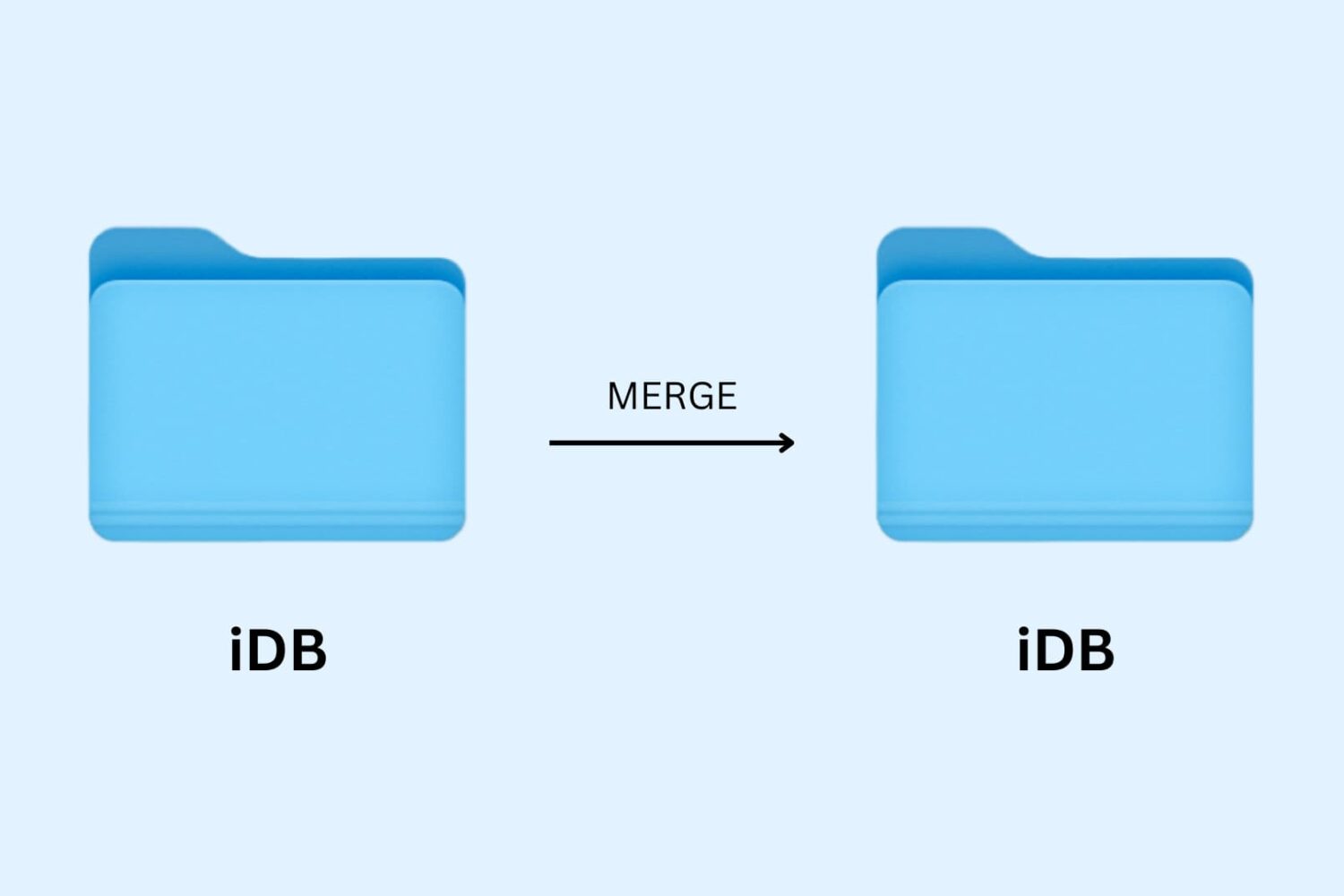
Learn how to merge macOS folders to clean up duplicate folders on your Mac that may or may not have the same names.