Learn why your Mac’s screen flickers, flashes, or shimmers randomly and explore troubleshooting solutions to fix the issue.
Fix screen flashing or flickering randomly on your Mac
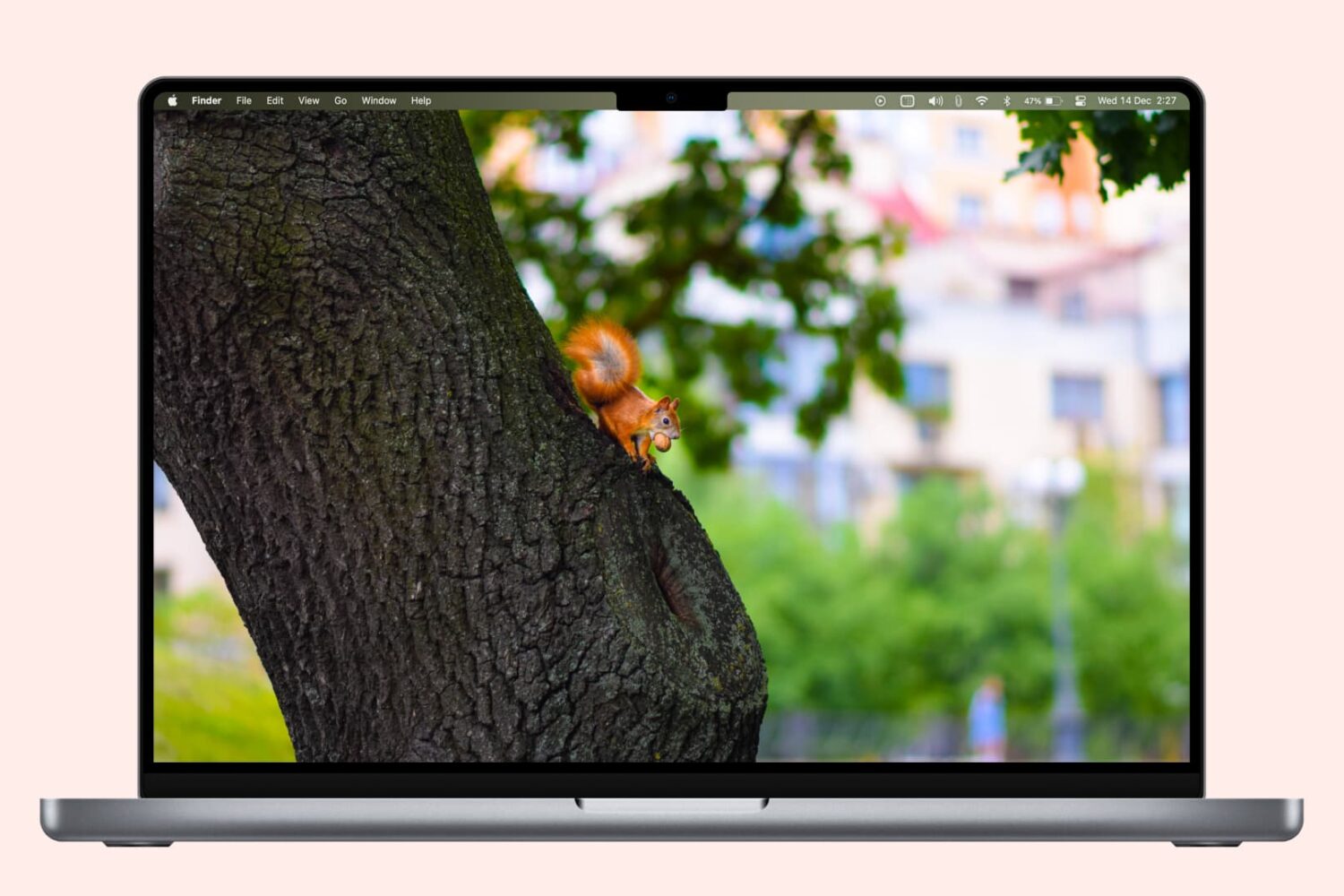
Learn why your Mac’s screen flickers, flashes, or shimmers randomly and explore troubleshooting solutions to fix the issue.
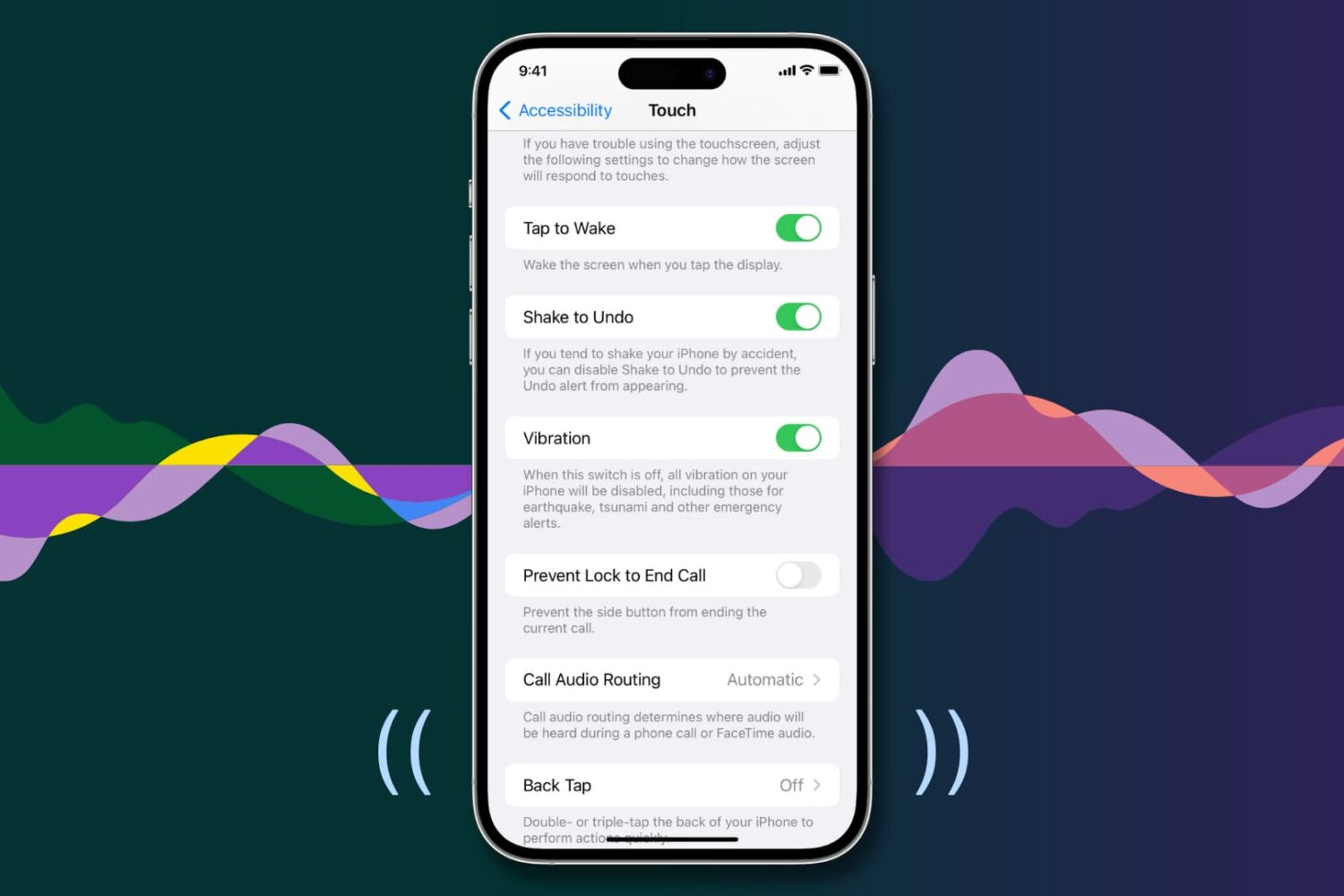
Your iPhone vibrates to alert you about incoming calls, texts, and app notifications, making it easier to react when the device is deep in your pocket or set to silent mode.
Similarly, iOS offers haptic feedback throughout the operating system to complement touch input and elevate interactions.
If you aren’t getting any vibrations or haptic feedback from your iPhone, the troubleshooting tips below should help fix that.
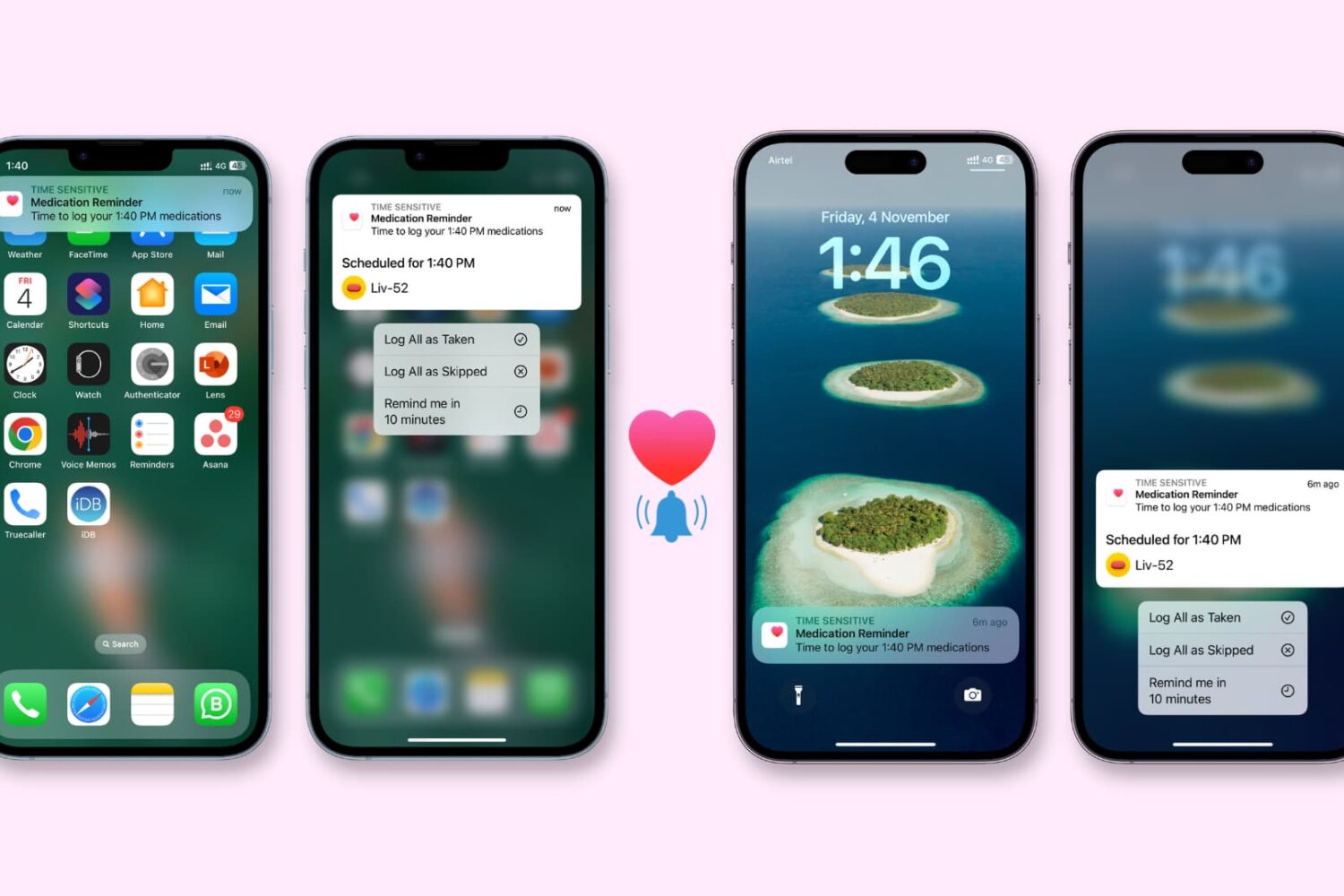
Check out these 8 solutions to fix the Health app on your iPhone or Apple Watch not reminding you to take medication on time.
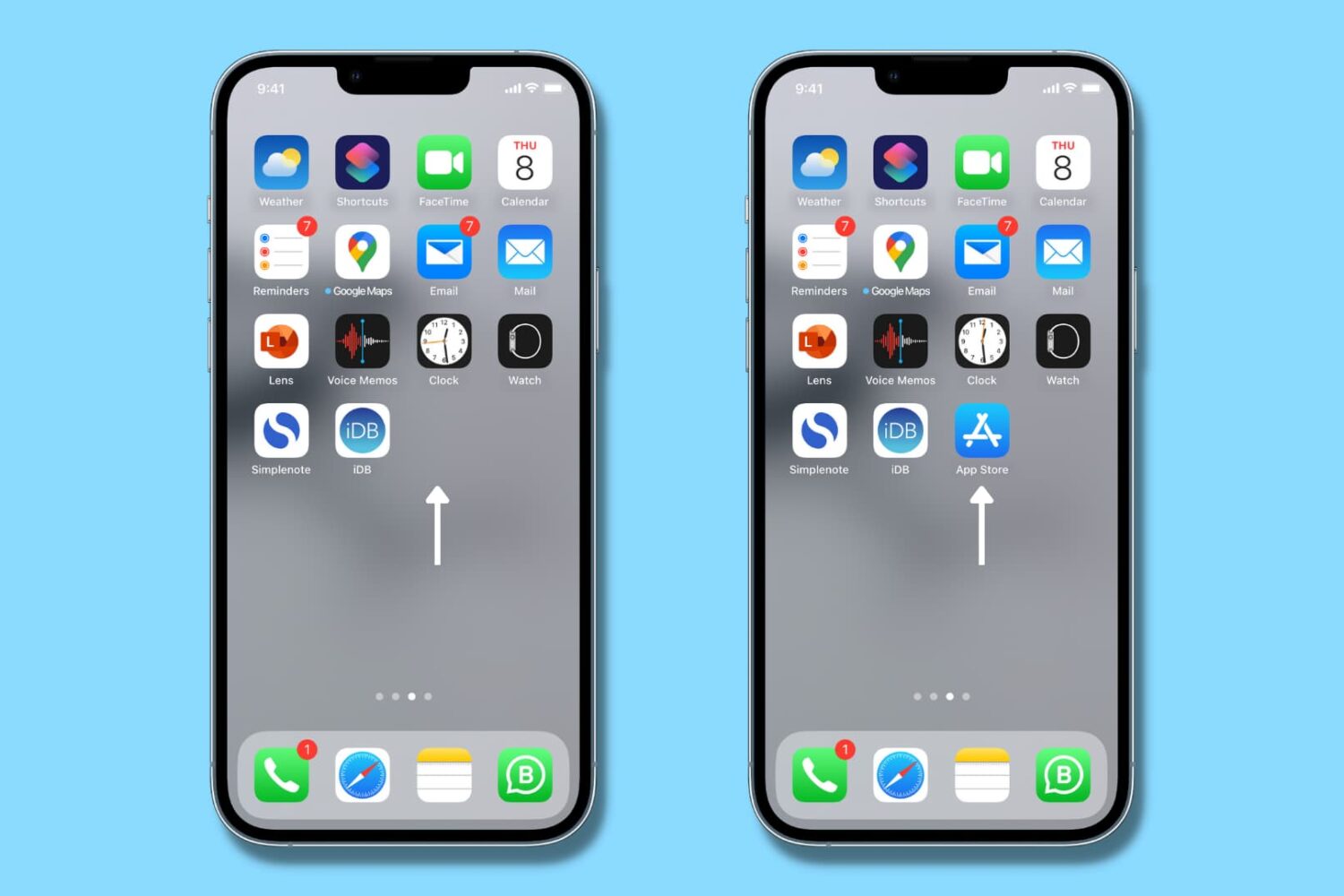
Is App Store missing from your iPhone, and you can't figure out where it went? In this tutorial, we quickly show you how to get App Store back on iPhone or iPad so that you can download new apps and update existing ones.
Learn what to do if your iPhone or iPad won’t charge even though you have plugged it into a power adapter correctly.
iOS 16.2 resolves a longstanding bug causing choppy or stuttering system animations on iPhone Pros when exiting apps, scrolling and more.
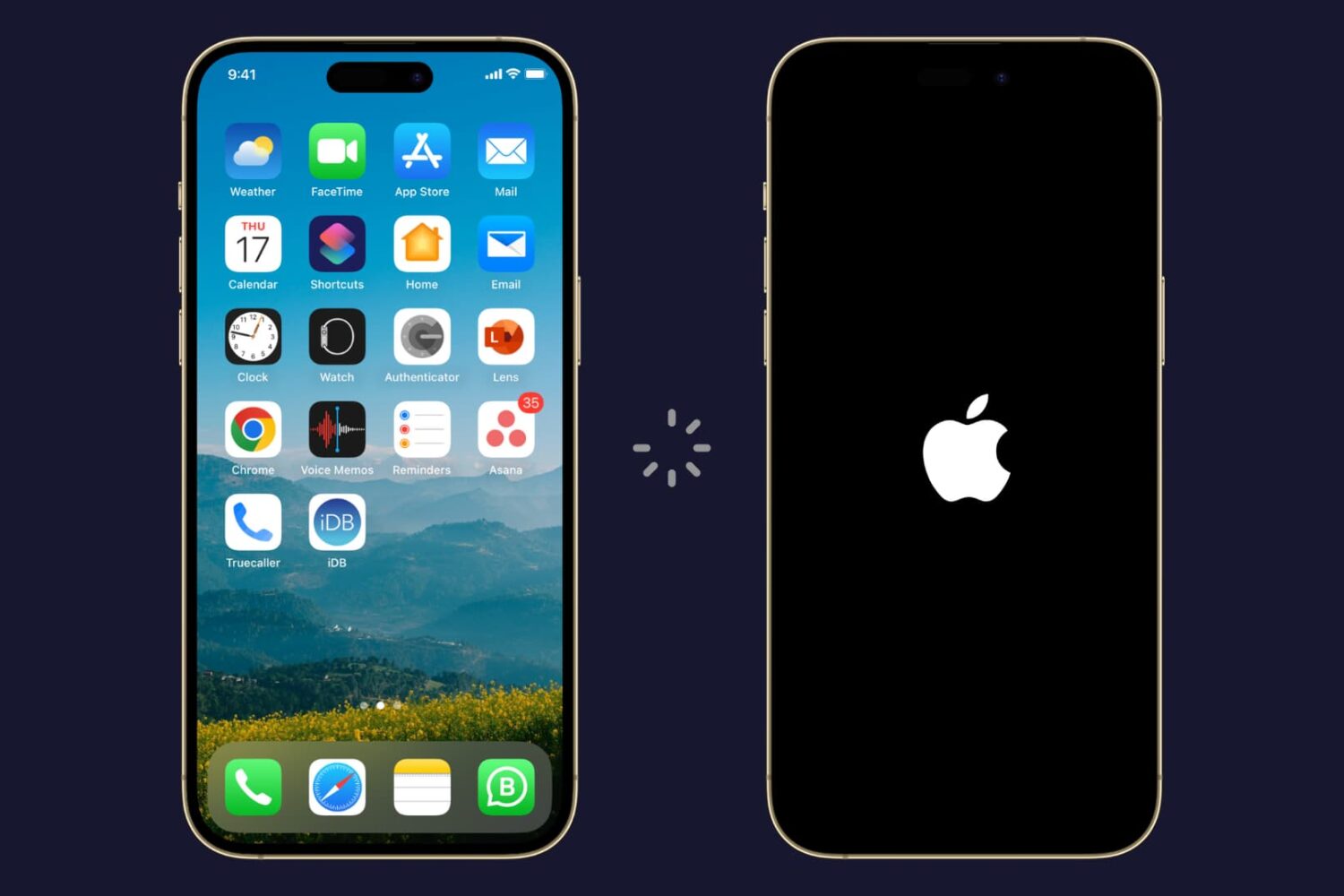
Try these troubleshooting solutions if your iPhone or iPad is restarting randomly on its own, and fix this annoying problem once and for all.
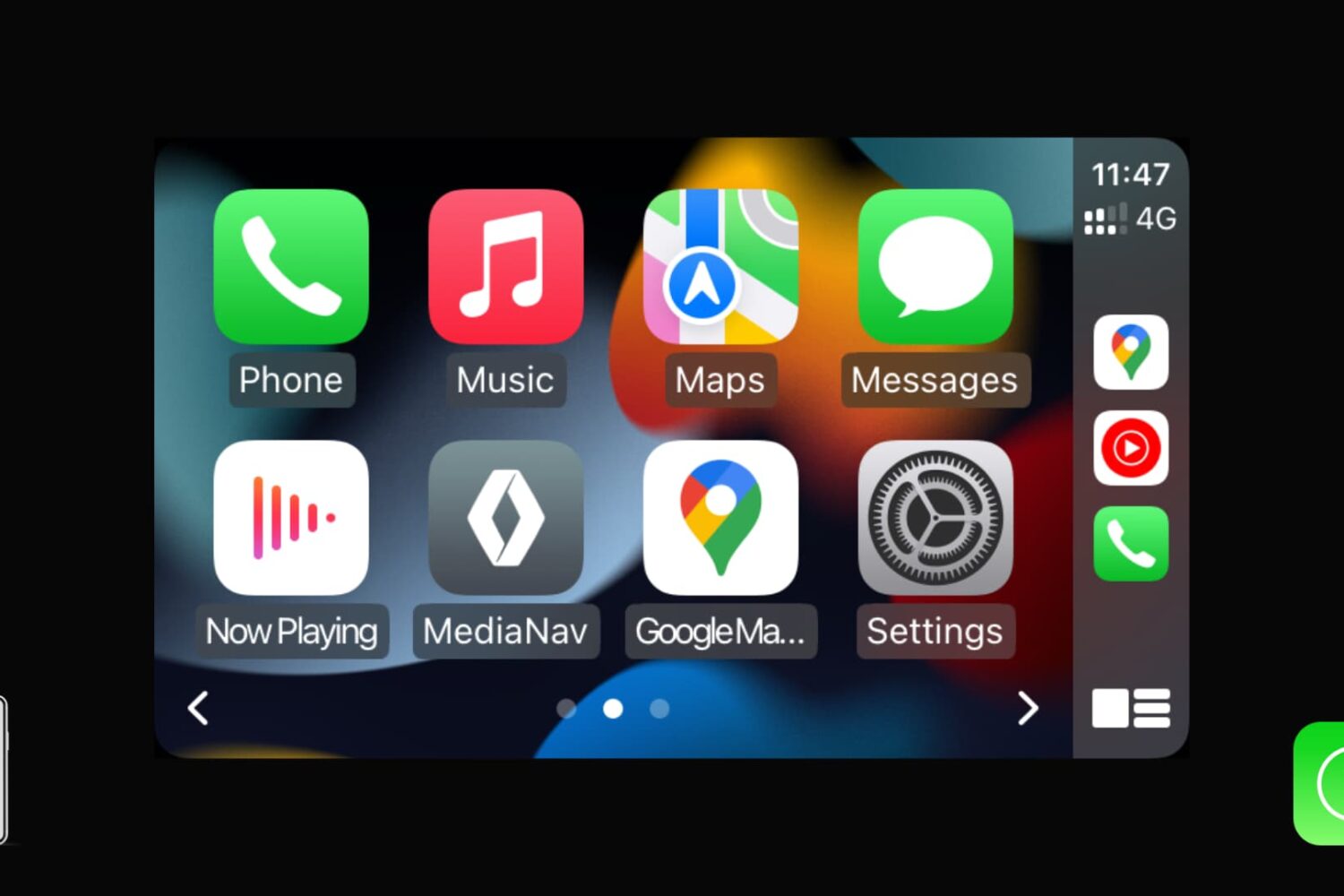
CarPlay is available on every iPhone 5 and newer models running iOS 7.1 or later. It lets you enjoy music, receive notifications, run navigation, use Siri, have Siri read messages, and more, all from your car’s dashboard screen.
Depending on your car manufacturer and model, you can use either wireless or wired CarPlay. If you’re having trouble getting CarPlay to work with your iPhone or if it’s not functioning properly, this troubleshooting guide offers several solutions to resolve any CarPlay issues between your iPhone and your car.
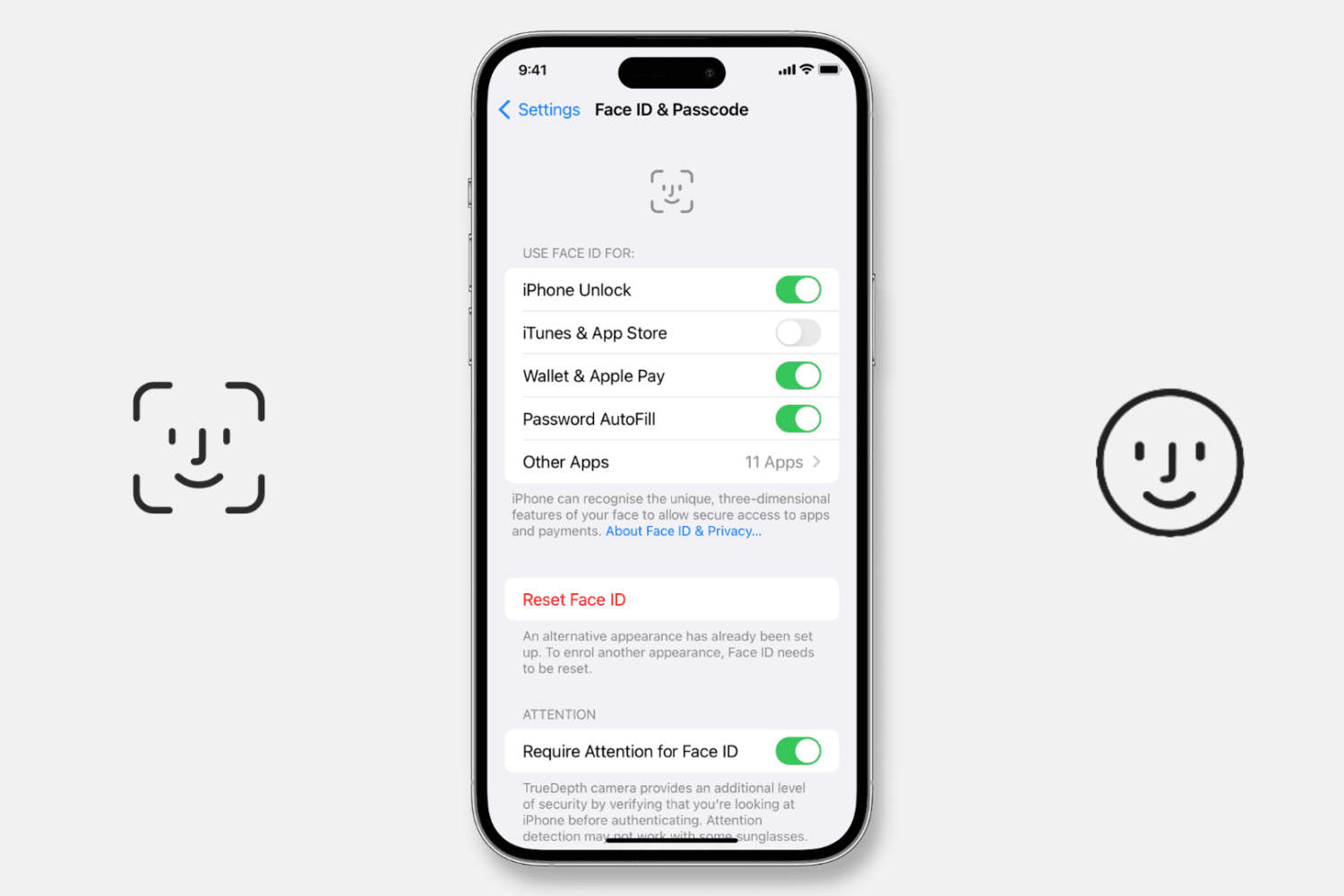
Try our expert troubleshooting tips if Face ID fails to unlock your iPhone or iPad, won’t let you authorize downloads, locked apps, autofill passwords, or use Apple Pay.
A tvOS 16 update will fix a problem with the Match Content feature that's causing Apple TV blackouts when switching between different video refresh rates.
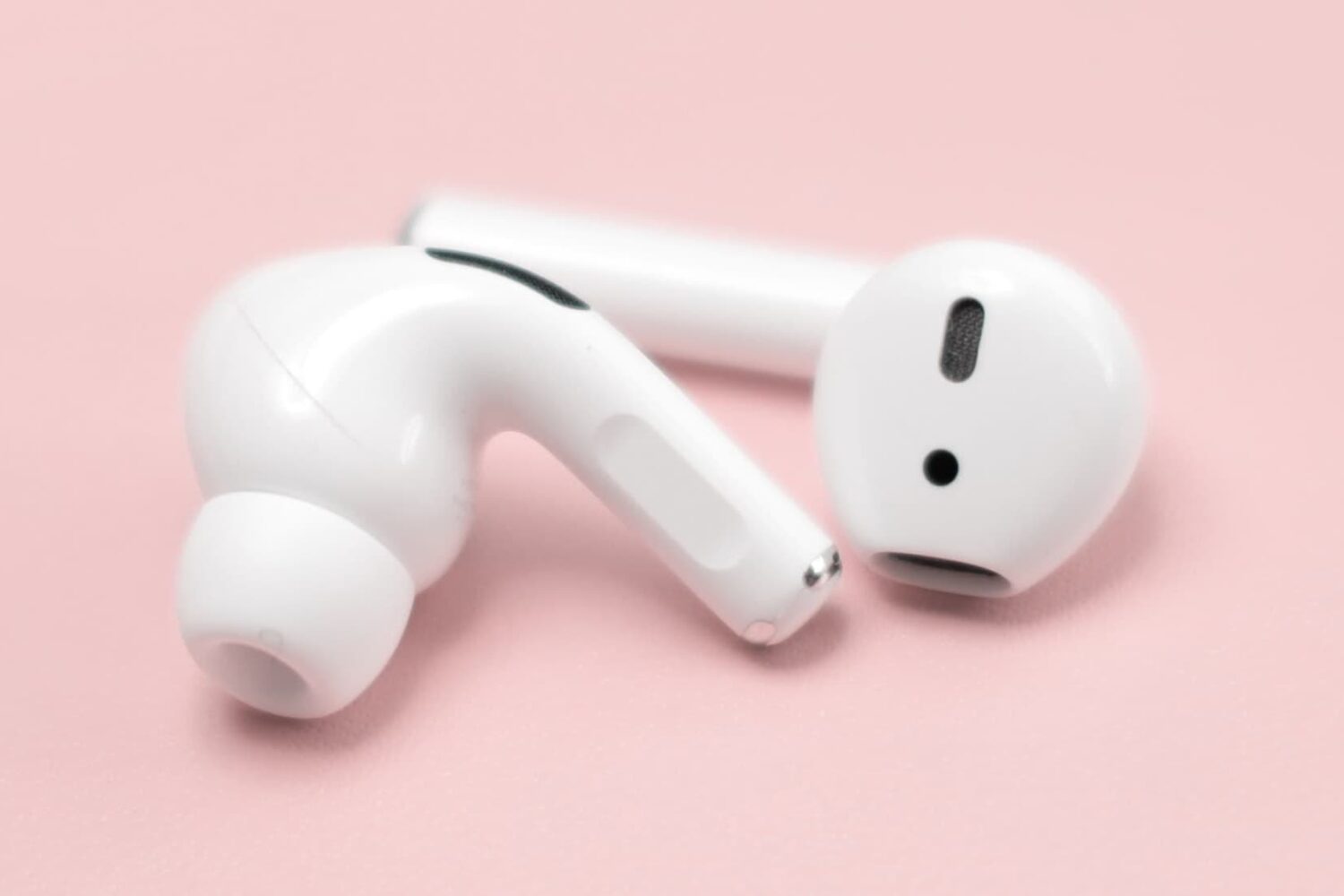
Learn how to fix the left or right AirPod sounding louder or quieter than the other when listening to music or watching videos.
watchOS 9 extends battery life during some workouts and allows you to download music while your Apple Watch is off its charger. It also contains a few bug fixes.