The update addresses microphone issues plaguing some Apple Watch Ultra and Series 8 units while fixing Spotify streaming problems and squishing other bugs.
watchOS 9.0.2 fixes the Apple Watch microphone and Spotify streaming issues
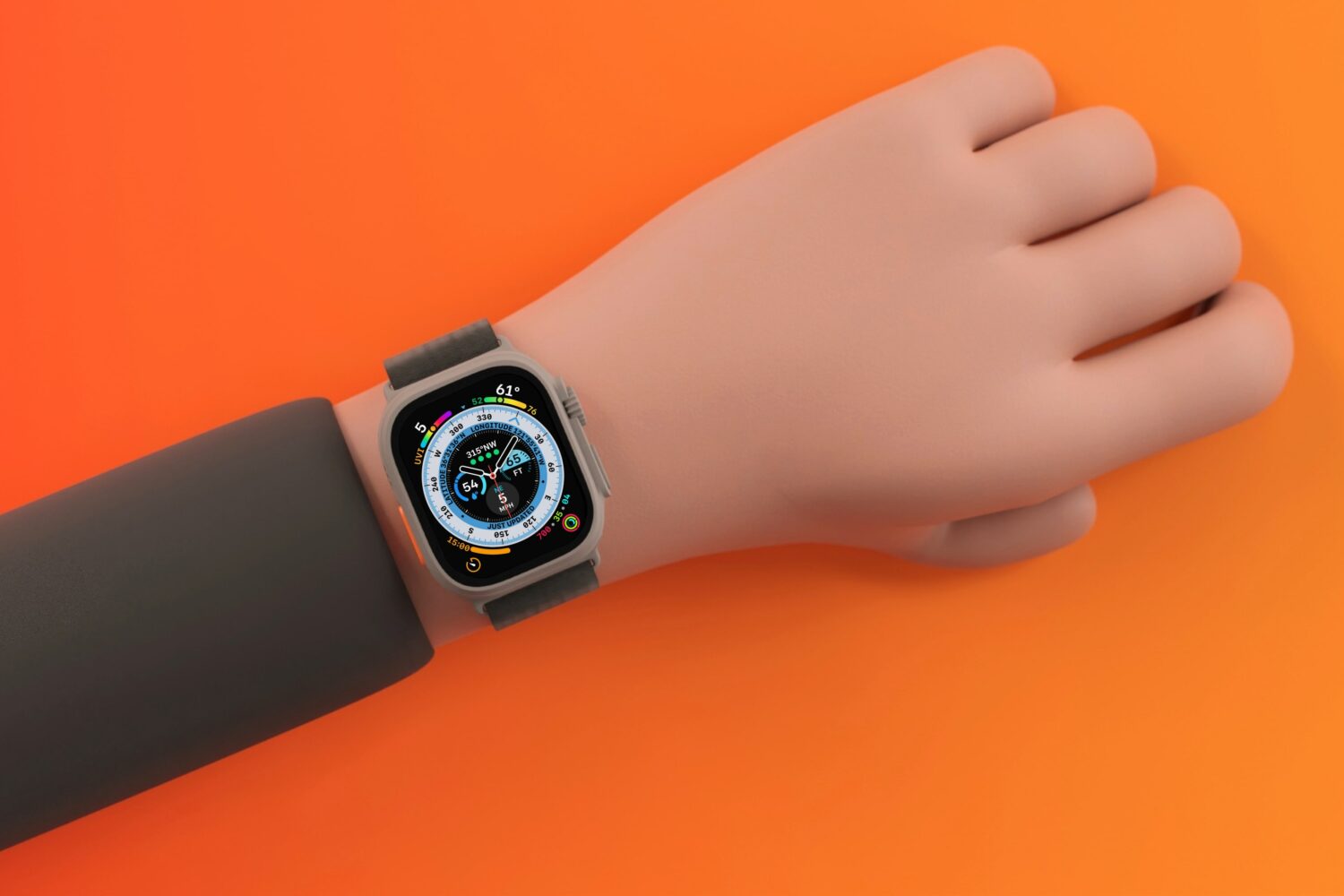
The update addresses microphone issues plaguing some Apple Watch Ultra and Series 8 units while fixing Spotify streaming problems and squishing other bugs.
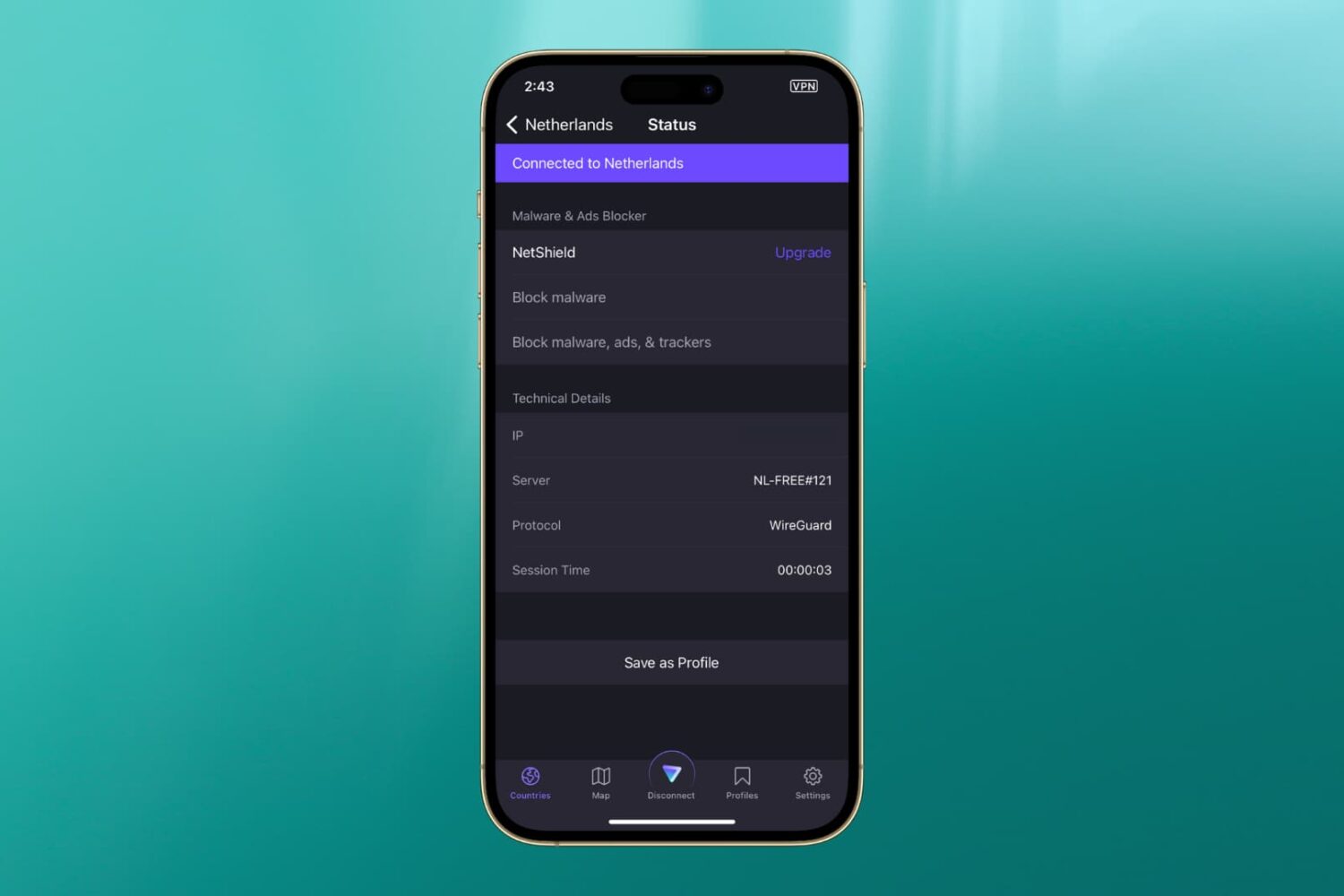
In this guide, we’ve listed the top solutions to fix the most common VPN issues that you may encounter on your iPhone or iPad.
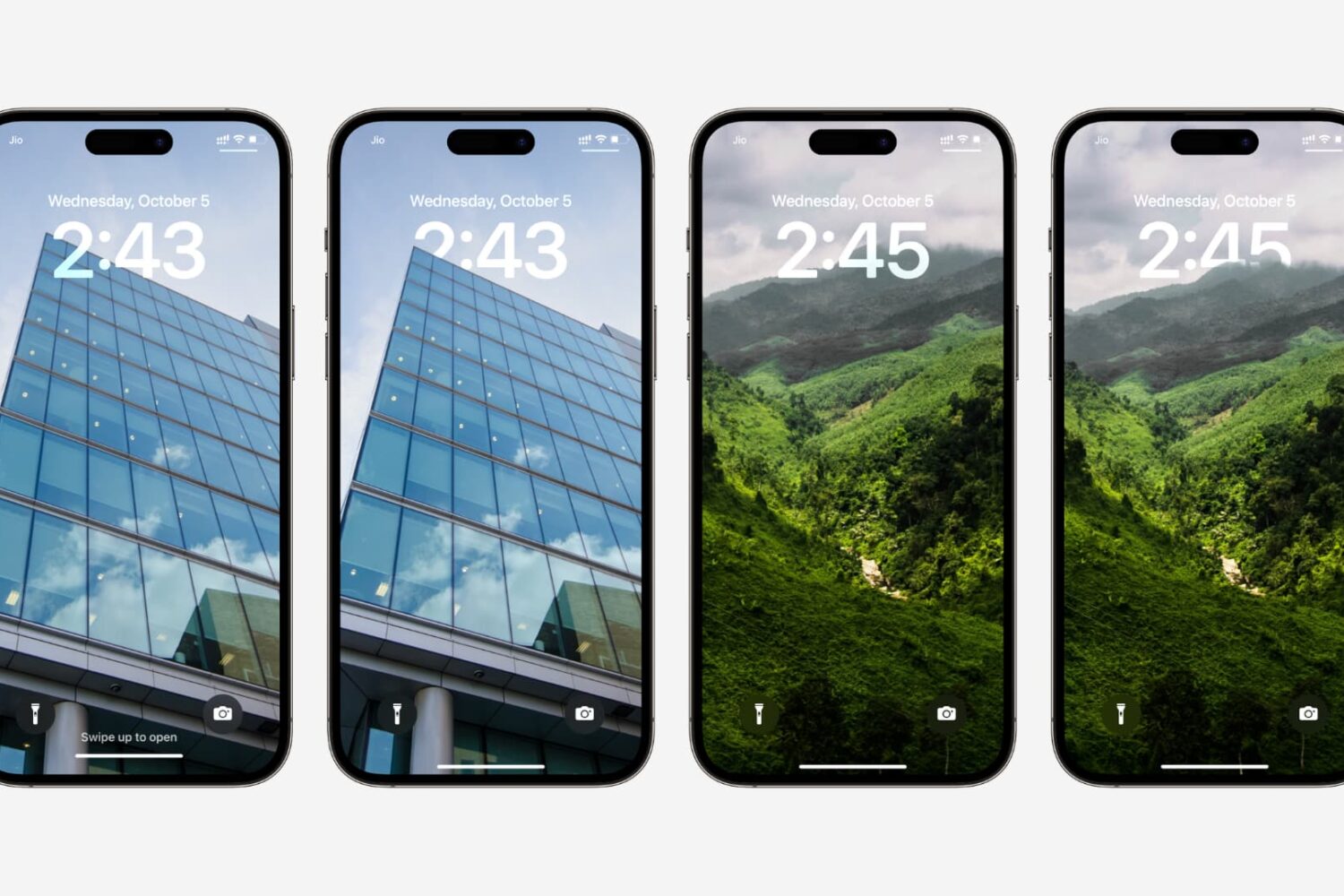
Learn how to fix the multi-layered depth effect not working on your iPhone or iPad’s Lock Screen wallpaper.
iOS 16.0 was a surprisingly buggy release. But Apple heard your pain—iOS 16.1 squishes a bunch of bugs while bringing a few cool new features to your iPhone.
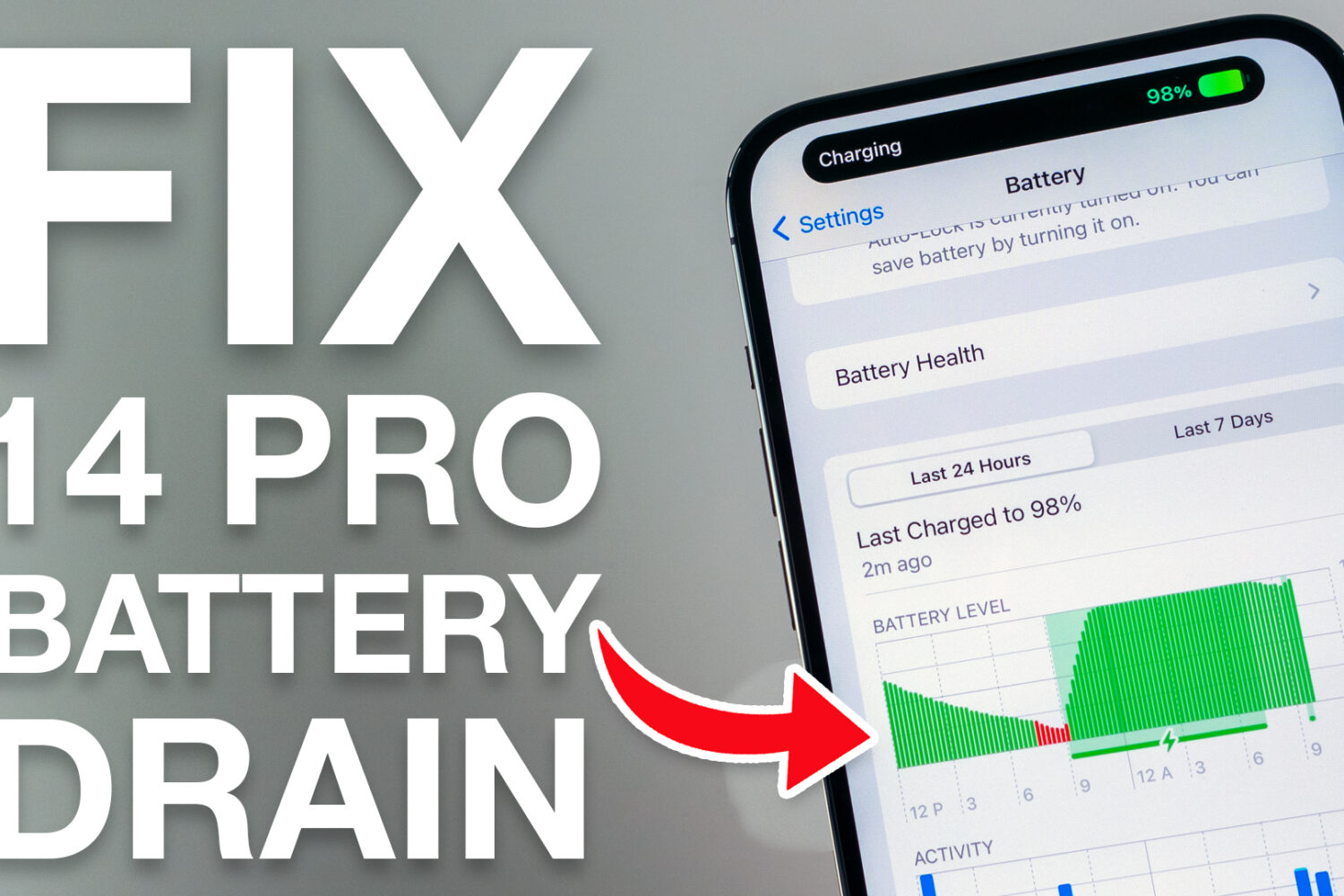
If you’ve just acquired a shiny new Apple iPhone 14 Pro or 14 Pro Max, and you’re coming from last year’s iPhone 13 Pro or 13 Pro Max, then you might be in for a slight surprise when it comes to battery life, despite Apple’s claims that the newer handset should be capable of better battery life.
Apple on Thursday released a new software update for iPhones in the form of iOS 16.0.2, and while it’s available for every iPhone that can run iOS 16, newfangled iPhone 14 Pro & 14 Pro Max owners are going to want to pay particular attention to this one.
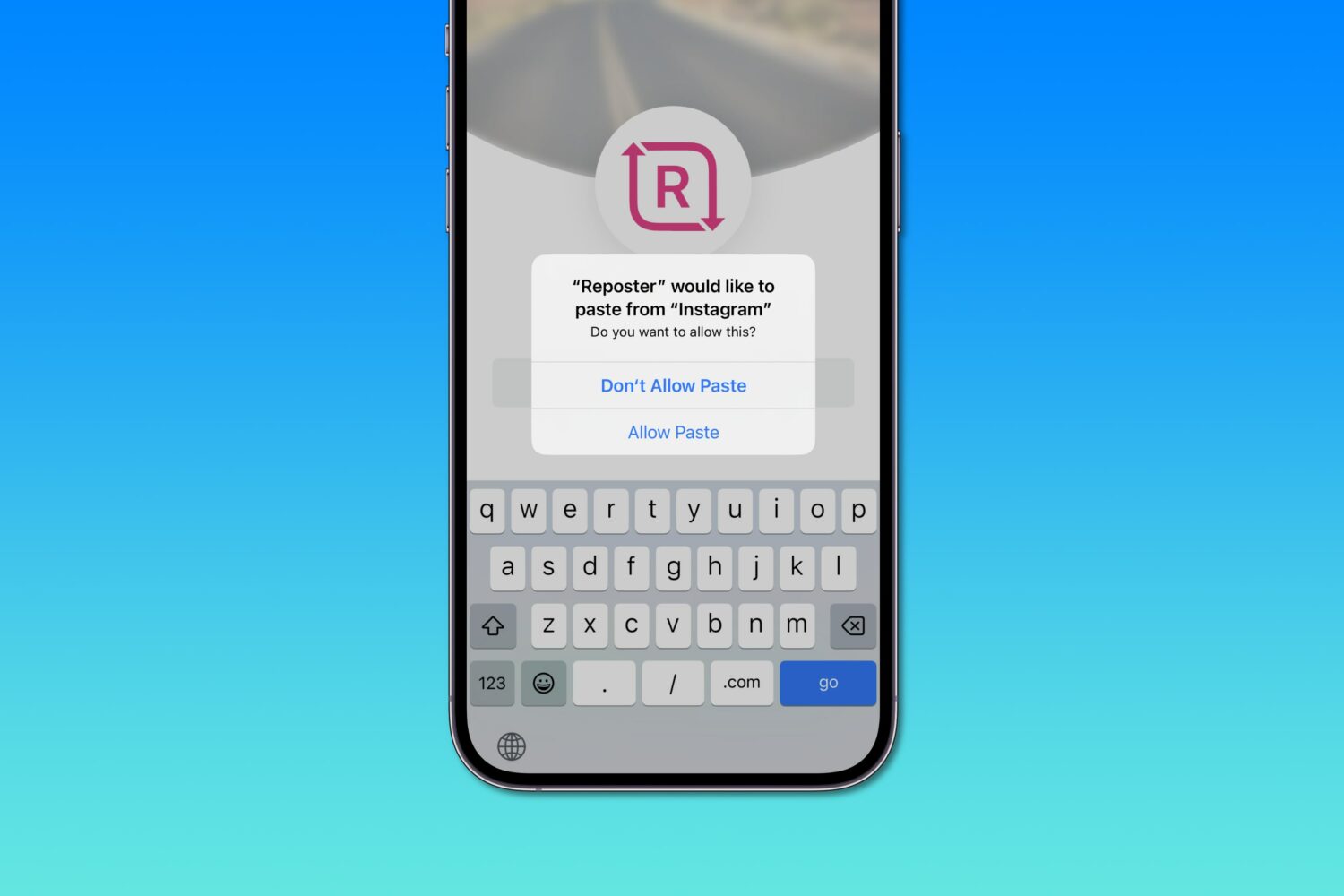
Apple says iOS 16's excessive privacy permission prompts when pasting from the system clipboard are a bug that'll get addressed in an upcoming software update.
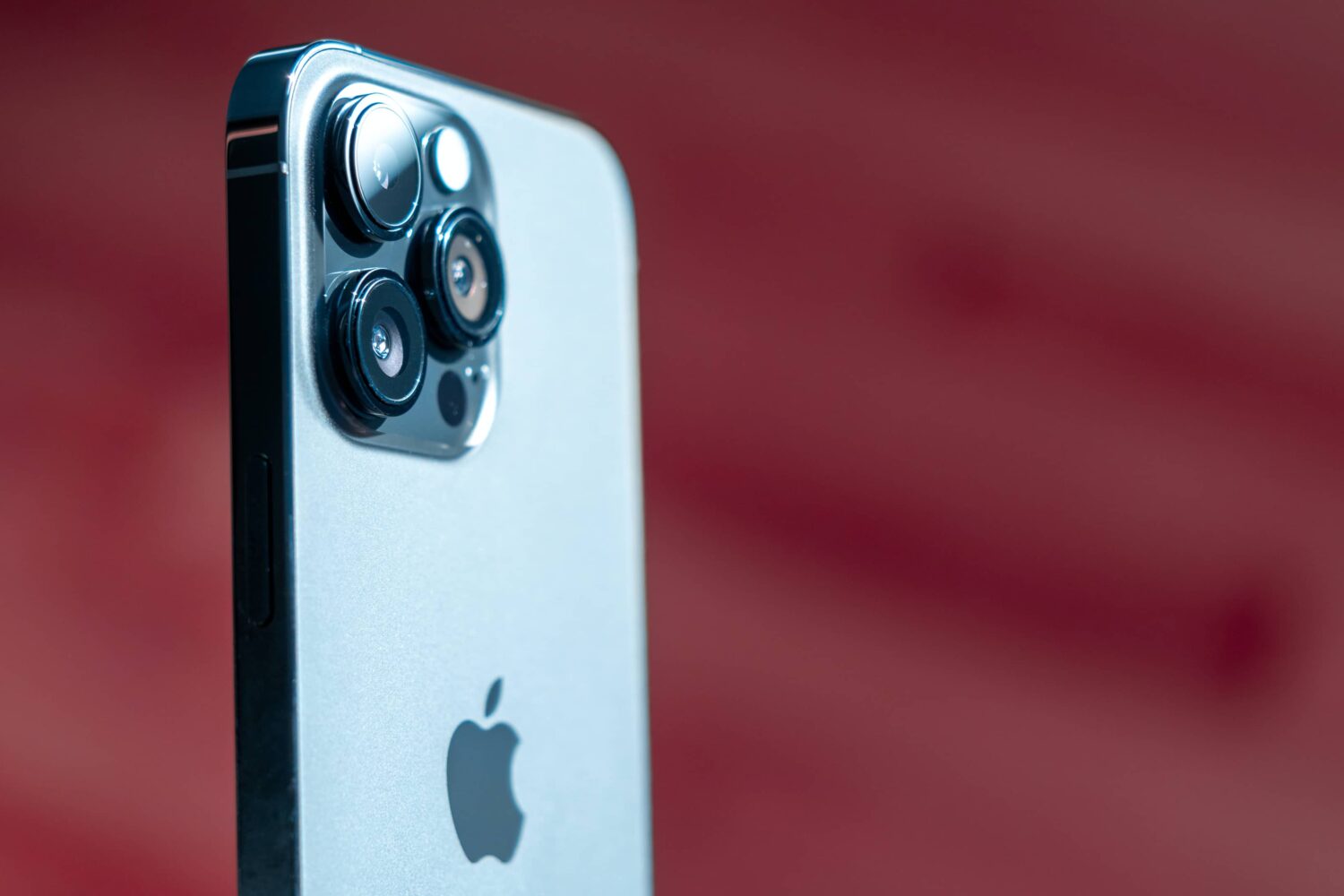
An iOS 16 update due next week will fix the reported iPhone 14 Pro issues, including the violent camera shake, vibration and that strange rattling sound.
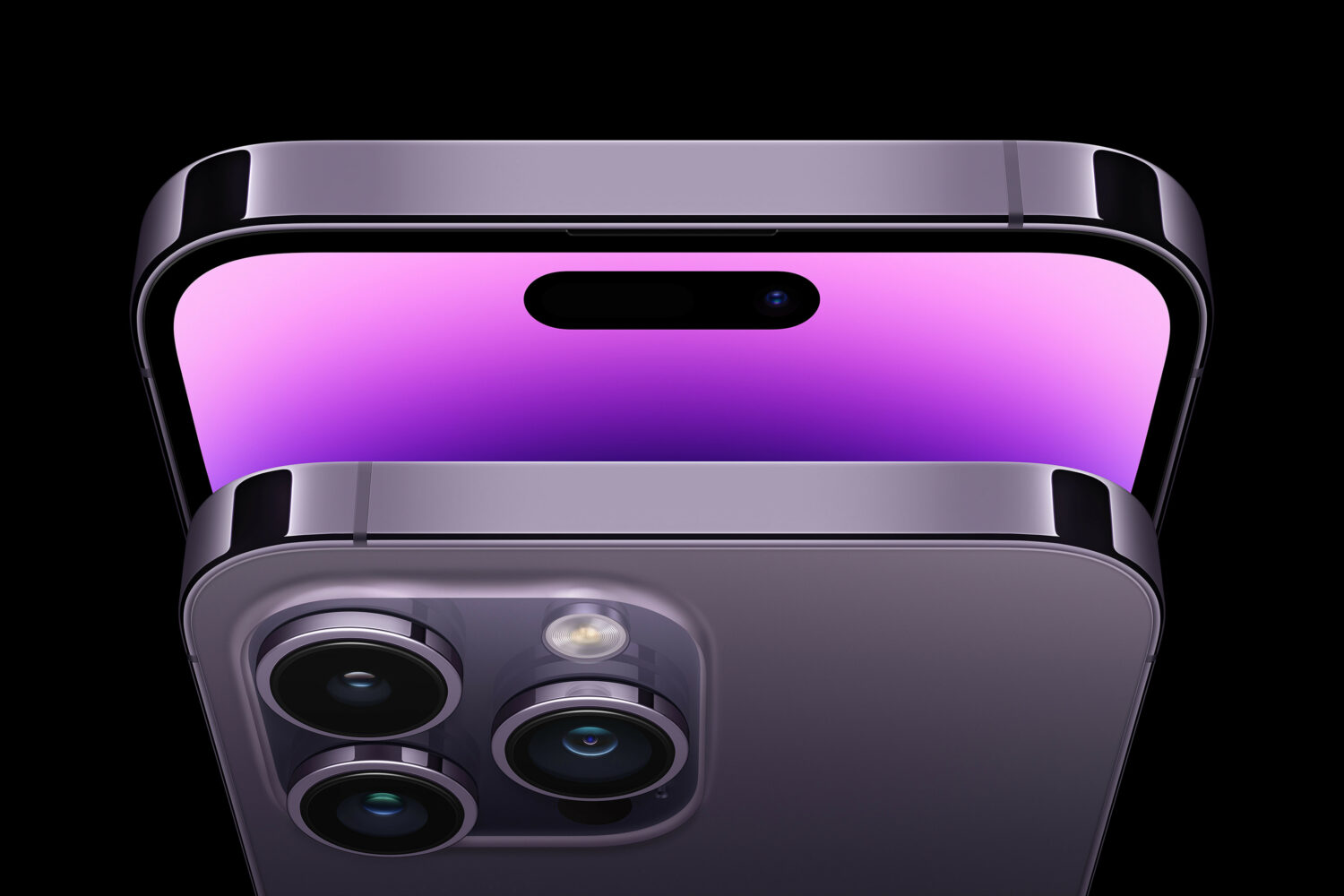
Apple has released iOS 16.0.1 for its latest smartphones to fix iPhone 14 activation issues, problems with zooming in the Photos app and other annoying bugs.
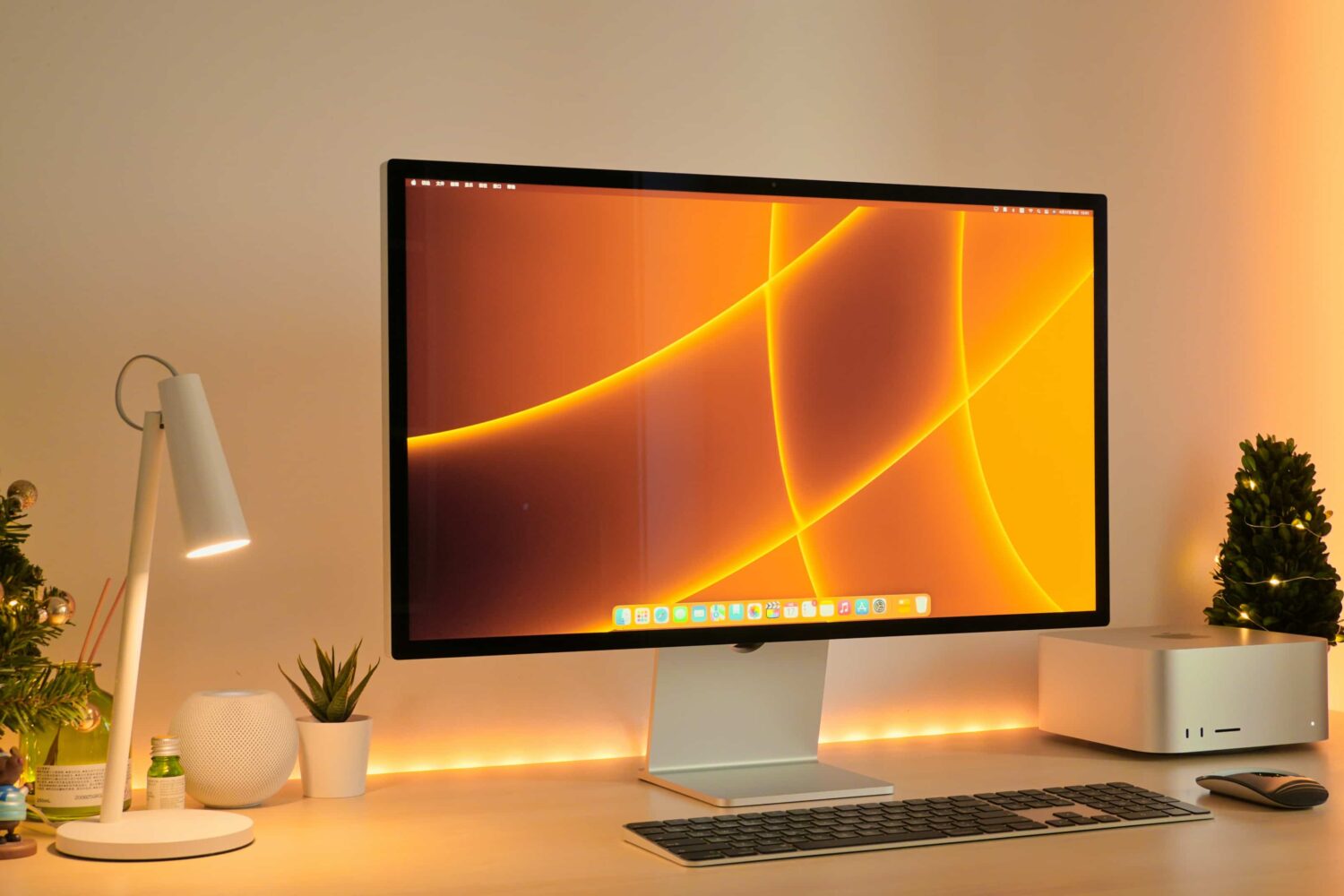
Discover what’s causing a high-pitched buzzing sound coming out of your Apple Studio Display or Studio Display XDR and explore troubleshooting solutions to fix the issue.
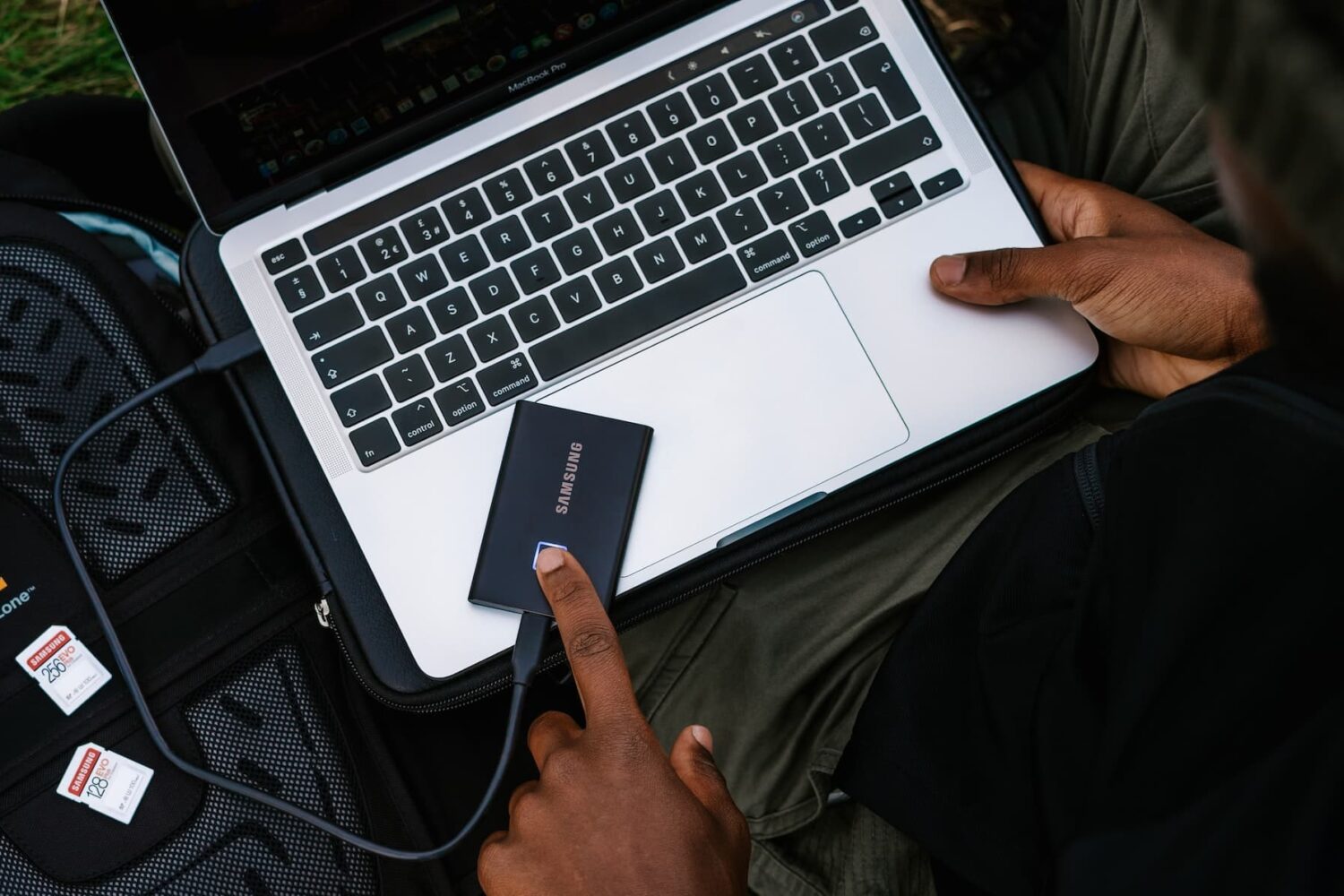
Learn what to do if your external hard disk, SSD, thumb drive, or other USB device is not connecting to your Mac and you can’t use it as expected.
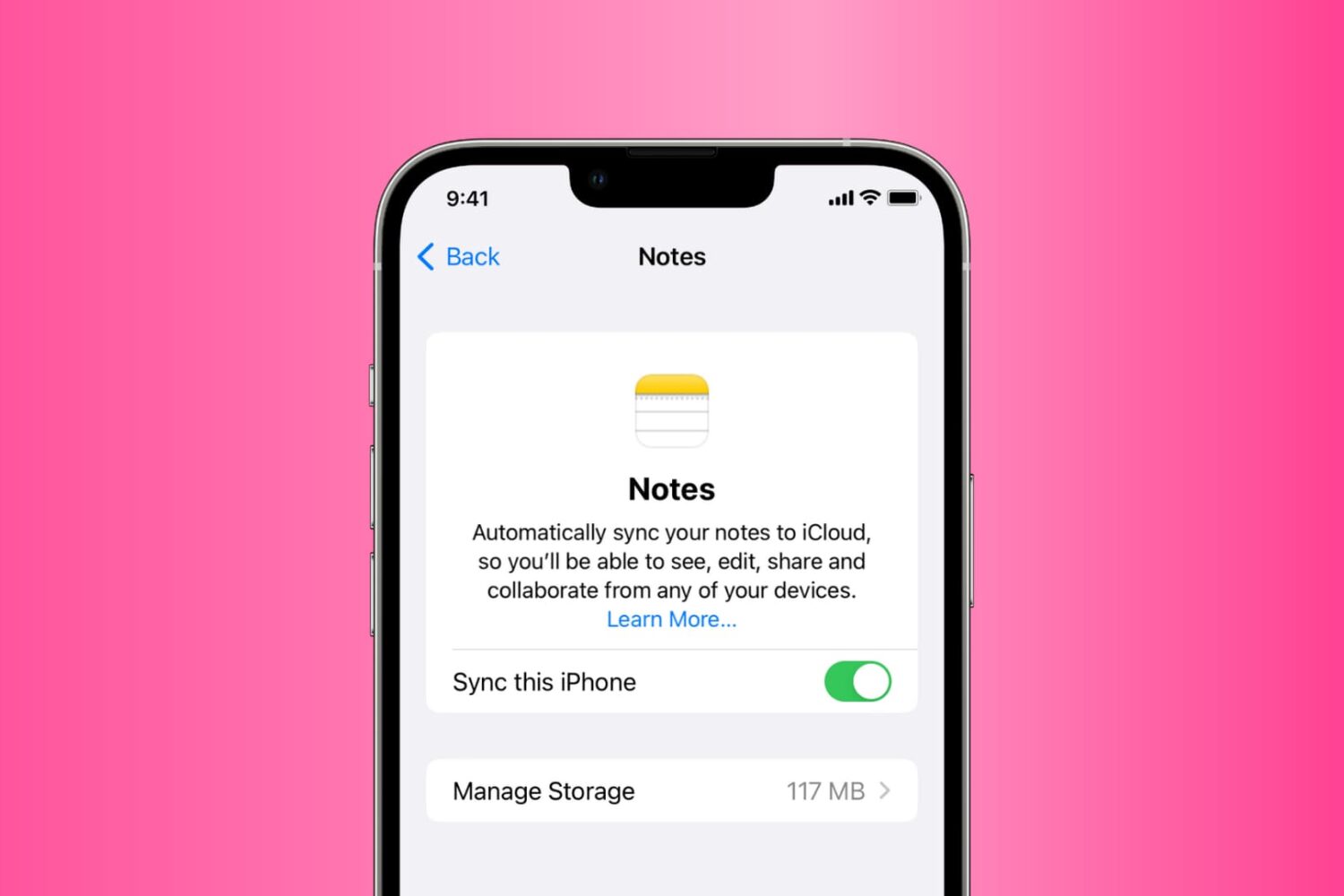
Go through these solutions to fix the Notes app not working, opening, freezing, crashing, or not displaying your notes on iPhone, iPad, and Mac.