Apple is planning to implement a pair of interesting improvements to its Find My software on iOS 14, including augmented reality mode and new location triggers.
iOS 14’s Find My rumored to gain augmented reality mode and new location triggers

Apple is planning to implement a pair of interesting improvements to its Find My software on iOS 14, including augmented reality mode and new location triggers.

Sometimes luck can play a pretty crucial role in finding a lost item. That can be especially true for something that's been stolen.

The Find My app, available on iOS and Mac, is a terrific tool for staying up to date on where your favorite people go and tracking down missing devices, all in one spot. With the host of features in the Find My app, one that stands out is the Notification function. You can receive an alert when someone else leaves or arrives at a location, as well as notify them when you leave or arrive at yours.
Not only are these notifications convenient for staying in the know, but they can help you and your loved ones have peace of mind. Here’s what you can do with the Notifications and how to set them up in the Find My app.
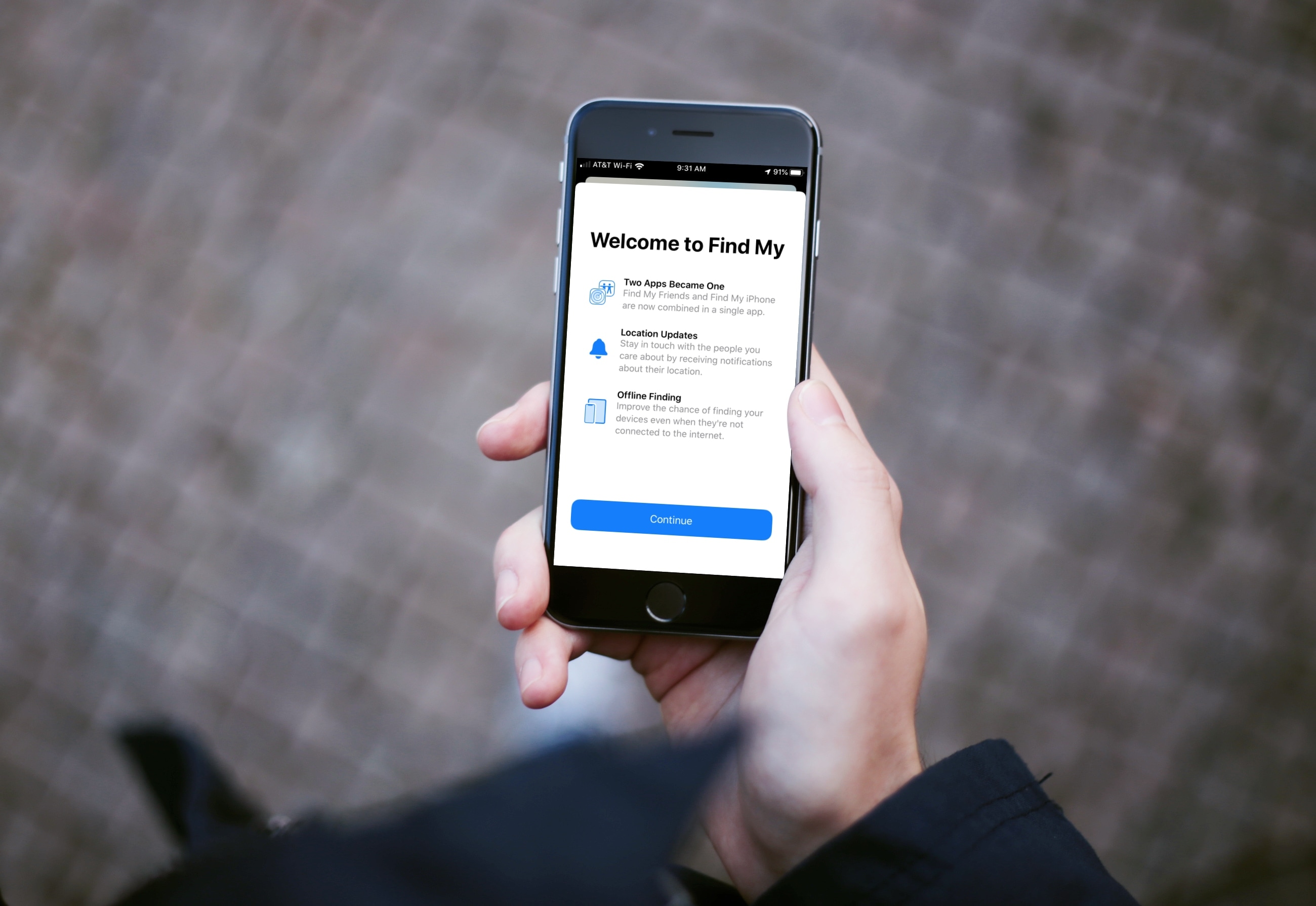
Learn how to use the Find My app on your iPhone, iPad, and Mac to find your devices, share your location, and see other people's location -- all in one convenient spot.

When your iPhone is buried under sheets, left in another room, or out of sight, the obvious thing to do to locate it is to call your iPhone using another phone. However, this may not be helpful if your iPhone is in silent mode, Do Not Disturb, or has an active Focus mode.
In these situations, or if you don’t have a second phone around, you can use your Apple Watch to play a loud alarm sound on your iPhone or trigger its camera LED to blink.
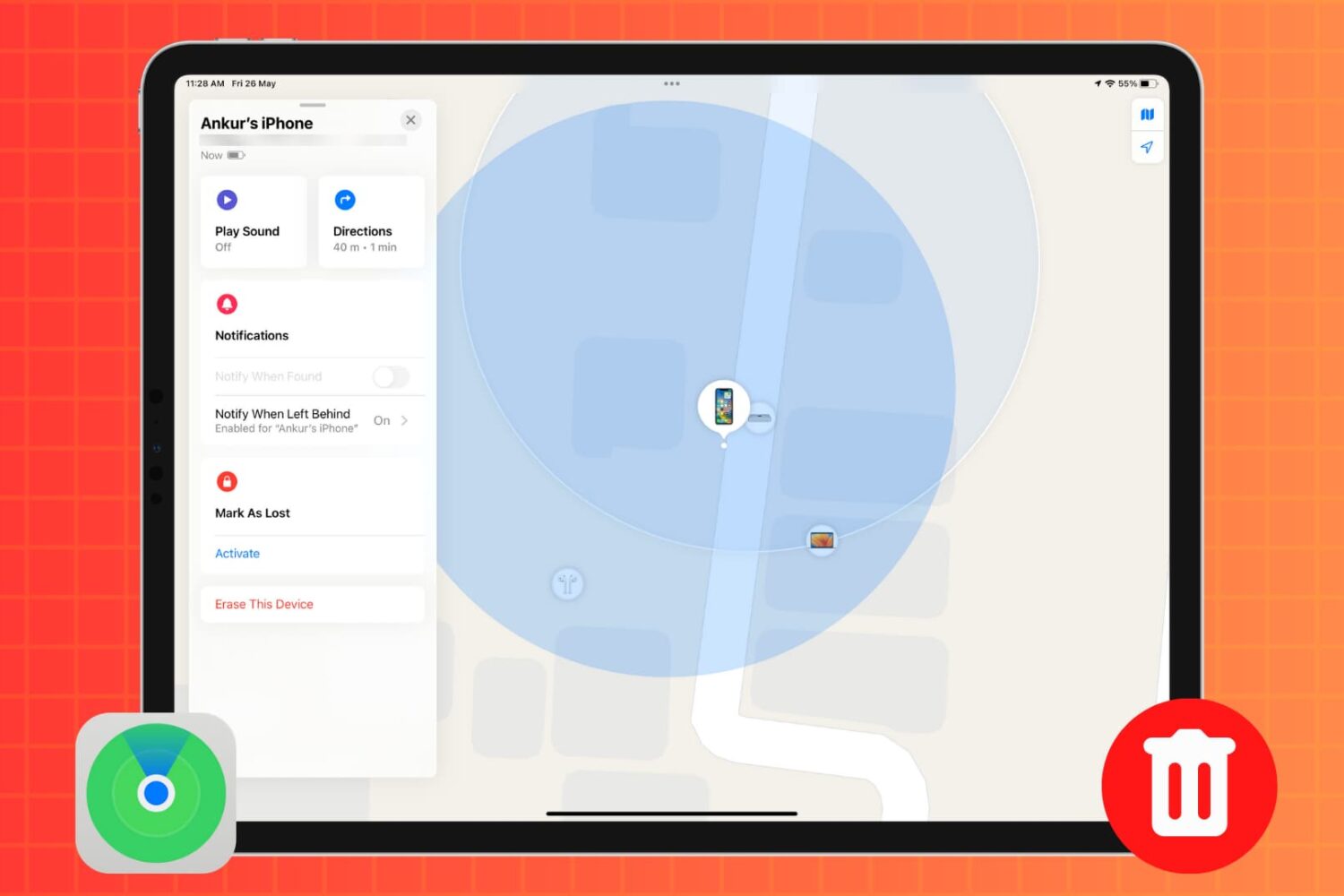
In this tutorial, we’ll show you how to remotely erase an iPhone or iPad that was lost or stolen to safeguard your personal data and privacy.

In this tutorial, we’ll show you how to track your lost or stolen iPhone or iPad using Apple’s Find My service, play an alarm-like sound on it, see how far away it is, and get directions to it to help you recover it.
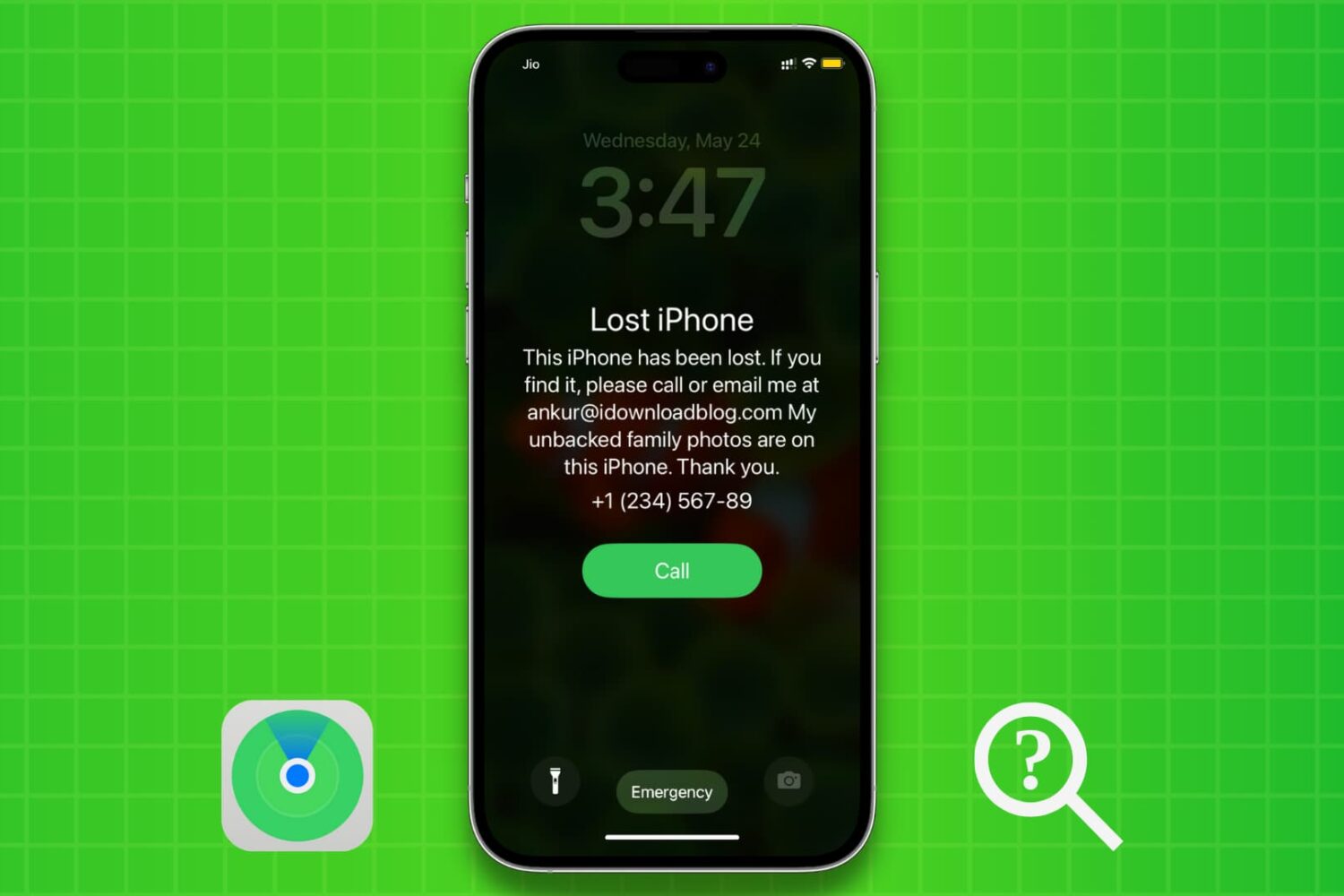
We’ll show you how to use Apple’s Find My service to enable Lost Mode for your iPhone or iPad that was lost, stolen, misplaced, or left behind. Lost Mode will password-protect your device, lock it remotely, and also display a custom message on the device Lock Screen with your phone number.